PortSwigger - Information Disclosure vulnerabilities labs
PortSwigger Web Security Academy - Information Disclosure vulnerabilities labs

PortSwigger – Information Disclosure Vulnerabilities Labs
LAB 1 — Information Disclosure in Error Messages
Level:
APPRENTICE
Analysis
| Vulnerability | Information disclosure via verbose error messages |
| Goal | Obtain and submit the version number of the web framework |
| Key Concept | When the application receives unexpected input it returns a detailed error message that reveals the underlying framework and its version number |
Steps
1. Start the lab and open a product page — observe the productId parameter in the URL: 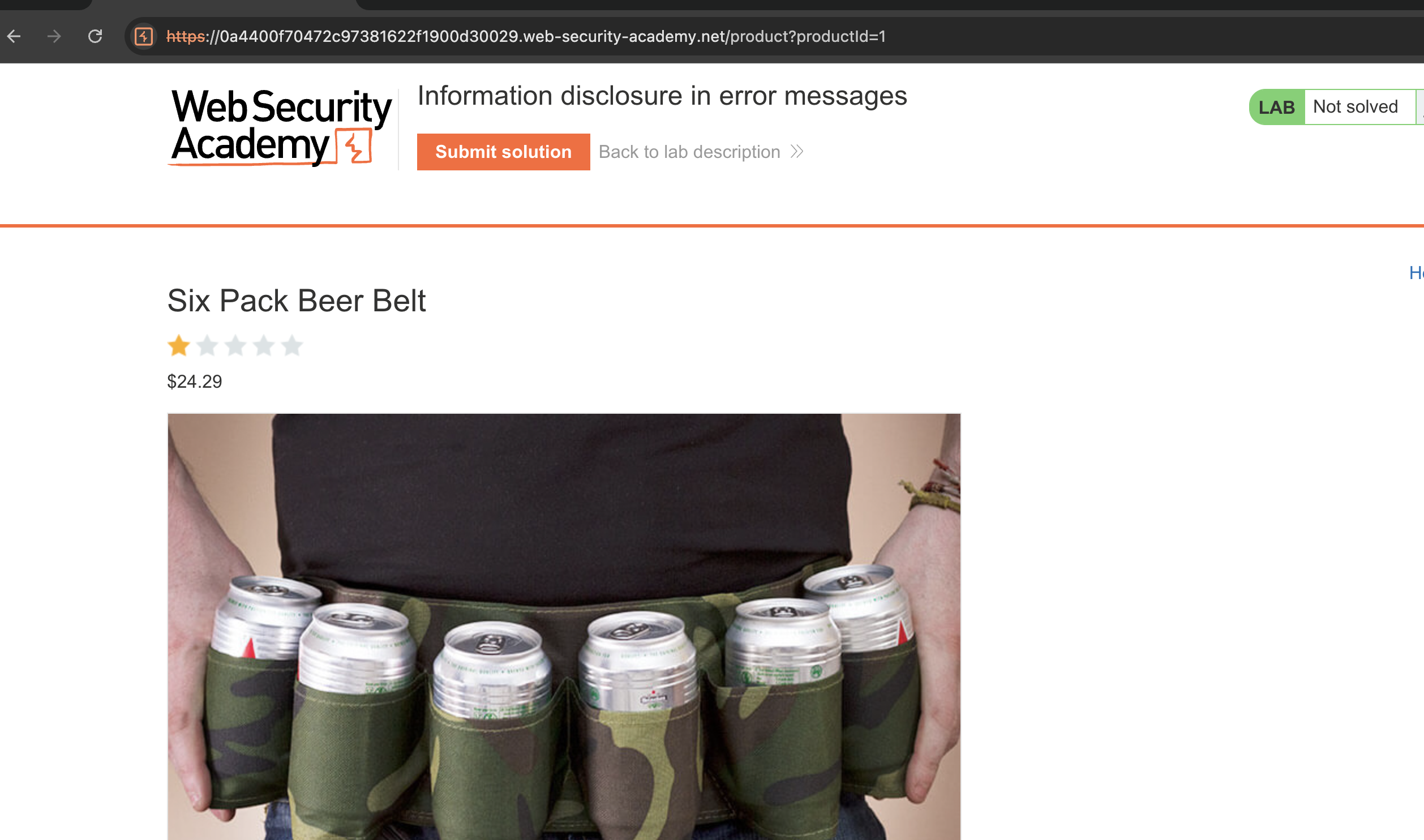
2. Sending a non-existent integer ID returns a generic Not Found response: 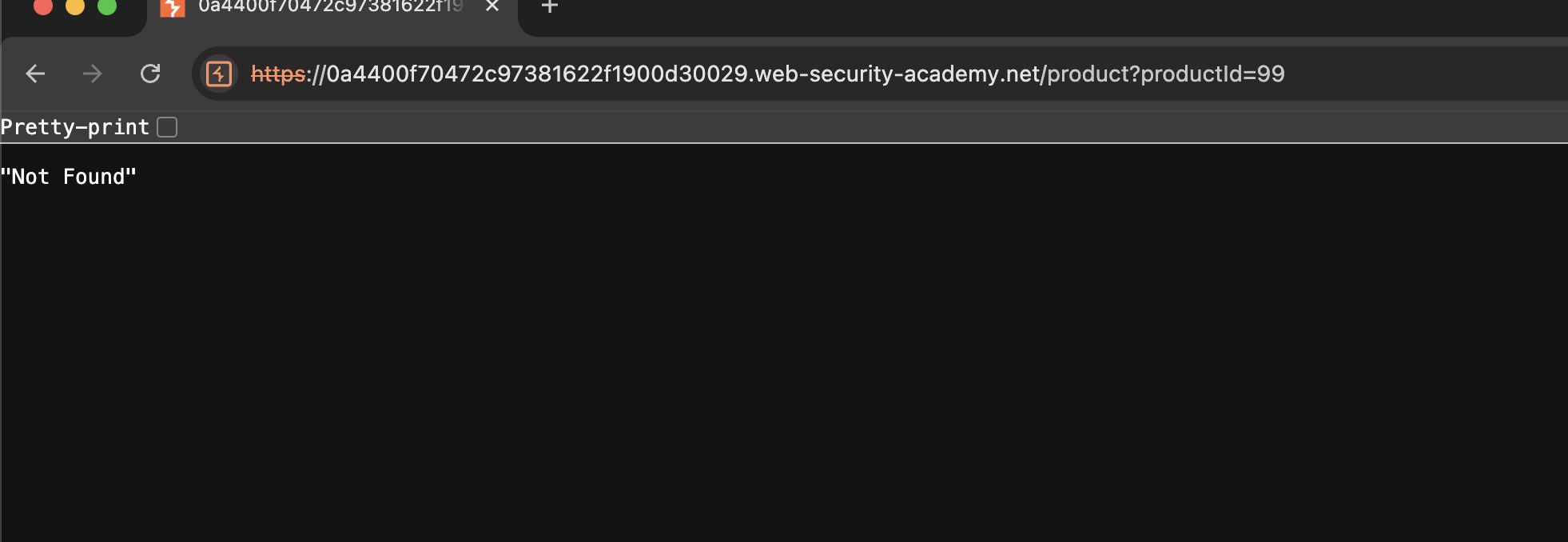
3. Sending a string instead of an integer triggers a verbose error that discloses the Apache framework version: 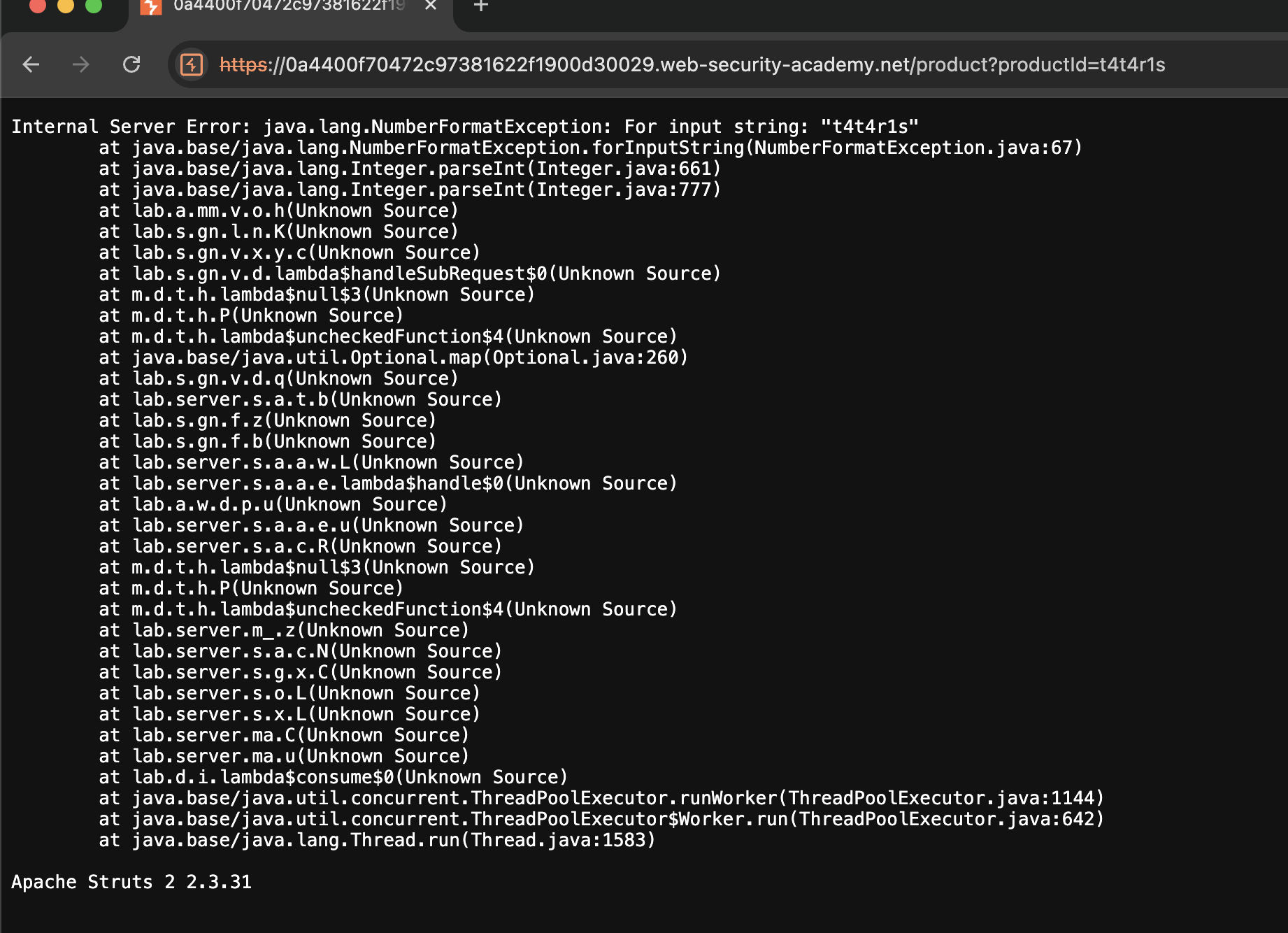
4. Submit the version number → Solved: 
LAB 2 — Information Disclosure on Debug Page
Level:
APPRENTICE
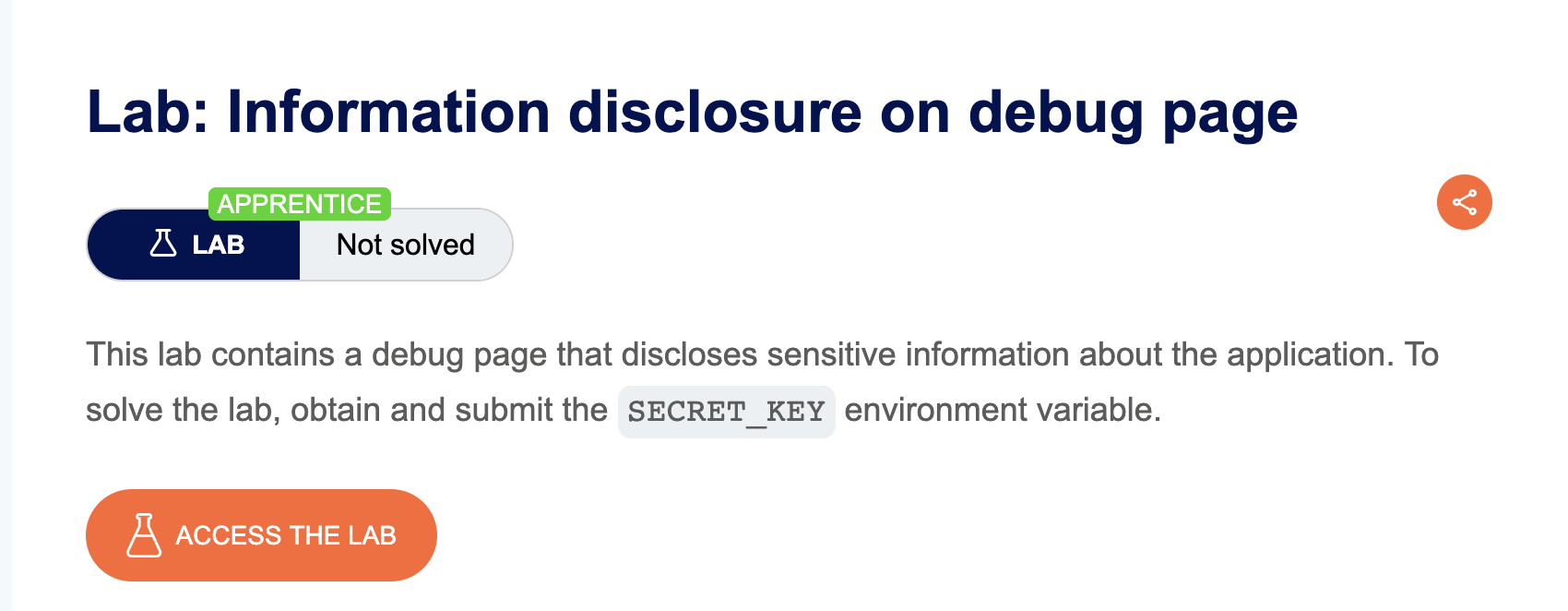
Analysis
| Vulnerability | Information disclosure via an exposed debug page |
| Goal | Obtain the SECRET_KEY environment variable |
| Key Concept | A debug page left accessible under /cgi-bin/ exposes sensitive server-side environment variables, including the application’s secret key |
Steps
1. Start the lab and open Burp: 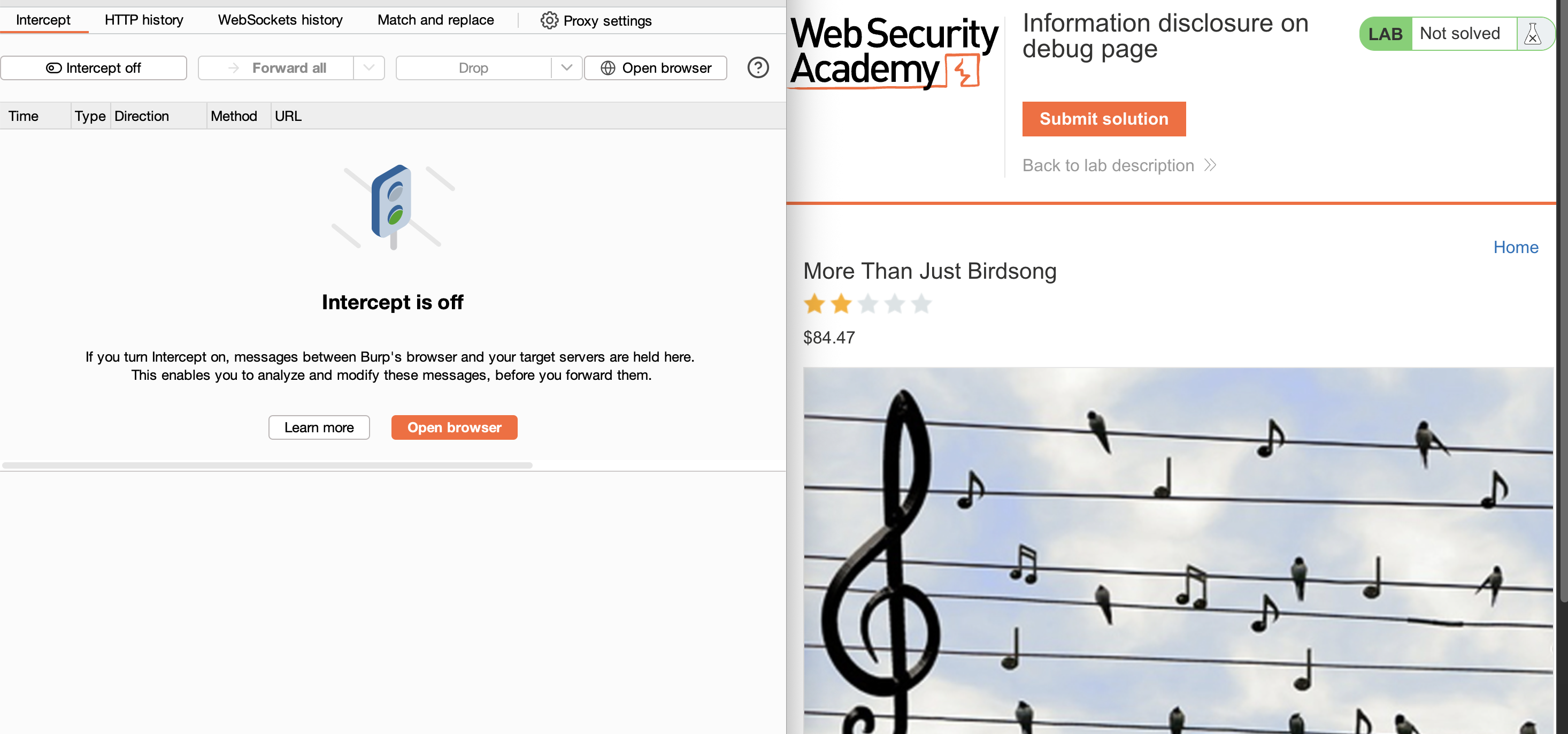
2. Go to Target → Site Map in Burp — browse the application to populate it, then look for a /cgi-bin/ directory: 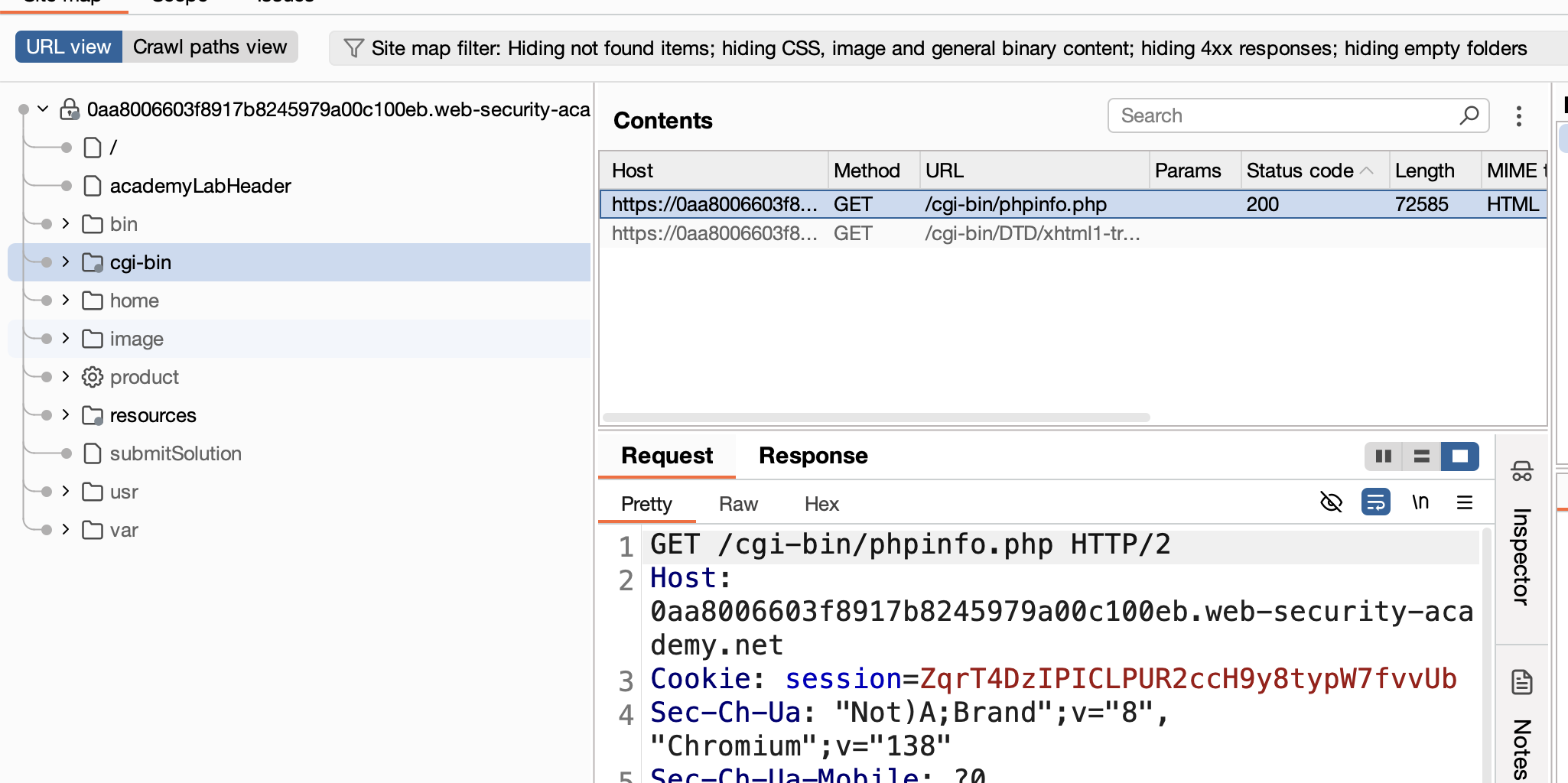
Note:
cgi-binis a designated folder on a web server used to store executable scripts that generate dynamic web content.
3. Expand the directory, right-click the debug file inside → Copy URL: 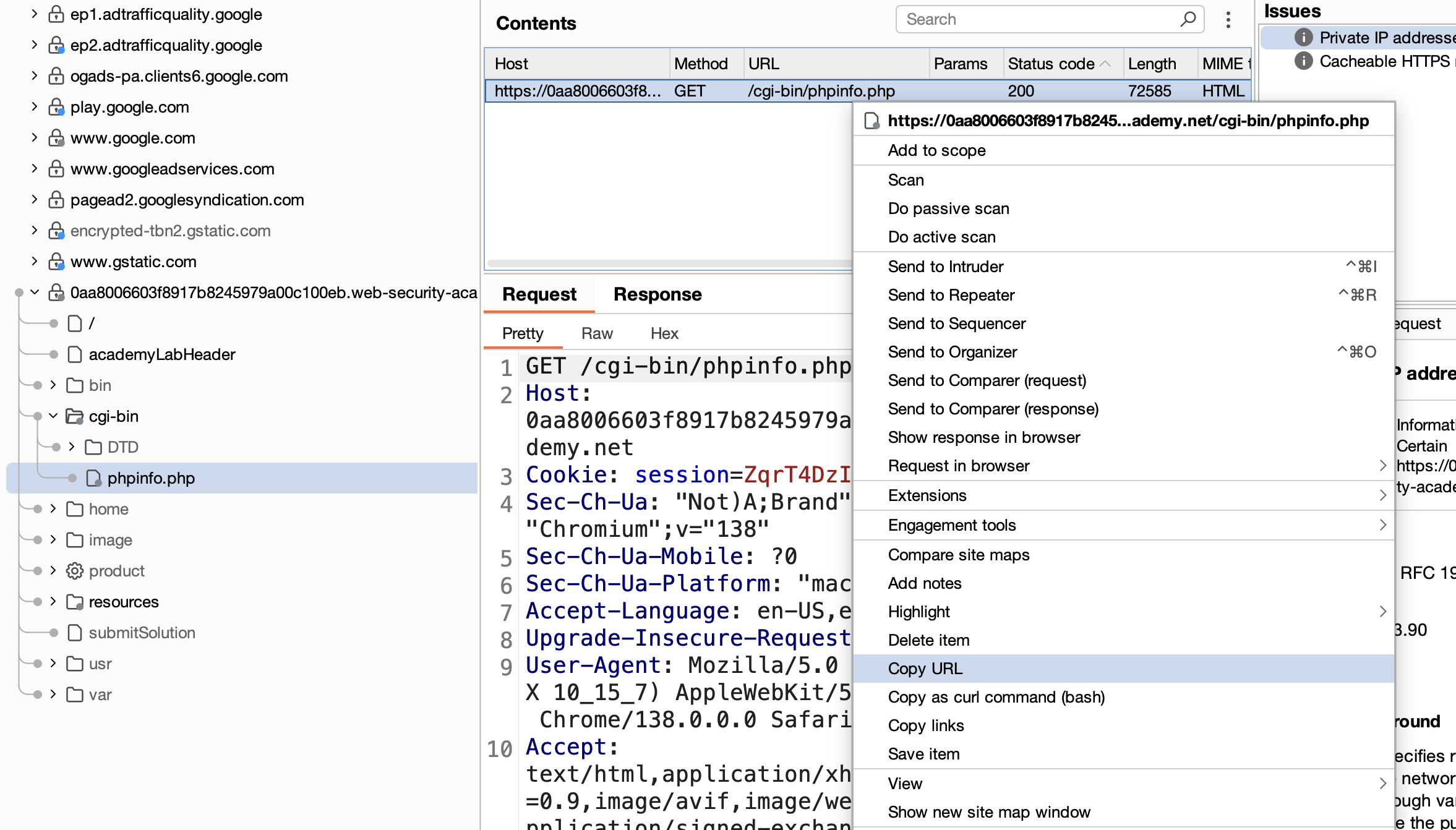
4. Open the URL in the browser and search the page for secret: 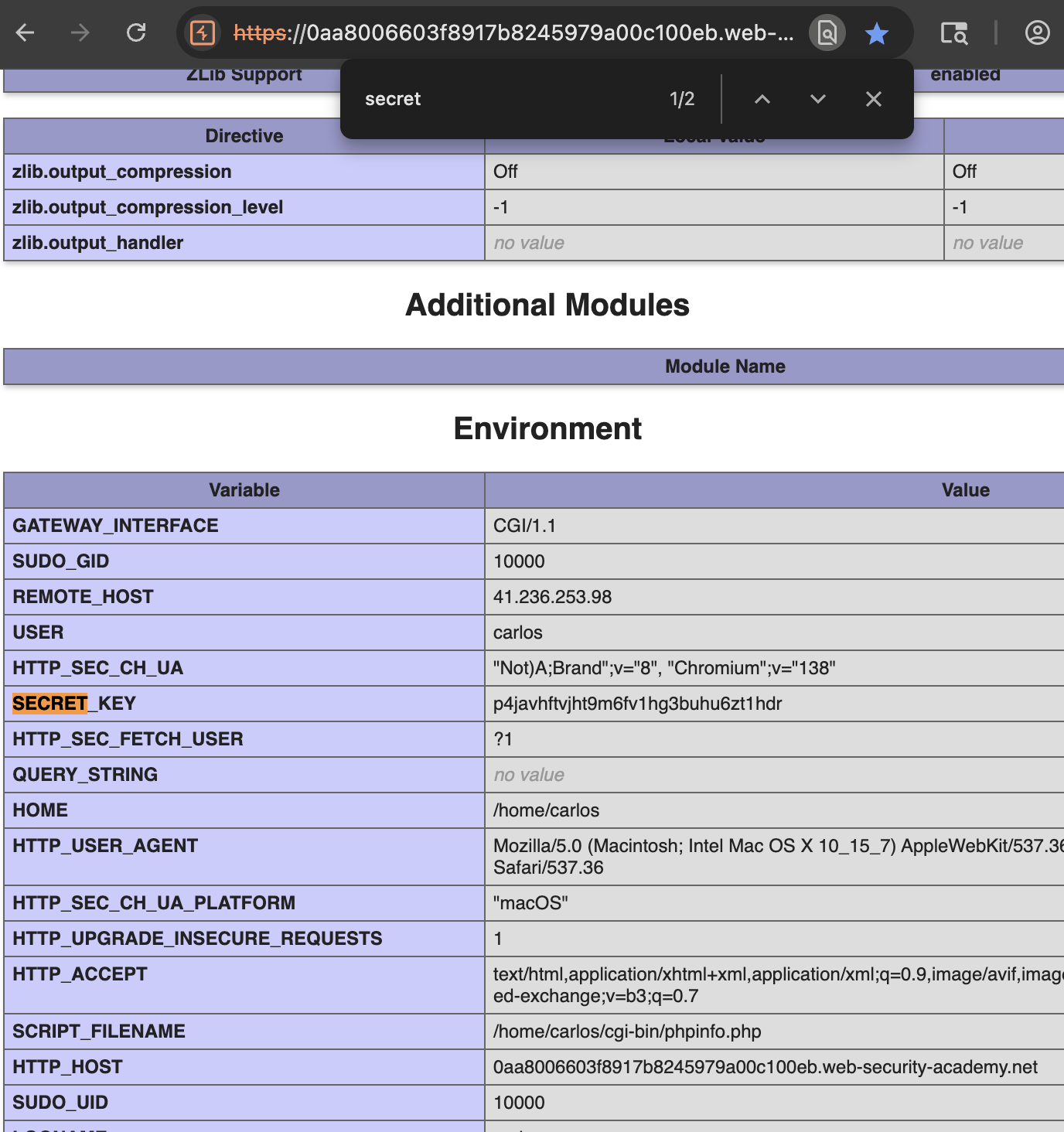
5. Copy the secret key, submit it → Solved: 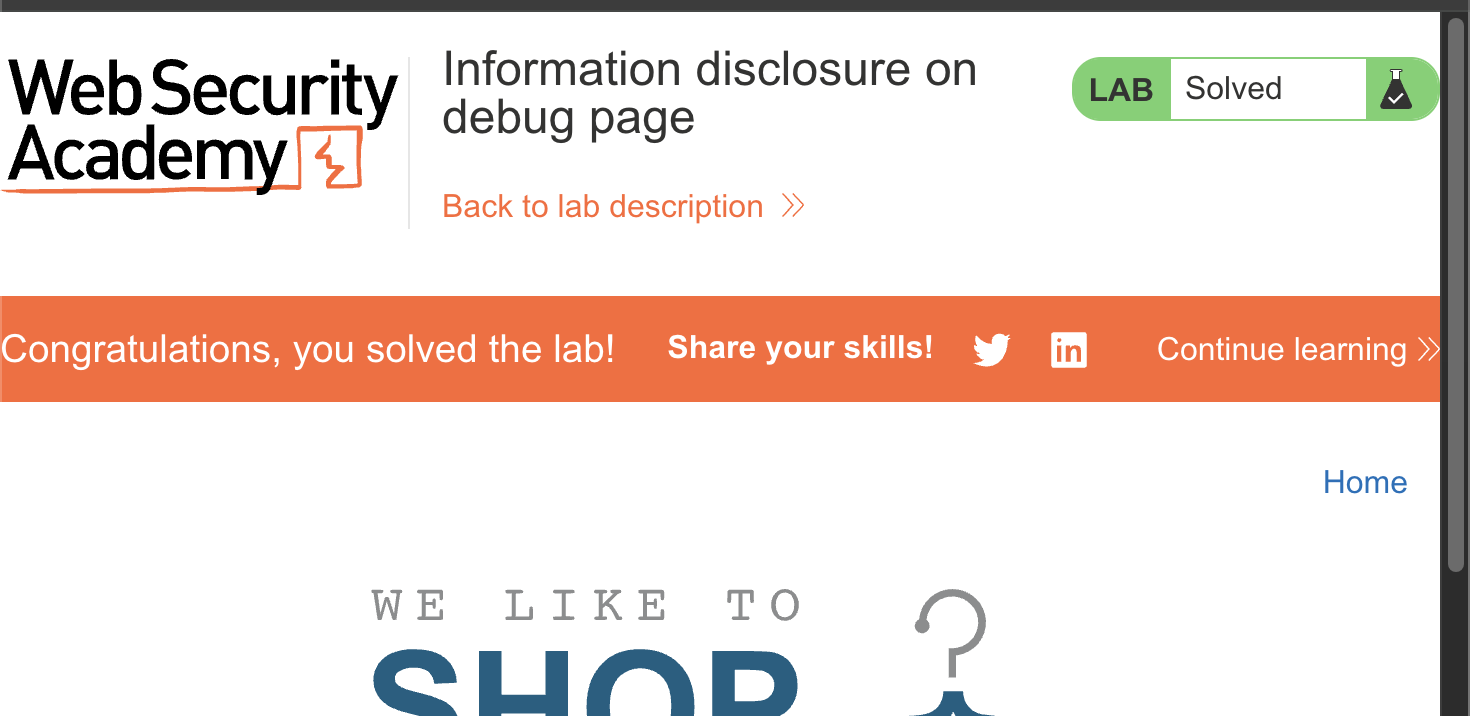
LAB 3 — Source Code Disclosure via Backup Files
Level:
APPRENTICE
Analysis
| Vulnerability | Source code disclosure via publicly accessible backup files |
| Goal | Find the database password hardcoded in a backup file |
| Key Concept | The robots.txt file references a /backup directory that should be hidden from crawlers. Accessing it directly reveals a .bak source file containing database credentials |
Steps
1. Start the lab and navigate to /robots.txt — it reveals a /backup directory: 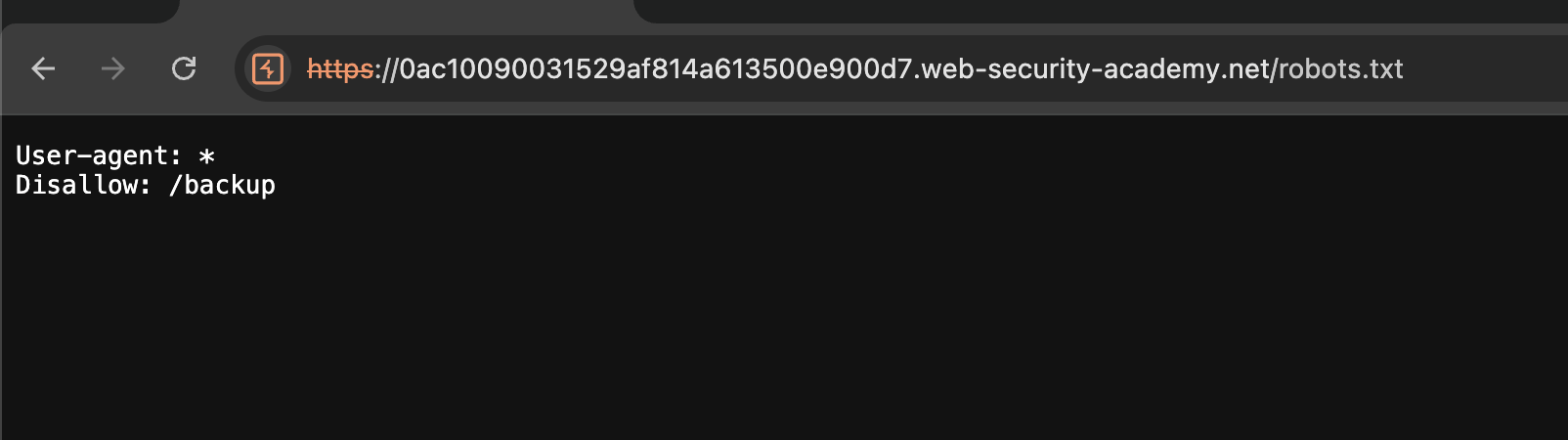
Note:
robots.txtis a plain text file at the root of a website that instructs bots and search engine crawlers which paths they are permitted to access or must avoid.
2. Navigate to /backup and find a .bak file: 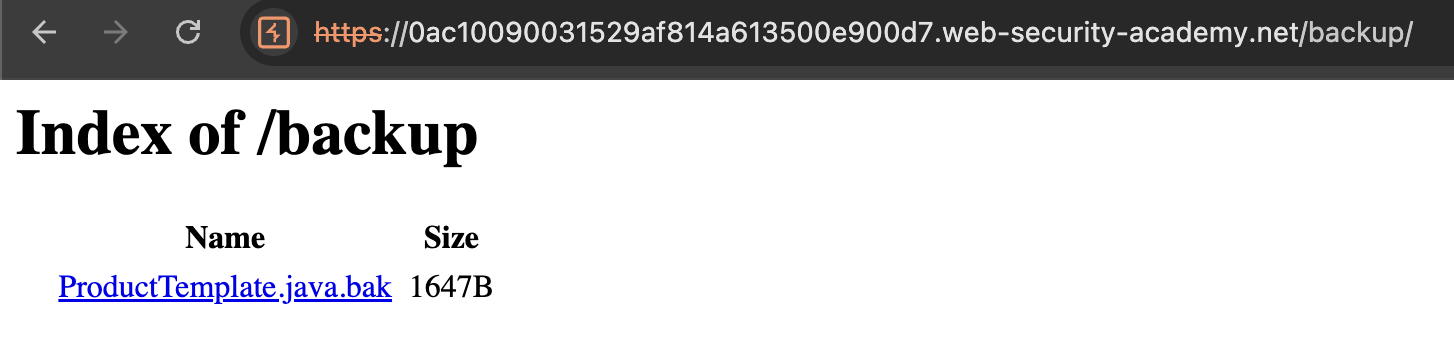
3. Open the file and search for password — the PostgreSQL database password is visible in plaintext: 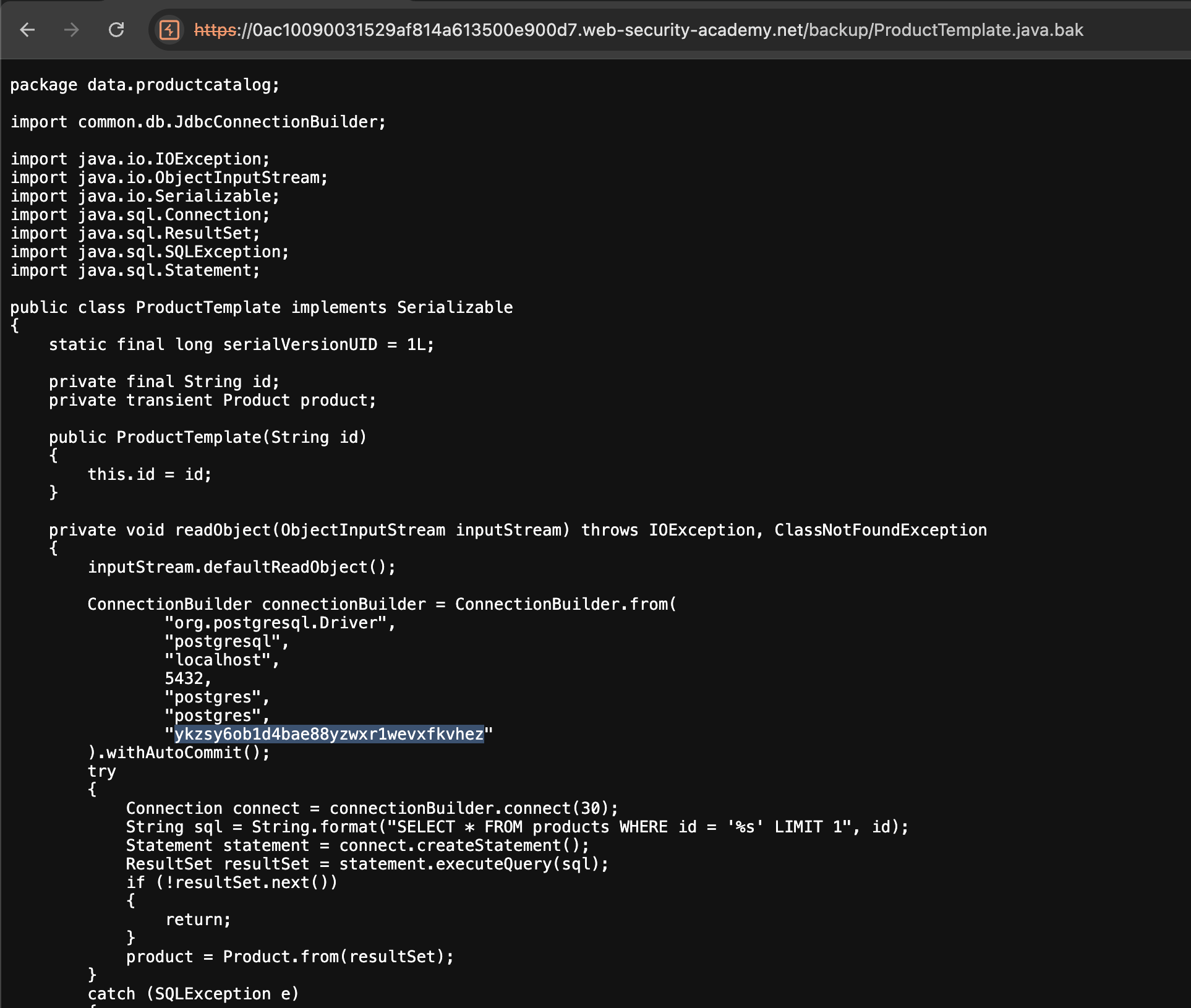
4. Submit the password → Solved: 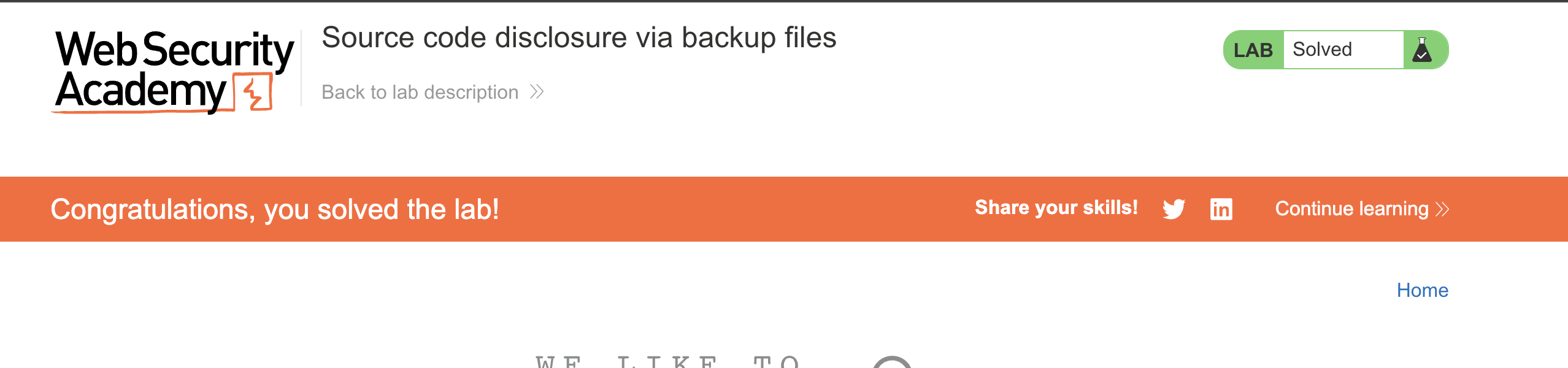
LAB 4 — Authentication Bypass via Information Disclosure
Level:
APPRENTICE
Analysis
| Vulnerability | Authentication bypass via information disclosure |
| Goal | Delete user carlos |
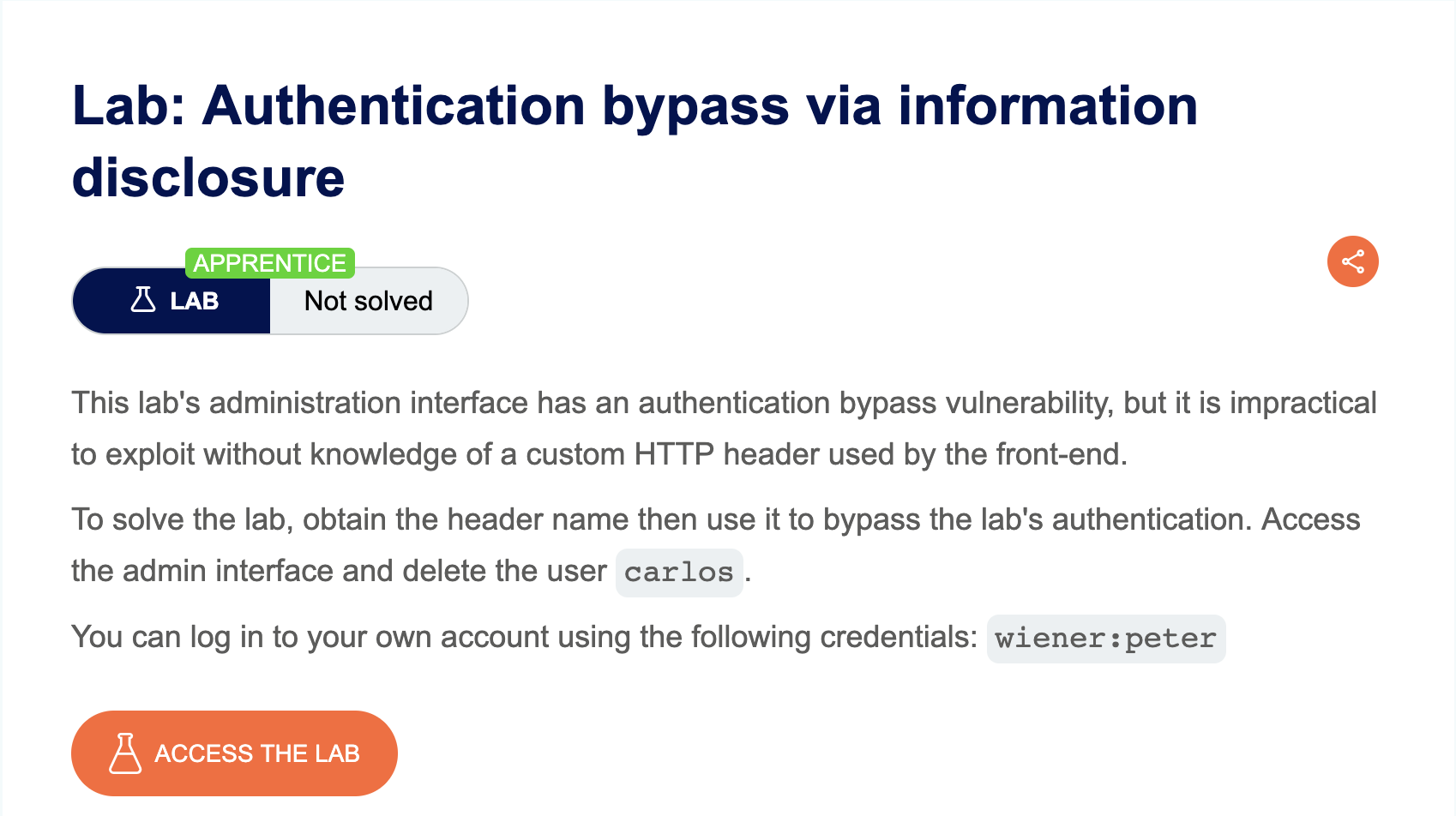
| Key Concept | The application uses a custom X-Custom-IP-Authorization header to determine if a request comes from localhost. By using the TRACE method, we can see that the server injects our real IP into this header. Forging it with 127.0.0.1 bypasses the admin panel restriction |
Steps
1. Start the lab, login as wiener / peter, and let Burp capture traffic in the background: 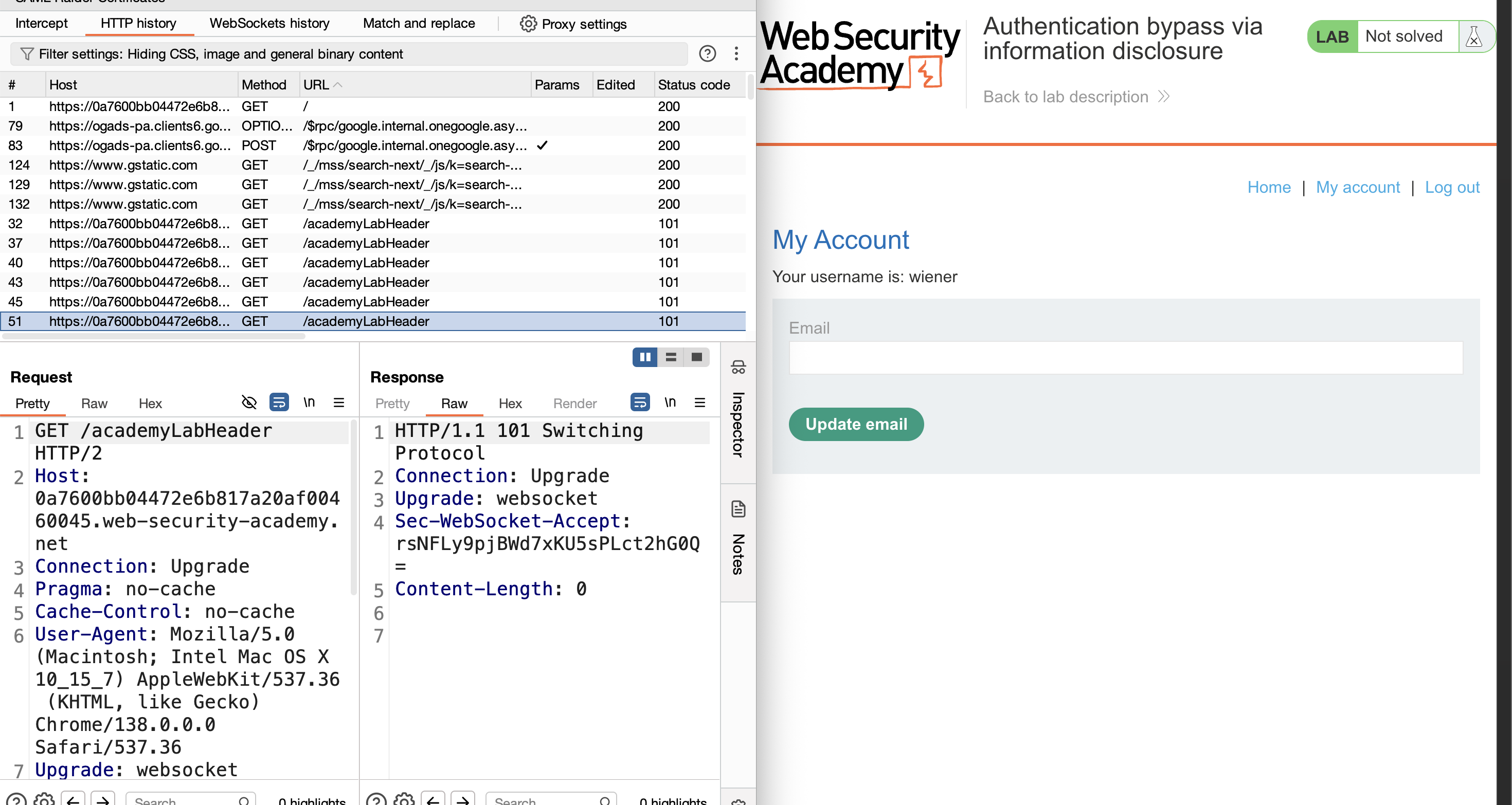
2. Navigate to /admin — the response is Admin interface only available to local users: 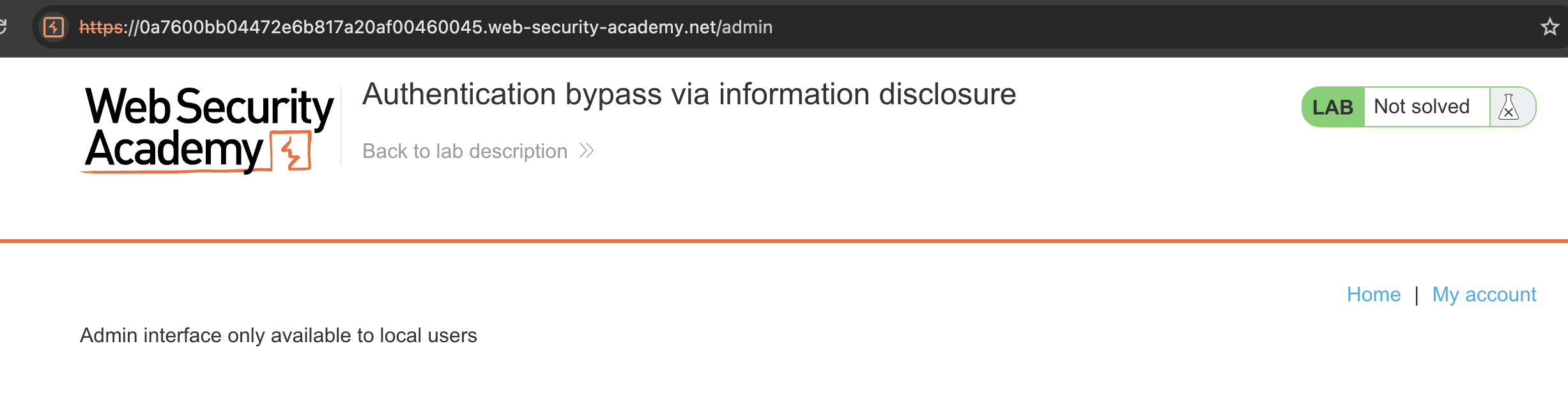
3. Find the /admin request in Burp HTTP history and send it to Repeater: 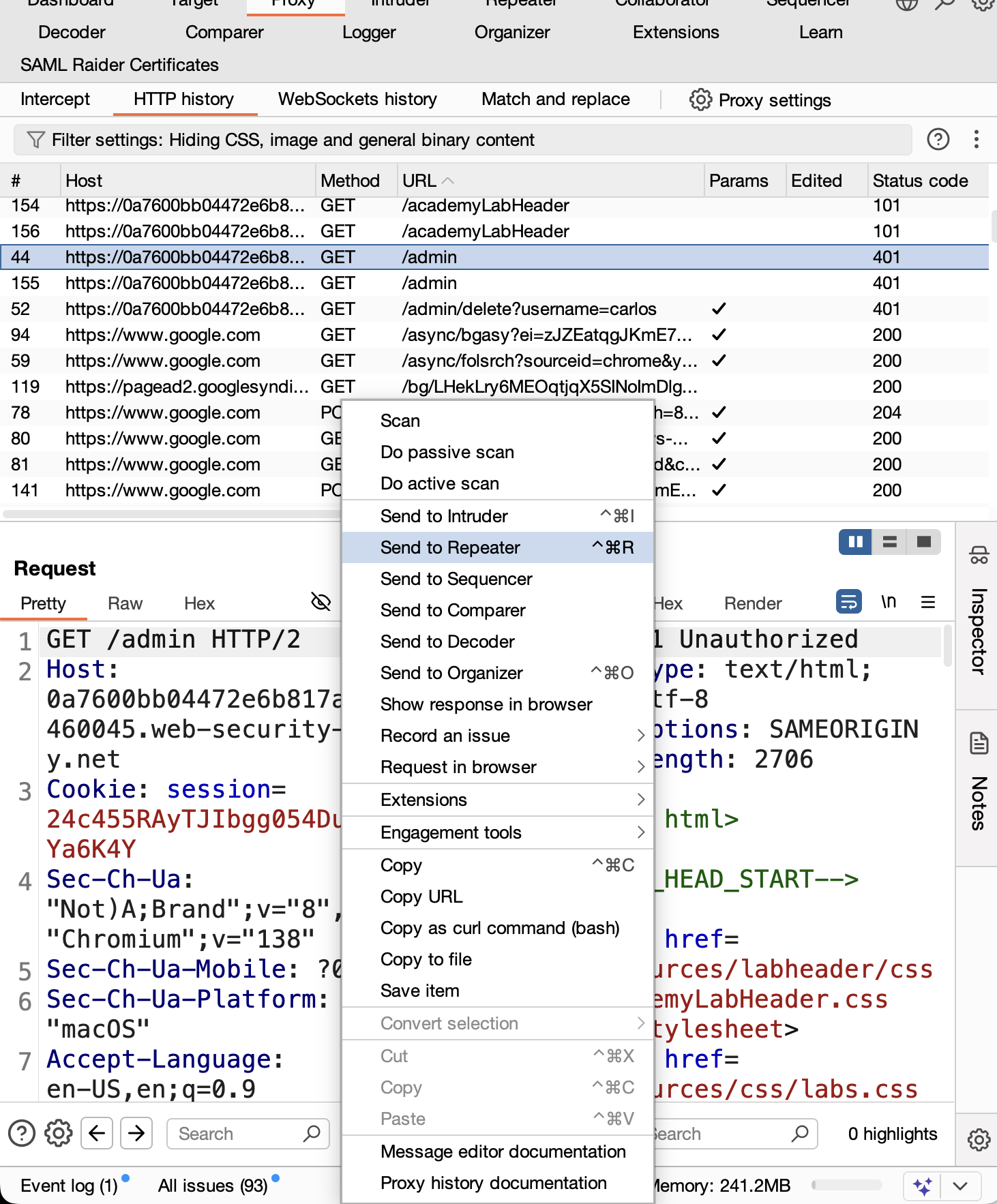
4. Change the method to TRACE and send — the response mirrors our request and reveals the X-Custom-IP-Authorization header containing our real public IP: 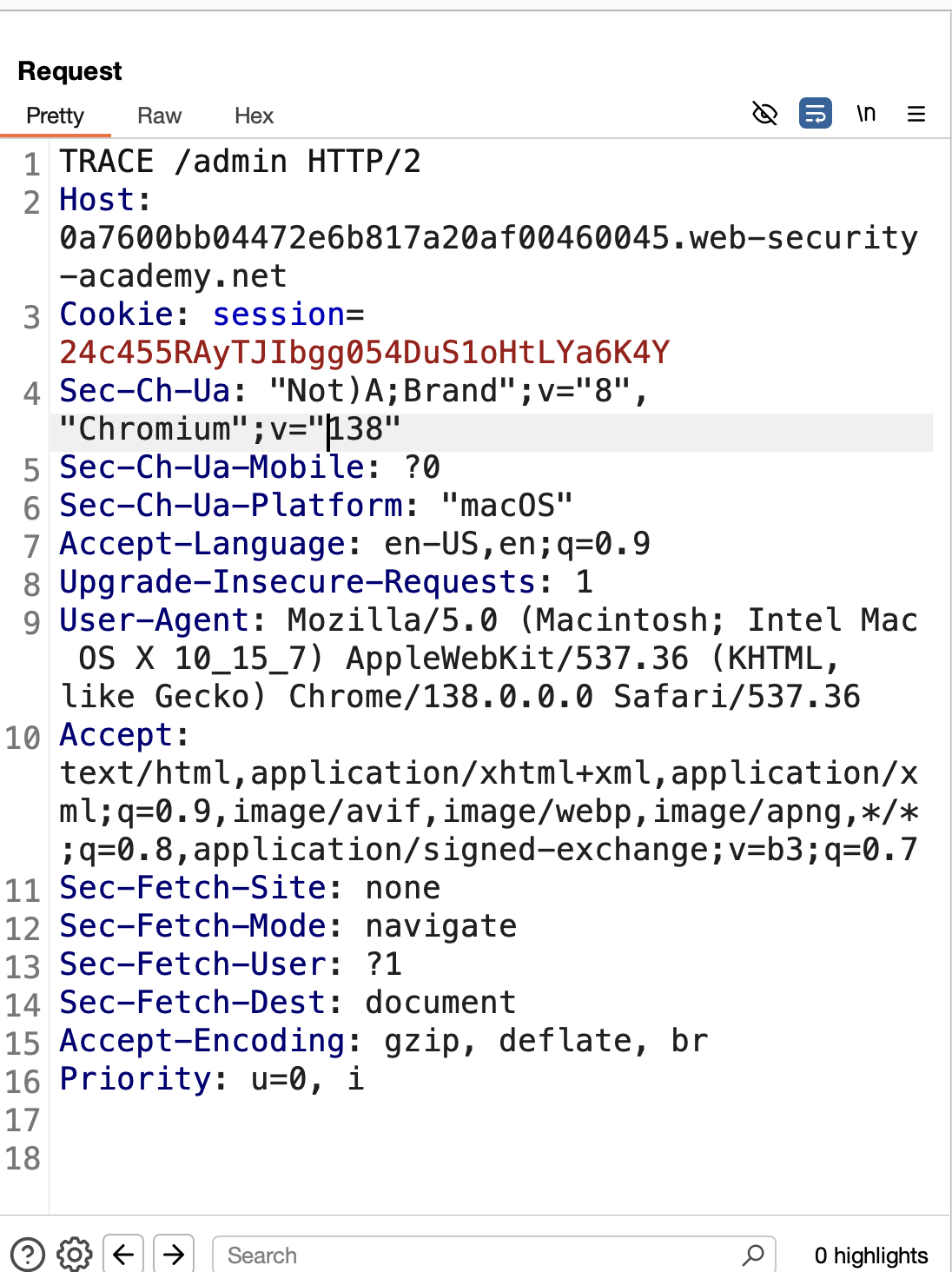
Note: The
TRACEmethod echoes the full request as the server received it, useful for debugging and detecting injected headers.
5. Switch back to GET, add the header X-Custom-IP-Authorization: 127.0.0.1, and send — the admin panel loads: 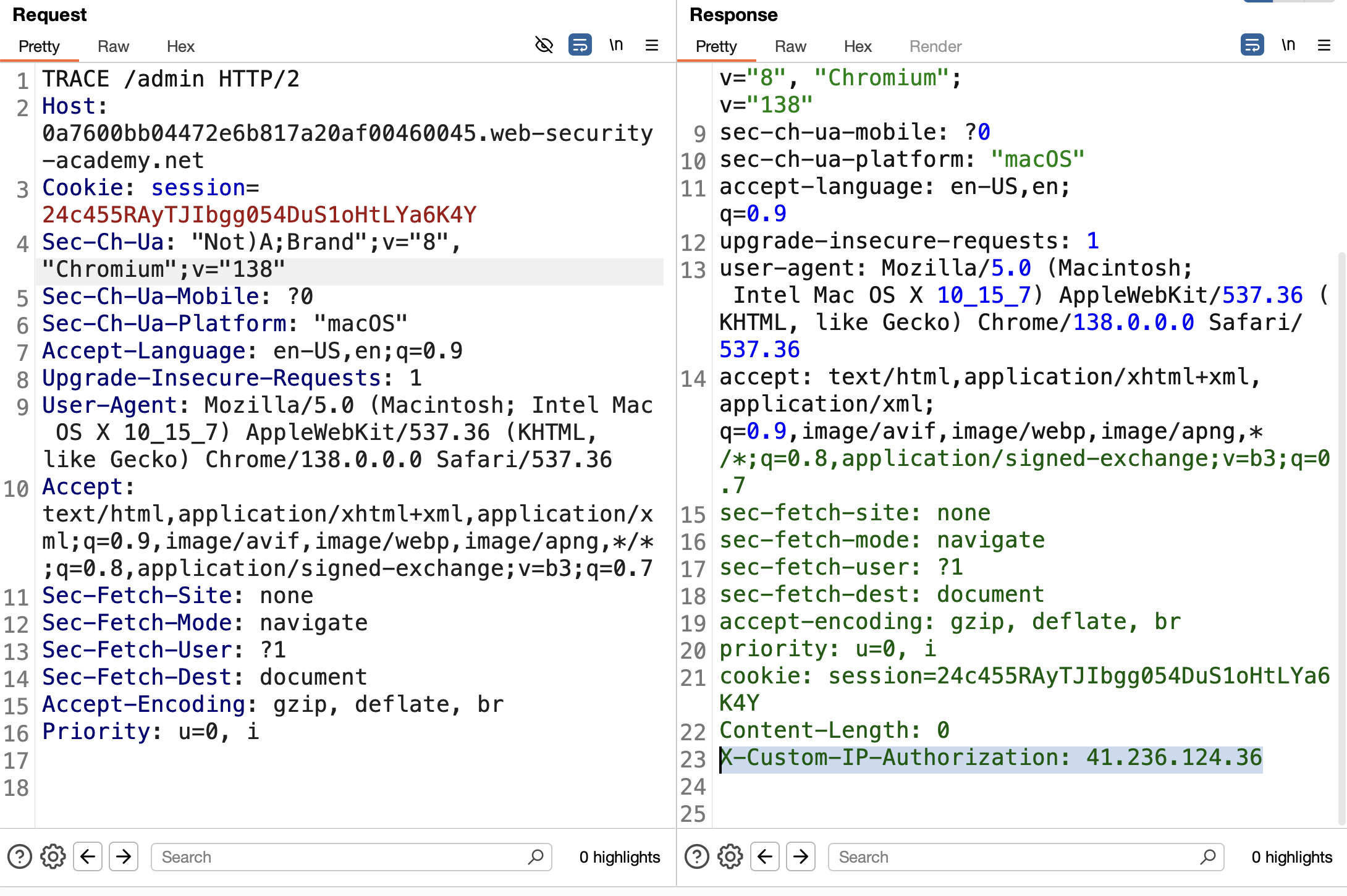
6. Click “Show response in browser”, copy the link, and open it: 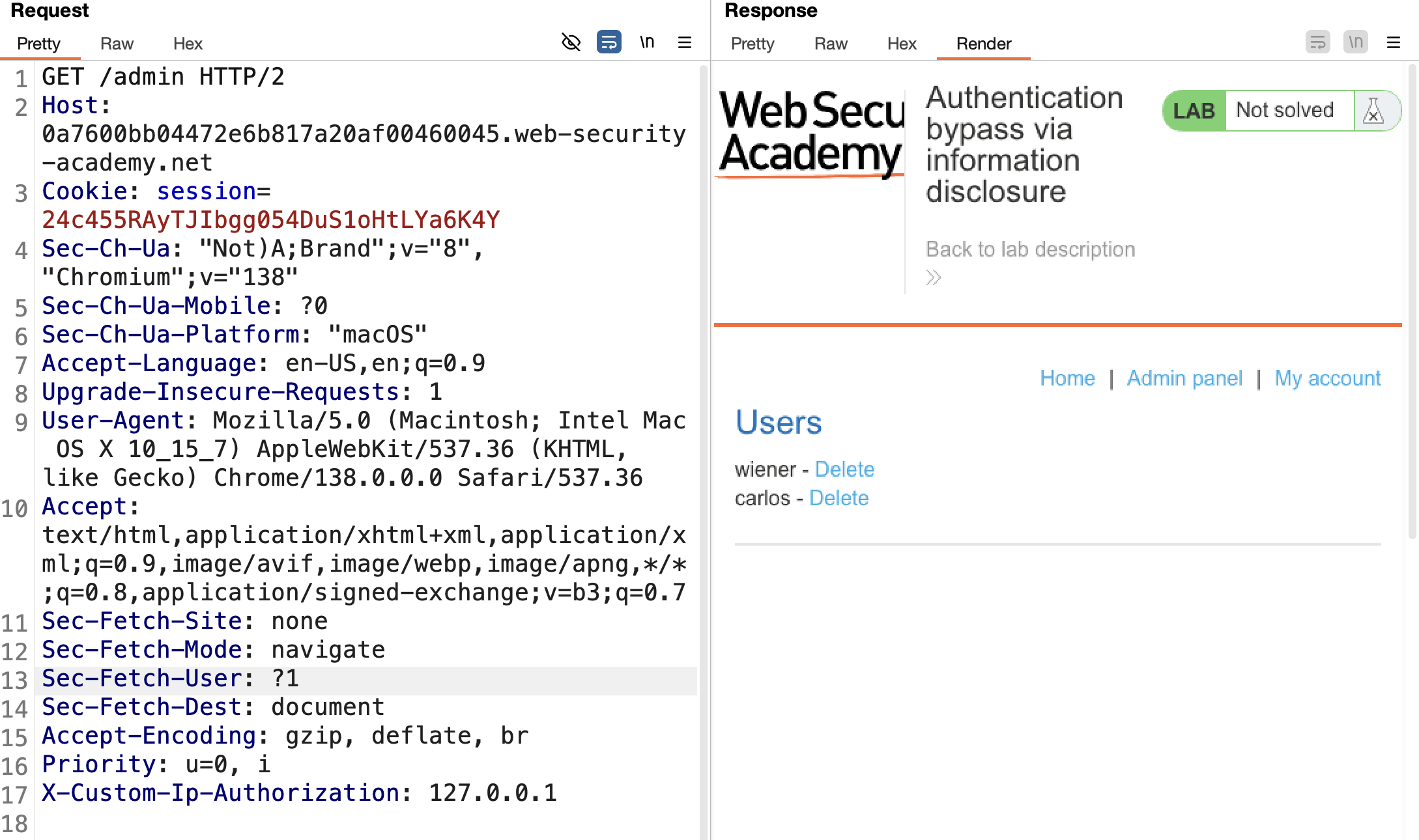
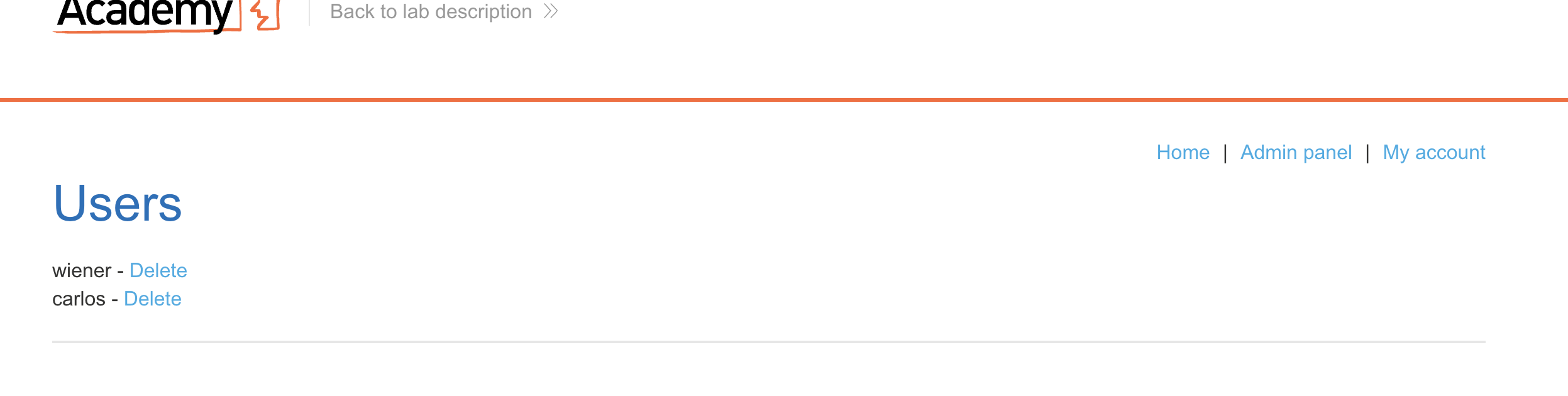
7. Enable Burp Intercept and click “Delete carlos”: 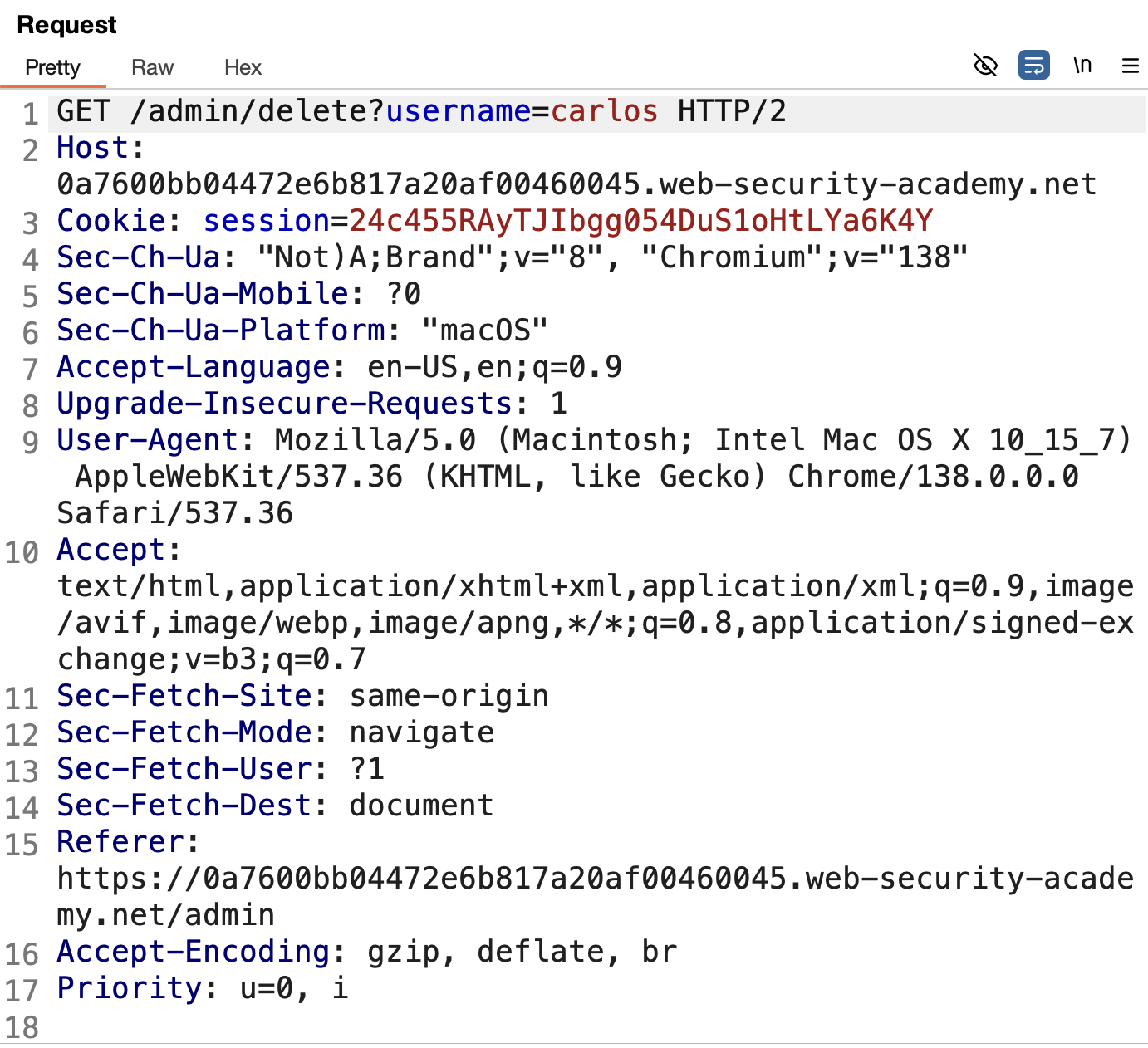
8. In the intercepted request, add X-Custom-IP-Authorization: 127.0.0.1 and forward → Solved: 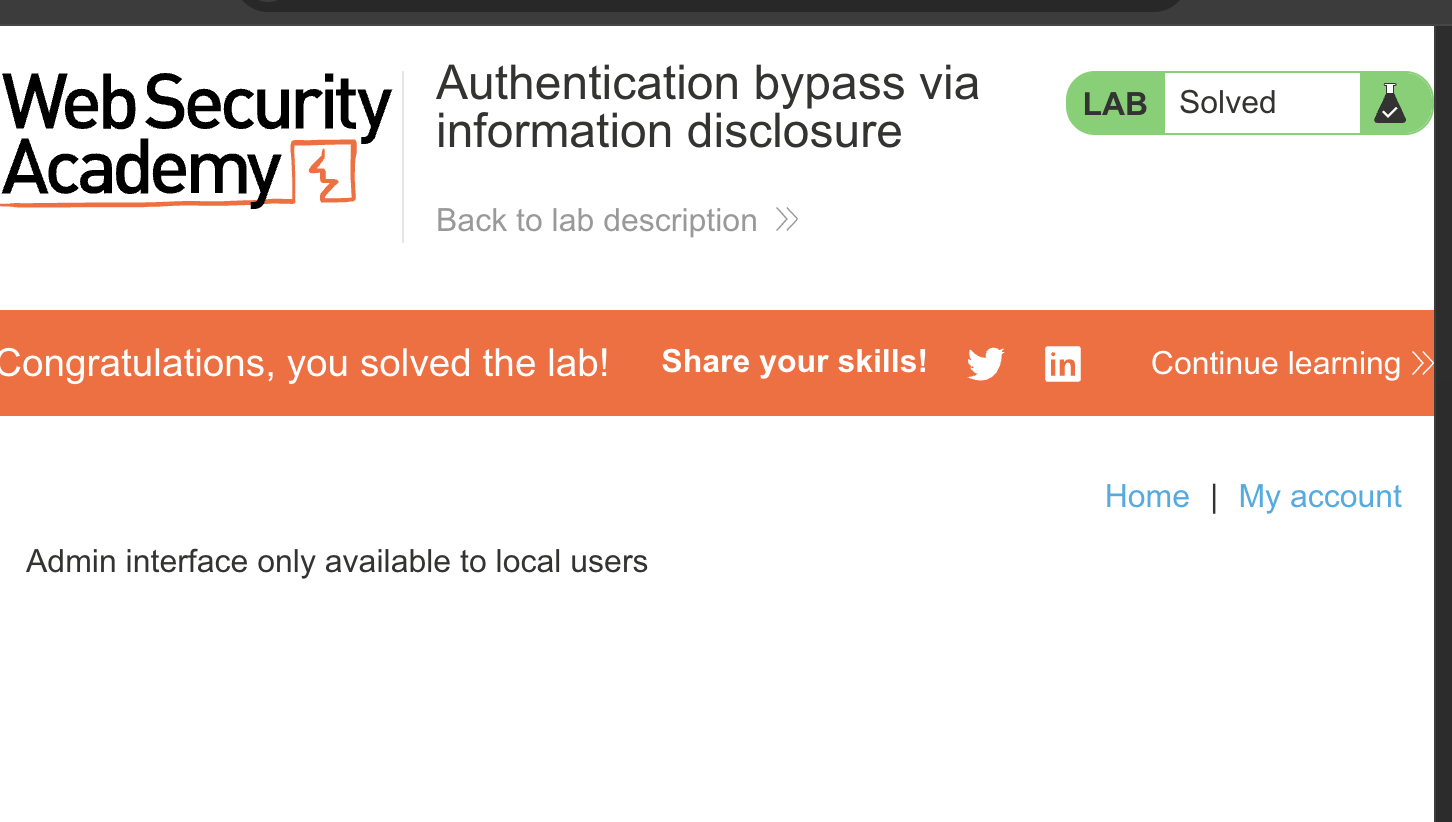
LAB 5 — Information Disclosure in Version Control History
Level:
PRACTITIONER
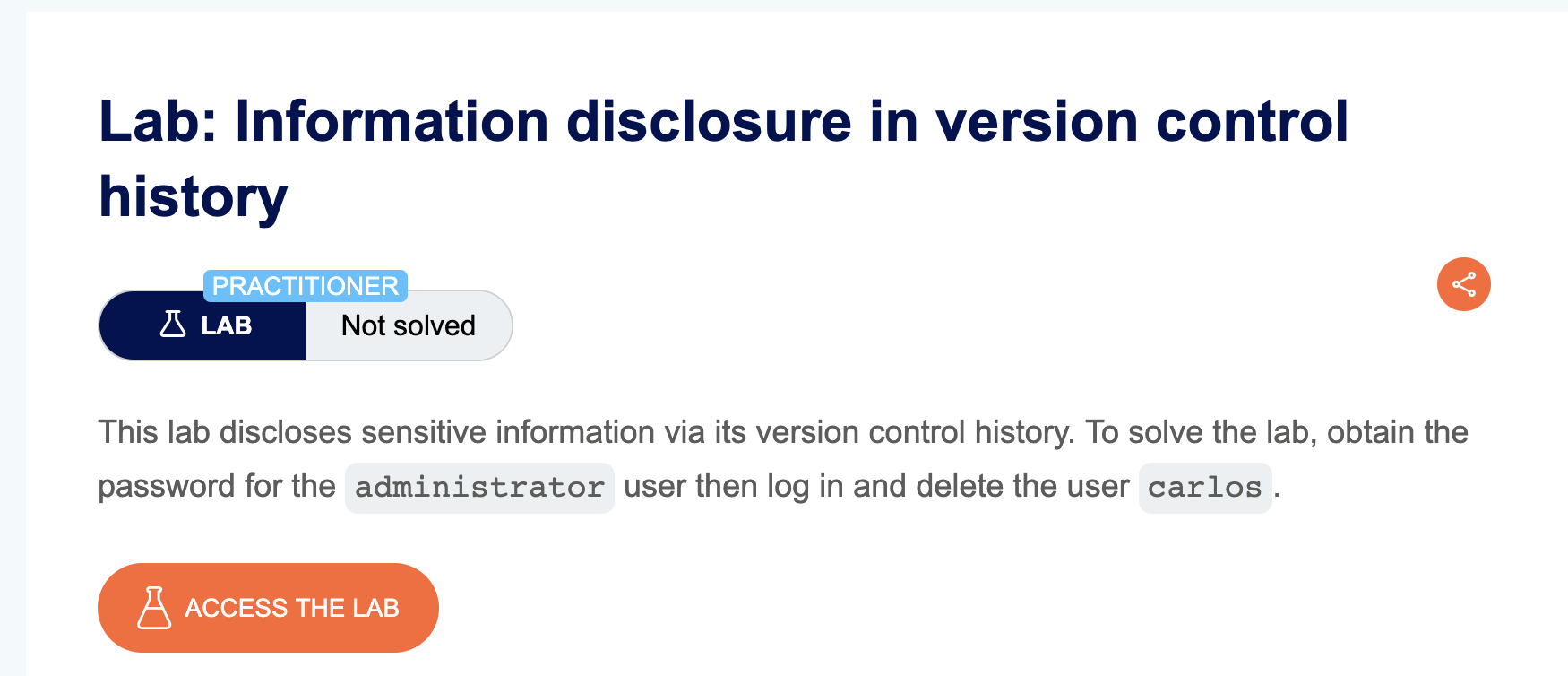
Analysis
| Vulnerability | Sensitive information disclosure via exposed .git directory |
| Goal | Delete user carlos |
| Key Concept | The application’s .git directory is publicly accessible. By downloading it and inspecting the commit history, we can recover deleted sensitive data — in this case, the administrator password that was removed in a previous commit |
Steps
1. Start the lab and download the .git directory (e.g. using wget -r or a tool like git-dumper): 
2. Enter the downloaded directory: 
3. Inspect the commit history — one commit message indicates that the admin password was deleted from a config file: 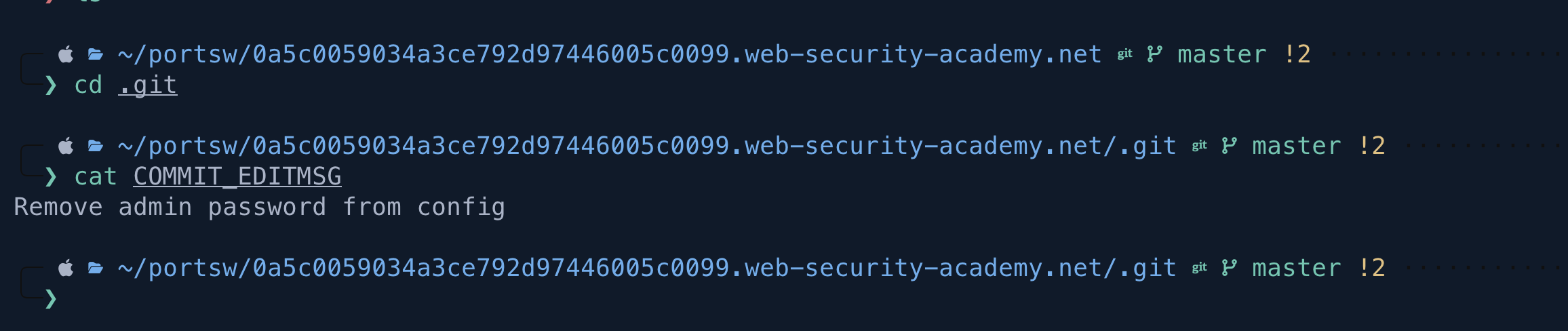
4. Run git diff to compare commits and see what changed: 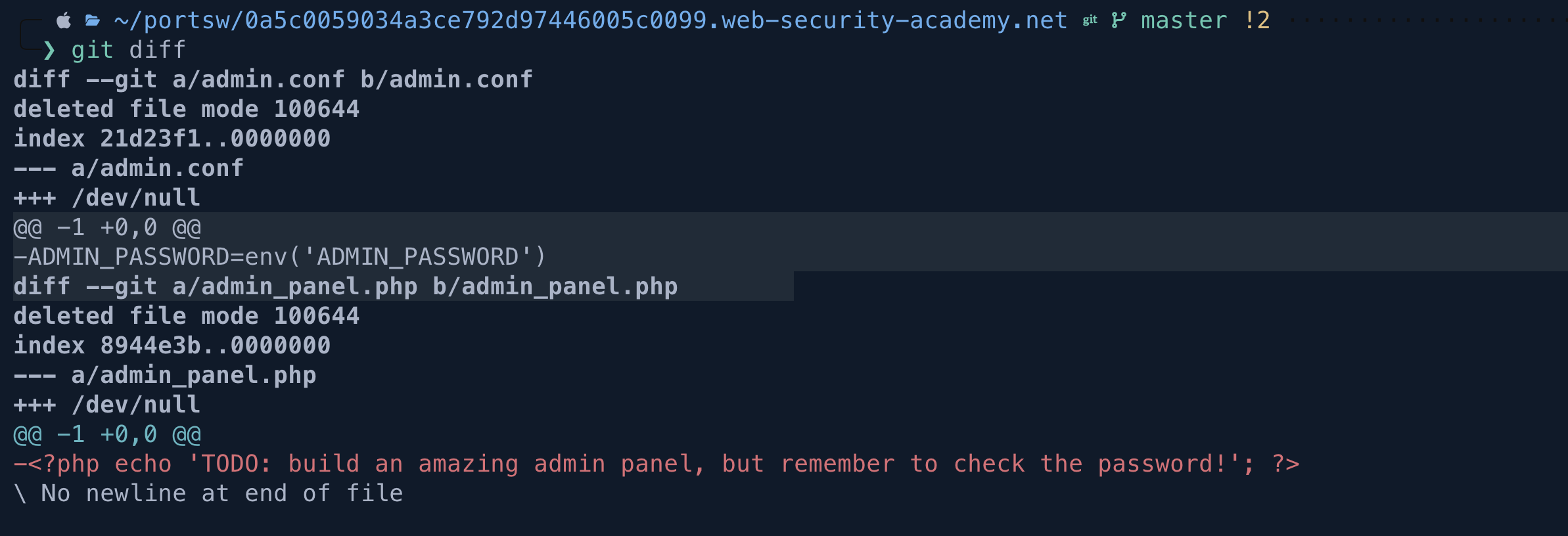
5. Run git show on the relevant commit to view the removed content — the administrator password is visible: 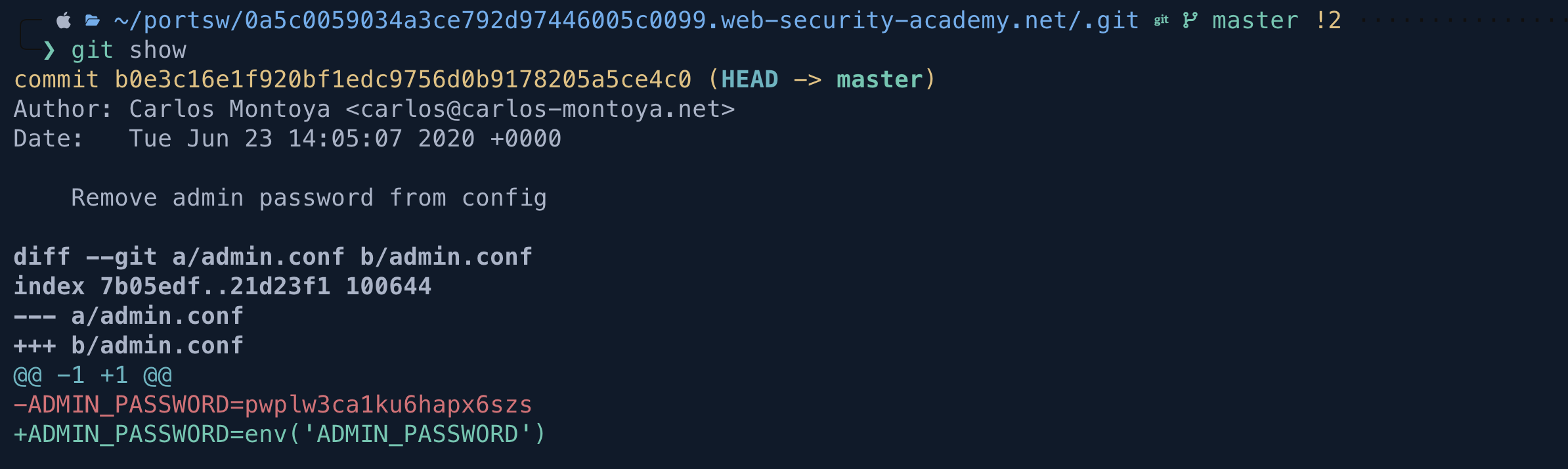
6. Login as administrator with the recovered password, navigate to the admin panel, and delete carlos → Solved: 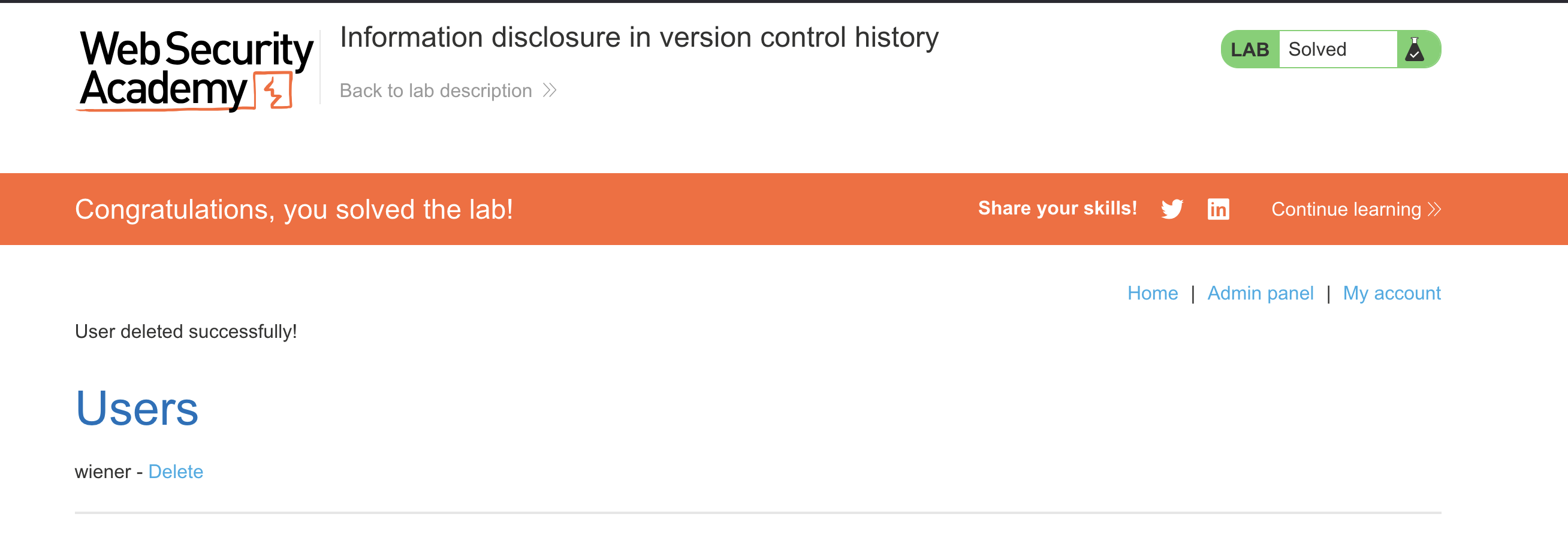
Finished — Happy Hacking!
Find me online:
- TryHackMe: t4t4r1s
- HackTheBox: t4t4r1s
- LinkedIn: Mustafa Eltayeb
- X: @mustafa_altayeb