RootMe - Insecure Code Management
RootMe challenge walkthrough - Exposed .git

RootMe – Insecure Code Management
Mission
Find the password to login as admin.
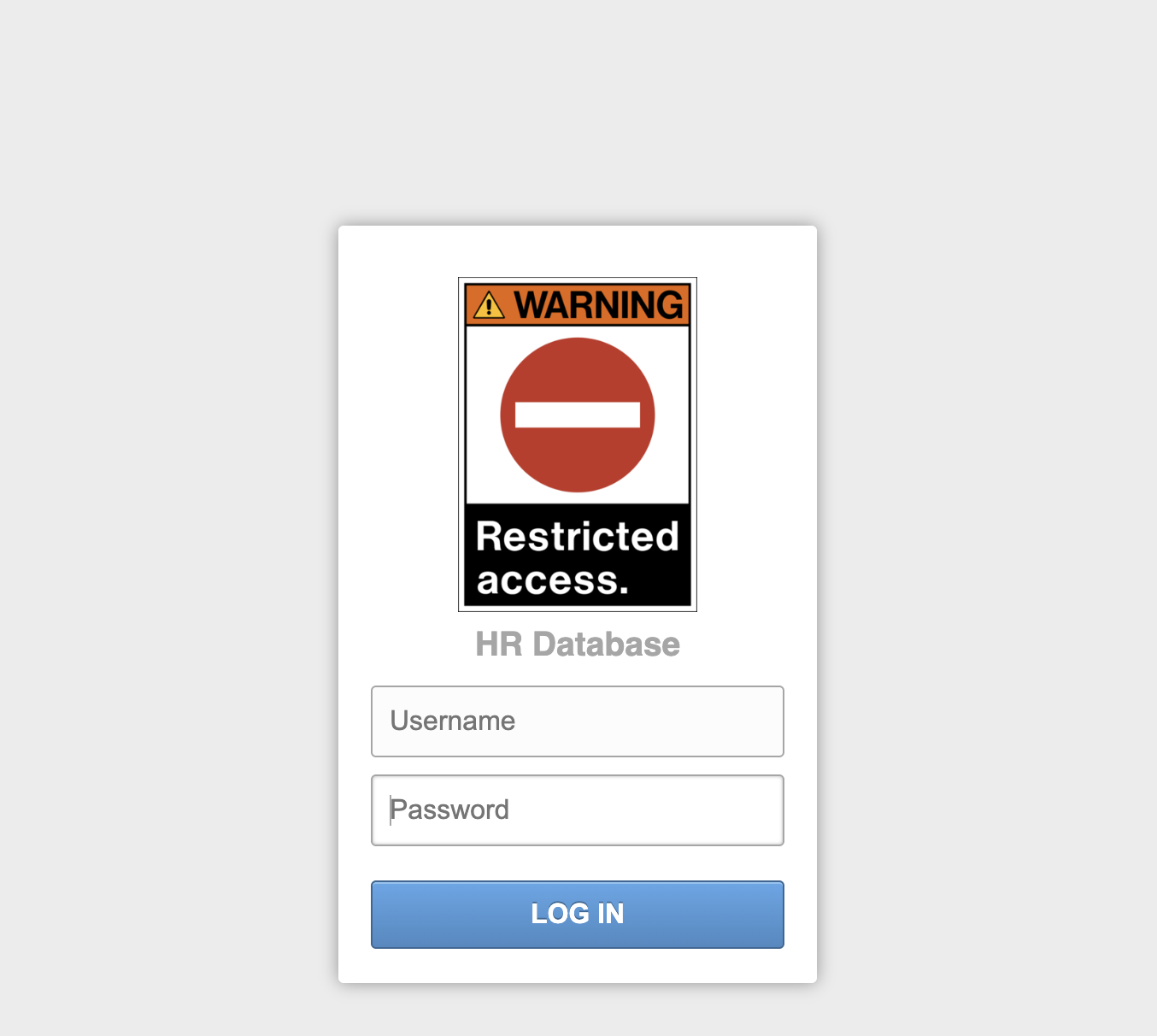
Analysis
- The challenge presents a login form for a “Database system.”
- No obvious vulnerabilities in the form (no SQLi, weak creds guessing, etc.).
- Nothing interesting on the surface → time for reconnaissance and directory fuzzing.
Solution steps
- Run dirsearch to enumerate directories and files:
1
dirsearch -u http://challenge01.root-me.org/web-serveur/ch61/
→ Multiple
200responses for.git/paths (e.g.,.git/HEAD,.git/config,.git/index, etc.) → the entire.gitdirectory is exposed! - Download the full
.gitrepository recursively using wget:1
wget -r http://challenge01.root-me.org/web-serveur/ch61/.git
- Open the downloaded repository with a Git GUI tool like git-cola (
apt install git-colaor use SourceTree, GitKraken):- Browse commit history.
- Find a commit that modified
config.php. - View the diff or revert/undo the commit to see the original code.
In the history, discover the diff in
config.php:1 2 3 4 5 6
<?php $username = "admin"; - $password = "s3cureP@ssw0rd"; + $password = "0c25a741349bfdcc1e579c8cd4a931fca66bdb49b9f042c4d92ae1bfa3176d8c"; diff --git a/index.html b/index.html new file mode 100644
→ The original admin password is revealed:
s3cureP@ssw0rd.- Use the recovered credentials to login → challenge solved.
Key takeaway
Exposed .git directories are a critical misconfiguration that allows attackers to download the entire source code repository, including commit history. This often leaks sensitive data like hardcoded credentials, API keys, or old passwords. Never leave .git accessible on production servers — use .gitignore, proper web server config (deny .git), or remove it entirely after deployment. Tools like dirsearch, gobuster, or GitTools (git-dumper) are great for detecting and exploiting this.
Finished. Happy Hacking!
Follow me: