RootMe - JavaScript Challenges
RootMe challenge walkthroughs - JavaScript Source, Obfuscation, and Authentication

RootMe – JavaScript Challenges (Web-Client)
Just solved a bunch of beginner JavaScript challenges on RootMe. These are all about inspecting client-side code to find hidden passwords or bypass auth. Here’s my quick notes for each one.
1. Javascript - Source
Mission
Get the password to login.
Analysis
Page shows a login prompt in an alert box.
x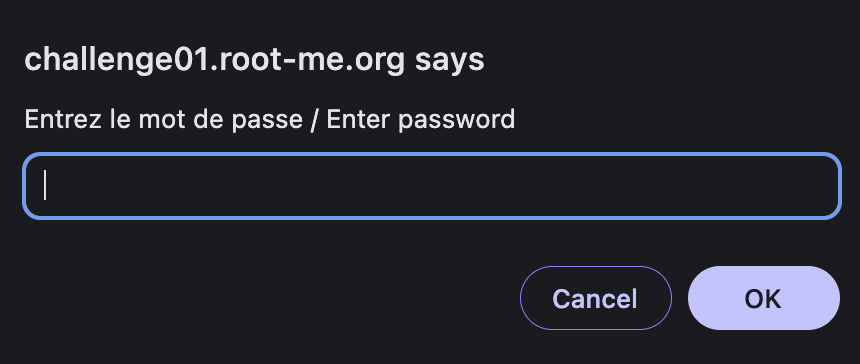
Need to find the hidden password somewhere in the source.
Solution steps
- Inspect the page (right-click → View Source or Ctrl+U) → check the
<head>section. Found a JS script with an if-statement checking the password:
123456azerty.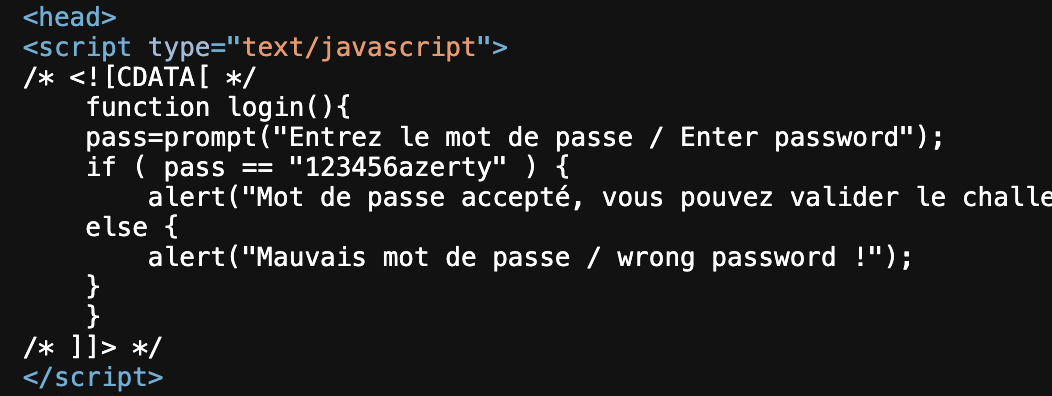
- Enter that in the prompt → logged in!
2. Javascript - Obfuscation 1
Mission
Get the password to login.
Analysis
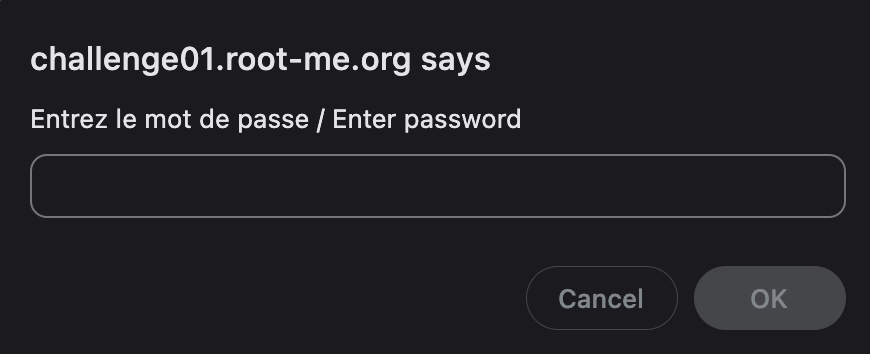
Again, a login alert pops up.
Password is hidden/obfuscated in the code.
Solution steps
Inspect page → found JS in
<head>.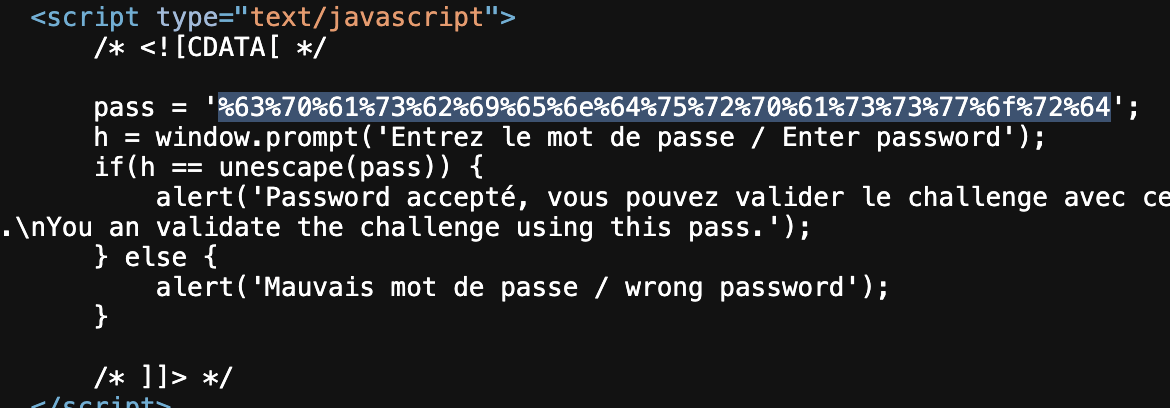
- The password looks URL-encoded.
Decode it using Burp Suite’s Decoder (or any online tool).
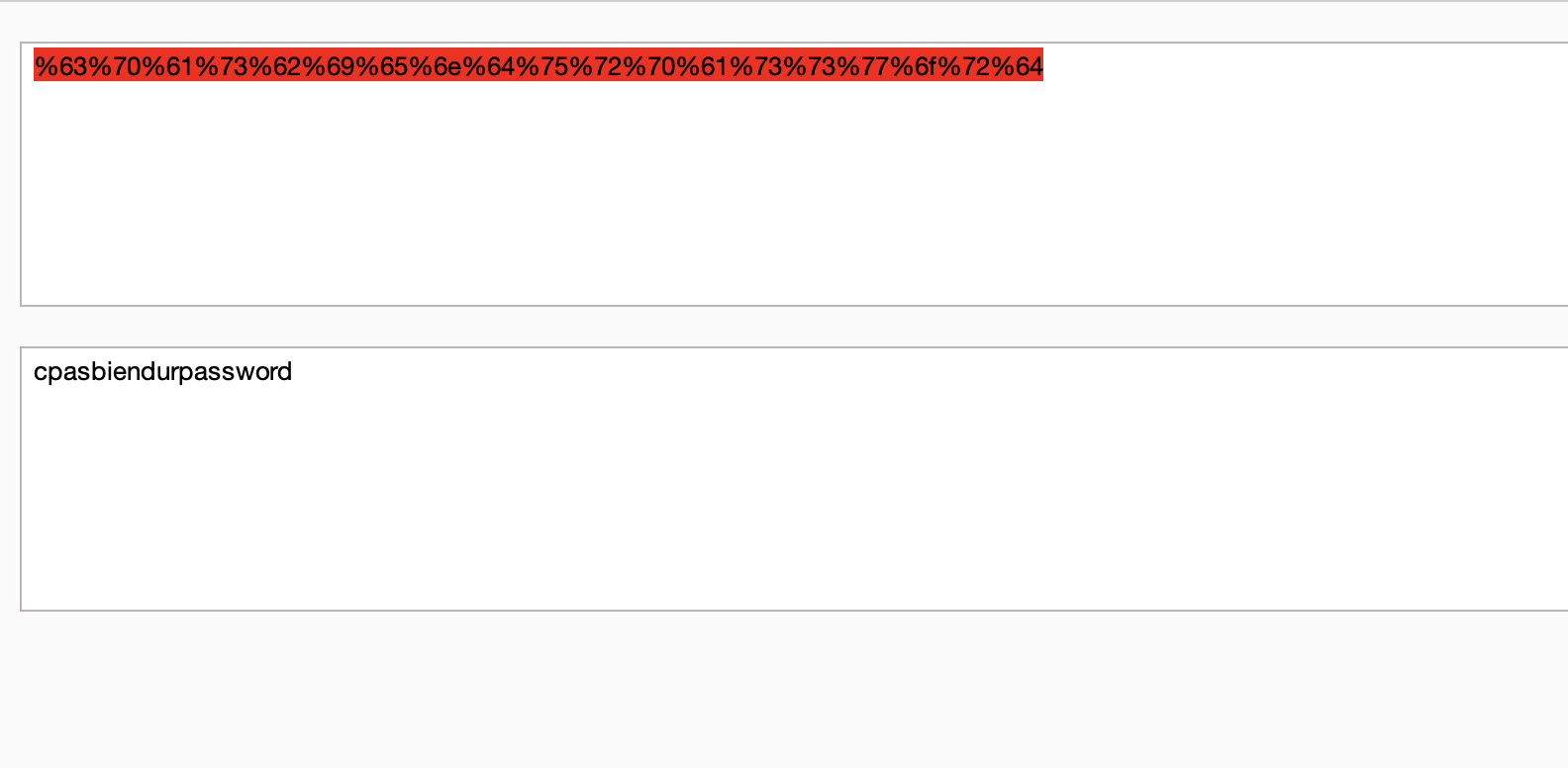
- Decoded to:
cpasbiendurpassword. - Use that to login.
3. Javascript - Obfuscation 2
Mission
Get the password to login.
Analysis
Login alert like before.
Code is more obfuscated this time.
Solution steps
Inspect page → JS script in
<head>.
Password is double URL-encoded → decode twice in Burp.
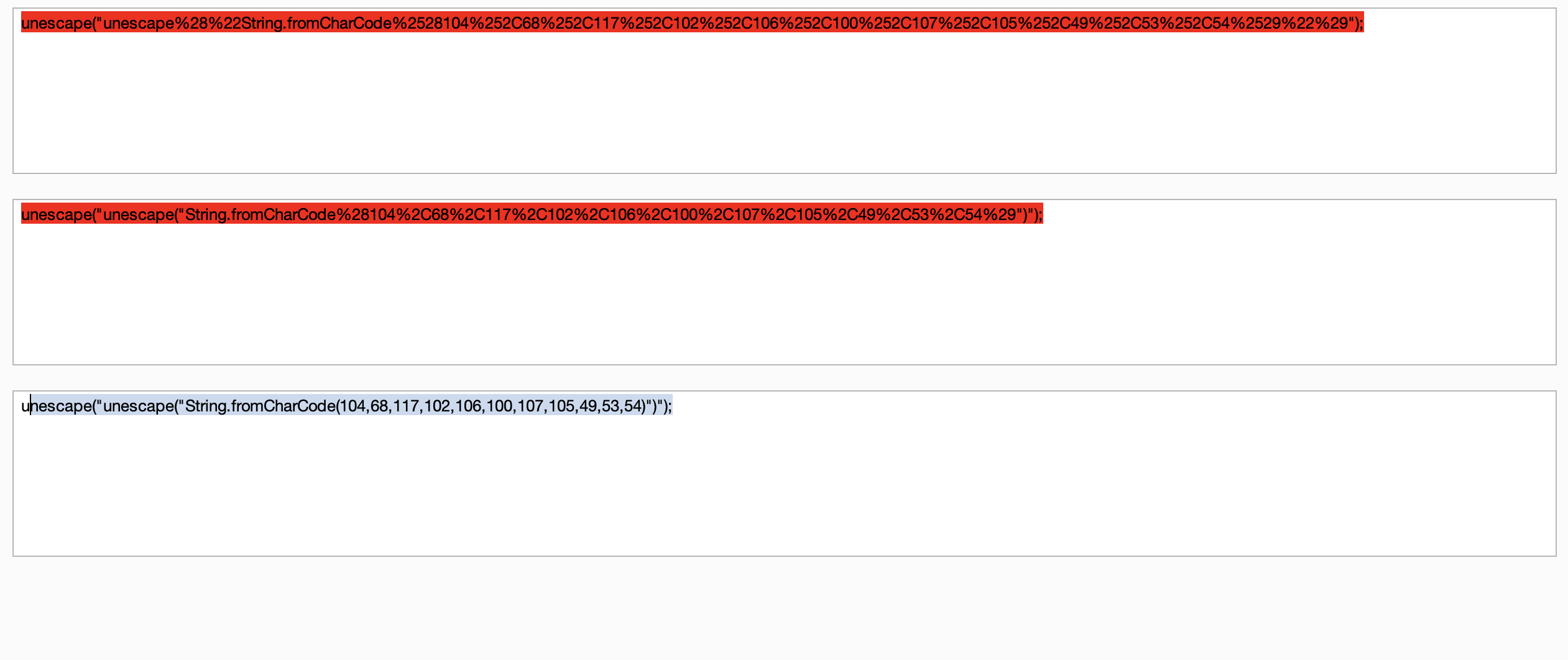
- Then it’s a
String.fromCharCode()call (MDN says it builds strings from char codes). Run the codes:
String.fromCharCode(104,68,117,102,106,100,107,105,49,53,54)→ gets you the password.
4. Javascript - Authentication
Mission
Bypass or find credentials for login.
Analysis
Simple login page.
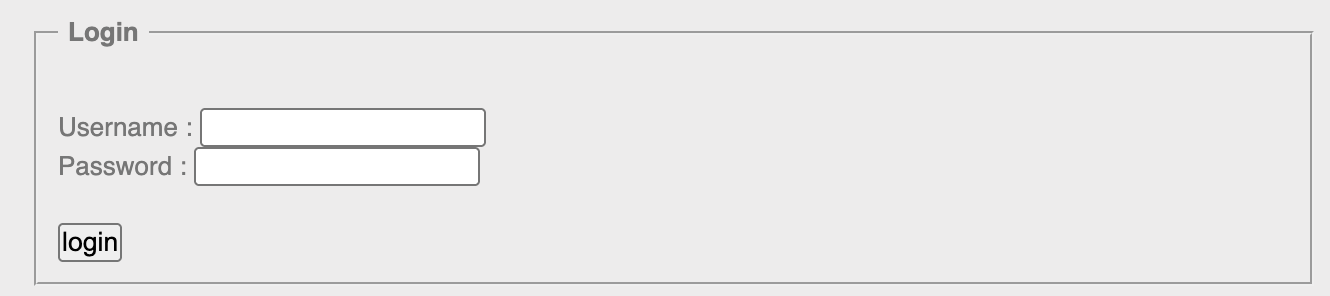
Solution steps
View page source → spotted a linked JS file.

Open the JS file → it has the auth logic with username and password hardcoded.
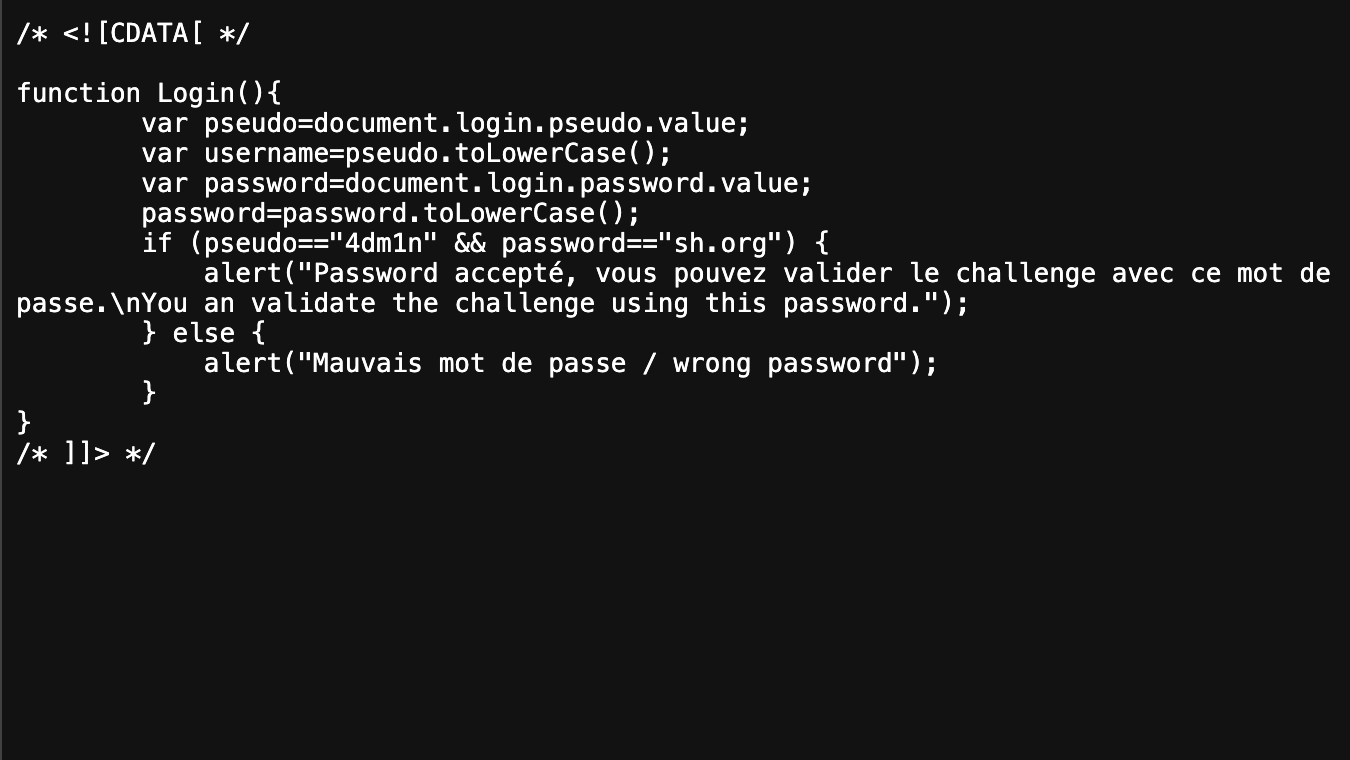
Use those creds to login.
5. Javascript - Authentication 2
Mission
Login as admin or something similar.
Analysis
Webpage with a login button.
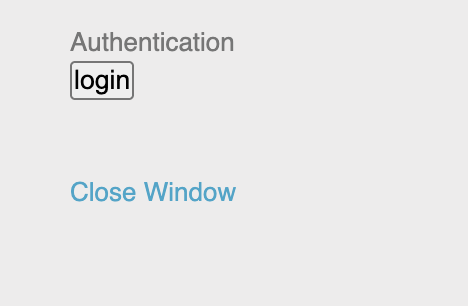
Clicking it pops an alert for credentials.
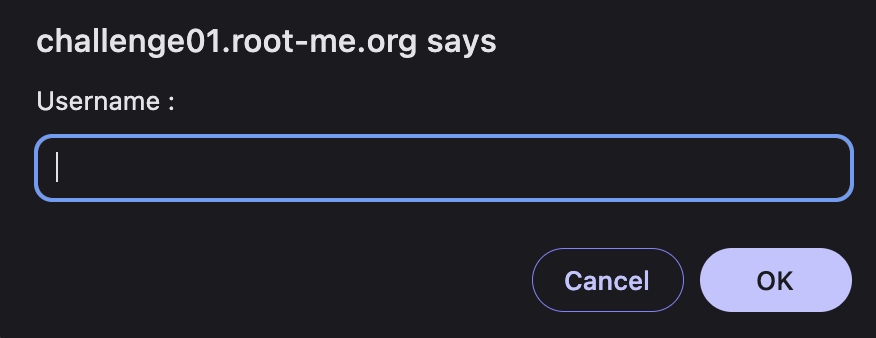
Solution steps
Inspect page → found a linked JS file.

Open the file → credentials are right there in plain text.
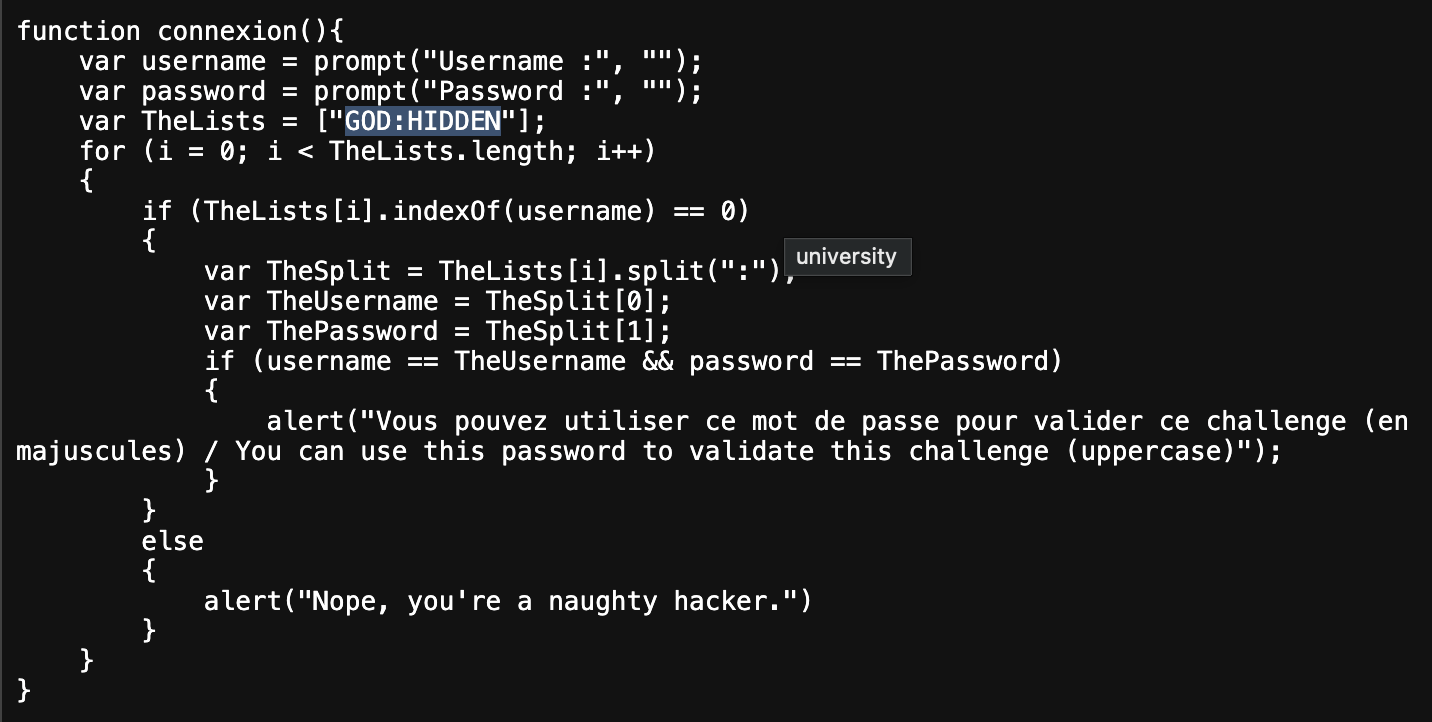
Enter them in the prompt → success.
Follow me: