RootMe - Backup File
RootMe challenge walkthrough - Backup file

RootMe – Backup file
Mission
Find the username and password to login.
Analysis
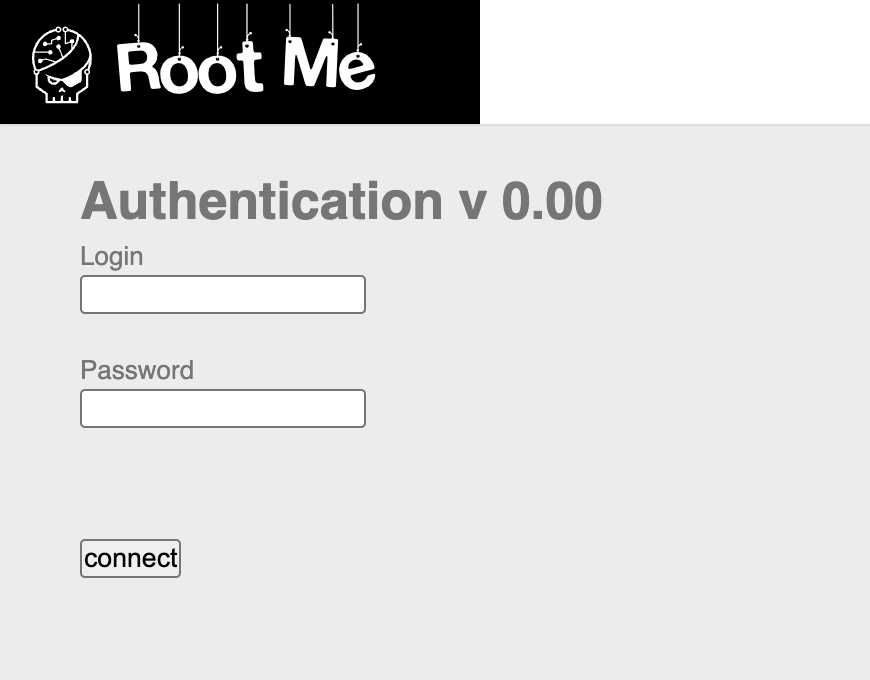
- The challenge presents a standard login form.
- No obvious vulnerabilities in the form itself (no SQLi visible, etc.).
- Common web misconfiguration: developers leave backup files (e.g.,
~,.bak,.old,.swp) on the server, which can expose source code or hardcoded credentials.
Solution steps
- Use a directory/file fuzzer like dirsearch to scan for hidden files:
1
dirsearch -u http://challenge01.root-me.org/web-serveur/ch11/
→ Key finding:
200response for/web-serveur/ch11/index.php~(843 bytes). Access the backup file directly in your browser:
http://challenge01.root-me.org/web-serveur/ch11/index.php~Download or view the file → it reveals the source code of
index.php, including hardcoded username and password.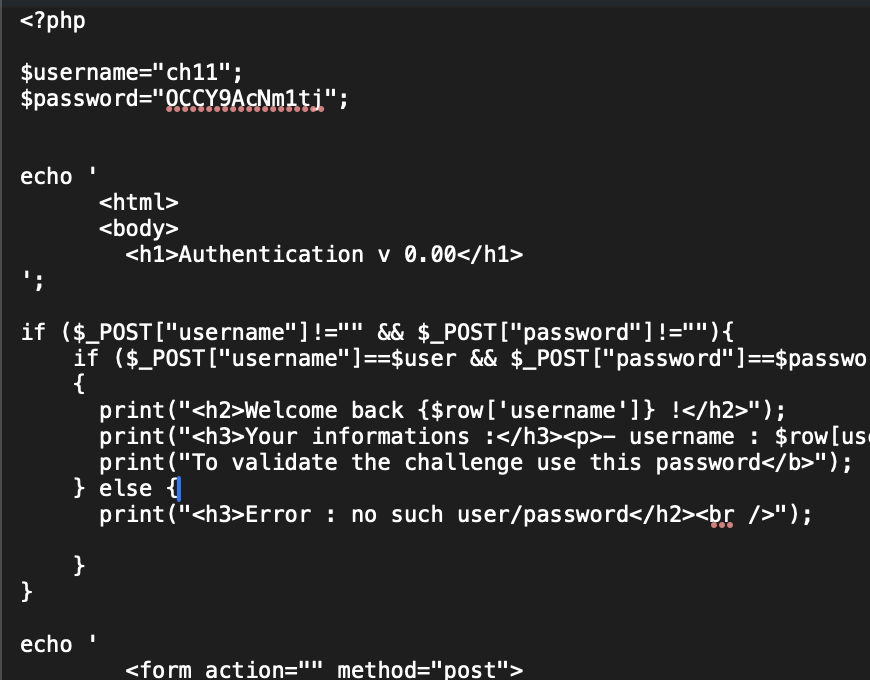
- Use the found credentials to login → challenge solved (password/flag obtained).
Key takeaway
Backup files are a frequent source of information leaks in web applications. Always enumerate common extensions like ~, .bak, .old, .php.bak, .php~, .swp, etc. Tools like dirsearch, gobuster, or ffuf are essential for discovering them quickly.
Finished. Happy Hacking! 🔓
Follow me:
This post is licensed under CC BY 4.0 by the author.