RootMe - Directory Traversal
RootMe challenge walkthrough - Directory Traversal

RootMe – Directory Traversal
Mission
Find the password to solve the challenge.
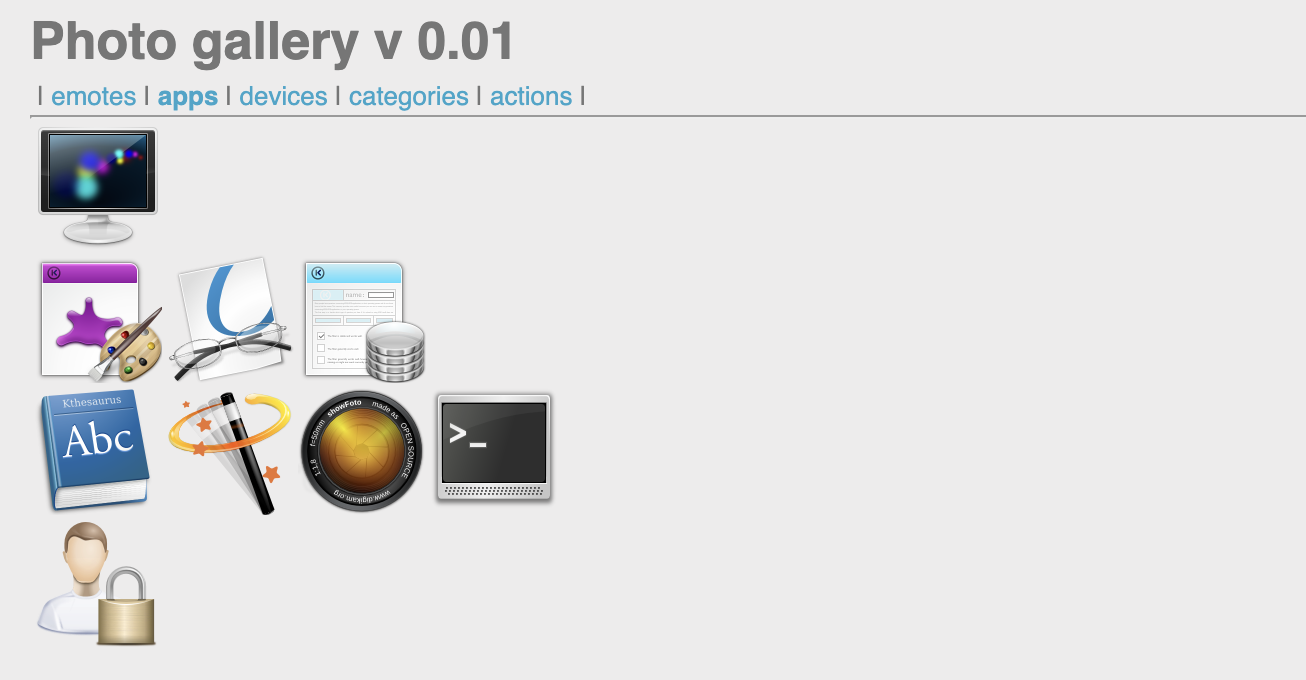
Analysis
- The challenge presents a photo gallery with tabs that change the URL parameter:
?galerie=devices(or other values). - This suggests the
galerieparameter controls which directory/folder of images is loaded. - Likely vulnerable to path manipulation or traversal to access unintended directories/files.
Solution steps
Manually set the
galerieparameter to an empty value:
?galerie=
→ A new “item” appears in the page (a secret directory name:86hwnX2r).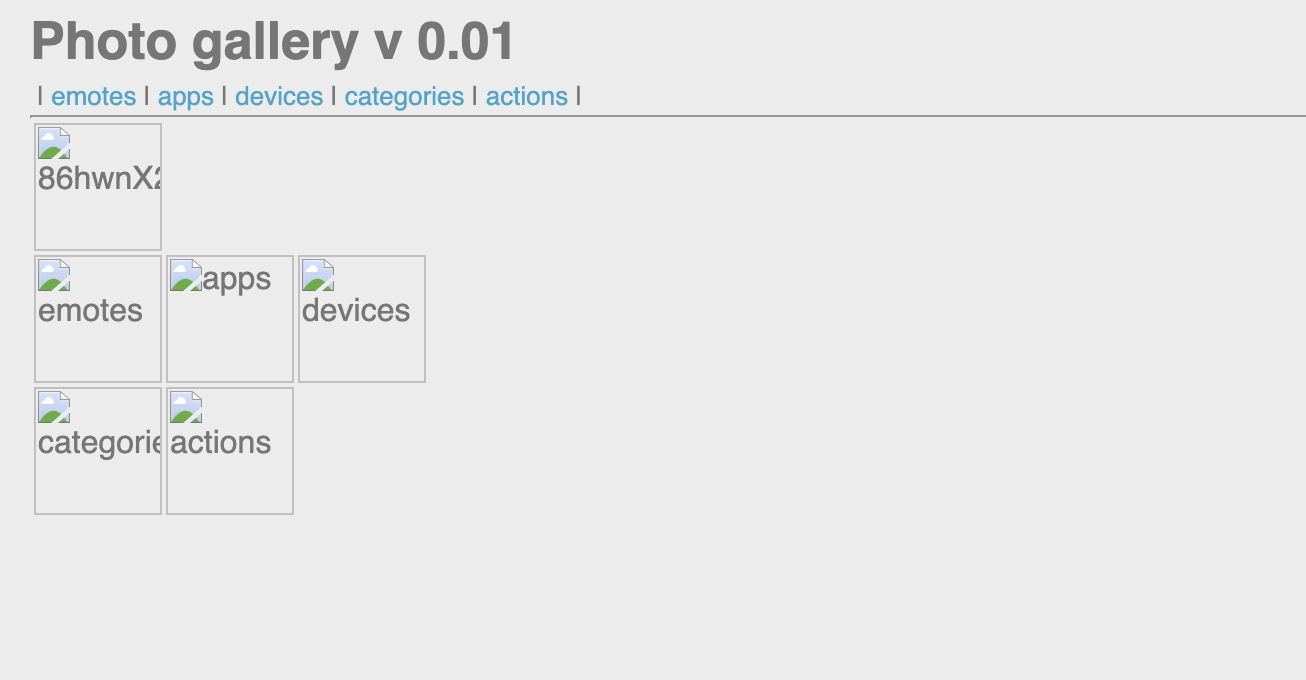
Use this discovered value as the parameter:
?galerie=86hwnX2r
→ The page loads content from that hidden directory.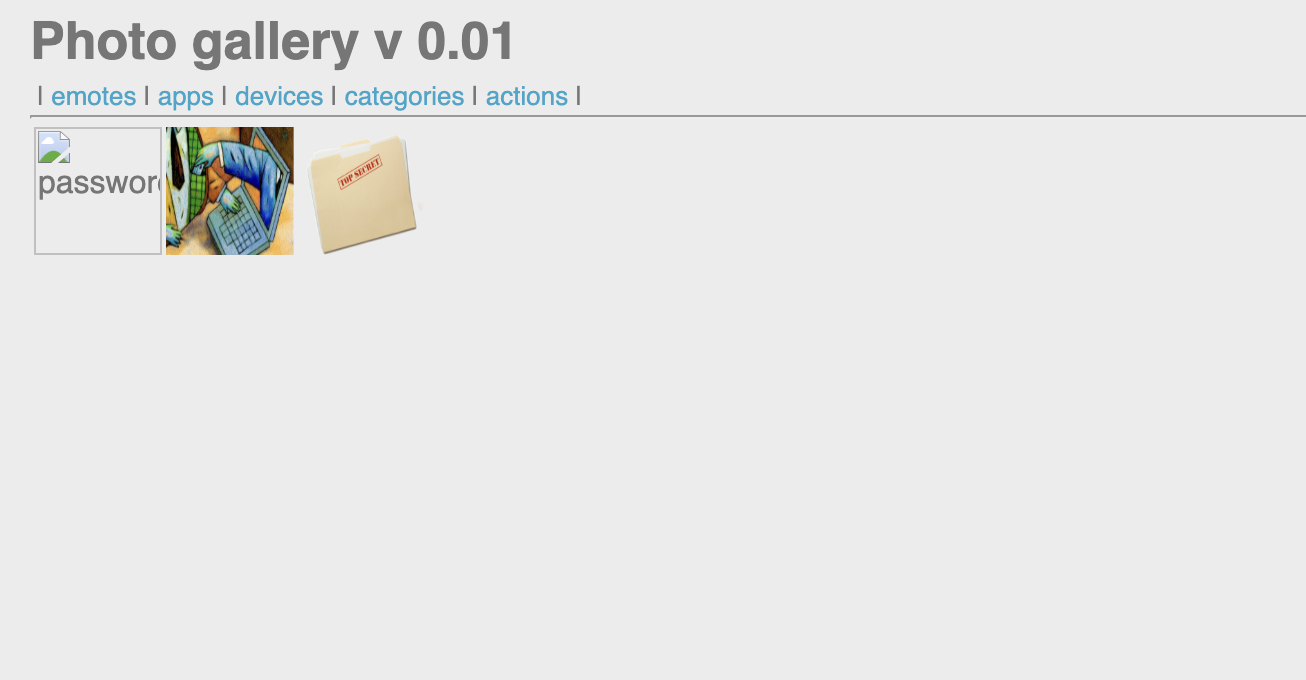
Inspect the page source (Ctrl+U) → find a link to a file inside the directory:
http://challenge01.root-me.org/web-serveur/ch15/galerie/86hwnX2r/password.txtAccess the file directly in your browser → it contains the password/flag for the challenge.
Key takeaway
Web applications that use user-controlled parameters to include files or directories (e.g., ?dir=xxx) are often vulnerable to directory traversal or unauthorized access. Setting parameters to empty, random, or predictable values can reveal hidden paths. Always inspect source code for leaked file references, and test parameters for path manipulation (e.g., ../, absolute paths, or empty values).
Finished. Happy Hacking!
Follow me: